Years ago, when YouTube was a newcomer to the world of online video hosting, other websites sprung up to serve the same purpose. Most of them have either declined into small niche video hosts or folded entirely when the cost of infrastructure outstripped the possibility of monetization. Only YouTube has made it to the big time, at least in the safe for work markets.
One of the few competitors that still exists and is reasonably popular is Vimeo. Vimeo actually launched in 2004, a year before YouTube. It has gone through a series of ups and downs over the years, but has carved out a lasting niche as a platform favored by filmmakers, creative professionals, and businesses that want a cleaner, ad-free viewing experience.
Today, while Vimeo is a solid platform, it plays second fiddle to YouTube simply due to the sheer size and scale of the latter. Vimeo monetizes through tiered subscription plans rather than advertising, something YouTube has never needed to do. Even so, Vimeo remains a strong platform for hosting videos, particularly if your audience skews toward creative professionals or you need advanced privacy and embedding controls.
You have a choice to upload your videos to YouTube or Vimeo, so it makes sense that you might want to know which is the better platform. While that's not the focus of this post, you can read a good breakdown and analysis from TechSmith here. Honestly, though, the answer is probably "use both of them."
If you want your videos to get more exposure on Vimeo, there are a few ways you can do it. Here are my top five techniques.
Key Takeaways
- Build a strong profile foundation with complete branding, clear titles under 50 characters, detailed descriptions, and credited collaborators.
- Join active Vimeo Groups relevant to your niche and engage genuinely with the community rather than just posting videos.
- Paid Vimeo plans unlock powerful marketing tools, including in-video email capture forms and calls to action unavailable on YouTube.
- Earning a Staff Pick requires high production quality, strong sound design, short evocative titles, and credited team collaboration.
- Outreach to relevant influencers and publications can drive significant view spikes that no algorithm optimization can replicate.
1. Lay the Strongest Foundation
The first thing you need to do is make sure you're laying a strong foundation for your video on Vimeo. If you aren't setting up the groundwork for success, every subsequent effort is going to falter. It's like having a great promotion strategy on social media, only to link to a poorly optimized page. It just doesn't work.
So what makes a strong foundation? Consider the technical elements.
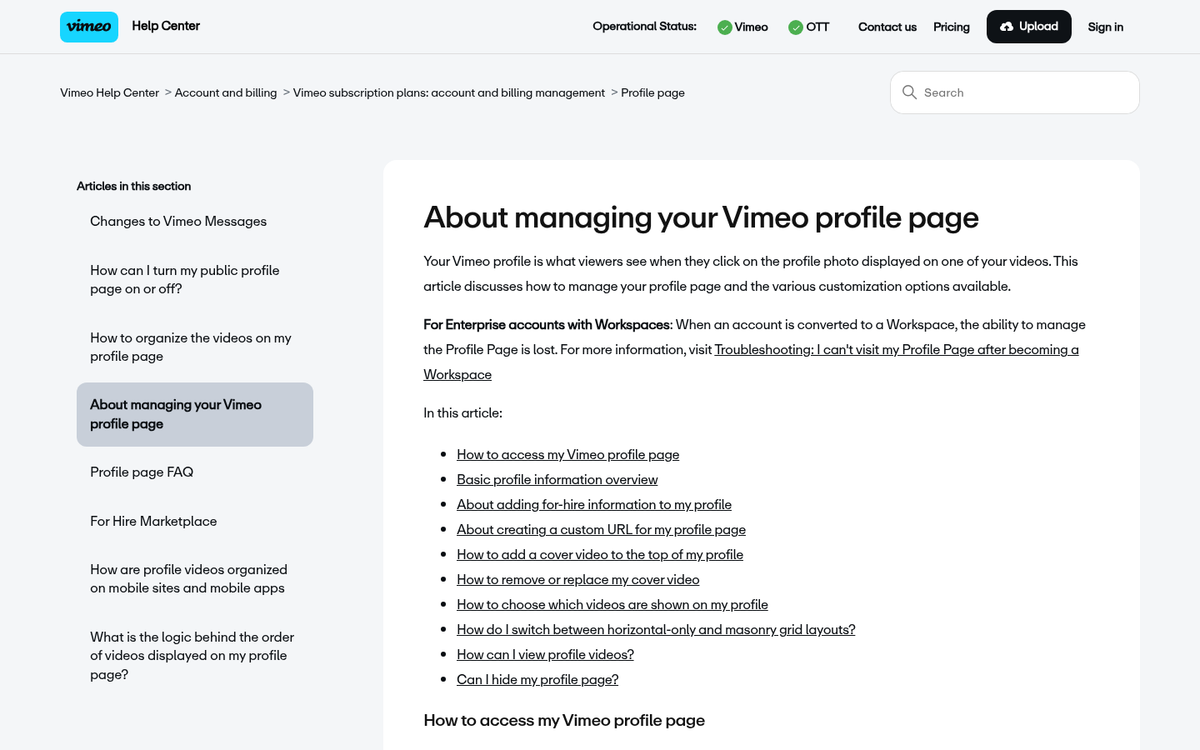
- Your profile should have an avatar and banner photo that match your branding. Header photos are often screenshots of projects you've created, while profile photos are generally logos. You should have a sensible username, and fill out your profile completely. Your header can also be a video, and that works even better if possible.
- Your video page itself should have a clear title and a well-written description. Keep your title under 50 characters to avoid truncation in playlists or search results. You get more space for a description than on YouTube, so it's a good idea to fill it out as much as possible.
- You should add "credits" for anyone who worked on the video who has a Vimeo account. This allows it to appear in their profiles and allows fans of those individuals to see the video more easily.
- Your video itself should, of course, be high quality. Vimeo is a platform that focuses heavily on short films and creative work rather than casual content, but a lot of different kinds of content can thrive there if you find the right audience. Vimeo might have a much smaller audience than YouTube, but they tend to have a more engaged, professionally-minded audience on average.
- Keep in mind that Vimeo counts a view every time a user plays your video, regardless of how long they watch. This differs from YouTube, where a view only registers after at least 30 seconds of watch time. This makes first impressions and strong opening hooks even more important on Vimeo if you want meaningful engagement beyond raw view counts.
Nothing here should be surprising, other than perhaps the credits system and the view-counting difference. It's all baseline stuff that applies to any video platform. Just fill out everything as completely as you can before you start promoting.
2. Make Use of Vimeo Groups
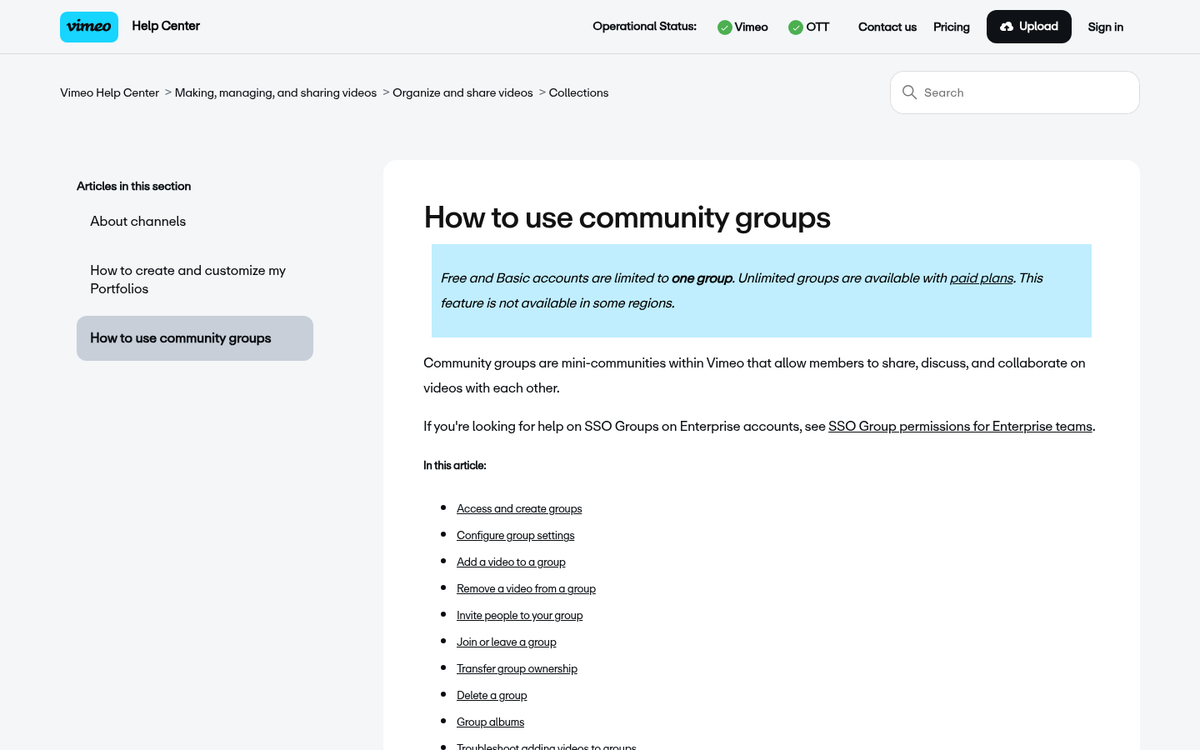
Vimeo Groups are an interesting system that platforms like YouTube don't have. Unlike playlists, where you add your own videos to a curated list, Groups are accessible to anyone and function more like community hubs.
Groups are basically "channels" of content built around a specific niche or topic. For example, you have:
- Motion, a group for motion graphic artists. Motion graphics are a specific kind of video often used as cuts, interstitials, intros, and stock footage.
- Music Videos, a group for, well, music videos. This operates as a companion to a specific curated channel.
- HDXtreme, a group for extreme sports videos in high definition.
- Video School, a group for tutorials covering everything from film lighting to audio editing to production techniques.
Browsing through those groups, you'll notice a few things. Some groups are closed, meaning the creators only curate videos themselves. Some groups aren't active and may not have added a video in years. It's worth vetting any group before investing time in it.
You can't use Vimeo Groups the way you would a social media group, just joining to dump your video and leaving. Vimeo Groups are communities centered around a specific topic. Only join them and add your videos if you're genuinely going to participate.
To be honest, Groups are something of a legacy feature that isn't heavily used across the whole of Vimeo's audience today. If you can find an active group that suits your niche, by all means join it and engage with the community. If you can't, don't sweat it.
To make use of Groups, browse the group hub here and join any that look both active and relevant to your content. Participate genuinely by commenting on and engaging with other people's videos. When you're ready to add your own video to a group, visit your video page, hover over the video, and click "add to collection" to see your available groups.
3. Consider Vimeo's Paid Plans and Marketing Tools
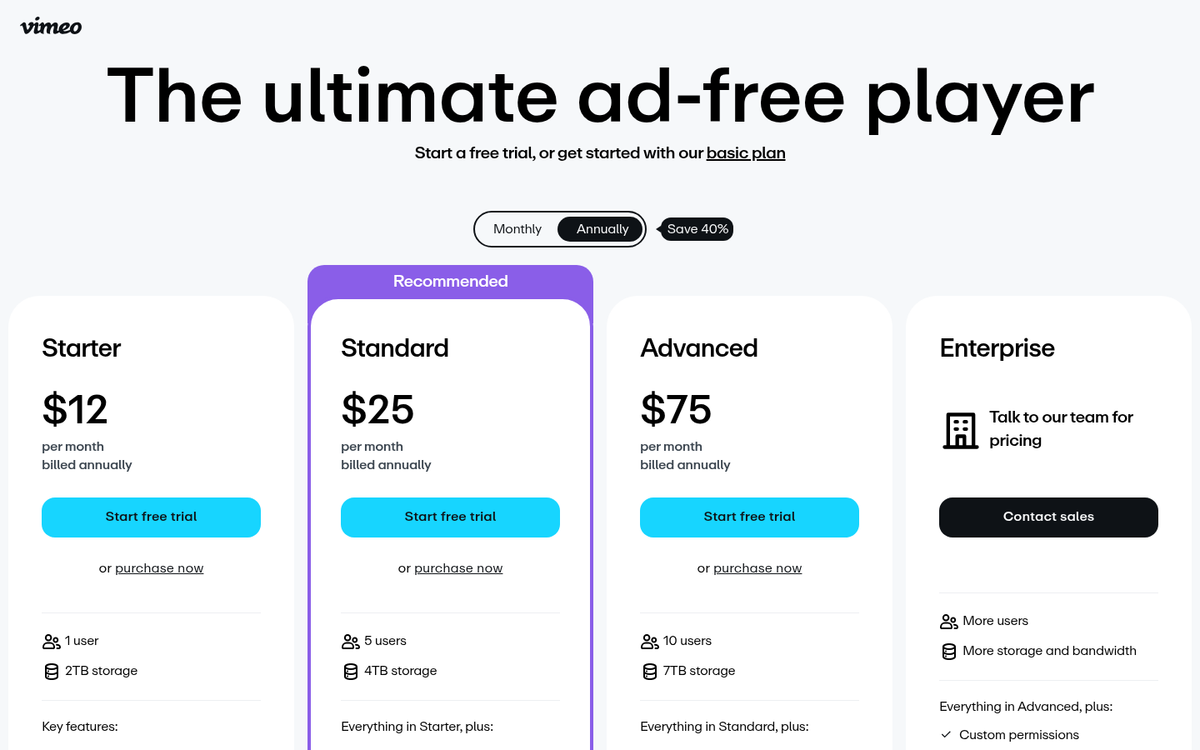
Vimeo can be used for free, but their paid plans are where the real marketing power lives. This subscription model is also how they keep the viewing experience ad-free. Vimeo offers several tiers of paid plans, and the lineup has evolved over the years as the platform has shifted its focus more toward businesses and professional creators.
Pricing and plan names have been updated and restructured over time, so it's always worth checking Vimeo's current pricing page for the latest offerings. That said, here's a general overview of what their plans have historically offered and what to look for:
Starter-level plans typically start around $7 per month and give you the ability to customize the video player, add privacy controls, link social networks for automatic distribution, and embed videos anywhere. You generally get 4K support, ad-free playback, and custom end screens.
Mid-tier plans around $20 per month bump up your storage, add team member access, let you add your logo to the player, and give you access to more detailed analytics including engagement graphs. You can also sell videos directly through the platform at this level.
Business-level plans at higher price points remove upload limits, allow Google Analytics integration, support larger teams, and crucially let you add calls to action and email capture forms directly within your videos. This is one of Vimeo's most powerful differentiators from YouTube - the ability to harvest email addresses from within the video player itself is something YouTube simply doesn't offer.
Enterprise and advanced plans add features like livestreaming, dedicated support, and deeper API access for marketing software integrations.
The email capture feature alone can make the higher-tier plans worth considering if video is a core part of your marketing funnel. That said, if you're just starting out, even the entry-level paid plan gives you a meaningfully better toolkit than the free tier.
4. Strive to Earn a Vimeo Staff Pick
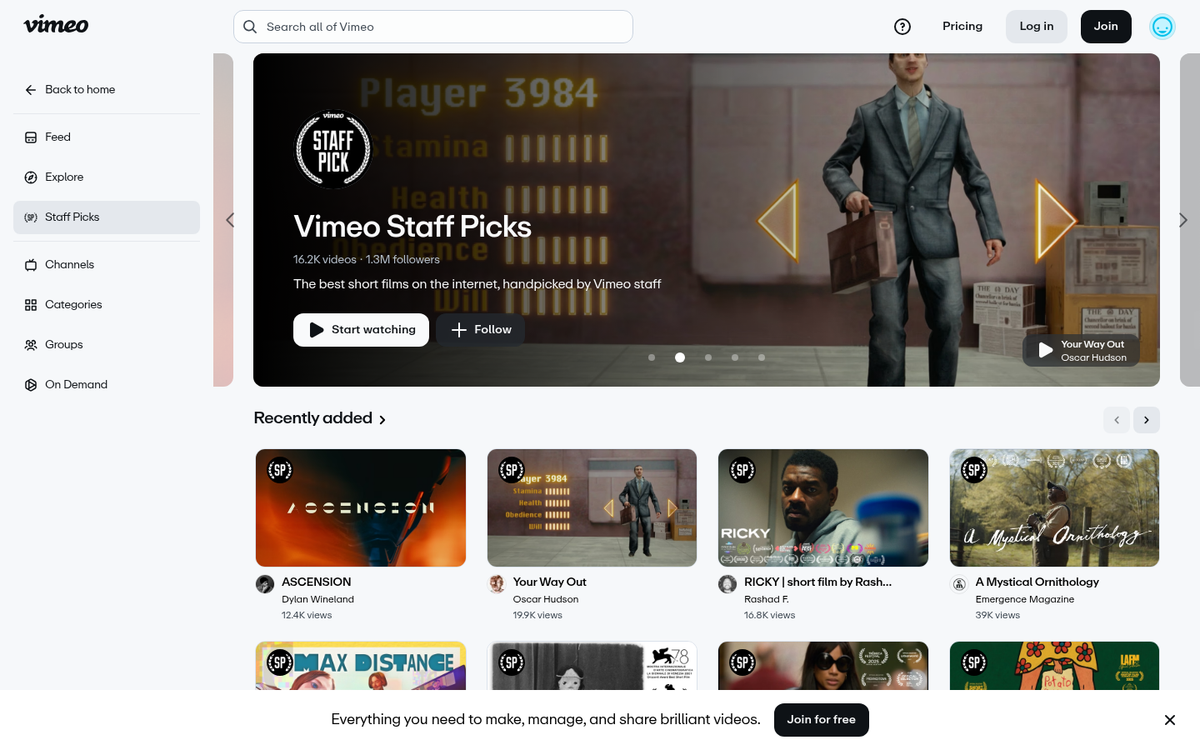
One standout feature of Vimeo is that staff members can select videos they love and feature them in a dedicated channel. The Vimeo Staff Picks channel has a massive following and remains one of the most prestigious forms of recognition the platform offers.
Staff picked videos get a special badge and can be re-featured in best-of-month, best-of-year, and best-of-decade roundups. These are incredibly evergreen and can give your video long-lasting additional exposure well beyond its original upload date.
So how do you get a staff pick? You need to attract the attention of a Vimeo staff member. That's a tall order given the volume of quality content on the platform, but analyzing past staff picks reveals some useful patterns.
Research into staff pick patterns has found the following:
- Titles are generally short, between 2-5 words long. Film-like, evocative titles tend to perform best. Keeping your title under 50 characters also ensures it doesn't get truncated in search results or playlists.
- Thumbnails aren't necessarily decisive; there's a fairly even split between custom thumbnails and natural video stills among picked videos.
- Shorter, punchier descriptions tend to be more common. Think of it as an elevator pitch or tagline rather than a full breakdown. Save the detailed credits, links, and technical notes for later in the description.
- Picked videos are frequently produced by credited teams, reflecting both the higher production quality teamwork enables and the additional exposure that comes from multiple contributors sharing the video.
- Sound design matters enormously. Videos that use both music and sound effects are significantly more likely to earn a staff pick than those using only one or neither.
Above all, you need a high quality video that genuinely stands out. Staff picks are among the highest forms of recognition on the platform and aren't awarded to ordinary content.
5. Send Video Links to Key Influencers
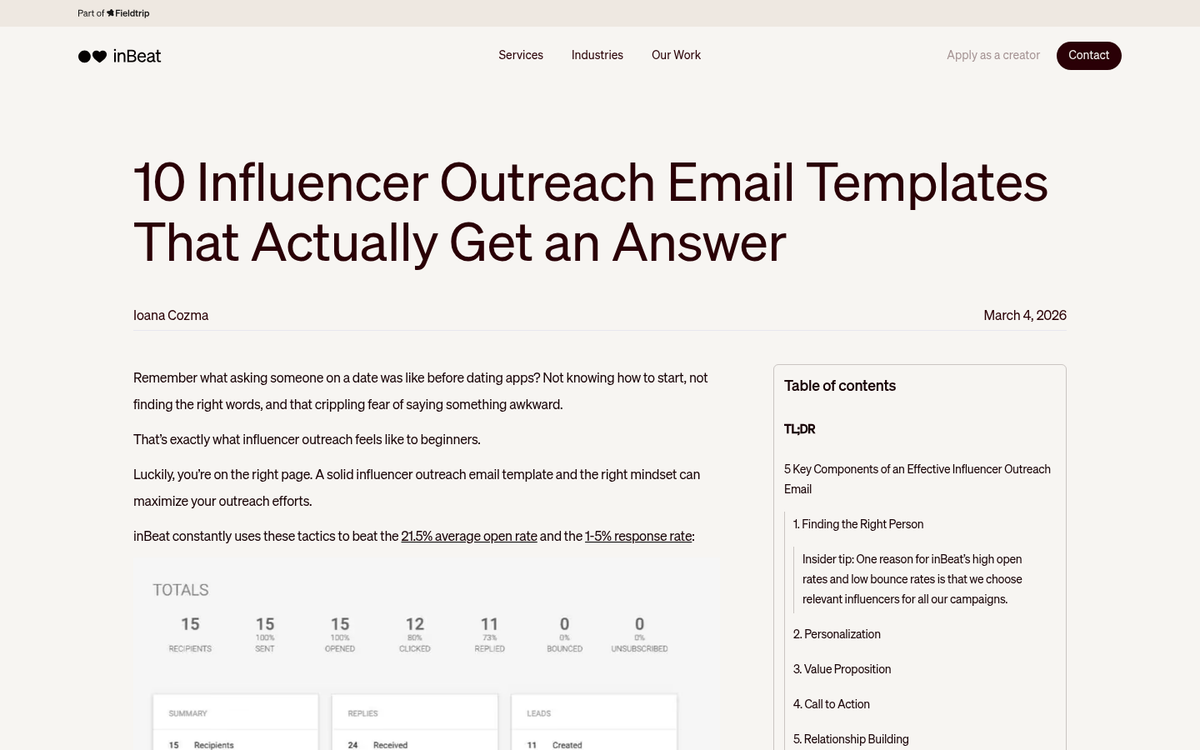
At the end of the day, there's always one tried-and-true method of marketing, and that's influencer outreach. You want exposure on the scale of a staff pick, but through your own efforts rather than waiting to be discovered? Find relevant off-site influencers, publications, and creators and send them the link to your video.
Getting your video in front of a well-read publication or a creator with an engaged audience can drive a meaningful spike in views and followers. Make a list of high-quality outlets and creators who would genuinely find your video interesting, draft a concise and personalized pitch, and send it off. The worst that can happen is they ignore you. On the other hand, one of those "this film from <creator> is blowing my mind" posts or articles can give you the kind of viral surge that no algorithm tweak can replicate.