Key Takeaways
- Pinterest pins have a 3.5-month half-life, meaning content posted today can drive traffic for years.
- 47% of Pinterest users make purchase decisions on the platform, far exceeding Facebook and Instagram.
- Images without faces as the central focus receive significantly more repins than face-forward content.
- Tight, clearly themed boards outperform broad, overstuffed ones with mixed content types.
- Pinterest can drive 3x more referral traffic than Twitter and LinkedIn combined when used strategically.
11 Tips for Driving Traffic from Pinterest in 2026
Pinterest is often underestimated. Businesses scroll past it in favor of Instagram, TikTok, and Facebook, assuming it's too niche, too quiet, or too outdated to matter. That's a mistake - and honestly, it's one you can profit from.
Here's what most people don't realize: 47% of Pinterest users make purchase decisions on the platform, compared to just 15% on Facebook and 11% on Instagram. Over 83% of weekly Pinterest users have made a purchase from a brand they discovered there. And 98% of searches on Pinterest are unbranded - meaning users aren't searching for your competitor by name, they're searching for ideas, solutions, and inspiration. That's your opening.
Pinterest now boasts over 570 million monthly active users, a figure that's grown steadily year over year. More importantly, its audience skews toward higher earners - 41% of Pinterest adults earn more than $75,000 per year. This isn't a platform of passive scrollers; it's a platform of buyers.
One more thing worth knowing before we dive in: the half-life of a tweet is around 24 minutes. A Facebook post lasts about 90 minutes. A Pinterest pin has a half-life of 3.5 months. Content you post today can drive traffic for years. That alone should change how you think about the platform.
Now let's get into the specifics.
1. Use the Pin It Button
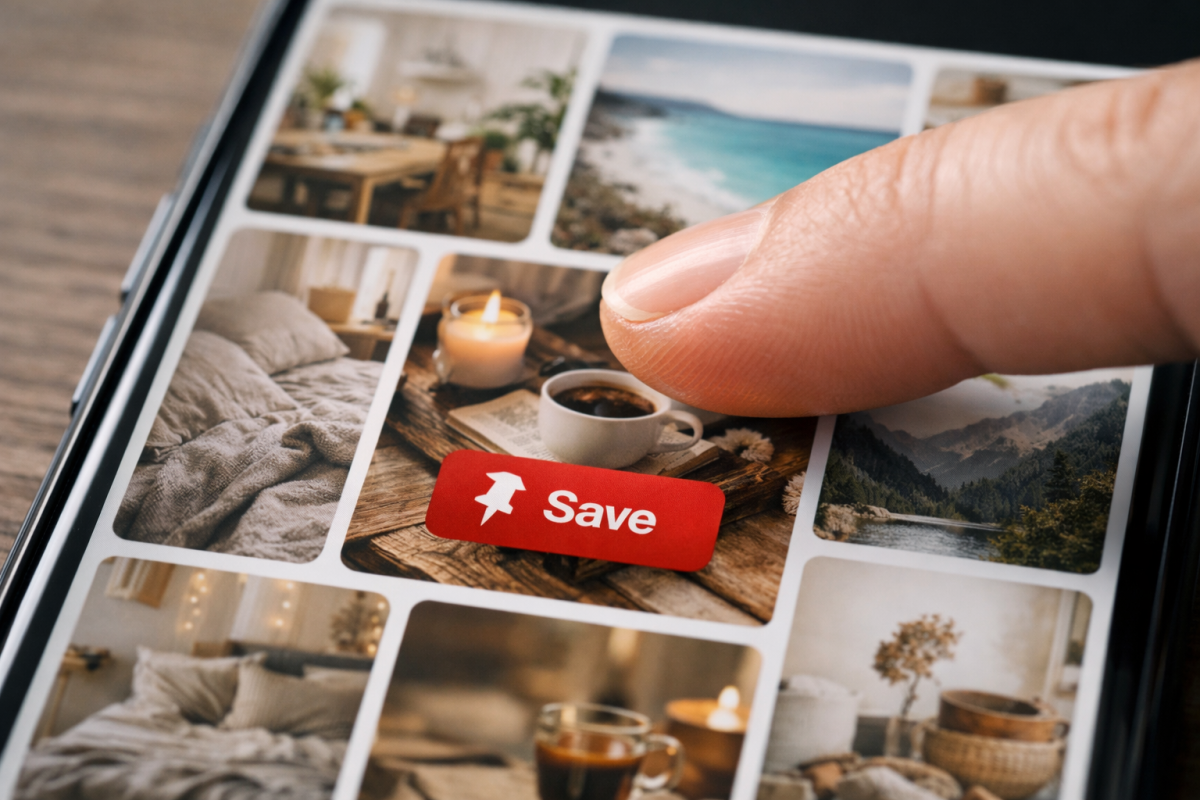
The Pin It button remains one of the simplest and most effective ways to spread your content across Pinterest without any extra effort on your part. It creates an overlay on your blog images that appears when a user hovers over them - one click, and they've pinned your post to one of their boards, complete with your link attached.
Given that 80% of Pinterest users browse on smartphones, make sure whatever solution you're using works cleanly on mobile. Most modern sharing plugins handle this, but it's worth double-checking. The goal is zero friction between a user who wants to share and a pin that actually goes live with your URL intact.
The compounding effect here is significant. Each pin can surface in front of new audiences for months - so every share is less like a social post and more like a long-tail SEO asset.
2. Engage with Followers
Pinterest has never been the chattiest platform, but engagement still matters - and it's less competitive here than on platforms like Instagram or TikTok, which works in your favor.
The two most effective engagement tactics remain the same: repin their content and leave genuine comments. Repinning shows you're active and paying attention. Commenting - especially with something more thoughtful than "great pin!" - signals that there's a real person behind the account. If you want to extend your commenting strategy beyond Pinterest, commenting can also boost your traffic and SEO on other platforms.
A quick thank-you for a repin can go a long way when it feels personal. When it feels automated, it does more harm than good. Use your judgment.
3. Share Themed Content
Pinterest is a discovery engine, not a social feed. Users aren't looking for what their friends posted - they're looking for ideas within a theme. That changes how you should approach content curation.
Rather than chasing trending pins (which your audience has likely already seen), use trends as a signal for what topics are resonating, then find fresh angles on those topics. Your value as a pinner comes from being a reliable source of curated, interesting content within a niche - not from being the fifth account to share the same viral image.
As you follow more accounts in your space, you'll naturally develop a better sense of what's oversaturated and what's still underserved. That gap is where your content should live.
4. Host Themed Contests
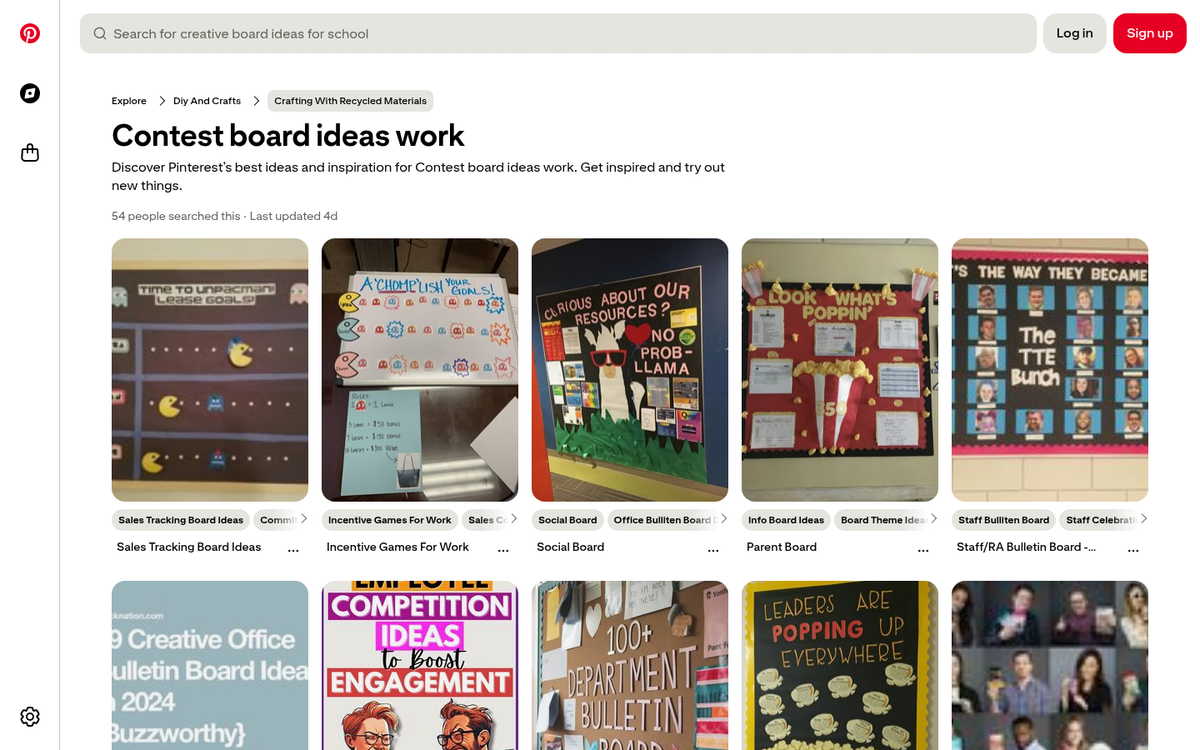
Contests on Pinterest work best when they're visually driven and tightly tied to your brand. A classic format: create a contest board, ask followers to pin a product from your store, have them comment on why they love it, then reward a winner with a gift card or the item itself.
The cardinal rule of social contests applies here: give away something relevant to your business, not just something universally appealing. A generic Amazon gift card attracts everyone. A product from your store attracts customers. If you need inspiration, check out these cool prizes you can give away in a contest.
Make sure you're up to date with Pinterest's current contest policies before launching anything - you can find the latest guidance in their acceptable use policy.
5. Use Product Rich Pins
Rich Pins pull live data directly from your website - pricing, availability, product descriptions - and display it dynamically within the pin itself. Once set up, they eliminate the need to manually update pins every time something changes in your inventory.
In 2026, with Pinterest's shopping features more developed than ever, Rich Pins are effectively table stakes for any e-commerce brand on the platform. Pinterest has continued to expand its native shopping tools, including verified merchant programs and direct product tagging, so it's worth exploring everything available in your Pinterest for Business dashboard, not just the basics.
If you haven't set these up yet, prioritize it. The difference in click-through behavior between a standard pin and a shoppable product pin is significant.
6. Make More Boards
There's no meaningful cap on how many boards you can create, and more boards generally means more surface area for discovery. Think beyond just a "products" board. Consider a humor board for lighthearted industry content, educational boards for tutorials and how-tos, seasonal or holiday boards, and lifestyle boards that show your products in context.
The mistake most beginners make is creating too few boards and overstuffing them. A board called "stuff we like" that contains everything from recipes to industry news to product shots is confusing for followers and the algorithm alike. Tight themes, clearly named, perform significantly better.
7. Focus on Taller Images
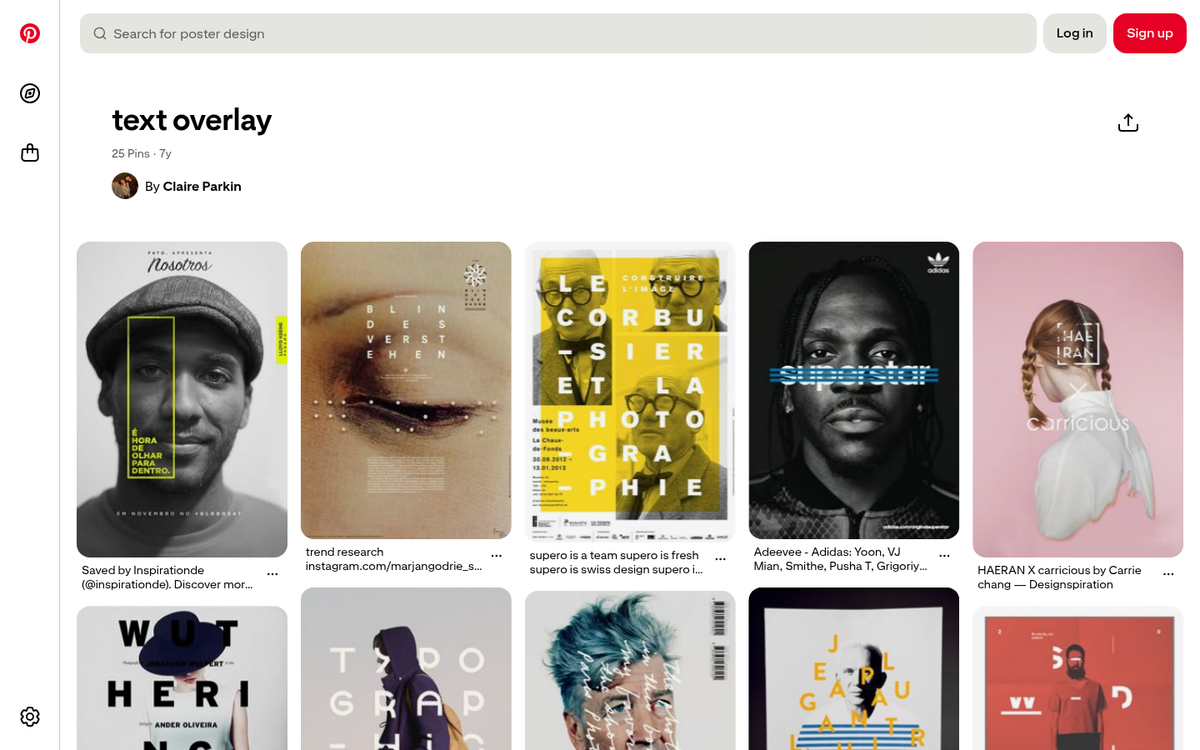
Pinterest's vertical format hasn't changed - tall images still dominate. The current recommended aspect ratio is 2:3 (1000 x 1500 pixels), and going taller than that can sometimes result in cropping in the feed, so stick close to that ratio for feed pins. Sizing your blog post images for Pinterest is worth reviewing if you're unsure about the best dimensions for your content.
Infographics continue to perform exceptionally well on Pinterest precisely because the format rewards vertical, information-dense visuals. If you're creating infographics anyway, Pinterest should be one of your primary distribution channels. You can even use Canva to create infographics for free if you're working with a tight budget. Just make sure the design quality is there - Pinterest is a visual platform first, and low-effort graphics get ignored.
8. Don't Fear Text on Images
Unlike some other platforms, Pinterest has no restrictive rules about text overlays on images. In fact, pins with clear, readable text tend to perform well because they communicate value before the user even clicks.
A title, a short hook, and a source reference on the image itself - with more detail in the description and the full content on your site - is a proven format. Recipes, tutorials, listicles, and how-to content all work especially well in this format because the text on the image signals exactly what the user will get when they click through.
Keep it clean and legible. Cluttered text overlays are worse than no text at all.
9. Use Analytics
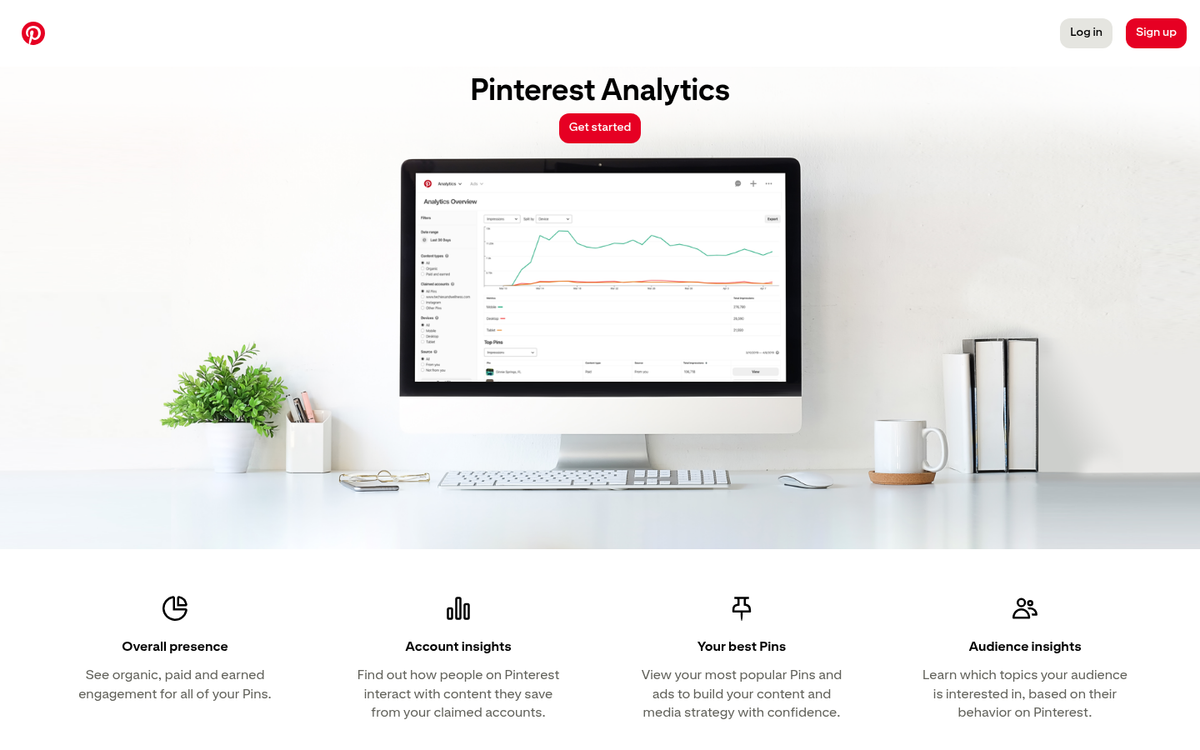
Pinterest's native analytics have improved considerably and give you a solid view of what's resonating - impressions, saves, clicks, and audience demographics. For deeper analysis, third-party tools like Tailwind remain popular and offer additional scheduling and trend data.
The core discipline is the same as any platform: find the spikes, understand why they happened, and do more of that. Look at which boards are driving the most outbound clicks, which pin formats are getting saved most often, and what times your audience is most active. Let the data guide your content calendar rather than guessing. If you want to dig into what's already performing well, check out this guide to finding the most popular pins on Pinterest to help benchmark your efforts, and consider customizing your analytics dashboard to surface the metrics that matter most to your strategy.
10. Minimize People
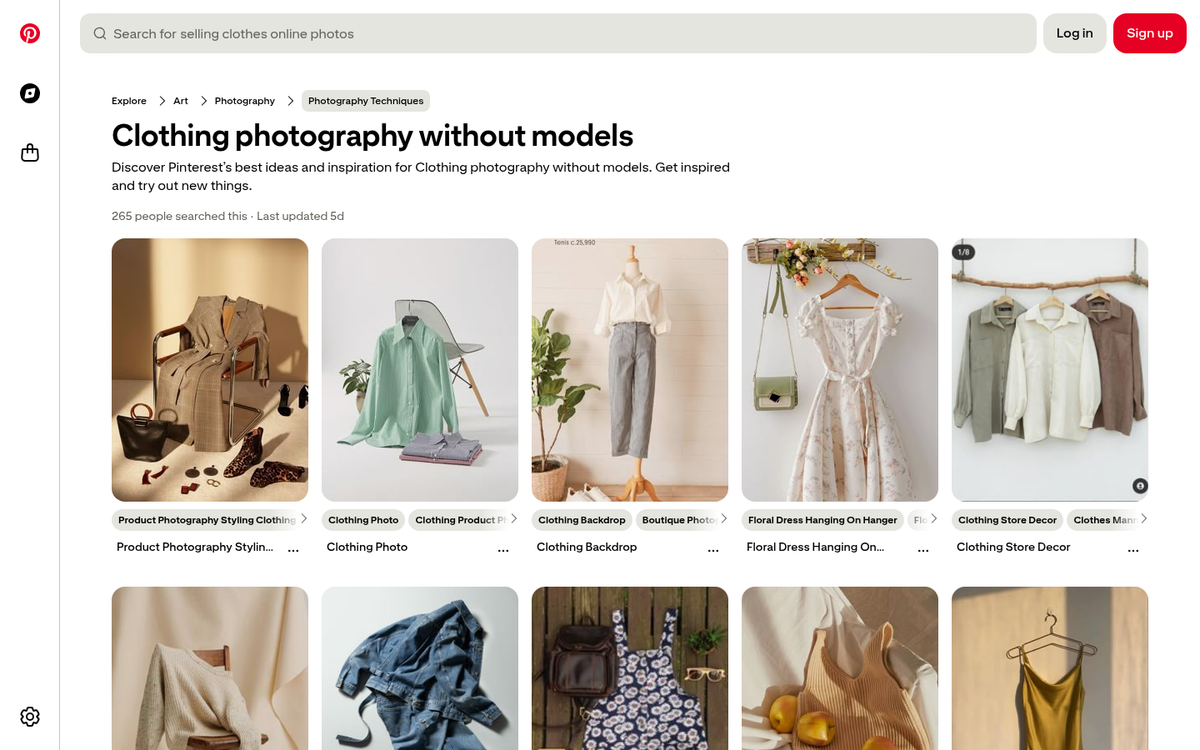
This is one of Pinterest's more counterintuitive quirks, but the data has held up over time: images without faces as the central focus tend to receive significantly more repins than images centered on people. Pinterest users are drawn to objects, scenes, aesthetics, and ideas - not portraits.
This puts Pinterest in a very different lane from Instagram, where personal and face-forward content thrives. Save the selfie-style and face-forward branded content for Instagram. On Pinterest, let the product, the scene, or the concept take center stage. If you're looking to drive sales through the platform, learn how to use Pinterest to increase eCommerce sales by focusing on visuals that convert.
11. Push the Lifestyle
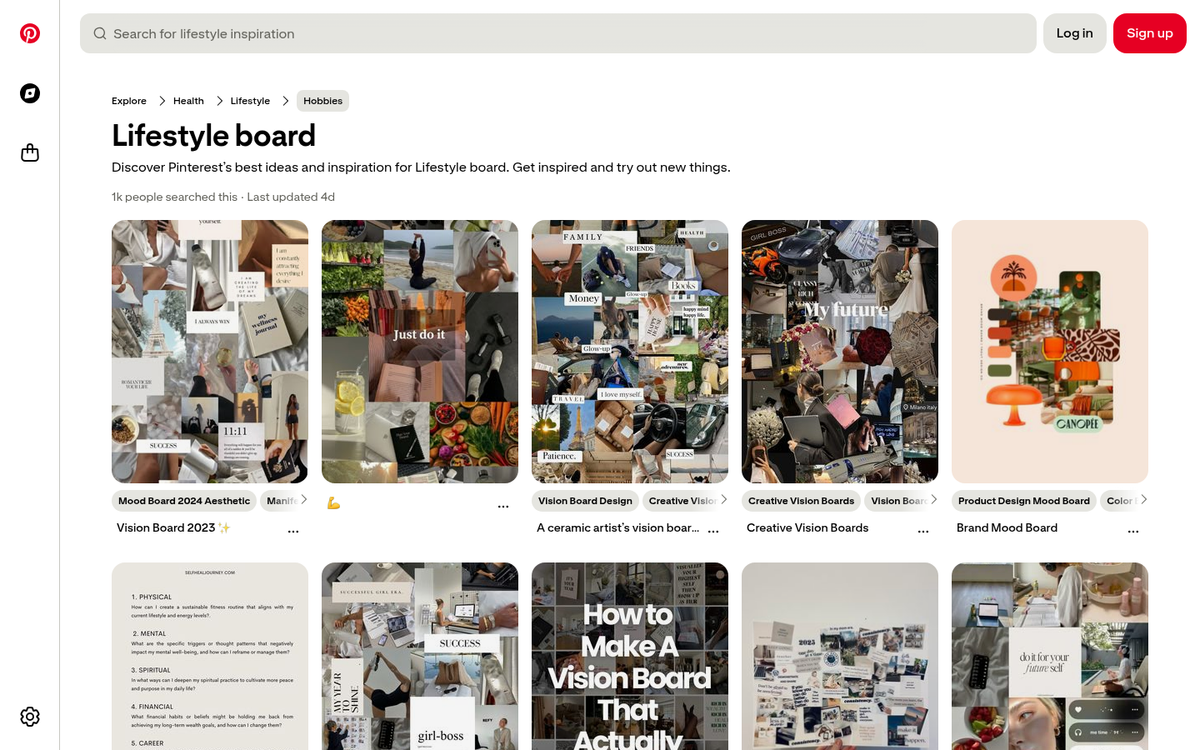
Pinterest is fundamentally an aspirational platform. Users are building boards that represent how they want to live, what they want their home to look like, what they want to cook, wear, and create. Your content needs to fit into that aspiration - not interrupt it.
This means going beyond product photography. Show your products in context. Build boards that sell a feeling, not just an item. A candle brand shouldn't just post product shots - they should be pinning cozy reading nooks, autumn tablescapes, and slow morning routines that happen to include their product. The lifestyle sells the product, not the other way around.
This approach is easier for some brands than others, but even B2B and service-based businesses can find angles - office aesthetics, productivity setups, industry education, and brand personality all have a place.
One final tip worth emphasizing going into 2026: find the platform's power users in your niche and treat them as partners, not just influencers. Pinterest has its own ecosystem of creators who have built real, engaged audiences entirely within the platform. They understand what works here better than most agencies do. Engage with their content genuinely, get your pins into their boards, and study what makes their content land. Pinterest can drive 3x more referral traffic than Twitter and LinkedIn combined - but only if you learn to work with the platform rather than just broadcasting at it.
The businesses that cracked Pinterest early have been reaping the benefits for years, thanks to the compounding nature of evergreen pins. The good news is that organic reach here is still far more accessible than on most major platforms. There's still room to build something substantial - if you start now.