Key Takeaways
- eBay's Cassini algorithm rewards seller performance, competitive pricing, fast shipping, and positive feedback for higher search rankings.
- Fully completing titles, descriptions, item specifics, and keywords significantly improves visibility in eBay search results.
- Sponsored listings receive 36% more views than organic listings, with one seller achieving a 179% sales increase.
- Strong feedback directly impacts sales; customers spend 31% more with highly-rated sellers, affecting both ranking and conversions.
- Free shipping, generous return policies, quick response times, and flexible payments reduce buyer hesitation and boost conversions.
eBay Tips to Get More Sales in 2026
The world of eBay is ruthless, cutthroat, and full of scammers. It's also one of the best places on the internet to buy and sell goods, from new electronics to prepaid cards to vintage clothing and everything else under the sun. With approximately 1.7 billion active listings on the platform and $10.2 billion in revenue reported in 2024, the competition has never been fiercer.
If you're getting started now, you're already at a disadvantage. There are established sellers in your niche with years of experience and tens or hundreds of thousands of feedback. If you want to get ahead, you need to do everything in your power to optimize your position and make use of every loophole, social exploit, and system in place to get an advantage.
Here are my accumulated best tips:
Understand How eBay's Search Algorithm Works
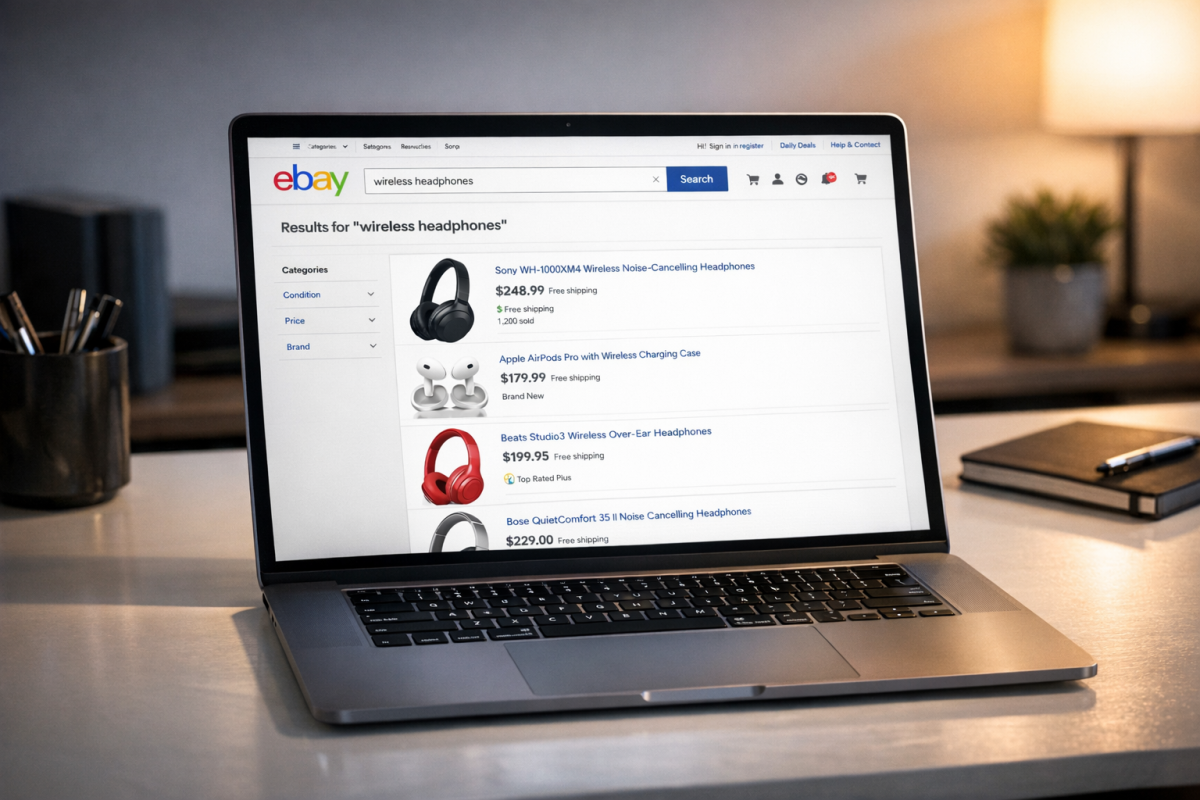
eBay uses a proprietary search algorithm called Cassini, which has been refined significantly over the years. Standard SEO thinking doesn't always apply here. Cassini prioritizes relevance, seller performance, listing quality, and buyer experience. High sell-through rates, positive feedback, competitive pricing, and fast shipping all feed into where you rank. The algorithm rewards sellers who consistently deliver a great buyer experience, so think of every optimization as both an SEO move and a customer service move. If you're looking to stretch your budget further, buying advertising to promote your eBay listings can complement your organic ranking efforts and help drive additional visibility.
Set the Right Category
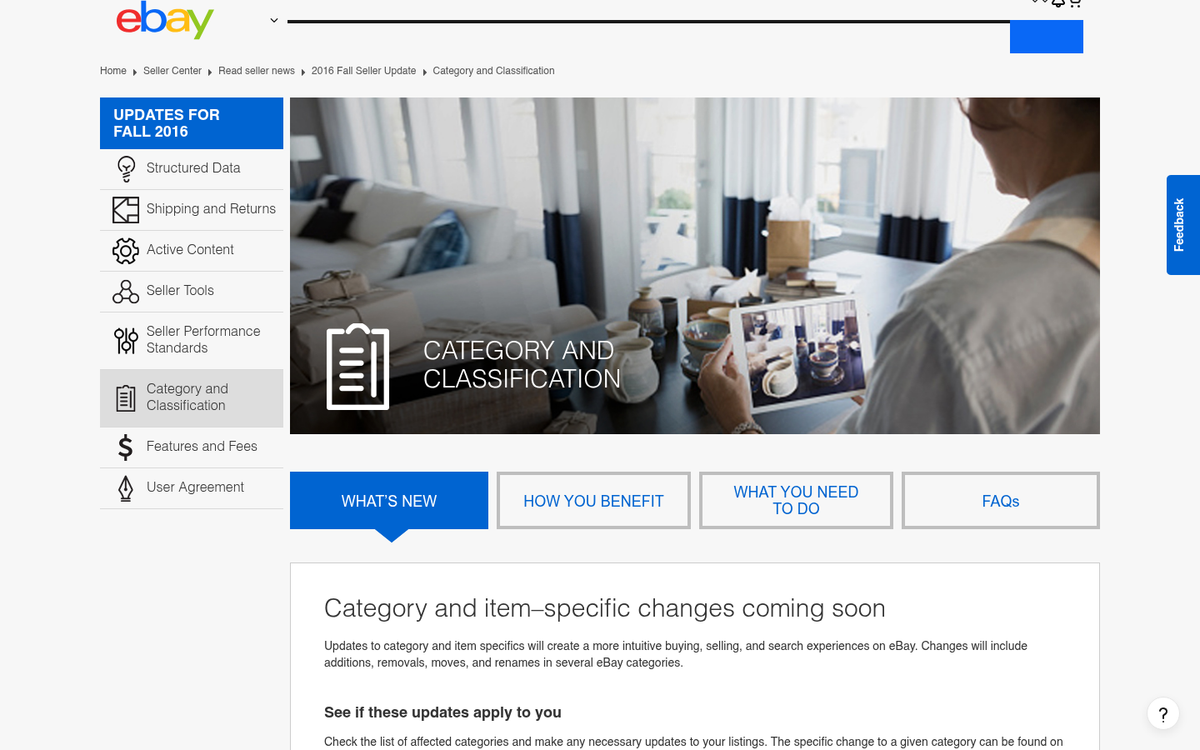
Category is important for showing up in eBay search. People often limit their searches by category, and the search algorithm will devalue your listing if it's in a clearly incorrect category.
It's a simple thing to do, and you're not going to gain any value by listing yourself incorrectly. Take the extra few seconds to drill down into the most specific subcategory available. If you're looking to maximize your earnings, check out these tricks to make more money from your listings.
Put Keywords in Titles
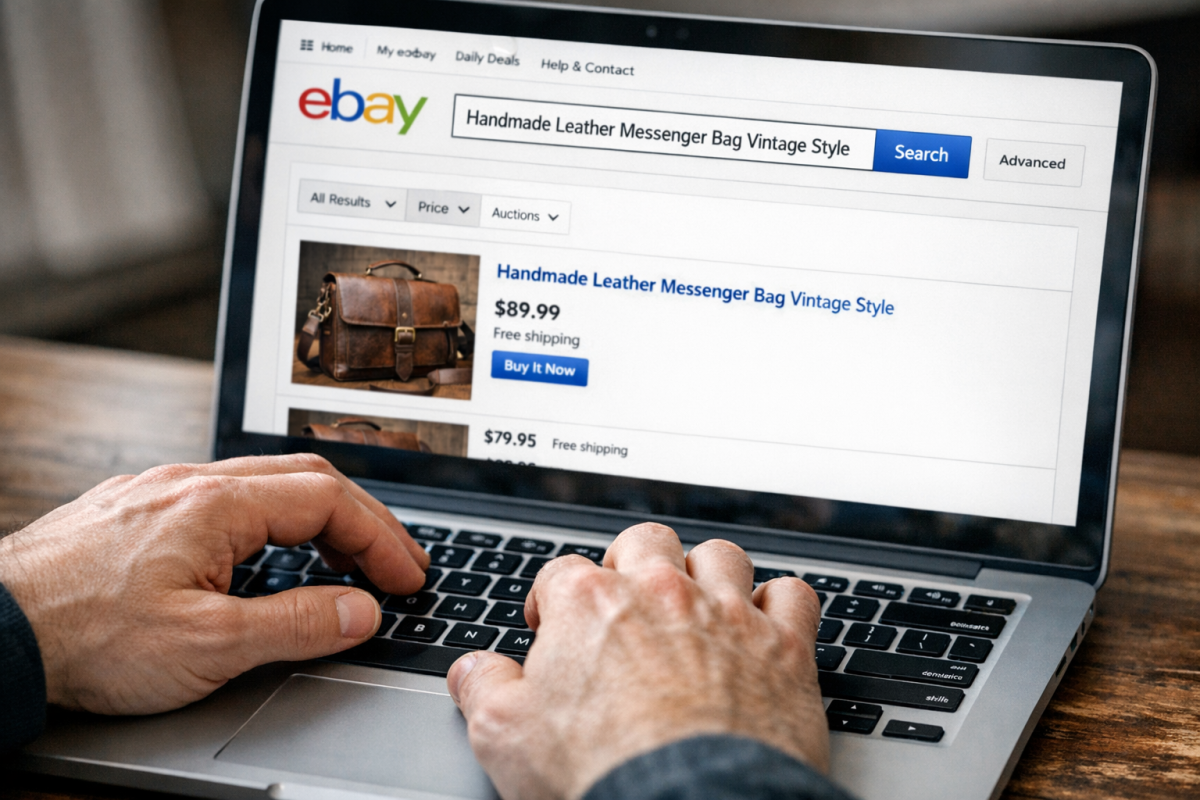
Generally, your keyword is going to be the name of your product, or some specific identifier like a model number if the name can refer to too many things. Putting this front and center in the title is not just a good idea; it's practically required to be found anywhere near the front page of search results. eBay gives you 80 characters for your title - use as many of them as you can with relevant, descriptive terms. If you want to go deeper on keyword strategy, discovering high traffic longtail keywords can help you identify the most effective terms to include.
Put Keywords in Descriptions
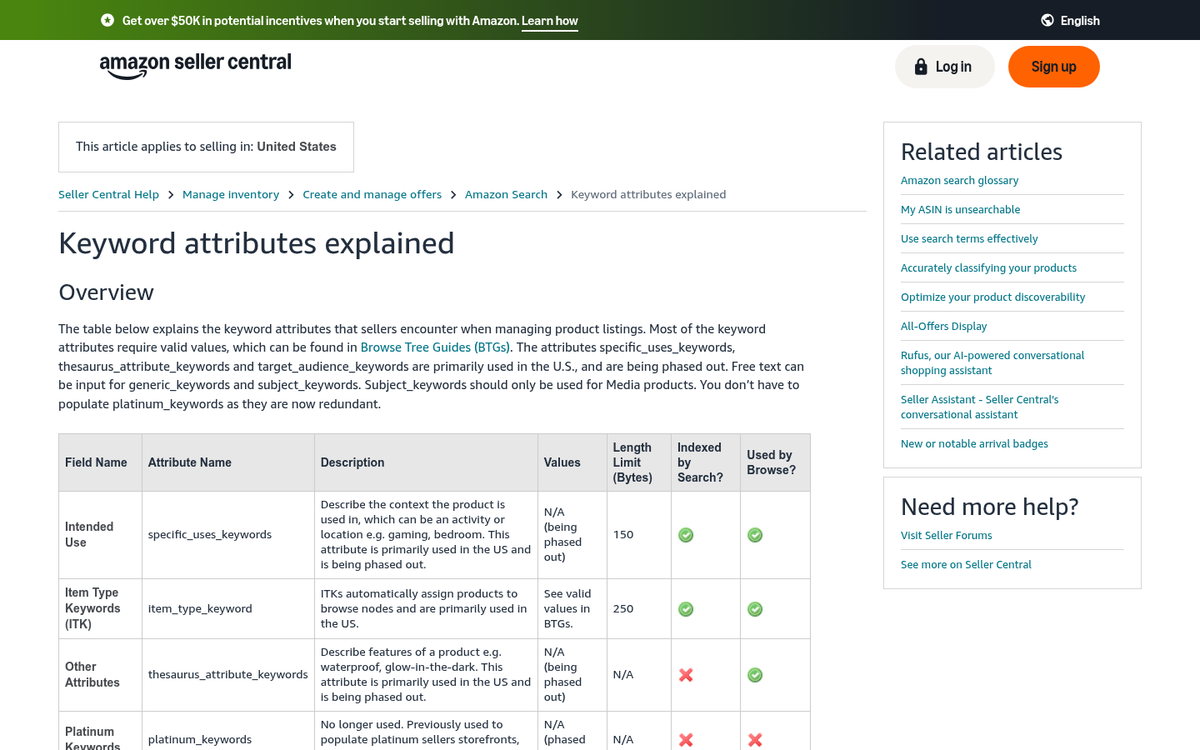
Your description is very flexible; it's essentially a miniature webpage for you to put all the information and details you want. This is where all of the possible relevant keywords should be worked in. Product name, color, model number, release date, compatibility - anything else that could be important to someone searching for that product should be right there, in text. Don't make the mistake of putting critical information in an image only; it won't be indexed and won't benefit your Amazon product rankings.
Use Shorter, Punchier List Descriptions
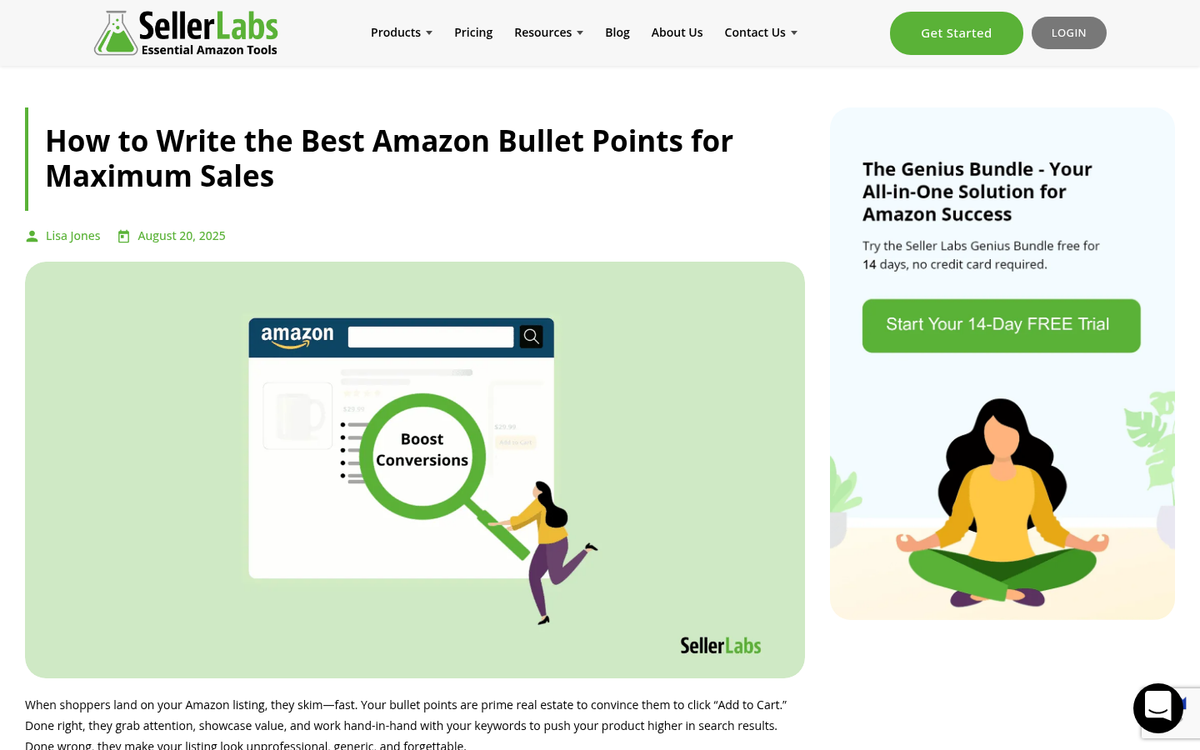
Avoid the word wall. Your description should be spaced out with clear sections and bullet points. If all of your information is crammed into one big paragraph, people will glaze over and click away to a competitor's listing - even if your price is lower. Make it easy to skim and easy to trust.
Fill Out Item Specifics Thoroughly
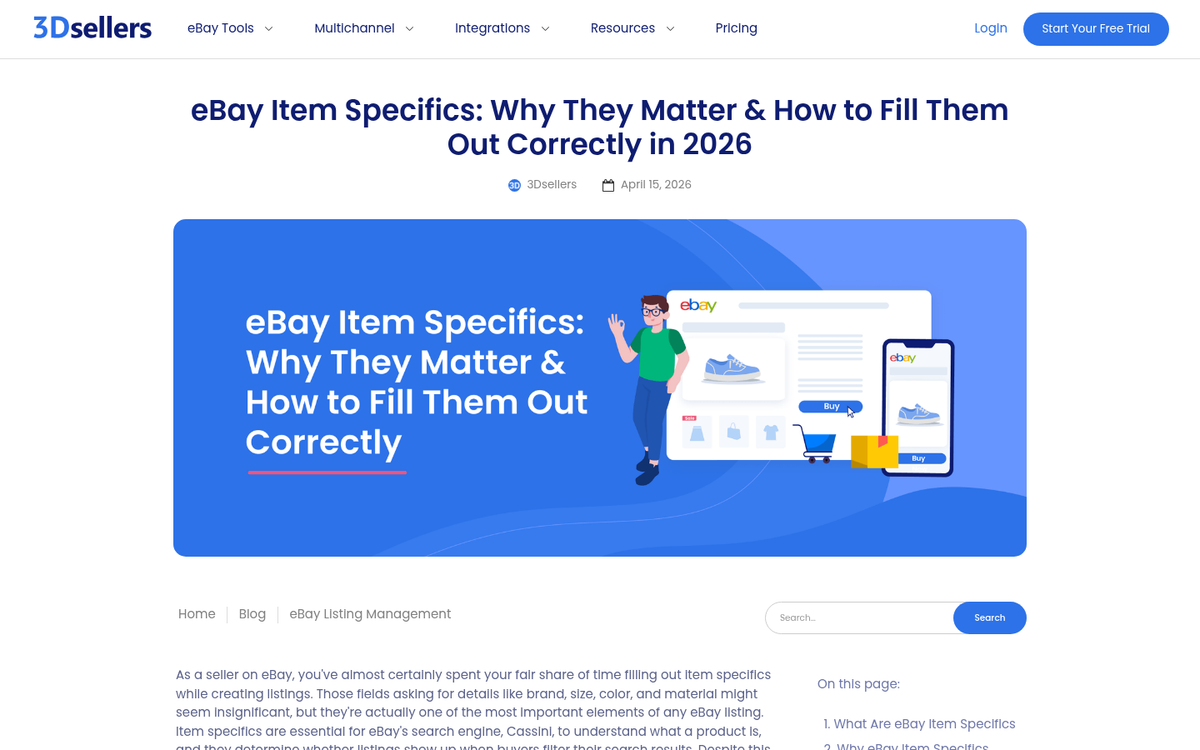
Item Specifics - the structured data fields like brand, condition, size, color, MPN, and so on - are increasingly important to eBay's algorithm. Listings with fully completed Item Specifics tend to rank significantly higher and appear in more filtered search results. Don't skip these. Fill out every field that's relevant, even if the information is already in your title or description.
Link to Other Listings in Your Description
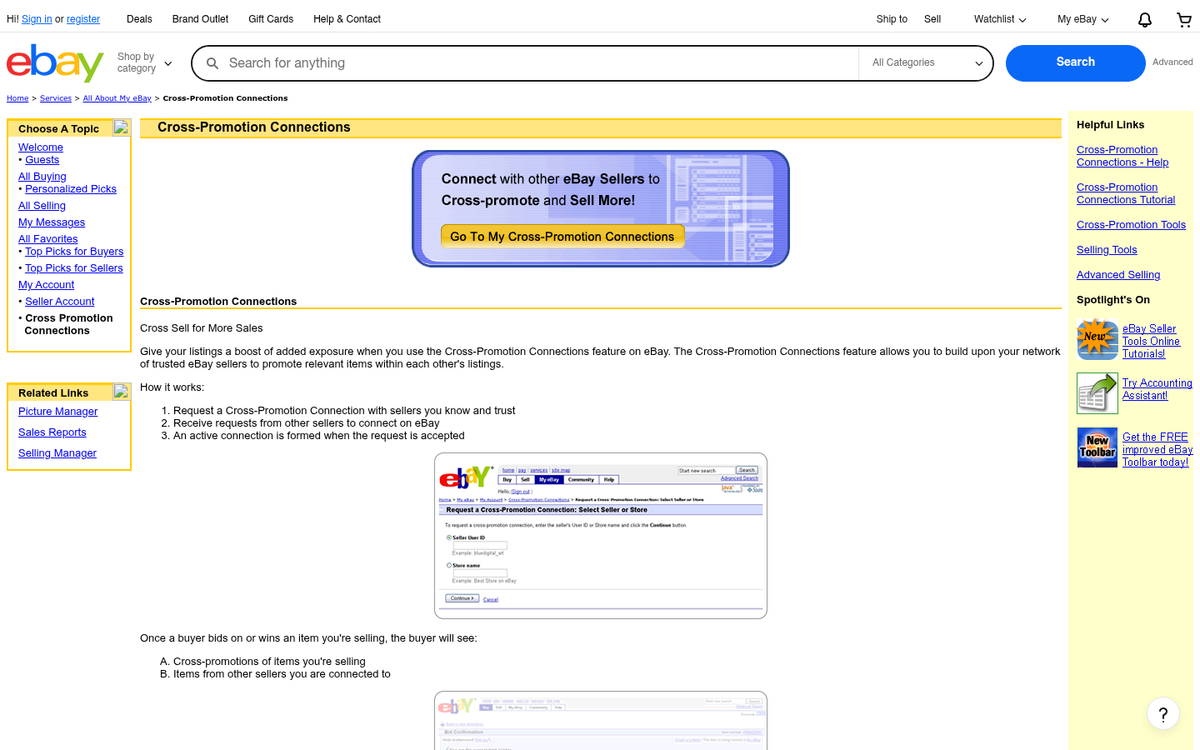
While eBay surfaces related listings algorithmically, you can also explicitly link to other products and listings in your description. This gives you precise control over cross-selling rather than relying on an algorithm to pick the right items. Link to the most relevant products - accessories, compatible items, similar alternatives, and supplies.
Use Sponsored Listings (eBay Promoted Listings)
This one is hard to ignore in 2026. eBay's own data shows that sponsored listings receive 36% more views than organic listings. Real-world examples back this up - TekReplay reportedly achieved a 179% increase in sales and a 43:1 return on ad spend through eBay's promoted listings program. The ad fees are only charged when a sale is made, which makes it a relatively low-risk investment. If you're not using Promoted Listings, you're handing visibility to competitors who are.
Minimize Colors and Visual Clutter
Having some structure in your description is fine, but don't make it look like a ransom note. Overly colorful or heavily formatted descriptions tend to signal spam or inexperience, and they're used as a distraction. Limit yourself to only 1-2 accent colors outside of your images and keep the formatting clean and professional. If you want to understand how color psychology influences buyer decisions, it's worth studying before choosing your palette.
Use More Images - Up to 24

eBay now allows sellers to include up to 24 photos per listing for free. Use them. Even if you're selling something simple, more images build confidence and reduce buyer hesitation. Show the item from multiple angles, include any accessories or extras, show the packaging, and photograph any imperfections honestly.
Take Higher Quality Images

Product images should be high quality. eBay provides automatic thumbnails and zoom functionality, so provide images that are at least 1600 pixels wide so there's plenty of detail for users to zoom into. If you're not sure where to host your product images for free, there are several reliable options available.
Photograph any relevant details - ports on electronics, wear on used items, serial numbers, labels, and maker's marks. Buyers can't pick the item up and examine it, so your photos need to do that job for them.
Edit Images to Improve Appeal
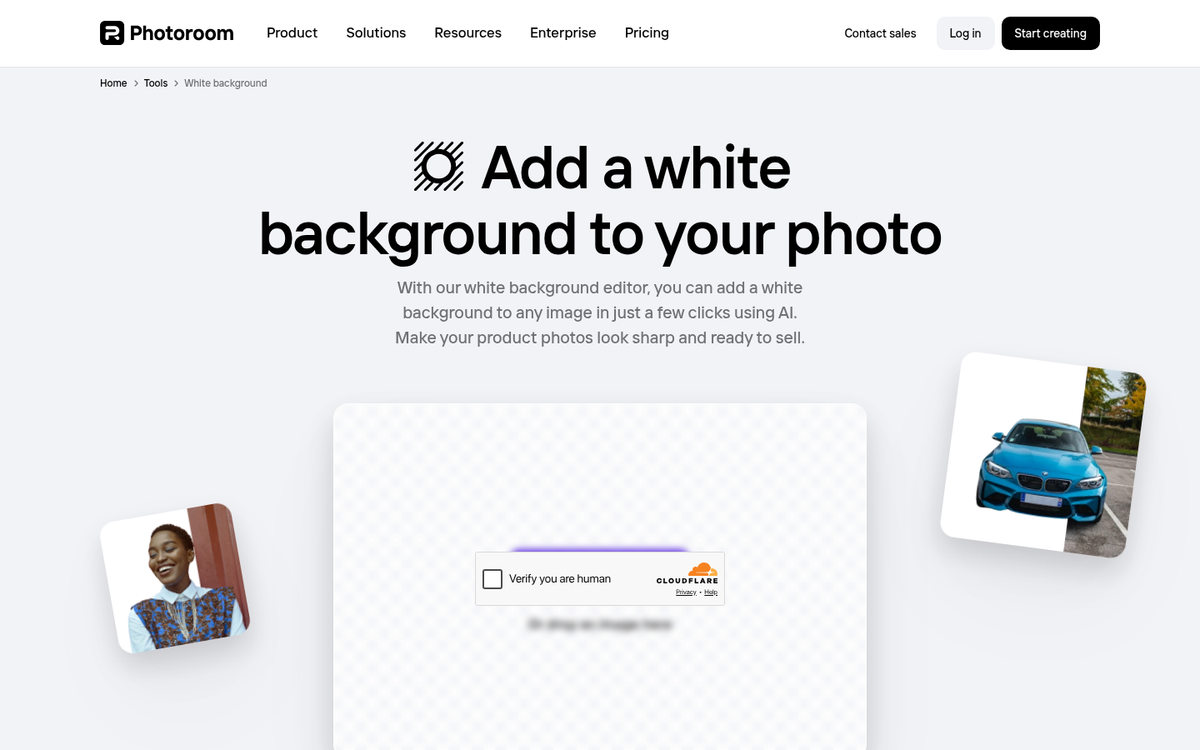
Don't be afraid to clean up your images in editing software. A white background, reduced noise, sharpened details, and accurate color representation all make a listing look more professional and trustworthy. Just don't alter images in ways that misrepresent the product - that's a fast track to negative feedback and returns.
Don't Make Duplicate Listings

Listing the same item multiple times with slightly different keywords used to be a common spam tactic. It doesn't work anymore, and it can get you penalized. If you have multiple quantities of the same item, use a single multi-quantity listing rather than duplicating it across the catalog.
Protect Yourself from Scams

There are a lot of scams on eBay - from buyers claiming items weren't received to fraudulent payment disputes. Study how common scams work and make sure your listings don't look like they could be part of one. Be transparent, use clear photos, describe items honestly, and keep all communication on the eBay platform where it's documented and protected. If you're also selling through third-party sources, learn how to dropship and outsource from Amazon and eBay safely to avoid additional risks.
Be Specific with Item Details

Item details matter for buyer decision-making. Provide any piece of information you think a buyer might want. More importantly, when someone sends you a message asking a question, don't just answer them privately - add that information to your listing description so every future buyer who had the same question gets the answer automatically.
Include a Helpful FAQ

An FAQ section in your description can significantly reduce back-and-forth messages and help hesitant buyers commit. Focus on questions that genuinely come up often, and keep answers brief and helpful. Skip anything that's only relevant to one hyper-specific situation - it just adds noise. If you're unsure what to ask, consider questions commonly asked before a purchase decision as a starting point for anticipating buyer concerns.
Address Specific Concerns
Every category has its own buyer concerns. If you're selling silver, people want to know the maker's mark and provenance. If you're selling antiques, buyers want to know about restoration history. If you're selling branded goods, they want to know authenticity is guaranteed. Address these concerns directly in your listing rather than using a generic template for everything.
Prioritize Feedback - It Directly Affects Sales
Research shows that only 53% of consumers will buy from a business with a rating under four stars, and customers tend to spend 31% more with businesses that have strong ratings. On eBay, feedback is your reputation and it has a direct impact on both your search ranking and your conversion rate. Actively invite feedback, respond to all reviews professionally, and address negative feedback promptly - not just to ask for removal, but to genuinely resolve the issue first.
Create a Microsite to Redirect to eBay
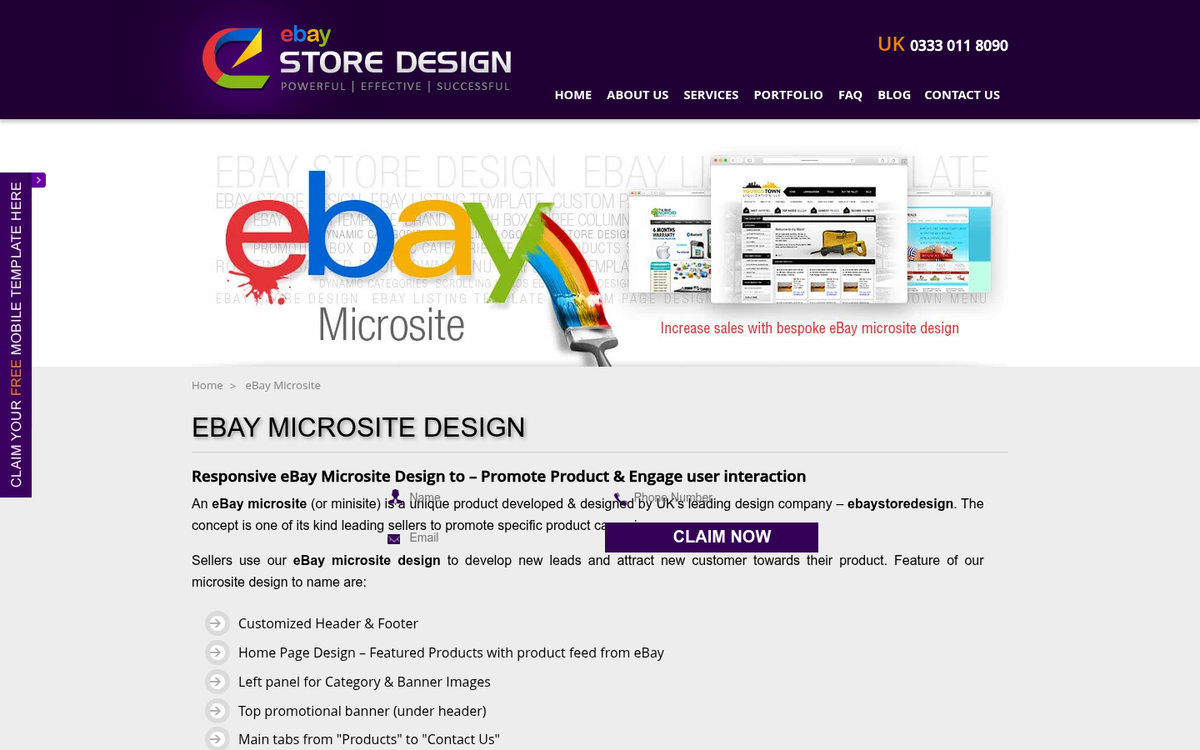
Off-site from eBay, you can put a whole host of SEO strategies into play. A small, content-rich site that acts as a storefront for your listings adds credibility and gives you a traffic source you control. Include more details, landing pages, and all the information anyone could want - then direct people to your listings from there.
Advertise Your Microsite

It's generally not advisable to run paid ads directly to an eBay listing. Instead, drive traffic to your microsite first, where buyers can explore on their terms. From there, they'll click through to your listings feeling like the decision was their own rather than the result of an ad push.
Create Product Videos
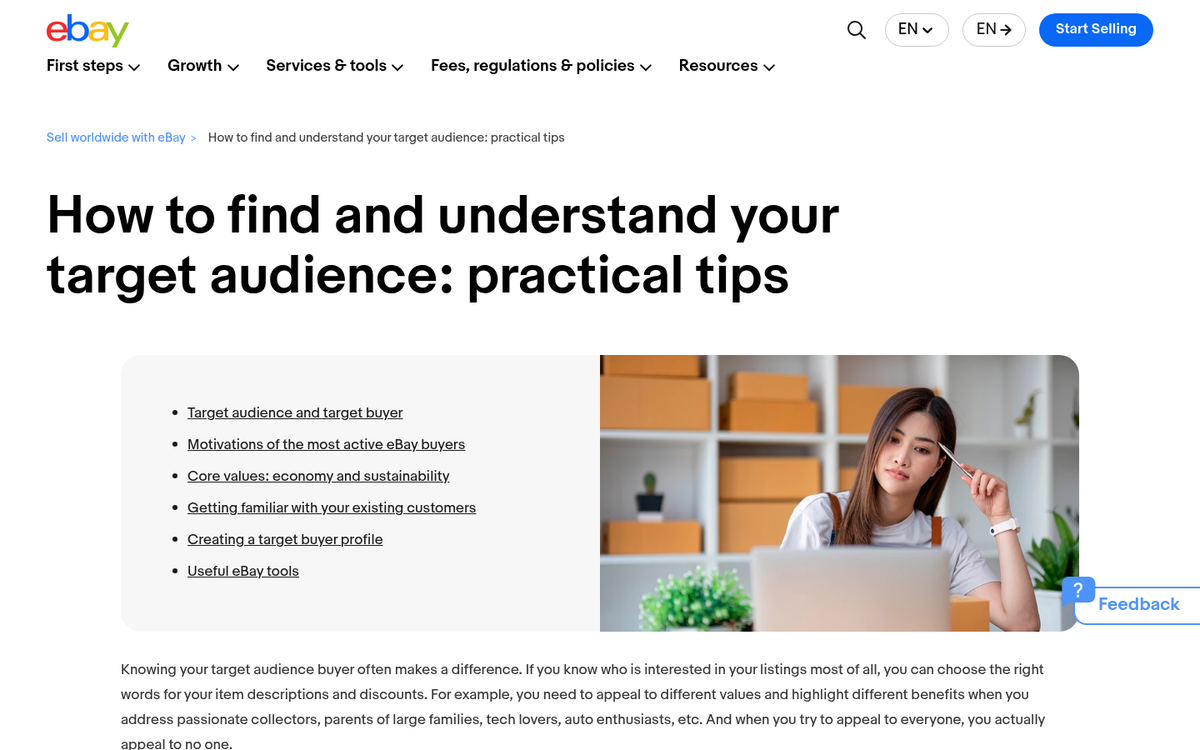
Video content continues to be a powerful sales driver. eBay allows video in listings, and well-produced product videos can meaningfully improve conversion rates. If you can produce clean, edited videos with good quality, show off your products and embed them in both your listing and your microsite. Short-form video content on platforms like YouTube and TikTok can also drive organic traffic to your store.
Advertise on Social Media

With social media advertising, you can highly target potential buyers based on demographics, interests, and behavior. Given that 62% of eBay's customer base is male and 38% female, knowing your audience and targeting accordingly can dramatically improve ad efficiency. Promote your microsite rather than your listings directly, and always track your conversion rate so you know your ad spend is actually paying off.
Build an Email List
When someone buys from you, use that interaction as an opportunity to start a relationship. An email newsletter keeps past buyers engaged and brings them back when you have new stock or promotions. Don't spam them - keep emails relevant and valuable, always include an unsubscribe option, and comply with email marketing regulations like CAN-SPAM and GDPR.
Optimize Listings for Mobile Buyers
A significant portion of eBay's traffic comes from mobile devices. If you're using eBay's native listing tools, mobile compatibility is largely handled for you. If you're building descriptions with custom HTML, test them on mobile and make sure everything renders cleanly. Overly complex layouts, small fonts, or non-responsive embedded content will hurt your conversion rate with mobile shoppers.
Make Use of Good 'Til Cancelled Listings
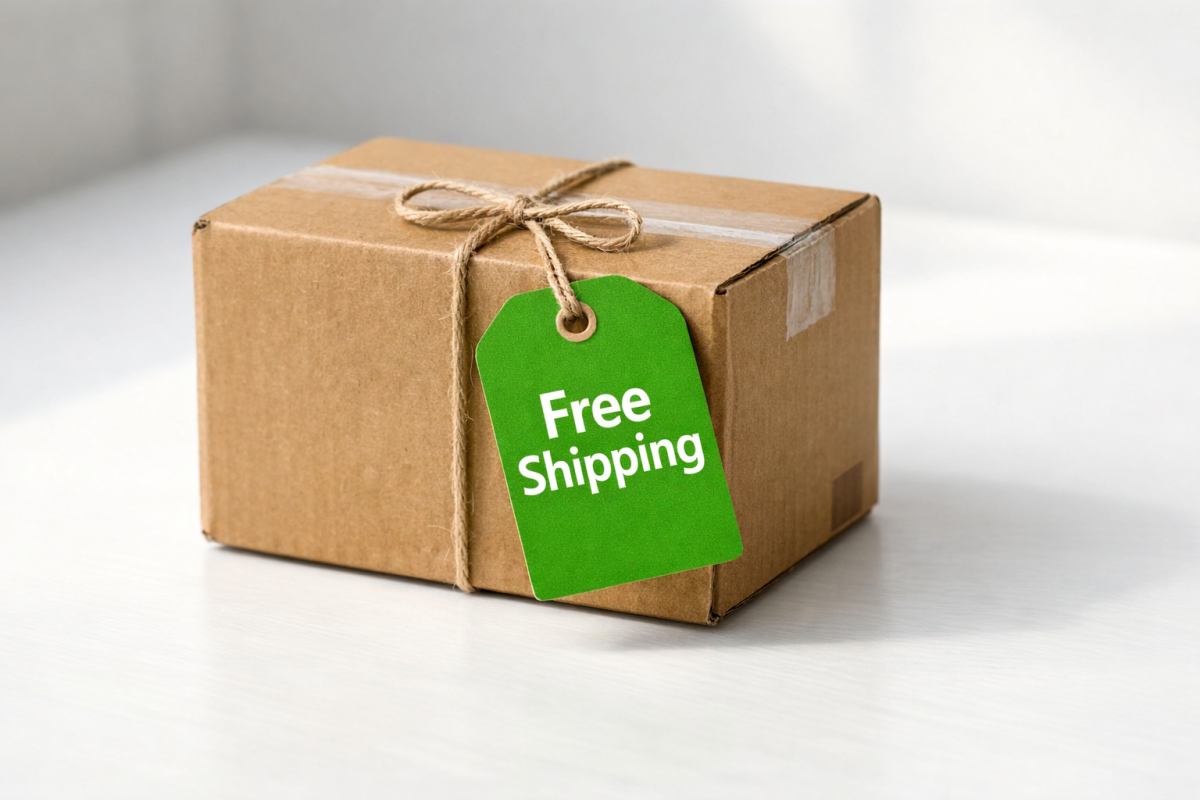
Good Til Cancelled (GTC) listings automatically renew every 30 days and help you maintain sales history, watch counts, and buyer engagement data over time. For items you sell regularly, a GTC listing builds momentum and trust signals that benefit your search ranking. Don't unnecessarily end and relist items - the accumulated history is an asset.
Offer Free Shipping
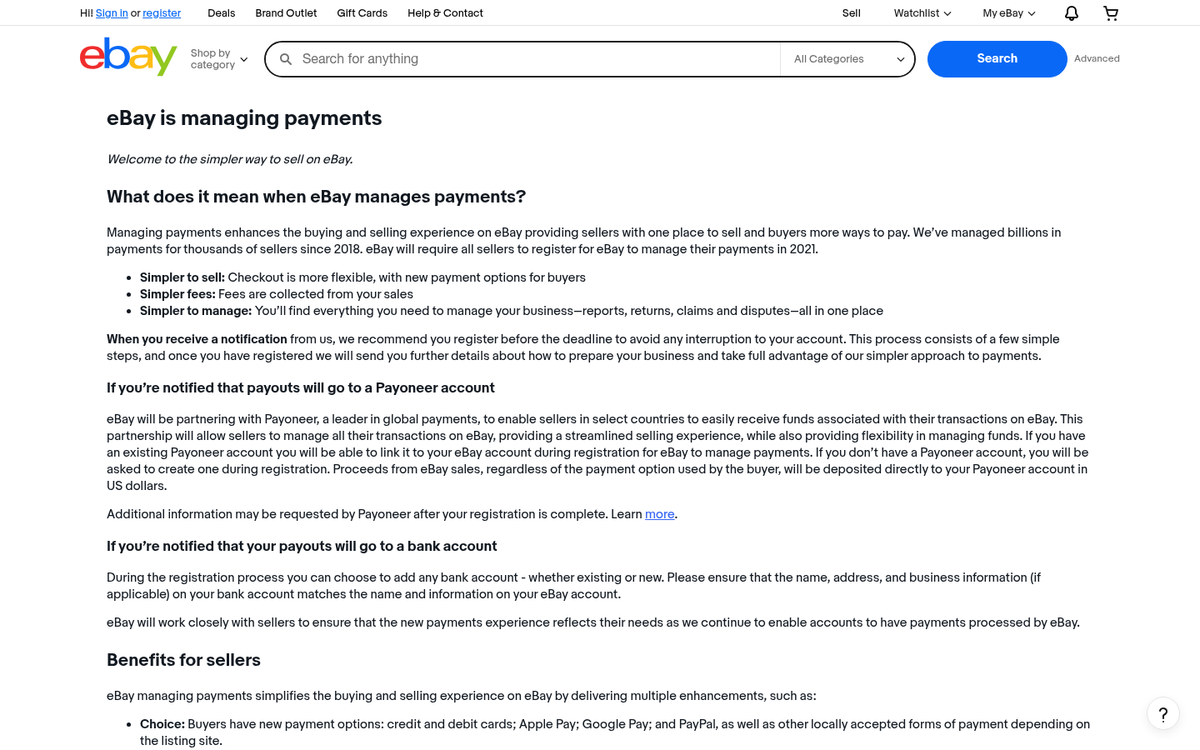
Free shipping remains one of the most effective conversion tools on eBay. Buyers are conditioned to be suspicious of low-priced items with inflated shipping costs - a tactic eBay has largely cracked down on anyway. If your margins allow it, bake shipping into your price and advertise it as free. eBay's algorithm also tends to favor listings with free shipping in search results.
Keep Payment Options Flexible

eBay's managed payments system now handles most transactions directly, accepting credit cards, debit cards, PayPal, Apple Pay, Google Pay, and more. Make sure your account is fully set up through managed payments and that you're not creating unnecessary friction at checkout. Never try to take payments outside of eBay's system - it voids buyer protection and raises red flags.
Set the Best Available Price

Even being the cheapest listing by a small margin can push you to the top of price-sorted results. Research completed listings to understand what items actually sell for, not just what people are asking. Price competitively, factor in shipping, and remember that eBay will display the total cost to buyers - so a cheaper item with expensive shipping isn't as attractive as it looks on paper.
Offer Free Add-Ons or Additional Value

Anything you can include with a product that adds genuine value without significantly cutting into your margins is worth considering. Extras make it harder for buyers to do a direct price comparison with competitors, and they give people a reason to choose your listing even if it's not the absolute cheapest.
Extend a 30-Day Return Policy
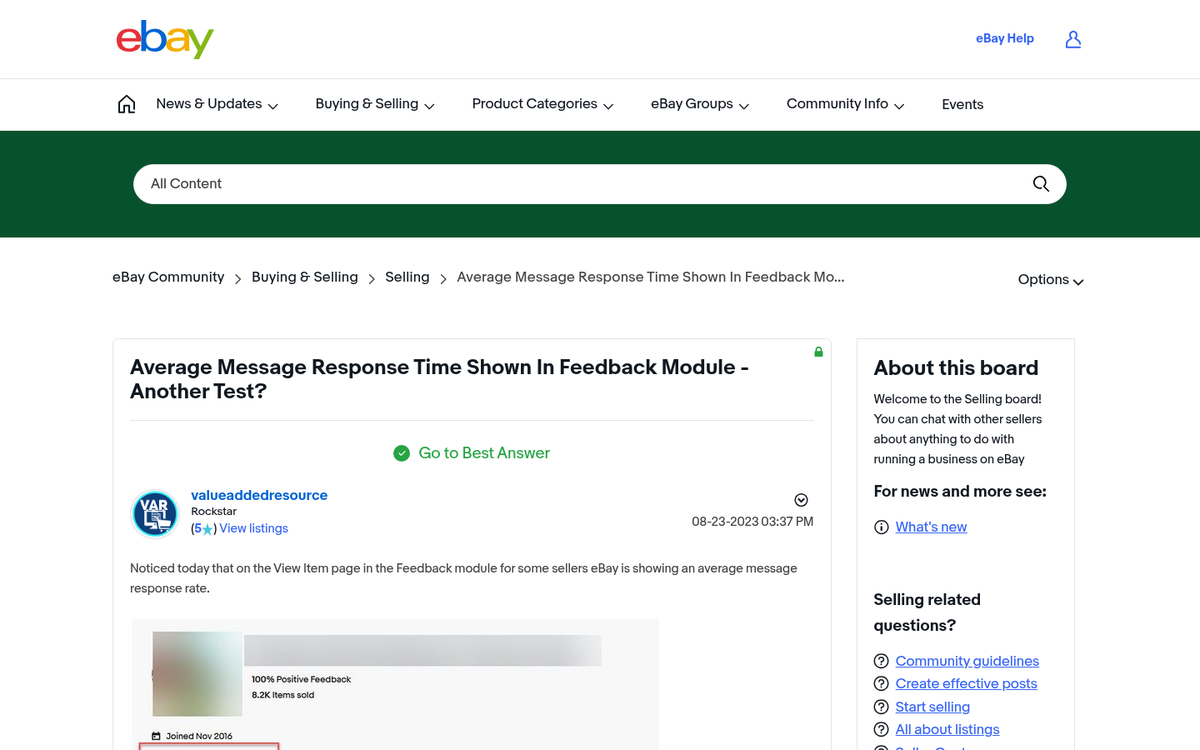
A clear, generous return policy reduces buyer hesitation - especially on higher-ticket items. eBay also rewards sellers with return policies in search ranking. A 30-day return window signals that you stand behind your products and aren't trying to offload problem items.
Respond to Messages Quickly

eBay tracks your response time, and so do buyers. The faster you respond to questions, the more likely you are to convert a hesitant buyer before they move on. If you're a high-volume seller, consider setting up saved replies for common questions to speed up your response time without sacrificing quality.
Don't Be Afraid of Using Tools
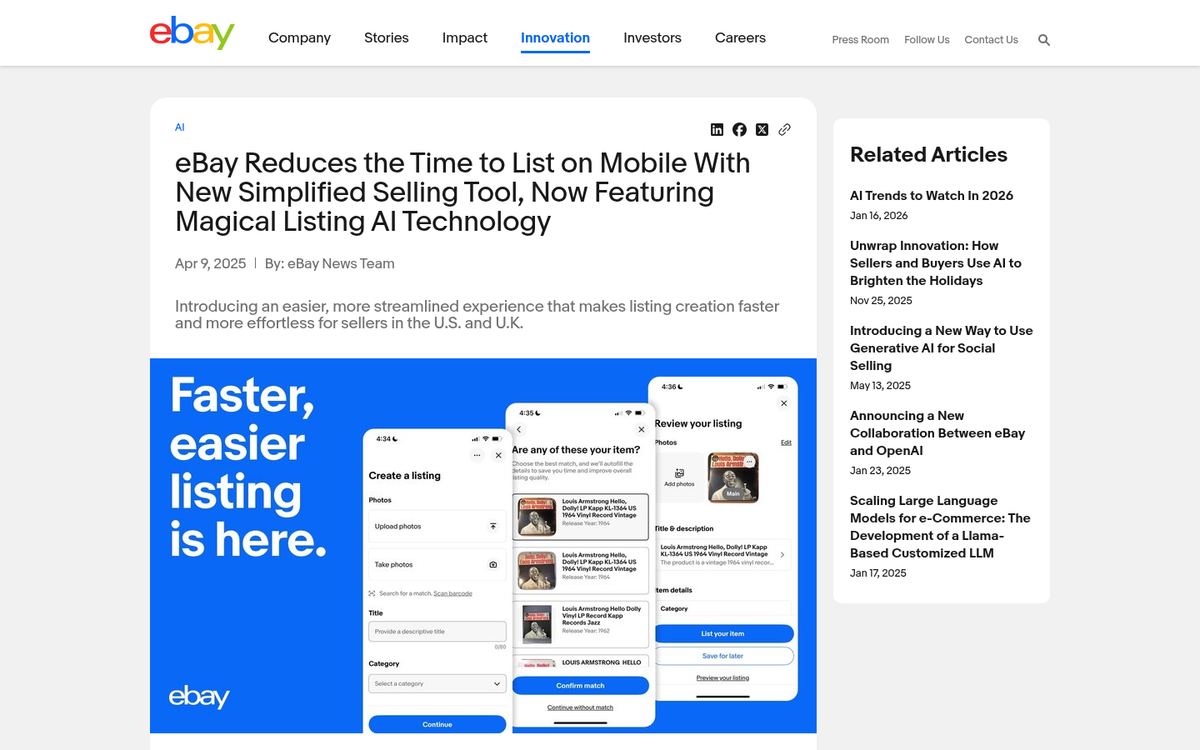
There are plenty of tools available for listing creation, repricing, inventory management, and analytics. Platforms like Seller Hub (eBay's native tool), as well as third-party options, can save you significant time and surface insights you'd never catch manually. Experiment to find what works for your volume and category, but be mindful of the cost - your tools should be saving or making you more money than they cost.