Key Takeaways
- WordPress.com has social sharing built in across all tiers, using either classic Settings or the block editor's Sharing Buttons block.
- Native WordPress.com share buttons are extremely lightweight (under 2 KB), versus 200-500 KB for external plugin-based alternatives.
- Supported platforms include Facebook, LinkedIn, WhatsApp, and Pinterest; Google+ is gone, and Twitter/X behavior varies by plan.
- Key limitations include no floating sidebar buttons, restricted design customization, and share counts resetting if your domain changes.
- For maximum flexibility, network variety, and design control, WordPress.org remains the stronger choice for social sharing.
WordPress, that omnipresent, highly customizable blogging platform, comes in several distinct flavors. At the top, the high end, with thousands of plugins available to change literally every possible feature and function of the software suite, is the self-hosted WordPress.org. You need your own hosting and domain name. But with it, you have a very powerful platform - and in 2026, that power has only grown with the explosion of AI-assisted plugins for content creation, SEO, and audience engagement.
One step below that is WordPress.com VIP. WordPress.com is their hosted answer. You don't need a domain name, though with VIP you can use one if you desire. You also don't need your own web hosting. In exchange, you're limited in the scope and number of plugins you can include. WordPress.com VIP was built for business-level customers - large media businesses, brands, and high-traffic publishers - it's not a plan you can simply sign up for; you have to apply, and pricing is custom and steep, usually starting in the thousands per month.
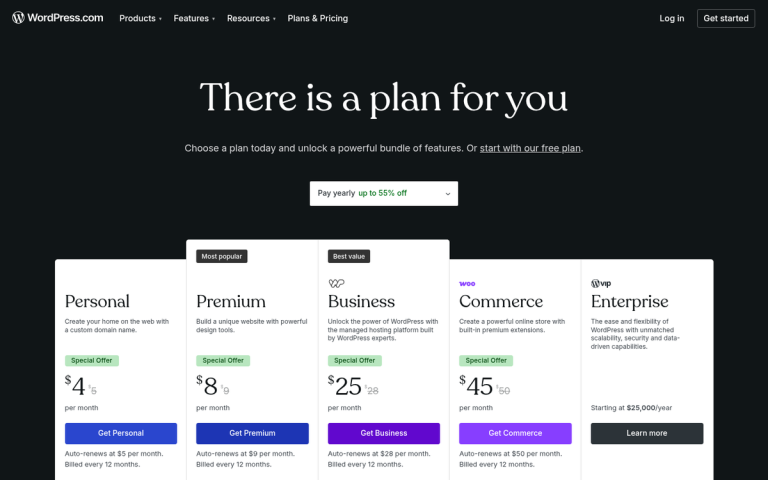
Below that you have the paid tiers of WordPress.com for normal businesses and customers. WordPress.com has restructured its pricing plans over the years, and as of 2026 they offer tiers like Personal, Explorer, Creator, and Entrepreneur plans at varying price points. These plans can vary in what they give you in terms of plugins, themes, storage, and monetization options. You'll find the latest feature lists and pricing on the WordPress.com plans page, as these tend to change periodically.
At the very bottom is the free, basic WordPress.com, which remains extremely limited in form and function. You're working with a restricted set of themes, limited storage, and minimal customization options. You're stuck with a WordPress.com subdomain and may have ads displayed on your pages. All in all, it's the extreme budget option - free. But limited.
The Importance of Social to Blogging
Whether you're a small personal blogger or a high-tier business running a dozen blogs for a number of clients, you have one thing in common: you're running a blog. Blogs have quite a bit to contend with to survive online. If you have any aspirations about growing, any ambition about becoming a known voice in your niche, then you'll have to invest in your blog and site.
There's nothing wrong with WordPress.com. Many start off with the hosted plans simply because it's less daunting than dealing with code, plugins, hosting, troubleshooting, and setup. Admittedly, that can be an issue when all you want to do is write - and in 2026, with AI writing assistants, page builders, and one-click setup tools more capable than ever, the difference between WordPress.com and WordPress.org has narrowed somewhat for beginners.
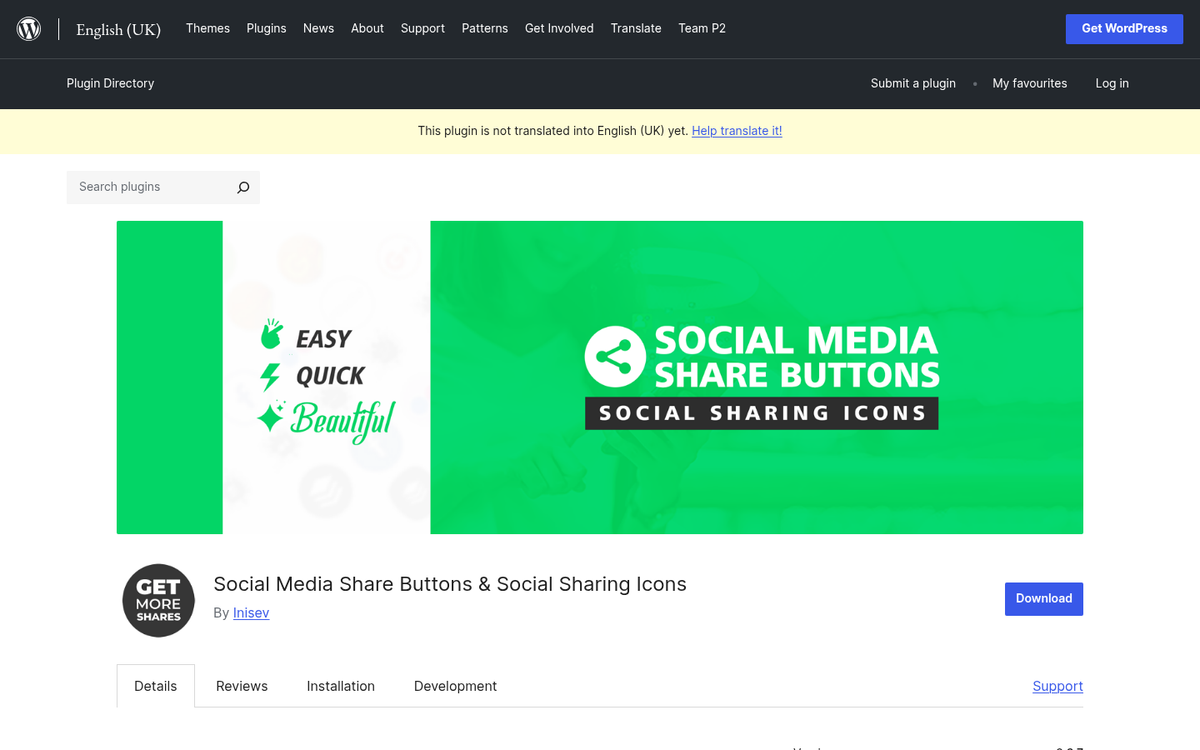
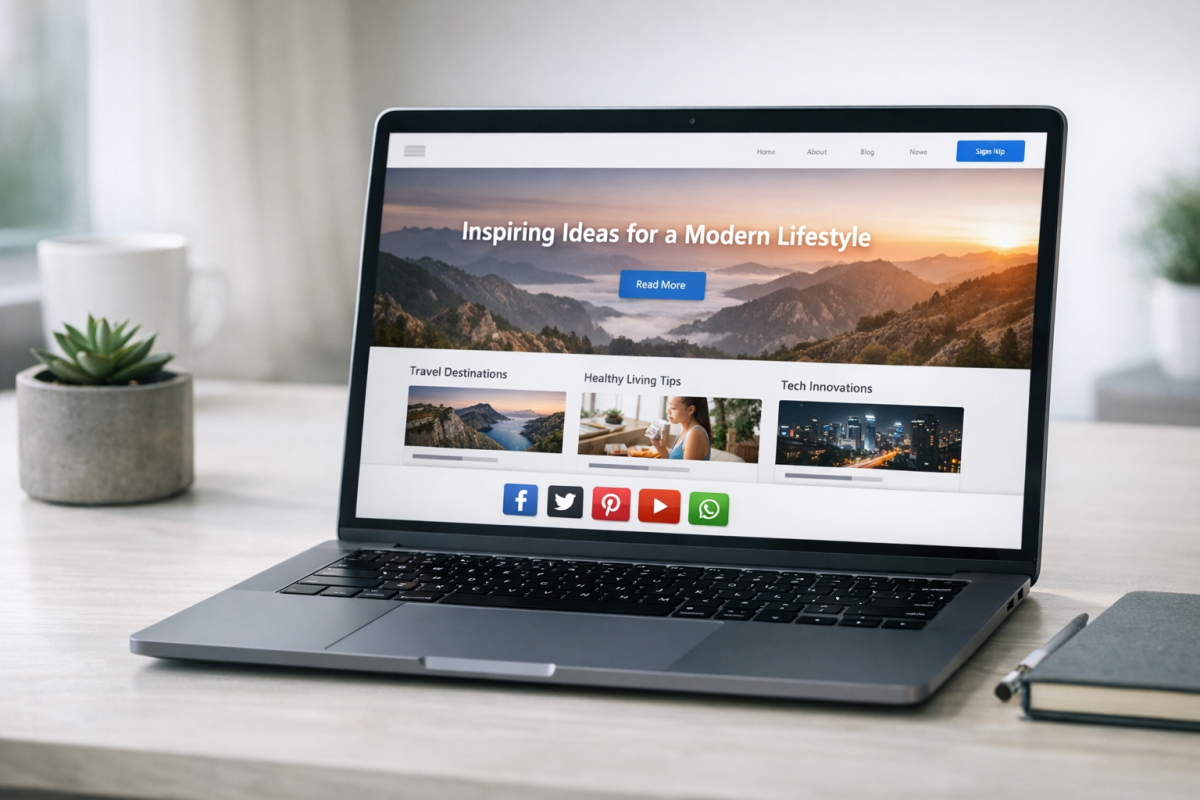
One thing that remains arguably important to the success of a blog is the presence of social sharing buttons. People are accustomed to clicking one button to share a post across Facebook, LinkedIn, WhatsApp, and others. Lacking that functionality makes you look bad. You'll have a harder time growing and gaining exposure.
If this is a feature that matters to you, you have to ask: is it available for all versions of WordPress? The answer is yes, though it's more limited on some platforms than others. Let's get started.
Social Sharing on WordPress.org
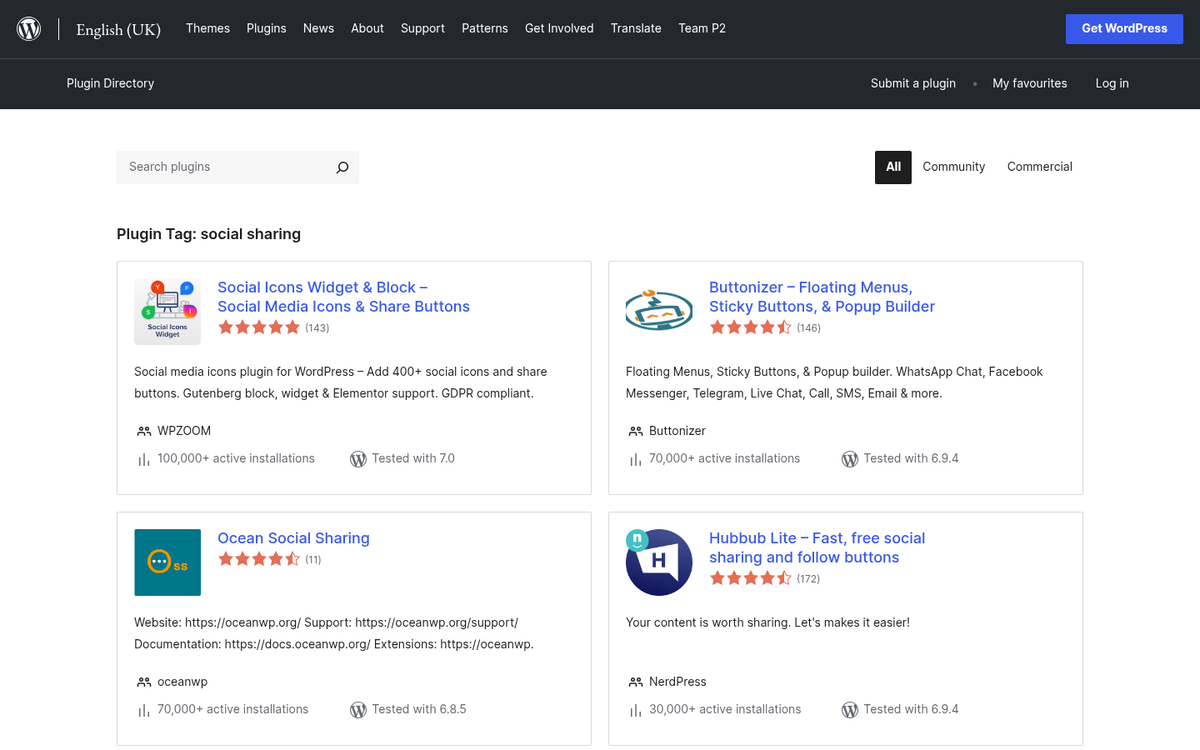
As mentioned, self-hosted WordPress.org installations have access to the entire plugins library, as well as third-party hosted plugins you might find on CodeCanyon, WPMU DEV, and beyond; it's a massive amount of extensible functionality - and in 2026, many of these plugins are now AI-enhanced, capable of automatically optimizing share timing, personalizing sharing prompts, and analyzing engagement data in real time.
Obviously, you are spoiled for choice with social sharing options on a WordPress.org installation. There are floating share buttons, sidebar trays, inline buttons, and customizable button blocks. One popular option worth mentioning is MaxButtons, which has amassed over 3.5 million downloads and more than 1,000 five-star reviews - a testament to how mature and feature-rich the WordPress.org plugin ecosystem has become for social sharing.
One important note: if you're on a self-hosted WordPress.org site and you find that the Sharing Buttons block is missing, that's expected behavior. The native Sharing Buttons block is a WordPress.com feature. To get it on a self-hosted site, you'll need to install the Jetpack plugin, which bridges WordPress.com features over to WordPress.org installations.
I'm only going over WordPress.org as a point of comparison here. The focus of this post is on WordPress.com, so let's talk about that next.
Social Sharing on WordPress.com
Across the tiers of WordPress.com, social sharing functionality is built in, though it changes somewhat by plan and theme type. The good news is that WordPress.com has modernized its sharing tools considerably, and that's especially true with the introduction of the block editor and the dedicated Sharing Buttons block. If you're wondering why social buttons can slow down your website, it's worth understanding before adding them.
WordPress.com VIP is, again, their most expensive option - it's designed to give businesses the features they'd need without expensive setup. VIP customers have access to a curated plugin ecosystem and can work directly with WordPress engineers to build out custom functionality - like social sharing integrations that go well beyond what's available to standard users.
For everyone else on WordPress.com's standard plans, social sharing is handled natively through two main strategies depending on your theme type: the classic sharing settings panel, or the Sharing Buttons block in the block editor. If you're considering a move away from WordPress.com, you can also migrate your site to a self-hosted install for more control over your sharing options.
Enabling and Customizing Social Sharing on WordPress.com
If you're using a classic theme, enabling sharing is easy. Navigate to Settings → Sharing, then drag buttons from the "Available Services" section into the "Enabled Services" section and click "Save changes." Simple and straightforward.
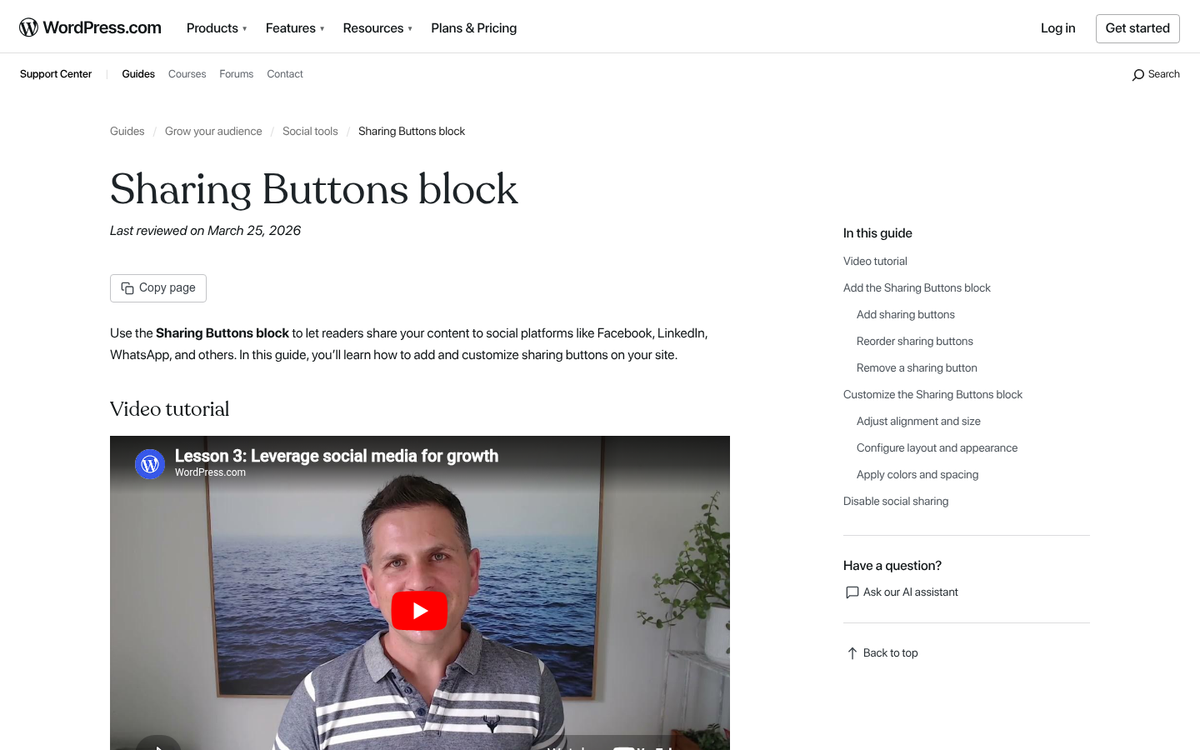
If you're using a block theme - which is increasingly the default in 2026 - you'll use the Sharing Buttons block directly within the block editor. You can insert this block into your posts, pages, or your site's template parts, and it gives you more flexibility over placement than the classic system ever allowed.
Supported platforms for WordPress.com's native sharing include Facebook, LinkedIn, and WhatsApp, among others. Notably, a few things have changed from the old days:
- Google+ is gone - the platform shut down years ago and has been removed from sharing options entirely.
- Twitter/X support exists but the platform's identity and API situation has evolved considerably since Elon Musk's acquisition, so verify current behavior on your specific plan.
- WhatsApp is now included, reflecting its massive global growth as a content-sharing channel.
- Facebook, LinkedIn, Pinterest, Reddit, Pocket, Tumblr, and email options remain available depending on your plan and theme.
One technical benefit of WordPress.com's native share buttons is their efficiency. The native share button code weighs in at under 2 KB (just 0.4 KB compressed) - external plugin-based social sharing buttons can total anywhere from 200 to 500 KB in file size. In an era where Core Web Vitals and page speed are important ranking factors, this is not a trivial consideration.
Once your buttons are configured on a site-wide basis, you can customize them on individual posts through the post settings panel; you can toggle sharing buttons on or off per post. Granular per-post customization beyond that toggle remains limited. If you're thinking about where to place your share buttons for maximum impact, that's worth considering as part of your overall setup.
WordPress.com also includes built-in sharing analytics in the dashboard when sharing is enabled. You can see accumulated share counts for your blog as a whole and for individual posts, broken down by network - helpful for recognizing which platforms resonate most with your audience. This kind of data also ties directly into why social proof matters for your blog posts.
All is not paradise on WordPress.com in terms of social sharing. It remains a somewhat limited system compared to what's available on WordPress.org:
- Customization is still restricted. Even in 2026, you cannot fully replicate the advanced button styles, hover animations, or dynamic designs available through premium WordPress.org sharing plugins.
- Floating sidebar share buttons are not natively available on WordPress.com standard plans, which remains one of the most requested missing features.
- Some social networks are absent. Niche or regional networks like VK or Weibo are not included, which can matter for blogs with a global audience.
- Share counts reset to zero if your domain changes. This is because share counts come directly from the social networks themselves and are tied to the URL. If you migrate from a WordPress.com subdomain to a custom domain - or change domains for any reason - those counts cannot be recovered. This is a known and unavoidable limitation.
All in all, WordPress.com has a functional, lightweight, and easy-to-configure social sharing system that has improved meaningfully over the years, particularly with the block editor's Sharing Buttons block. For casual bloggers and content creators who prioritize simplicity and page speed, the native tools are legitimately decent. But if social sharing is central to your growth strategy and you want maximum flexibility, placement options, network variety, and design control, WordPress.org remains the better choice - especially with the wealth of mature, AI-enhanced sharing plugins now available in its ecosystem.