





Key Takeaways
- Ad injection plugins automatically insert your own ads into post content, replacing manual editing across your entire site.
- The original "Ad Injection" plugin is outdated and insecure; Advanced Ads, AdSanity, and AdRotate are current recommended alternatives.
- Native and in-content ads outperform sidebar/banner placements because readers encounter them where their attention already is.
- Good ad injection setups require placement flexibility, exclusion controls, ad blocker handling, and GDPR compliance features.
- Display ads work best combined with affiliate marketing, digital products, or sponsorships rather than as a sole revenue source.
Bloggers want to make money. Whether you're just starting out or still focused on growing your audience before launching your own products, running ads on your site remains one of the most accessible ways to generate revenue. The landscape has changed dramatically, though - especially with the rise of AI-driven ad platforms - so it's worth reviewing your options before getting started.
This guide is focused on WordPress.org users for a few reasons. First, it remains one of the most widely used blogging platforms in the world. If you own a blog, there's a strong chance you're running WordPress. Second, WordPress.org is very customizable, which is why it matters for the ad injection strategy we're going to talk about. This won't work with WordPress.com's free or lower-tier plans, which restrict plugin usage to a curated set. Third, when done right, this process doesn't require you to monitor complex systems - you configure a plugin, connect it to an ad account, and let it run.
Let's start from the beginning - the place most bloggers start their monetization journey: Google AdSense.
The Benefits of AdSense
AdSense remains one of the most widely used display ad networks for bloggers in 2026, though its role has evolved with increased competition from AI-powered ad platforms. Let's look at what still makes it desirable - and where it falls short.
First, AdSense is a Google product, which means it's stable, legitimate, and will pay you reliably as long as you follow their policies. Google invests heavily in fraud detection, so any attempts at click manipulation or artificial traffic will cause a ban. Don't do it.
Second, setup is easy. Google's auto ads feature can have AdSense running on your WordPress site in minutes, using AI to automatically place and optimize ads across your pages without manual configuration.

Third, AdSense uses contextual analysis - now improved by machine learning - to match ads to your content and audience. This means more relevant ads and better click-through potential. Remember that Google limits publishers to 3 ads per page, and after setup, it can take 20-30 minutes for ads to appear - this is by design.
AdSense scales well with traffic. As your audience grows, advertisers are willing to pay a premium for placement on your site, which increases your earnings over time. It also doesn't stop you from using other monetization methods - affiliate programs, sponsored content, or other ad networks can all coexist alongside AdSense, provided you don't overwhelm your readers with ads. To get the most out of your setup, it's worth looking at the highest earning AdSense layouts for blogs to maximize your placement strategy.
The main downside is that AdSense pay rates can be low in certain niches, and ad blindness remains an issue. More on that shortly.
Using Alternative Ad Systems
AdSense isn't the right fit for everyone. You may find that other networks give you higher CPMs in your niche, or you might have been blocked from AdSense for one reason or another. In either case, you have strong alternatives in 2026.
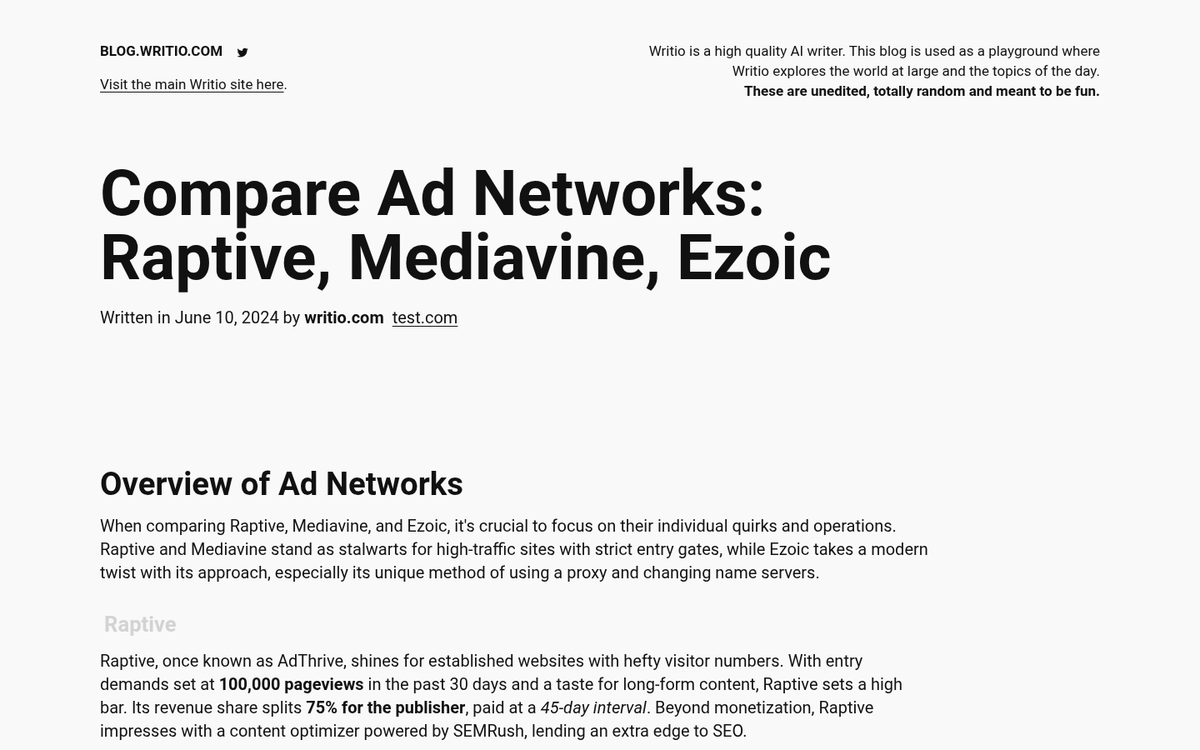
Some of the most well-known options include:
- Mediavine - A premium ad network popular with lifestyle, food, and travel bloggers. Requires a minimum of 50,000 sessions per month but offers excellent RPMs.
- Raptive (formerly AdThrive) - Another top-tier network, requiring 100,000 monthly pageviews, but offering high earnings and strong support.
- Ezoic - Uses AI to optimize ad placement and has a lower entry threshold than Mediavine or Raptive. A good middle-ground option for growing sites.
- Amazon Associates - Not a traditional display network, but highly effective for content sites that review or recommend products.
- Media.net - A strong contextual ad network backed by Yahoo and Bing, often a solid AdSense alternative.
The ad industry is in non-stop flux. Networks rise and fall, change ownership, or change their terms. Always verify that any network you're considering is currently reputable, and that the list you're consulting is recent. Outdated recommendations can cost you time and money.
The Problem of Ad Blindness
Ad blindness has only gotten worse over time. Users have become remarkably skilled at ignoring anything that looks like an ad - banner shapes, sidebar widgets, and even in-content placements that follow predictable patterns. Ad blocker usage has also grown, with hundreds of millions of users actively filtering out display ads entirely.
The most effective answer is to use ads that don't look like ads. Native advertising - where sponsored content blends with the surrounding editorial design - outperforms traditional display ads in click-through rates and user experience. Networks like Outbrain and Taboola pioneered this strategy, and it remains effective. You can explore the best ad networks to monetize your blog to find platforms that support native formats.

AI has accelerated this trend. Modern ad platforms use machine learning to dynamically match ad formats, colors, and copy to your site's visual style, which makes ads feel less intrusive and more contextually relevant.
In-content ad injection, done tastefully, uses this same principle. Ads appear within the natural flow of your content instead of in ignored sidebars or headers. Readers engage with your content, and the ads appear where their eyes already are. Be mindful of how many ads you can safely place before hurting the reading experience.
Ad Injection: The Concept
Before we continue, a quick clarification: if you search "ad injection," you'll find alarming results. Those articles are about malicious ad injection - hackers inserting unauthorized ads into sites they don't own. That's not what we're talking about here.

What we're talking about is a WordPress plugin to automatically insert your own ads into your own content. Instead of manually editing every post to place an ad after the second paragraph, a plugin does this for you across your entire site, based on rules you define. It's legitimate, widely used, and well within the terms of service of every ad network.
The core benefit is that ads appear within the body of your content - where readers are already engaged - instead of in static positions they've learned to ignore.
Choosing the Right Ad Injection Plugin in 2026
It's important to address something directly: the original "Ad Injection" plugin this post once recommended is no longer viable. It was last tested on WordPress 4.3 and hasn't been updated in years. Running outdated plugins is a real security risk and will likely cause compatibility problems with modern WordPress installations. The Google Publisher plugin, which was sometimes used alongside it, was removed way back in 2017. Do not use either of these.
Fortunately, there are actively maintained alternatives:
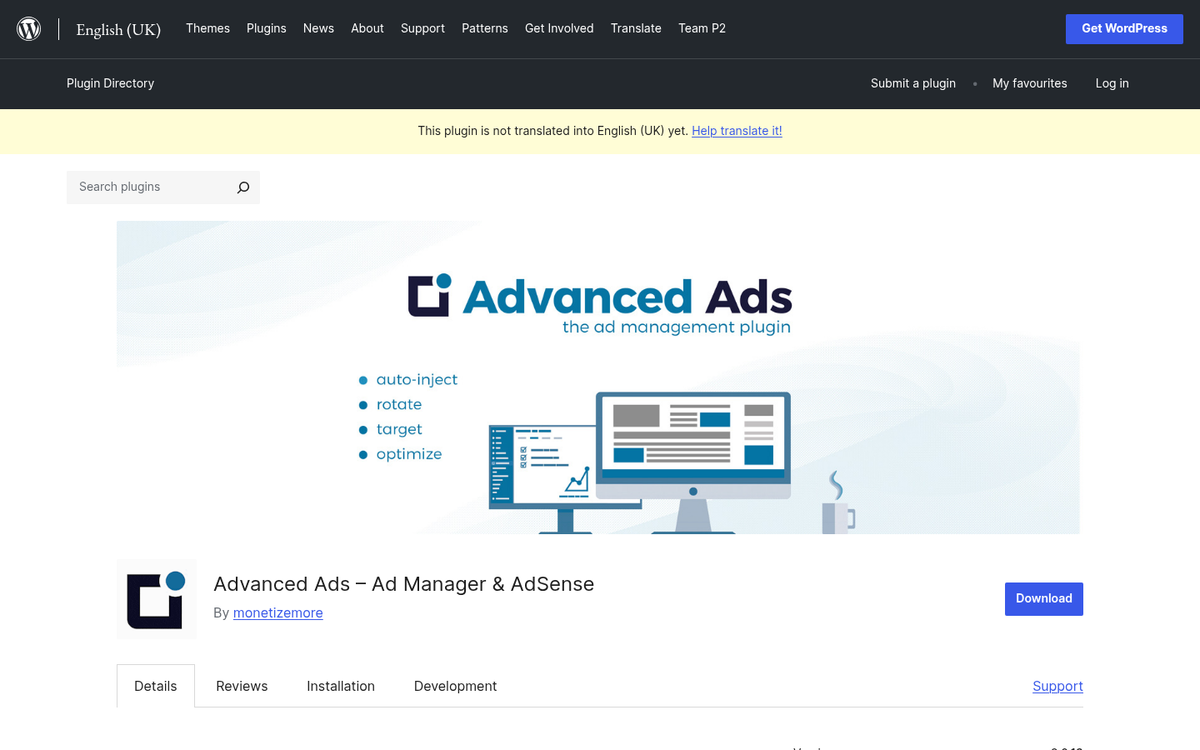
Advanced Ads is currently one of the most capable and well-supported ad management plugins available for WordPress. It supports AdSense (including Auto Ads), Google Ad Manager, and virtually any other network via custom code. Key features include:
- Granular control over ad placement - before/after content, between paragraphs, in widgets, on specific post types or categories
- Ad scheduling and visitor targeting (by device, user role, referrer, and more)
- Ad blocking detection and fallback content
- A/B split testing for ad performance
- Full compliance support including GDPR consent integration
Advanced Ads has a functional free version, with the Pro upgrade available at €89 per year for the full feature set.
AdSanity is a lighter-weight option that's a good choice for bloggers who want simplicity without sacrificing control. It starts at $59 per year and works cleanly with hosted ads and third-party network codes.
AdRotate is another strong option, with over 50,000 active installs and solid reviews. It's especially useful for rotating multiple ads in the same position and tracking performance.
All three of these are actively maintained, compatible with the latest WordPress versions, and work with caching plugins.
What to Look for in an Ad Injection Setup
Regardless of which plugin you choose, here's what a good ad injection configuration should give you:
Content-length awareness. Ads should scale with post length. A 300-word post shouldn't have three mid-content ad breaks. Look for plugins that let you set word count thresholds before additional ads are injected.
Placement flexibility. You should be able to place ads before content, after content, between paragraphs, or after a set number of words - and apply different rules to different post types or categories.

Exclusion controls. You need to be able to exclude pages (your privacy policy, contact page, landing pages) from showing ads at all.
Ad blocker handling. With ad blocker usage rising, having fallback content - an affiliate link, an email opt-in form, or a simple message - helps you recover lost impressions.
Performance tracking. Basic impression and click data is essential for understanding what's working. More advanced split testing is a bonus.
Compliance features. In 2026, GDPR, CCPA, and other privacy laws are enforced realities. Your ad setup needs to respect user consent, and that's especially the case if you're serving European or Californian audiences.
Beyond Display Ads: The Bigger Picture
Display advertising - like AdSense and its alternatives - has become harder to rely on as a primary revenue source. CPMs have become more volatile, ad blocker usage has grown, and AI-generated content flooding the web has made it harder to stand out and command premium ad rates.

The most resilient monetization strategies in 2026 combine ad revenue with other income streams - affiliate marketing, digital products, sponsorships, or membership models. Ad injection is a great way to generate passive income from your existing traffic. But it works best as one layer of a wider monetization strategy rather than the whole thing.
That said, if you're in the early stages of building your blog and you're not yet ready to launch products or negotiate sponsorships, a well-configured ad injection setup with a modern plugin like Advanced Ads is still one of the lowest-effort ways to start earning from your content. Set it up once, and it runs in the background while you focus on what matters most: creating content worth reading.

2 responses
Thoughtful replies only - we moderate for spam, AI slop, and off-topic rants.
Hi Kenny,
Thanks for the insights.
Unfortunately, the Google Publisher plugin has been closed and removed in 2017. The ad injection plugin is still available, but it has not been updated for more than 3 years. I would not recommend using this plugin anymore.
If you are looking for a free alternative, check Advanced Ads. I think this one provides currently the most comfortable AdSense integration: https://wordpress.org/plugins/advanced-ads/
Thanks Joachim! Looks like a great plugin. Appreciate the suggestion.