Key Takeaways
- Social sharing buttons can add up to 400KB of data and over 7 seconds to page load times.
- Each button triggers multiple external HTTP requests; five platforms can generate 15-25 requests total.
- Heavy social SDKs hurt Core Web Vitals metrics-LCP, INP, and CLS-directly impacting Google rankings.
- Lazy loading buttons, caching share counts server-side, and avoiding full SDKs significantly reduce performance costs.
- Only display buttons for platforms that actually drive traffic; unnecessary buttons add overhead with zero benefit.
It's a well-known fact that Google uses page load times as an SEO factor. It's also well known that a way to increase your search ranking is to build a deeper social media presence - and for that, you need social sharing buttons on your website.
The problem is, these two goals are at odds. Social sharing buttons delay the loading of your website content, which as you might expect can negatively affect your search ranking - it's not the most dramatic factor in the world. But in 2026 - where Core Web Vitals, AI-generated search results, and mobile-first indexing dominate the SEO conversation - every millisecond counts more than ever.
And the numbers are worse than you might know. Social sharing buttons alone can add as much as 400 kilobytes and over 7 seconds of load time to a web page. One tested blog loaded in 1.8 seconds without buttons and 4.2 seconds with five platforms' sharing buttons - a 233% slower load time. A Webpagetest.org test comparing pages with and without AddThis buttons (Twitter, Facebook, Pinterest) showed load times jumping from 5.685 seconds and 36 requests to 10.086 seconds and 57 requests; it's not a rounding error; it's a performance problem.
Digging Deeper
When we talk about page load times or site speed, what are we actually talking about? There are a few ways of looking at it, and this has evolved since Google introduced Core Web Vitals as a confirmed ranking signal.
Core Web Vitals. As of 2026, these are Google's primary page experience metrics and they carry weight in rankings. The three main metrics are Largest Contentful Paint (LCP), which measures how fast the main content loads; Interaction to Next Paint (INP), which replaced First Input Delay in 2024 and measures responsiveness to user interactions; and Cumulative Layout Shift (CLS), which measures visual stability. Social sharing buttons can hurt all three. Heavy JavaScript from social SDKs delays LCP, third-party scripts get in the way of INP, and buttons that load asynchronously after the page renders give you layout changes that hurt your CLS score.
Page Speed. This is what most people think of - the amount of time from when a user requests your page to when it's loaded and interactive. Social buttons are especially damaging here because each one generates external HTTP requests. Sharing buttons can generate 15 to 25 external HTTP requests per page, each one adding latency. On mobile 3G networks, each DNS query from a social button can take 200 to 500 milliseconds on its own.
Time To First Byte (TTFB). This measures how fast your server begins responding. While social buttons don't directly affect TTFB, a server bogged down processing third-party script calls can slow everything downstream - especially relevant if your hosting environment isn't optimized.
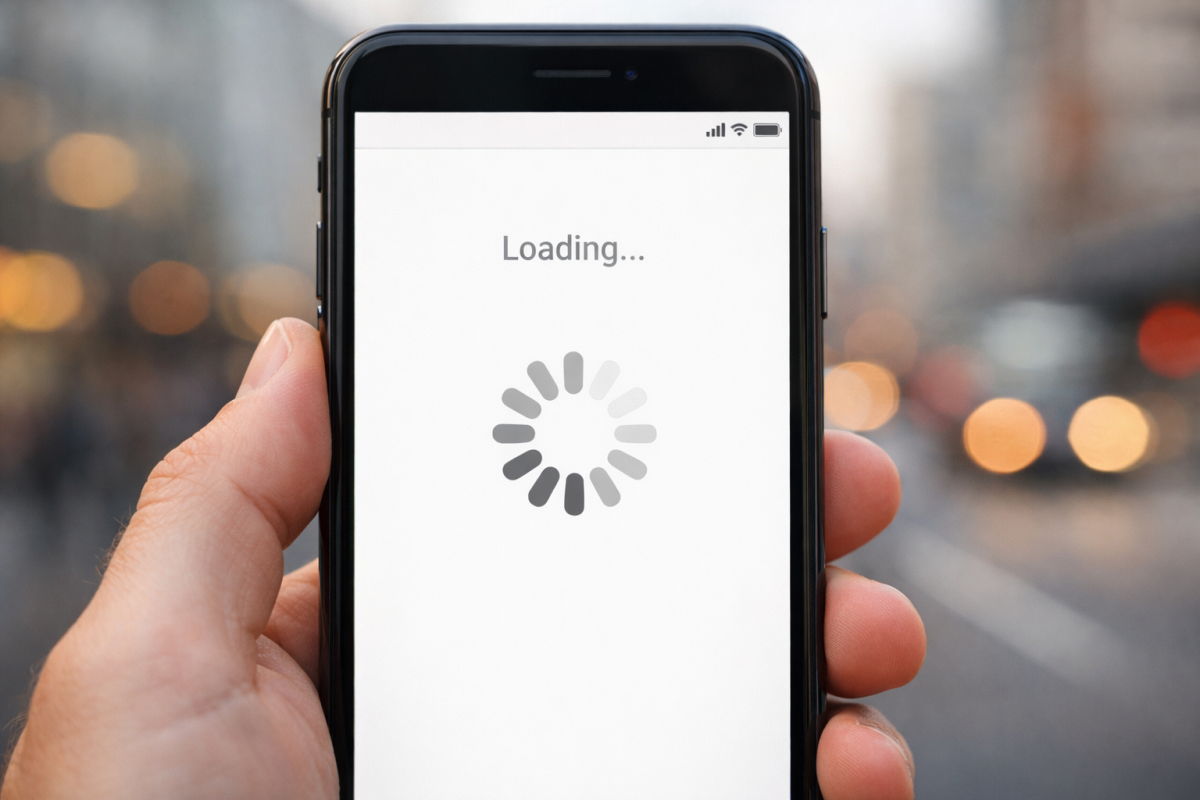
The connection speed issue matters far more than it did even a few years ago, because Google now uses mobile-first indexing by default. Google is crawling and evaluating your site as a mobile user would experience it - not from a fiber-connected data center desktop environment. That means the performance penalty from social buttons hits your rankings harder than ever. If you're already dealing with mobile issues, it's worth reviewing how to fix WordPress Google mobile usability errors as part of your broader site health audit.
All of this is context. Where do social media buttons actually come into play?
How Social Media Buttons Work
There are dozens of social media button providers out there, and they all claim to make their plugins fast, or at least as fast as possible. The thing is, "as fast as possible" isn't always all that fast. The reason is because of how these buttons work.
The vast majority of social media buttons interact directly with the social network involved. A Facebook Like button alone can cost as much as 84KB of JavaScript just to load the button itself - before any share counts or user data is fetched. And that's before the full Facebook SDK which, when combined with the Facebook Tracking Pixel, can push page sizes dramatically higher. One real-world test found that removing the Facebook SDK and Tracking Pixel reduced page size from 1.8MB to 1.1MB - saving 0.7MB - and dropped total requests from 66 to 40. If you're wondering why your Facebook Like button may not be working as expected, this overhead is often part of the story.
The common process for loading a single social sharing button looks something like this:
- The user sends a request to load your page.
- Your server processes the request and begins loading your page.
- Your page encounters the script that loads the social sharing button and begins to run it.
- The script sends a request to the social network's servers for relevant data (share counts, user info, etc.).
- The social network's servers receive the request and query their database.
- The data is returned to your page.
- The button fully renders with the returned data.
That's a long process, and it's just for one single social media button. Now repeat it for every platform you have a button for. Five platforms means potentially 15 to 25 HTTP requests, hundreds of kilobytes of extra data, and a few seconds added to your load time - all confirmed by real-world testing. Choosing which social buttons to display on your posts wisely can help minimize this impact.
Even if each individual request takes only a few hundred milliseconds, they stack. And if a single request fails or hangs - which happens with third-party APIs - it can hold up the rest of your page load entirely, depending on how the script is implemented.
So how can you speed up these slow buttons?
Use Fewer Social Buttons
This remains the single most effective thing you can do. In 2026, the social media landscape has consolidated. Platforms like StumbleUpon are long gone. Ello never took off. The networks that actually drive referral traffic for most websites are a much shorter list: Facebook, Instagram, LinkedIn, Pinterest, and depending on your niche, X (formerly Twitter) and Reddit.
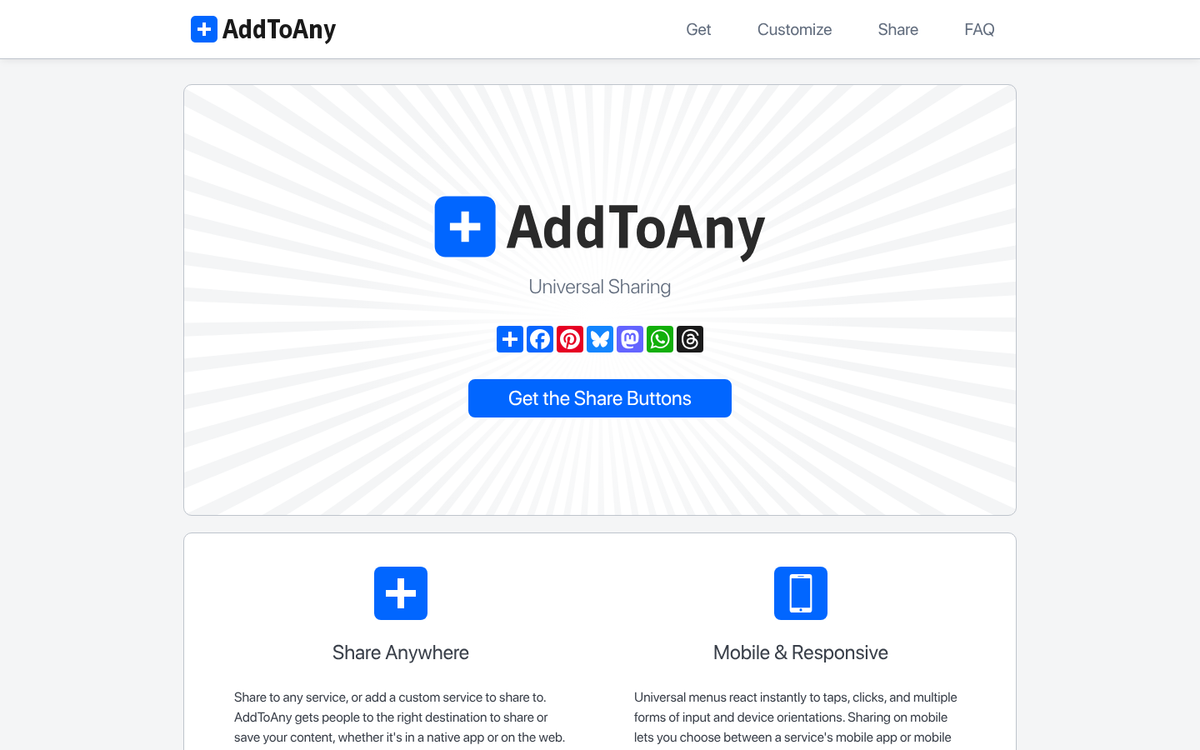
Too many websites still display buttons for every platform they've ever heard of, regardless of whether those platforms drive any traffic for them. If you're not actively using Pinterest as a marketing channel, a Pinterest button on every page is adding HTTP requests for no return. Apply the same logic to every button you display.
You also don't necessarily need to show live share counts. Share counts require a real-time API call to the social network on every page load. If you disable counts and just use static sharing links, you remove the majority of the performance cost. Most third-party social button plugins will let you disable counts easily. Given that platforms have reduced or eliminated public share count visibility anyway - Facebook removed public like counts in many regions years ago - this is increasingly easy to justify.
Use Lazy Loading for Social Buttons
One of the most effective modern techniques is to not load social buttons until the user actually needs them - meaning buttons only load when a user scrolls near them (intersection observer lazy loading) or when they hover over a placeholder element. Since most users never use social sharing buttons at all, most page loads avoid the performance penalty entirely.
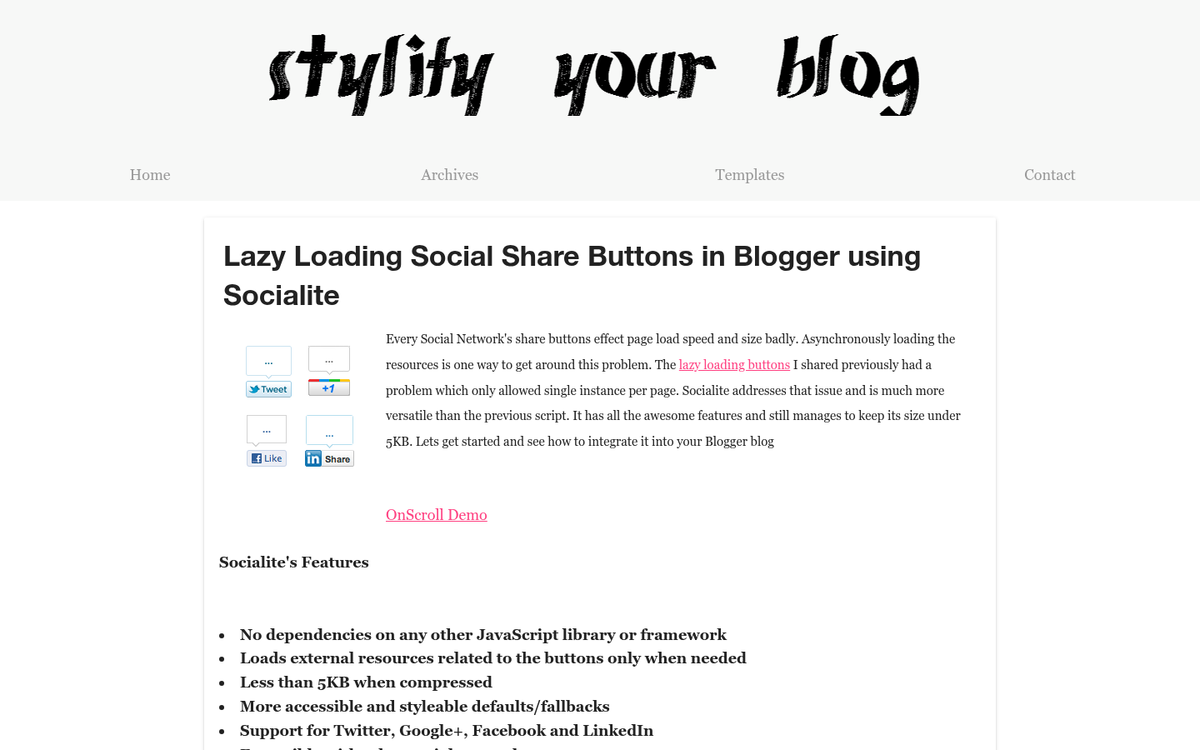
A lightweight placeholder - just a styled button image stored locally on your server - loads instantly. The third-party script only fires when the user shows intent to interact. The API call usually completes in under 200 milliseconds, so the user experiences no noticeable delay - it essentially offers the best of both worlds: fast first load times and functional sharing buttons for users who want them.
Cache Your Share Counts
Rather than making a live API call on every page load, modern social sharing plugins allow you to cache share counts on your server and refresh them on a defined interval - once per hour, once per day, whatever fits your needs. When a user loads your page, the cached count is served instantly from your own server with no external request.
This is one of the most impactful optimizations available and dramatically cuts back on the performance cost of displaying share counts. Look for plugins that explicitly support server-side count caching when evaluating your options. In testing, plugins with caching enabled (like WPSocialite in older benchmarks) loaded in around 2.266 seconds compared to AddThis at 5.080 seconds - more than twice as fast - because of this difference.
Avoid Loading Full Social SDKs
Facebook's full JavaScript SDK, Twitter's embed scripts, and similar official social platform tools are designed for far more than displaying a sharing button. They load tracking infrastructure, ad targeting scripts, comment systems, and other features you almost certainly don't need. Loading these full SDKs for the sole purpose of showing a sharing button is like hiring a full construction crew to hang a picture frame.
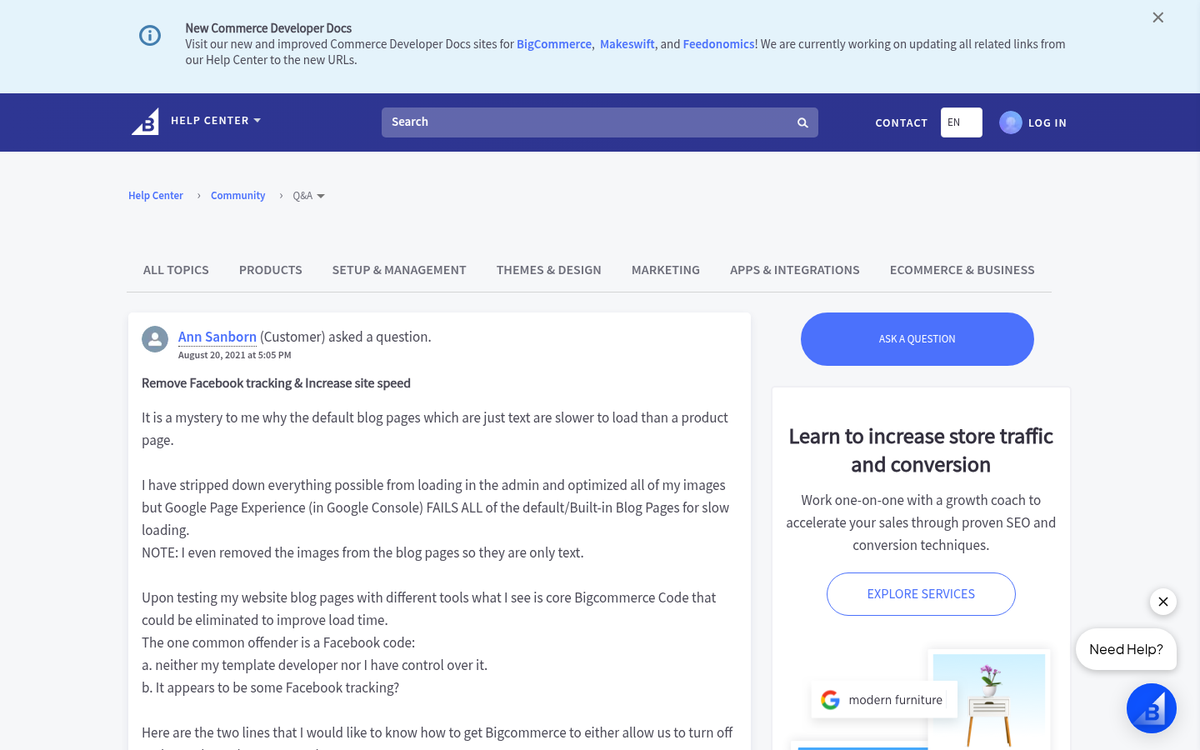
Use lightweight sharing links instead. A Facebook share link is basically a URL with your page's URL appended as a parameter. No SDK required. The same applies to X, LinkedIn, Pinterest, and most other platforms. You can construct these links manually or use a plugin that generates them without loading the full platform SDK. Removing the Facebook SDK and Pixel alone can save over 0.7MB and 26 HTTP requests per page load.
Use a Content Delivery Network Strategically
A CDN can help with page performance when it comes to serving your static assets - images, CSS, and locally-hosted JavaScript - from servers geographically close to your users. However, a CDN doesn't solve the problem of external API calls to social networks. Those calls still go to Facebook's or X's servers regardless of your CDN setup.

Where a CDN legitimately helps with social buttons is when combined with server-side count caching: your cached share count data can be served via CDN edge nodes, which makes even the cached data delivery faster. But if you're hoping a CDN will fix slow social button load times on its own, it won't. The bottleneck is the external request - not your server.
The Bottom Line
In 2026, with AI Overviews changing search results pages and Core Web Vitals directly influencing rankings, page performance matters more than it ever has. Social sharing buttons represent a measurable, documented performance liability - adding as much as 400KB of data, 7+ seconds of load time, and 15 to 25 extra HTTP requests per page in worst-case scenarios.

That doesn't mean you should remove them entirely. Social sharing still drives traffic for sites, and the right buttons on the right content can legitimately expand your reach. But use them intelligently: include only the platforms that matter for your audience, disable live share counts or cache them server-side, lazy load buttons on user interaction, and avoid loading full social SDKs when a simple sharing link will do the job. The performance cost of social buttons is real - but with the right strategy, it's largely avoidable.