Key Takeaways
- Social sharing buttons have extremely low click rates-under 1% on desktop and 0.4% on mobile-making deliberate placement essential.
- Heavy sharing plugins can slow load times significantly, potentially causing you to lose 40% of visitors before they read anything.
- There are two core button types: sharing buttons (post-specific) and follow buttons (site-wide)-avoid mixing them confusingly in the same location.
- Only display buttons for platforms where your audience actually exists; fewer, well-chosen buttons outperform large banks of rarely-clicked icons.
- Social sharing is just one small distribution channel-AI-driven content discovery means it should never be your only strategy.
These days, it seems as though every website has social buttons somewhere. They could be up top, in the navigation. They might sit down in the footer, mostly ignored and lonely. They might stretch in a bar across the top of every blog post, above or below the headline. They might sit at the bottom of posts, above the comments section. Some enterprising sites even have vertical bars along the side of the screen, bars that scroll with the user so the buttons are always visible.
Beyond the easy presence of the buttons, you can analyze a site for the quantity and purpose of the buttons.
There are dozens of social networks out there and I've seen sites with whole banks of buttons, 25 or more, linking to every social media platform imaginable - this isn't a sustainable strategy, of course. You'd have to have one heck of a social media team to maintain a quality presence on those social networks.
Chances are, the blog owner just put them there, hoping people who use those networks will click those buttons - it would give them a little more exposure on that network. But it wouldn't benefit their account directly, which to me makes it a bit of a futile gesture.
Should you use social buttons? If so, how? Which sites? Should you use more than one for any given site? Before answering that, it's worth confronting something most marketers don't want to admit: social sharing buttons are used far less than people assume.
The Uncomfortable Truth About Social Sharing in 2026
The data is pretty sobering. Research tracking over 61 million mobile sessions by Marketing Insider found that only 0.2% of mobile users actually tap social sharing buttons. Across wider studies, desktop usage sits at just 0.60% and mobile at 0.39%. To put that in perspective, users are 11.5 times more likely to tap an advertisement than a social sharing button on mobile.
It gets worse. Social sharing plugins - especially heavy, poorly optimized ones - give you slow load times. If your page takes more than 3 seconds to load, studies show you risk losing as many as 40% of your visitors before they can even read a word. That means a poorly chosen sharing plugin could be doing more harm than good.
None of that means you should abandon social buttons entirely - it means you'll have to be more deliberate about which ones you use, where you place them, and how they're implemented. If you're going to use them, use a lightweight, well-optimized solution. Tools like Shareaholic, trusted by over 300,000 websites and reaching over 350 million users monthly, support 95 sharing integrations - like Facebook, Pinterest, WhatsApp, X (formerly Twitter), Reddit, LinkedIn, and Threads - while still achieving a 100/100 Google PageSpeed Insights score for desktop; it's the bar you should be going for.
The Two Types of Social Buttons
Did you know there are basically two different types of social buttons? Each site may have multiple ways of placing buttons. But they can be boiled down to two different purposes.
- Social sharing. These buttons take your post and share it on the social network associated with the button. The user clicks the button and a post is generated with your specified title, image, and description, then shared to their feed or profile.
- Social following. These buttons don't associate with a specific post. Rather, they associate with your account. If a user clicks a follow button, they're subscribing to your profile or page on that platform.
The primary difference between these is the difference between site-wide and page-limited actions. The follow button is a site-wide button - it only works once and it only works if the user doesn't already follow you. Sharing buttons, on the other hand, only apply to the page the user is on - usually a blog post - and can technically be clicked more than once or used across multiple posts.
There's technically a third type of social element worth mentioning: profile boxes or widgets. These pull in live data from your social account - follower counts, recent posts, profile photos - and embed them directly on your site. Use these carefully. If you have a strong, active presence on a given platform, a profile box can reinforce social proof. If your account is small or inactive, it may do the opposite.
The Dangers of Too Many Buttons
The number one mistake businesses make with social buttons is overusing them. When I see a site plastered with 20+ sharing icons - from places that barely exist anymore or that no one in their audience uses - I don't think "thorough." I think "this site owner doesn't have a real social media strategy."
Given what we now know about click rates (remember: under 1% on desktop, under 0.4% on mobile), cluttering your page with rarely used buttons that slow down your load time is a double loss. You're hurting your performance and gaining almost nothing in return.
A similar mistake I've seen is sites that use more than one button from a single platform side by side - just to give you an example, a Follow and a Share button from the same network stacked right next to each other with no visual distinction - this confuses users and dilutes the purpose of each button.
Here are my general recommendations:
- Put sharing buttons near blog posts, or in a sticky bar that follows the user as they scroll. If someone wants to share, they'll look for the nearest button.
- Put follow buttons in more standardized, template-level locations - top navigation, footer, or sidebar - so they read as site-wide calls to action rather than post-specific prompts.
- Don't double up with both a follow button and a profile widget in the same location. Profile boxes already include follow buttons, so it's redundant.
- Prioritize speed. Use a lightweight plugin or solution. A sharing bar that tanks your PageSpeed score is not worth whatever marginal engagement it drives.
So, what buttons should you actually use? The honest answer in 2026 is: fewer than you think, and only on the platforms where your audience actually lives. Below is an overview of the places still worth thinking about.
X (formerly Twitter)
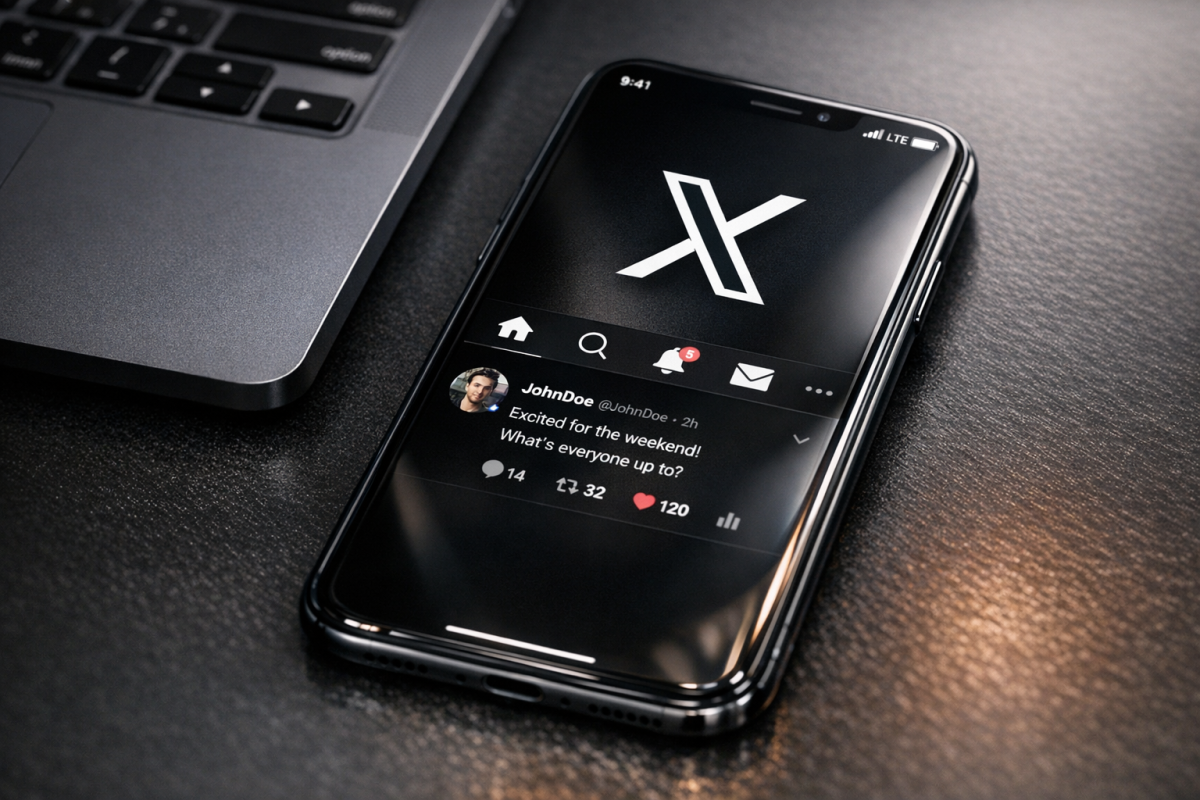
X has gone through significant changes since Elon Musk's acquisition in 2022 - including rebranding from Twitter to X in 2023. The platform's share of web-driven social traffic has shifted and its developer ecosystem has become less open and more restrictive. That said, X still commands an audience in niches - especially tech, finance, politics, and media.
- X Follow Button. Still useful for passively encouraging follows from within your site's navigation or footer, particularly if you're active on the platform.
- X Share Button. Formerly the Tweet button. Worth including in your sharing bar if your audience skews toward X users. Keep in mind that native sharing behavior on X has shifted - many users share via copy-paste or the in-app share sheet rather than third-party buttons.
- X Widgets. The embedded timeline widget still exists but can be slow to load. Use cautiously and only if your X presence is highly active.
Facebook remains the largest social network by overall user count. But organic reach for business pages has continued to decline. That said, the Share button still has value - a shared post with a great preview can generate actual referral traffic - even if the odds of any given visitor clicking the button are low.
- Facebook Follow/Like Button. Best placed in your site's header, footer, or sidebar. If a visitor is already a Facebook user and genuinely likes your content, this is a low-friction way to convert them into a follower.
- Facebook Share Button. The most useful of the Facebook buttons for blog content. It shares the post with a full link preview based on your Open Graph meta tags. Worth including in your sharing bar.
- Facebook Like Button (post-level). Less useful than it once was. A share generates a full story on a user's timeline; a like is far less visible. If you have to choose one, choose Share.
- Facebook Page Plugin (formerly Like Box). This widget can be valuable on About or Contact pages if your Facebook community is large and active. Otherwise, it may highlight a small follower count and look counterproductive.
LinkedIn has grown considerably in importance, particularly for B2B content, professional services, and thought leadership. If your audience is professionals or business decision-makers, LinkedIn deserves more attention than it used to get. Learn more about how to promote your blog posts on LinkedIn or how to syndicate content to LinkedIn for traffic.
- LinkedIn Follow Button. Valuable if you're building a company or personal brand on LinkedIn. Display follower counts only once they're at a credible level.
- LinkedIn Share Button. More useful than it used to be, especially for long-form or industry-specific content. LinkedIn's algorithm has historically favored native posts, but shared external articles still perform reasonably well if the content is genuinely relevant to a professional audience.
Pinterest continues to perform well for visual niches - food, DIY, home décor, fashion, travel, and wellness. If you are in any of these spaces, Pinterest sharing is still worth investing in.
- Pinterest Save (formerly Pin It) Button. The hover-to-save script that appears over images is still the most effective Pinterest integration for blog content. When a user saves your image, it carries your description and a link back to your post. This is passive, unobtrusive, and still drives meaningful long-tail traffic in the right niches.
- Pinterest Follow Button. Worth including if Pinterest is a meaningful channel for your business.
Newer and Growing Platforms Worth Considering
The social landscape has shifted since this post was first written. Here are a few platforms that have become relevant enough to consider:
- Threads. Meta's text-based platform, launched in 2023, has grown rapidly and is now included in major sharing tools like Shareaholic. If you're active on Threads, a share button is worth testing.
- WhatsApp. WhatsApp sharing has become increasingly relevant, particularly for mobile audiences and international markets. It's a private-sharing channel, so you won't see the public amplification of a Facebook share, but it drives real traffic - especially for news, health, and lifestyle content.
- Reddit. Reddit remains a powerful traffic driver in the right context. The key word is context. Reddit's communities are notoriously resistant to content that feels promotional or out of place. A Reddit share button is only worth including if you produce genuinely useful, substantive content that fits naturally within relevant subreddits.
What About AI and Social Sharing?
It's worth noting that the wider content discovery landscape has shifted with the rise of AI. More users in 2026 are discovering content through AI-generated summaries, chatbots, and AI-enhanced search instead of through social feeds - this doesn't make social sharing obsolete. But it does reinforce the point that no single distribution channel - social buttons included - should be your only strategy. Social sharing buttons are a small part of a bigger picture that now includes structured data, E-E-A-T signals, and content that AI tools are likely to surface and cite.
The Bottom Line
Social sharing buttons are not dead. But they need to earn their place on your page. Given that less than 1% of users actually click them, and given the real performance cost of bloated sharing plugins, every button you add should be intentional. Use platforms where you have an active presence. Use a fast, well-optimized sharing solution. And place buttons where users who do want to share will look for them - not everywhere, all at once, hoping something sticks.
Hope this helps! Let me know what social sharing strategy has worked best for you in the comments below.