Key Takeaways
- Quality Score (1-10) directly impacts ad placement and costs, with higher scores earning better auction rates without paying more.
- Expected CTR is the biggest factor; reaching a 10/10 score typically requires CTR 2-3 times higher than competitors.
- Three components determine Quality Score: Expected CTR, Ad Relevance, and Landing Page Experience, each rated above/below average.
- Keep 2-3 ads per ad group, test new variations every 200-500 impressions, and pause underperformers consistently.
- A sudden score drop to 1-2 (Google Slap) signals serious issues like policy violations or misleading landing pages requiring genuine fixes.
Google Ads Quality Score: What It Is and How to Improve It in 2026
In Google Ads (formerly AdWords), every keyword you target is assigned a Quality Score. This is Google's way of rating how relevant and useful your ad copy and landing page are for a given keyword - and it has a direct impact on your costs and ad placement.
Google's classic example uses socks. You're a store that sells socks. A user searches "striped socks" and sees your ad. There are three ways your ad could appear: one specifically mentioning striped socks, one mentioning socks in general, and one that doesn't mention socks at all. The striped socks ad would have the best Quality Score, while the one with no mention of socks would have the worst.
Now say the customer clicks that ad and lands on your page. The lowest quality option would be dumping them on your homepage. A better option would be a socks category page. The best option is a page specifically about the striped socks you offer.
A higher Quality Score earns you real, tangible benefits. Ads with better scores tend to have stronger CTRs and conversion rates, qualify for better rates in the ad auction, and get placed higher in the results - all without necessarily paying more.
It's worth noting that Google introduced Quality Score back in July 2005, originally ranking ads using a simple formula: bid x CTR. Today it's far more nuanced, but CTR remains the single biggest factor.
Checking Quality Score
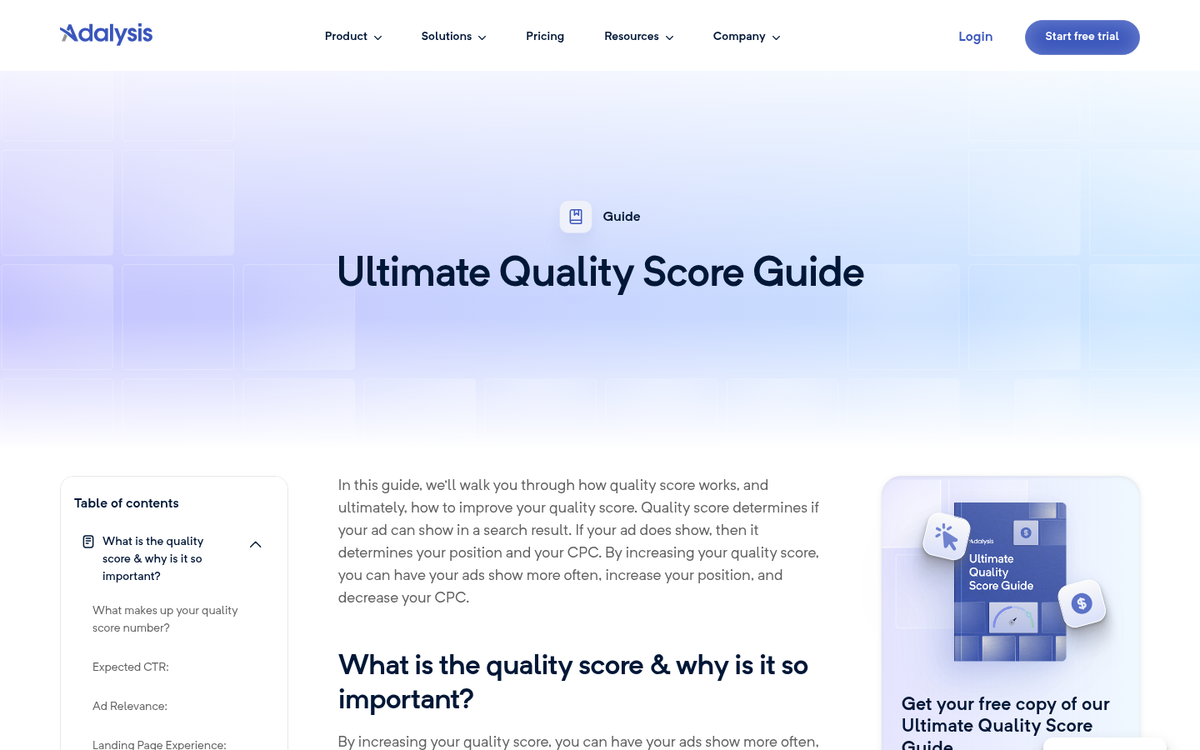
Quality Scores are found inside your Google Ads account under the Keywords tab. To view them, navigate to your campaign, click into the Keywords tab, and either:
Option 1: Click the speech bubble icon next to any keyword. This pulls up a detailed breakdown including your Ad Relevance rating, Landing Page Experience rating, Expected CTR, and your overall Quality Score.
Option 2: Add the Quality Score column directly to your Keywords report. Click the Columns menu, select Modify columns, find the Quality Score attribute, and add it. This gives you a quick at-a-glance view across all your keywords without clicking into each one individually.
Quality Scores are measured on a scale of 1 to 10, where 10 is the best possible score. A score of 1 is a serious problem that needs immediate attention. Each of the three components - Expected CTR, Ad Relevance, and Landing Page Experience - is rated as Above average, Average, or Below average, based on a comparison with other advertisers over the last 90 days. To understand how long Quality Score takes to update, it helps to know how Google evaluates these metrics over time.
Types of Quality Score

The keyword-level Quality Score is the most granular and the one you'll work with most often, but it's just one of several layers. You also have:
- An account-level quality score that aggregates the quality signals across all of your ads and keywords, factoring in historical performance data to give you a broad picture of your account's health.
- The ad group quality score, which reflects how well your ads and keywords are aligned within a given ad group.
- The ad-level quality score, which looks specifically at your ad creative and how it performs regardless of the individual keywords triggering it.
- Your landing page quality score, which evaluates the relevance, transparency, and usability of the pages you're sending paid traffic to.
- Your display network quality score, which governs how your ads perform across Google's Display Network outside of standard search results.
- Your mobile quality score, which accounts for your ad experience on mobile devices, including how well your landing page and conversion process work on a phone.
Boosting Your Quality Scores
There's no mystery formula here. Better, more relevant advertising earns higher Quality Scores. Start by identifying your worst-performing keywords and work backward from there. Improving scores at the keyword and ad level will lift your account-level scores over time.
Sometimes Google will indicate why a score is low. More often, especially for scores in the 4-6 range, you won't get a clear explanation. That's where critical thinking comes in. Ask yourself:
- What is the keyword for this ad, and does my copy directly reflect it?
- Is my landing page as relevant as possible for someone searching that keyword?
- Is the page genuinely useful for that searcher, or am I just trying to capture the click?
- How does my CTR compare to others bidding on the same keyword?
Any Quality Score under 8 typically has a weakness in one of those areas. That last point about CTR deserves extra attention. Reaching a near-perfect 10/10 Quality Score generally requires your ad's CTR to be 2 to 3 times higher than your competitors in the same auction. That's a high bar, but it's achievable with consistent testing and refinement.
One practical framework: keep 2-3 ads active per ad group and test new variations regularly. A good rule of thumb is to test one new ad for every 200-500 impressions, focusing on Expected CTR improvements. Pause underperformers and let the data guide you. Also keep in mind that a 2% CTR might earn an "above average" Expected CTR rating for one keyword, while a completely different keyword might require a 6% CTR just to hit "average." Context matters - always benchmark against the auction you're actually in.
Diagnosing Abrupt Drops
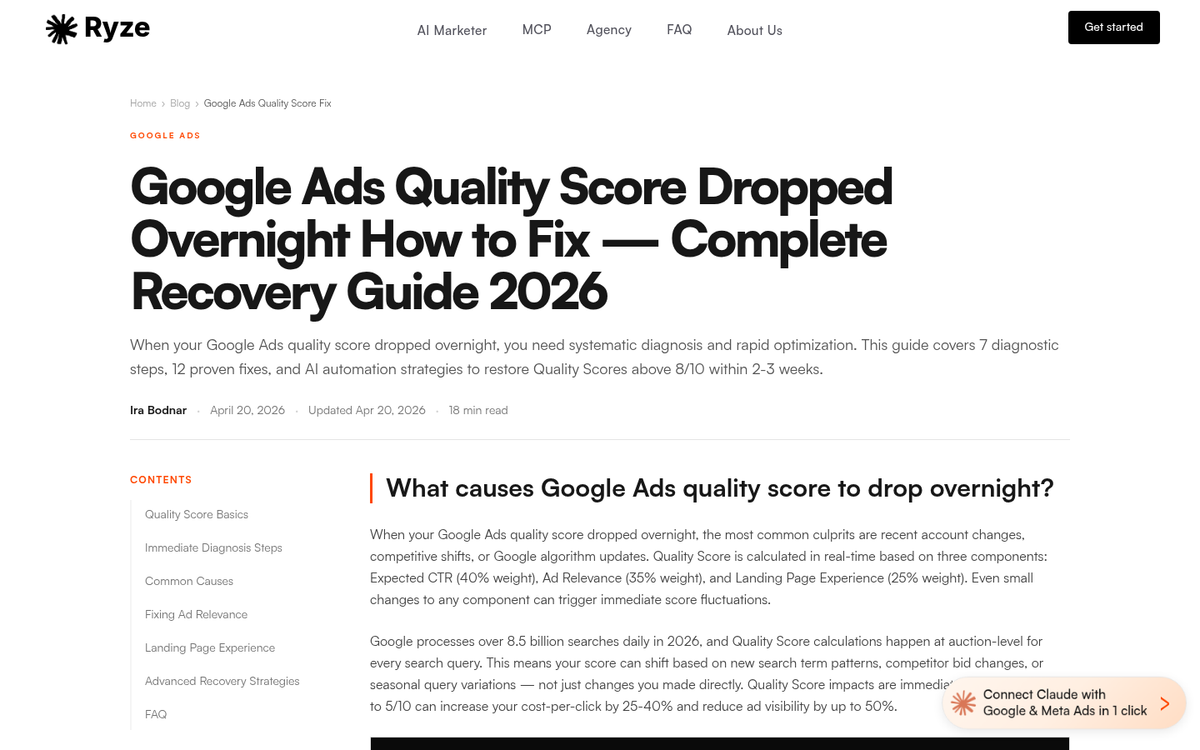
If your Quality Scores dropped overnight, start with the basics. Check your destination URLs. A broken link or a landing page returning an error will tank your score fast - and fortunately, fixing the page will bring it back up relatively quickly.
A more serious scenario is a sudden drop from a high score all the way down to a 1 or 2. This is sometimes referred to as a Google Slap, and it's Google's way of flagging that something is significantly wrong - whether that's a policy violation, a landing page that doesn't match your ad's promise, or content Google considers low-quality or deceptive. In rare cases it's a misunderstanding you can resolve by contacting support, but more often it requires a genuine overhaul of the page, offer, or business model before you'll see scores recover. If you're also noticing a broader sudden drop in Google traffic, it may point to issues beyond just your ad account.
The bottom line: Quality Score is Google's way of keeping its ad ecosystem useful for searchers. Work with that goal rather than against it, and your scores - and your results - will reflect it.