





It's an all-too-common event among business owners. One day, you're happily working, checking your analytics as you always do, only to receive the shock of a lifetime. Rather than the long, slow rise that is your traffic, you see a line graph that looks like a sheer cliff. Overnight, your traffic has dropped to 10% of what it once was.
Maybe you leap into action. Maybe you can't believe your eyes and assume it's a glitch, waiting until the next day to see if it fixes itself. When it doesn't, you have some serious work ahead of you. What caused this sudden drop in traffic?
Key Takeaways
- Sudden traffic drops can stem from technical issues like broken analytics code, server downtime, or missing redirects after a site redesign.
- Google penalties and hacking can devastate traffic; both are diagnosable through Google Search Console's Manual Actions and URL Inspection tools.
- Negative SEO via spammy backlinks can trigger ranking penalties; use Google's Disavow Links tool if suspicious links appear suddenly.
- Google algorithm updates, like the March 2024 Core Update, can reduce site visibility significantly, especially for low-quality or unoriginal content.
- AI Overviews, launched May 2024, have sharply reduced organic click-through rates, with Gartner projecting a 50% industry-wide traffic drop by 2028.
Check for Site Accessibility
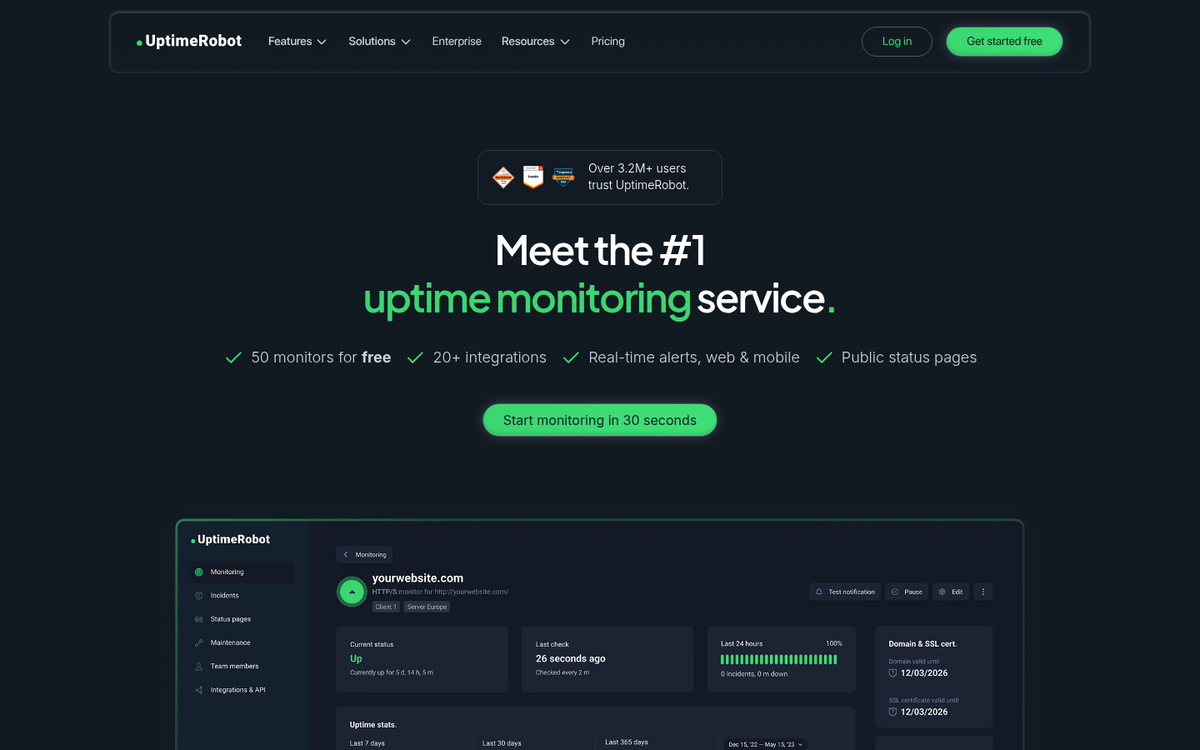
This first step is something of a basic "did you check to see if it's plugged in?" sort of troubleshooting step. Namely, check to make sure your site is actually up and available online. If your traffic dropped suddenly and precipitously, there's always the chance that your web host dropped offline for some time. Analytics can't report data if there's no code reporting it, and when it comes back online, it will report a time of no traffic.
If the loss in traffic was not complete - i.e. down to zero visitors for the duration - this is unlikely to be the issue. Additionally, if the traffic loss lasts for more than a few hours, it's probably not your web host. Most web hosts have protection against device failure, so it would take a catastrophic issue to take down a site for such an extended duration.
Check Seasonal Variations

This is another basic reason traffic might drop, and chances are it won't explain a sudden and dramatic drop in traffic, but it's worth checking just in case. Some businesses and some industries are incredibly vulnerable to seasonal variability in traffic. Others are virtually dead during holidays. It's possible that the timing caused what was formerly an inflated traffic number to drop to slightly sub-par, which looks like a very dramatic drop.
If this is the issue, all you need to do to check it is expand the time range of your reporting. If the previous peak was unexpectedly high and the current drop is on par with average traffic in the off-season, you have nothing to worry about. At least, you have nothing to worry about beyond the typical ramifications of a seasonal business.
Check Your Analytics Code

Another reason you might notice a huge and dramatic dip in your traffic is if something happens to the analytics code on your site. After all, analytics can't report anything if the code isn't there to measure traffic. It's possible that, during routine updates or maintenance, the tracking code was broken or removed.
If this is the case, all you need to do to fix your traffic numbers is fix the broken code. Unfortunately, analytics can't record information during times when the tracking code is missing, so that dip in traffic will remain on your records. Fortunately, broken analytics code is a minor issue and can be fixed in a few minutes, as opposed to many of the other possible causes of a traffic drop. Be particularly aware of your analytics code whenever you're updating your software or changing your site design.
Check Your Site Design

Speaking of site design, did your traffic drop dramatically when you launched a new design for your site? It's possible that something in your new design is breaking analytics code, or more likely, your new site design doesn't map perfectly to the old design.
For example, on your old site, say you had a series of brief, informative articles, all linked together to form a detailed FAQ. To avoid thin content issues with your redesign, you lumped all of these pages into one single page, under a new URL. This makes sense from a user perspective, and it lightens the load on your server. However, if you don't properly implement redirects, you'll lose all of the traffic that once landed on those individual pages.
Any time a page changes URL in any way, even if it's an incredibly minor change, you need to implement a redirect to point the old URL to the new one. Otherwise, any incoming traffic to those pages will be lost.
Check for Signs of Hacking

If your site is hacked, you're going to see your traffic drop dramatically. Google displays warnings such as "This site may be hacked" or "This site may harm your computer" when users try to click through, which devastates click-through rates.
Contrary to popular depictions, not all hacks are visible. Many sites are compromised with no obvious outward sign - the only symptom is a drop in traffic. Typically, what the hacker does is embed spam affiliate links in hidden portions of your site that silently earn them money until you discover them. They may also create a backdoor user account to maintain access.
One way to detect such hacking is to use Google Search Console's URL Inspection tool to see how Google renders your pages. Items hidden from your users may still be visible to Googlebot, and this tool can help surface hidden spam. Do note that if you have been hacked, recovery can take time. You need to remove all signs of compromise, update your security software, change all passwords, and remove any suspicious user accounts. Google may also temporarily suppress your rankings while they verify the issue has been resolved.
Check for a Google Penalty
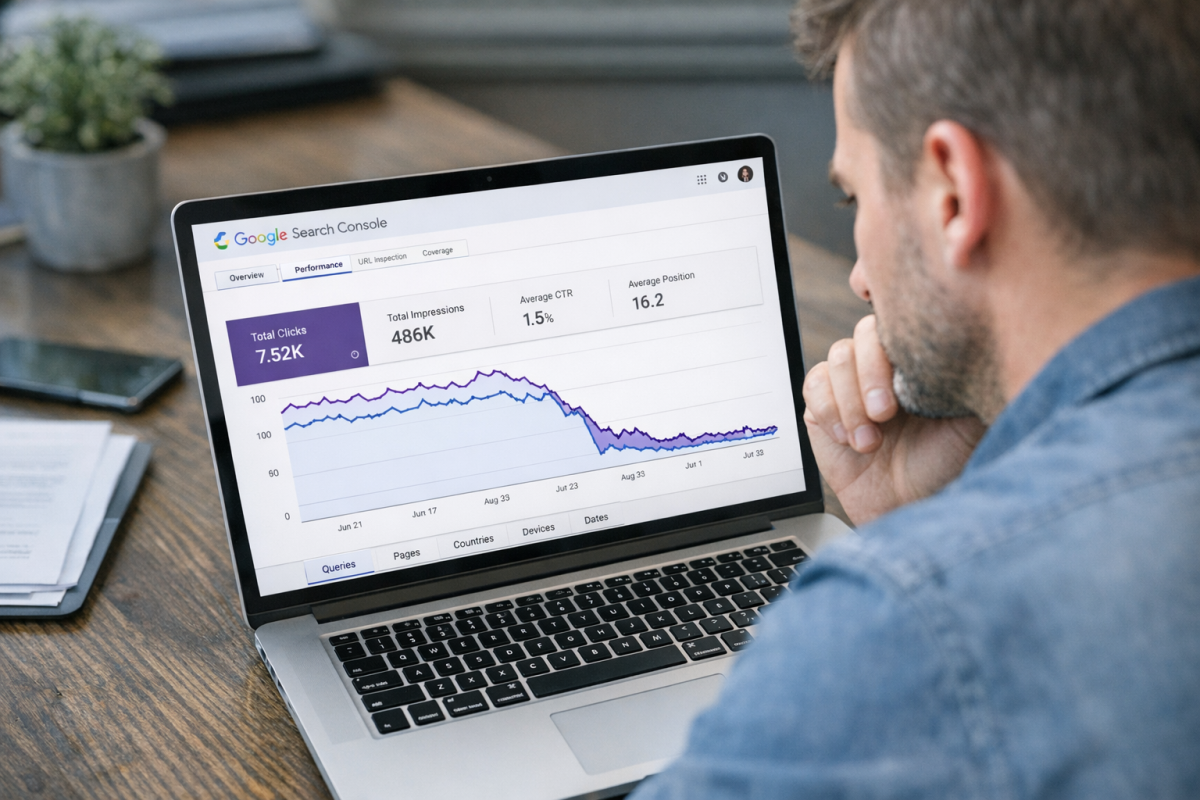
Another possible cause for a dramatic drop in traffic is a manual penalty on the part of Google. There are many things that can cause a manual action, and they're all listed when you visit the Manual Actions report in Google Search Console. Here are some of the possible causes:
- Unnatural incoming links
- Unnatural outgoing links
- A hacked site (covered above)
- A flag for thin content
- Pages labeled as pure spam
- Comments filled with spam (user-generated spam)
- Cloaking or nefarious redirects
- Hidden text
- Keyword stuffing
Google will tell you what manual penalty was applied and which URLs on your site triggered it. If you run a large site with thousands of pages, not every offending page will be listed - only a sampling. You will need to fix the problem and submit a reconsideration request before you can return to your former position in the rankings.
Check Your Backlink Profile

Negative SEO is a real threat, particularly for newer or smaller sites that haven't yet built up significant trust with Google. A malicious competitor can target your site with a flood of spammy backlinks, potentially triggering a ranking penalty.
If you haven't done any link building - let alone spammy link building - and your traffic has dropped, check your backlink profile using a tool like Google Search Console, Ahrefs, or SEMrush. If you find a sudden influx of low-quality or irrelevant links, compile a list of the offending domains and use Google's Disavow Links tool to remove their association with your site.
Check for Google Algorithm Updates
Many unexplained traffic drops come down to a Google algorithm update. This is particularly likely when traffic drops by 20-50%, rather than falling to near zero. If you've slipped several positions in the search rankings for your key terms, a change in the algorithm may be boosting your competitors at your expense.
Google's updates have become increasingly impactful in recent years. The March 2024 Core Update - one of the most significant in years - took 45 days to fully roll out and was reported to have reduced the visibility of low-quality or unoriginal content by up to 40%. Major publishers felt the effects immediately.
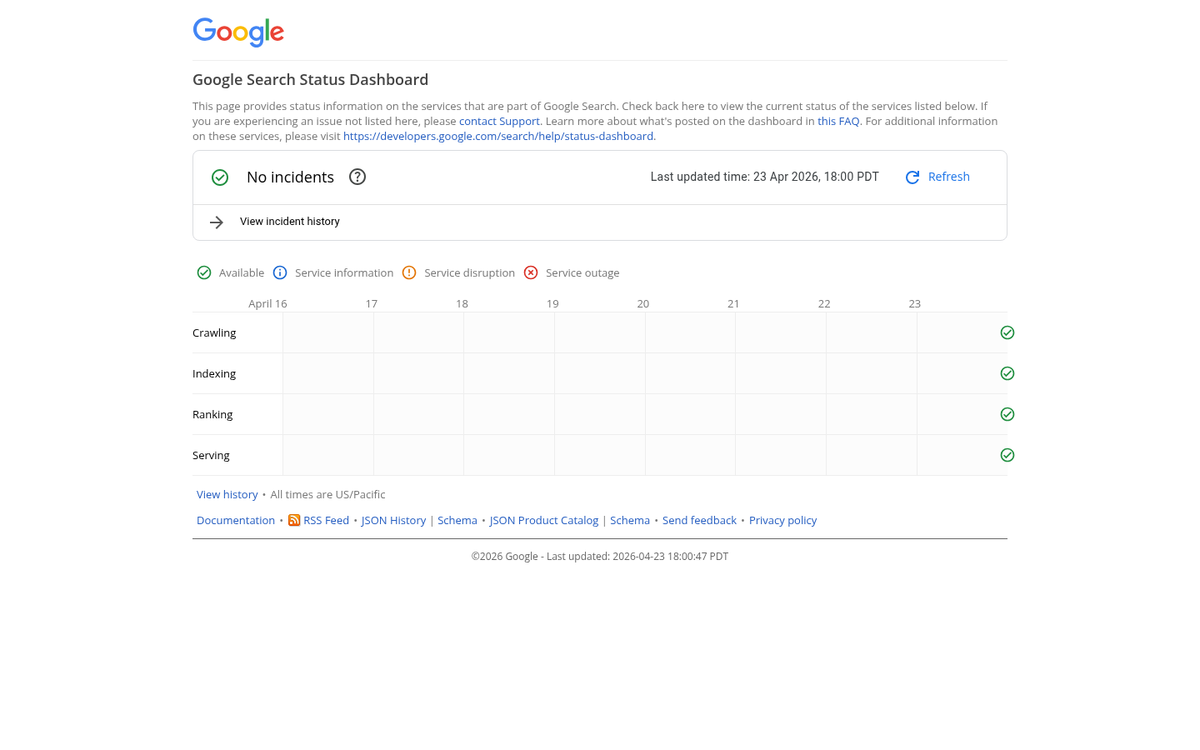
To diagnose this, monitor SEO news sources and Google's own Search Status Dashboard to identify when updates occur, then cross-reference the timing with your own traffic data. From there, assess whether your site matches the profile of sites negatively affected by the update, and take corrective action accordingly.
Check Whether AI Overviews Are Affecting Your Clicks
This is the newest - and increasingly the most significant - cause of sudden organic traffic loss, and it's one that many site owners aren't yet accounting for.
Since Google launched AI Overviews in May 2024, organic click-through rates have fallen sharply across many industries. According to research from Seer Interactive, organic CTR dropped to just 0.6% on queries where an AI Overview appeared, compared to 1.6% without one. A Pew Research study found that only 8% of users click organic links below an AI Overview, versus 15% when no AI Overview is present.
The real-world impact has been severe. Digital Trends saw monthly visits fall from 8.5 million to just 265,000 - a 97% decline. HubSpot's traffic dropped from roughly 13.5 million visits in November 2024 to 6.1 million by January 2025. Travel sites, how-to blogs, and informational content publishers have been among the hardest hit.
By early 2026, AI Overviews were appearing in over 35% of all U.S. Google desktop searches, and Gartner has projected a 50% drop in organic search traffic industry-wide by 2028 if the trend continues.
If your traffic dropped after May 2024 and no other cause explains it, AI Overviews are likely a major factor. The strategic response involves shifting focus toward content that demonstrates genuine expertise and experience (Google's E-E-A-T framework), targeting queries where AI Overviews are less likely to appear, building traffic through channels beyond organic search such as email, social, and direct audience relationships, and optimizing for visibility within AI Overviews themselves rather than simply ranking below them.


1 response
Thoughtful replies only - we moderate for spam, AI slop, and off-topic rants.
Thank you so much for this blog, helped me a lot.
After 5 days of trying thinking that google penalized me I realized my GA tracking code changed to an old account. thanks