Key Takeaways
- WordPress Pages and Posts have key differences, but neither format inherently ranks better than the other.
- Posts support categories, tags, RSS feeds, and date archives, making them ideal for blog and news content.
- Pages work best for static, evergreen content like About, Contact, and Privacy Policy pages.
- URL structure offers a minor SEO benefit, but WordPress's permalink settings make this equally achievable for Posts.
- Any ranking difference between Pages and Posts is far less important than factors like backlinks, speed, and mobile compatibility.
When it comes to blogging with WordPress, there's one decision you need to make that can have a large impact on your site. But it's something you might not even know is a choice; it's the choice of whether to make a new piece of content a Page or a Post.
Pages and Posts are two different forms of page you can create on a WordPress site. Most users usually just think of a Post as the default format for running a blog, and with reason. Creating a new Post is the most blog-like action you can take. The thing is, Pages have some mechanical differences that can have real results. Let's talk about them and see how they compare, shall we?
All About WordPress Posts
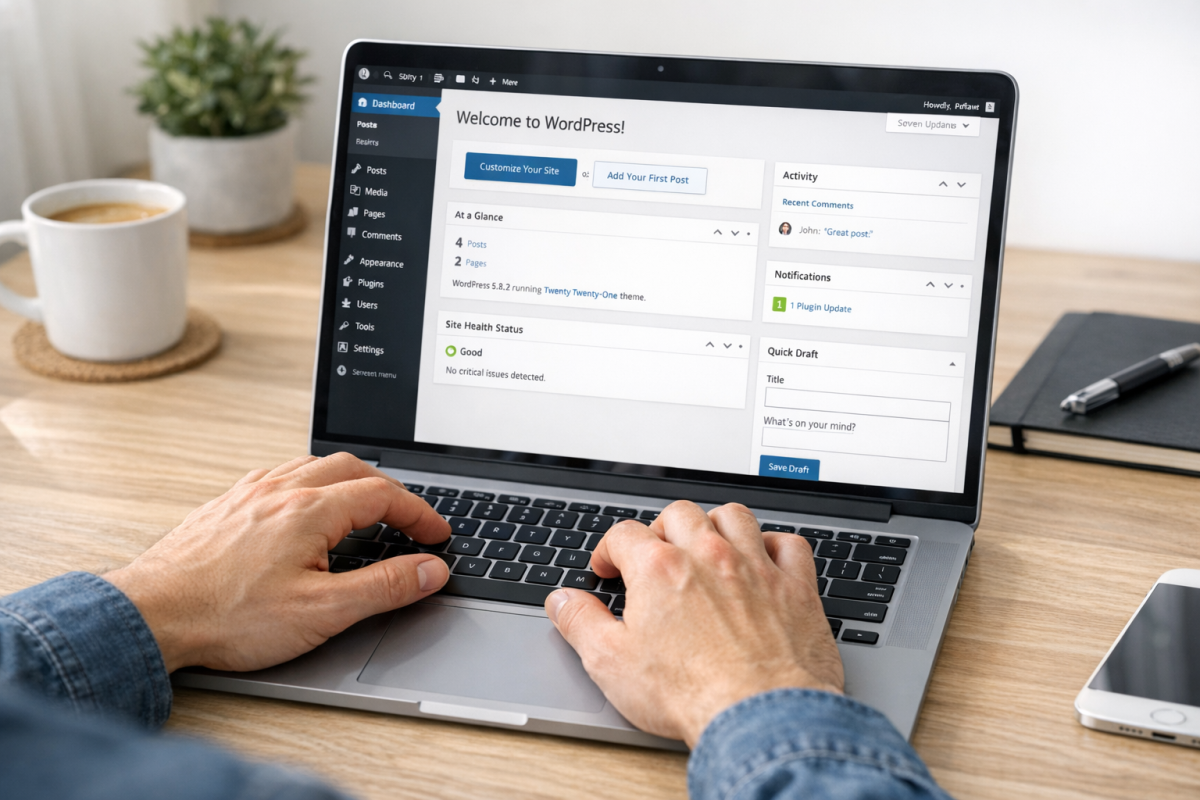
Posts are the basic unit of a WordPress blog that most users are familiar with. You create a new post and write, add your images, and publish it.
Posts have a few features that other forms of content on a WordPress blog don't. Posts, just to give you an example, can be organized in categories and given topic tags. Users can then click on a category to see the posts in that category or tag. Tags work in much the same way.
Posts are also categorized by date and time, and by author. For example, you can see the posts by one author by clicking the author name, or see everything published in a year by adding the year after your blog URL (e.g. /blog/2024).
WordPress also supports different formats for posts, like audio posts, gallery posts, and video posts. These are all sub-types of posts that give you extra features.
WordPress has features like the ability to "sticky" a post so that post always appears at the top of the blog homepage, like web forums which can sticky a topic and make that thread appear at the top of the forum directory at all times. Few blogs use this - having newer content at the top is usually the best option for blogs relying on fresh content streams - but the feature exists.
Posts are included in RSS feeds. They have a publicly displayed date and time of publication, so they can be categorized in time-sensitive feeds very easily. They can also have a customized excerpt, for use in RSS and in other feed options.
Posts are usually used as blog updates, news updates, and other chronological content. However, important system pages like an About page, a privacy policy page, or a separate non-system-based category page usually should use something like static Pages instead.
All About WordPress Pages
Pages are a form of WordPress post that operates more as a static, stand-alone form of content. As mentioned, something like an About Us page or a Privacy Policy page can be created using the Page archetype instead of the Post archetype.
Pages have static content and as such are not listed in archive feeds. They can't have categories or tags attached to them; they are not part of your blog as they are system pages. They tend to be a part of your navigation instead of back-end directories. You can create Pages to appear as part of your navigation and then give each page a drop-down set of sub-pages with the parent-child relationship in Page creation.
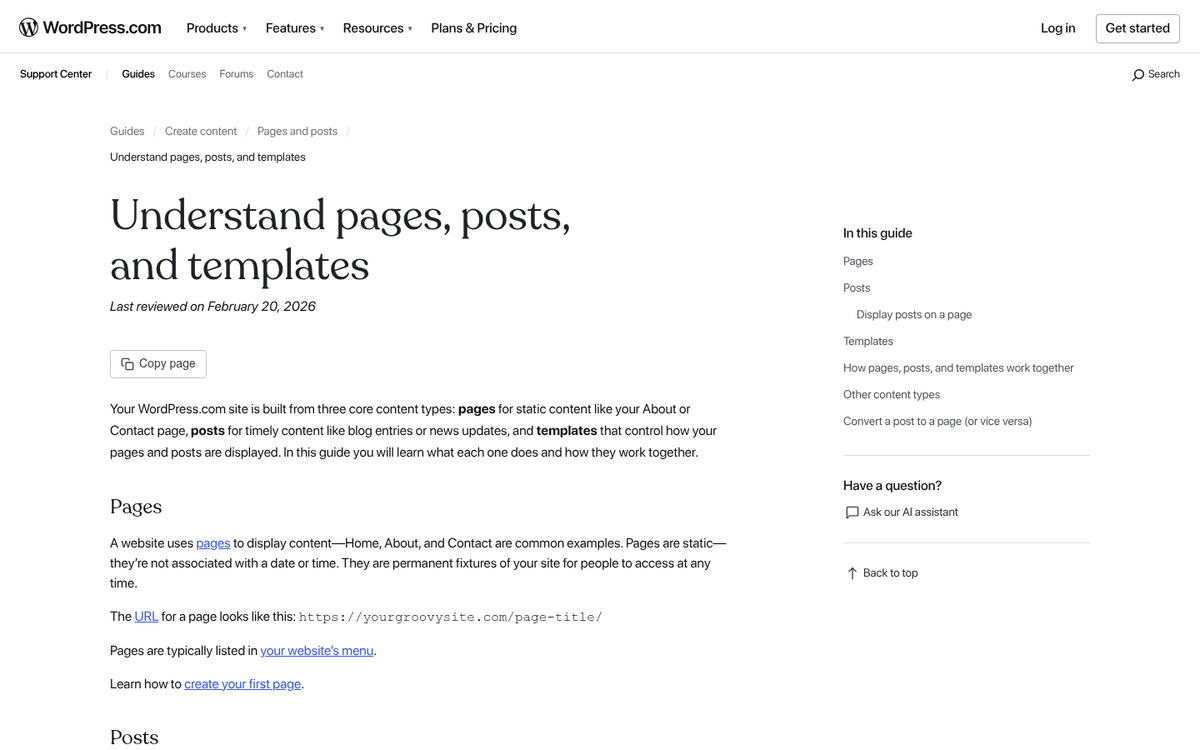
Pages are also used to create a custom homepage for your site - this custom homepage uses child pages for your sub-pages and on down a hierarchical organization structure. You can make a Page as a sub-page for your homepage, which is the main page for your blog, and then use Posts as pages for your blog feed.
Pages are the best format to use when your content is meant to be a static, evergreen part of your site. The About Us page is the easiest to imagine for businesses - it's not part of your blog feed, it doesn't need a publication date or a category listing, and it can stand outside of your common blog feed on its own.
Comparing and Contrasting Pages and Posts
So to compare them more directly, how do Posts and Pages compare to each other? First, here are the ways in which they are similar:
- Both are pieces of content on a WordPress website.
- Both can include a title, generally formatted in H1 tags.
- You can create an unlimited number of pages and posts.
- No content editing tools - images, lists, headlines, alignment, etc - are restricted from either format.
- You can set a featured image on both to allow them to use it as a thumbnail or preview image.
- Both formats allow comments, though these are usually hidden by default on Pages but visible by default on Posts.
- Both allow you to specify the author of the content, though again this is typically visible by default for Posts but hidden by default from Pages.
- Both maintain a publication date, again visible by default from Posts but hidden on Pages unless you specify you want it shown.
- Both can be customized with everything from layout templates to custom plugins handling each separately.
- Both can be scheduled to post in the future as necessary.
- Both are fully compatible with the WordPress Block Editor (Gutenberg), which has been the default editing experience since WordPress 5.0 and continues to receive significant updates.
And then the ways in which the two are different:
- Posts allow you to add categories and tags to them, while Pages do not.
- Posts will show up in archive pages centered around the day, month, year, or author associated with the content, while Pages do not.
- Posts can take custom formats like gallery, quote, and video, while Pages are their own format.
- Posts can be stickied to the top of the feed, while Pages cannot.
- Posts can have specified excerpts as part of a generated preview, while Pages do not.
- Posts show up in your website RSS/Atom feed, while Pages do not.
- Pages can be used as a static homepage for your website, while a Post cannot.
- Pages can support a custom order for organizing several at once, while Posts have only their own sorts.
- Pages can be given a custom URL structure, while Posts must maintain the URL structure of the blog as a whole.
Of course, this is actually meaningless.
Wait, what? What do I mean by that, though? Well, you should think about it. WordPress is the world's most flexible blogging platform, and it has tens of thousands of plugins out there that do everything from help you with back-end SEO to change how the very core of the system functions. Templates change the cosmetic appearance of a site. But page builder plugins and block-based themes change how it functions on a deep and basic level.
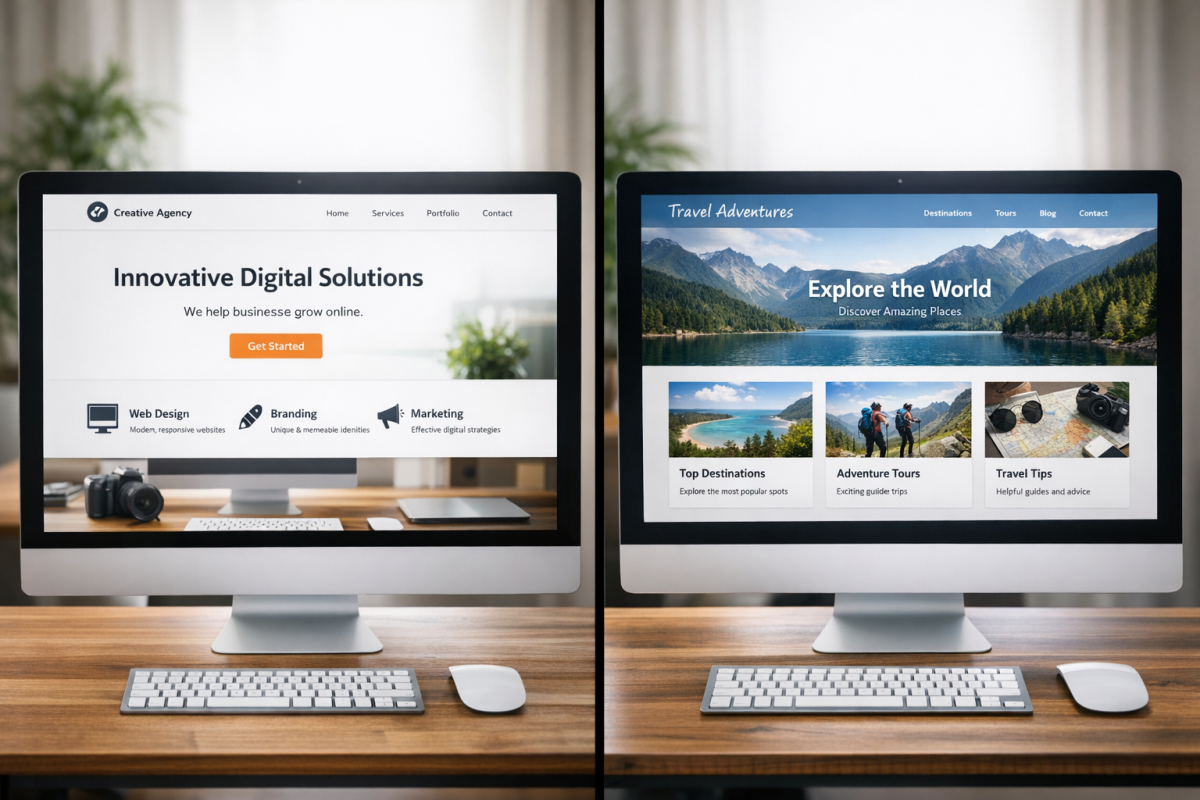
All of that means that the limitations of either format can be changed with custom code or the right plugin. If you want Pages to be able to have categories, you can add that with code. If you want Posts to be able to have a custom URL structure, you can do that too.
Of course, there's not a reason for that. If you want Pages to be more like Posts, just use Posts, and vice versa. There's no reason to change them to resemble each other more - it's just a fact that you CAN do it if you want to.
SEO Considerations of Pages and Posts
The title of this blog post is about which format for content will rank better. So we might as well talk about the SEO perspective for the two. Right? Here are some thoughts, in no particular order.
Posts have their publication date, author information, and other data shared by default - it will give Google some extra information to use to categorize and index that content. Author visibility matters in a limited sense - primarily for E-E-A-T (Experience, Expertise, Authoritativeness, and Trustworthiness) signals; attributed content from credible authors can support rankings in niches, and that's also the case for health, finance, and legal topics. However, it functions nothing like Google's old Authorship program, which tried to assign cross-site value to a person and was finally scrapped. These days, author attribution is about demonstrating credibility rather than any direct ranking signal.
Publication date, however, is pretty unimportant as a raw ranking factor. Yes, publication date can show up in search results. But it's not a reliable source of ranking data on its own. You can change the publicly visible publication date of a piece of content at any time. What Google actually cares about is when they first indexed the content - which is how they can also find if a piece of content is the original or a copied version. Does backdating an article look dishonest to Google? It's worth understanding how Google handles this.
On a different note, one thing to consider is the URL structure. Pages usually have a human-readable URL structure by default, because it's basic to how you're creating the Page. Posts, however, depend on your blog-wide permalink settings. WordPress has human-readable and numerical URL options, and it's worth making sure that you've configured yours correctly. Google assigns some minor benefit to clean, human-readable URLs, so it could conceivably favor Pages by default.
This would be true if not for the fact that you can tell WordPress to use human-readable URLs for your blog, configure them how you want them to look, and get the benefit with zero effort. Configuring your permalink structure is one of the first things you should do when creating a WordPress site - it's less that Pages are inherently better for SEO, and more that there's an easy setting you should click before you do anything else.

At the end of the day, what matters is to use each format correctly. Use Pages to make a static homepage and any other static pages you need - like the usual About, Contact, Privacy Policy, and Disclosure pages - along with anything else you want to have evergreen, long-term results. Posts, meanwhile, are for your standard blog content, news updates, and other time-sensitive material - it makes sense to use Posts for this because of their built-in organizational features and because they appear in RSS feeds for readers who follow your site that way.
I'd venture to say that if you're not using Pages and Posts correctly, you're not using the WordPress system to its fullest possible extent.
It's very possible that somewhere deep in Google's search algorithm there's a tangible difference between Pages and Posts. If so, it's much, much less important than most other SEO factors, ranging from URL structure to site speed to usability to mobile compatibility and beyond. Building even a single quality quality backlink is enough to outweigh that difference, so don't lose sleep over it.