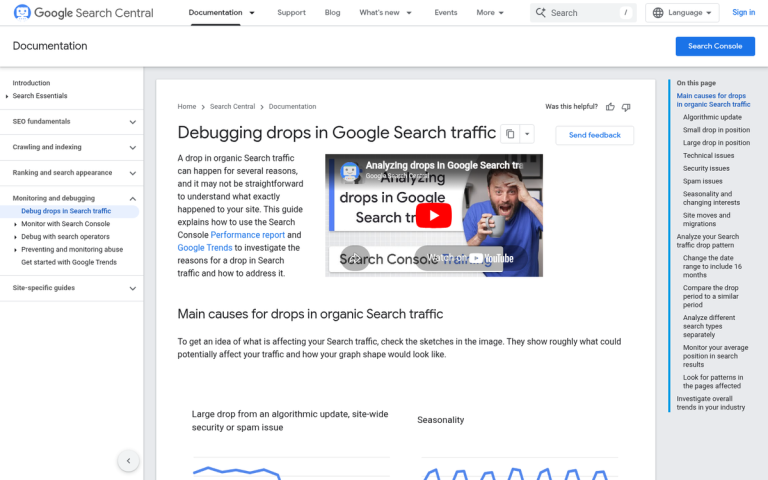
One common piece of SEO advice is to make your site faster. Typically, a faster site speed is associated with a higher SEO rank. But here's the thing - Google's own John Mueller has been pretty clear that Core Web Vitals and speed are not giant ranking factors, and you're unlikely to see a massive traffic shift from hosting improvements alone. Speed improvements tend to help conversions more than raw traffic. What I can do is help you troubleshoot why, after moving from one host to another, you haven't seen the traffic and ranking increase you were hoping for.
Key Takeaways
- Google's John Mueller confirms Core Web Vitals and speed are minor ranking factors; speed improvements boost conversions more than traffic.
- Migration errors like extended downtime, misconfigured SSL, or accidentally blocking crawlers can significantly harm rankings post-migration.
- If your domain changed during migration, Google treats it as a new site, requiring 301 redirects and a Search Console address change.
- Poor hosting accounts for only 37% of slow loading issues; unoptimized images and bloated plugins may still slow your site down.
- Ranking changes take weeks to stabilize; a simultaneous Google algorithm update may have offset any speed-related gains.
The Change Was Too Minor
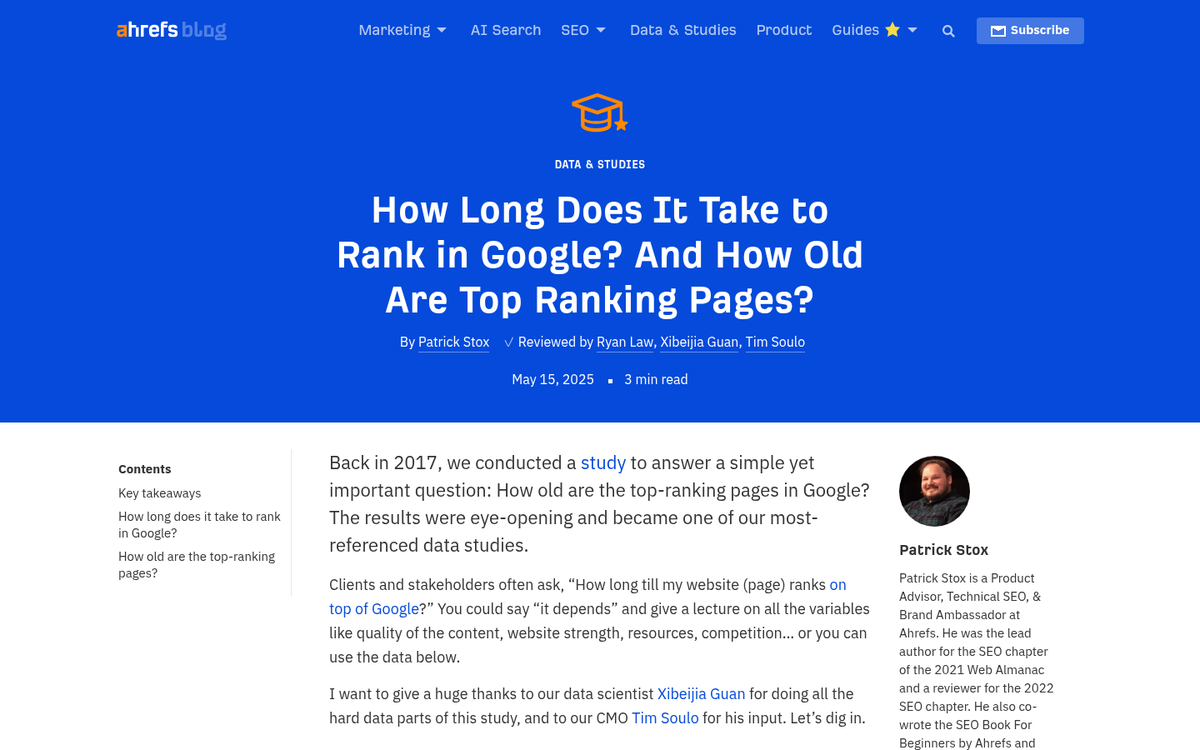
This is one of the primary reasons people who switch hosts see little change in traffic. Maybe your previous host was already decent, or maybe your new host isn't as fast as advertised. Either way, if the speed difference is marginal, you're not going to see a significant change in rankings. And even when the difference is noticeable, don't expect an overnight surge. Speed is a minor signal - content quality and backlinks still dominate. According to Ahrefs, 78% of pages ranking in the top 10 are over a year old. Hosting has very little to do with that.
Your Site Spent Significant Time Down While Moving
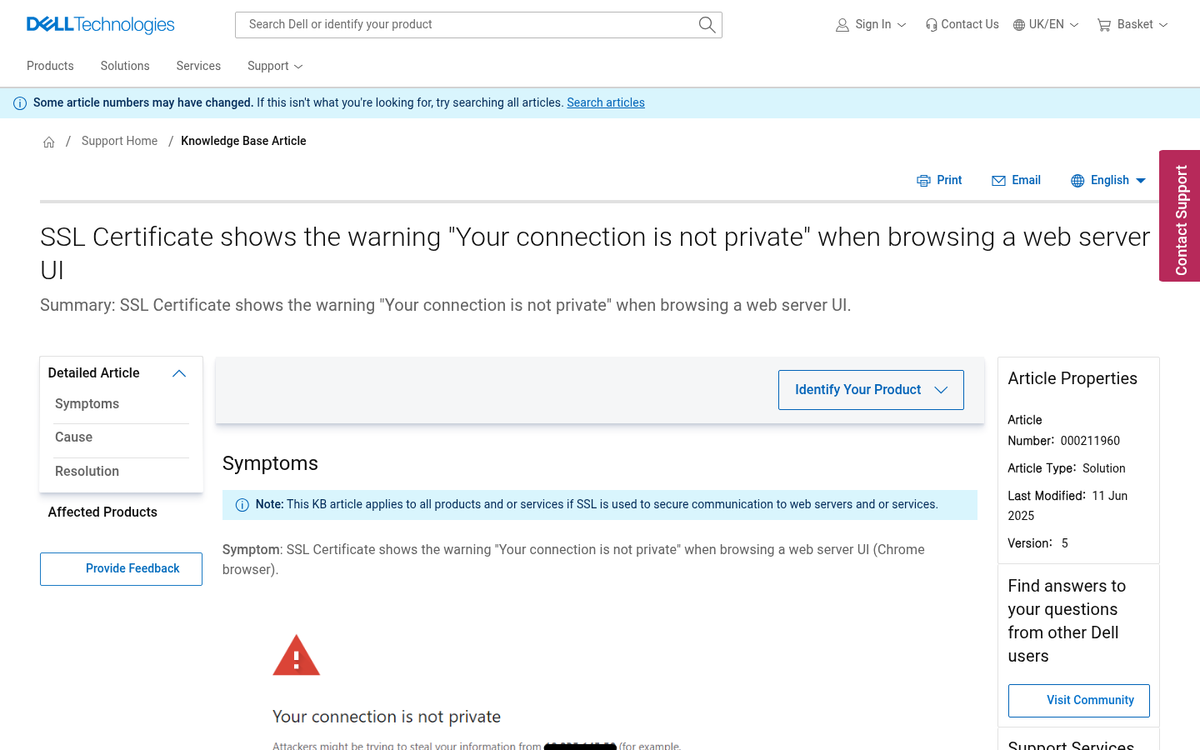
This is a problem that comes from jumping the gun on cancelling your old hosting, or not performing the DNS migration properly. Extended downtime during a migration can cause Google to temporarily deindex your pages, and recovering that lost ground takes time.
The proper process is straightforward: take a full backup of your existing site, including all files and databases. Set everything up on the new host and confirm it's working correctly. Only once the new version is fully functional do you update the DNS, and only after propagation is confirmed do you shut down the old host. Don't rush any of these steps.
You Haven't Set Security Properly
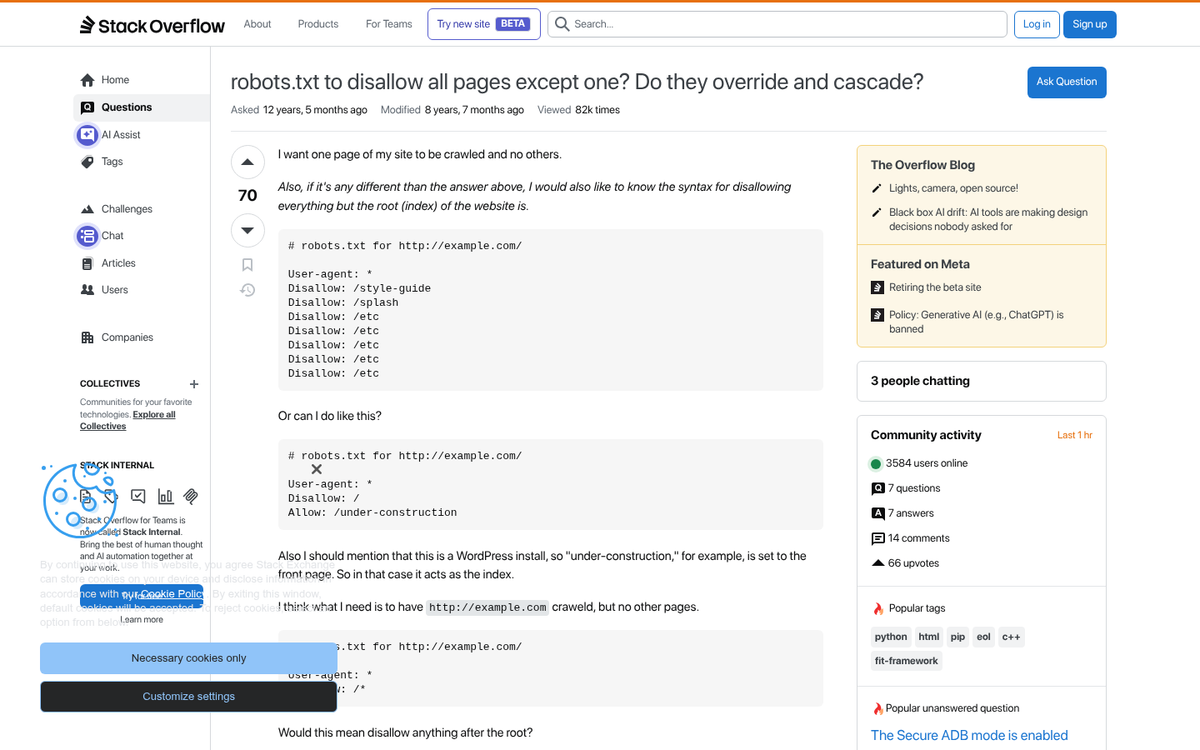
This is similar to the downtime issue but stems from a different mistake - your site is inaccessible due to a security misconfiguration. A missing, expired, or poorly configured SSL certificate will cause browsers to flag your site as untrusted. That alone can tank your traffic before Google even gets involved. Free SSL certificates through providers like Let's Encrypt are standard now, and most reputable hosts configure them automatically - but always double-check after a migration that HTTPS is working correctly across your entire site.
You Somehow Blocked Crawling
It's unlikely, but it happens. During a file transfer, something may have been overwritten or reset to default staging settings. Check your robots.txt file and make sure you're not accidentally blocking crawlers. The single most damaging line you can have sitting in there is:
Disallow: /
Also check your CMS settings - WordPress, for example, has a built-in "discourage search engines" checkbox that occasionally gets enabled during migrations without anyone noticing.
Your Domain Name Changed
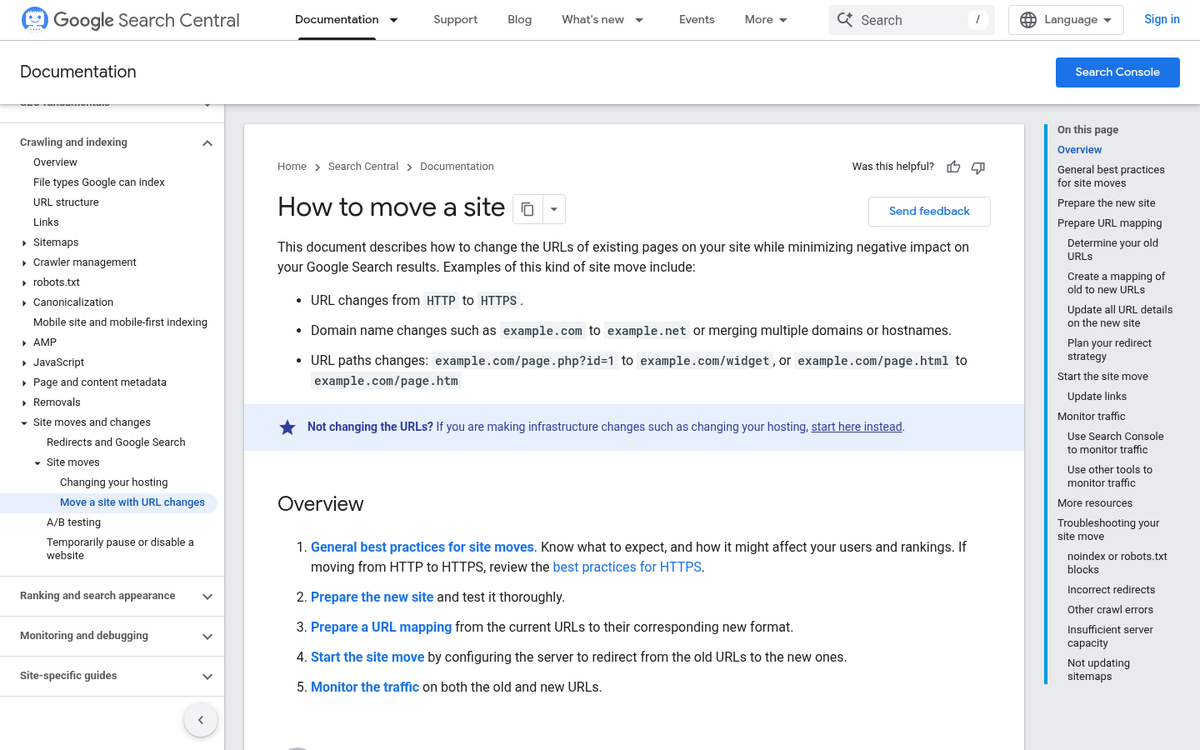
Sometimes people conflate moving hosts with changing domains. They're very different things with very different SEO consequences. If your domain name changed during this process, you're essentially starting from scratch in Google's eyes. Two different domains are treated as two different sites, even with identical content. You'll need proper 301 redirects from every old URL to the corresponding new URL, an updated sitemap, and you should submit a change of address request through Google Search Console.
Your CDN Changed or Is Misconfigured
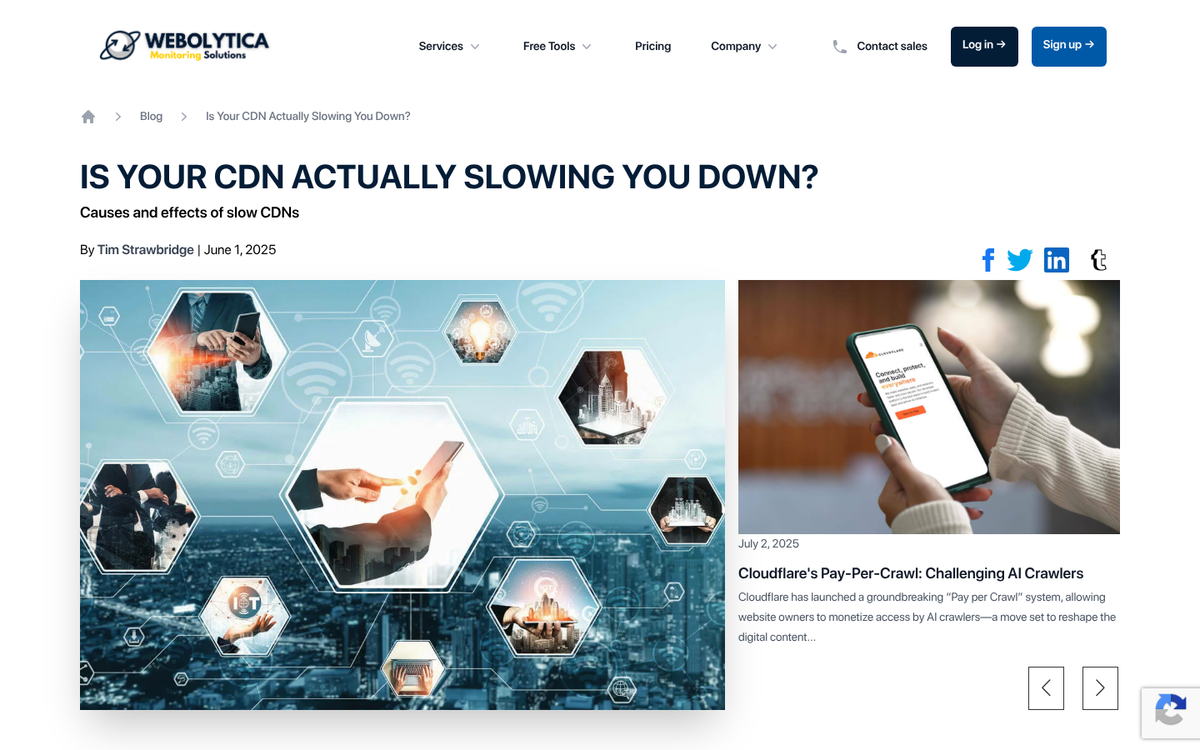
If you use a CDN, it's responsible for serving a significant portion of your content - images, scripts, videos, and more. Switching CDNs during a migration, or misconfiguring your existing one on the new host, can actually slow things down rather than speed them up. Your host might be faster, but if CDN-served assets are loading slowly, visitors and crawlers will still experience a sluggish site. Make sure your CDN is properly connected and that assets like images are loading from the correct origin after your move.
Your New Host Is a Bad Neighborhood

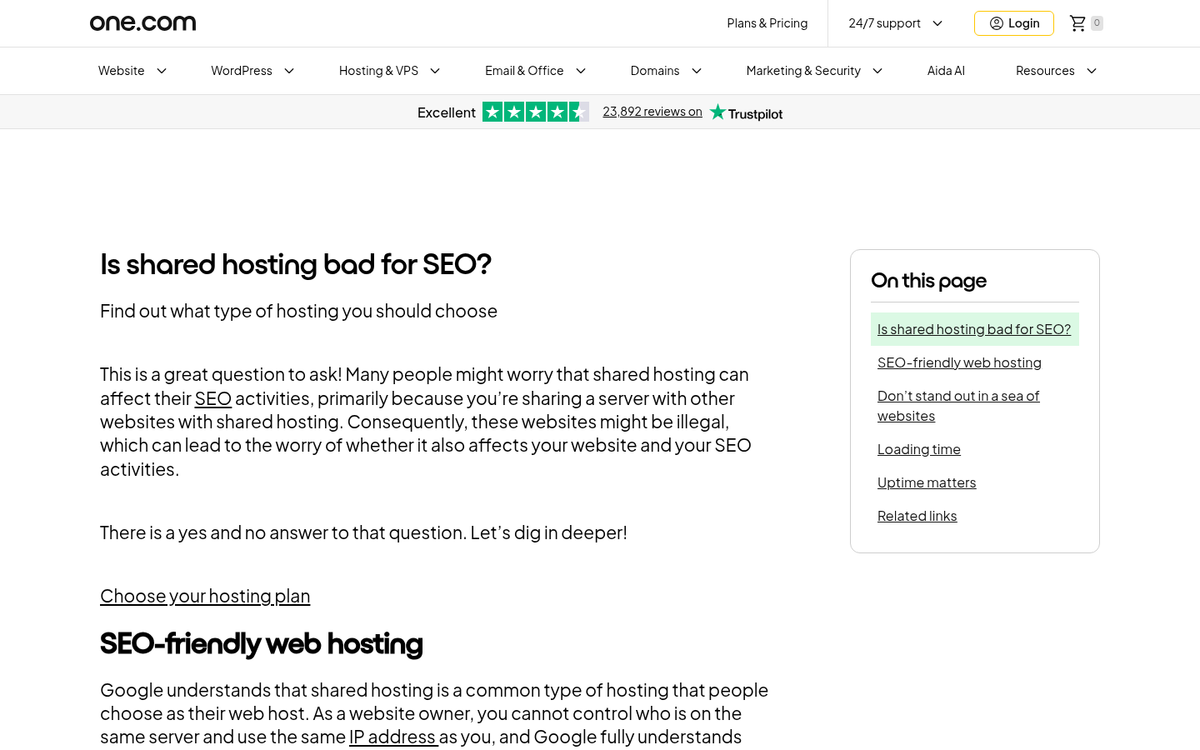
If you moved to a cheaper shared hosting plan, you may have landed on a server alongside spammy or low-quality sites. While Google has downplayed IP neighborhood penalties in recent years, shared hosting environments with poor reputations can still cause subtle issues - particularly if those neighbors are generating large volumes of spam or are involved in link schemes. If you suspect this, it may be worth upgrading to a VPS or dedicated environment, or at minimum checking your new host's reputation.
Your Site Isn't Actually Faster
Just because you moved to a faster host doesn't mean your site is loading faster. Poor hosting accounts for only about 37% of slow loading issues - the rest comes from unoptimized images, bloated plugins, render-blocking scripts, and similar on-site problems. Run your site through tools like PageSpeed Insights, GTmetrix, or DebugBear and compare your current scores to your baseline before the migration. If the numbers haven't improved meaningfully, the host wasn't your bottleneck to begin with.
Your Migration Coincided With a Google Algorithm Update

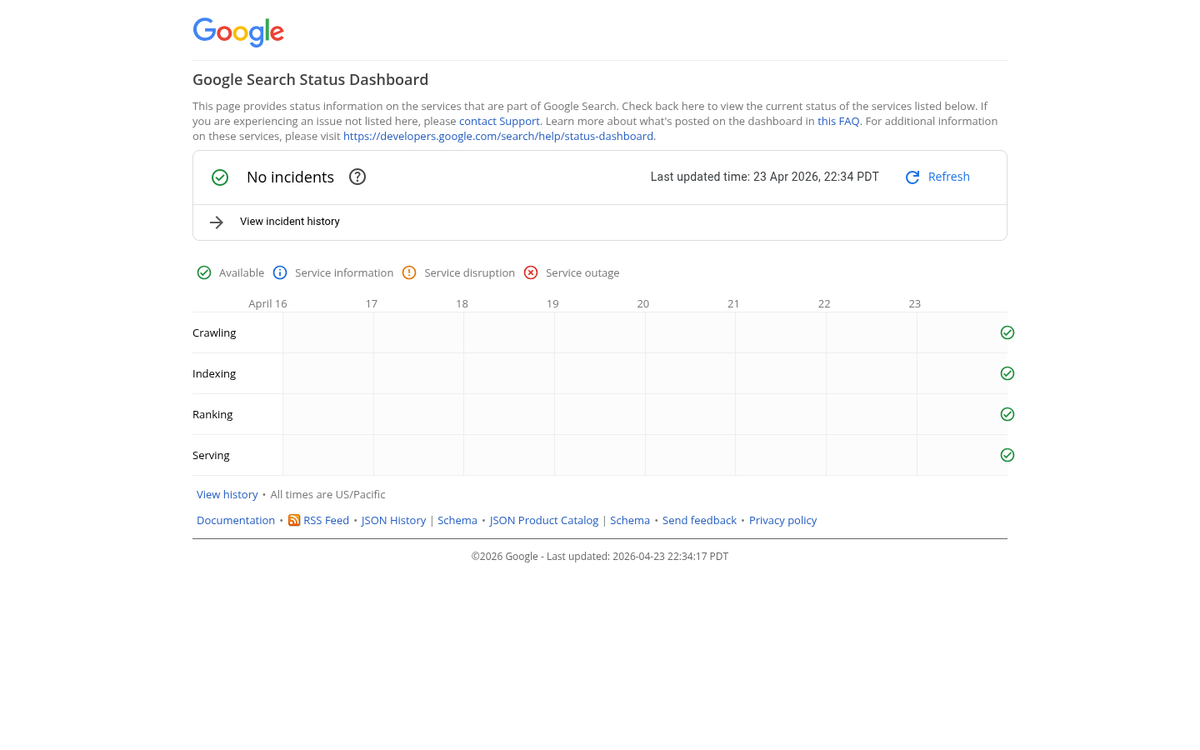
Google now rolls out core updates multiple times per year, and they can significantly shuffle rankings - up or down - completely independent of anything you've done. It's entirely possible your hosting improvement gave you a small boost, but a simultaneous algorithm update offset those gains. Check the Google Search Status Dashboard or third-party trackers like Semrush Sensor or Mozcast to see if there was notable volatility around the time of your migration.
You Haven't Given It Enough Time
If you're checking for results within a few days of switching hosts, you need to be more patient. DNS propagation alone can take anywhere from a few hours to 48 hours depending on your TTL settings. Beyond that, Google needs to recrawl and reindex your pages before any ranking changes are reflected - and ranking fluctuations after a migration can take weeks to fully stabilize.
Look at trends over months, not days. Use Google Search Console to monitor crawl activity, index coverage, and Core Web Vitals data post-migration. That's your best real-time window into how Google is experiencing your site after the move.