Key Takeaways
- Most social networks deliberately make share tracking difficult, hiding data behind privacy settings or restricting third-party API access.
- X (Twitter) is the most transparent platform, allowing URL searches and notifications showing who reposted or liked your content.
- Facebook's search bar trick-pasting a stripped URL directly-can surface shares that native analytics won't show you.
- Acting within an hour or two of a share is critical; delayed responses largely miss the engagement opportunity entirely.
- AI-powered monitoring tools have become more affordable in 2026, with some entry-level plans starting under $50 monthly.
Small businesses are often concerned with details that may or may not actually be all that relevant. Sometimes they strike upon a vein of gold in the bedrock of dross. One of these veins is the idea of looking through your blog posts and seeing who has shared them.
This can be helpful in a few ways. Primarily, it lets you see if an influencer has shared your content. It will also give you a look at who are sharing your posts, so you can get a feel for them and maybe see some patterns you might not get through native analytics. Research suggests that the top 20% of your interactors usually generate over 60% of your total engagement, so recognizing who those are is legitimately worth your time - it's possible that something about their profiles shares a common theme - or maybe not. There's only one way to find out.
Unfortunately, most social networks don't want you to know who specifically is sharing your posts. They make the information hard to find. Let's go through the networks and see what information you can access and how.
Facebook is one of the most closed of the social networks. You can get some information from the platform itself, but it's limited, and for anything more substantial you might need to try third-party tools.
The official line from Meta is that data about shares is hidden primarily by the privacy settings of the users doing the sharing. If someone shares your post only with their friends, or if their account is locked down, they won't show up on your list. Only those who shared your content publicly will be visible.
When you post a link on your Page and share that post, you can click the "shares" count to expand a list - but it only shows users with open privacy settings, and it's usually a partial list at best.
There's one technique worth trying to surface more shares: take your URL, strip any tracking parameters, and paste it directly into Facebook's search bar. You'll get a spread of results, some of which will be your own posts, others of which will be users who independently shared your link. You may need to adjust the filters to show posts from everyone instead of a curated set - it's imperfect, but it can surface shares you'd otherwise never know about.
It's also worth mentioning that Meta's AI-driven content recommendations have changed how content gets surfaced and reshared since 2023. Posts can reach audiences that are much larger than your followers algorithmically, which means shares and saves now matter more than ever for organic reach - yet Meta still doesn't give you granular visibility into who is doing the sharing. If you want to get more social shares on your blog posts, you'll need to be proactive about it.
One notable option you can use is Muckrack. On the surface, this is a social share tracking tool focused on PR pros - you plug in a link and it tracks journalist activity around that URL across social networks. What makes it especially helpful is its database of verified journalists and media figures. If a reporter or editor has shared your content, Muckrack can surface that, which makes it a strong tool for influencer outreach and earned media tracking. You can reach out to those journalists, thank them for their share, and build a relationship with them.
The downside to Muckrack is the expense. Pricing is not listed publicly and you are going to need to request a demo directly from their sales team - it was previously reported at around $99 per month for a single user as far back as 2016. But current pricing is likely considerably higher given the platform has expanded substantially since then - it's best suited for businesses with a PR or media relations focus instead of small blogs.
X (Formerly Twitter)
X, the platform formerly known as Twitter, has changed since Elon Musk's acquisition in late 2022. But for the job of tracking who shares your links, it remains one of the more transparent places.
The first reason is that when someone posts a link and reposts it, you receive a notification. You can browse your notifications to see everyone who has reposted, liked, or replied to your content. That part hasn't changed.
The second is that the search functionality still supports URL lookups. When you enter a URL into X's search bar, you'll get a feed of everyone who has shared that link - though not through URL shorteners.
Within those search results, you can toggle between a "Top" feed (weighted by engagement and recency) and a "Latest" feed (purely chronological). The Latest feed is most helpful for finding recent shares so you can reach out promptly - timeliness matters here, as engagement windows on X tend to be short.

One change worth mentioning: X's API access has become more restricted since 2023. Many third-party tools that previously pulled X data have either shut down or had their functionality reduced. If you use external tools to track X shares, verify that those tools still have functional API access before building a workflow around them.
BuzzSumo remains a commonly used tool for share tracking, including on X. Its "View Sharers" feature surfaces influential users who have shared a given URL - it prioritizes reach and authority over completeness, which is helpful for influencer identification but won't give you a full picture. BuzzSumo's pricing has evolved over the years; as of 2026, plans start at approximately $199 per month, which makes it a larger investment than it once was. But it remains one of the more capable tools in this space.
Pinterest is harder to use for tracking sharers than X, but it remains a real traffic source for niches - especially food, home décor, fashion, and DIY content - so it's worth considering.
Plugging a URL directly into Pinterest's search bar usually returns results at the domain level instead of for a specific post. There is no native filter to isolate pins of one exact URL. The best workaround is to use Pinterest's Source URL format: pinterest.com/source/yourdomain.com - this surfaces all content pinned from your domain, sorted roughly by recency. You'll need to scroll through and find the post by its image, which is manual but workable.
Pinterest has also improved its native analytics over the years. If you have a business account, Pinterest Analytics now gives impression, save, and click data at the pin level, which gives you a clearer picture of how your content is performing even if it doesn't show you who is doing the pinning. If you want to dig deeper into what's working on the platform, see our guide to finding the most popular pins on Pinterest.
LinkedIn has evolved considerably and it's now one of the more analytics-rich places for content creators, especially for B2B businesses and professionals.
When you publish a post or write natively on LinkedIn, you can access impression and engagement data directly from your profile or Page dashboard. A few specifics worth knowing about:
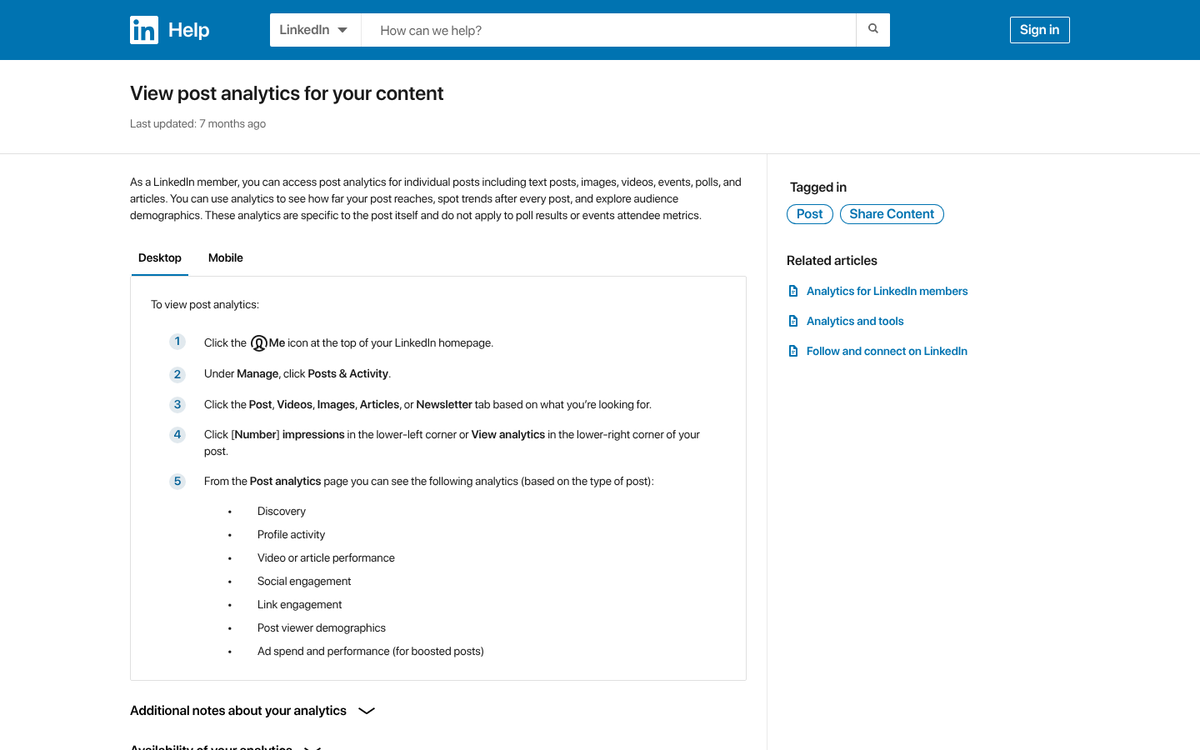
- Demographic and audience data is only surfaced once a post crosses at least 25 impressions, and individual demographic breakdowns have their own minimum thresholds before they display.
- Video analytics are available for up to 180 days after posting.
- Article analytics remain accessible for 730 days.
- Impression and engagement counts for standard posts are stored for 1,000 days.
That said, LinkedIn still does not give you a clean way to see who has shared an external URL from your website. You can see who has reacted to or commented on a post you've written on LinkedIn itself. But third-party links shared by other users pointing back to your site remain largely invisible without a paid tool or manual searching.
LinkedIn's own search can surface some public posts containing your URL, but the results are inconsistent and not exhaustive. If you're looking to get more out of the platform, it may be worth learning how to syndicate your blog posts to LinkedIn for traffic or exploring ways to promote and grow your blog posts on LinkedIn more effectively.
Instagram and Other Networks
Instagram remains one of the least helpful places for tracking link shares, largely by design. Instagram doesn't allow clickable links in standard posts, and its search functionality is not built around URL discovery. If someone shares your content via Stories with a link sticker, you won't see that activity from the outside. If you're running a business account, you can track link clicks in your bio and Stories through native Insights, but you have no visibility into whether others are sharing your links organically. One workaround is to use UTM parameters to track your blog traffic from Instagram more precisely.
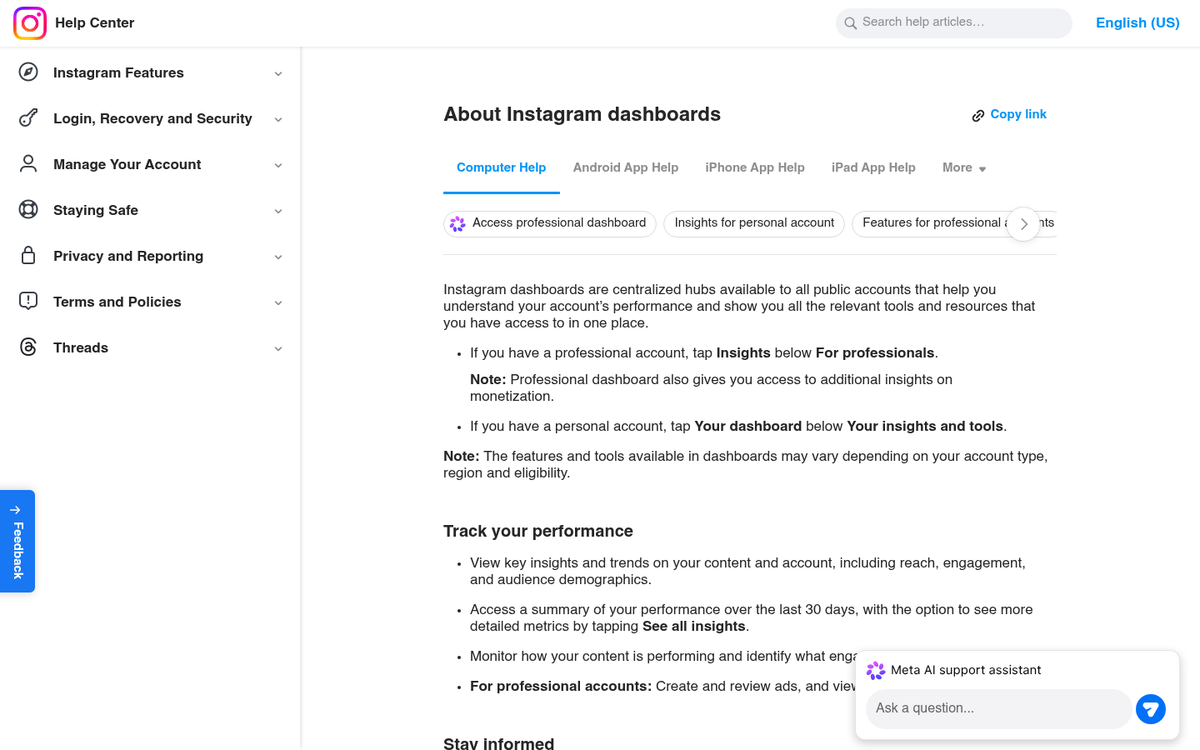
It's also worth mentioning the rise of newer platforms. Threads (Meta's text-based platform) has grown substantially since its 2023 launch and now has over 300 million monthly active users as of early 2026. But its analytics remain basic and share tracking is minimal. TikTok allows link sharing in bios and some post formats, and its creator analytics give you engagement data, but granular share-source tracking is not available natively. For a broader view of how your content is performing across channels, checking your social media traffic in Google Analytics can fill in many of the gaps these platforms leave behind.
The Role of AI Tools in 2026
It's worth adding something that wasn't out there as a consideration a few years ago: AI-powered content monitoring and social feedback tools have become more capable and affordable.

For small businesses curious about who is amplifying their content, these AI-powered feedback tools offer more useful value in 2026 than manually combing through individual platforms. They're not free, but entry-level plans have become more accessible, with some starting under $50 per month - which puts them in a similar range to tools like Sumo Pro that many bloggers already use for growth.
The Validity of Information
Here's a question worth asking: why do you want to know who has shared your posts? The way I see it, there are two core reasons.
- To respond to the share with a thank you or a meaningful reply.
- To identify whether an influencer or journalist has shared your content.
Both of these goals are best served by acting quickly. If you haven't responded within an hour or two of a share happening, the opportunity has largely passed. That means the most helpful strategy is usually real-time monitoring - creating alerts, watching your notifications, and using a social feedback tool - instead of retrospective archaeology.
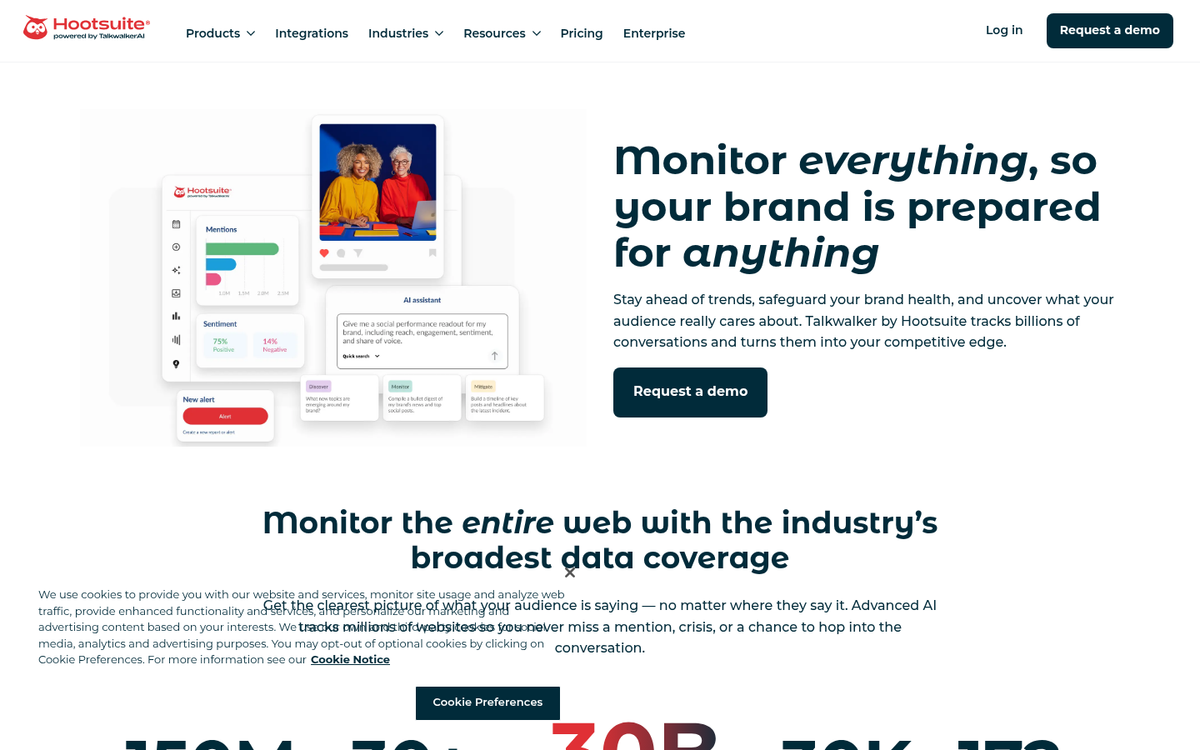
For influencer discovery, keep in mind that waiting for people to share your content is one of the slower ways to find them. Referral data in your analytics, outreach campaigns, and AI-assisted discovery tools will get you there faster.
Think about it, is all I'm saying. These may be helpful metrics worth your attention - but tracking who is sharing your content, when it's helpful, is not wasted effort.