





Key Takeaways
- Zero share counts can be genuine - buttons only count shares for that exact URL, not your entire site.
- Incorrect installation or configuration, including wrong URLs or mismatched canonical tags, can cause counters to display zero incorrectly.
- URL migrations from HTTP to HTTPS or new domains reset share counts to zero, with no clean way to recover them.
- Some platforms, notably Twitter, removed public share count APIs entirely, making zero counts unavoidable regardless of plugin quality.
- Outdated plugins may stop working as social platforms update their APIs, and newer networks like Bluesky may not be supported at all.
Social sharing plugins are a staple of modern blogs. They help you grow by subtly encouraging your readers to promote your content through a share or two. You don't have to make it overbearing - just displaying the button with the share count is usually enough. People see that you have X shares and if they like your content they're motivated to make it X+1.
Sure, it won't be everyone who visits. In reality, only a small fraction of your visitors will share. The catch is that people don't like to be the first to take that leap. If your social sharing buttons show zero shares, you could be losing out on helpful shares from people who don't want to be the first one to engage.
So why do your buttons show zero shares? Below are the most common culprits - updated for 2026; AI-driven content discovery and changing social platform APIs have added new layers of difficulty to this problem.
Option 1: You Actually Have Zero Shares
Sometimes the simplest explanation is the correct one. If your social sharing buttons read 0, it may simply be that your post has zero shares.
This is more common than it sounds. Some assume their social sharing buttons aggregate all shares across their entire website, when in reality each button only counts shares for that URL - it doesn't matter if your Facebook page has 10,000 followers - if none of them have shared that particular page, the counter stays at zero. You can check the social signals of your site to get a clearer picture of where you actually stand.
You can test this: click your own sharing button and share the post yourself. Your counter should increment by one once the share is completed. Remember, if someone clicks the button but doesn't finish the share, or copies and pastes the link manually instead of using the share dialog, that won't register as a count. If you're looking to build those numbers up, there are many ways to get more social shares on your posts.
Option 2: Your Plugin Was Installed Incorrectly
Sometimes sharing buttons are installed and appear to be working, but still don't display shares. Script errors, missing files, or code placed in the wrong location can all cause this.
There are a few ways an installation can go wrong. A flaky internet connection during installation gives you corrupted or missing files. Installing files in the wrong directory is another common failure point. Some CMSs will try to compensate, but if the plugin isn't coded flexibly enough, it simply won't work correctly.

In most cases a failed install is obvious - the buttons won't show up at all - it's only a near-complete install that can produce buttons which display but don't work.
If you suspect this is the issue, remove the plugin files entirely and reinstall from scratch, following the documentation to make sure every file ends up in the right place.
Option 3: Your Plugin Was Configured Incorrectly
Configuration errors are one of the most common causes of share counters stuck at zero. The plugin needs to be reading shares for the correct URL - the exact URL being shared - not a variation of it.
Two especially common causes of URL mismatches are worth noting here. First, if your site recently migrated from HTTP to HTTPS, or moved to a new domain, social networks treat those new URLs as different pages. Your old share counts won't carry over and the counter resets to zero - a known issue that catches site owners off guard after a migration.
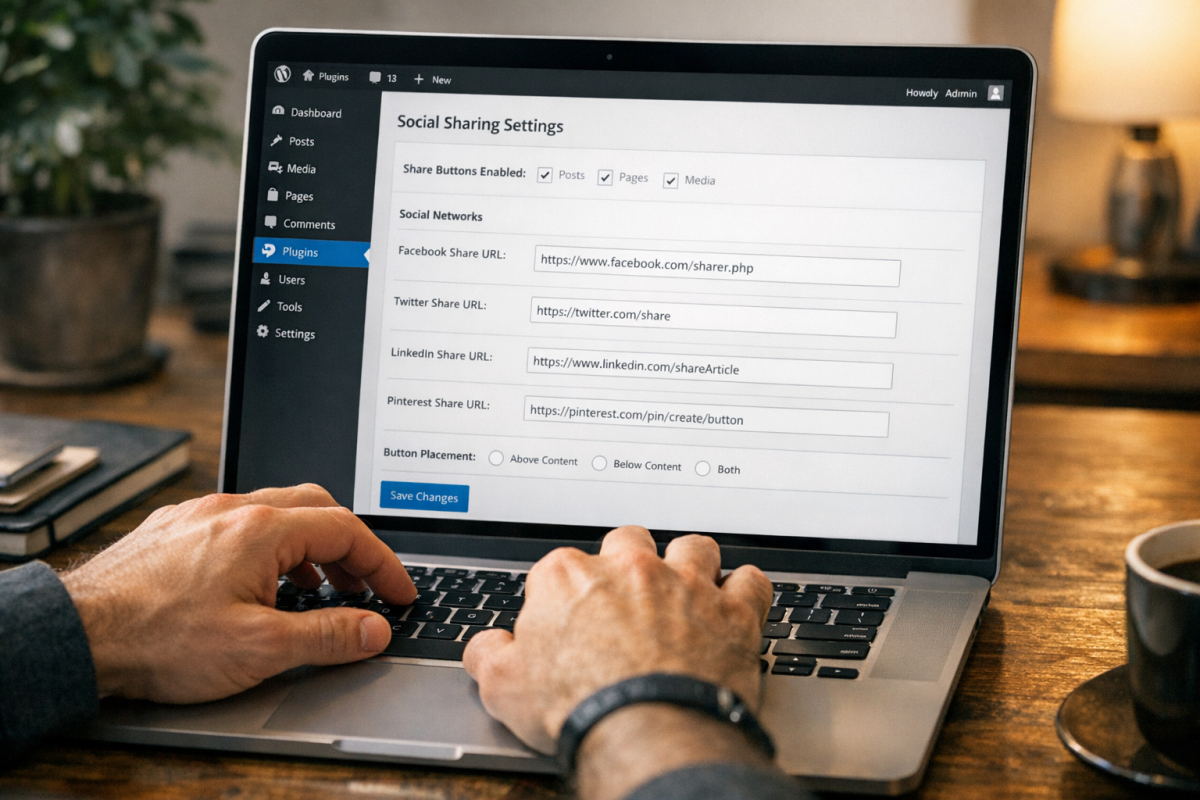
Second, if you have a rel=canonical tag pointing to the wrong URL, your plugin may be looking for shares of a URL that doesn't match what's actually being shared in the wild. That mismatch means the plugin finds nothing and reports zero.
Also double-check that the plugin is configured to pull from the correct social accounts. If it's pointing to the wrong account, it won't find any relevant data to display. You may also want to review the best WordPress share counter plugins to see if switching to a more reliable option resolves the issue.
Option 4: Your Plugin Is Out of Date
Older plugins accumulate problems over time. The code itself doesn't expire, but everything around it does. As WordPress or your CMS evolves, the hooks a plugin relies on may be deprecated or work a bit differently. Configuration strings change. Security protocols get updated. An old plugin may limp along for a while before it quietly stops working.

API changes by social networks are an especially common reason for this. When a platform updates how their API serves data, older plugins that haven't been maintained can no longer read it. That's what happened with Twitter (more on that below) and it's happened with other platforms too.
Beyond functionality, outdated plugins are a security concern. Old code can have unpatched vulnerabilities that leave your site exposed. WordPress's plugin directory flags plugins that haven't been updated in over a year for this reason. If your plugin falls into that category, it's worth finding a modern replacement.
Option 5: A URL Migration Reset Your Counts
This deserves its own section because it trips up so many site owners. If you recently moved your site from HTTP to HTTPS, changed your domain, restructured your URL slugs, or consolidated pages, your share counts will reset to zero.

Social networks count shares based on the exact URL. A redirect from the old URL to the new one doesn't move the share count - as far as Facebook, LinkedIn, or any other platform is concerned, the new URL is a brand new page with no history.
Unfortunately, there's no clean fix for this. You can use a plugin that allows manual count overrides to display a legacy number, but that figure will diverge from reality over time. The more helpful strategy is to accept the reset and focus on rebuilding your counts organically going forward.
Option 6: The Social Network Doesn't Support Share Counts
Some platforms simply don't make share count data available and no plugin can work around that. Twitter is the most prominent example.
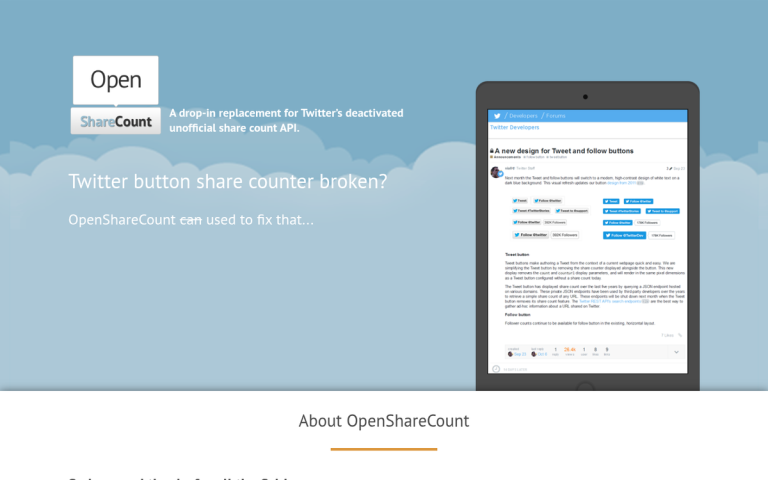
Twitter removed its public share count API years ago, terminating an undocumented endpoint that developers had been quietly relying on. Twitter chose not to replace it with anything equivalent, which means any plugin attempting to display Twitter share counts will come up empty. This isn't a plugin bug - it's a platform-level choice with no official workaround.
Instagram also restricts share count visibility for users in the EU under GDPR, which came into effect in May 2018. If you're seeing zero specifically from EU-based traffic, this is likely why.
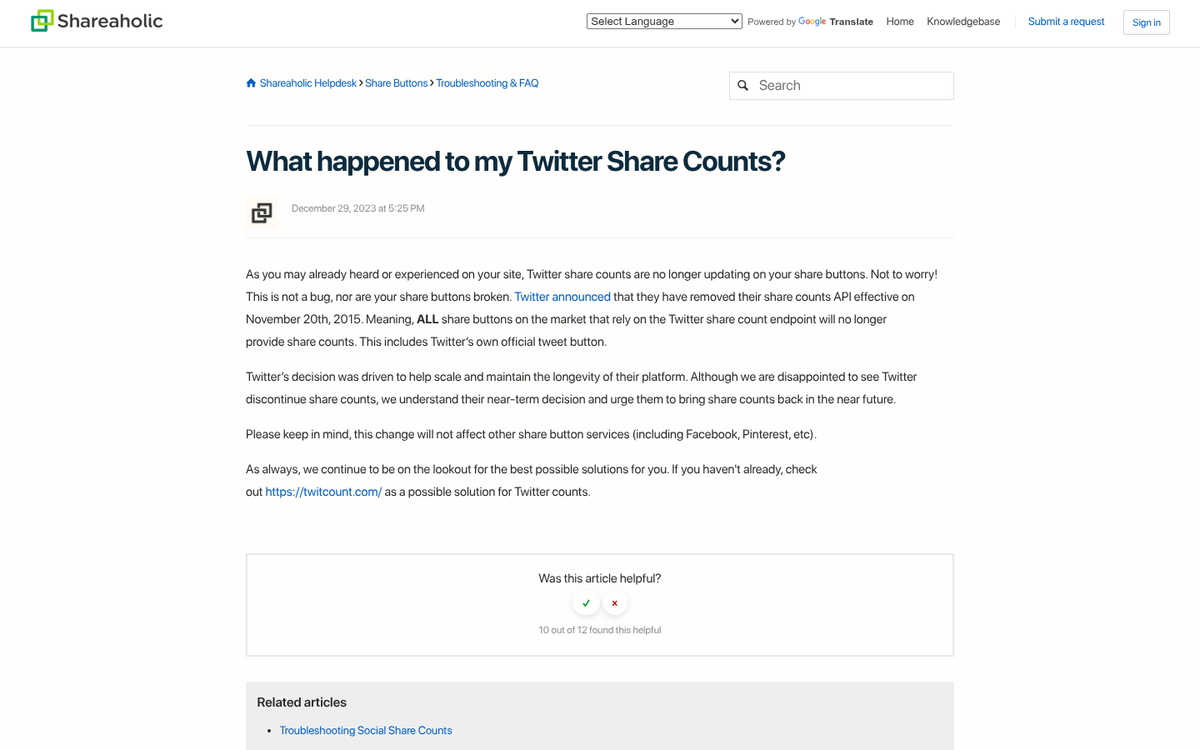
Additionally, Fancy discontinued its Official Share Count API in August 2021, so any plugin still attempting to pull data from Fancy will return nothing.
For Twitter specifically, your best options are to use a third-party tracking service like SharedCount (which has been operating since 2010), or to simply remove the share counter display for Twitter altogether and use counts from platforms that still support them.
Option 7: The Plugin Doesn't Cover the Network You Want
Some social sharing plugins only support certain platforms and don't include support for newer or niche networks. If the network you care about isn't in the plugin's list, it won't show a button or a count at all - which can sometimes read as "zero" when the issue is that the feature simply isn't there. You may want to explore how different share plugins compare to find one that covers the networks you need.

In 2026, this is increasingly relevant as platforms like Threads, Bluesky and Mastodon have grown in audience share. Many older plugins haven't added support for these networks, which means you could be missing out on tracking shares from a significant portion of your audience. If these networks matter to your traffic strategy, make sure your plugin explicitly supports them before assuming the zero count is a bug.
Option 8: Your Plugin Has a Delay or Cache
If everything looks configured and the plugin has worked before, the issue may simply be a cache delay. Many plugins - and the social APIs behind them - don't pull data in real time. To manage rate limits and server load they cache results and update them on a schedule. That schedule could be minutes, hours, or longer depending on your settings.
This means your share count display may lag behind reality. If you just shared a post and the counter hasn't moved, give it some time before assuming something is broken. You can also check your plugin settings for a cache time option and reduce it if needed, though be aware that more frequent API calls can push you into rate limit territory on high-traffic sites.
Bonus: The Best Social Sharing Plugins in 2026
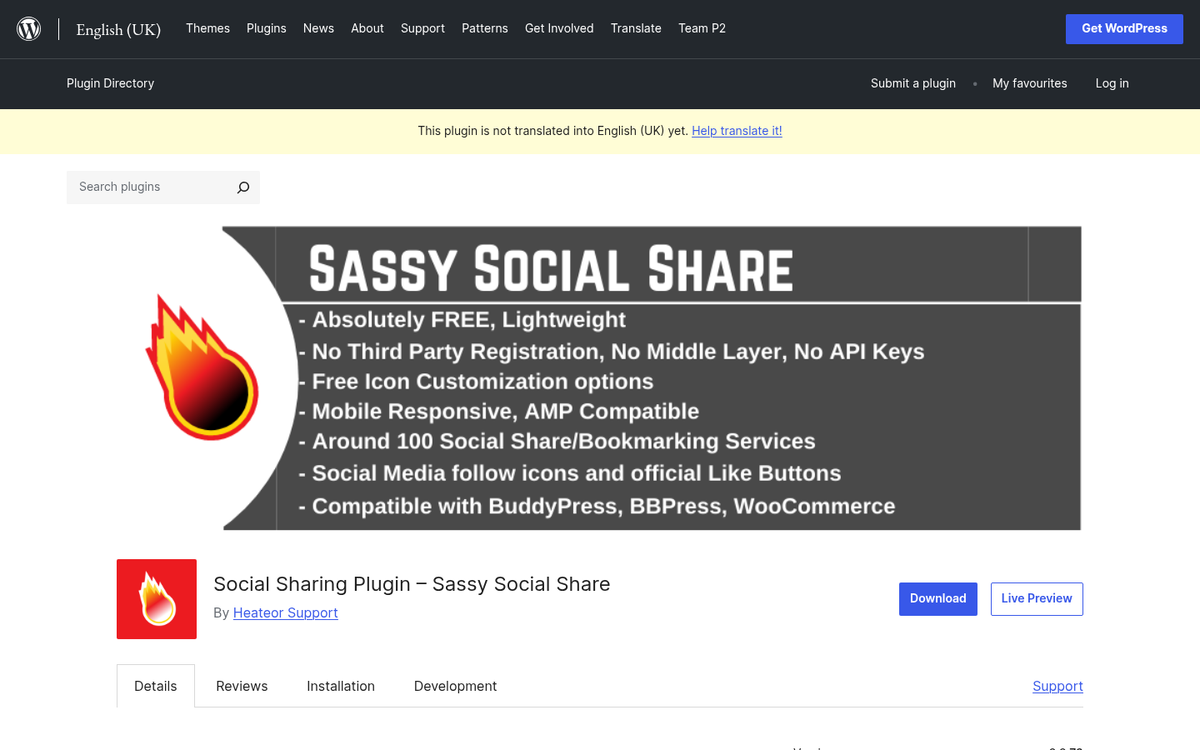
The plugin community has shifted considerably, partly because of platform API changes and partly because of the wider impact of AI on how content is found and shared. Here are some options worth considering:

- Social Snap is a well-maintained plugin with broad network support, fast loading times, and regular updates to keep pace with API changes. It covers most major platforms and a growing list of newer ones.
- Monarch by Elegant Themes remains a strong premium option with polished design and solid support, though it requires an Elegant Themes membership.
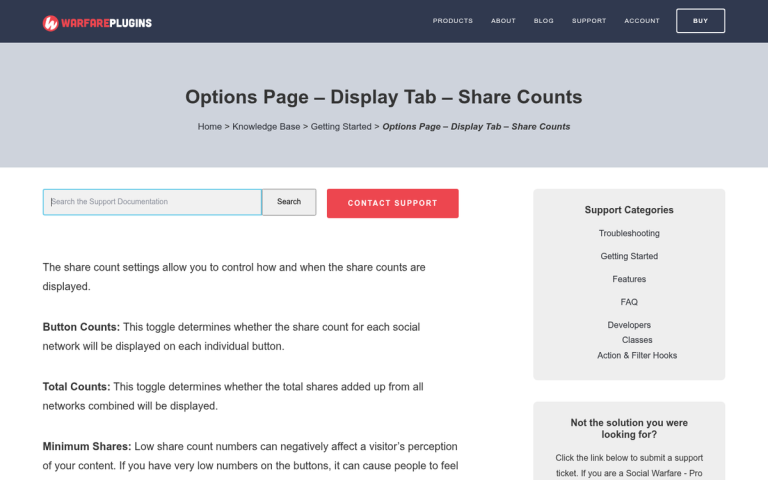
- Social Warfare has matured into a reliable choice with Pinterest optimization, click-to-tweet functionality, and granular control over share counts. Still a paid plugin but worth it for serious publishers.
- Shareaholic continues to offer a broad feature set on a free tier and is a good starting point if you're budget-conscious.
- SharedCount is worth bookmarking as a standalone tool to verify your actual share counts across platforms, independent of whatever plugin you use - especially useful for diagnosing zero-count issues.
Whichever plugin you choose, make sure it's actively maintained, configured to the correct URLs and connected to the right accounts. Given how frequently social platforms update their APIs - and how rapidly AI content tools are changing the distribution landscape - a plugin that was working well a year ago may need attention.
1 response
Thoughtful replies only - we moderate for spam, AI slop, and off-topic rants.
I used to have a social counter that counted every comment, like, and share into one number. It was part of a paid theme I no longer have. I use Monarch now (am a lifetime ElegantThemes subscriber) but it counts only shares which, of course, results in a much smaller total count.
Are you aware of any counters that count ALL Facebook edges (comments, likes, and shares)?