





Key Takeaways
- LinkedIn drives 46% of social traffic to B2B sites and converts visitors to leads 277% better than Facebook or Twitter.
- LinkedIn's algorithm heavily rewards likes and engagement, helping posts circulate longer without aggressive time decay like other platforms.
- Syndicating existing blog posts to LinkedIn is better than creating original content, as Google typically prioritizes your original site over LinkedIn.
- Adding outbound links directly in posts reduces reach by 20-35%; placing links in comments or adding them after initial engagement can help.
- Partial syndication-publishing only part of a post-can drive blog traffic, but may reduce LinkedIn engagement and algorithmic circulation.
LinkedIn is an interesting social network because it didn't start out as a social network the same way most of the usual suspects did. It started out as a way to network with each other in a corporate and professional setting. There's no common news feed and no social flow the same way Facebook works, just to give you an example. They eventually added those kinds of interactions. But you're still limited to the people in your circles and the people in the circles of those who share your post.
In a sense, it's not so different from Facebook; you still have the word of mouth recommendations, you just don't have Facebook's algorithm doing its dirty work silently. LinkedIn is focused on a more professional, less exploitative audience, and as such it's an easier algorithm and it's easier to change. It's also remarkably helpful - LinkedIn drives 46% of social traffic to B2B sites and approximately 96% of B2B content marketers use it to distribute content. According to HubSpot, LinkedIn is 277% more helpful at visitor-to-lead conversion than Facebook or Twitter, which makes it one of the highest-value places for professional content distribution.
Do You Like Me? Y/N
LinkedIn's algorithm is actually hilariously heavily weighted towards the simplest act of engagement of all; the like (and its emoji variants). When you post something on LinkedIn, it's spread to your circle of connections. The more people who like or respond to it, the more of your own connections see it. At the same time, when one of your connections engages with your post, their connections see it - it's equivalent to Facebook's old "Friend X liked this post" showing you something from someone you didn't follow.
The interesting thing is that LinkedIn doesn't factor time in nearly as heavily as other places. The majority of the usage of LinkedIn's post sharing engine is used for evergreen or semi-evergreen content - it's all meant to show up in search and bring traffic to the profile of the freelancer, employee, or company posting the content. Since it's not meant to be a short-lived viral surge that lives and dies very fast, LinkedIn doesn't need to make posts decay fast.
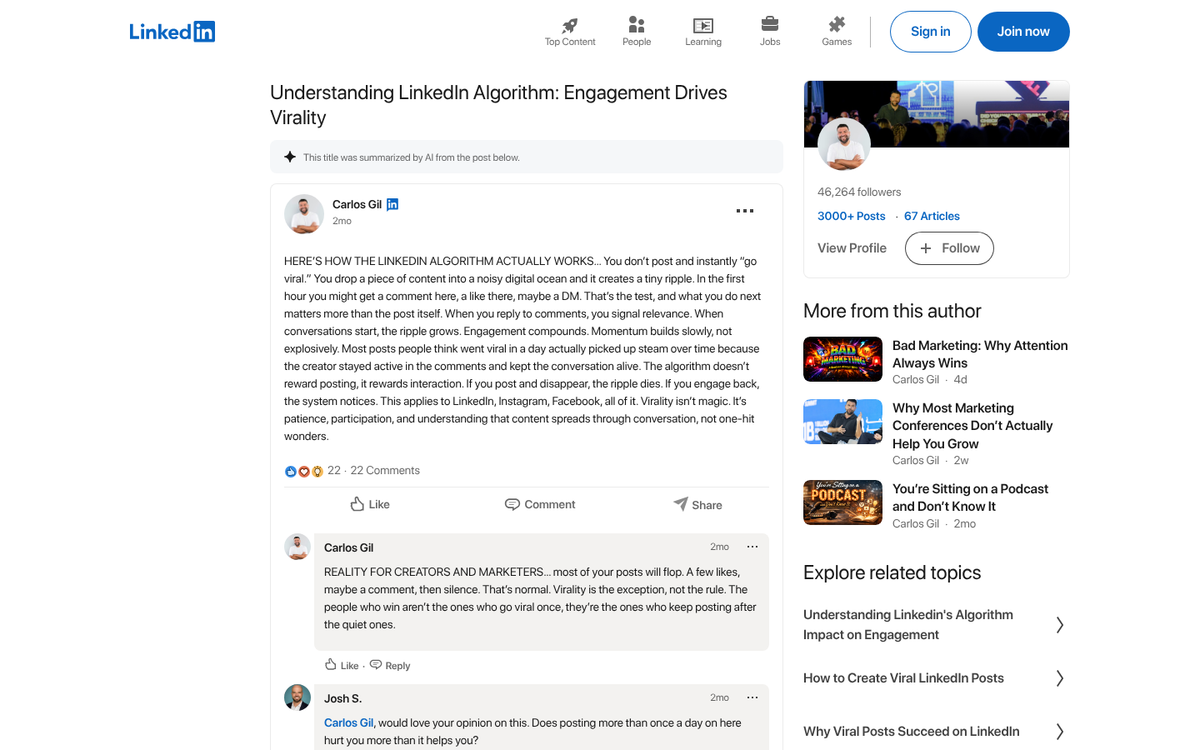
The end result is that a post can get traction from engagement and can stay circulating and "relevant" for an extended period without fighting against aggressive time decay the way it would on other platforms - it's ideal for seeding semi-evergreen content that continually circulates and pulls in new connections.
One caveat worth knowing about going in: adding outbound links directly in your posts cuts back on reach by an estimated 20-35%. LinkedIn's algorithm actively suppresses posts that try to move users off the platform - this can affect how you should structure your syndication strategy, which we'll cover below.
A Live-ish Example
A freelancer on Reddit shared their experiences with gaming the LinkedIn system some years back. The post has since been deleted. But the mechanics it described still hold up. Essentially, what this person did was simple. They wrote a basic post about leaving their job and starting a social media consulting company, mentioning that a like would help get the word out - it gives a personal incentive to try - help a person out with just the press of a button, nothing else.
The likes pulled double duty. They showed the post to connections and they gave the post more weight to keep circulating longer and be shown to more people.
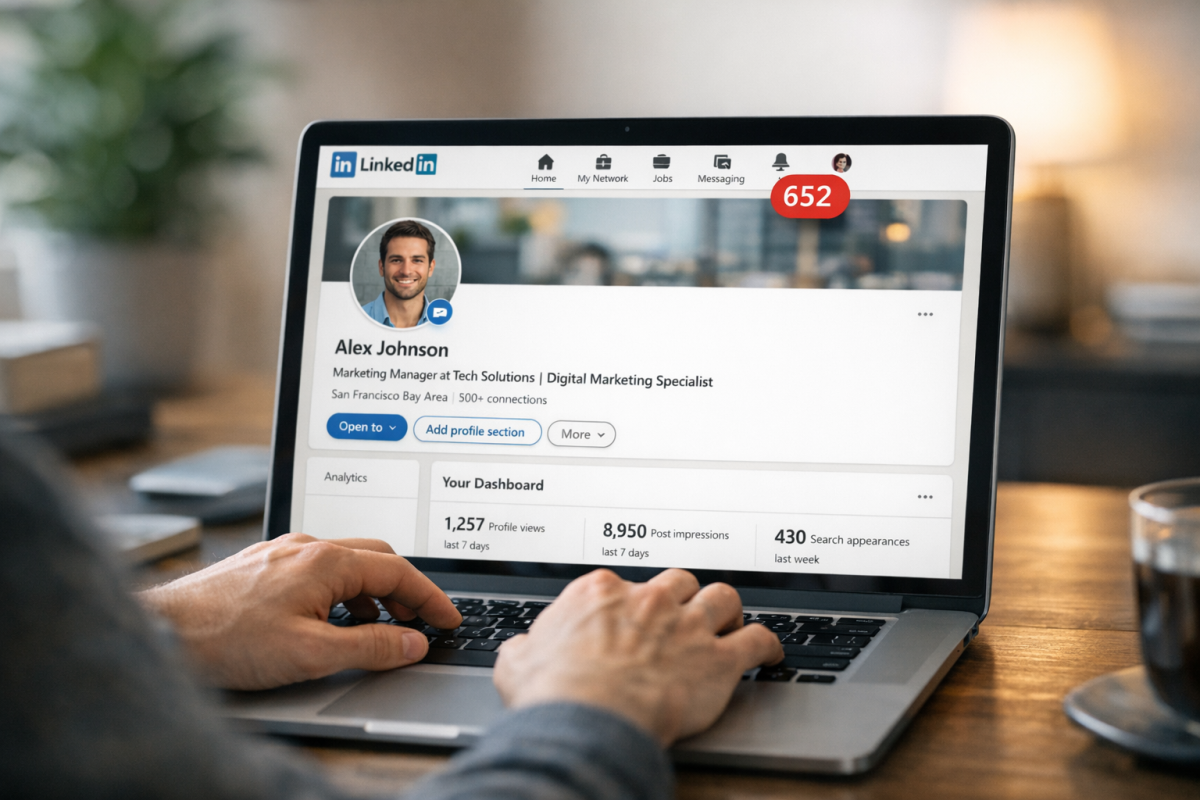
Their own network of connections wasn't very large. They leveraged what was probably a couple of hundred connections into a much bigger audience. That one post ended up earning over 1,300 likes, which pushed out throughout a giant number of connections and resulted in over 315,000 impressions on the social network.
For a single post, the fallout was pretty intense - over 2,700 visits to the profile, 200 connection invitations, and 65 emails or InMails offering business opportunities or projects; it's a strong conversion rate for 2,700 views. You can check how social media traffic converts in Google Analytics to put numbers like these in context.
Of course, this is a single person exploiting the algorithm to get views and projects. Things work a little differently if you're an agency or brand trying to get the same sort of exposure. That post was personal and was able to exploit people's drive to engage as a form of congratulations, which isn't something a brand can do, at least not easily.
There is a way a brand can mimic this success. But it means coming at the problem from two angles; the post and the profile. Understanding advanced methods to promote content on social media can help inform that strategy.
Optimizing Your Profile
The first thing you need to do is optimize your profile to increase views and increase the engagement of the viewers. Not only will this make you look more interesting from the bio field of your post, it will make people more likely to connect with you and give you work.

- Normalize your title. For a freelancer, you can take a look at what people around you in your industry are using. Making your title something creative and unconventional can make you stand out, but it does you no favors with the LinkedIn algorithm for search, so you want to use something a little more conventional. "Marketing Consultant" or "Freelance Content Strategist" are examples of more searchable titles, compared to something like "VP of Creativity."
- Make use of keywords. Industry-relevant keywords help you appear in search and catch the eye of people looking for that kind of expertise in the people they connect with. Keywords can go in your personal headline, your summary, and of course your posts. Your summary is your biggest ally here; you can make a narrative of your experience and skills, while still leaving your itemized skills list and endorsements to their own sections. If you're unsure how much weight keywords carry, it's worth asking whether you really need to worry about keywords in the first place.
- Set yourself to visible viewing. When you view someone's profile, LinkedIn can either show that person who browsed it or keep it anonymous. By showing that you browsed a post or profile, you invite reciprocal views.
- Keep your profile complete and current. LinkedIn surfaces complete profiles more frequently, and an incomplete or outdated profile undermines any traffic you do drive to it.
Posts are where you drive traffic. So let's also look at how you can syndicate posts and how you can use them to drive more traffic to your profile and your website.
Syndicating Posts on LinkedIn
The first thing to do is decide if you want to syndicate posts or if you want to create original content for LinkedIn.
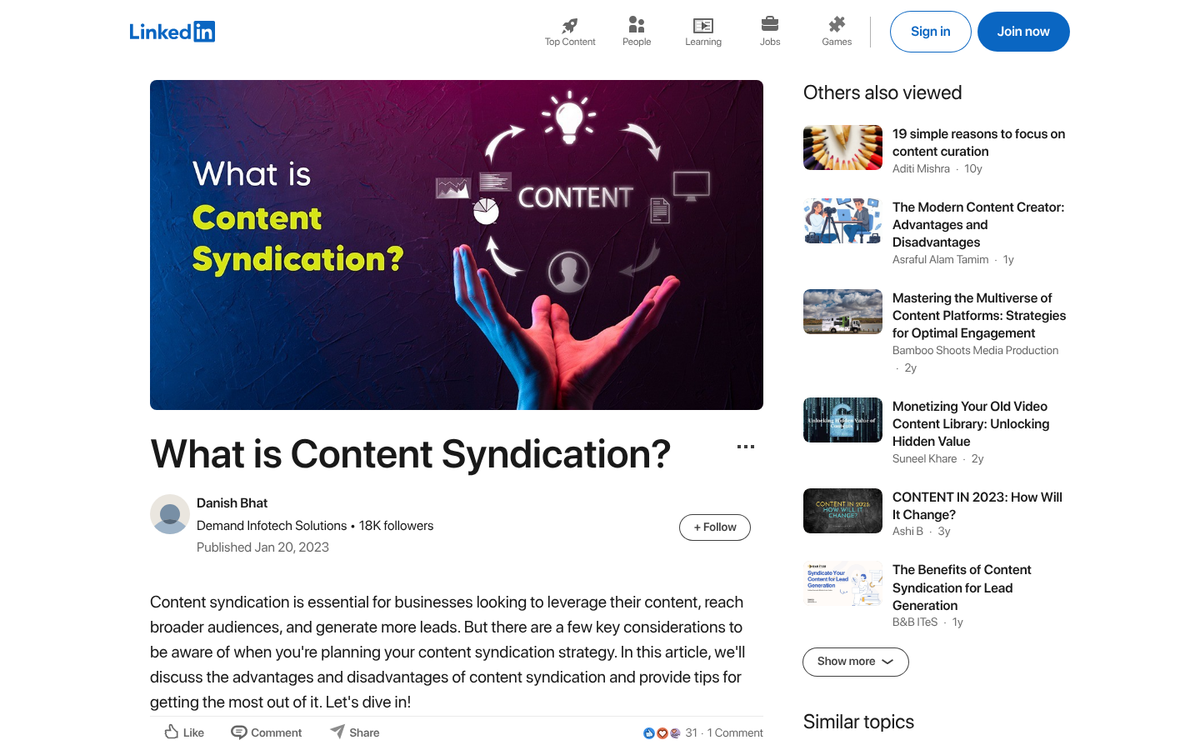
First, you'll need to know what syndication is. Syndication is the act of posting content verbatim - perhaps with a minor introduction or CTA at the end - on another site. You post the blog on your site, then you copy and paste it into LinkedIn's post or newsletter publishing tools.
The SEO pros among you probably winced. Syndication can be a very dangerous tool. Syndicating a post poorly can cannibalize SEO and traffic, and it can be the source of duplicate content problems. As it turns out, LinkedIn acts a little strangely with syndication, specifically with canonicalization tags. But it doesn't matter in practice. Google usually gives preference to your original site over LinkedIn when content is duplicated, and duplication penalties are not a concern here.
So syndication on LinkedIn basically just adds a LinkedIn audience, without meaningfully taking away from your Google-driven traffic - it doesn't eat away at your traffic, it opens you up to more of it.
By contrast, posting original content on LinkedIn can suffer somewhat, basically because Google doesn't give LinkedIn outsized preference in search results, likely because of the volume of thin content on the platform. Original content also takes more effort to produce and it's harder to repurpose elsewhere. Overall, syndication is usually the better use of your time and content. LinkedIn can get you actual traffic. But it's usually not worth creating original posts for the platform on a regular basis.
When you syndicate a post, you should add a little something to it. You can adjust the headline if you want, though it doesn't necessarily matter since you're not competing with yourself. Research from OkDork's analysis of over 3,000 LinkedIn posts found that titles of 40-49 characters performed best, posts with 5 headings had the most views, and long-form content of 1,900-2,000 words with around 8 images performed strongest. "How-to" posts and list posts outperformed other formats. These findings are worth keeping in mind when picking which content to syndicate.
I'd add two things to any syndicated post. The first is a note at the top that says something like "this post was originally published on X" with a link to the original post on your blog - this helps remove any canonicalization uncertainty. The second is a call to action at the bottom of the post, asking for likes or reactions on LinkedIn itself - this LinkedIn CTA can help earn your post the engagement it needs to keep circulating.
Here's where the outbound link penalty becomes relevant. Because LinkedIn suppresses posts with links by 20-35%, you have a trade-off to manage. One strategy is to post without the outbound link up front, let the post gain traction and engagement in the first few hours, and then add the link afterward - this isn't a clean workaround, but it's a commonly used tactic. Alternatively, you can put the link in the first comment instead of the post body, which some marketers report has less of a suppression effect.
So what posts do you want to syndicate? You shouldn't syndicate everything you post, and that's also the case if you have a very active blog. You want to primarily syndicate posts that are as close to evergreen as possible, and those that have proven themselves on your blog and on other social networks. The more engaging the post is, the easier you'll find it to earn likes, and the longer it will stick around. The more evergreen it is, the less out of place it looks when someone stumbles on it months later.
Additionally, you should stay away from posting anything too personal - this goes without saying for businesses, but for freelancers it rides the line between social network and business tool. LinkedIn is a tool first - not a Facebook clone, and as such it has less tolerance for overly personal or non-business-focused content. A post about religion, politics, or what you had for lunch won't do well. People are on LinkedIn to learn about business opportunities and professional strategies, so that's what you'll have to give them.
You can also add extra hooks to pull readers off LinkedIn and onto your blog, which is especially helpful if your goal is driving traffic instead of growing your LinkedIn presence. One idea is partial syndication - taking roughly half of a post and publishing it on LinkedIn, with a prompt to read the rest on your site. You're giving previews to LinkedIn users - not the full thing, so you're trying to hook them. For example, a top 10 list might publish six of its ten points on LinkedIn, with the rest available on the blog.
This is an extension of the expanded content concept and can be used in conjunction with it. Write a piece, publish the full version on your blog, and publish a strong excerpt on LinkedIn. You escalate up the chain in hopes that they go from LinkedIn connection to blog reader to converted customer based on the value of the content.
The downside is less LinkedIn engagement. When you're trying to pull people off LinkedIn, they're less likely to give you LinkedIn reactions and comments, which hurts your algorithmic circulation. As such, you'll have to find the right balance between driving off-platform traffic and earning enough on-platform engagement to keep the post circulating.

2 responses
Thoughtful replies only - we moderate for spam, AI slop, and off-topic rants.
How is this different/changed given all the changes to Google and LinkedIn. Do you still recommend the same strategy?
Hi Kyle! The primary difference in 2020 is that LinkedIn's API is now deprecated, so any sharing will most likely have to be done manually, unless you have a very specialized setup. Otherwise, LinkedIn is still very valuable for the traffic it provides, especially if those posts get a fair amount of likes within the LinkedIn network.