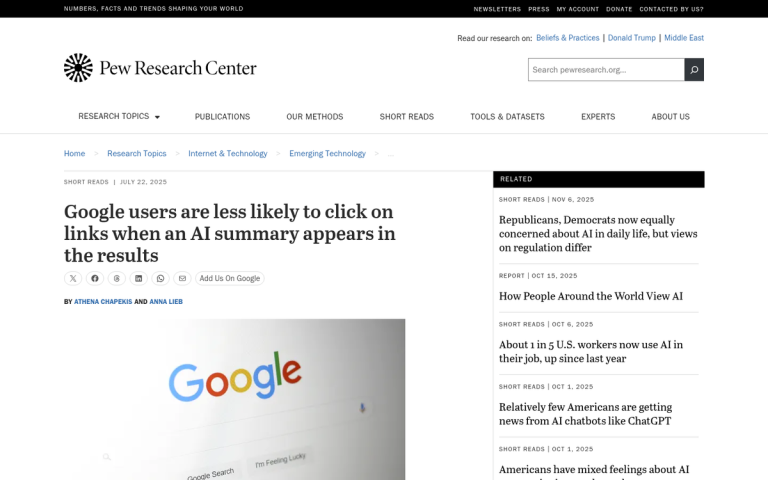
Google rolled out AI Overviews in May 2024, and the errors started surfacing almost immediately. The feature, which generates automatic summaries pulled from across the web, was caught treating forum speculation as established fact, surfacing outdated information, and in some cases, presenting facts that were just plain wrong. Businesses found themselves listed with incorrect hours, false service descriptions, and inaccurate locations - none of which they had approved or been notified about.
The frustrating part is that these summaries sit at the very top of search results, wrapped in the authority of Google's branding. A customer who sees wrong information there is unlikely to scroll down and fact-check it. They'll just move on - or worse, show up at your business expecting something you don't offer. The reputational and operational damage from that misinformation piles up fast.
The good news is that you're not powerless here - this post walks you through what's actually causing these errors, how to find what Google is saying about your business, and the concrete steps you can take to push back, from correcting your data at the source to submitting direct feedback to Google.
Key Takeaways
- Google's AI Overview pulls from forums, directories, and aggregators, treating unverified sources like Reddit speculation as factual business information.
- Wrong hours, incorrect addresses, outdated ownership, and misattributed quotes are the most commonly reported AI Overview business errors.
- Reporting errors via Google's built-in thumbs-down feedback tool is the fastest first step, but rarely resolves the problem alone.
- Fixing source content matters most - update third-party listings, add schema markup, and keep your Google Business Profile current.
- Preventing future errors requires quarterly website audits, FAQ schema, brand monitoring alerts, and regular third-party listing checks.
Free Business Info Correction Tracker
- Go back to the Google search with your incorrect AI Overview
- Look for the thumbs-down icon at the bottom-right of the AI Overview box
- Click it and choose "Inaccurate" or the closest matching option
- In the description box, write a short factual note (see template below)
- Submit the form
- Update any page that contains the wrong information
- Add or update schema markup (business name, address, phone, hours)
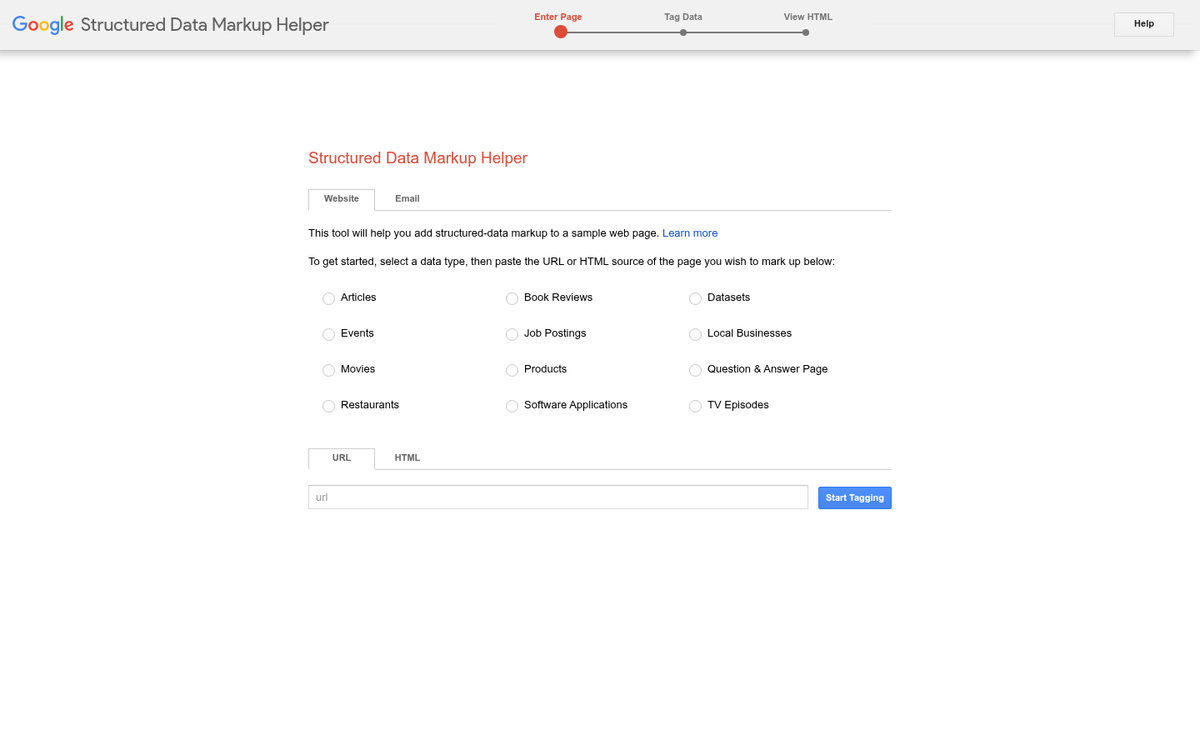
- Use Google's Structured Data Markup Helper to generate the code
- Test your schema with Google's Rich Results Test
- Log in at business.google.com
- Verify your name, address, phone, category, and hours are correct
- Make sure these match exactly what's on your website
- Add photos, posts, or FAQs to reinforce your current details
- Search your business name on Yelp, Yellow Pages, Apple Maps, Bing Places
- Claim your listing on any platform you haven't already
- Update incorrect details directly or submit a correction request
- Check data aggregators: Data Axle, Neustar/Localeze, Foursquare
- Identify any outdated press releases or news articles with wrong info
- Contact the publisher directly and request a correction or update
- For content that violates policies, submit a Google Search removal request
- Note: you cannot force third-party publishers - document your attempts
Why Google's AI Overview Gets Business Info Wrong
Google's AI Overview doesn't read only your website - it pulls from anywhere its crawlers have been - review places, forums, third-party directories, social media threads, and random corners of the web you'd never think to monitor.
That wide net is the root of the problem. When Google trains its AI on content from across the internet, it treats a speculative Reddit comment with the same weight it might give your own official website - it's not reading for intent or checking if something was a joke - it's looking for patterns and pulling what it finds. If you've ever tried to submit to Reddit without triggering a spam filter, you already know how loosely that platform is moderated.
In 2024, Google openly acknowledged that AI Overviews had featured what it called "sarcastic or troll-y content from discussion forums." That's a significant admission, because it confirms the AI has no reliable filter for tone or context. A throwaway comment in a thread can make its way into a summary that shows up at the top of a search result for your business name.
A known example of this involved Hersheypark's Wild Mouse roller coaster. A Reddit user posted a hypothetical about the ride in a conversation thread and the AI picked it up and presented it as factual information. The business never said it. No news outlet reported it - it came from a forum post that the AI had no way to verify.
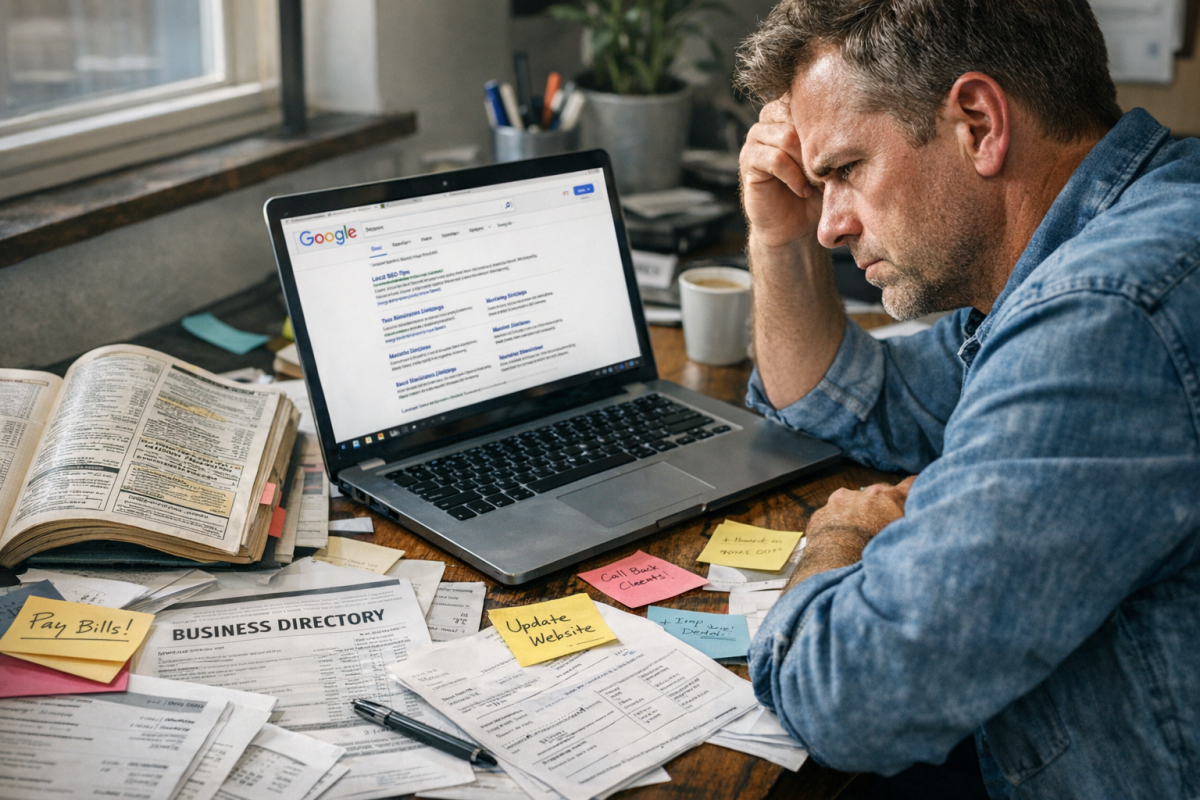
This matters because wrong information about your business isn't always the result of a bad review or a competitor doing something shady - it can come from a years-old forum thread, an outdated listing on a site you've never heard of, or a misread featured snippet from a page that mentioned your business name in passing.
The AI is also pulling from aggregator sites and data brokers that may have old or inaccurate records about your hours, address, or services. Making sure your business appears correctly across the web matters - there are dozens of free places to list your business where accurate information can help counterbalance bad data. So even if your own site is up to date, the AI could be surfacing something else entirely.
This is a sourcing problem - not a targeting problem. That distinction changes how you think about fixing it.
What Types of Wrong Information Show Up Most Often
There are a handful of error types that come up again and again for business owners. Knowing which category your problem falls into helps you figure out where the bad data came from and how to push back on it.
Wrong business hours are probably the most reported. Google's AI can pull hours from an old cached version of your website, a third-party directory, or a past Google Business Profile update - and combine them together into something that was never accurate. Incorrect address facts follow close behind - and that's businesses that have moved at any point in the last few years.
Ownership and staff attribution errors are harder. If a previous owner or manager had a strong web presence with your business name, the AI may still connect that person to your company - this happens even when the Google Business Profile itself has been updated.
Misattributed quotes are another problem. The AI might surface a statement from an old interview or review and present it as a current reflection of your business - without flagging that the source is years old. That error can do damage fast.
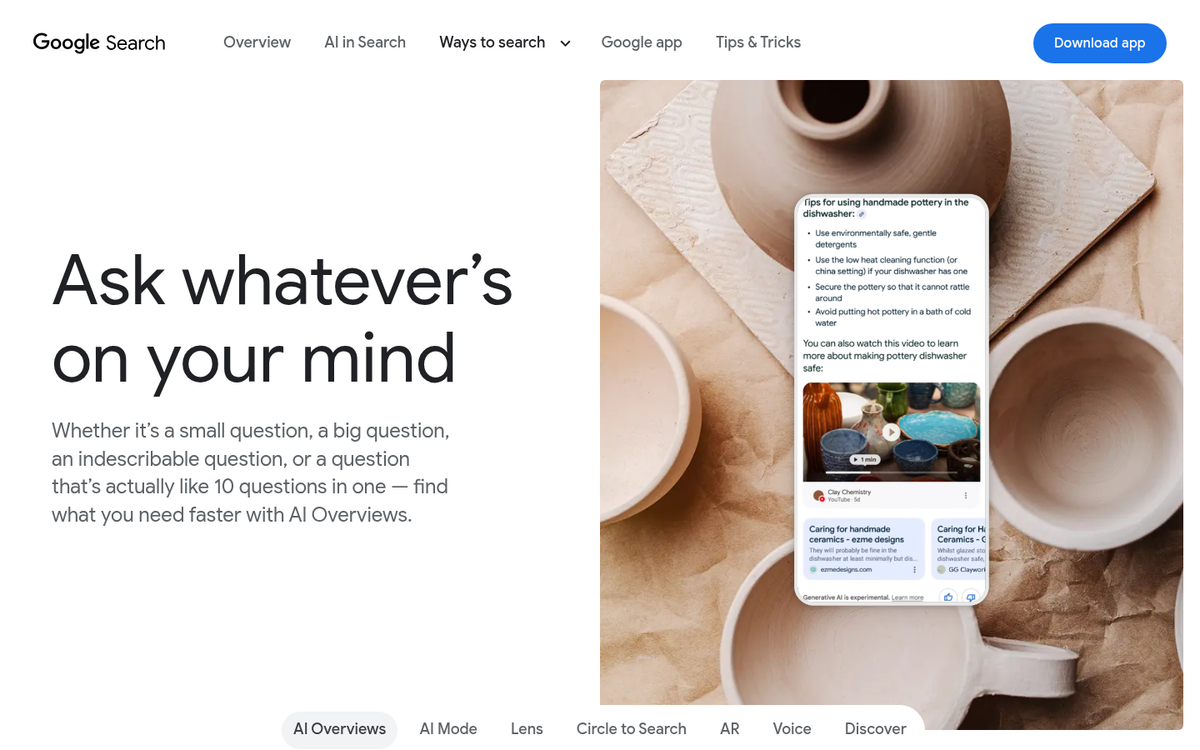
The Ashley MacIsaac situation is a well-documented example of how this plays out in the world. An AI-generated summary about the musician contained inaccurate information that caused a concert to be cancelled. The damage wasn't just embarrassing - it had direct financial consequences; that's the danger a factual error in AI Overview creates for any business. Can your business survive without Google traffic if errors like this push customers away?
Below is a quick overview of the most common error types and where they come from.
| Error Type | Likely Source | How Common |
|---|---|---|
| Wrong business hours | Old website, directories, outdated GBP | Very common |
| Incorrect address | Outdated listings, cached web pages | Very common |
| Wrong ownership or staff | Old press coverage, previous GBP data | Common |
| Misattributed quotes | Dated interviews, old review snippets | Moderate |
| Outdated or removed services | Old website content, third-party aggregators | Common |
| False closure or status | Temporary closures mistaken as permanent | Moderate |
If one of these looks familiar, you're in the right place to get it fixed. Updating old pages and posts is one way to make sure the most current information is what Google finds first.
How to Find and Confirm the Error Is Coming From AI Overview
Before you can fix anything, you'll have to know where the wrong information is appearing. Open an incognito or private browser window and search your business name on Google. The incognito window removes your personal search history from the equation so you see what a standard visitor would see.
Look at the very top of the results page. An AI Overview is the summarized block that appears above everything else, usually with a small "AI Overview" label and a chevron you can expand. It pulls from multiple sources and has a blended answer, which is why the information in it can be wrong.
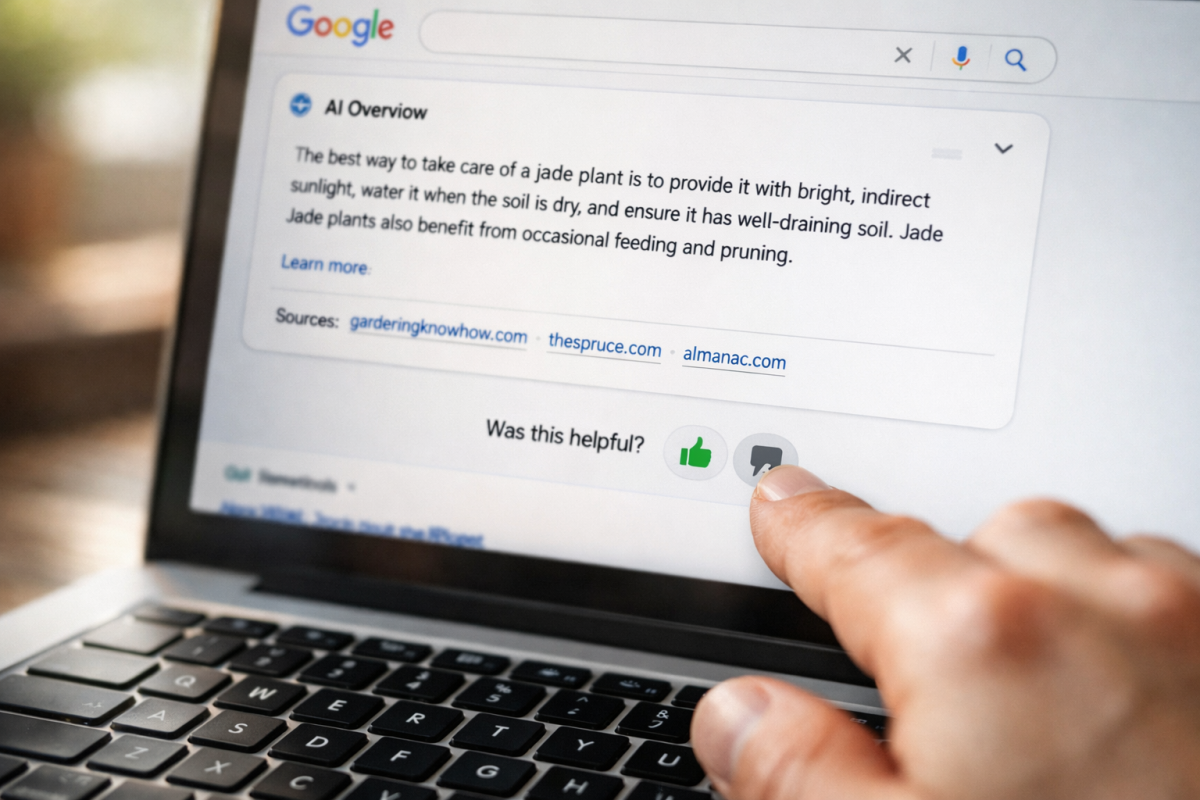
The difference between an AI Overview and a Knowledge Panel matters here, because they need different fixes. A Knowledge Panel is the box on the right side of the page that shows your business name, address, phone number, and other facts. An AI Overview is the summarized text at the top. If the wrong information is in the panel on the right, the fix lives somewhere else entirely.
| Feature | Where It Appears | What It Shows |
|---|---|---|
| AI Overview | Top of results, above all links | AI-generated summary from multiple sources |
| Knowledge Panel | Right side of results page | Structured data about your business |
Once you confirm the error is in the AI Overview, expand it and look for the cited sources underneath. Google usually shows small reference links that tell you where the AI pulled its information. Click through those links to see if the wrong detail is actually on those pages, because that will matter when you go to report it.
Write down the exact wording of the incorrect claim and take a screenshot. A record of what the AI said and where it appeared will make the next steps much easier.
Using Google's Built-In Feedback Tool to Report the Error
Once you've confirmed the error is coming from AI Overview, the fastest first step is to report it directly through Google's built-in feedback tool. It won't guarantee a quick fix, but it does send a signal straight to Google. That matters.
Look for the thumbs down icon at the bottom right of the AI Overview panel. On some searches you'll see a "More" option or a flag icon instead. In either case, clicking it opens a short feedback form where you can describe what's wrong.
Here's how to do it.
- Run the search that triggers the incorrect AI Overview.
- Find the thumbs down or feedback icon at the bottom of the AI Overview box.
- Click it and select the option that best fits your situation - usually something like "Inaccurate" or "Not helpful."
- In the description field, write a short and factual note. Something like: "The AI Overview states this business is located in [wrong city]. The correct location is [correct city]."
- Submit the form.
Keep your description factual and short. Avoid editorializing or emotional framing - just state what's wrong and what the correct information is. Google reviewers respond better to precise, neutral descriptions than to frustrated complaints.
Google does review these submissions, and feedback carries more weight when multiple people report the same problem. If you have colleagues, employees, or customers who can replicate the search and submit their own reports, it helps to ask them to do that too.
One honest caveat: this tool alone is unlikely to resolve the problem quickly. Google's AI Overview pulls from external sources, and submitting feedback doesn't automatically update what those sources say - this step opens a ticket and starts the process. But the deeper fix usually comes from tackling where Google is pulling the wrong information.
Fixing the Source Content Google Is Likely Pulling From
Reporting the error is one part of the process. But Google's AI Overview will probably keep pulling the same wrong information if the source content doesn't change. The fix is to help with what Google is actually reading.
Start by figuring out where the bad information lives. Google's AI Overview sometimes cites a source directly beneath the summary - if yours does, visit that page and see what it says - maybe an old press release, a third-party directory listing, or a review platform with outdated facts.
Update or Remove Third-Party Content
If the inaccurate content is on a site you don't own, contact that site's owner or use their update request process. Many business directories have a claim or correction option built in. For content you can't get changed, you can submit a removal request through Google Search if the page violates content policies - though this only works in limited situations.
Make Your Own Site the Most Reliable Source
Google tends to favor pages with well-structured, factual content. Adding schema markup to your website helps Google read your business information accurately. Schema is a block of code that labels your facts - like your business name, address, phone number, and hours - in a format search engines can read.
You can generate schema markup with free tools like Google's own Structured Data Markup Helper. Once you add it to your site, run the page through Google's Rich Results Test to check that it reads correctly - this gives Google a clean, verified version of your information to work from. You can also use a structured data validator to catch any issues before Google does.
Keep Your Google Business Profile Current
Your Google Business Profile is one of the first places Google looks when it builds an AI Overview for a branded search. If your profile has outdated or missing information, Google may fill the gaps with less reliable sources. Log in and check that your name, address, phone number, category, and hours are all accurate and match what's on your website.
| Content Type | What to Do |
|---|---|
| Your own website | Add or update schema markup with accurate business details |
| Third-party directories | Claim the listing and request a correction |
| Google Business Profile | Update all fields to match your website exactly |
| Outdated press or articles | Contact the publisher or request removal through Google Search |
When to Escalate to Google Search Console or Support
Sometimes the feedback button just isn't enough. If you've updated your source content and submitted corrections but the wrong information is still showing up, it's time to take a more direct path.
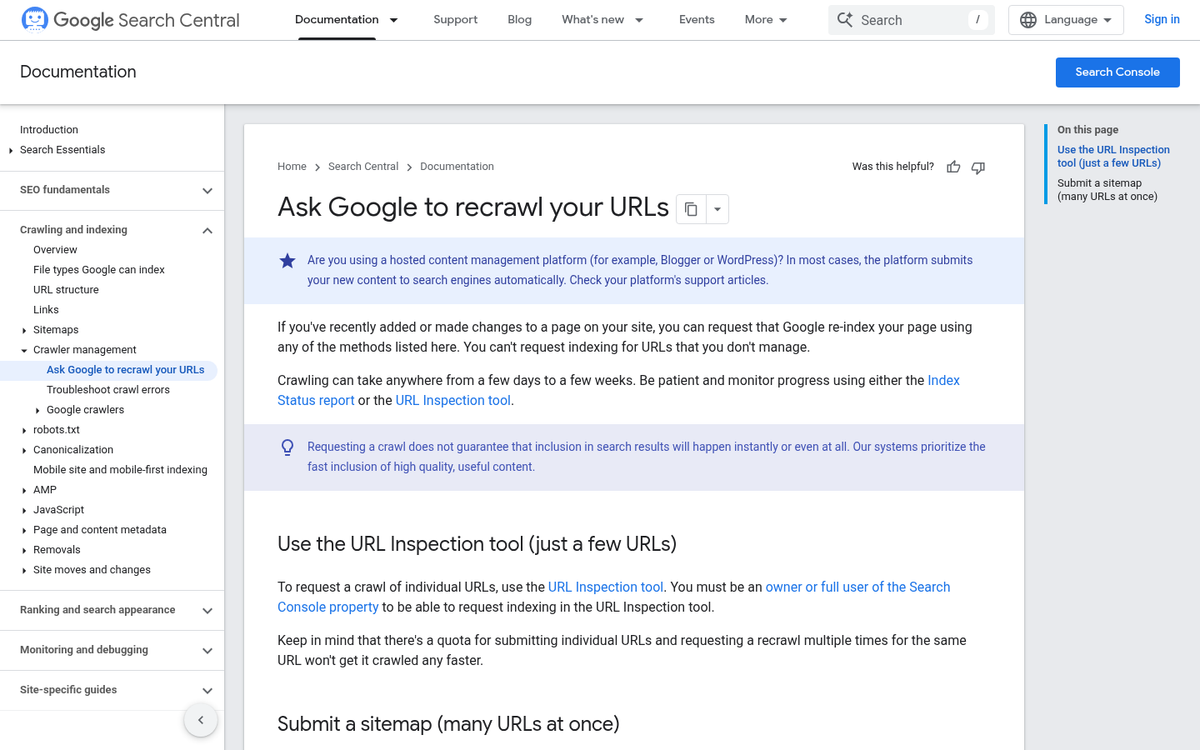
Google Search Console is a next step if you have it set up for your site. You can use it to flag indexing problems and request a recrawl of pages that have been updated - this won't directly edit what Google's AI Overview says. But it tells Google that your content has changed and should have a fresh look.
If the problem is with your business facts specifically, Google's Business Redressal Complaint Form is worth trying - it's designed for situations where Google is displaying inaccurate information about a business, and it goes to a review team instead of an automated system. Verified Google Business Profile owners get more traction here because Google can confirm the account is legitimate.
For persistent or damaging inaccuracies, you can contact Google Support. It's slower and less predictable, but it gives you a paper trail and puts a human set of eyes on the situation. If you're also noticing Google Analytics not showing your traffic correctly, that's worth investigating alongside any indexing issues.
The table below breaks down your main escalation paths and what to expect from each one.
| Escalation Option | Best Used For | Approximate Timeline |
|---|---|---|
| AI Overview Feedback Button | Quick flags on inaccurate or misleading content | No guaranteed response; may influence future updates |
| Google Search Console Recrawl | Getting updated pages re-indexed faster | Days to a few weeks |
| Business Redressal Form | Incorrect business info shown in Google results | A few weeks; varies by case |
| Google Support Contact | Persistent errors that haven't responded to other steps | Weeks to months; no set timeline |
Be realistic about timelines here. Google doesn't move fast on these things, and you won't always get a direct confirmation that your request was received or acted on. In the meantime, getting your backlinks indexed quickly can help signal to Google that your updated content is authoritative and worth recrawling sooner.
Preventing AI Overview Errors Before They Happen Again
Once you've cleaned things up, the goal is to make it harder for wrong information to take hold. AI systems pull from whatever is available online, so the stronger and steadier your own web presence is, the less room there is for unreliable sources to fill the gaps.
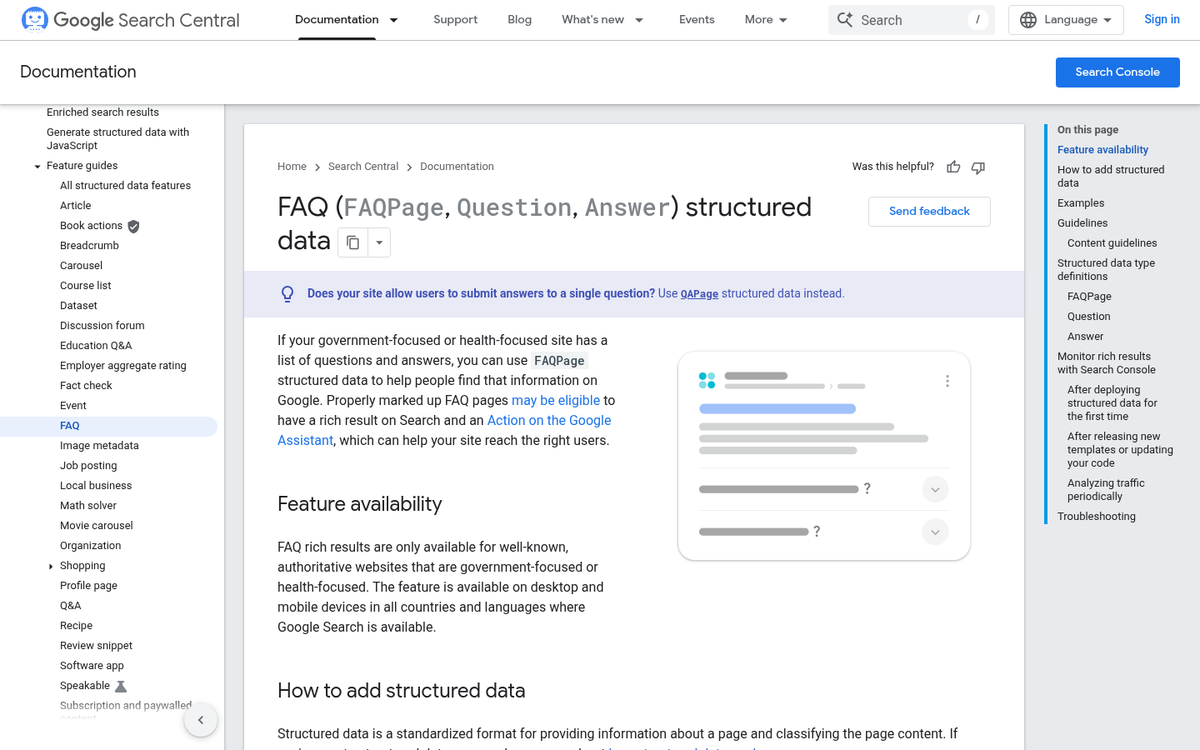
One of the most underused tools here is FAQ schema. Adding structured FAQ markup to your website lets you answer common questions about your business in your own words, in a format that search engines can read. Think about what people frequently get wrong about your company and answer those questions on your site. You might also want to explore whether AI Overviews prefer HowTo schema or FAQ schema when deciding which format to use.
It also helps to monitor what others are saying about your brand. Set up a Google Alert for your business name so you get notified when new content mentions you. That way you can catch inaccurate third-party articles or listings before they have time to gain traction.

Auditing your external listings every few months is worth the time too. Directories, review platforms, and data aggregators can hold outdated facts without you realizing it, and AI draws from these. A thorough AEO content audit can help you identify where gaps and inaccuracies are most likely to creep in.
A easy checklist to keep things on track going forward:
- Review your website's key pages every quarter to keep business details accurate and up to date
- Add or maintain FAQ schema to answer common questions in your own words
- Set up brand monitoring alerts to catch new mentions early
- Audit third-party listings on directories and data aggregators a few times a year
- Keep your Google Business Profile current so it stays a reliable primary source
The pattern behind this is the same. When your own content is factual and steady across the web, AI has a reliable source to draw from and doesn't need to pull from somewhere less accurate. Tools that help you track your website's growth can also signal when something shifts unexpectedly.
Start with the areas most likely to cause uncertainty and build from there at a pace that works.
Your Business Info Is Too Important to Leave Up to AI
The most important thing you can do is act instead of wait. Wrong information in an AI-generated summary doesn't quietly correct itself - it shapes how potential customers see your business every day it stays there. Report the error directly to Google, clean up the source data feeding those results, and escalate through Business Profile support if the problem persists.
Pull up your own AI Overview, check what's being surfaced, and take the first step toward getting it corrected. Your business's credibility is worth the effort.