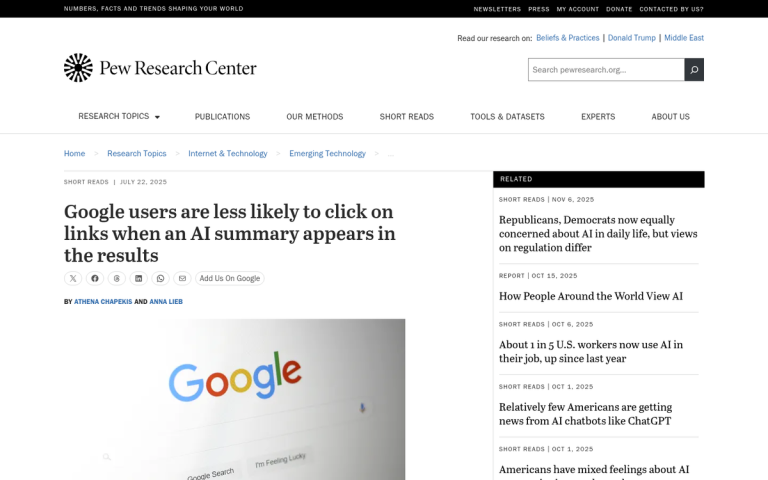
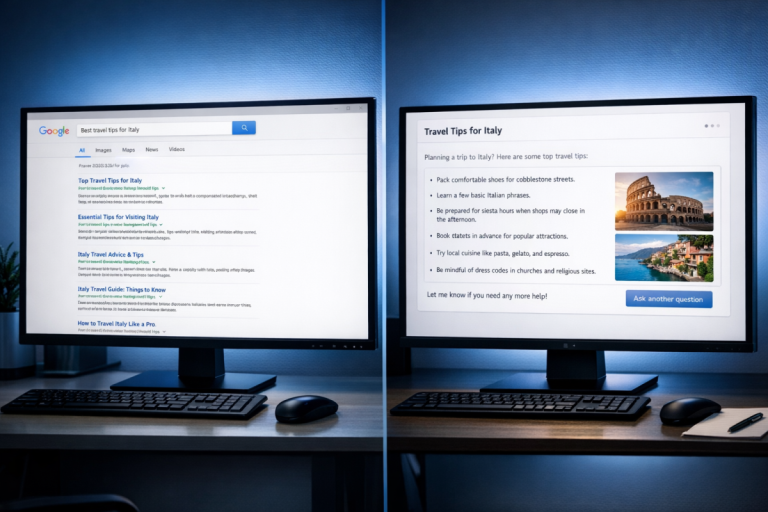
The numbers tell a stark story. Organic results sitting beneath an AI Overview have seen click-through rates drop by as much as 61% - a hit that compounds quietly across an entire content library. But here's the thing: businesses whose content gets cited inside an AI Overview have recorded a 35% improvement in clicks compared to their pre-Overview baseline. For those sites, it's becoming the primary traffic opportunity.
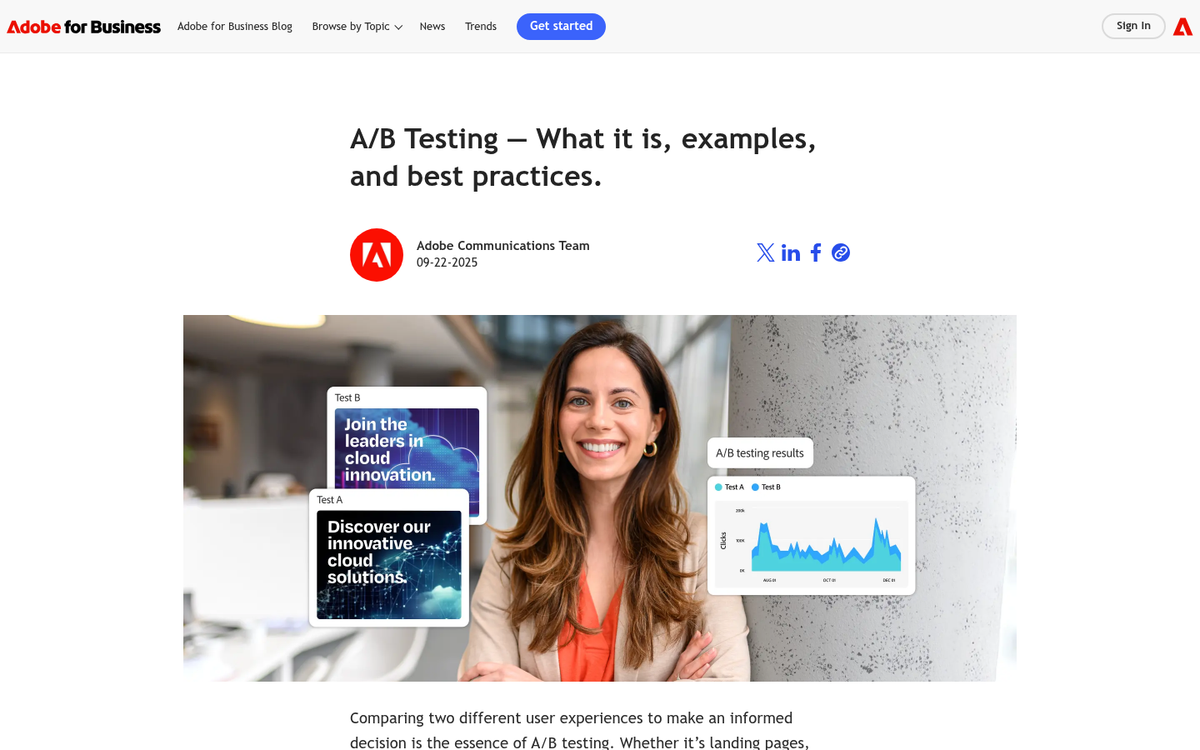
The challenge is that most bloggers and SEOs have been treating AI Overview inclusion like a lottery - publish content and hope the algorithm notices; it's an understandable response to something that felt opaque and unpredictable. But AI Overviews pull from patterns that can be studied, tested, and influenced. A/B testing gives you a structured way to do that: change elements of your content, measure what moves the needle, and build a repeatable playbook instead of guessing.
I'll walk through how to set up those tests - what variables are worth isolating, how to track citation and inclusion signals, and what early results tend to show about the content structures Google's AI tends to favor.
Key Takeaways
- Sites cited inside AI Overviews see 35% more clicks, while organic results beneath them lose up to 61% CTR.
- Direct answer formatting, clear headers, topical depth, and long-tail query alignment most influence AI Overview citation likelihood.
- Three testing approaches exist: temporal before/after, parallel post comparison, and post cluster testing - each with different reliability trade-offs.
- Over 99% of AI Overview citations come from pages already ranking in the top 10 organic positions.
- Wait four to six weeks minimum and cross-reference Search Console data to avoid misreading citation changes as test wins.
Free A/B Test Planner
| URL | Query | Variable | Date | Cited | |
|---|---|---|---|---|---|
| No entries yet - add your first check above. | |||||
Why AI Overview Inclusion Is Worth Testing For
AI Overviews are the AI-generated summaries that appear at the top of Google search results for certain queries. Google pulls from multiple sources to build these replies and sometimes cites the pages it draws from. When your blog post gets cited, it shows up with a link inside that summary box - above everything else on the page.
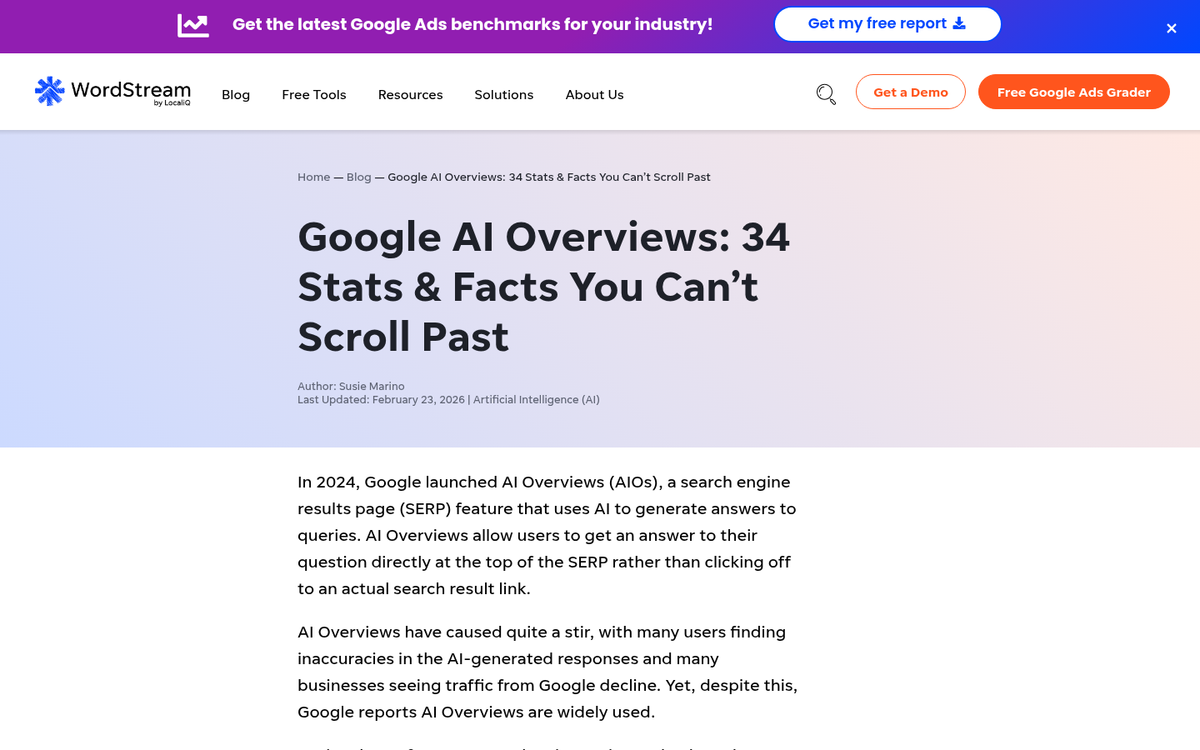
That placement sounds great. But the traffic math is tough. Research from Seer Interactive found that AI Overviews are connected with lower click-through rates on organic results, because some users get what they need from the summary and never scroll down. Pew Research data also shows that a growing share of users use AI tools to get answers without visiting a source. So the old assumption - that ranking in the top 10 is enough - doesn't hold the way it used to.
Being cited in an AI Overview changes that equation. A citation puts your link directly inside the response users are already reading; it's a different visibility than a standard organic listing and it's one that doesn't disappear even when click-through rates for other results fall.

If your post already ranks on page one, what's actually stopping it from being cited? It's probably not authority or domain strength - it's more likely something about how the content is written, how it's structured, or how directly it answers the query. Those are things you can change and test. You can use a tool like the AEO Content Grader to see how well your content is optimized for answer engines before making changes.
That's where the opportunity is. A post that ranks well but doesn't get cited is leaving something on the table - and the difference between those two results is testable. You don't have to guess at what Google's AI is looking for or overhaul your whole content strategy. Small, deliberate changes to a post can move it from cited sometimes to cited consistently, and tracking those changes with UTM parameters is what A/B testing is for.
The goal isn't to chase AI citations at the cost of writing - it's to know what makes Google's AI treat your content as a reliable source so you can make that happen on the job.
What Variables Actually Influence AI Overview Citations
Research and standard SEO community observation point to a handful of on-page things that seem to affect if Google pulls from a page for its AI Overview.
Content structure is one of the biggest ones. Pages that use headers to break up topics give Google's systems a much easier path to extract a relevant answer.
Direct answer formatting matters quite a bit here. Pages that state an answer in the first one or two sentences of a section tend to get cited more than pages that bury the point in background context. Write for a person who wants the answer first and the explanation second.
Query length alignment is worth mentioning as well. There's an observed pattern in the SEO community that AI Overviews appear more for queries that are eight words or longer. Longer queries tend to be more conversational and specific, and pages that match that register - answering the full question instead of a stripped-down version of it - seem to perform better in this format.
Topical depth also factors in. A page that covers adjacent questions a reader may have signals that it's a reliable source rather than a surface-level one. This doesn't mean longer is always better - it means the content should feel complete.
Some of these variables are fairly easy to isolate. But topical depth and query alignment tend to move together - expanding coverage changes how you write, which makes it harder to pin down what actually drove a change in AI Overview inclusion. Tools like a solid WordPress SEO plugin can help you keep these on-page signals consistent across your content.
That distinction between isolatable variables and entangled ones will matter quite a bit as we get into the test setup.
How to Set Up a Controlled A/B Test on Blog Content
Now that you know which variables to test, the next step is to test them. The word "controlled" is doing work here - it means you change one thing at a time and track.
There are three helpful strategies to split testing blog content for AI Overview addition.
The first is temporal testing, which means editing a post and tracking its AI Overview performance before and after - it's easy and low-effort. But search behavior can fluctuate for reasons outside your control, so give it at least two to three weeks to draw any conclusions.
The second strategy is parallel testing across similar posts. You pick two posts that target comparable queries and have similar traffic levels, then apply a change to one and leave the other alone - this gives you a rough control group without waiting for weeks of before-and-after data.
The third strategy is post cluster testing. You take a group of posts on related topics and apply the same structural or content change across half of them - this smooths out some of the noise you get with single-post testing and gives you a more reliable signal over time.
Each strategy has trade-offs in terms of effort and how much you can trust the results.
| Approach | Effort Level | Reliability | Best Use Case |
|---|---|---|---|
| Temporal (before/after) | Low | Moderate | Single posts with steady traffic |
| Parallel post testing | Medium | Moderate-High | Sites with multiple posts on similar topics |
| Post cluster testing | High | High | Content-heavy sites running ongoing tests |
The biggest mistake people make is bundling too many edits into one update. A full content refresh in one pass feels productive. But it makes your test results almost impossible to interpret. Pick one variable, make the change, and wait for actual data before you touch anything else.
Choosing Queries That Are Likely to Trigger AI Overviews
Not every search query pulls an AI Overview, so you want to run your tests on queries where AI Overviews actually show up. Informational, question-based queries are where Google deploys them most. Think "how to", "what is", "why does" and "best way to" style searches instead of transactional or navigational ones.
Query length matters quite a bit here. Longer queries - those with eight or more words - are more likely to generate an AI Overview than short, broad ones. A query like "how do I reduce bounce rate on a blog post" is a better test candidate than just "bounce rate".
AI Overviews appear on roughly 30% of desktop searches, and that number climbs for question-based topics. The more your target query reads like something a person would type into Google when they need an explanation, the better your odds of appearing in an AI Overview.
Start with posts you already have that rank in the top 10 results. Studies show that more than 99% of AI Overview citations come from pages already sitting in those top positions. If a post is ranking on page two, it's not a strong test candidate yet.
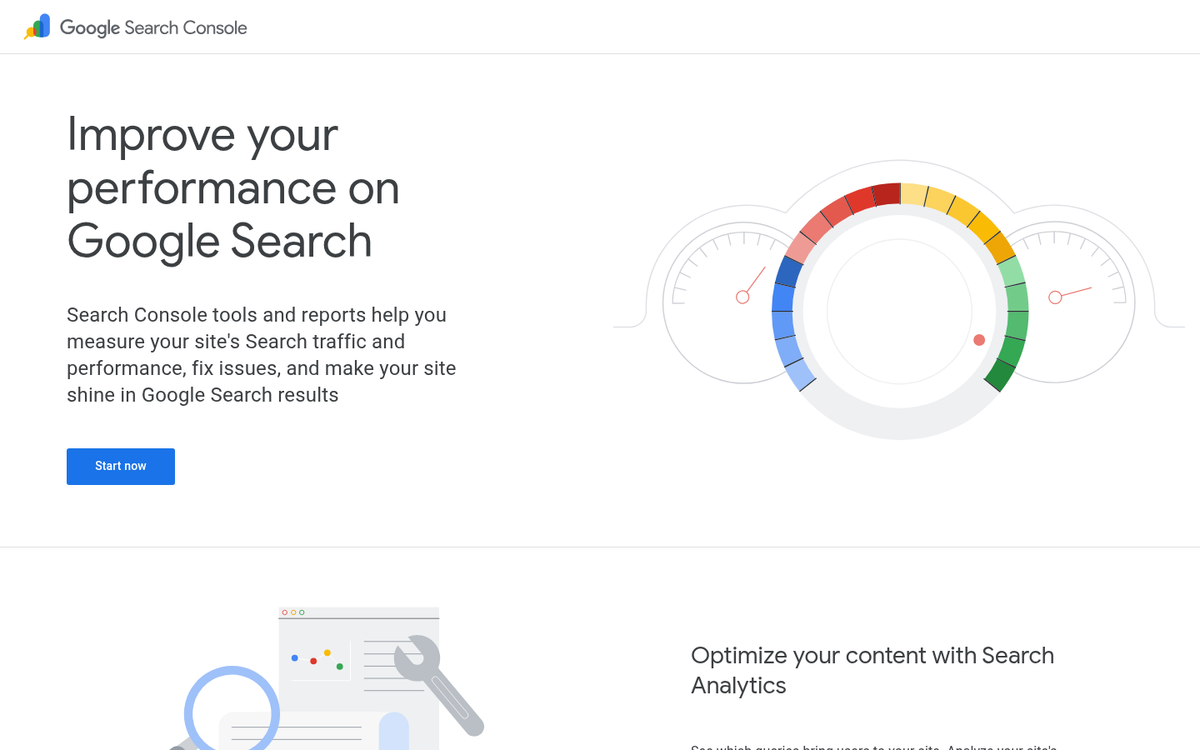
Pull up Google Search Console and filter for queries where your pages have impressions with an average position between 1 and 10. Those are your targets. You're looking for question-based, long-tail queries attached to pages that are already visible to Google as relevant and authoritative.
Rank tracking tools that flag AI Overview presence - places like seoClarity or similar trackers - can tell you which of your ranking queries are already triggering an AI Overview for other pages; it's a strong signal that the query type is active territory and your post has a shot at being cited if you optimize it well.
Build a shortlist of five to ten queries that meet these criteria before writing variants. The tighter your targeting, the more meaningful your test results will be when you move into the tracking phase.
Tracking Whether Your Post Gets Cited in an AI Overview
Once you have your target queries lined up, you need a way to record what actually happens when you search them - this part of the process is still pretty manual for most teams, and that's fine - the goal is consistency, not sophistication.
The easiest strategy is to search your target queries in a fresh browser window, best in incognito mode, and note down if your URL appears in the AI Overview. Do this on a fixed schedule - every few days at minimum. Infrequent checks introduce gaps that make it hard to connect changes in citation status to edits you made.
Some rank tracking tools are starting to flag AI Overview appearances alongside traditional rankings. If your team already uses one of these tools, it's worth checking if that feature is available. Don't use it alone, though - manual checks catch things automated tools miss, and that's also the case when the AI Overview content changes without your ranking changing at all.
The most important habit to build is logging. Every check should go into a record so you can compare across time and across post variants. If you don't have a log, you're just accumulating vague impressions instead of data. It's also worth thinking about how URL changes can affect your data if you restructure posts during testing.
Here's an easy format to get you started:
| URL | Target Query | Variable Changed | Date Checked | Cited (Yes/No) |
|---|---|---|---|---|
| /blog/post-a | how to descale a kettle | Added FAQ section | 2025-05-01 | No |
| /blog/post-b | how to descale a kettle | Rewritten intro paragraph | 2025-05-01 | Yes |
Citation status can change from one day to the next, so a single data point means very little on its own.
It's also worth mentioning the search context - device type, location, and if you were logged into a Google account - because these things can change what the AI Overview shows. If you're also tracking how original your content is across variants, that's another variable worth logging alongside citation status.
Reading Your Results Without Fooling Yourself
Once you have citation data coming in, the temptation to act on it immediately is strong. But raw numbers without context can send you in the wrong direction just as easily as having no data at all.
The first thing to get straight is timing. AI Overview citations tend to fluctuate quite a bit in the short term, so a post that gets cited once in week one and then disappears has not proven anything. Give a variant at least four to six weeks of steady exposure before you treat it as a result. Smaller blogs with lower traffic need even more patience because fewer impressions mean more noise in the data.
Sample size is where bloggers run into hot water. If a post only gets a few hundred impressions over two weeks, one citation could look like a breakthrough when it's probably just chance. A rough guideline is to wait until each variant has accumulated at least a few thousand impressions before you compare them.
The bigger trap is confusing correlation with causation. You rewrote a section to use more definitions and the post started getting cited more. That looks like a win for the format change. But something else may have caused it. Check Google Search Console during the same window to see if the post's organic ranking also improved. A ranking jump can give more impressions and so more opportunities to be cited, and that has nothing to do with your formatting at all.

Cross-referencing your citation log with Search Console data is the most helpful way to filter out these confounding factors. If citations went up but rankings stayed flat, the content change is a more credible explanation. If rankings went up at the same time, hold off on drawing conclusions about your test. Using the right WordPress plugins to support your rankings can also affect this kind of data in ways that are easy to overlook.
It also helps to keep a short notes log alongside your data. Record anything that changed during the test window, like a site update, a topic going mainstream, or a Google algorithm update. Those notes will save you from misreading a result weeks later.
Iterating Your Content Strategy Based on Test Findings
Once you have results you can trust, the next step is to turn them into something repeatable. A single winning format is helpful. But a documented pattern you can apply across dozens of posts is far more helpful.
Start by updating your internal style guide. If a particular structure got cited in AI Overviews - say, a direct answer in the first paragraph followed by a numbered overview - write that down as a standard to follow. This stops you from having to rediscover the same thing six months from now.
From there, build templates based on what performed well. A template does not have to be rigid or restrictive - it just gives writers a starting point that's already grounded in what has worked. Think of it as a shortcut that keeps your whole team moving in the same direction without having to repeat the entire testing process for every new post. If you rely on others to create content, learning how to train an employee to write for your blog can make this process much smoother.
It also helps to go back and update older posts with your new findings. If you have related content that covers similar topics, applying your winning format there is a fast way to get more mileage from what you have already learned.
The bigger picture here is that testing should become a habit instead of a one-time project. Google updates how AI Overviews work, and what earns a citation this quarter might not earn one next quarter. That is not a reason to feel defeated - it's a reason to run small tests on a rolling basis so you always have fresh data to work from.
Each test can add to a growing body of knowledge about how your content performs. Over time, that knowledge compounds. You will start to find these patterns faster, make better editorial decisions upfront, and spend less time guessing about what Google wants to pull from your pages.
The goal is a content process that gets better with every post you publish.
Keep Testing - The Algorithm Isn't Done Changing
Publishing content for AI answer engines requires a specific discipline: is this the clearest, most honest, most directly helpful response to the question being asked? That discipline makes everything you publish better, full stop.
To skip the trial-and-error phase and start publishing content that's already engineered for AI addition from the first draft, that's what we do at BlogPros. We manage the structure, the schema, the formatting and the nuance that makes content get chosen. Your first month is free - no contracts, no credit card, no commitment. See how it works and claim your free month here. The businesses showing up in AI-generated answers are the ones doing the work. Let's make sure yours is one of them.