Everywhere you look, someone is giving advice about making your blog posts as search-friendly as possible. Whatever happened to just writing what you want to write and letting it rank as it happens? Well, you can still do that, but you'll be missing out on a lot. Consider this: a blog increases your chances of ranking higher in search by 434%. That's not a number you want to leave on the table. It's really not that difficult to make your posts search-friendly, and a simple checklist goes a long way.
Key Takeaways
- Use keywords naturally in titles, body, URLs, and meta descriptions without obsessing over density or over-stuffing.
- Fill in meta titles (under 60 characters) and meta descriptions (under 160 characters) for every post, every time.
- Optimize images with descriptive alt text, modern formats like WebP or AVIF, and ensure you have usage rights.
- Use internal and external links intentionally; apply nofollow, sponsored, or ugc attributes where appropriate.
- Format posts with one H1, logical heading hierarchy, short paragraphs, and lists to serve both readers and crawlers.
Remember Keywords, but Don't Over-Use Them
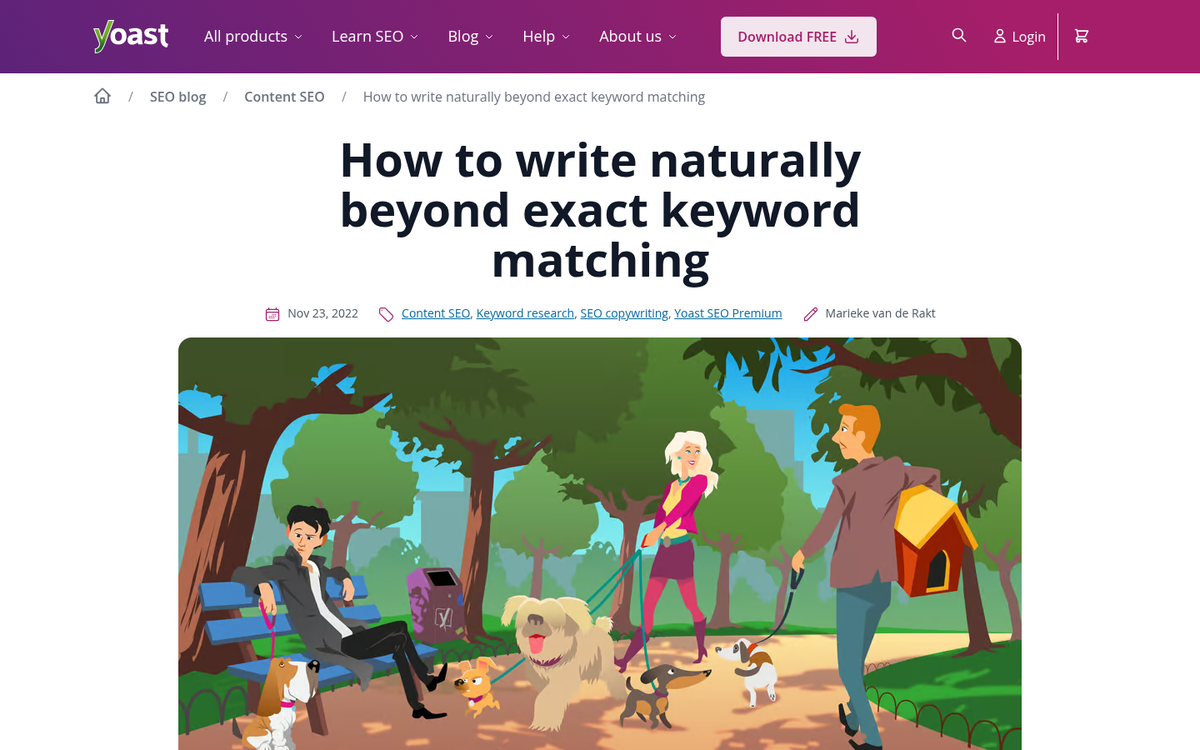
Keywords have a long and tricky history with bloggers. At various points they've been over-used, under-used, and used just right - but with way too much time spent on research. Here's the thing: you don't need to obsess over keyword density. Just use the keyword naturally as your subject, and you'll organically use it - along with semantically related terms - throughout the post as you write.
Google's understanding of language has matured significantly. With AI-driven search features, Google now evaluates topical depth, context, and user intent far more than raw keyword repetition. That said, strategic placement still matters.
Still, if you absolutely must pay close attention:
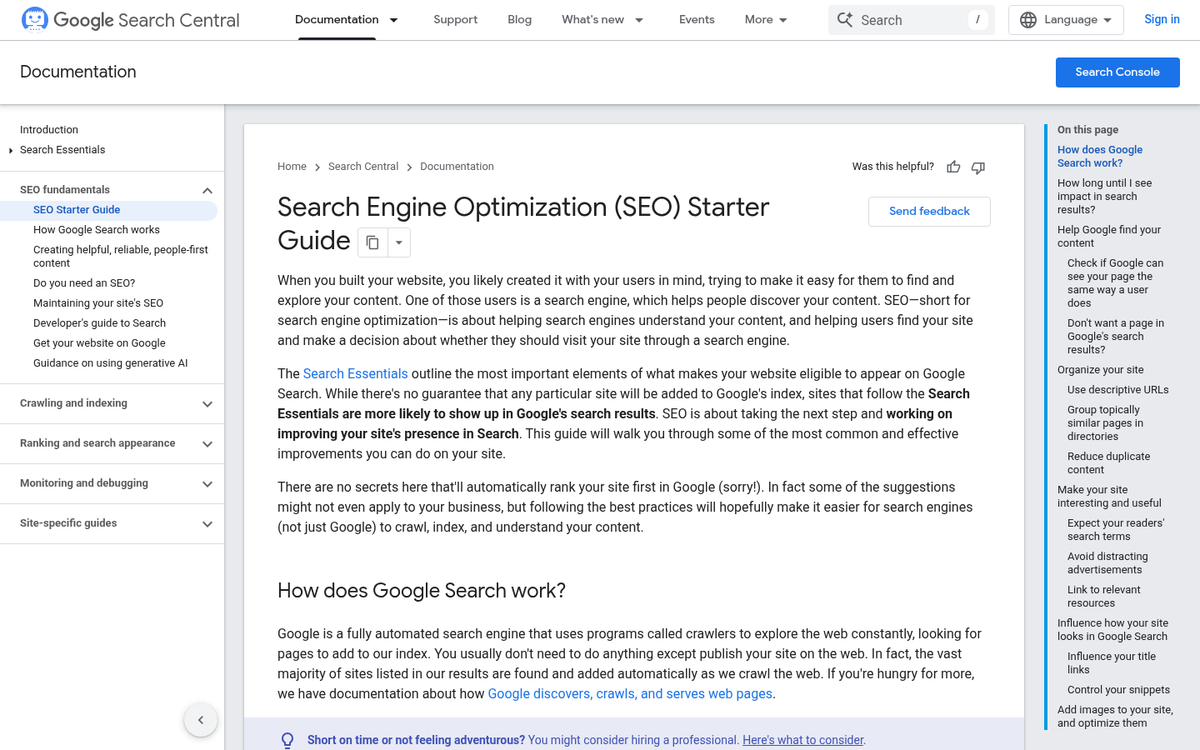
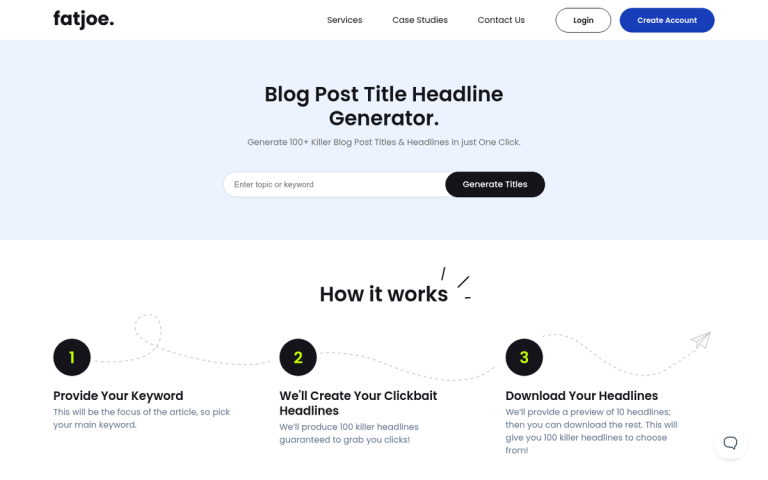
- Once in the title. Your title is critical for SEO, for user visibility, and for signaling the subject of your post. Aim for titles between 6-13 words - research consistently shows this range attracts the most traffic.
- A few times in the body, naturally. The biggest offenders are hyper-specific local keywords. There's just no natural way to use "SEO Writing Company in Norfolk Virginia" four times in a 300-word blog post. The less natural the keyword sounds, the more you'll contort your writing trying to cram it in.
- Possibly in the URL. Use human-readable URLs whenever possible, and fit a keyword in there where it makes sense - though not necessarily the exact long-tail phrase.
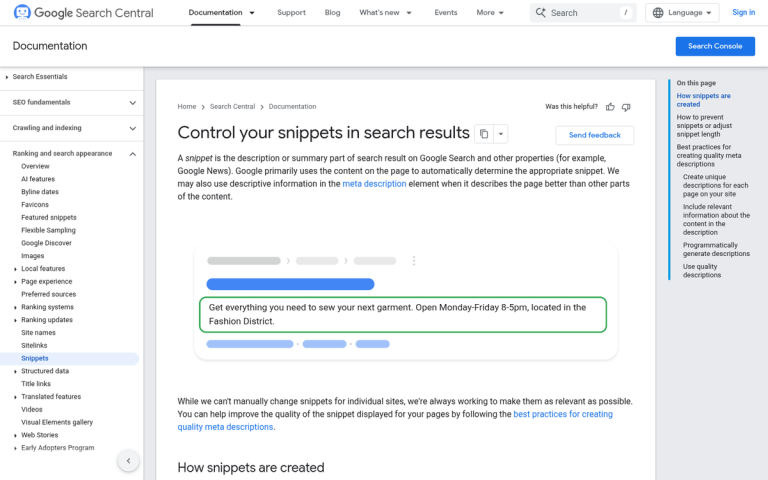
- Once in the meta description. Your meta description is what appears beneath your title in search results. A natural use of your keyword here reinforces the title and reassures readers that your content is what they're looking for.
Speaking of Meta
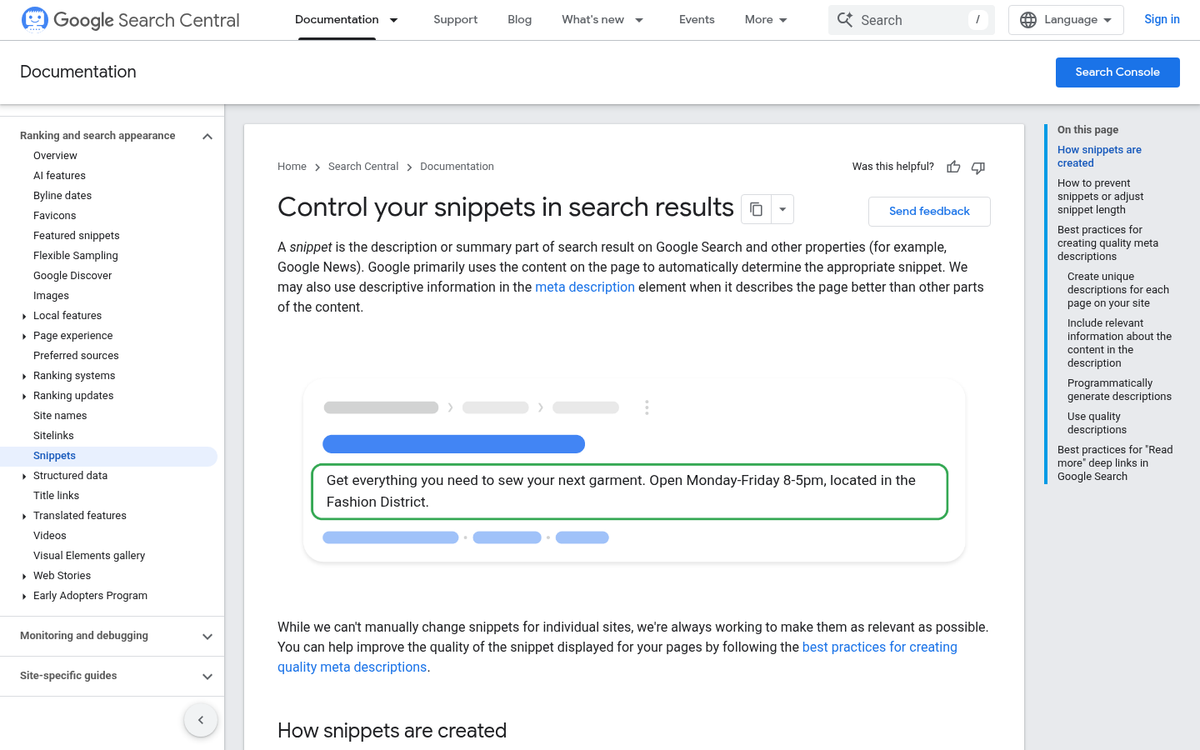
There are essentially just two meta fields you want to fill in for every piece you write: the title and the description. Get these right every single time.
- Meta title optimizations. Keep your meta title between 55-60 characters - anything over 60 characters risks being cut off in Google's search results. Include your keyword, put your brand name at the end if you're appending it, and consider making your SEO title slightly different from your post title if it improves clarity or click-through.
- Meta description optimizations. Keep it conversational, compelling, and under roughly 155-160 characters. Think of it as a mini ad for your post - it won't directly boost rankings, but it will influence click-through rates, which do matter.
- Structured data and rich results. This is more important than ever in 2026. Implementing schema markup - for articles, FAQs, how-tos, reviews, and more - gives Google the structured signals it needs to serve rich results and featured snippets. With AI Overviews and other zero-click features now dominating search, structured data is one of the best ways to stay visible.
Image Optimization

A picture is worth a thousand words, and no blog post is complete without relevant visuals. Here are some updated guidelines for properly using images in blog posts.
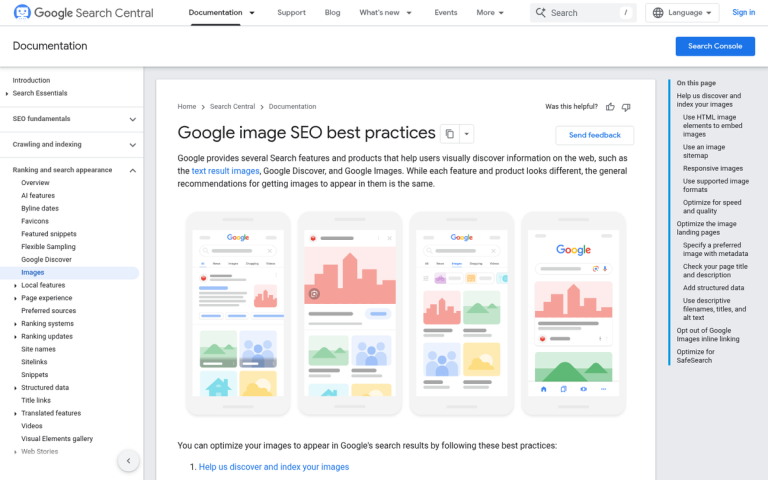
- Include images that match the content. Off-topic images confuse readers and inflate bounce rates. Use images that tell a story, present supporting data, or illustrate a concept from the post.
- Add a descriptive, keyword-aware alt attribute. The alt text serves two purposes: it describes the image when it doesn't load, and it provides context for search crawlers. Write it naturally - don't keyword-stuff it.
- Optimize for file size and format. Slow-loading images hurt your Core Web Vitals scores, which remain a ranking factor. Use modern formats like WebP or AVIF, and compress images before uploading.
- Make sure you have the rights to use the image. Copyright issues can cause real problems down the line. Stick to licensed, purchased, or original images.
Links
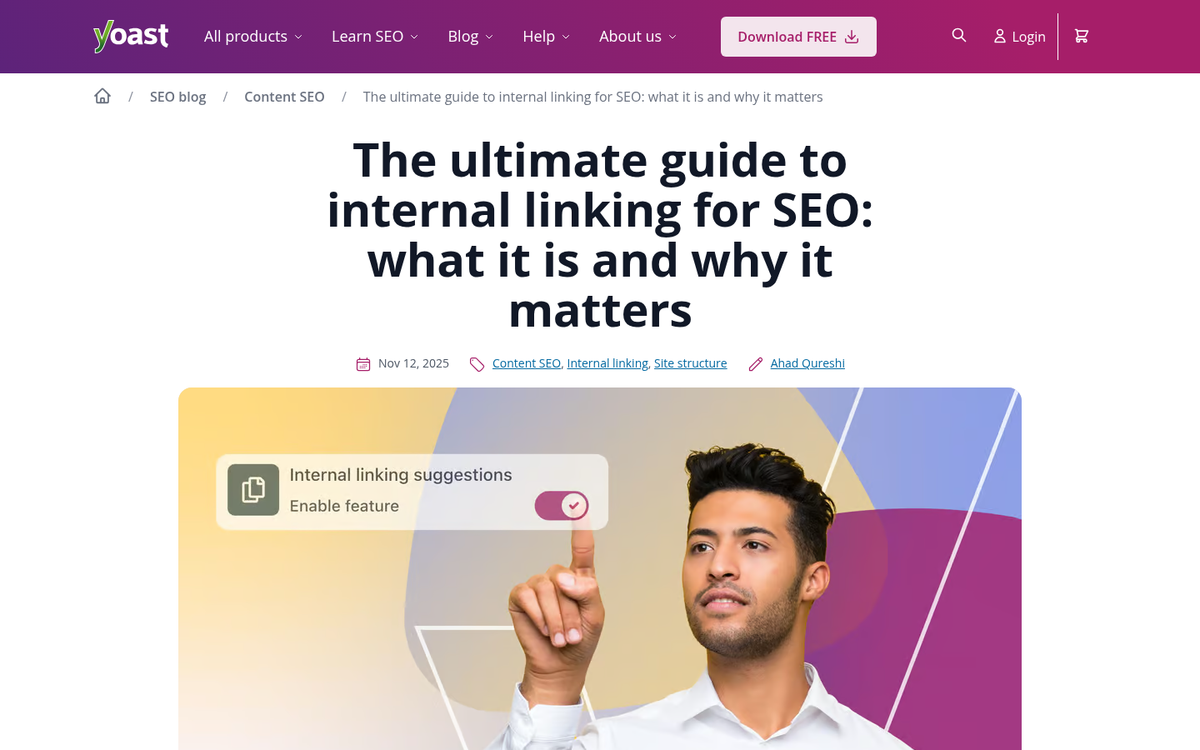
Links are important - not just for user navigation, but for establishing your content's authority within the broader web. Use them intentionally.
- Use internal links, even if you have a "related articles" box. Every post should give readers pathways to related content on your site. If you mention a topic you've covered before, link to it.
- Link to credible external sources. You're not an island, and Google knows it. Linking to authoritative references signals that your content is well-researched and trustworthy.
- Use nofollow or sponsored attributes where appropriate. The nofollow attribute - and its more specific companions rel="sponsored" and rel="ugc" introduced by Google - let you link without formally passing PageRank. Use them for paid links, affiliate links, and user-generated content.
Formatting
Good formatting serves two audiences: human readers who skim, and search crawlers that parse structure. The average blog post today runs around 1,416 words and takes roughly 4 hours to write - make sure that investment is presented clearly.
- Make sure you have one H1 title. It's the clearest signal that this is the main subject of the piece.
- Use H2s and H3s for subtopics and sub-sections. A logical heading hierarchy helps both readers and crawlers understand the structure of your content.
- Bold key points throughout the piece. Readers skim before they commit. Bolding important takeaways helps them quickly determine whether your content is worth a full read.
- Use bullet or numbered lists where necessary. They're the easiest way to organize short bursts of information - and they tend to perform well as featured snippet candidates in search results.
- Write for readability. Short paragraphs, clear sentences, and logical flow matter more than ever. Google's ranking systems increasingly reward content that genuinely serves the reader.
- Avoid over-use of colored highlights or visual clutter. Too much going on aesthetically signals low quality - to both users and crawlers.
If your post meets all of these guidelines, you're in good shape. Don't worry - most of it becomes second nature quickly, and the right tools can automate a lot of the technical side. The bigger win is simply understanding why each piece matters, so you're making smart decisions rather than just checking boxes.