Key Takeaways
- Jetpack is a free WordPress plugin by Automattic offering 50+ productivity, optimization, and security features with optional paid upgrades.
- The free version includes brute force protection, downtime monitoring, CDN hosting, social sharing, contact forms, and basic site statistics.
- Paid plans are modular, starting at $4.95/month for backups; the all-in-one Jetpack Complete costs $50/month billed annually.
- No Jetpack feature is unique - every tool can be replicated by dedicated plugins, some offering more robust functionality.
- The recommendation is to start with the free version, add a dedicated SEO plugin, and consider individual paid plans for backups or security.
Jetpack is one of those WordPress plugins that appears on nearly every top plugins list - or gets left off because everyone is assumed to already know about it. Does everyone know about it? I'm here to talk about it and what it brings to the table. Think about it, no one is born with their knowledge; you have to get it from somewhere. Welcome, newbies, let's learn!
What Is Jetpack?
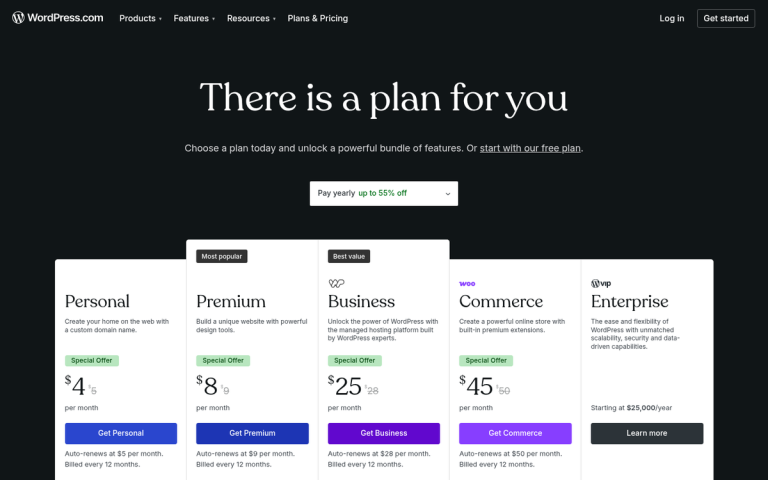
In 2005, Matt Mullenweg founded Automattic and within that company, helped create WordPress. WordPress runs in two forms: WordPress.com and WordPress.org. WordPress.com is a series of hosted sites. You can register a WordPress.com website for free and run a blog with a suite of but limited features. WordPress.org is the site where you can download the core WordPress software and install it on web hosting of your own - it's self-hosted, and more customizable than WordPress.com sites can ever be.
Along with a number of different plugins and apps, ranging from Akismet and Gravatar to WooCommerce, Automattic have either bought or developed a number of extra features. Some of these features have been rolled into WordPress.com and made available to everyone, and others are stand-alone plugins you can only install on a WordPress.org installation.
Jetpack is the latter. Jetpack is basically a suite of productivity, optimization and security tools developed by Automattic- it's available as a free plugin on WordPress.org, with a number of paid upgrades available for users who want more advanced features. As of 2022, Jetpack has 50+ features split between its free and paid tiers.
If you've been on WordPress.com for a long time and have transitioned to WordPress.org - and there are reasons for doing so - you might wonder why it seems bare-bones. Jetpack is part of the answer, carrying with it many of the features you would find from the WordPress.com experience.
Is Jetpack Free?
Let's get right to the meat of the question. Is Jetpack free?
The answer is: mostly yes, with optional paid upgrades.
Jetpack itself is a free plugin, listed as such on WordPress.org. However, Automattic has a number of paid commercial upgrades and individual feature plans on top of the free core. Rather than the old bundled Personal/Premium/Professional plan structure, Jetpack now sells individual feature-focused plans and an all-in-one bundle.
You can install the free version of Jetpack in a few ways:
- Download and install the plugin just like you would any other plugin from the WordPress.org plugin directory.
- In your wp-admin control panel, go to the Plugins section and click Add New. Search for Jetpack, then click to install it and follow the prompts.
- Use the Jetpack setup wizard on Jetpack.com. You will need your site's domain name and a WordPress.com account to authenticate yourself.
Jetpack Free gives you a set of tools right out of the box- this includes brute force attack protection on your login page, downtime monitoring, protected authentication, basic site statistics, lazy image loading, static file and image hosting via Automattic's CDN, related posts, social sharing tools, contact forms and XML sitemap functionality- it's a legitimately helpful starting point for most WordPress.org sites.
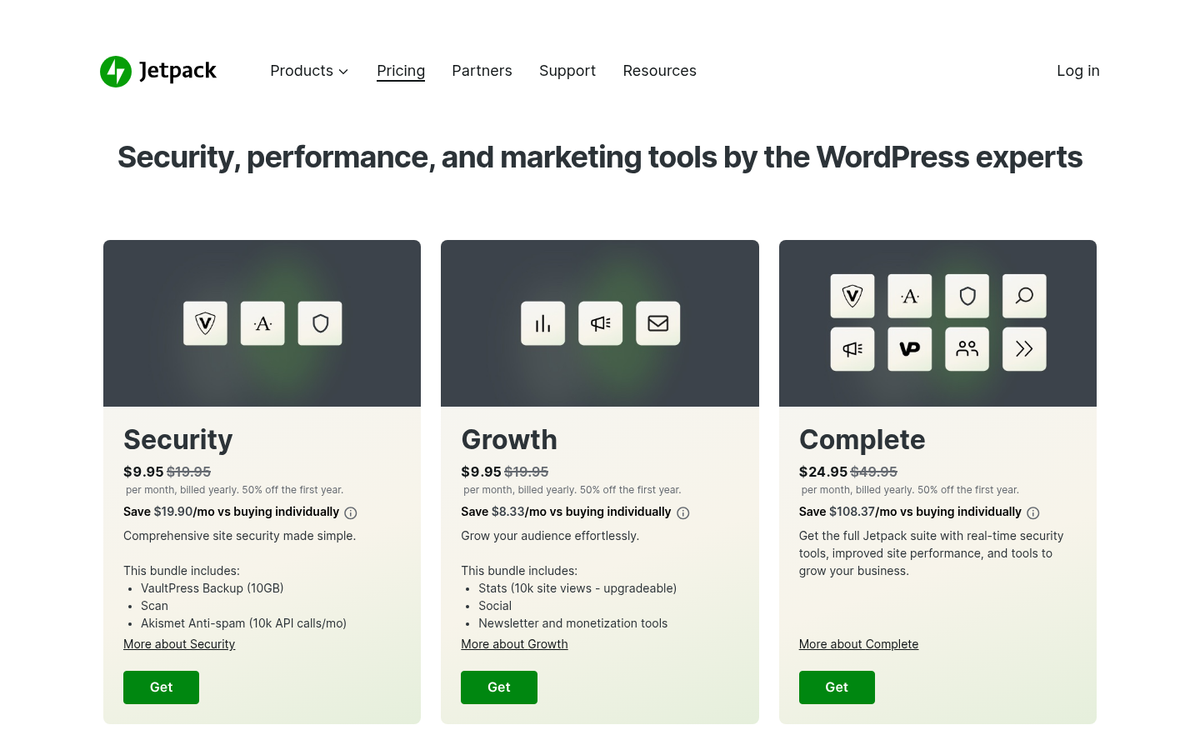
Paid individual plans are where things get more modular. Rather than forcing you to pay for a bundle that includes features you don't need, Jetpack now lets you pay for feature sets:
- Jetpack Backup starts at $4.95/month and gives you automated site backups, restore functionality, and backup archives. Higher tiers offer real-time backups rather than daily ones.
- Jetpack Security starts at $9.95/month and includes backup, malware scanning, spam filtering via Akismet, and activity log history beyond the free tier's basic tracking.
- Jetpack Boost has a free core version focused on performance improvements, with premium enhancements also starting at $9.95/month.
Jetpack Complete is the all-in-one bundle that includes the full suite of Jetpack features- it's priced at $50/month when billed annually, totaling $720 per year. Most paid plans have either a 14-day or 30-day refund policy depending on the plan, so there's pretty low danger in trying them out.
Is Jetpack Worthwhile?
So here's a question: is Jetpack worthwhile for your WordPress installation? I'd say yes, though part of it can depend on how much you want to tinker with other plugins.
Pretty much nothing Jetpack does is unique. Every feature it brings to the table is something you can replicate with another plugin. Jetpack for free gives you some fundamentals that are nice for everyone to have, and the paid plans give you helpful tools if you'd like things consolidated.
Is it worthwhile to pay for Jetpack? That depends. The move to individual feature plans actually makes this a more straightforward question than it used to be. You're no longer forced to pay for a large bundle if you only need one or two things. If you just need reliable backups, Jetpack Backup at $4.95/month is legitimately competitive. If you want security, backups and spam filtering in one location, Jetpack Security is worth a look.
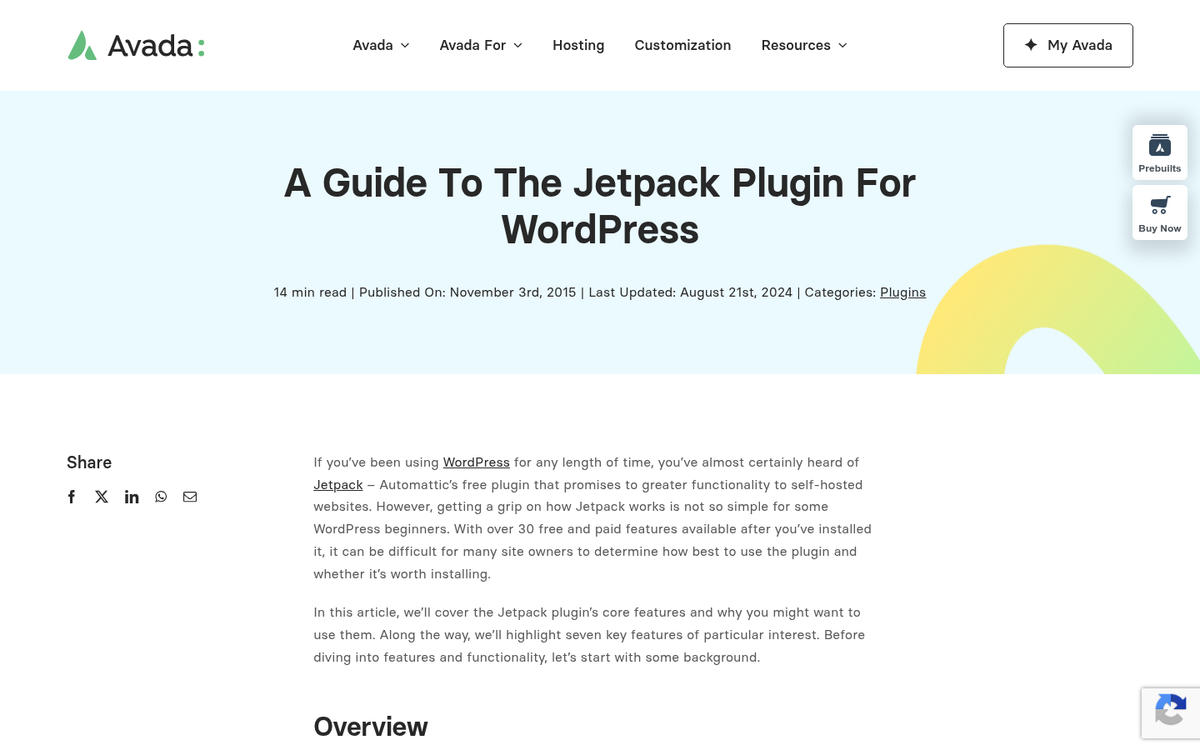
That said, some features offered by Jetpack are offered in a more robust fashion through other dedicated tools:
- Analytics from Jetpack are fairly minimal. Connecting Google Analytics directly to your WordPress.org site via a free plugin will give you far more data.
- SEO features from Jetpack are basic compared to what you get from a dedicated plugin like Yoast SEO or Rank Math. I'd always recommend using one of those instead, even if you're paying for Jetpack.
- Security from Jetpack covers the essentials well, but dedicated security plugins can go further if you have specific concerns.
- Site backups through Jetpack are reliable and easy to use. Whether real-time backups are worth upgrading for depends on how frequently your site's content changes.
- Video hosting through Jetpack is available on paid plans, but YouTube or Vimeo embeds are free and arguably more practical for most sites.
So all in all, Jetpack rolls different plugin functionalities into one. None of them are the absolute best-in-class option. But the consistency, low conflict risk and tight WordPress integration are genuine benefits. Personally, I recommend starting with Jetpack's free version and supplementing it with a dedicated SEO plugin and analytics setup. If you're needing backups or security on top of that, Jetpack's individual paid plans are a straightforward and fairly affordable way to get there without juggling too many separate tools.