For most businesses publishing content regularly, this is already happening. Posts that once pulled in steady organic traffic are slowly losing ground - rankings slipping from position three to position seven, click-through rates softening, pages that used to convert sitting idle. The work that went into creating that content hasn't changed. The writing is still there. But time has done what time does, and the content that felt fresh and competitive when it published is quietly becoming less relevant.
This is content decay, and it's one of the most common - and most ignored - reasons businesses lose organic traffic every month. It doesn't announce itself - it just compounds. And because it happens slowly across dozens or hundreds of pages simultaneously, the cumulative cost in lost traffic, leads, and revenue tends to be far bigger than expected when they actually stop to calculate it.
That's what this post will help you do.
Key Takeaways
- Content decay causes pages to lose 3-10% of organic traffic monthly, potentially halving a page's visits within a year.
- Lost traffic has measurable dollar value - losing 2,000 visits yearly at $5 CPC equals roughly $833 in monthly losses.
- AI search is accelerating decay; 76.4% of ChatGPT-cited pages were updated within the last 30 days.
- Google Search Console reveals decaying pages by showing drops in impressions, rankings, and click-through rates over time.
- Refreshing historical content can double organic traffic, with position 4-9 pages offering the highest recovery potential.
What Content Decay Actually Does to Your Traffic Over Time
Content decay is when a page slowly loses search rankings and traffic - not because anything is technically broken, but because the content gets stale. Competitors publish fresher material, search intent shifts, and Google starts to favor pages that feel more up to date. Your page doesn't disappear overnight - it just quietly slides down the results page.
The rate of decline is what makes this worth mentioning. A page can lose between 3% and 10% of its organic traffic each month as it ages without updates. That sounds manageable in isolation. But the losses stack across your whole content library at the same time.
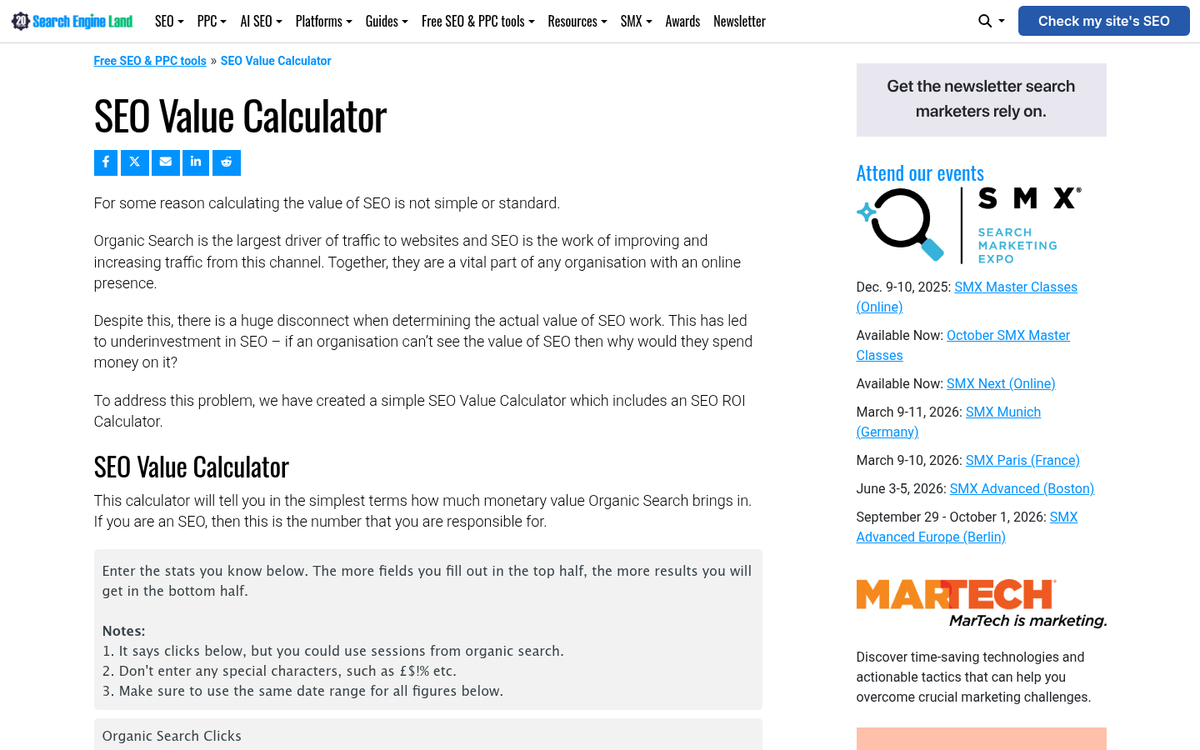
Take a blog that pulls in 10,000 visits a month. At a modest 5% monthly decay rate, that same blog is down to around 7,350 visits by month six. By the end of the year, it may be sitting closer to 5,400 monthly visits - nearly half of what it started with. And that's just one page.
| Month | Estimated Monthly Visits (5% decay) |
|---|---|
| 1 | 10,000 |
| 3 | 8,574 |
| 6 | 7,351 |
| 9 | 6,302 |
| 12 | 5,404 |
Conductor's research found that sites neglecting their existing content can lose as much as 20% of their organic traffic in a single year. That is a typical outcome for sites that focus almost entirely on publishing new content while letting older pages go untouched - not a worst-case edge case. If you want to reduce the bounce rate on your blog, keeping content fresh is one of the most effective places to start.
The traffic loss itself is the first part of the problem. What that traffic was actually worth in revenue terms is a separate calculation entirely, and that's where things get more pointed.
The Monthly Dollar Value You're Leaving on the Table
Traffic loss can become money if you do the math. If a page loses 2,000 visits per year because of ranking drops and your industry's average cost-per-click sits around $5, that's $10,000 in traffic value gone - or about $833 every month.
That number comes from a easy formula you can run on any page. Take your monthly visits, multiply by your estimated decay rate, then multiply by your average CPC. The result is what you'd have to spend in paid ads to replace what organic search used to hand you for free.

Dropping from position one to position three on a search results page can cut your click-through rate by more than half. You haven't disappeared from Google - you've just moved down two places - and yet the traffic loss can be dramatic enough to hurt revenue in a measurable way.
| Monthly Visits Lost | Avg. CPC | Monthly Value Lost |
|---|---|---|
| 500 | $5 | $208 |
| 1,000 | $5 | $417 |
| 2,000 | $5 | $833 |
| 5,000 | $5 | $2,083 |
The CPC equivalent is a helpful way to frame this for anyone who needs to justify a content budget - it translates a vague idea like "our rankings slipped" into a number that finance actually responds to.
And this is per page. Most sites have dozens of posts that have quietly lost ground in the past year or two. The combined monthly loss across a content library can be big enough to fund a full-time writer - or more. One strategy worth considering is combining older posts into stronger resources to recover some of that lost ground.
How AI Search Is Speeding Up the Decay Clock
Google has always rewarded fresh content to some degree. But the arrival of AI-powered search is changing the rules in a more aggressive way. Gartner predicts that traditional search query volume will drop 25% by 2026 as more users try AI assistants for answers instead of search engines.
Passionfruit found in 2025 that 76.4% of the pages ChatGPT cites most were updated within the last 30 days; it's a strong lean toward fresh content - not a small preference for it.
This matters because it changes the cost of doing nothing. Before AI search, an outdated page might slowly lose ground in Google rankings over a few months. Now the same page can get cut out of AI-generated answers almost immediately after the information goes stale.
The wider picture has proven this too. Freshness is no longer a nice extra that helps you rank a little higher - it's becoming a basic requirement to stay visible at all, across traditional and AI-driven platforms.

The window between "content published" and "content at risk" is shorter. A page that felt safe six months ago may already be losing ground to fresher competitors, and the threshold for what counts as "recent enough" keeps moving.
AI assistants also have no patience for hedged, outdated information - they pull from sources that align with the latest state of a topic. So even pages with strong backlink profiles and domain authority can get bypassed if the content itself hasn't been touched in a while.
Which Pages Are Bleeding the Most (And How to Find Them)
Google Search Console is the best place to start. Pull your performance data and sort by impressions over the last 16 months. Pages that had strong impression counts 12 to 18 months ago but have since dropped are your first priority - these had traction and lost it.
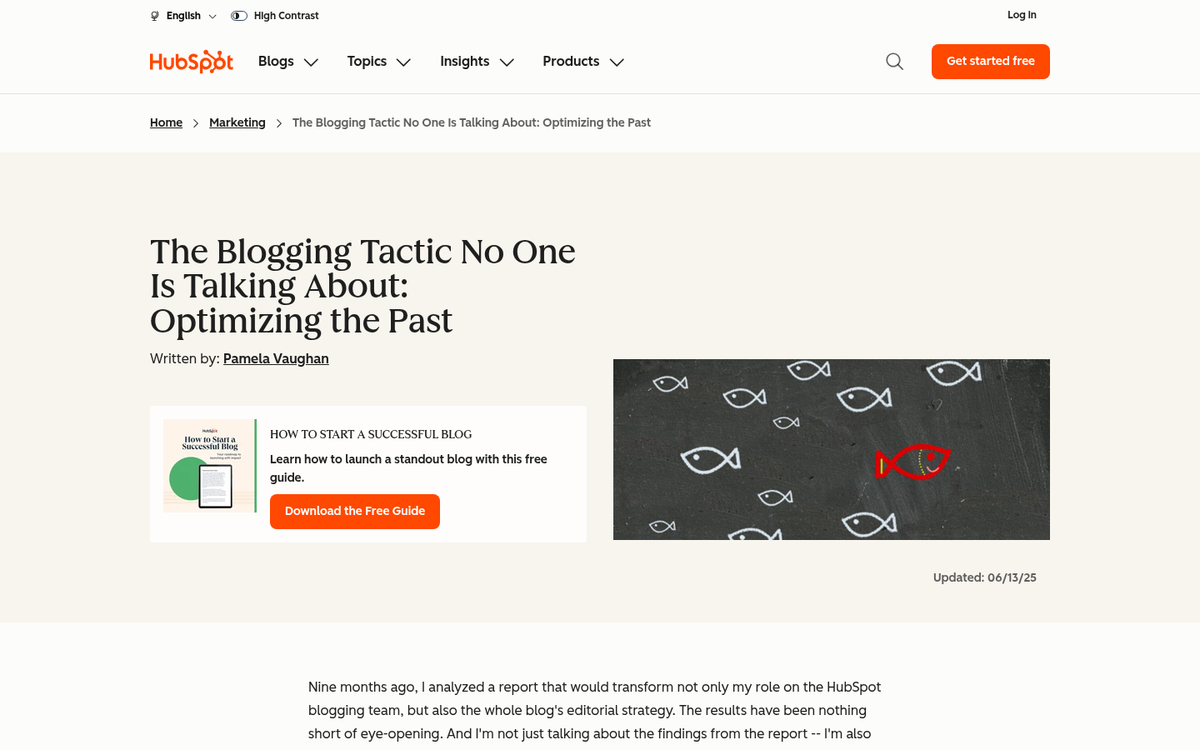
There are a few ways a page can decay, and they don't all look the same in the data. A ranking drop means Google has pushed you down the results page. A traffic drop can happen even without a ranking change if your CTR has fallen, which sometimes means your title or meta description no longer matches what people want to find. An impressions drop usually means Google is showing your page to fewer people altogether, which suggests a deeper relevance problem. UTM parameters can help you track exactly where your blog traffic is coming from so you can isolate which channels are contributing to a drop.
| Decay Signal | Where to See It | What It Points To |
|---|---|---|
| Ranking slippage | Search Console / rank tracker | Competitors have overtaken the page |
| Falling CTR | Search Console performance tab | Title or snippet no longer fits the search intent |
| Impressions decline | Search Console performance tab | Page is losing relevance in Google's index |
| Organic traffic drop | GA4 or similar analytics | Combined effect of ranking and CTR loss |
| Outdated stats or references | Manual page review | Content no longer reflects current information |
A manual read-through still matters too. Outdated statistics, references to tools that no longer exist, or advice built around old platform features are all signs a page has fallen behind. Tools like Long Tail Pro can also help you reassess whether the keywords a page targets are still worth pursuing. These facts don't show up in any dashboard. But they do affect how readers and search engines look at the page's value.
Once you have a shortlist, cross-reference it with your conversion data. A page with modest traffic but strong lead generation is worth more to recover than a high-traffic page that never converted well.
What a Content Refresh Can Realistically Win Back
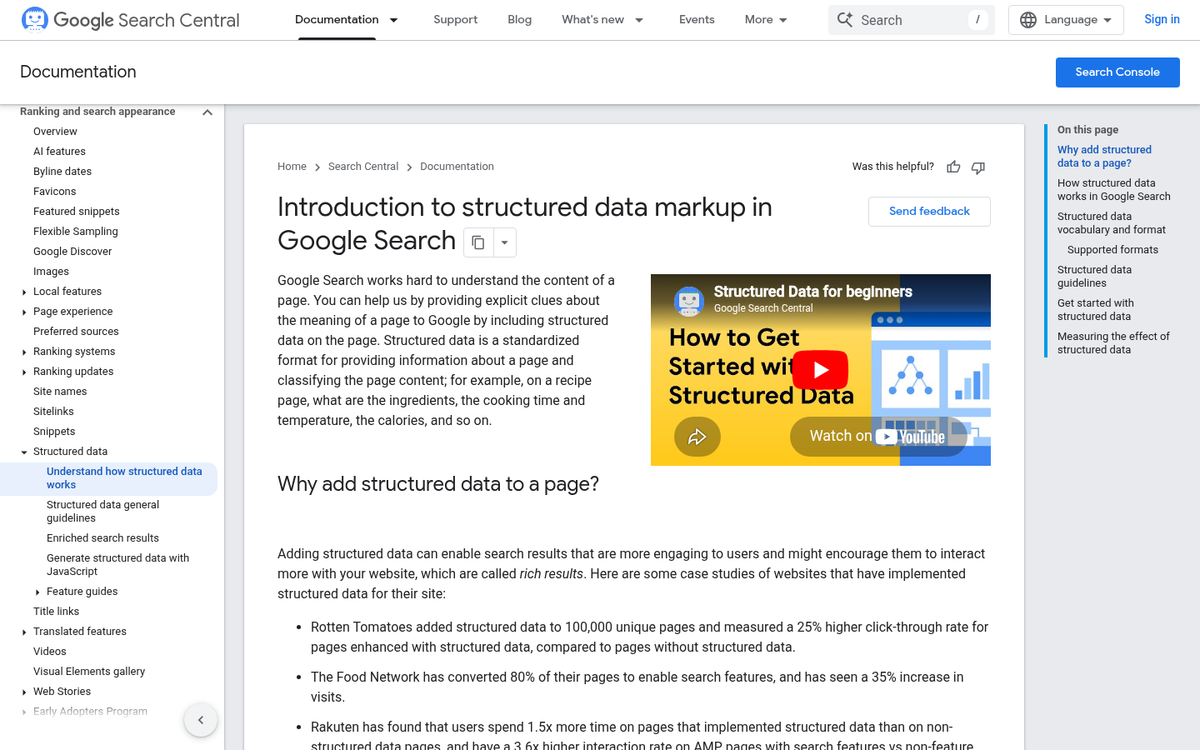
The numbers here are encouraging. HubSpot ran a documented experiment where they updated and re-promoted historical blog posts, and those posts saw a 106% increase in organic traffic; it's not an isolated thing - it's what happens when a search engine re-evaluates a page and finds it worthy of better rankings again.
The work usually falls into a few natural categories, and learning which category a page needs helps you choose where to spend your time first.
| Update Type | Effort Level | Likely Impact |
|---|---|---|
| Swap out outdated stats or dates | Low | Medium |
| Improve headings and page structure | Low-Medium | Medium-High |
| Add new context or a missing subtopic | Medium | High |
| Re-promote via email or social | Low | Medium |
| Full structural rewrite with new research | High | High |
Pages that have slipped from position 4 to position 9 are usually the best place to start. They already have authority - they just need a reason for Google to move them back up.
Re-promotion matters more than people give it credit for. When you update a post, treat it like a new publish and share it again across platforms. Fresh engagement tells search engines the page is active and worth a second look.
You don't have to fix everything at once. A handful of targeted refreshes on your highest-traffic decliners can recover actual revenue within a few months, without waiting on new content built around high traffic topics to build momentum from scratch.
Stop the Bleed Before It Becomes a Budget Problem
If you ran the audit earlier, you already know which pages deserve that attention first. That list is your roadmap. Work through it steadily and the compounding effect starts working in your favor instead of against you.
Of course, keeping up with content freshness at scale is where most teams run out of bandwidth. New posts, refreshed old ones, search optimization, and staying ahead of algorithm changes is a lot to manage alongside everything else your business needs to do; it's where BlogPros was built to help. Our AI-hybrid process pairs human editorial oversight with optimization - like AEO and schema markup - so your content stays relevant, competitive, and discoverable across Google and AI-driven answer engines alike. And because we think the work should speak for itself, your first month is free. No contracts, no credit card, no pressure. Learn how BlogPros works and see what fresh, high-performing content can do for your numbers.