Key Takeaways
- Check traffic sources first - drops in organic, referral, social, or paid traffic each point to different underlying causes.
- Content decay causes roughly 31% of traffic declines; refreshing outdated posts typically restores rankings within four to eight weeks.
- Slipping from position one to three on Google can significantly cut traffic even without any penalty involved.
- Google's AI Overviews can reduce click-through rates even when your post still ranks well for informational keywords.
- Verify analytics accuracy early - approximately 15% of reported traffic drops are actually tracking errors from site updates or tag misconfigurations.
A single blog post losing traffic is a more targeted problem than a site-wide drop, but it still deserves attention. If you look around the web for tips about a traffic drop, you'll get a ton of information about site-wide issues. Google penalties and the like usually apply on a site-wide basis, so it makes sense to cover the issue on as large a scale as possible.
Sometimes the problem isn't quite so catastrophic- it's not a total loss of traffic site-wide, it's just a loss to a single blog post. It's worth worrying about - you want to know why any drop happens - but it's not a case where you'll have to scramble to save your business.
The first thing you want to check, of course, is whether or not the traffic drop is to your entire site. If it is, skip this post and go read one of the ones focused on penalties and ranking loss. If it's just to the one single post, or a few scattered posts on your site, continue reading.
Check Your Traffic Sources
The first thing you want to do is check your traffic sources in Google Analytics for your individual posts. Your highest traffic posts are a place to start. According to Databox, nearly half of blog performance experts measure post performance weekly, so if you're not already doing this on a standard cadence, now is a good time to start.
Traffic is divided into a few different types of sources.

- Direct. These are people who have no referral or source data. Either they come from a location with no data being passed, or they visited through a bookmark or by typing the URL directly. A drop in direct traffic indicates something wrong with the site or the content.
- Organic. These are people who come from a search engine, typically Google. A drop in organic traffic indicates a loss of ranking, possibly due to an algorithm update, delisting, content decay, or new competition. Algorithm updates alone account for roughly 42% of traffic declines, so this is often the first place to look.
- Paid. This is traffic that comes from paid advertising that is flagged as such. A drop in paid traffic indicates a loss of that traffic source, usually via your budget running out or a campaign ending.
- Referral. This traffic is coming from people who link to you. A loss of referral traffic indicates that a link people were clicking is no longer in circulation.
- Social. This traffic comes from social networks. A drop in this traffic can be an indication of a post being removed, an ad expiring, or a change in platform algorithm behavior.
Additionally, if every traffic source drops all at once, it can be a problem with your site as a whole, your web host, your domain, or your reputation.
Now let's get started on the specific checks you can do to narrow down causes and fix the problems, where it's possible to fix them.
Check Content Accessibility
If a page but not your whole site has dropped in traffic, one thing you should check is whether or not that page is still accessible. Changes in your site structure, URL structure, or scripts can make a page fail to load entirely.
I've seen cases where a broken script caused the page to hang on loading, and there's always situations where a link is truncated poorly and ends up leading to a 404 instead of your content. Try loading the page yourself and test it across different browsers and mobile devices. You can also use Google Search Console's URL Inspection tool to see how Google is rendering it. If the content loads fine, a temporary error is possible but is unlikely to cause a long-term traffic drop on its own.
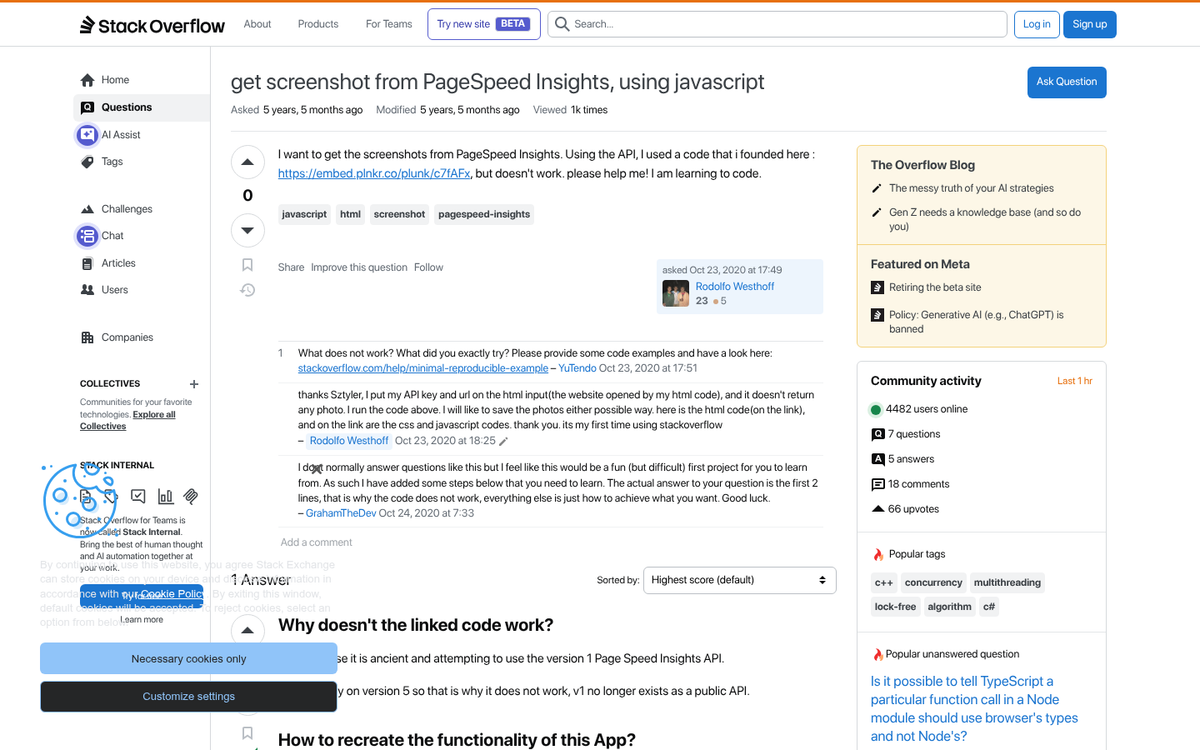
It's also worth mentioning that page speed matters more than ever. Pages that take longer than three seconds to load can see organic traffic drop by as much as 53%. Run your URL through Google's PageSpeed Insights and address any issues that come up, and that's also the case on mobile.
Check Search Presence
The next thing you can check is whether or not the post is still indexed in Google. Go to Google and run a search for the title of the post in quotation marks. If the post is still indexed, it should appear at or near the top. If it has been deindexed, it won't show up at all.
You can also run a search for the primary keywords connected with the post- this helps you see if an algorithm update has hurt your ranking. If you suspect this is the case, cross-reference the date of the traffic drop with the dates of confirmed Google updates in Search Console or third-party tools like Semrush or Ahrefs. That gives you a strong indication of why that particular piece of content was affected.
Remember that ranking position has a massive effect on traffic. The top result on Google captures around 30% of all clicks, and that percentage drops off sharply with each position below it. Even slipping from position one to position three can meaningfully cut into your traffic without any penalty being involved at all.
One increasingly relevant factor in 2025 and beyond is AI-generated search features. Google's AI Overviews now appear at the top of results for a number of queries, and they can reduce click-through rates even when your post ranks well. If your post is targeting informational keywords that are now being answered directly in the search results by an AI summary, that alone could explain an actual drop in organic traffic.
Check for Content Decay
Content decay is one of the most common and most ignored causes of a traffic drop- it accounts for roughly 31% of traffic declines, and it refers to the gradual loss of rankings and traffic that happens when content becomes outdated, less relevant, or simply outpaced by newer material covering the same topic.
If your post hasn't been updated in a year or more, this is almost certainly a factor. Studies show that blogs that go without updates for 12 months can expect to lose between 15% and 30% of their traffic. The good news is that this is one of the most fixable causes. Refresh the content with new information, updated statistics, improved structure, and any developments in the topic that have occurred since the original publish date. After a content refresh, most posts see ranking changes within two to four weeks, with full traffic recovery usually taking four to eight weeks.
Check Copied Content
Copied content usually shouldn't hurt your site. Google uses the date of indexation and a few other things, like the trust and authority connected with your site, to determine where content originates. However, there are cases where your content being copied causes you problems.

If a much bigger, more authoritative site copies your content without attribution, their domain strength may outrank yours even though you published first. Content syndication networks can have the same effect if they don't signal your site as the original source. Tools like Copyscape can help you find where your content has been duplicated across the web.
Check Keyword Competition
When you search for your post's target keywords to check its latest ranking, also look at what's competing with it - it's very possible that someone saw your post was performing well and wrote a better version. This is a well-established content strategy, and it's one I use myself. The idea is to find posts of middling quality with decent rankings and create something meaningfully better.
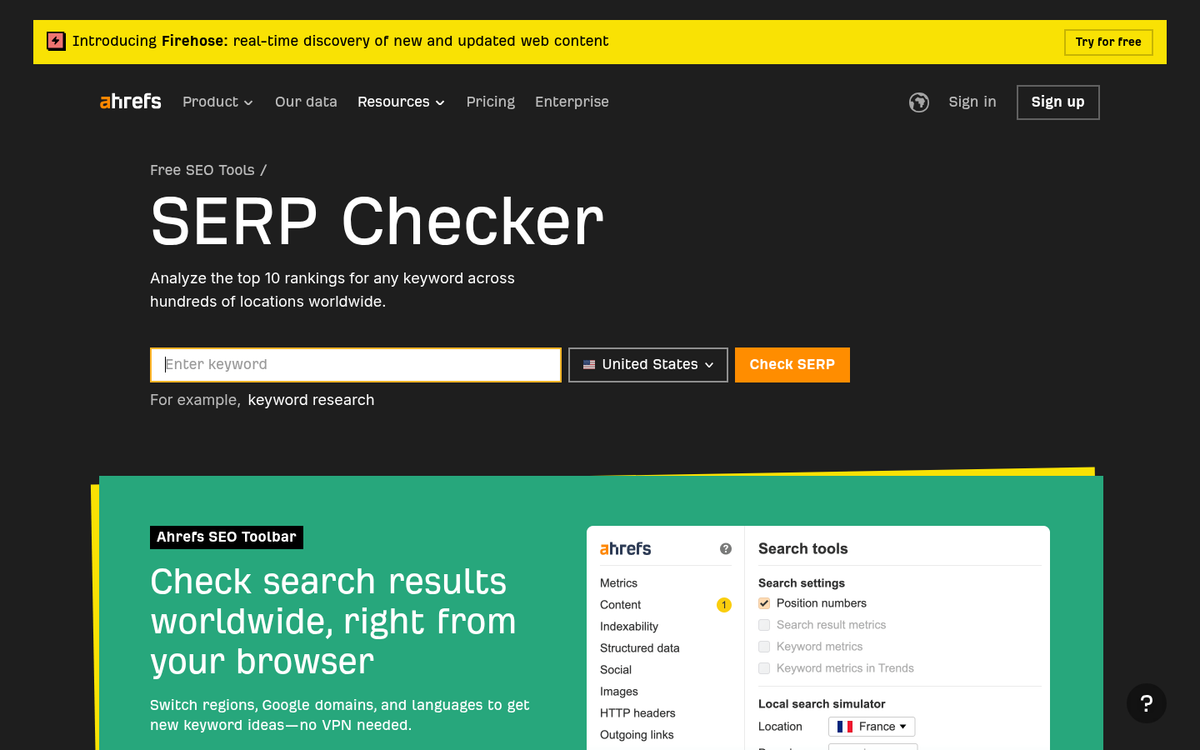
You can be on the receiving end of this, and it's especially damaging if the site doing the one-upping is a large authority site. In that case, you either need to reach out and ask them to link back to your original post, or you'll have to continue the cycle by making your version even better than theirs- it's a competitive dynamic that never goes away.
It's also worth mentioning that AI content tools have made this kind of competitive content production faster and more common. What used to take a team of writers days to produce can now be turned around in hours, which means the competitive landscape for any given keyword can change faster than it used to.
Check Ad Budgets and Campaigns
If the traffic source that dropped is your paid traffic, it should be pretty easy to diagnose. Go to whatever ad platform you use and check your campaigns. Are they still running? Did your bid position drop? If your campaigns are paused or exhausted, there's your answer.

Common causes include hitting your budget limit, a payment method that failed, ads being flagged for policy violations, or a scheduled campaign that ended without a replacement ready to go. All of this should be visible in your ads manager dashboard.
Check for Missing Backlinks
If organic or referral traffic dropped alongside some of your direct traffic, you might have lost important incoming links. There are two scenarios worth checking: a decline in the quality or quantity of your backlinks, and a surplus of low-quality links being added.
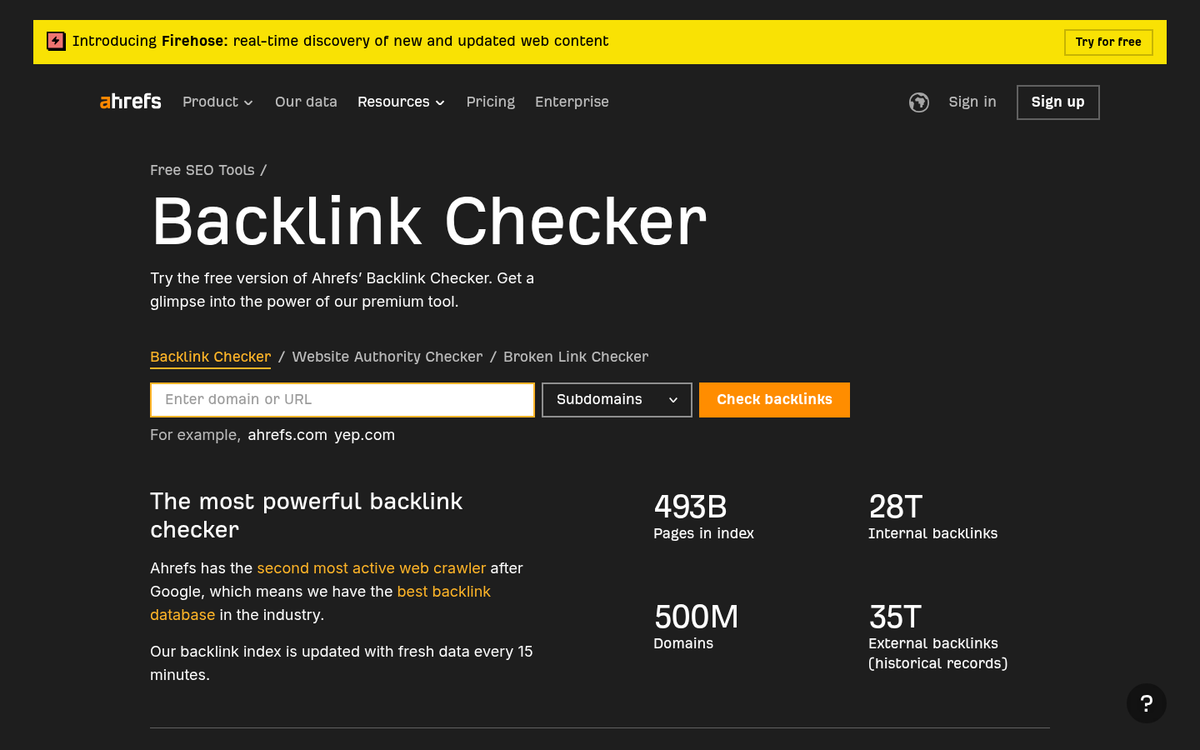
Start by looking over your backlink profile with a tool like Ahrefs or Semrush. Look for high-authority links that may have been removed or replaced. If a big publication linked to your post and that link disappeared, you would lose the SEO value it provided and the direct referral traffic it sent. If you need to rebuild, there are plenty of ways to build free backlinks to your blog posts to help recover what was lost.
It's also possible you've been on the receiving end of a link replacement outreach campaign, where someone created a better piece of content on the same topic and then contacted the sites linking to you, asking them to swap the link out- it's a legitimate and fairly common strategy that can quietly undermine your rankings. Understanding how bulk influencer outreach works can help you recognize and respond to these tactics more effectively.
Check for Negative SEO
The other link-related issue to check is if the post has suddenly acquired a large number of low-quality links pointing at it. These are usually links from spammy, hacked, or scraped-content sites. Black hat SEOs sometimes use link networks to push a wave of toxic links at a competitor's content in order to suppress its rankings.
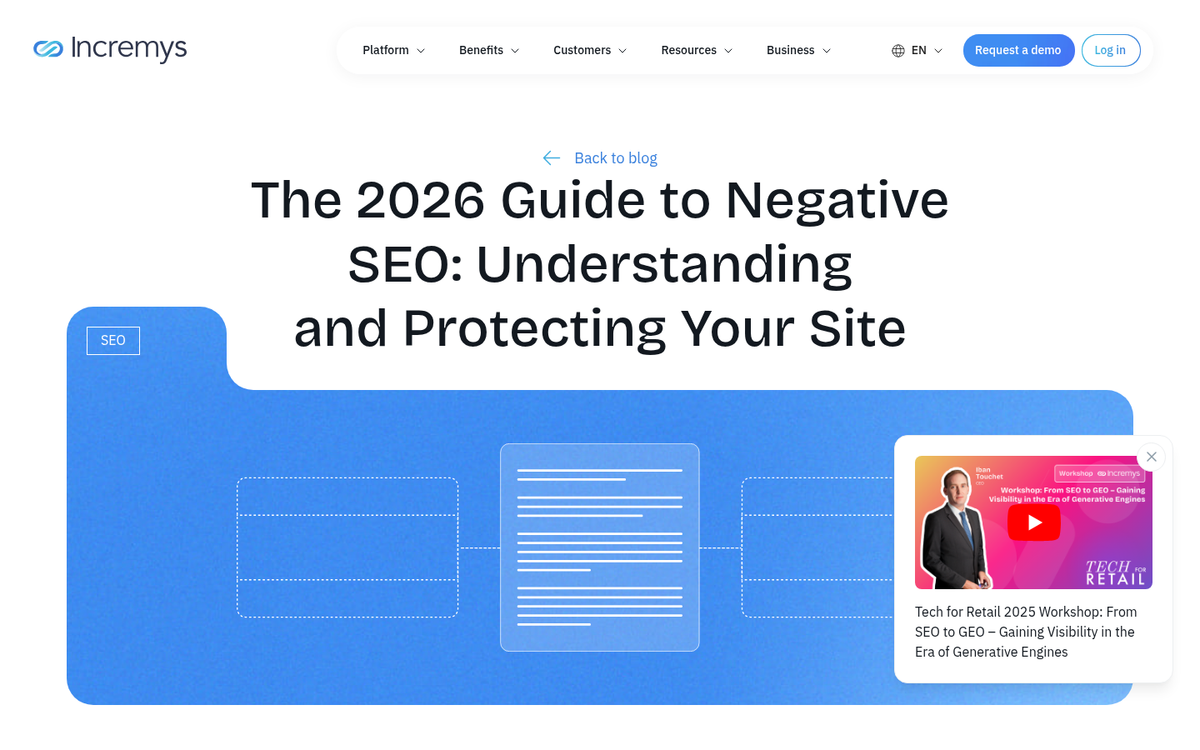
Negative SEO doesn't always work, and Google has become better at ignoring links it identifies as manipulative. But a coordinated negative SEO attack can still cause a significant ranking drop, particularly for smaller or newer sites. If you find a pattern of suspicious links appearing around the same time as your traffic drop, you can use Google Search Console's disavow tool to flag them.
Check Social Presence
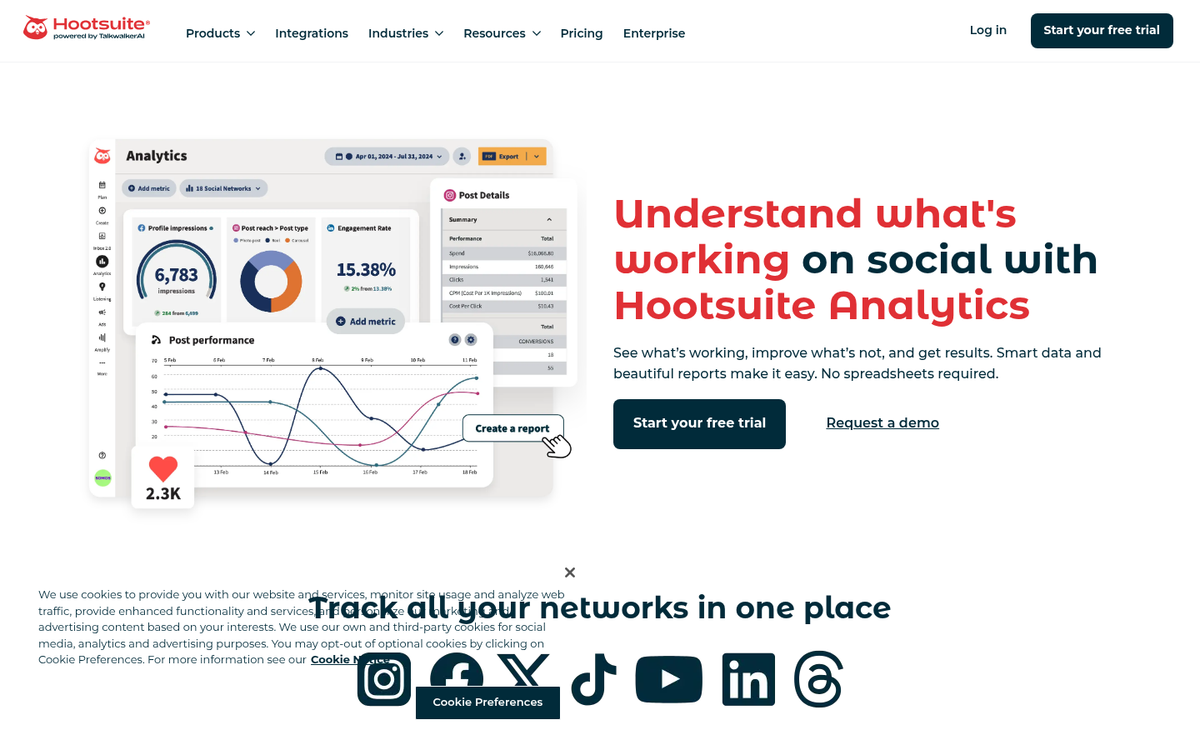
If social was a significant traffic source for the post, check if anything has changed on those platforms. Posts can be removed, flagged, or deprioritized by platform algorithms without any direct notification to you. Paid social campaigns may have ended or been rejected. If the post was shared in a community or group, that group may have changed its settings or been shut down entirely. Make sure nothing looks broken or out of place in your social marketing setup.
Check Analytics Accuracy
Before going too deep into diagnosing external causes, make sure your analytics are actually reporting accurately. Roughly 15% of reported traffic declines turn out to be tracking errors caused by site updates or tag misconfigurations. If you've made recent changes to your site, there's a chance something affected how your analytics code fires.
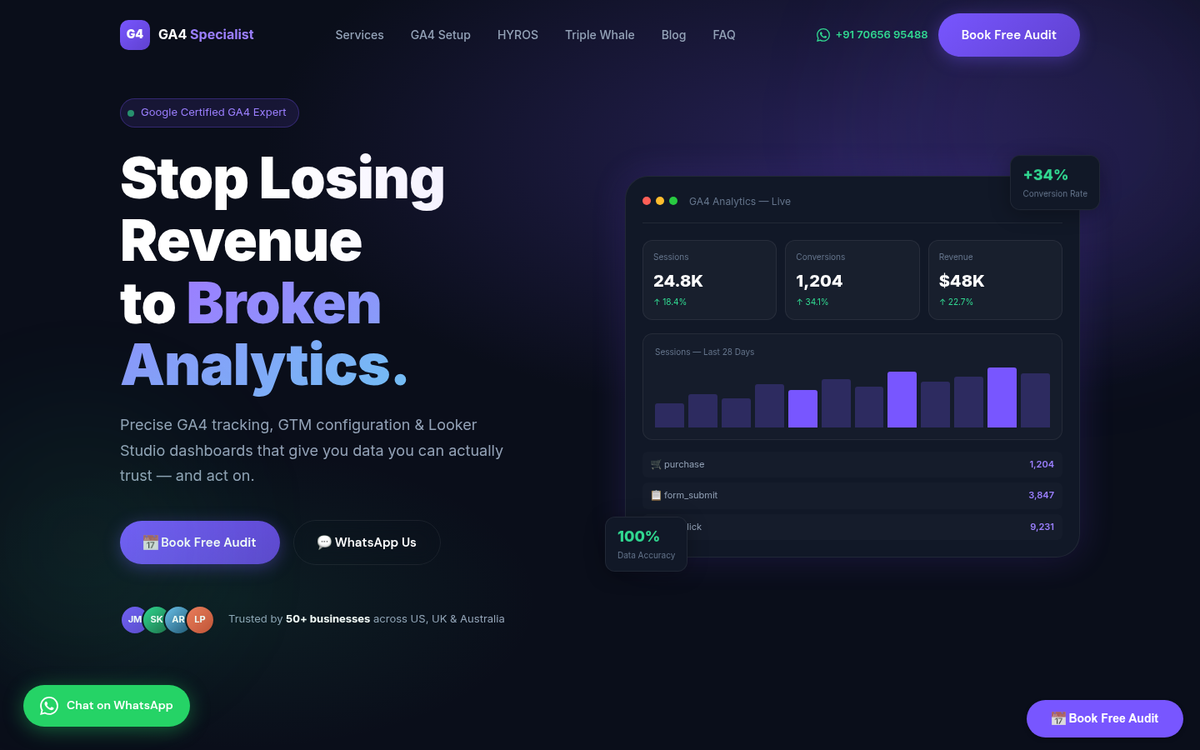
If you've migrated to GA4 or changed your tag management setup recently, double-check that events are being recorded correctly, and that filters or segments aren't accidentally excluding traffic- it's a frustrating error to make. You can also use UTM parameters to track your blog traffic more precisely and catch gaps in your reporting. But it's common enough that it's always worth ruling out early.
Check Changes to Site Design
Changes to your site can hurt traffic in a few ways, but the most common is a change to URL structure. Google uses the URL as an identifier for a page. If the URL changes and you don't set up a 301 redirect from the old URL to the new one, the old page's authority and rankings are lost. The new URL starts from scratch.
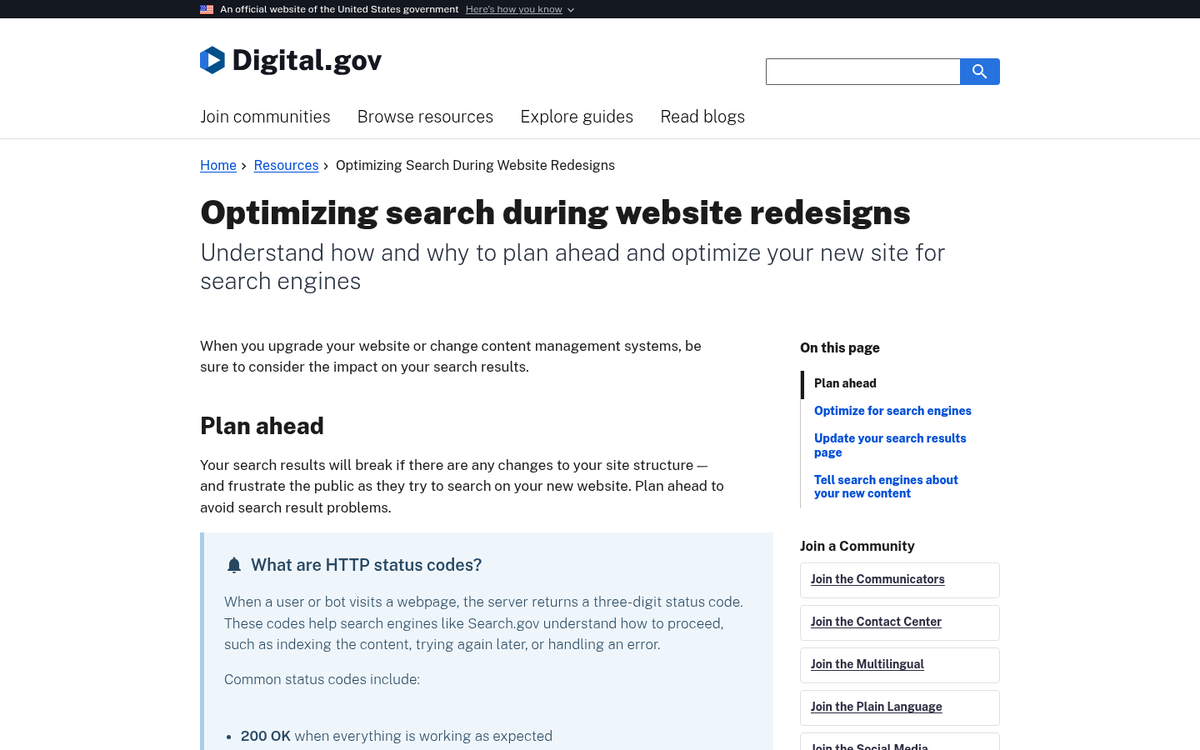
This is one of the main reasons it's usually better to update and re-promote an existing post instead of publishing a new version and trying to build momentum from zero.
Check Viral Timing
Sometimes the traffic you've been seeing on a post is temporary by nature, and what looks like a drop is the post returning to a normal baseline. If your post went viral or was featured somewhere prominent, it will experience a surge in traffic followed by a decline as that attention fades. If you weren't closely watching when the surge happened, the subsequent drop can look alarming. The goal isn't to sustain the peak but to make sure that the steady-state traffic that settles in afterward is higher than it would have been without the exposure. Consider ongoing promotion strategies to help maintain momentum and convert that post traffic into sales before the attention fades entirely.
Check Natural Traffic Ebbs and Flows

Make sure your analytics view is set to seven-day or month-long cycles before drawing conclusions. Weekends show lower traffic for most sites. If you're looking at a two or three-day window, you could be misreading a perfectly normal dip as something significant. Zoom out before making changes.
Check for Signs of Compromise
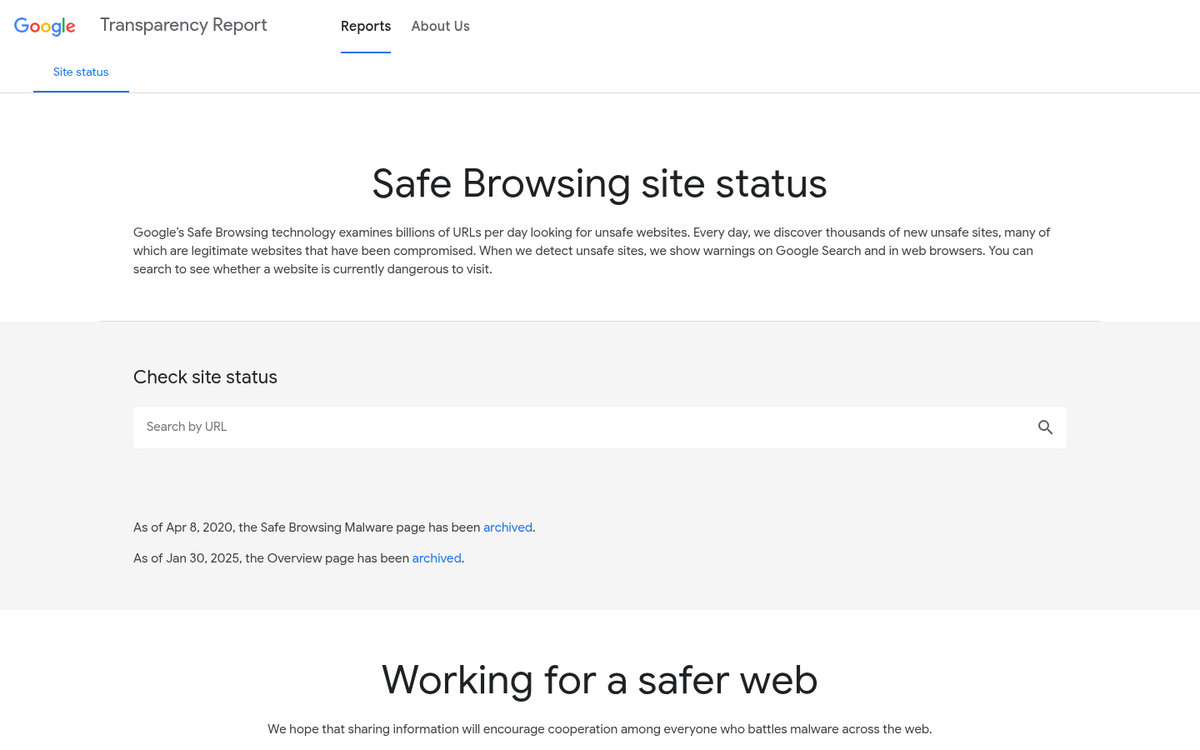
Finally, make sure that the page hasn't been compromised- it's pretty rare for a hacker to target a single post instead of the entire site. But it does happen. Malicious code or spam links injected into a single page can cause Google to demote or deindex that URL while leaving the rest of your site intact. Check the page's source code for anything unfamiliar, and run it through a bad links scanner to see if any manual actions or security problems have been flagged, and consider whether you should nofollow external links in your blog posts to reduce risk going forward.