There are any of a thousand different reasons why your site might not be getting the traffic you think it deserves. Some of them stem from your site simply being too new, too small, or too unknown. Others may relate to SEO, both good and bad. Still others are technical errors.
When it comes to Shopify, you're likely setting up a storefront as a way to make a living, or at least a supplemental income. That means making sure your site gets traffic is a huge priority. I've tried to focus on Shopify-specific issues, but a few more general e-commerce issues are listed below as well. What might you have encountered, and how can you fix those problems?
Key Takeaways
- Too many Shopify apps slow your site, hurting Google rankings and mobile conversion rates significantly.
- Organic SEO alone won't drive traffic to new stores; paid ads and social channels are now essential.
- Poor product images and missing variables like sizing or color options drive customers away and reduce visibility.
- Ignoring SEO basics like product schema, meta descriptions, and duplicate URL issues quietly damages search rankings.
- Technical issues like NoIndex directives or crawl errors can completely block traffic before any strategy matters.
1. You Forgot to Change Your Domain
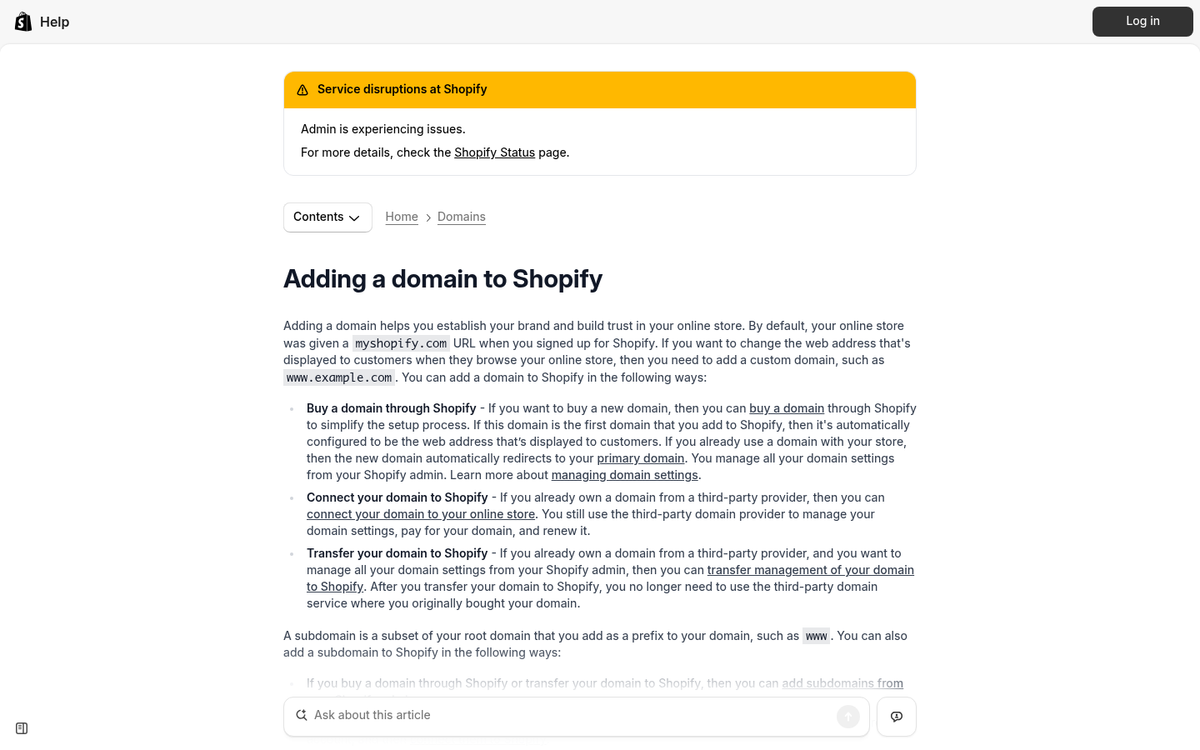
When you first sign up to use Shopify, you can set up a store right then and there. Many people jump on this fact and do so. Unfortunately, this is the wrong move.
Think about it this way. How many top blogs, news agencies, or huge businesses have websites with a brandname.wordpress.com domain? If you're reading a blog and it has a .blogger.com URL, are you going to trust it, or are you going to figure it's just some goober who couldn't be arsed to pay a few bucks a year for a custom domain?
Now think about that in terms of your own store. If you have storefront.myshopify.com, are people going to trust you? Or are they going to think you're just someone buying crap off AliExpress and reselling it for a markup?
Buy a custom domain, if you don't already have one. If you do, set up that domain to work with your store. Shopify has specific instructions on how to switch domains for your store in this help center post.
2. You're Using Too Many Apps

Shopify is much like WordPress in many ways, one of which is the variety and number of different apps or plugins available to expand features for your store. You have a ton of different options, and it can be very appealing to go through and add anything that sounds like it could be useful. Even if they have integrations with other services you don't use, or they have cross-compatibility issues, or they conflict with one another - who cares? You have the features!
Occasionally, some apps will conflict and cause features to break entirely. Other times, the volume of apps you're running will slow down your site dramatically. Since page loading speed is a confirmed Google ranking factor and directly impacts mobile conversion rates, this can be hugely detrimental.
There's no point in using Shopify if you don't at least customize it a little, though. I recommend picking no more than half a dozen or so apps to add to your store, and make sure you know exactly what you want them for before you add them. Don't add something based on a potential future use; if you need it then, you can add it then.
Here's a decent list of Shopify apps and their purposes. Think carefully about what adds genuine value, and add only the most essential options.
3. You've Left Too Many Defaults In Place
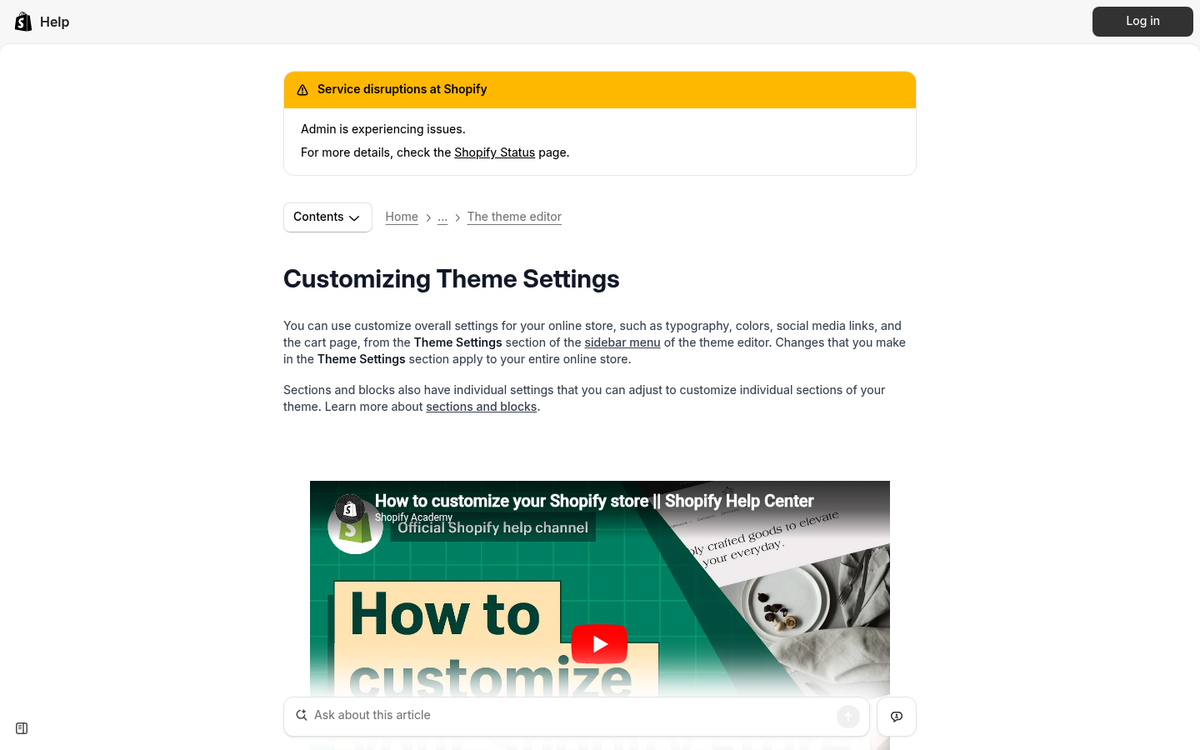
Just like the domain issue above, many of the default settings in Shopify can be holding you back. They aren't necessarily bad for your store, they just prevent you from standing out.
When you're just another template store in a field of thousands, no one has a good reason to pick you. Here are some elements you should change and customize:
- Any existing text. Lorem Ipsum placeholders, default "change me" text blocks, and other textual elements should be customized for your store.
- Your checkout process. Make sure you have a customized checkout process with a custom confirmation page, plenty of trust signals, and SSL for security. Shopify's one-page checkout - now the default - should be configured and branded, not left stock.
- Your favicon. The favicon is the icon that appears in the corner of the browser tab, usually a small version of your logo. Customize this rather than leaving the default Shopify option in place.
- Fonts and colors. Shopify's newer themes give you solid typography controls. Make sure your font choices reflect your brand and that everything remains readable across devices.
The more unique and brand-focused your storefront, the better a presence you can build around it.
4. You're Not Tracking Traffic Properly
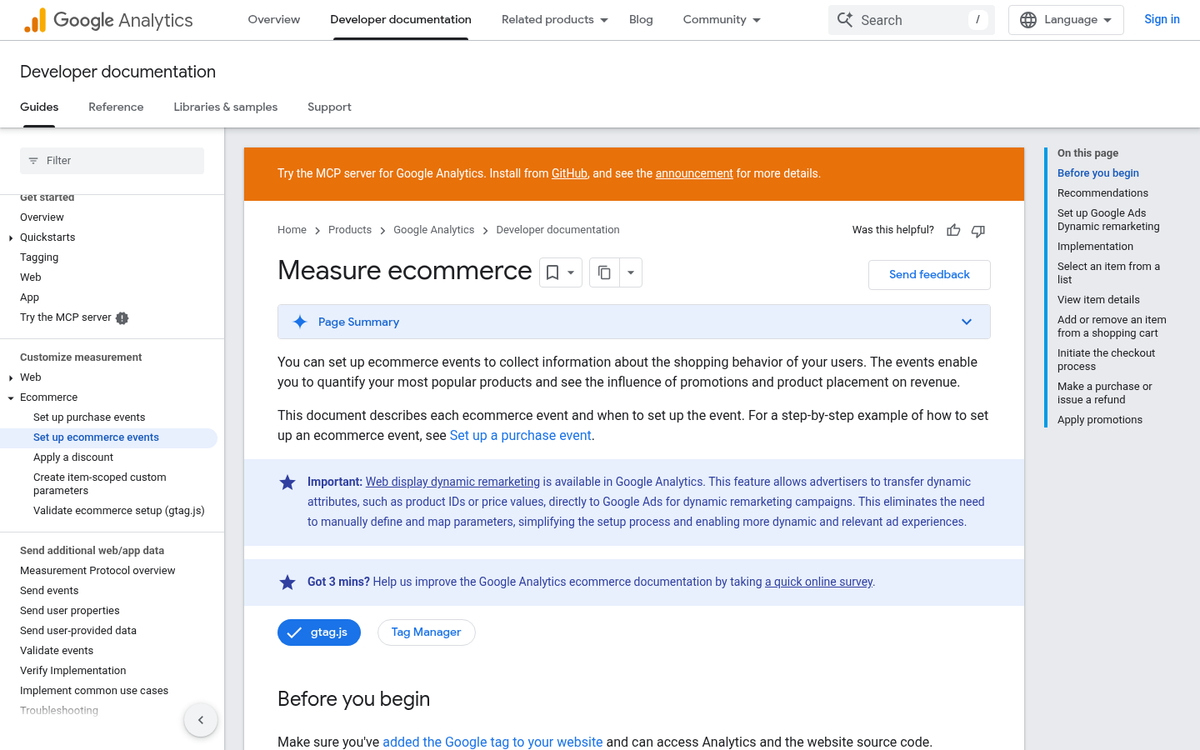
There's a huge difference between a 1% conversion rate and a 10% conversion rate. Do you know which you have?
If you're not tracking traffic, you have no idea. You might actually be getting plenty of visitors, but some element of your conversion process is acting as a roadblock. Until you track your traffic properly, you're flying blind.
One important note for 2026: Google Analytics 4 (GA4) has been the standard for several years now, and Universal Analytics is long gone. If you set up tracking a while ago and never migrated, there's a real chance your data pipeline is broken or incomplete. Make sure you're running GA4 correctly, with key e-commerce events configured, and ideally verify your data against Shopify's built-in analytics as a sanity check.
Also watch out for duplicate tracking tags, misconfigured consent banners blocking analytics entirely, and server-side vs. client-side tracking discrepancies - all common issues that can quietly corrupt your data.
5. Your Product Images are Awful

Research has consistently shown that product imagery is one of the top factors driving purchase decisions in online shopping. Lacking images, not having enough images, or using inconsistent, poorly shot photos can destroy your shop's viability. What do shoppers want? Large, high-resolution images from multiple angles showing the product in real-world context.
With the rise of short-form video, this now extends beyond static photography. Product videos and even simple lifestyle reels have become a meaningful conversion driver, particularly for younger audiences coming from TikTok or Instagram. If you're only offering one static image per product in 2026, you're already behind.
It might be worthwhile to hire a photographer - or a content creator familiar with product shoots - to produce professional-grade images and short video clips. It's a one-time-per-product investment and it's well worth the money.
6. You Forgot Product Variables
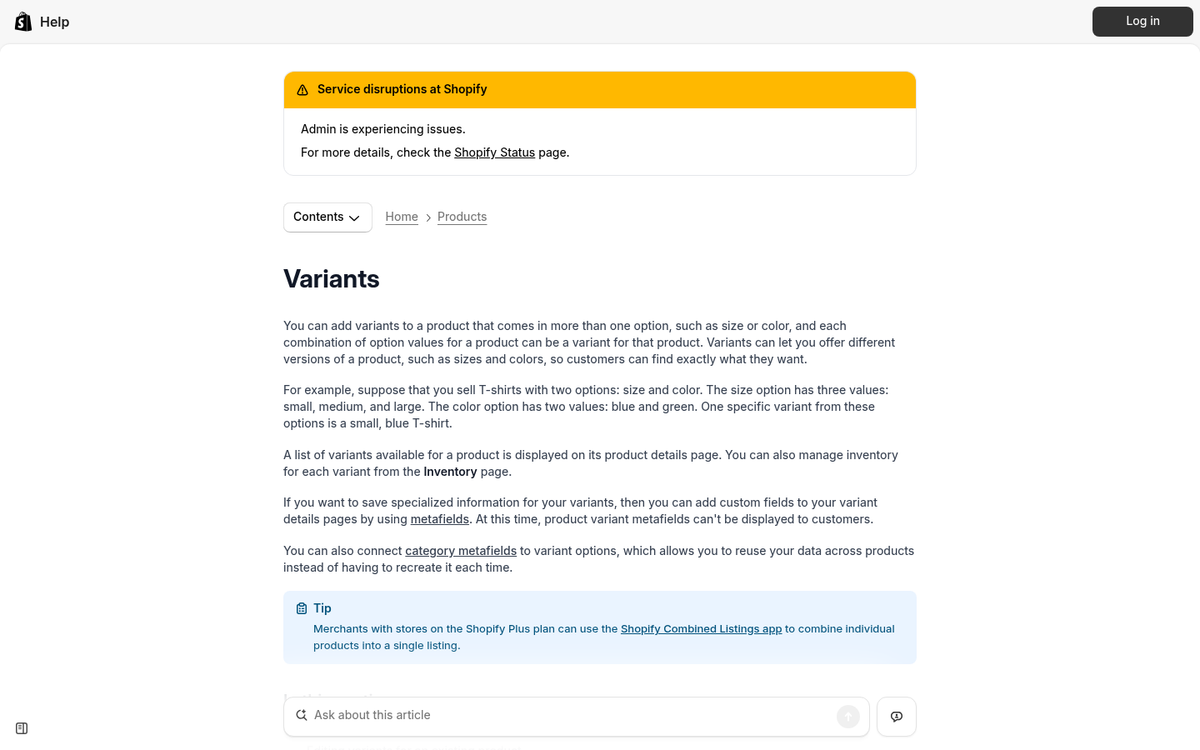
There are a lot of different product variables that can be important when running a store. If you don't have them while a customer expects them, they'll bounce. This, along with other factors, makes your store less attractive and further negatively impacts your traffic and rankings. It's not necessarily a direct search ranking factor, but missing variables mean fewer keywords, less product data, and lower visibility in commerce-specific searches.
For example, sizing charts for apparel, color options for any product, compatibility information for tech products, and material or ingredient details for health and wellness items are all crucial. After all, would you gamble on buying a shirt that might not fit or a supplement with unlisted ingredients?
7. You're Trying to Run a Too-Large Catalog
This is a common issue with dropshippers in particular. You have the ability to sell anything you can source a supplier for, so why not load up your store with thousands of products? It works for Amazon, right?
You're not Amazon. When you're trying to sell 5,000 different products across 4,000 different niches, you lack focus. This is an SEO issue as much as it is a branding one. Google rewards topical authority, and a store that sells camping gear, pet accessories, kitchen appliances, and phone cases simultaneously signals nothing coherent to search engines or shoppers. Niche down, build authority in a specific category, and expand deliberately over time.
8. You Don't Have a Strong Mobile Experience
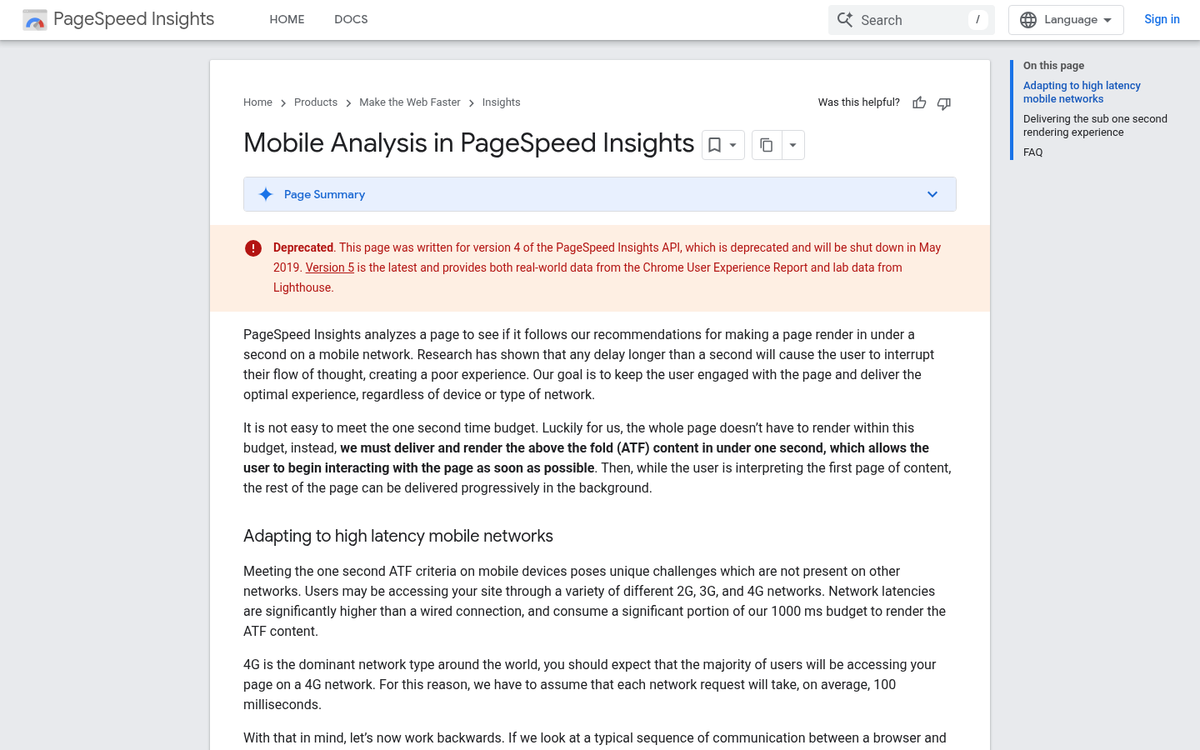
Mobile-first indexing has been Google's default for years at this point, so this isn't a new concern - but the bar has been raised significantly. It's no longer enough to simply have a responsive theme that doesn't break on a phone screen. In 2026, a strong mobile experience means fast load times, touch-friendly navigation, a frictionless checkout, and properly sized images and tap targets.
Shopify's modern themes are responsive by default, but performance still varies considerably. Run your store through Google's PageSpeed Insights and pay close attention to your Core Web Vitals scores on mobile. A sluggish mobile experience will cost you both rankings and conversions regardless of how good your desktop version looks.
9. You're Using a Poorly Configured CDN
Most web hosts can handle basic websites, but if you're running a media-heavy Shopify store or using third-party tools heavily, CDN configuration still matters. Site speed is a ranking factor, and a poorly set up CDN can introduce more problems than it solves - including stale cache serving outdated content, SSL conflicts, or region-specific latency issues that actually make performance worse for certain audiences.
Shopify does include its own CDN for hosted assets, which helps with images and theme files. However, if you're using Cloudflare or another CDN layer on top of Shopify, make sure you understand how they interact and audit the configuration periodically.
10. You're Not Running Advertising

The era of organic-only growth for a new e-commerce store is effectively over. You can't launch a store and assume people will find it through search alone - especially in a competitive niche. Organic SEO is a long game, and for a new store it can take many months to gain meaningful traction.
You need to drive traffic deliberately. That means paid advertising, social media presence, influencer partnerships, and email marketing working together. For most Shopify stores in 2026, a combination of Meta ads (Facebook and Instagram), Google Shopping campaigns, and TikTok ads tends to be the most effective starting point depending on your product category.
Yes, it costs money to acquire traffic initially, but that's part of operating a real business. The key is tracking your cost per acquisition carefully and optimizing over time.
11. You're Only Using Facebook and Google
I just mentioned a few advertising channels, and I highly recommend looking beyond just Meta and Google. Both platforms have become increasingly competitive and expensive, and diversifying your paid traffic can significantly improve your overall return on ad spend.
TikTok Ads remain a strong option for visual or lifestyle products, particularly with younger demographics. Pinterest Ads are underutilized and surprisingly effective for home goods, fashion, and food niches. YouTube pre-roll ads can work well for products that benefit from demonstration. Depending on your niche, influencer marketing - even with micro-influencers in the 10,000-100,000 follower range - often delivers better ROI than traditional display advertising at this point.
12. You've Ignored SEO
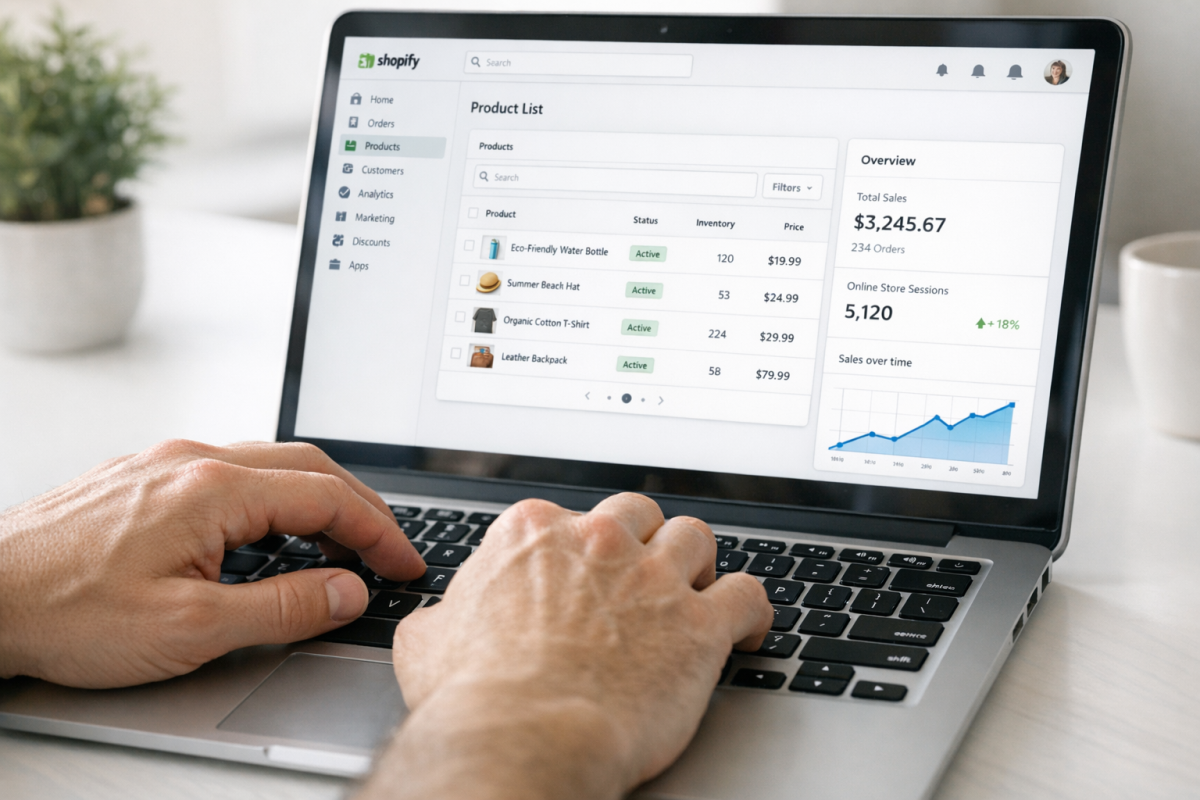
"SEO is for blogs! I'm a shop!" That attitude will cost you. A Shopify store is still a website, and if you want to show up in Google, Bing, or any commerce-specific search, you need to put in the work.
For a Shopify store in 2026, that means unique and detailed product descriptions written for humans (not just stuffed with keywords), custom meta titles and descriptions for every page, a properly structured site hierarchy, and internal linking between related products and collections. It also means keeping up with structured data markup - specifically Product schema with price, availability, and review data - so your listings are eligible for rich results in Google Shopping and standard search.
One often-overlooked area: Shopify's URL structure and duplicate content issues (such as products appearing under both /products/ and /collections/ paths) can quietly hurt your SEO if left unaddressed. There are well-documented solutions for this, so don't ignore it.
13. You're Not Soliciting Reviews / Ratings

Reviews are a powerful traffic and trust driver. Encourage customers who convert to leave reviews - on your store, on Google, and on any relevant third-party platforms. Word of mouth and social proof remain among the most important factors in the growth of a small or new storefront.
It's simple in practice: follow up with a post-purchase email asking how they're enjoying the product and whether they'd be willing to share their experience. You can incentivize this further with a referral program or a loyalty points system. In 2026, Shopify has solid native tools for this, and several well-rated apps fill the gaps if you need more sophisticated review collection and display features.
14. You Forgot the Free Samples
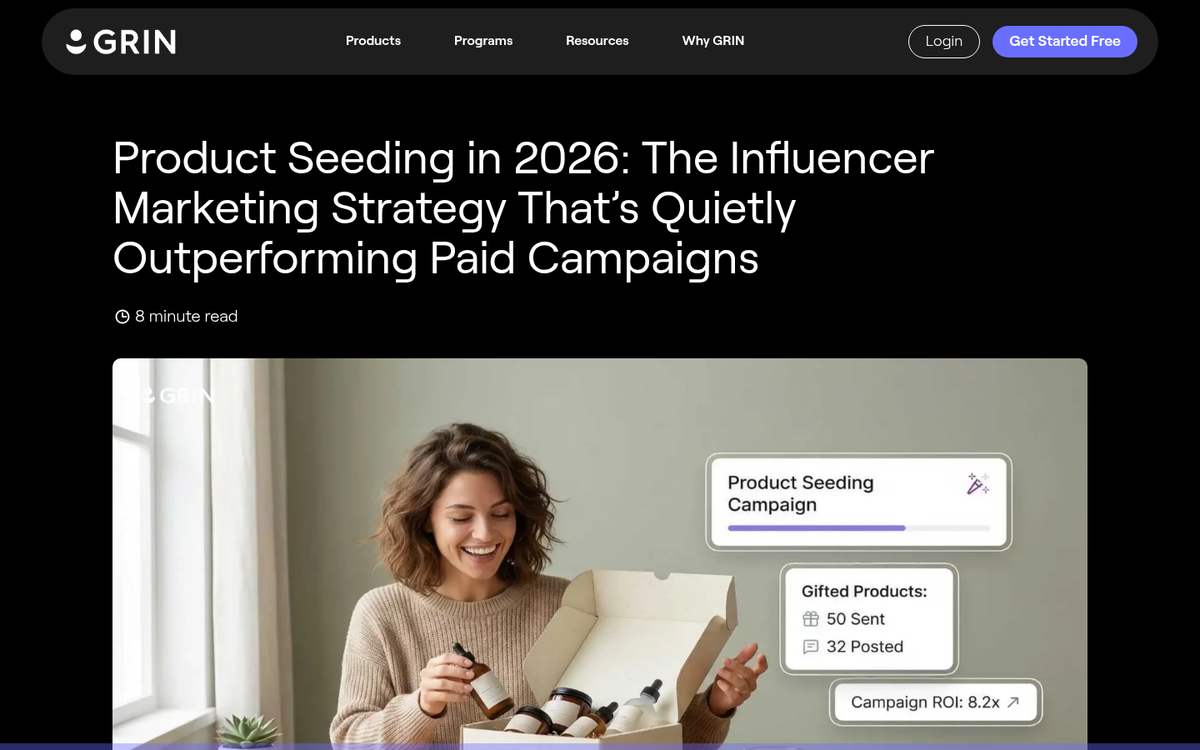
Who trusts a brand-new store with zero reviews and no social presence? Even if your products are genuinely excellent, you're starting from zero credibility. One of the fastest ways to fix this is product seeding - sending your items to relevant creators, bloggers, or reviewers in your niche in exchange for honest coverage. Getting free products reviewed on your blog is a proven strategy that works in both directions.
You don't need to target huge influencers to make this work. Niche bloggers, YouTube reviewers with modest but engaged audiences, and micro-influencers on Instagram or TikTok can all generate real traffic and social proof without the price tag of a major influencer deal.
15. Your Site is Broken
I left this one for last because it's a simple enough error that it eventually happens to everyone. Maybe you forgot to remove NoIndex directives from your theme before going live. Maybe a third-party app is injecting broken JavaScript. Maybe your Google Search Console is showing crawl errors you haven't checked in months.
Before you go deep into SEO strategy or paid advertising, do a basic audit of your site. Check that it's indexable, that key pages aren't accidentally blocked, that your checkout actually completes successfully, and that there are no major errors sitting in your Search Console account. It sounds obvious, but you'd be surprised how often the answer to "why isn't my store getting traffic?" turns out to be something this fundamental.