




Here's what's unsettling: volume and intelligence are not the same thing. A crawler can visit your site thousands of times and still walk away with almost nothing helpful. The pages where you've invested the most - the guides, the original research, the case studies built from experience - are usually the ones passed over. Thin pages, outdated content, and structural dead-ends get crawled on repeat. More activity, less value - it's a paradox that most site owners don't realize is happening until they see their content isn't showing up in AI-generated replies at all.
This isn't a glitch, and it isn't random. AI crawlers make decisions - about where to go, how long to stay, and what signals to trust - based on logic that looks very different from traditional search engine behavior. That logic is the difference between a site that feeds AI systems and one that gets quietly ignored. What follows breaks down why your most helpful pages are falling through the cracks, and what's driving those decisions on the crawler's end.
Key Takeaways
- AI crawlers strongly prefer plain HTML, making PDFs, JavaScript-rendered, and image-heavy content nearly invisible despite its value.
- Poorly configured robots.txt files, often copy-pasted or outdated, can accidentally block entire directories of valuable content.
- Most AI crawlers don't execute JavaScript, meaning client-side rendered pages like pricing tables appear empty to bots.
- AI crawlers like ChatGPT-User make 3.6x more requests than Googlebot, but waste budget on duplicate URLs and thin pages.
- Internal links matter more than sitemaps for AI crawlers, as pages with few inbound links remain largely undiscovered.
What AI Crawlers Actually Prioritize When They Visit Your Site
When an AI crawler lands on your site, it doesn't browse the way a person would - it looks for text it can read and process quickly, and that means it has a strong preference for plain HTML pages.
Cloudflare data shows that HTML accounts for 72.8% of all content that AI crawlers fetch. That number tells a story. If your most helpful content lives inside a PDF, an image, or an interactive format, a crawler is far less likely to pull it in - even if it's technically accessible on your site.
It's helpful to remember what these crawlers are built for. They're designed to collect text that can train a model or power an answer. A clean HTML page with well-structured paragraphs is what they're looking for. A beautifully formatted whitepaper in PDF form is much harder to parse, so it gets deprioritized or skipped entirely.

Crawl priority means which pages a crawler chooses to fetch first - and how much of your content it bothers to collect at all. Crawlers work within time and resource limits, so they make choices. HTML wins those choices by a wide margin.
This creates a gap for many sites. Your case studies might live in downloadable PDFs. Your product detail pages might use JavaScript to load important information. Your most authoritative content could be buried inside an image-heavy layout that strips out readable text. All of that content looks nearly invisible to an AI crawler, regardless of how much effort went into creating it. If you're also wondering whether blocking bots and crawlers is even worth considering, that's a separate decision worth thinking through carefully.
The format your content lives in matters just as much as the content itself. A crawler that can't read your best pages will move on to something it can read. That content won't make it into whatever the crawler is building. Over time, this kind of invisibility compounds - similar to how content decay quietly costs you traffic every month.
How Robots.txt Rules and Blocked Paths Hide Your Best Content
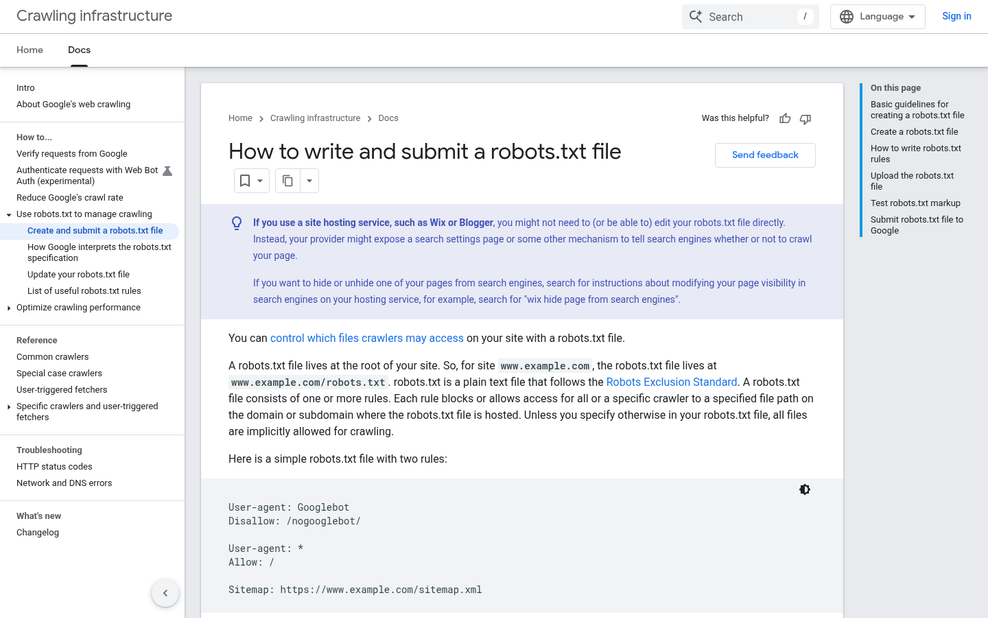
A robots.txt file is one of the first things an AI crawler reads when it visits your site. What's in that file can quietly determine if your most helpful pages get indexed or ignored.
As of mid-2025, about 10.6% of top websites block GPTBot and 9.1% block ClaudeBot. Some of the blocks are deliberate - publishers protecting content they don't want scraped. But a large share of them are the result of copy-pasted configurations or blanket disallow rules that were never thought through.
The damage from a poorly written robots.txt isn't always obvious. A single overly broad disallow rule can hide entire directories - like your blog, your product pages, or your resource library. These are the types of pages that AI crawlers would otherwise prioritize.
Let's talk about what a problematic setup looks like compared to a more intentional one.
| Scenario | robots.txt Rule | What Gets Blocked |
|---|---|---|
| Blanket block | Disallow: / | Everything on the site |
| Overly broad path | Disallow: /content/ | All blog posts, guides, and articles |
| Intentional block | Disallow: /admin/ Disallow: /checkout/ | Only internal tools and transaction pages |
| AI-specific block | User-agent: GPTBot Disallow: / | Everything, for that crawler only |
Site owners who write intentional rules like to block things like admin panels, checkout flows, and duplicate parameter pages. That makes sense - those pages have no value for an AI to read. The problem is when the same logic gets applied too broadly and takes down the pages that actually show expertise and depth.
It's worth pulling up your own robots.txt file and reading it line by line. You might find rules that were added years ago for a different crawler and never updated. Those old rules don't reflect what your site looks like today. Our robots.txt AI bot checker can help you quickly see which crawlers your current configuration is blocking.
JavaScript Rendering Gaps That Make Pages Invisible to AI Bots
A lot of the most helpful pages on a website don't actually exist in the HTML file the server sends out. They come to life after a script runs in the browser. Pricing tables, interactive product configurators, and dynamically loaded content all fall into this category.
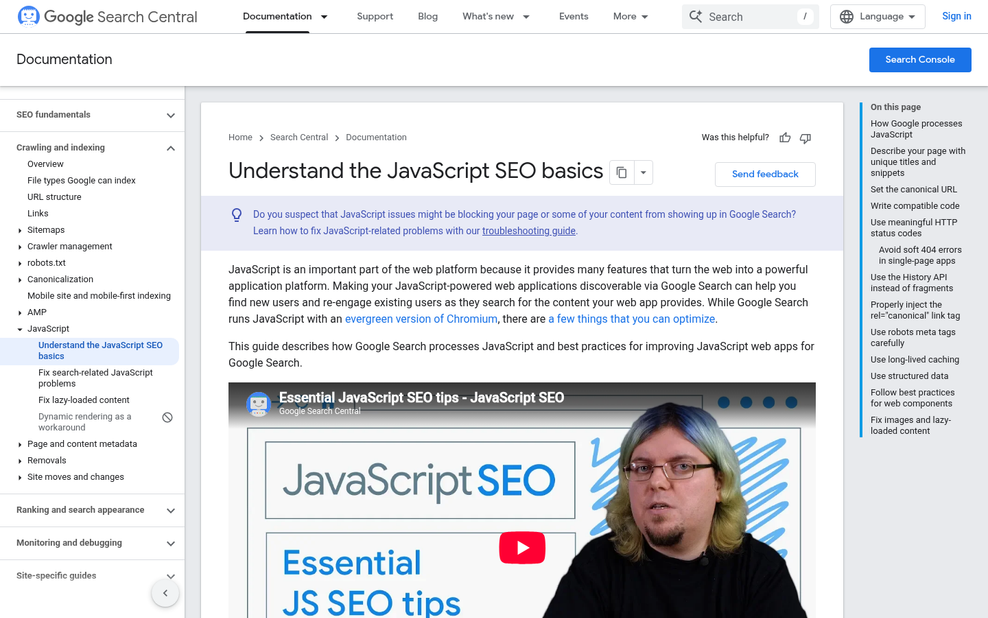
Most AI crawlers don't execute JavaScript the way a browser does. They fetch the raw HTML and move on. So if your pricing page is built with React or Vue and populates its content client-side, the bot may land on that page and see almost nothing - just an empty container and maybe a loading spinner.
That's a problem for content that has commercial intent. A SaaS pricing page is the page an AI model would want to reference when answering questions about software costs. If the crawler can't see the plan names, the prices, or the feature breakdowns, that content doesn't get indexed or used.
| Content Type | Rendering Method | Visible to AI Crawlers? |
|---|---|---|
| Static blog post | Server-rendered HTML | Yes |
| SaaS pricing table | Client-side JavaScript | Usually not |
| Dynamic product filters | Client-side JavaScript | Usually not |
| Server-side rendered app page | SSR / pre-rendering | Yes |
Server-side rendering and static pre-rendering are the two most reliable ways to get JavaScript-heavy pages in front of crawlers. With SSR, the server does the work before sending the page, so the bot receives fully built HTML. Pre-rendering achieves something similar by generating static snapshots of pages ahead of time. If you're running a WordPress site, setting up server-side tracking can also help ensure critical data isn't lost to rendering gaps.
The difference between what a browser renders and what a bot actually receives can be wide. And for high-intent pages, that gap has real consequences for how your traffic and visibility are measured.
Crawl Budget Waste and Why AI Bots Keep Hitting the Wrong Pages
Every crawler - whether it's Googlebot or ChatGPT-User - has a limit on how many pages it will fetch in a single visit. That limit is your crawl budget. When it runs out, the crawler leaves and any pages it didn't get to stay unread.
But crawlers don't always spend that budget wisely. Thin pages, duplicate URLs from tracking parameters, and long pagination chains can pull a crawler deep into low-value territory before it ever reaches your best content. Parameter bloat is a big one - URLs like ?sort=asc&filter=price&page=4 can generate hundreds of technically distinct URLs that all point to nearly identical content.
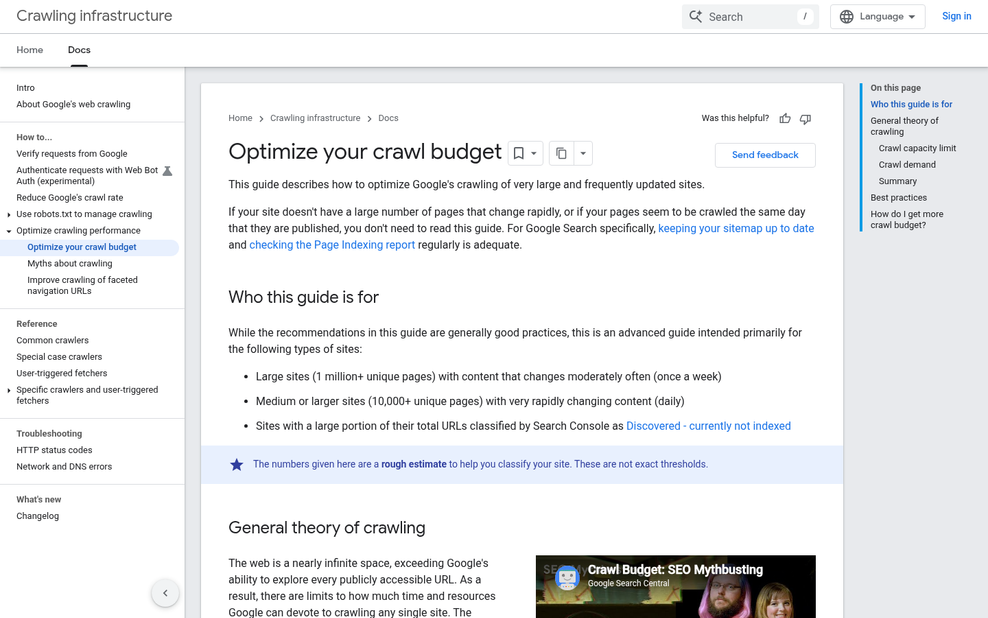
What makes this interesting for AI crawlers specifically is the request volume. According to data from Alli AI, ChatGPT-User makes 3.6 times more requests per visit than Googlebot. AI bots are actually crawling more - not less. The question is what they're spending the requests on.
If your site has parameter-bloated URLs or deep pagination chains, an AI bot can burn through its entire visit on pages that don't represent your core content. More activity doesn't mean better coverage. This is also part of why competitors show up in AI Overviews while well-qualified sites get overlooked.
| Crawl Budget Waster | Impact on Traditional Crawlers | Impact on AI Crawlers |
|---|---|---|
| URL parameter variations | Dilutes crawl across duplicate pages | High request count spent on near-identical content |
| Thin or auto-generated pages | Lowers overall site quality signals | Surfaces low-value content for AI training |
| Deep pagination chains | Buries linked content on late pages | Exhausts request budget before key pages load |
| Duplicate content paths | Splits link equity across URLs | Repeats crawling of the same content |
The pages you actually want AI models to learn from - your full guides, your product pages, your authoritative content - tend to sit further from the homepage. They need a healthy crawl budget to get reached at all.
Sitemap Signals and Internal Linking Patterns That Guide Crawler Behavior
Once you understand how crawl budget gets wasted, the next step is what you do about it. Two things sit within your control: your XML sitemap and the way your pages link to each other. These are the clearest tells you can send to any crawler about where it should go.
Internal links are basically votes of importance. A page that no other page links to is nearly invisible to a crawler because it has no path to follow to get there - it does not matter how helpful that content is. A page in isolation will not be found by most crawlers on their own.
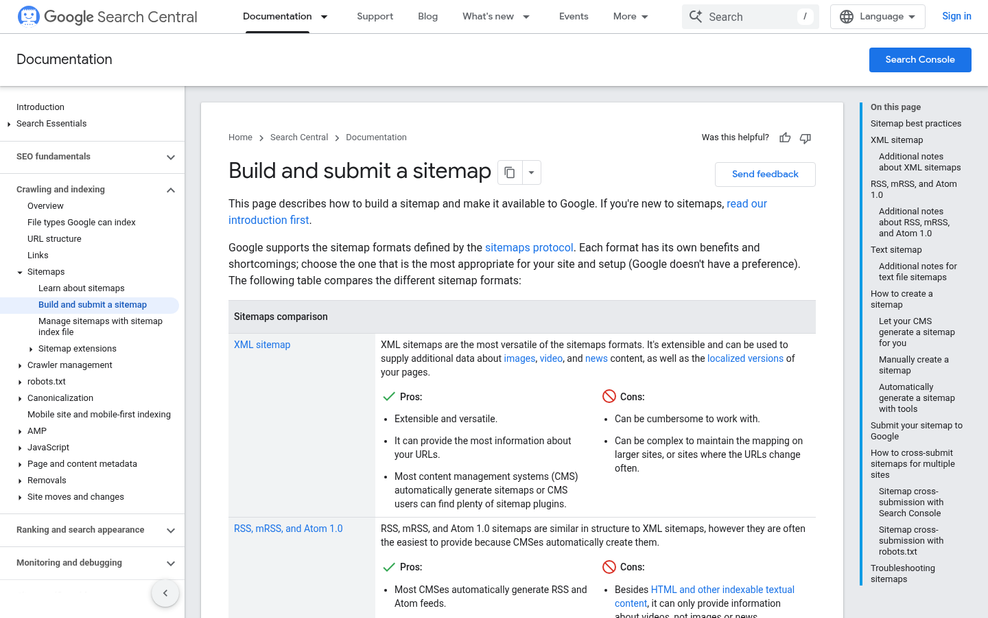
XML sitemaps are where things get more complicated. Search engine bots like Googlebot treat sitemaps as a guide and will usually prioritize listed URLs. AI crawlers are less steady about this. Some respect sitemaps closely, and others depend more heavily on link discovery to choose where to go next. Assuming that all crawlers behave like Googlebot is a mistake that leaves helpful pages undiscovered.
| Crawler Type | Follows XML Sitemaps | Follows Internal Links | Respects Priority Tags |
|---|---|---|---|
| Search engine bots | Yes | Yes | Partially |
| AI training crawlers | Sometimes | Yes | Rarely |
| AI retrieval crawlers | Sometimes | Yes | Rarely |
Internal linking matters more than most site owners give it credit for. A well-structured sitemap is still worth maintaining. But your internal link structure does the heavy lifting for AI crawlers. Pages that receive links from multiple other relevant pages signal that they carry weight and are worth visiting. Understanding how AI retrieval models decide what to cite makes clear why this kind of link authority matters beyond traditional search.
Count how many internal links point to your most helpful pages. That number tells you quite a bit. If you want more control over how your content is structured at the page level, that is another lever worth pulling alongside your linking strategy.
Getting the Right Pages in Front of AI - Without Starting Over
Every choice in this space carries a trade-off worth considering. When Read the Docs blocked AI crawlers they cut their bandwidth consumption by 75% - an actual operational win. But that choice also meant their documentation became invisible to AI systems that could have surfaced it to developers actively looking for answers. Neither outcome is inherently wrong. But both are deliberate. The same thing goes with every robots.txt rule, every JavaScript-dependent content block, and every crawl priority signal you set. Choosing not to choose is still a decision, and it has consequences.

Before assuming your visibility problem lives somewhere tough to fix, check what crawlers are actually encountering on your site. Run a crawl simulation. Review your server logs. Check which pages are being fetched, how frequently, and if the rendered output matches what you intended. The difference between what you think crawlers see and what they actually index is usually where the problem lives - and closing that gap is well within reach. If you want a broader look at why traffic isn't flowing the way you expect, there are common site-level reasons worth ruling out before diving deeper into technical fixes.