There's one school of thought that tells you that the vast majority of people visiting your landing page don't read anything below the fold. They don't scroll down at all. Anything you put below the fold might as well not exist for these people. Therefore, if you're putting your CTA at the bottom of the page, below the fold, most of your visitors won't see it.
This seems like common sense. After all, you don't want to put your CTA where people can't see it. If they can't see it, they can't convert. The problem with this school of thought, though, is that it's wrong - and we now have more data than ever to prove it.
Here's the thing: multiple studies across different sites, industries, and years have found that putting your CTA below the fold can actually increase conversion rates. More recently, Conversion Rate Experts tested sticky CTA button variations on long-form pages and found that every single sticky button variation beat the no-button control by at least 8%, with the top variation delivering a 25% increase in sales and a 22% increase in revenue per visitor. That's not a rounding error - that's a meaningful lift driven entirely by CTA placement and persistence.
Key Takeaways
- CTAs placed below the fold can increase conversions because only genuinely interested users scroll that far.
- Sticky CTAs outperformed controls by at least 8%, with top variations delivering 25% more sales.
- A layered CTA strategy - early, mid-page, and bottom - ensures one CTA is always visible while scrolling.
- Google's John Mueller confirmed CTA buttons are not ranking signals; scrolling CTAs don't hurt SEO.
- Poorly implemented CTA scripts that slow page load or hurt Core Web Vitals could negatively impact rankings.
Ignore the Fold

I believe that if you think about it a bit more, you'll see why this all makes sense. It seems like it shouldn't; if your CTA isn't visible, people won't convert. On the other hand, who were those people who never scrolled? They weren't going to convert whether they saw your CTA or not. The fact that they're even on your site might be a testament to broad targeting in your ads, not genuine interest in your product.
Meanwhile, the users who are actually interested will see your landing page, recognize that it's packed with useful information, and scroll down to read more. It doesn't matter that the CTA is below the fold - they want the content, so they'll go where it lives. A CTA at the bottom of the page converts better precisely because the only people reaching it are genuinely interested.
Another factor is the message itself. You don't start a sales call and push your pitch within the first 30 seconds. No - you make small talk, you discuss the product, you answer questions, and you lean into the sales conversation when the prospect is clearly warming up. A well-placed CTA respects that same rhythm.
An Eye to Positioning

So, if you don't put your CTA at the top, you put it at the bottom, right? Well, that's a good first step.
The smarter move is to think about CTA positioning as a layered strategy, not a binary choice. Consider offering a CTA early for visitors who already know exactly why they're there and are ready to act. Then let the page do its job of educating and persuading the people who aren't quite there yet - and give them another CTA when they've had enough time to get convinced.
You can take this even further with a long-form landing page. You have the space to include as much supporting information, social proof, and objection-handling content as you need. Break up that content with additional instances of your CTA at natural intervals. Keep the alignment varied but the message consistent - one offer, one action, reinforced throughout. The goal is simple: make sure at least one CTA is always visible, no matter how far down the user has scrolled.
This can start to look cluttered if you're not careful, though. So what's a cleaner solution?
One approach is a sticky sidebar form - a CTA panel that follows the user as they scroll. You get the CTA above the fold, and as the reader moves down the page, the form travels with them. At any point, they can click over and convert without losing their place or having to scroll back up.
Another popular option is the slide-in or corner CTA - a smaller, less obtrusive element that rises up from the corner of the screen like a notification once the user has scrolled a certain distance. It's present without being aggressive. You've almost certainly seen this pattern on major marketing blogs. It works because it appears when the reader is already engaged, not the moment they land on the page.
On mobile, the sticky CTA is especially powerful. One e-commerce test using a persistent "Add to Cart" button recorded a 2.74% conversion uplift on mobile alone - and given how much traffic now comes from mobile devices, that's not a number to ignore.
It's also worth noting that personalization matters here too. A HubSpot study found that personalized CTAs outperform generic ones by 202%. If you have the ability to tailor your CTA copy based on traffic source, user behavior, or where someone is in the funnel, you should be doing it.
The Effect on SEO
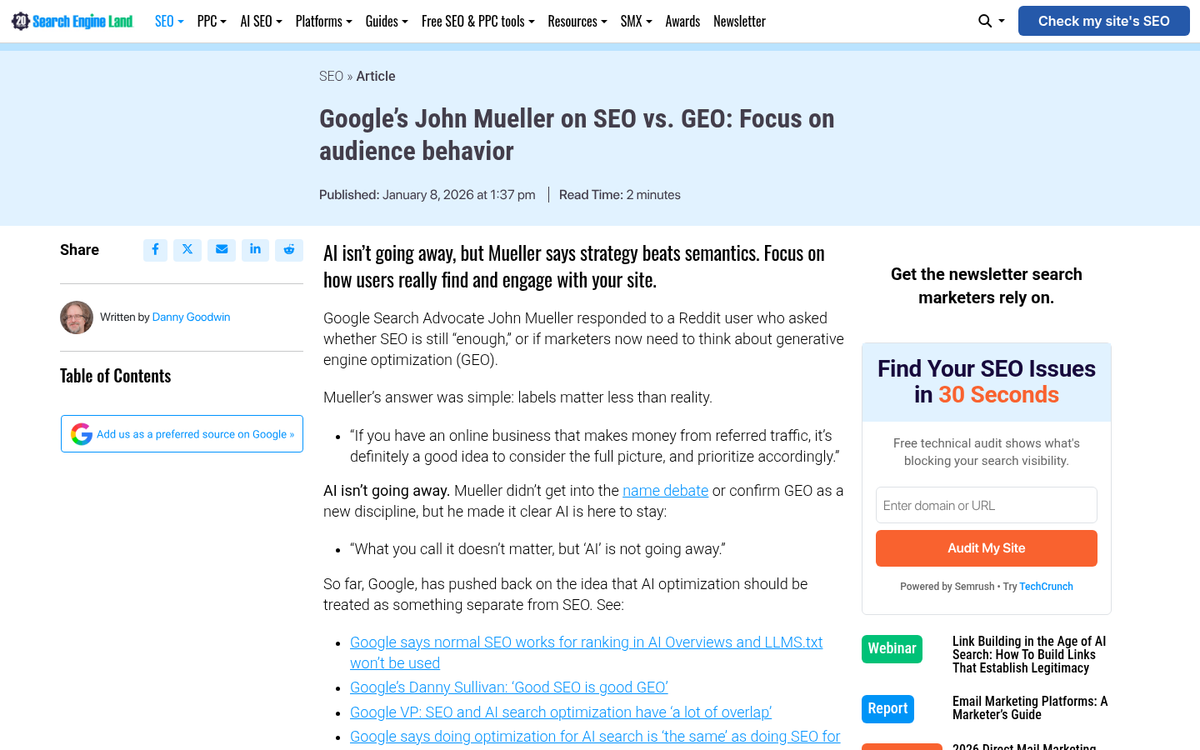
So, the real question is: does using one of these slide-in or scrolling CTA scripts hurt your SEO?
It does not. Google's John Mueller has explicitly stated that Google search doesn't treat CTA buttons as a ranking signal. Sticky CTAs, slide-in forms, corner pops - none of these are things Google is evaluating when it decides where to rank your page.
What Google does care about is user experience signals. Scroll depth isn't a direct ranking factor, but deeper scrolls correlate with longer sessions and less pogo-sticking back to the search results - both of which reflect positively on your page's perceived quality. GA4 tracks scroll depth automatically, firing an event when a user reaches the 90% depth threshold. If your page is holding people's attention that deep, that's a good sign for both conversions and organic performance.
The only way a sticky or slide-in CTA could hurt your SEO is if the script behind it is broken or significantly slows down your page load time. Google cares deeply about Core Web Vitals - page speed, layout stability, and interactivity - so if your CTA script is bloated or poorly implemented, that's where you'd feel the impact. Keep your scripts lean, test your page speed after implementation, and you'll be fine.
If you're ready to implement a slide-in CTA, the core requirements are modest: some JavaScript, a bit of CSS, and a small addition to your page template. It looks more complex than it is. The hardest part, honestly, is writing the CTA itself - because getting the copy and the offer right is what actually drives the conversion.