




Right now, tools like ChatGPT, Perplexity, and Google's AI Overviews are scanning the web and pulling responses from content that's already organized around questions and answers. These systems aren't reading your page the way a human would - skimming for context, inferring meaning, piecing things together. They're looking for clean, confident, well-matched pairs: a question that mirrors what a user actually asked, followed by an answer that resolves it without ambiguity. When your content is structured that way, it can become a candidate for direct inclusion in AI-generated replies. When it isn't, it tends to get skipped.
As a website owner or manager, this matters to you because the way people find information is changing. A growing share of search behavior is moving toward AI-powered interfaces where a single synthesized answer replaces a list of links. If your content isn't structured to participate in that format, your visibility in those environments shrinks - regardless of how strong your traditional SEO could be.
This entry breaks down what QA pairs are, why AI systems favor them, and how you can start building and optimizing them across your site to improve your presence in the answer engine community.
Quick Answer
It looks like the article content didn't come through with your message. Could you please share the article text so I can generate a concise answer based on it?
How Answer Engines Use Question-Answer Pairs to Respond
Answer engines look for content that's structured in a way that maps a question to a direct answer. The closer your content matches that pattern, the more likely the engine is to pull from it.
This works because these systems are trained on giant datasets made up of question-answer pairs. Stanford's SQuAD dataset contains over 100,000 pairs drawn from Wikipedia articles. MS MARCO was built from around 100,000 user queries paired with human-written answers. HotpotQA adds another 113,000 pairs that train models to connect information across multiple sources.
That's the scale your content is up against.
When an AI model trains on hundreds of thousands of structured examples, it builds a very strong sense of what a well-formed answer looks like - it learns how questions are phrased and what a satisfying response contains. So when that model later reads your web page, it applies those patterns to determine whether your content is worth using as a source.

The engine scores your content by how well it fits what it already knows about answers. If your page dances around a question without landing on a direct response, the model has less to work with. Content that mirrors the structure of a well-formed QA pair is much easier for the engine to interpret and surface.
This is why the structure of your content matters as much as the information inside it. An answer engine isn't reading for general relevance the way an older search algorithm might - it's scanning for a relationship between a question and an answer, and it's doing that at a very granular level.
| Dataset | Number of Pairs | Source |
|---|---|---|
| Stanford SQuAD | 100,000+ | Wikipedia articles |
| MS MARCO | ~100,000 | Real user search queries |
| HotpotQA | 113,000 | Multi-hop reasoning tasks |
Each of these datasets shaped how the model understands language and response quality.
What Makes a Strong Question-Answer Pair
Not every question-answer pair is worth writing. The ones that get picked up tend to share a few traits, and it's worth learning about what those are before start drafting.
The question has to line up with the way a person would phrase something. That sounds easy. But writers default to formal or technical phrasing that no one actually types. Think about the words you would use at the end of a long day when you just want an answer fast.
Specificity matters more than you might expect. A vague question like "What is SEO?" pulls in too many directions to answer well, and a vague answer satisfies no one. A tighter question like "How long does SEO take to show results?" gives you something concrete to answer and gives the reader something helpful to take away.
Answer length is a consideration too. Too short and the answer feels incomplete. Too long and the helpful part gets buried. A good answer gets to the point in one or two sentences and then can add just enough context to make it honest. You're not writing an essay - you're answering a question.
The honest answer is that the line between those has become pretty thin. What works for a human reader - direct, specific, and easy to scan - also works for the systems that process and surface content. You don't need to write in two different registers anymore. If you're focused on making a living through blogging, this kind of clarity in your content can make a real difference.
The most common weakness in a question-answer pair is a mismatch between the question and the answer. Someone asks a how-to question and gets a definition. Someone asks a yes-or-no question and gets three paragraphs of background. That disconnect is easy to miss on a read-through, so it's worth checking deliberately.
The phrasing of the answer should also match the question's intent. If the question is helpful and action-oriented, the answer should be too. If the question is exploratory, the answer can be a little wider. A match in tone and intent is one of the smaller factors that tends to help in how well a pair performs.
Once you have a well-formed pair, where you put it on the page starts to matter quite a bit.
Where to Place Question-Answer Pairs on Your Website
Placement matters more than you might expect. A well-written question-answer pair buried in the wrong part of your site is less likely to get picked up by search engines or AI tools than one placed where it can be seen and indexed.
The most familiar home for Q&A pairs is the FAQ section, either as a standalone page or at the bottom of a product or service page. These work well because they signal to search engines that you are directly answering questions. They are also easy for readers to scan when they want a fast answer.
Inline Q&A pairs placed inside the body of a blog post feel more natural. You can frame a question mid-post and answer it in the next paragraph, which keeps readers engaged and gives AI systems a signal about what that section covers. This format works especially well when the question is something a reader would legitimately have at that point in the content.
Dedicated Q&A resource pages are worth thinking about if you have a topic large enough to support questions. These pages let you go deep on a subject and can rank well for conversational search queries. They take more effort to build, but they can be a reference point you can link to from other pages on your site.
| Placement Type | Visibility to Readers | AI Pickup Likelihood | Best Use Case |
|---|---|---|---|
| FAQ Section (on product/service page) | High | High | Quick answers to purchase or service questions |
| Inline Body Content | Medium | High | Educational content and blog articles |
| Standalone Q&A Resource Page | Medium | Very High | Topic hubs covering a subject in depth |
| Product Page Body Text | High | Medium | Addressing hesitations before a purchase |
It's helpful to review your existing pages and see how your content is performing and what questions a visitor would have at each one. A product page might need to address questions about compatibility or returns. A blog post might need to answer a definition question early on. Gaps in your existing content are usually places where a reader has a question but your page goes quiet.
Writing Questions the Way Real People Actually Ask Them
A lot of site owners approach this wrong. They write questions the way they think a search engine wants to see them- not the way a person would type or say them out loud.
Think about how someone asks a question when they're frustrated, curious, or in a hurry. They don't search "optimal frequency for canine bathing." They search "how often should I wash my dog?" That difference between formal phrasing and natural phrasing matters more than most people know.
Voice search and AI assistants have pushed this even further. When someone speaks a question into their phone, the phrasing tends to be longer and more conversational than a typed keyword. Questions that start with "what," "why," "how," and "can I" are extremely common in voice queries. Questions written to match that natural rhythm are easier for search engines and AI systems to work with. If you run your WordPress blog from your phone, this kind of voice-friendly content is especially worth thinking about.
Long-tail phrasing is your friend here. A long-tail question is a longer, wordier version of a basic search- it's less likely to be contested by big competitors and more likely to match what someone is looking for. "What's the difference between a fixed and variable rate mortgage?" will serve you better than "mortgage rate types."
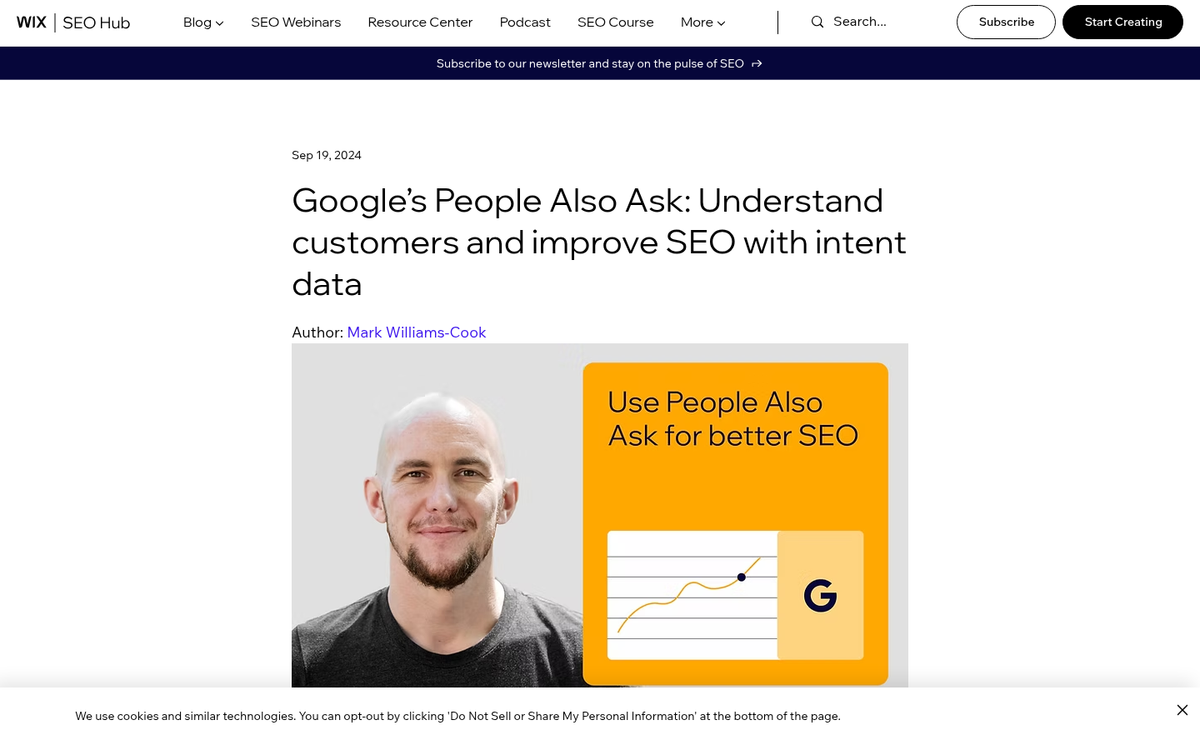
To find question phrasing that actually sounds human, Google's "People Also Ask" box is one of the most helpful free tools available- it will show you the questions people are already asking about your topic. Reddit and similar community forums are also worth checking because people ask questions there in the most unfiltered way possible.
Keyword-stuffed questions are easy to spot and they feel unnatural to read. A question like "best affordable SEO services for small business website 2024" is not how anyone talks- it reads like someone tried to cram a keyword list into a question mark. Real questions are direct and reflect genuine curiosity.
Read your questions out loud before you publish them. If a question sounds like something you'd say to another person, you're on the right track.
The same rule applies to your answers. Plain language, short sentences, and a direct response to what was asked will always beat a long-winded response that circles around the point. Write like you're explaining something to a friend- not submitting a report. If English isn't your first language, this conversational approach is even more valuable to keep in mind.
Using Schema Markup to Signal QA Structure to AI
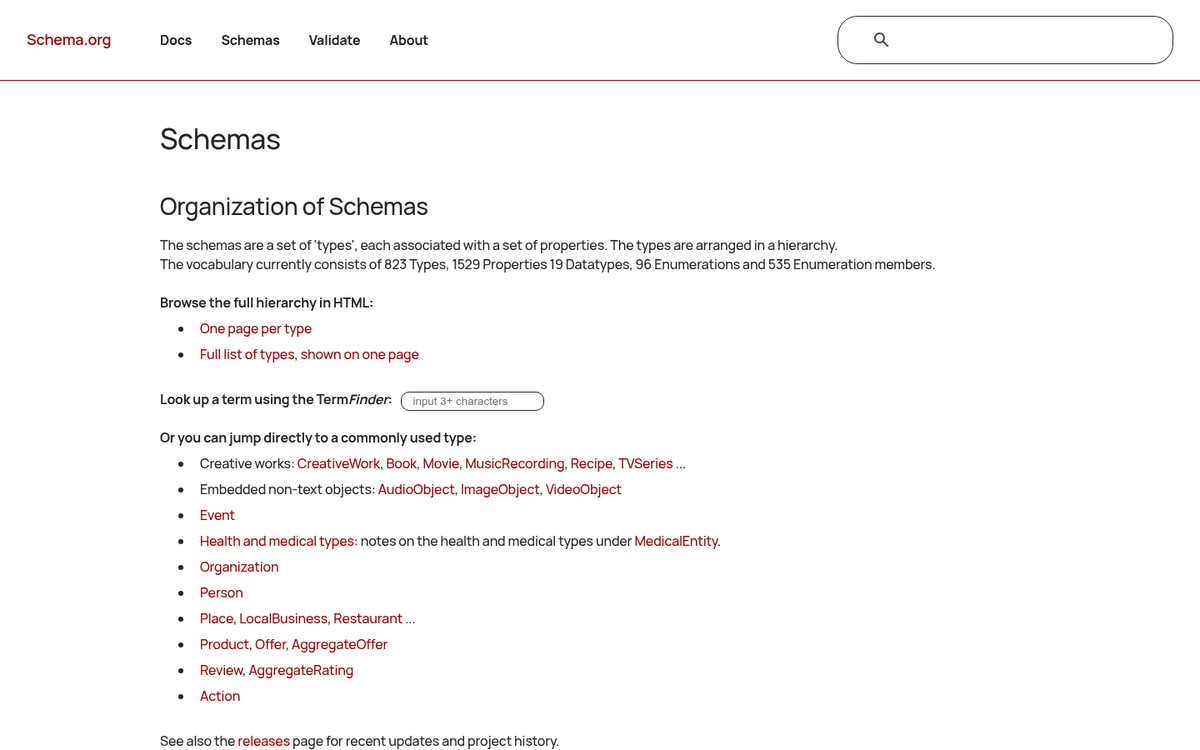
Schema markup is code you add to a page that tells search engines and AI crawlers what content they're looking at. If you don't have it, a crawler has to guess if your page contains a Q&A, a how-to guide, or just a wall of text. Schema removes that guessing.
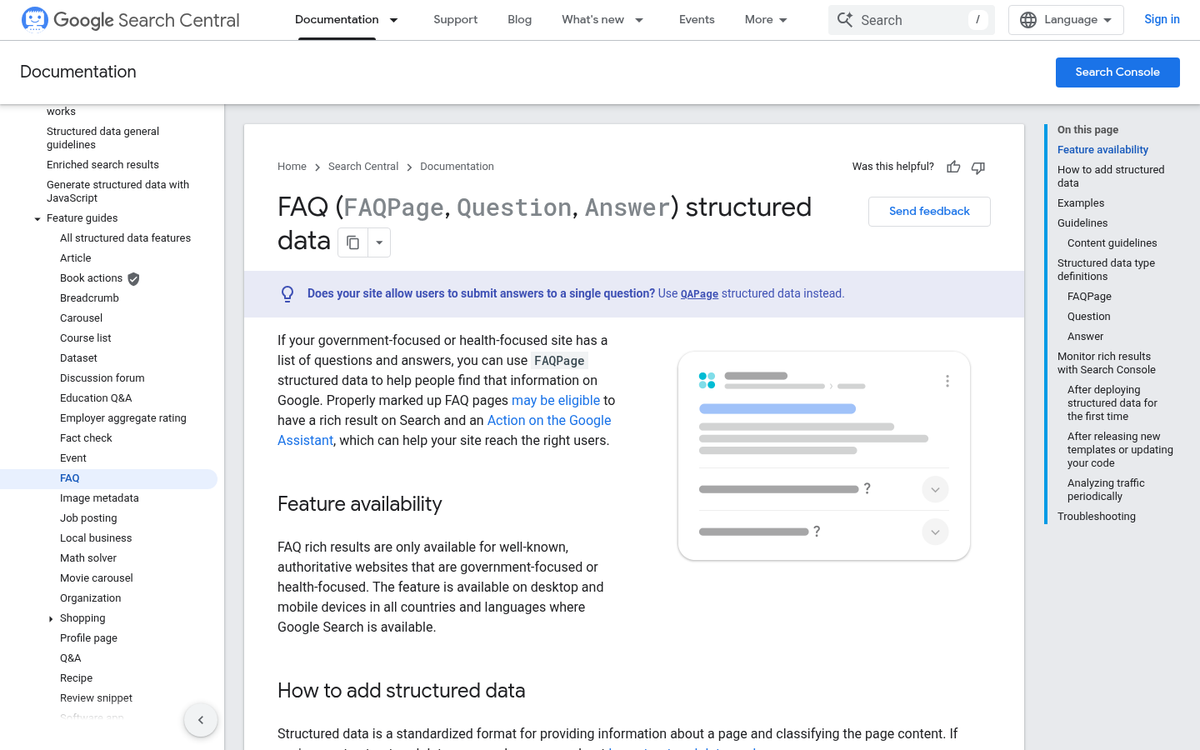
For question-and-answer content specifically, two schema types do most of the heavy lifting: FAQPage and QAPage. They sound similar but serve different purposes, and picking the right one matters for how AI systems interpret your content.
| Schema Type | Best Used When | What It Signals |
|---|---|---|
| FAQPage | You write and answer all the questions yourself | Authoritative, curated Q&A from a single source |
| QAPage | Multiple people contribute answers (like a forum) | Community-driven Q&A with accepted responses |
Most business websites will use FAQPage schema because they control the questions and the answers. QAPage is a better fit for community places where users vote on or accept answers.
The real reason to add this markup is that it makes your content easier for AI to parse and use. Answer Engine Optimization is partly about helping AI tools pull from your content with confidence, and structured data is one of the clearest signals you can send - it flags your content as pre-formatted and reliable.
To implement FAQPage schema, you nest each question inside a structured block that pairs it with its answer. Plugins like Yoast SEO or Rank Math can generate this markup for you if you're on WordPress, which makes the process more accessible. You can also use our AEO Readiness Checklist to make sure your setup covers the key bases.
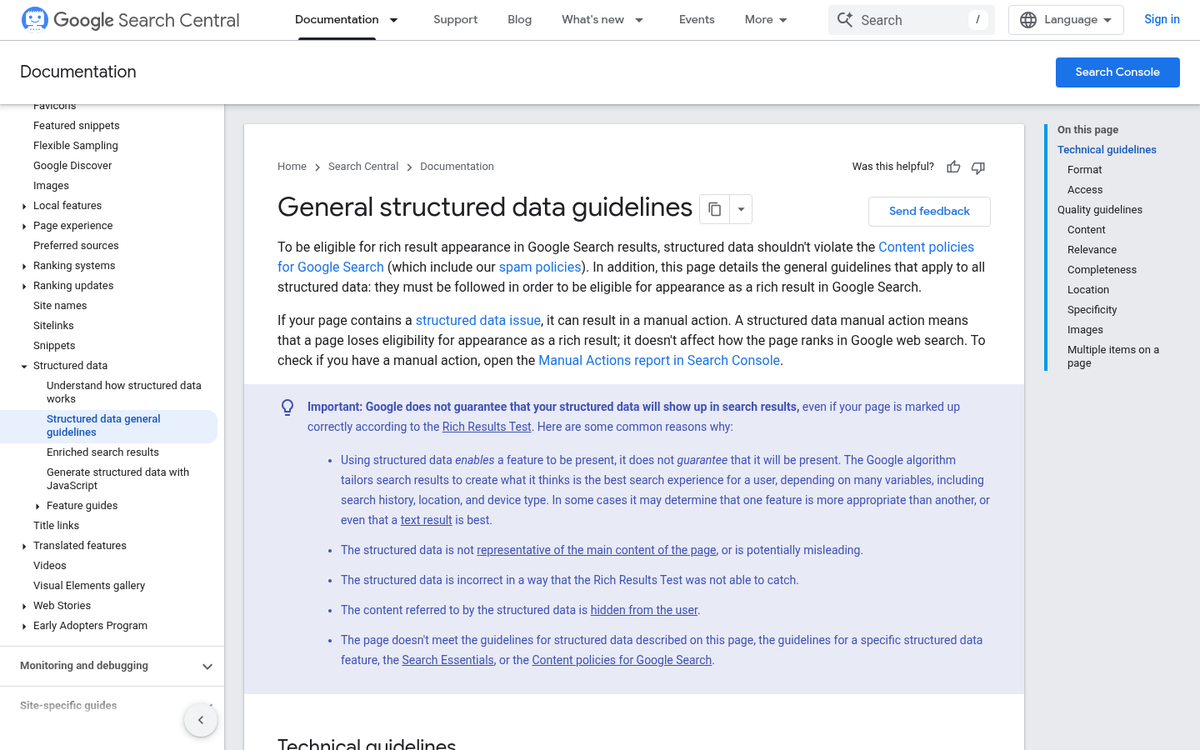
One thing worth knowing about: Google has scaled back how FAQPage schema appears in search results for some sites. But that doesn't make it less helpful for AEO. AI crawlers use structured data independently of how Google chooses to display it in search features.
Schema won't rescue thin or vague content - it's not a shortcut. But when your answers are already well-matched to questions, schema gives AI systems the extra layer of context they need to treat your content as a reliable source.
Auditing Your Existing Content for QA Opportunities
A lot of sites already have the answers - they just aren't presented in a way that makes them easy to find or use. Before creating new content, it's worth going back through what you already have to see what can be restructured.
Start with your highest-traffic pages and read them as if you're a first-time visitor with a question. Ask yourself what the page is actually answering, and then ask if that answer is buried in a paragraph instead of sitting right at the top where it belongs. You don't need tools for this part - just a fresh read and a little honesty about whether the page gets to the point.
That said, tools can speed the process up. Google Search Console will show you which queries bring visitors to each page, and that list is a ready-made set of questions your content is already being matched to. If a page ranks for "how long does X take" but never actually states the answer in plain language, that's a restructuring job waiting to happen.
Reading Engagement Signals
High bounce rates can be a signal worth paying attention to. If visitors land on a page and leave quickly, the content might not be delivering the answer they came for - even if it technically covers the topic. Low time-on-page combined with an informational query is a basic sign that the answer isn't accessible enough.
You don't need to overhaul everything at once. A helpful first step is to build a simple spreadsheet with three columns: the page URL, the primary question it targets, and a note on whether the answer appears in a direct and readable format. That alone can show patterns across a whole site.

What to Look For
Long-form guides are especially worth looking over because they tend to have multiple answers that could each stand on their own as a QA pair. A 1,500-word post may have five or six implicit questions embedded in it, each one answerable in two or three sentences if you pull it out and format it. High-traffic content like AdSense-optimized posts is a good example of where restructuring a buried answer can make a real difference.
FAQ sections that haven't been updated in a while are another place to check. The questions may still be relevant but the answers could be too vague or outdated to be legitimately helpful to a reader or to an AI trying to pull a clean response. If you use a comment system, a fast-loading comment platform can also surface common reader questions worth turning into proper QA content.
The audit doesn't have to be perfect - it just has to get started.
Turn Every Answer Into an Asset
You don't need to overhaul your entire site to get started. Pick one high-traffic page or one topic you're frequently asked about and build out a QA structure around it. Get comfortable with the format, see how it performs and expand from there. Small, deliberate steps compound faster.
The bigger change is already underway. As AI-generated answers increasingly replace traditional search results, the content that wins won't always be the most or the best written - it will be the content that's the clearest to parse. Sites that speak in direct questions and precise answers will have a structural benefit. Now is a time to promote your WordPress blog and be one of them.
FAQs
What are question-answer pairs in content?
Question-answer pairs are structured content units where a clearly phrased question is matched with a direct, specific answer. AI tools like ChatGPT and Google's AI Overviews are trained to recognize this format and use it when generating responses to user queries.
Why do AI tools favor question-answer structured content?
AI models are trained on massive datasets containing hundreds of thousands of QA pairs. This trains them to recognize and prefer content that mirrors that structure, making well-formatted QA content more likely to be surfaced in AI-generated responses.
Where should I place QA pairs on my website?
QA pairs work well in FAQ sections, inline within blog posts, or on dedicated Q&A resource pages. Standalone Q&A resource pages tend to have the highest likelihood of being picked up by AI tools.
What schema markup should I use for QA content?
Use FAQPage schema when you write and control all the questions and answers yourself. Use QAPage schema for community-driven formats where multiple users contribute answers. Both help AI crawlers identify and use your content more confidently.
How do I write questions that sound natural?
Write questions the way a real person would ask them out loud. Use conversational phrasing starting with "what," "how," or "why," and avoid keyword-stuffed formats. Tools like Google's "People Also Ask" box and Reddit can help you find natural question phrasing.