Key Takeaways
- WordPress's official mobile app supports both WordPress.com and .org blogs, enabling post publishing, analytics, and push notifications.
- ManageWP offers a free, mobile-responsive dashboard covering plugins, themes, backups, security, and performance checks.
- Ulysses and Simplenote serve as writing and note-taking companions for bloggers, though Ulysses is iOS/Mac only.
- Automation tools like Zapier and Make help bloggers reduce repetitive tasks through WordPress integrations with social and email platforms.
- Evernote's pricing has increased significantly since its 2023 acquisition, making alternatives like Notion worth considering.
WordPress has long been one of the most popular blogging platforms in the world, and it should come as no surprise that it caters to bloggers of all types. Not everyone out there has the time to sit at a desk with a full PC, or carry around a laptop all the time, so WordPress offers their own mobile services. If the native option isn't enough for you, there are always third party options as well. Let's get started.
1. The Native WordPress Mobile Apps
WordPress has created an app you can use to manage your WordPress blogs. Simply search for "WordPress" in the App Store or Google Play to download it directly to your device.
The WordPress apps support WordPress.com and WordPress.org blogs, so long as you have the correct setup configured - it works for phones and tablets, and for Android and iPhone.

What features do the apps have? First and foremost, they allow you to draft and publish posts directly from your device. You can view your site analytics, showing you viewers and site engagement. The app gives you configurable push notifications to tell you about comments or reaching milestones, which can be helpful. The block editor (Gutenberg) is supported in the mobile app as well, so your editing experience closely mirrors what you'd find on desktop.
The benefits to this option are in simplicity and in the guarantee that the apps will work to manage your blogs - it's easy to get, easy to set up, and it's official, so nothing fishy can go on with your account. Beyond that you're not getting anything exceptional, just base WordPress access from a mobile device.
2. ManageWP
ManageWP no longer has a standalone mobile app. But that's not a problem - you can basically access their dashboard from any device, desktop or mobile - it's a responsive design, and it has features that can be helpful to anyone looking to run a blog on mobile.

You can manage your posts and engagement just like with the WordPress app. But you can also manage and change your updates, your plugins, and your themes. You get a monthly backup of your site automatically, and you can clone your site for easy spin-offs who like affiliate niche blogs. They'll do performance and security checks to make sure your site is still running on all cylinders. Analytics, comment management, maintenance mode, and vulnerability reports are all included. All of this is available for free.
If you're willing to pay a few bucks, they have a series of premium upgrade modules to give you extra functionality. For personal sites, you can get a premium backup module, make it white label, give you SEO features, an uptime monitor, and automatic security and performance checks, all for $1 each (or $2 for the backup module). They also have bulk options available for running multiple sites. All in all, it's a very capable platform for a very low cost.
3. WooCommerce
For those who are using WordPress for more than easy blogging, you probably use WooCommerce for taking care of a storefront. WooCommerce is now owned by Automattic, the same company behind WordPress.com, so compatibility with your WordPress site remains a strong point - it integrates tightly with the wider WordPress ecosystem, like Jetpack.
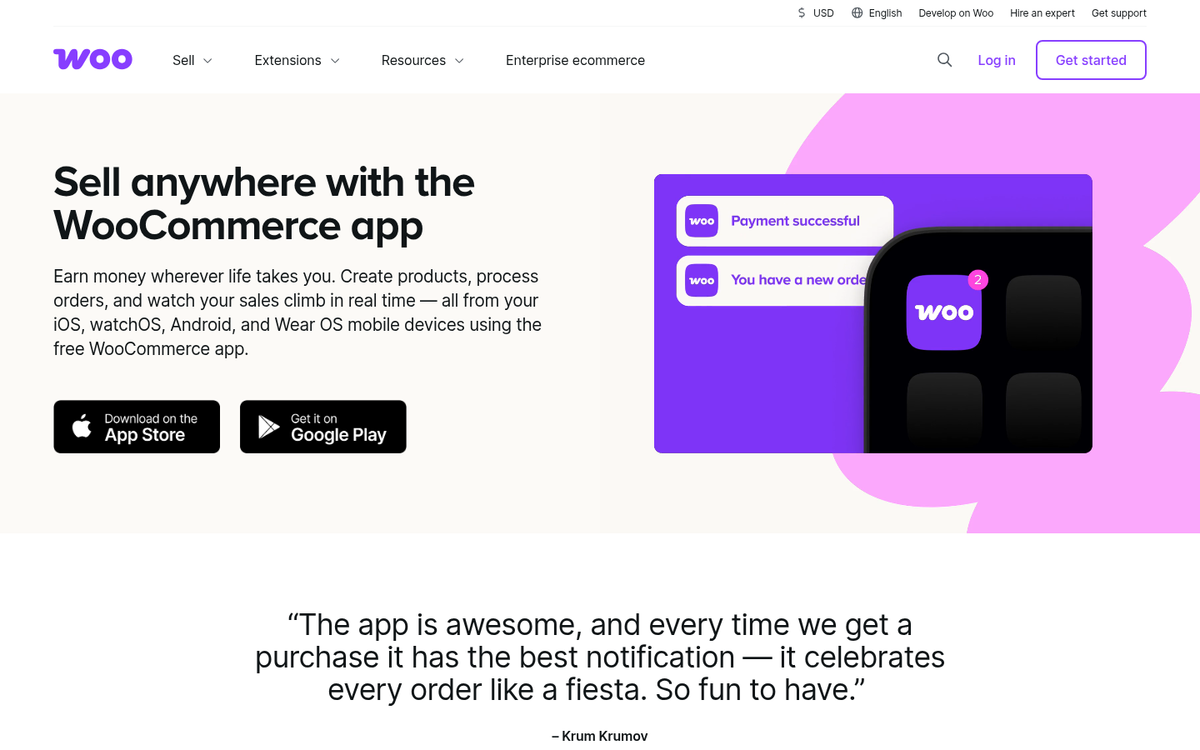
The WooCommerce app lets you manage orders from your mobile device - it gives you notifications for sales and access to your storefront analytics. The app is available on iOS and Android, as you might expect.
There's quite a bit I can say about WooCommerce itself - it's a tool for those looking to run their own storefronts, and the ability to manage your blog and your store through apps is a great amount of flexibility.
4. Ulysses
Ulysses is not directly a WordPress app. Rather, it's a writing app designed to improve writing productivity when you don't have access to a full keyboard - it's a true mobile design with usability in mind, and it's very capable in how it accomplishes some common writing tasks. The interface is nice and slick, and it uses a markup editor to help shortcut tedious formatting or code.
It works with WordPress in that you can draft and schedule or publish posts directly from the app. All you have to do is authenticate it to use your account. Still, it's an app designed for writing - not for WordPress management directly - writing posts is all you get.
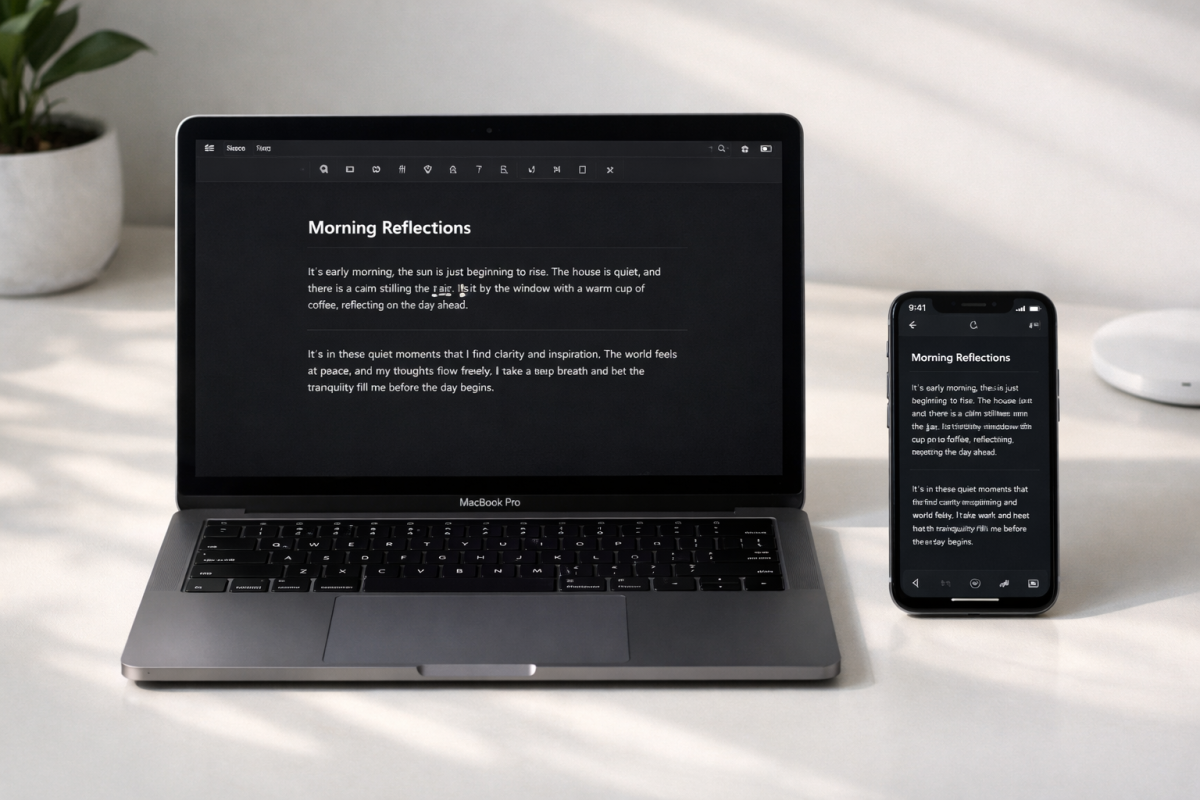
The feature list for this app is a bit of a surprise. You have cloud sync and can set up backups with iCloud - it helps you sort your writing into folders in a hierarchical structure or however else you want them organized. You can filter your library as well - it even tracks writing goals you can set for yourself, so you can make sure that you're on track to produce the content you want to produce.
The main downside is that Ulysses is only available on Mac and iOS devices. Android users are left out in the cold for now. Pricing has also shifted over the years - as of 2026, it runs around $5.99 per month or $39.99 per year, so check the App Store for the latest pricing before committing. If you're looking for tools to help you write distraction-free, there are other options worth exploring as well.
5. Simplenote
Simplenote is a note taking and writing app that's, like a few other tools in the WordPress ecosystem, made by Automattic, the company behind WordPress - it's available for iOS and Android, and Linux and Windows, and has a web interface as well. That means it's available on any platform you could want it to be - and it remains free.

Simplenote shares quite a bit more in common with a lightweight note-taking tool than with WordPress's apps - it's not designed for writing full blog posts. But for collecting and organizing information faster - it has some collaboration features and lets you share note documents online for public viewing if you want, though of course this is very minimal compared to team publication apps.
Probably the best feature of Simplenote is the historic snapshots of notes it keeps. When you change a note, be it editing, adding, or deleting, snapshots are made and a timeline is generated. You can drag a slider to view past versions of the notes, in case you accidentally deleted something you shouldn't have, or want to reference a past version of your content - it's all helpful for bloggers who like to keep their ideas and drafts in one organized place.
6. Evernote
Evernote is one of the most versatile tools for taking notes and drafting content available - it's able to manage anything from basic notepad note taking to post drafting to lightweight project management. You can save inspirational content while on the go, note down ideas for future posts, and even attach photos you take on the go with your mobile device.
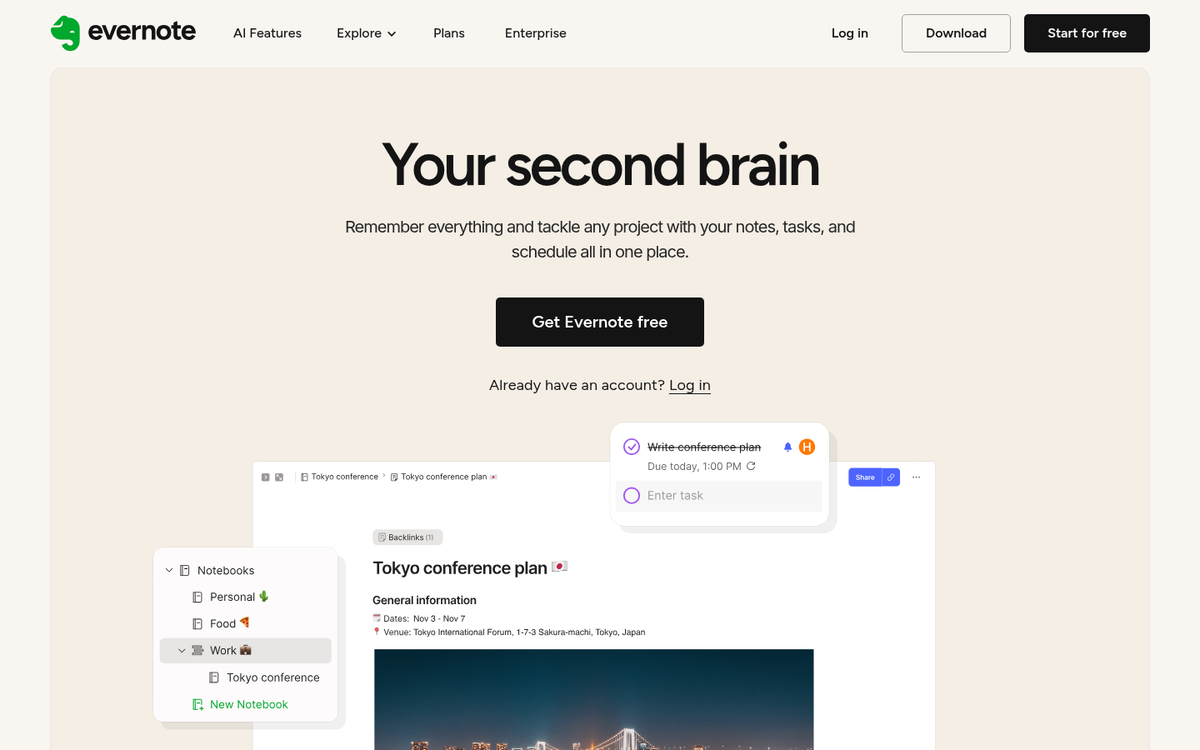
Evernote has gone through changes. The app was acquired by Bending Spoons in 2023, which caused a wave of pricing changes, feature adjustments, and the discontinuation of the long-standing free tier's more generous limits. As of 2026, the free plan is pretty restricted, basically serving as a limited trial. The Personal plan runs around $14.99 per month. But the Professional plan is around $17.99 per month. Given these price increases, it's worth comparing Evernote to alternatives like Notion or Apple Notes before committing, depending on your preferences.
7. Wrike
Wrike is a productivity and job management suite - it's aimed more at project management than at blogging. But if you're a job-oriented person with organization on hand, an app like this helps you out quite a bit with your productivity - it's very easy to start new tasks, drag and drop them through the process as you complete them, and assign them to team members when you have a team to manage.
On top of job management, Wrike has a calendar with project planning. Estimate how long tasks will take and adjust your time budget accordingly - it's all well laid out to use in a few different views, like Gantt charts and Kanban boards.
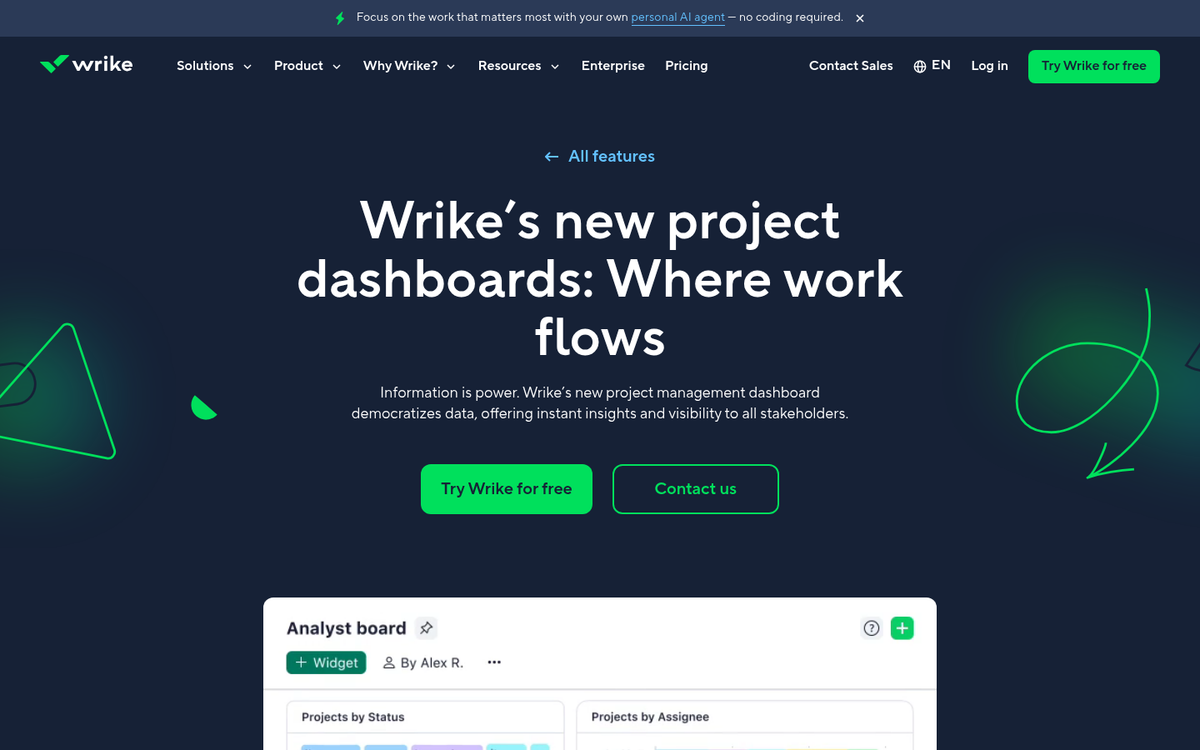
How does this work any better for your WordPress blog than any other job manager? You can create a job that's basically "write a new post" and, when following through with the process, create your post directly within Wrike and publish it as a post or page draft - it takes a bit of getting used to the process. But it can be quite useful for teams taking care of editorial calendars.
Wrike has a free plan for small teams with basic job management features. Paid plans start at around $10 per user per month for the Team plan, scaling as high as $24.80 per user per month for the Business plan, with enterprise pricing available for bigger organizations. For a simple blog, the free version should be plenty.
8. Zapier / Make (formerly Integromat)
Automation tools are indispensable for bloggers who want to cut down on repetitive tasks. Zapier remains a strong option in this space, and it's worth also mentioning Make (formerly Integromat), which has grown into a competitor with a more visual, flowchart-style automation builder that users find intuitive.
IFTTT, which used to be a favorite recommendation alongside Zapier, has continued its pivot toward IoT and consumer device automation, which makes it less relevant for WordPress blog management than it once was. Zapier and Make are now the stronger options for bloggers.
With Zapier and WordPress, there are a number of helpful automations available. Common ones include cross-posting between WordPress and social platforms like Instagram, LinkedIn, or Bluesky. You can publish to Buffer, drop a link in Slack automatically, post MailChimp campaigns to WordPress, or send push notifications for your blog. The library of integrations has grown substantially and now covers thousands of apps.

The way Zapier works is through triggers and actions. Triggers for WordPress can vary from a new comment to publishing a new post, and actions can include creating drafts, uploading media, or notifying your team - it's very flexible once you get the hang of it.
Zapier's pricing has evolved over the years. As of 2026, the free plan allows a limited number of tasks per month with single-step Zaps. Paid plans start at around $19.99 per month for the Starter tier, scaling up based on task volume and complexity. Make has a competitive free tier as well, with paid plans starting lower than Zapier's, which makes it worth a look if budget is a concern.