Key Takeaways
- Both free and premium WordPress ad plugins exist, ranging from $0 to $149 annually, suiting different budgets and needs.
- Self-managed ad plugins like Ads Pro and WP Pro Advertising System support CPC, CPM, and CPD pricing models.
- Several plugins including Ads Pro and Advanced Ads offer geotargeting, letting you serve location-specific ads to different visitors.
- Ad Inserter leads free options with over 300,000 installs and a near-perfect 4.9-star rating on WordPress.org.
- Some plugins like AdSanity lack built-in payment processing, requiring advertisers to handle billing and contracts manually.
Let's be honest here; advertising on the web can be a gigantic hassle. Sure, you can toss a Google AdSense widget up on your site and make a few pennies here and there. But it's slow and ineffective. You can sell your own advertising space. But then you'll have to run plugins to rotate ads, then you'll have to manage who is buying and how long they've been paying, and the fraud prevention is in your hands. And let's not even get started with affiliate marketing or dropshipping, which, while lucrative, are an awesome amount of work on top of everything else.
Thankfully, the answer lies in plugins built for exactly that purpose. If you've been using WordPress for a while, you probably already knew that, though; it's the beauty of WordPress. Everything you could want is probably available in one of the hundreds of thousands of available plugins.
I've chosen ten of the best options for those who want to run ads but don't want to be stuck with a dinky ad manager or a custom code base. It's up to you to figure out which of these options is best for your site, but I've done my best to give each a description so you can decide.
1. Ads Pro
Ads Pro hails from the echoing halls of CodeCanyon, which should say a few things to you already if you're aware of the industry. First and foremost on your mind is likely the price. Everything on CodeCanyon and the other Envato sites is a paid asset. In this case, the Ads Pro advertising manager is only $37.
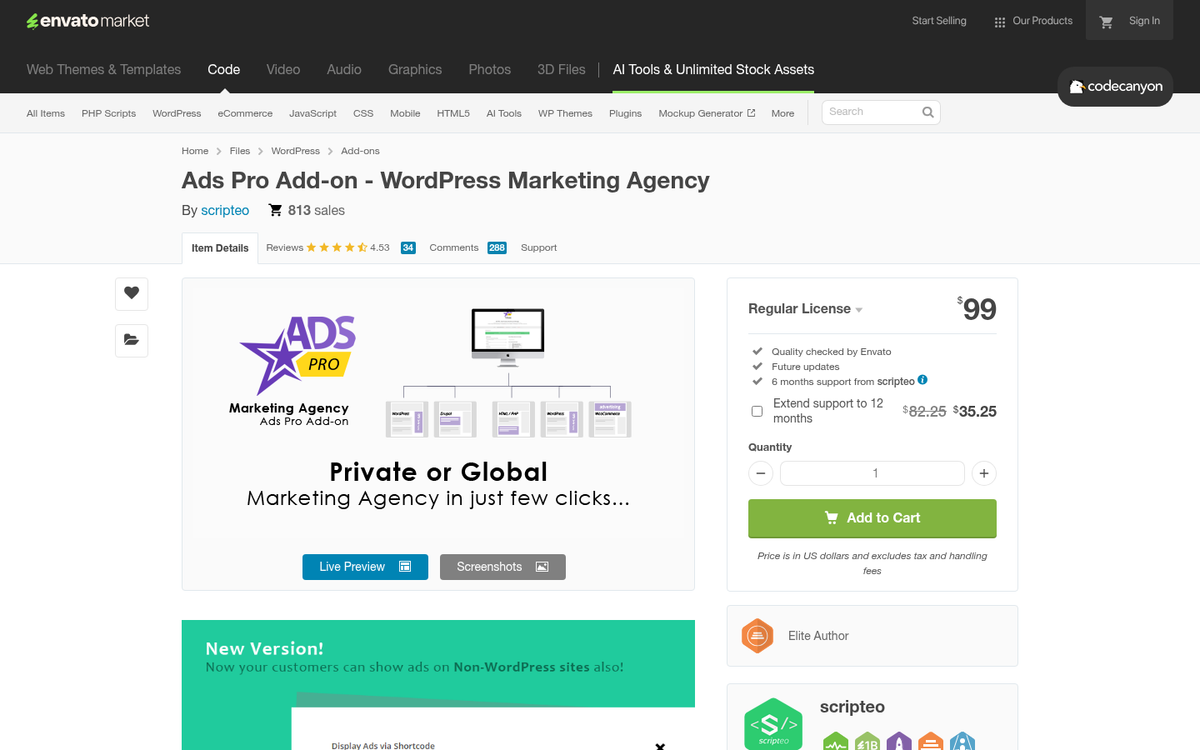
Ads Pro is for the DIY ad manager who wants to have as much control over their advertising as possible. You have 20 different display locations and types for ads, with ads that can be shown and then closed automatically and a ton more. You have ad filtering options like ad targeting. The targeting options include by device, by geographic location of the user, and on a schedule.
Since this setup doesn't go through or hook into a third party ad network, it has its own front-end for users to buy advertising space on your site. This hooks into WooCommerce for payments, which can be processed through a number of different processors like Stripe, Amazon, PayPlug, and more. You can charge for CPC, CPM, and CPD models. All in all, it's a very capable add-on with the caveat that it costs money to buy. Before committing, you may want to consider how many ads you can safely put on your blog and whether you need a full self-managed setup or something simpler like automatically injecting ads into your WordPress posts.
2. OIO Publisher
Another premium plugin, OIO Publisher has been in development since 2007 and has been steadily growing and adding features. These days, it's a large ad system that sits on WordPress and lets advertisers buy ad space as they desire. One license covers as many sites as you want, like WordPress Multisite, though you do need to activate each of the multiple sites individually, which can be an issue for large networks.

One of the primary benefits I've found with OIO is that it has an affiliate system as well. You can run affiliate marketing as the advertiser and pay those who refer customers your direction.
OIO is also flexible enough that it works as a WordPress plugin and as a widget that can be installed on any custom website. If you're eventually going to transition off of WordPress and onto a custom architecture, you can still use OIO, though the admin dashboard will look a little different. All of this just runs you the low cost of $47 for a full license.
3. WP-Insert
Produced and maintained by SmartLogix, WP-Insert is the first free plugin on this list. It's not like it does literally everything you could want; it's just a great ad manager system.
Ad placement is all over the place. You can put them in and around content, in sidebars, and automatically throughout the site based on algorithmic placement. It works with Google Analytics for tracking and AdSense for running their ads. The whole thing is primarily optimized for AdSense, and while it can work with other ad networks, it's very much not a system for selling your own ads. If you want to manage that yourself, you're going to need to use some other system. Might I recommend one of the others on this list?
4. AdSanity
This plugin was built with simplicity in mind above all else. It's another premium plugin that lets you sell ad space, run in-house ads, and link into external network ads all at the same time. They have two types of ad setups: single ads and ad groups, both of which run via a widget you install on your site. From there, you can publish ads just like you would publish a post, with date-based restrictions or infinite publication.

The downside here is that if you want to allow others to buy ad space, then you'll have to work with them outside of your site. There's no dashboard for purchasing ad space, nor does it have a payment processor set up. You are going to need to manage the contracting, tracking, pricing, billing, and management yourself. If you're also thinking about ways to sell products on your blog, there are other approaches worth considering.
AdSanity has three tiers of license. The Blogger license is $49 per year, which gives you updates for the plugin and support as long as you're paying for it. You also have access to basic add-ons, all for one domain. The Publisher license is the same, except it works for three domain names and costs $89 per year. The third tier is $149 per year and gives you pro add-ons and unlimited domains. Good for an agency, I'd say. Before committing, it's worth checking what plugins you should install on a new WordPress site to make sure you're not overloading your setup.
5. WP Pro Advertising System
WP Pro Advertising System is one of the best selling WordPress plugins on the Envato marketplace, and for good reason. It gives the other CodeCanyon entry on this list, Ads Pro, a run for its money. To give you perspective, WP Pro will cost you $29, as opposed to the $37 of Ads Pro.

WP Pro Advertising System lets you control where ads show up on your website, like footer bars, sidebars, banners, in-text ads, related post ads, and more. Obviously, you don't want to use them all at once. But you can test options for their viability. In addition to selling your own ad space through the plugin, you can link it into ad networks and many of the minor networks, so long as their architecture or widget is compatible.
The plugin is built to be responsive and has ad rotation so your readers aren't seeing the same ads over and over. It supports a visual banner editor like a scaled-down version of Canva. You have different transition options for banner rotation on a live page, and there's idle detection to stop showing ads to idle users. You can set the cost of ads per click, view, or day, and even show your top paying ads so other possible advertisers know what they're up against. There's even a heatmap! This plugin delivers on options and accessories that would cost the price of the plugin all over again in other situations, making it a great choice for anyone looking to start making money by blogging.
6. Ad Inserter
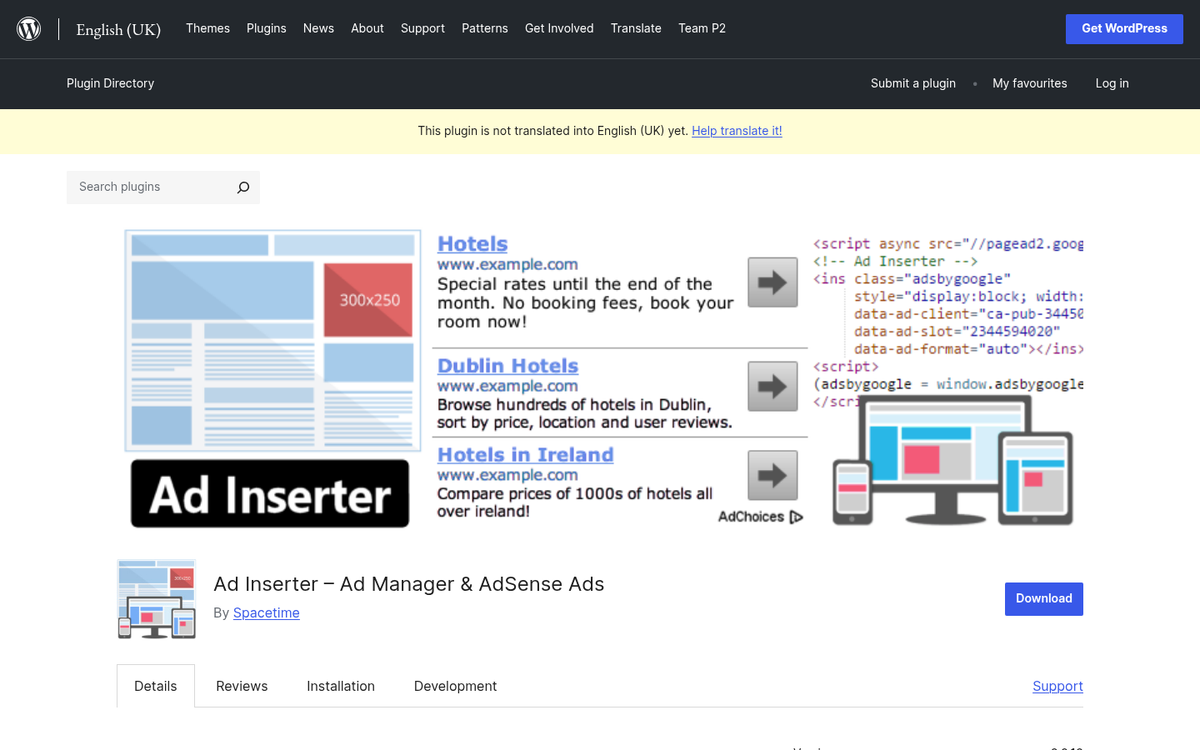
Ad Inserter is one of the most capable free ad management plugins available, and the install numbers back that up - it has over 300,000 active installations and a near-perfect 4.9 out of 5-star rating on WordPress.org. That community trust is hard to fake.
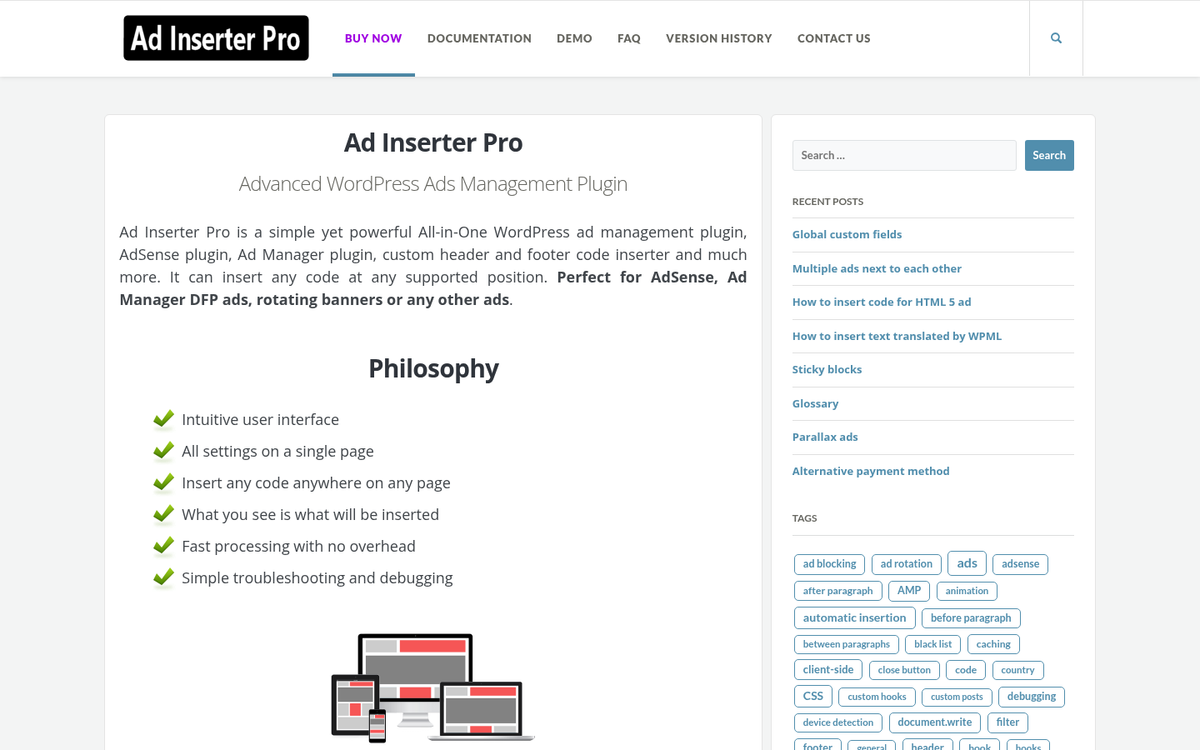
The plugin gives you granular control over where ads appear on your site, with support for insertion before or after content, between paragraphs, in widgets, and more. It works with Google AdSense, Google Ad Manager, Amazon ads, and virtually any other ad network that gives a code snippet. You can also use it to insert any custom HTML, JavaScript, or PHP, making it far more flexible than its "ad inserter" name implies.
Ad Inserter also includes built-in syntax highlighting, a code preview feature, and device detection so you can serve different ads to mobile versus desktop visitors. Speaking of mobile, according to WordStream, mobile ads have a 40% higher click-through rate than desktop ads, so having that level of device targeting control is legitimately helpful. A premium version is available for €39 and unlocks extra features like geotargeting, scheduling, and advanced rotation. For most users the free version alone is remarkably capable.
7. AdPress
AdPress is a customizable ad sales and management platform for WordPress that includes some nice advanced features. For example, there are fallback ads in case one ad fails to display. You can specify custom ad dimensions to sell ad space, you can allow custom CSS and HTML, and you can specify sales terms yourself. Clients can buy ads through your site, with purchases logged and multiple payment options supported. They also have add-ons you can use as well, like notifications for expired ads.
Add-ons for AdPress include layers, an email notifier, support for third party ads, advanced checkout processes, and support for Stripe. There are a couple more as well, like Power Ad, which lets you use AdPress on non-WordPress sites.
8. Geo Ads Switcher
Geo Ads Switcher is not a plugin for taking care of ads itself; it's an extension to existing ad systems. Essentially, it detects the country of origin for visitors who are coming to your site and then shows a set of ads to that person based on their location.
For example, say you're working with Amazon affiliate marketing. You know that visitors from Canada are going to have problems ordering things from Amazon.com, so you find similar products or deals on Amazon.ca and use those for the Canadian visitors. Now your revenues are up, because Canadians think your site is focused on them and they use it as a deals site. But Americans are not cut out of the loop.
A couple of the more powerful plugins on this list give you this option natively, with their geo-targeting features. Most do not, and very few third party ad systems care enough to give you a way to do so. Geo Ads Switcher also works with other kinds of ads instead of just display ads, like Amazon links, so it's helpful all around. If you're curious about what other tools your competitors are running, you can find what plugins a WordPress blog is using with just a few clicks.
It's another CodeCanyon offering, and runs at $19.
9. AdRotate
AdRotate is a free plugin with over 50,000 active installs and a 4.3 out of 5-star rating. It works primarily with banner ads and can pull in ads from networks like Media.net, AdSense, Google Ad Manager, and others. You can manage ads individually or in groups, though you're still fairly limited to banner-style formats instead of text ads and other variants.

AdRotate does have a premium version you can spend money to get. It can add geotargeting, advertiser campaigns, mobile ads, reporting, and scheduling for payments months in advance. Prices are listed in euros, so you'll want to check latest conversion rates. But a single site license with all features is €29. Larger licenses basically extend support to more sites, so weigh that against your preferences before upgrading. If you're looking to maximize revenue, check out some of the highest earning AdSense layouts for blogs to pair with your ad plugin setup.
10. Advanced Ads
Are you as tired as I am with these businesses naming their products such similar things? I had to double-check just to make sure I didn't duplicate items on this list a few times. Anyway, speaking of duplications, here's Advanced Ads. It's another ad management plugin available for free, and the main selling point is an Ad Health monitor that keeps an eye on your ads and tries to help so you can stay away from an AdSense penalty. It works with all kinds of different ads because of the way the plugin is programmed, and it's also one of only a couple of ad managers to have a way to circumvent ad blockers, though those are always a bit of a gray area.

The plugin is free. But it has a premium bundle that will run you 69 euros. It comes with ad tracking, geo targeting, pop-up and layered ads, sliders, and the ability to sell ads. This puts it on par with many of the other top-level ad managers out there. It's worth mentioning that approximately 40% of WooCommerce users also use ad management plugins, so if you're already running an eCommerce store, pairing it with something like Advanced Ads is a natural fit. It has great support and a well-maintained codebase, so feel free to give it a try.