Position in Google Ads listings is a surprisingly complex subject, and it's something many people don't think about when they go into it. Many people treat it like organic search results, and assume that being in the number one spot is the best possible outcome. The fact is, it may not be ideal, for reasons other than traffic.
Key Takeaways
- Top position gets ~7.94% CTR but costs significantly more, making cost-per-click a more important metric than traffic volume.
- Ad rank is determined by five factors: max bid, Quality Score, landing page experience, competition, and ad extensions impact.
- A Quality Score of 7/10 is the benchmark; scoring below it means paying higher click costs compared to competitors.
- Mobile-optimized landing pages are critical since the majority of search traffic now comes from mobile devices.
- Negative keywords can reduce wasted ad spend by up to 25%, directing budget toward more relevant, converting traffic.
Positions, Traffic, and Costs
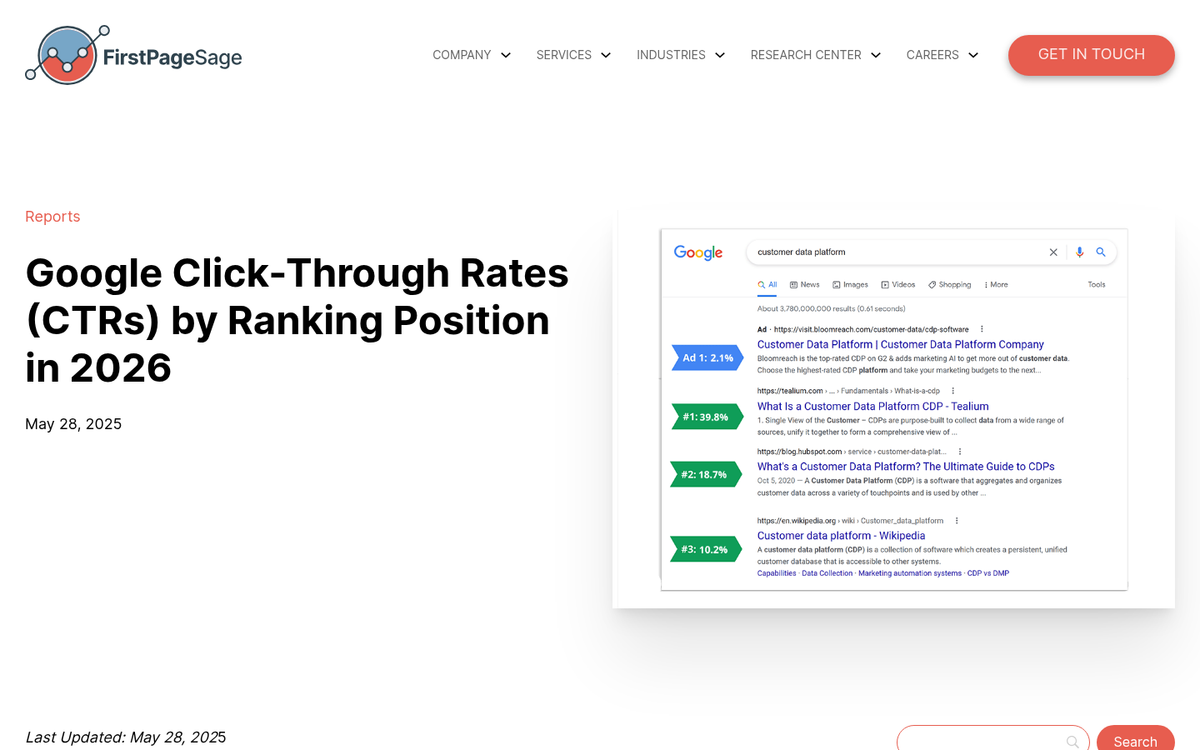
You can't argue with the fact that the top position gets more traffic. Current data shows that the top position ad gets a click-through rate of around 7.94%, and the second position gets considerably less than that. By the time you reach position nine, you're looking at well under one percent. The top position gets more attention, more traffic, and more clicks - that part hasn't changed.
However, that kind of traffic comes at a price. The top position has the most competition and will cost the most to reach. It's highly sought after, and thus many people try to bid their way to the top.
The metric you need to monitor when dealing with Google Ads is not the specific traffic you get, nor the volume of clicks. It's the cost per click, or the cost per lead, depending on the purpose of your ad. A position at the top spot might get 2x as much traffic and clicks as the second spot, but if it costs 3x more, it's not worth it.
That said, there's always room for improvement. You may not have the budget to shoot for the top spot, but you can always try to improve yourself from rank six to rank two, or something of the sort. Even if number one isn't attainable, number two may be, and any improvement is better than no improvement.
Factors for Calculating Ad Rank

There are several core factors that go into calculating your position for Google Ads. Ad extensions technically have an effect as well - and a more meaningful one than many people realize, with research showing they can increase CTR by 10-15% on average - so they're worth taking seriously, not just as an afterthought.
The core factors that influence your ad ranking are:
- Your Max CPC (bid amount)
- Your Ad Quality Score
- Your Landing Page Experience
- Your Ad Competition
- Expected Impact of Ad Extensions
You can affect some of these more easily than others. Let's look at each of them and see what you can do to improve them, and thus improve your ad positioning, shall we?
Improving Google Ads Rank Through Bidding

Bidding is the easiest option to control to improve your ranking, but it's also not the best option. The reason is, as I mentioned above, the problem of costs. If you triple your bid but only double your conversions, you're wasting money. Bidding can bump you from rank 9 to rank 5 to rank 3 quite easily in most niches, but trying to rely on bidding alone to jump to number 1 is going to have intensely diminishing returns.
Bidding is at once the easiest and hardest aspect of Google Ads ranking to manipulate. It is, after all, incredibly easy to change your bid upwards and adjust it until you find your ads in a higher position.
On the other hand, you have a bunch of limiting factors. For example, do you actually have the budget to support clicks of that price? Remember that the top position - if that's what you're going for - is likely to be quite a bit more expensive than position 2. The more competition there is for a given keyword, the more you're going to have to pay per click and per position. You also never know when a big brand is going to swoop in and claim the top spot with a bid significantly higher than you could possibly pay.
There's a concept called bidding to position. The idea is that you have a specific position you want to reach, whether it's position one, two, or five. Google's Smart Bidding strategies - including Target Impression Share, Target CPA, and Target ROAS - have largely replaced the old manual approach to this, using machine learning to automatically adjust bids in real time to hit your goals. These automated strategies are now the recommended way to manage position-focused bidding rather than manually tweaking bids or relying on third-party scripts.
To attain a rank you want, you can throw money at it until you reach it. However, you need to keep your wits about you. Other people will be adjusting their bids as well, and automated bidding wars can spiral quickly. Always set a maximum CPC cap that represents the absolute most you're willing to pay, so your budget doesn't run away from you.
Improving Google Ads Rank Through Quality Score

In order to make the most of your ad positions, and of your ads themselves, you need to have a high Quality Score. You can think of Quality Score as a sort of multiplier or cheat code for Google Ads. The better your Quality Score, the more leeway you're given with your ads, and the more distance each dollar you bid will go. You can actually "outbid" someone whose actual monetary bid is higher than yours just by having a higher Quality Score.
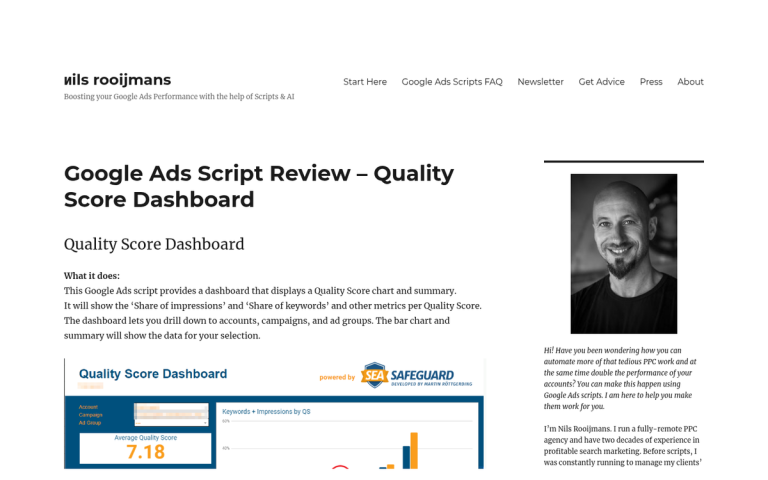
Quality Score is rated on a scale of 1 to 10, and is made up of three main components: your expected click-through rate, the relevance of your ad to the keyword, and your landing page experience. Each component is evaluated as "Above average," "Average," or "Below average," compared to other advertisers whose ads showed for the exact same search over the last 90 days. It's worth noting that a Quality Score of 7 out of 10 is generally considered the benchmark - anything below that means you're effectively being penalized with higher click costs.
For the most part, improving your Quality Score simply means improving your relevance. If the keyword you're targeting is "Flashlights," you probably want ad copy about the best flashlights you offer for sale. Ad copy about repairing flashlights probably won't do so well. Ad copy about lanterns or oil lamps will do quite poorly. Ad copy about socks won't be relevant at all.
One of the ways you can improve Quality Score is by improving click-through rates. Ad extensions, which I'll cover shortly, are one of the most reliable tools for doing exactly that.
Improving Google Ads Rank Through Landing Pages
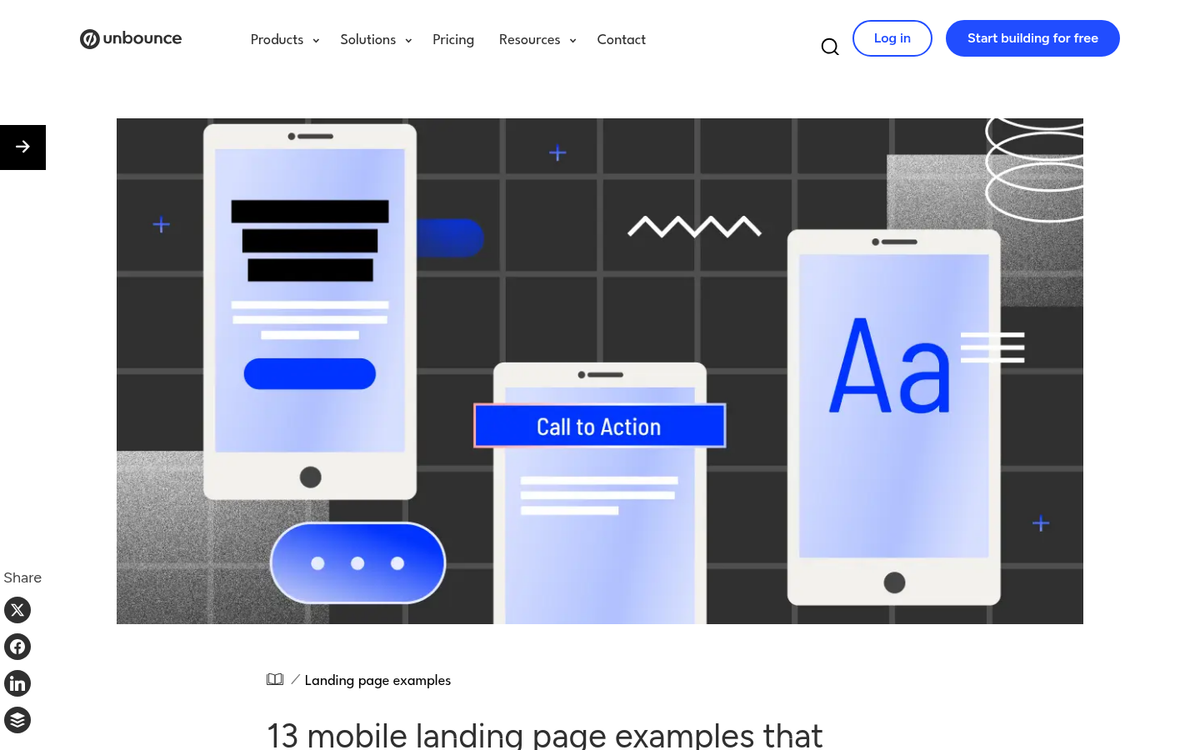
Landing page experience is a core component of your Quality Score, but Google also evaluates it as part of ad rank independently. Google wants to make sure that when users click or tap on your ad and visit your site, they're greeted with a useful, relevant page that works well. This isn't generally a problem for desktop pages, but it can be an issue if your site isn't designed to cater to mobile users.
Mobile usability is critically important in 2026. The majority of search traffic now comes from mobile devices, and there are many users who rely entirely on smartphones for browsing. If one of these users taps on one of your ads and they're taken to a page with tiny, zoomed-out text and a cluttered layout, they're going to bounce immediately. You need a page designed for mobile, with a responsive design, if you want to capture the most of your ad traffic.
You get a series of benefits from catering to mobile. In addition to improving your landing page experience score, you improve your relevance, and you improve your conversion rates. You make mobile users a lot more likely to convert and return to your site.
Improving Google Ads Rank Through Competition
Competition is difficult to manipulate. You can't get rid of your competition, you can't hurt their Quality Score, and you can't manipulate their budgets. In fact, the only way to manipulate your competitive position at all is to try to work around them - and this is where keyword research and negative keywords come into play.
Your goal is to find keywords that your competition hasn't saturated, or that they don't pump money into. These keywords need to be relevant to your business and your products, and they need to have a decent volume, but they can't be too large or too generic. Those are likely to have too much competition.
Just as important is the use of negative keywords - terms you explicitly exclude from triggering your ads. Research suggests that a well-maintained negative keyword list can reduce wasted spend by as much as 25%, which means more of your budget goes toward clicks that actually matter. If you sell premium flashlights, for example, you might want to exclude terms like "free," "cheap," or "DIY repair" to avoid irrelevant traffic.
Keyword research is simply too large a topic to do justice to here, but there are plenty of tools available - including Google's own Keyword Planner - that can help you identify opportunities and gaps in your niche.
A Note About Ad Extensions (Now Called Assets)
It's worth noting that Google officially rebranded "ad extensions" as assets in 2022, though you'll still hear both terms used interchangeably. These are add-ons to your ads that go beyond the usual headline-URL-description format, and they can have a real impact on performance - research shows they increase CTR by 10-15% on average, which in turn improves your Quality Score and overall ad rank over time.
Many assets are now applied automatically by Google based on your website and account data, though you can still set them up manually to maintain more control. Assets only appear when Google's algorithms determine they're likely to improve your ad's performance.
Here are the key assets that can appear with your ads:
- App links. A direct link to download your app, shown to mobile users when your ad is promoting an application.
- Call assets. A click-to-call button that works on both mobile and desktop. Particularly effective for service-based businesses focused on lead generation.
- Location assets. Shows your business address and links to Google Maps. Best used for ads aimed at driving foot traffic to a physical location.
- Seller ratings. Aggregated star ratings pulled from verified review sources, shown directly in your ad. These can meaningfully improve CTR by building trust before the user even clicks - similar to how trust signals on your site influence visitor behavior.
- Sitelinks. Additional links to specific pages on your site, useful when users may have different goals in mind - such as visiting your contact page versus your product catalog.
- Callouts. Short snippets highlighting features or offers, like "Free Shipping" or "24/7 Support." Only useful if those things are actually true for your business.
- Structured snippets. Lists of specific products, services, or features you offer, shown in a formatted list beneath your ad.
- Image assets. Visual images shown alongside your text ad in certain placements, adding visual appeal and helping your ad stand out.
- Promotion assets. Highlights specific sales or offers with a price tag icon, useful during seasonal promotions or limited-time deals.
Assets won't single-handedly transform a poor ad into a great one, but they are a free and relatively low-effort way to make your ads more informative and clickable - and the CTR gains they drive will compound into better Quality Scores and better ad rankings over time.