





Key Takeaways
- Negative keywords filter irrelevant traffic, lowering click volume but improving conversion rates by targeting more relevant users.
- Google allows up to 10,000 negative keywords per Search, Shopping, and Performance Max campaign, offering extensive filtering capacity.
- Categorized negative keyword lists include job seekers, education, DIY, legal, spam, and B2B/B2C filters for targeted exclusions.
- Expand lists using plurals, synonyms, verb forms, existing published lists, AI tools, and Google Ads search term reports.
- Always back up negative keyword lists locally and in the cloud to avoid losing years of accumulated campaign refinement work.
What Are Negative Keywords?
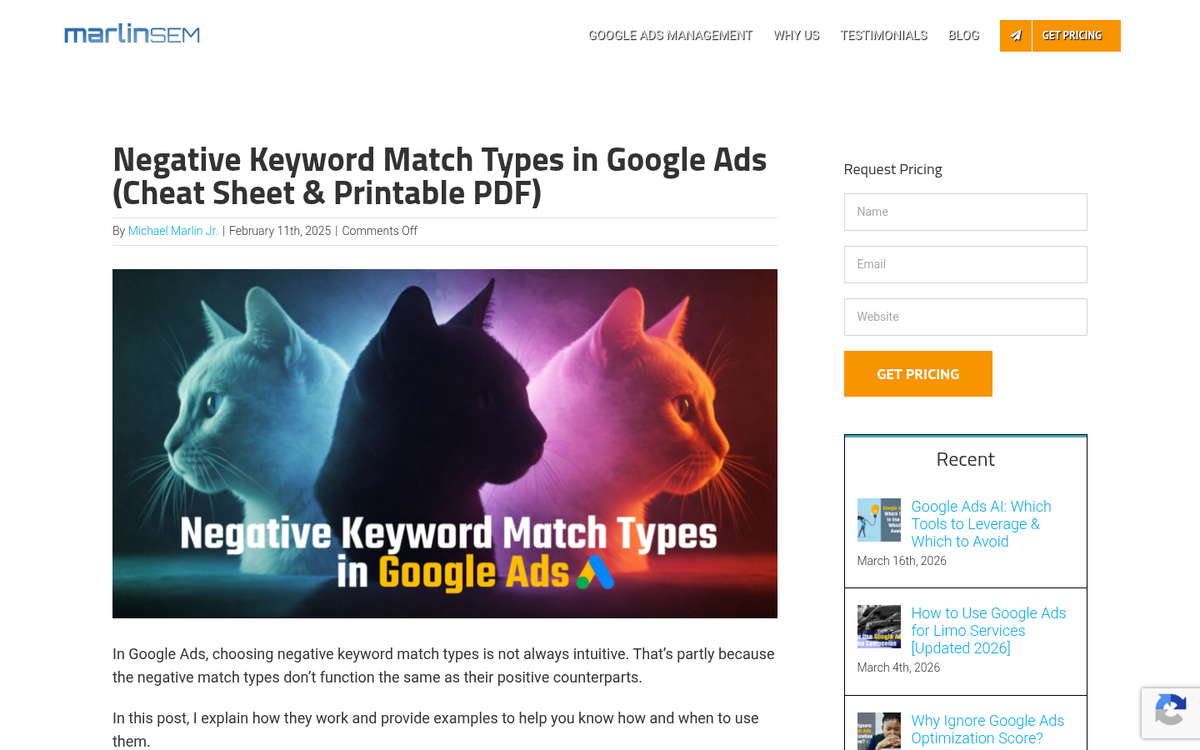
What, exactly, are negative keywords, how do they work, and why should you use them? It's all pretty simple.
Negative keywords are a type of keyword matching. Let's make a hypothetical situation where you're trying to advertise "red running shoes." Here are the different kinds of keyword match types, and how your keywords might work with each.
Broad Match: You run an ad for "red running shoes". A user searches for "blue dress shoes". Since both keywords contain "shoes", your ads display for the user. This is obviously a pretty bad thing, since your ads are not targeted for this user and will be ignored as irrelevant.
Phrase Match: You run an ad for "red running shoes". A user searches for "blue running shoes". Since both keywords contain "running shoes", your ads display for the user. The user is looking for running shoes and thus might be interested enough to click the ad, checking to see if you have alternative color options that better suit their needs.
Exact Match: You run an ad for "red running shoes". A user searches for "red running shoes". Since both keywords are identical, your ads display for the user. Any other keyword search will not display your ad.
Exact match keywords do include some variations. For example, if the user searched for "running shoes red", your ads would still display.
Negative match keywords can be added on top of these. Let's say you know that a lot of people are searching for red dress shoes, but you don't want your ad to display for those people. You would run your ads for "red running shoes -dress". The -dress part causes your ads to not display for any query including the word dress at all.
Negative keywords can stack with other match types. You can have Negative Broad, Negative Phrase, or Negative Exact keywords. This kind of stacking can get a little tricky, which is why Google provides a good reference with tables for what does and doesn't work for each combination of negative and other match types. You can see those tables here.
Also, one quirk I don't see many people mention: negative keywords only work on the first ten words of a user query. If a user query is longer than 10 words, the 11th and further words do not get parsed for negative keyword usage. It's a little odd, but then, so few people search for massively long queries that it's not really worth worrying about.
Keep in mind that the purpose of negative keywords is to remove options you do not want your ad to display for. They refine the traffic your ads receive, to eliminate queries that do not fit your goals. For example, if you're selling a product, you could use "-free" as a negative keyword to make sure your ad doesn't display for anyone looking for free products. Obviously, if they're looking for something free, they won't want to pay for your product, so your ad isn't worthwhile.
In general, negative keywords may decrease the volume of traffic that clicks through your ads, but will increase the average customer quality by making sure the people who click through are as relevant as possible. Lower volume but higher conversion rate visitors is an ideal situation.
Negative Keyword Lists and Google Ads Limitations

What I've done for the remainder of this article is provide a number of different lists of negative keywords that you can use for your ads. I've divided them up into various categories based on the relevant topic for those keywords. For example, one of the lists is "job seekers." You can add all of those negative keywords to make sure your ads aren't displaying for people who are searching for places they could apply. Obviously, if you're trying to advertise a job opening, you don't want to use these negative keywords. Always give some thought to context and only use negative keywords that eliminate bad traffic, not potentially targeted traffic.
Before I dig in, it may seem a little daunting that I've provided hundreds of words below. The fact is, you can use thousands of them in your Google Ads campaigns. Google has a few negative keyword limitations, but they are quite generous. Here's where things stand as of 2026:
- Search and Shopping campaigns support up to 10,000 negative keywords per campaign.
- Performance Max campaigns now also support up to 10,000 negative keywords - a massive upgrade from the original limit of just 100. Even better, as of January 2025, you can add these directly in the Google Ads UI without needing to contact support or go through a Google rep.
- Display and Video campaigns are more limited, with a maximum of 1,000 negative keywords considered at the account level.
- Negative keyword lists officially cap at 5,000 keywords per list, though in practice many accounts are successfully running lists of up to 10,000. Your account can hold up to 20 negative keyword lists, and lists can be applied directly to campaigns rather than adding keywords one by one.
That's a lot of potential coverage, and it can take established businesses years to build up lists that large. The key is to start organized and build consistently. Keeping your campaigns well-organized from the start makes managing negative keywords far easier over time.
Without further digression, here are various lists you can use. These are by no means exhaustive; you can always add or remove individual keywords to suit your ads better. Keep in mind that it's generally worthwhile to add in plural versions of words as well, so "career" and "careers" are two different keywords. Additionally, there may be some overlap between keywords or categories; words have multiple meanings, after all.
Site Names

These keywords are focused on removing targeted searches from people who want to find your account on another site, or your products on another site.
YouTube, Craigslist, eBay, Kijiji, Facebook, Instagram, TikTok, Reddit, Glassdoor, Yelp, [Competitor Brand], etc.
Job Search
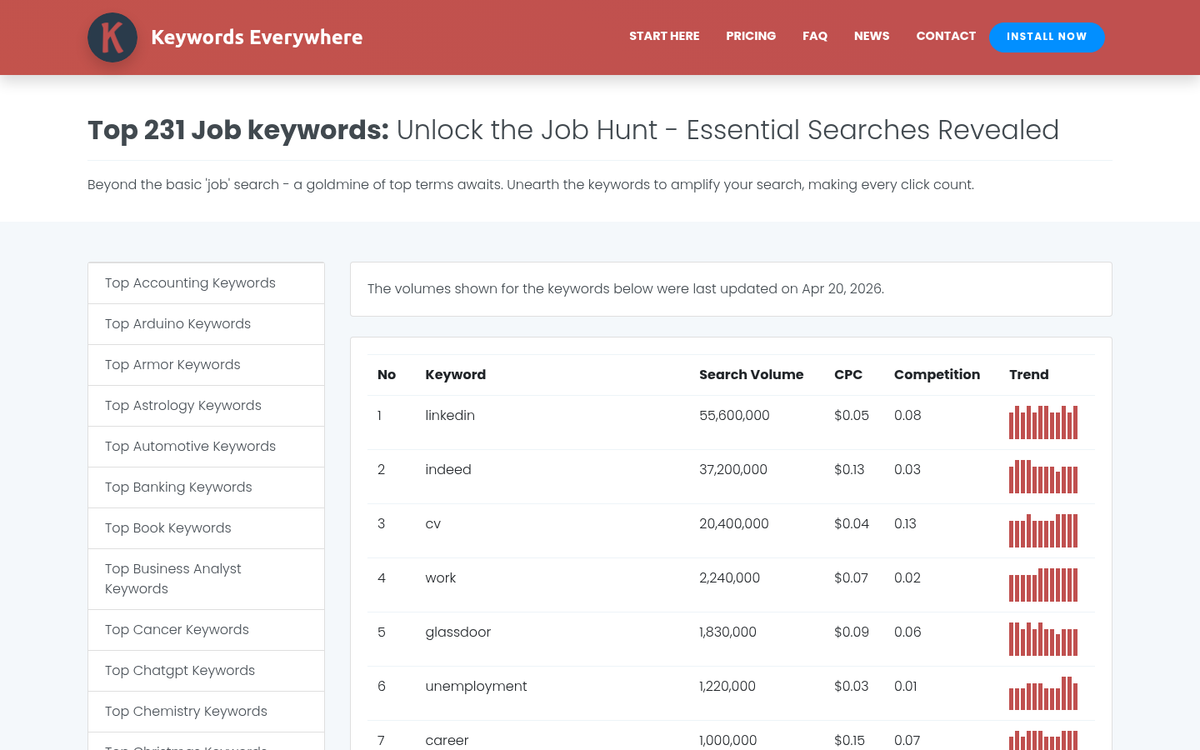
These keywords remove people who are looking for employment opportunities. If you're instead trying to reach people who want to make money online without a job, these are terms you'll want to exclude from your campaigns.
Career, Employment, Hiring, Intern, Internship, Job, Recruiter, Recruiting, Resume, Salary, Occupation, Full Time, Part Time, CV, Looking For Work, Opening, Remote Work, Work From Home, Hybrid
Generic Spam

These keywords remove spam queries and other unrelated content you probably don't want to be associated with. If you run a site in one of these niches, like a casino or a contest giveaway, it's worth understanding how these filters work.
Nude, Naked, Sex, Porn, Torrent, Casino, Contest, Penny Auction, Hentai, Horny, Lesbian, Naughty, XXX, Busty, Cartoon, Fetish, [any profanity], Meme, AI Generated, Deepfake
Education Search
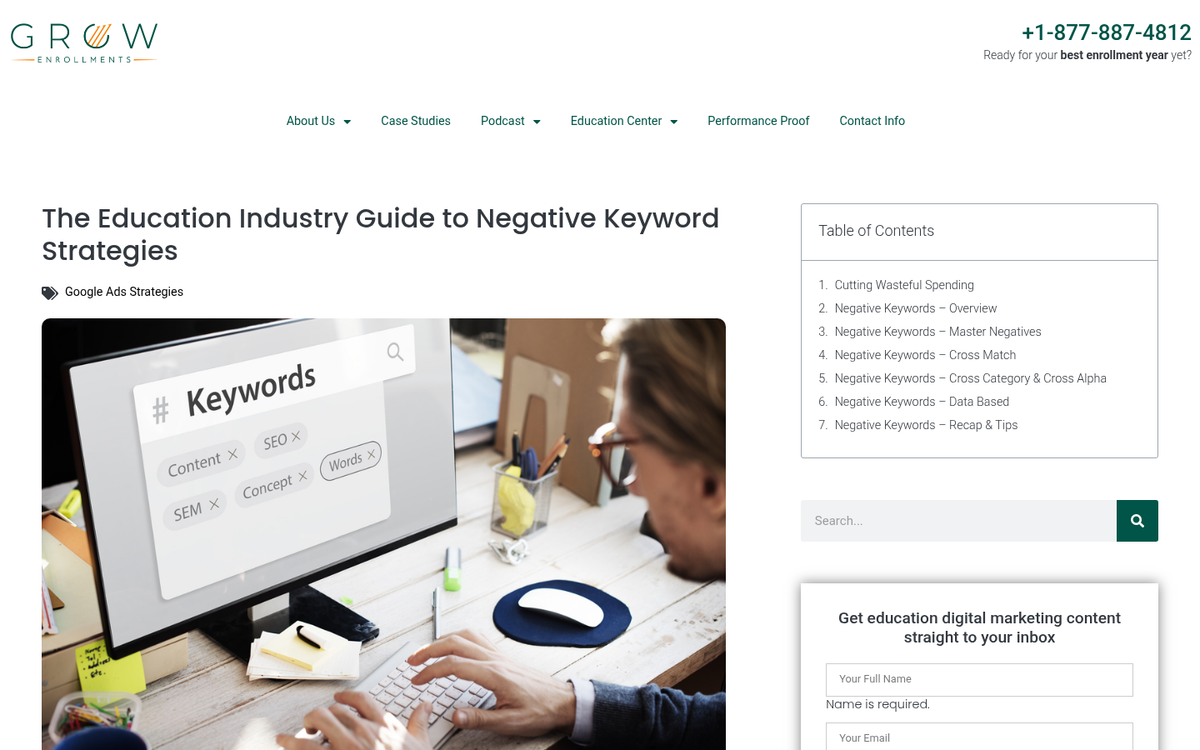
These keywords remove users who are searching for education in your niche. Obviously, only use these if you're not providing education; if you're advertising a trade school or online course, you don't want to eliminate your audience.
Training, Learn, Class, School, College, University, Tutorial, Course, Textbook, Book, Udemy, Coursera, Skillshare, Bootcamp, Certificate, Certification
Informational Search
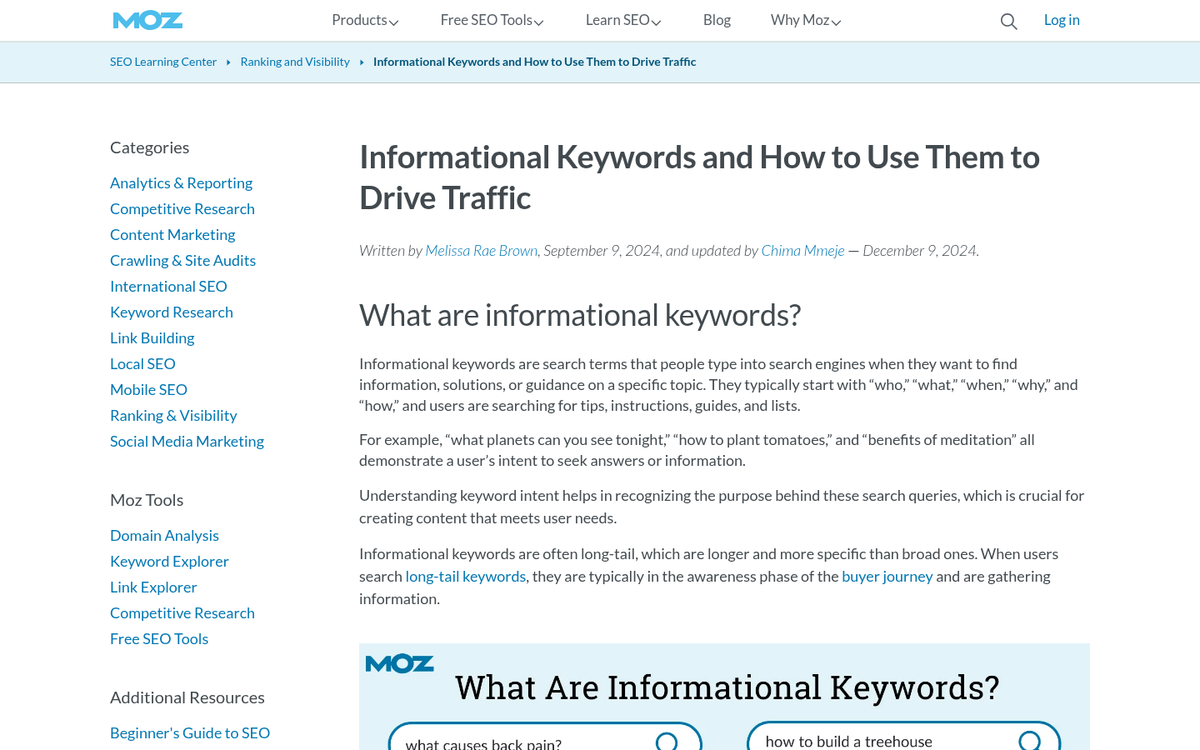
These keywords remove users who are looking for information about your company or products from third-party sources. Since these users generally don't trust reviews on your site or your landing pages, don't bother catering to them with paid ads.
Review, Rating, Opinion, Article, Information, Info, Pics, Pictures, Photos, How To, About, Definition, Diagram, Blueprint, Example, History, Map, Sample, What Is, Case Study, Guide, Journal, Magazine, Metrics, Association, News, Research, Stats, Statistics, Stories, White Paper, Wiki, Reddit, Forum, Thread, Community
Deep Discount Searches
Some users love to find bargains or try to find your products available for cheap or free. You can promote a sale on your website using techniques like flash sales, promo codes, and clearance events to attract these deal-seeking visitors.
Cheap, Free, Bargain, Clearance, Close Out, Discount, Inexpensive, Liquidation, Odd Lots, Remainder, Overstock, Gift, Promo Code, Coupon, Deal, Flash Sale
DIY Searches

Many users want to be more self-sufficient and may be searching for something in your niche that, rather than buying a product to handle, they want to do themselves. These users aren't going to buy your product without a lot of convincing, so drop them from most of your ads. If you're running PPC or PPM campaigns, wasting budget on DIY-intent traffic can hurt your overall results, so use negative keywords to filter them out. For those focused on promoting a new product, understanding search intent is key to making sure your ads reach buyers, not builders.
Craft, Create, Creating, Hand Made, Home Made, How To, Make, DIY, Do It Yourself, Printable, Template, Build Your Own
Software Sales or Piracy
If you're a software company you can ignore this list, since they're probably users you would like to find. Some might still be useful, though, since several of these keywords aim to filter out people looking to copy or steal software, or find open source alternatives to whatever you're selling.
CD, DVD, Burner, Burned, Code, Community, Desktop, Developer, Disk, Download, Error, File, Forum, Free, Freeware, Abandonware, GNU, Hack, Crack, Keygen, Library, Libraries, Open Source, Public Domain, Creative Commons, Template, Retail, Full Version, Shortcut, Tip, GitHub, Torrent, APK, Nulled
Industrial Searches

Sometimes users are looking for information about your supply chain or about how they could get into a large-scale business themselves. Don't advertise to people looking to clone you or undercut your suppliers.
Antique, Consumer, Export, Hobby, Import, Measurement, Model, Regulations, Rent, Rental, Repair, Retail, Rules, Safety, Specs, Specifications, Standards, Store, Toy, Used, Vintage, Wholesale, Supplier, Dropship, Dropshipping, Reseller, White Label
Materials Searches
Some users might be looking for a version of a product you don't offer. For example, as a dishware seller, you might have plenty of ceramic dishes, but you might not have metal dishes. Filter out the people looking for materials you don't support. If you're running paid campaigns, understanding how to promote an Amazon product on Google AdWords can help you apply these filters more effectively and avoid wasted ad spend.
Aluminum/Aluminium, Ceramic, Cotton, Fabric, Glass, Gold, Iron, Leather, Copper, Metal, Paper, Plastic, Cardboard, Rubber, Silver, Steel, Stainless, Stone, Vinyl, Wood, Bamboo, Recycled, Biodegradable
Legal Searches

Sometimes the law gets involved in an industry. Users might be looking to take legal action that involves you, or see if there are existing regulations, class action suits, or anything else. If there's any potential suspicion of legal action, if you've ever been involved in legal action in the past, or if you just don't want users to find your ads when they're looking up law, use this list. For example, questions like is it legal to embed YouTube videos in a blog post or whether buying and selling website traffic is legal can intersect with compliance and regulation concerns.
Act, Compliance, Law, Legal, Legislation, Regulation, Class Action, Settlement, Lawsuit, Prosecution, Defendant, Verdict, Jurisdiction, GDPR, CCPA, FTC, Liability
Business to Business / Consumer Filters

This is a list of keywords you can filter out if you're a B2B company; they're valid keywords for B2C, but they aren't useful for you.
Consumer, Home, Personal, Hobby, Recreation, Used, Vintage, B2C
Likewise, the reverse is true if you're a B2C company; filter out the keywords best used by B2B companies.
Business, Corporate, Enterprise, SMB, B2B, SaaS, Procurement, Vendor, RFP, Wholesale
Ways to Expand a List
The lists above are relatively short, but you can expand them in a number of different ways. They're mostly just categories you can use as a place to start. Here are some ideas on how to expand the list.
- Plurals. I mentioned this above, but plurals are different keywords as far as Google is concerned, so Law/Laws are two different keywords worth including.
- Verbs. Turning any of the above into verbs will create other unique keywords. For example, Import/Importing.
- Synonyms. Using a thesaurus can find common synonyms for words you want to use, which might be in use by some users. Just be aware that not all synonyms have the same connotation and might be more commonly used in other ways.
- Existing lists. There are a lot of companies and marketers that publish negative keyword lists you can pull from and aggregate into your own. A quick search for "negative keyword master list 2026" will turn up plenty of options worth reviewing.
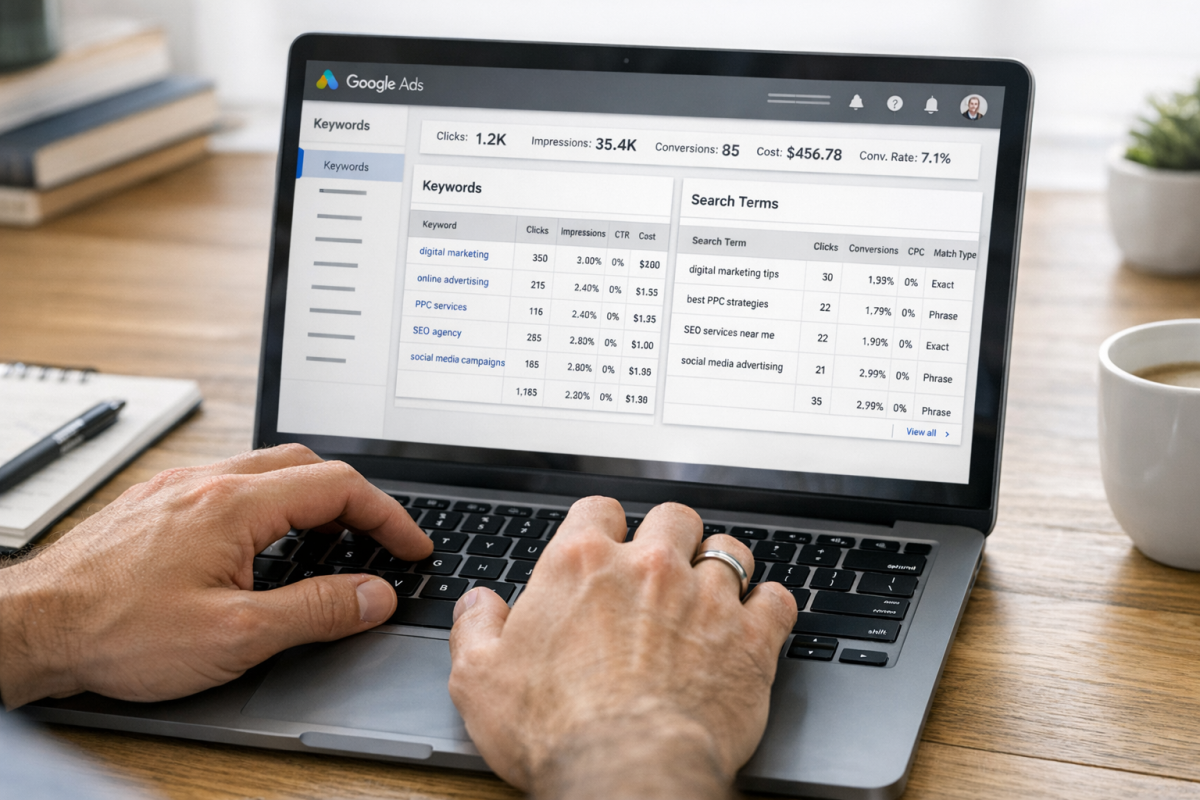
- Search term reports. You can pull a search terms report directly in Google Ads and see exactly what queries triggered your ads. This is one of the most valuable tools available - review it regularly and add anything irrelevant as a negative keyword. It's especially important for Performance Max campaigns now that they've opened up negative keyword support. If you want to avoid broader common Google AdWords mistakes, auditing your search terms regularly is a great habit to build.
- AI tools. Tools like ChatGPT or other AI assistants can be surprisingly helpful for brainstorming negative keyword expansions when given the right context about your business and what you want to exclude.
Also, make sure to keep a local copy and a cloud backup of any of your lists, particularly if you have them organized or if you've been building them for a long time. You don't want an issue with your account or a computer failure to wipe all the work you've done building a list over the years. Tools like keyword spy tools can also help you identify terms worth excluding by showing you what your competitors are targeting.

2 responses
Thoughtful replies only - we moderate for spam, AI slop, and off-topic rants.
The incorporation of negative keywords is an important task in the PPC strategy and must be systematized as often as the campaign requires according to different criteria. You have done really good job compiling the list of different niches and what not to include in each of PPC campaign.
It's what most newcomers to Google Ads are most surprised after running ads for some time. Once you see all of the money leaking out to keywords that have nothing to do with your site, you quickly learn the importance of adding these.