





Video is great for online marketing, for a number of reasons. It's attractive, it packs a lot of information into a small space, and it's easy to captivate a lot of people. On the other hand, it has to be done right, or else you'll alienate your viewers and dramatically increase your bounce rate.
As you might have guessed, the subject of this post is autoplay videos on a webpage, and as you may have interpreted from the introduction, I'm staunchly against them in most cases - with one notable exception. First, though:
Key Takeaways
- Autoplay videos disrupt browsing, cause cognitive dissonance, and often prompt users to close the tab entirely, increasing bounce rates.
- Many users listen to audio while browsing; autoplay creates chaos, and users typically shut down your video first.
- Autoplay is associated with spam sites; 29% of users cited interruptive ads as motivation for installing ad blockers.
- Adding a play button can boost video views by up to 100%, making opt-in viewing more effective than forced autoplay.
- Muted autoplay and context-aware behavioral triggers are acceptable exceptions, but audio autoplay without user consent remains harmful.
Reasons to Avoid Autoplay
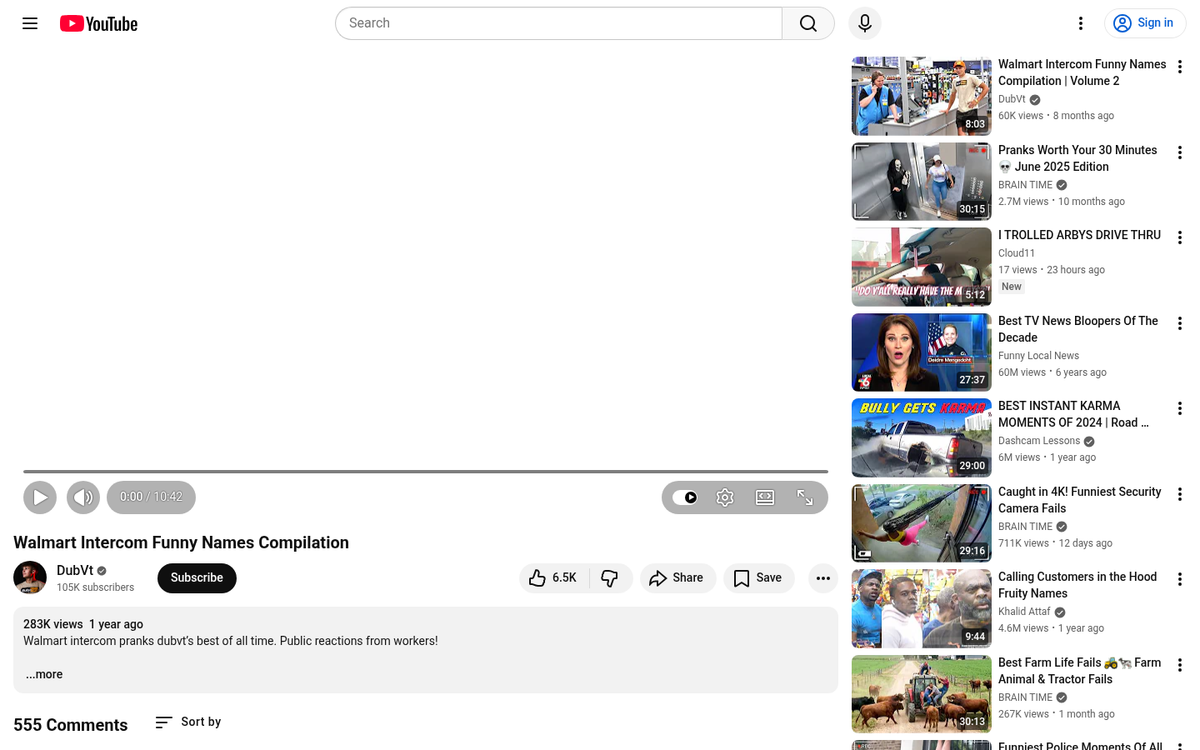
Autoplay, from my perspective, is one of the worst things you can do to a person. It's like a Walmart greeter, except you didn't know they would be there, and they have a megaphone. What, specifically, is wrong about autoplay videos?
1: It's disruptive to the browsing experience.

Imagine a user's path through your funnel begins on Facebook. They click an ad and go to your landing page. They're content to browse your landing page and see what your site is all about - about halfway through reading the first sentence, the video loads and they're interrupted with your voice (or a voice actor) saying something.
This is a disruption. They were all set to read your page, but now their attention has been wrenched away. Often this causes cognitive dissonance and they miss the first things you say just trying to figure out where the voice is coming from. Alternatively, they identify the video immediately and move to stop it - which is rarely as simple as it should be, depending on the video player you're using.
2: It conflicts with the user's thoughts.

Think about your audience. What are they typically doing while browsing? A lot of the time, for example, I'm listening to music or a podcast while I browse. Streaming audio, a show playing in the background, or even just ambient workplace noise might be occupying the user's attention. When your video autoplays, it's immediate chaos until they can turn one or the other off. Guess what? Most of the time, it's your video getting shut down. And the easiest way to shut down that video is to close the browser tab entirely - so there goes your reader, increasing your bounce rate in the process.
3: It can cause problems on mobile.

Modern browsers on iOS and Android have largely restricted autoplay with audio, which means your carefully produced video may simply sit silently - or not play at all. Even where autoplay does work, users on limited mobile data plans may have videos disabled entirely. According to Unbounce's Page Speed Report for Marketers, 52.8% of consumers say they'll give up video for faster page loads on phones - meaning that forcing a video to load automatically is already working against you before a single frame plays.
4: It leads to a higher bounce rate.
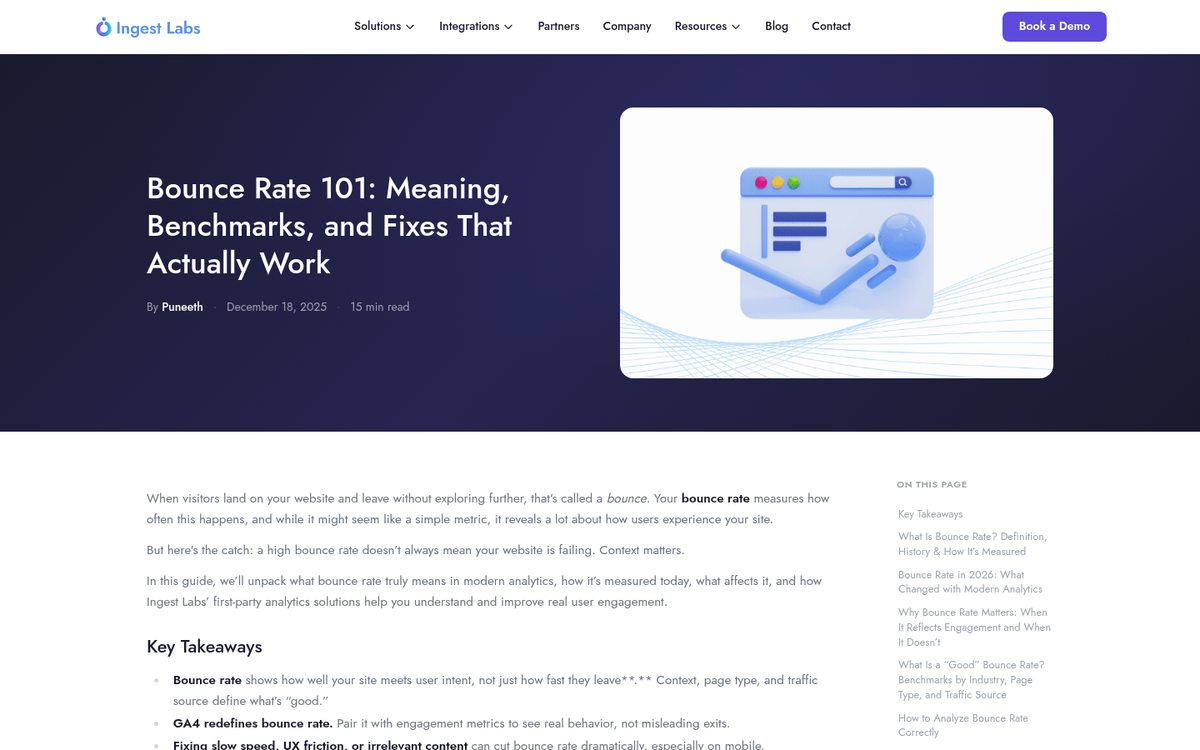
This one is obvious, of course - users who don't like something about your page will leave your page. Autoplay video is disruptive and aggressive, and it drives away users. Thus, a higher bounce rate and a lower conversion rate. It's worth noting that according to a New York Times/Visible Measures study, 19.4% of users stop watching video after the first 10 seconds, and 44% stop after 60 seconds - even when they chose to watch. Forced autoplay only makes those numbers worse.
5: It's a common spam technique.

If you frequent some of the seedier sides of the web, you'll see autoplay videos crop up frequently. A particularly common spam pattern involves a looping explainer video that autoplays with immediate, aggressive sales tactics designed to pressure users into registering or buying something. It's a thin and obvious technique that most users recognize instantly.
The problem, then, with autoplay is that when you use it, you're joining a league of sites that use it, most of which are spam. PageFair's research has linked autoplay and interruptive ads directly to increased ad blocking adoption - interruptive ads were the second most common motivation for installing an ad blocker, cited by 29% of users. That's an audience you've potentially lost for good.
6: A play button is a great call to action.
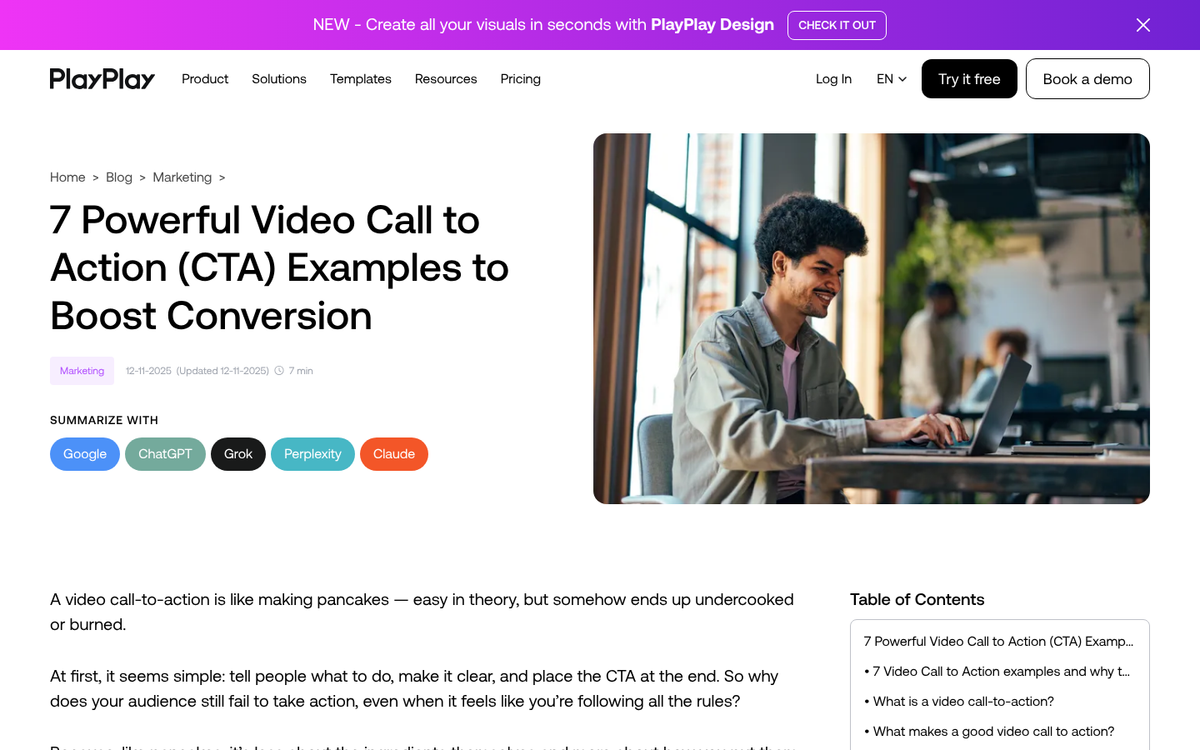
On a site with an obvious, non-autoplaying video, that video is an implied call to action. You have plenty of information on the landing page, and if the user wants to know more, the video is right there for them to click. Research from Treepodia found that adding a play icon to a video can boost video views by up to 100% - meaning that letting users opt in actually gets more of them watching than forcing it on them. By autoplaying a video, you're turning that advantage into a disadvantage.
7: It's harmful to anxious readers.

This one is sometimes overlooked, but it's worth acknowledging. Users with anxiety disorders or sensory sensitivities can be genuinely rattled by unexpected audio or motion. Browser accessibility standards and user experience best practices have increasingly moved toward giving users control over media. It's a relatively small demographic, but designing with them in mind signals that your brand respects its audience - and that goodwill compounds over time.
8: It can be detrimental to those on limited bandwidth.
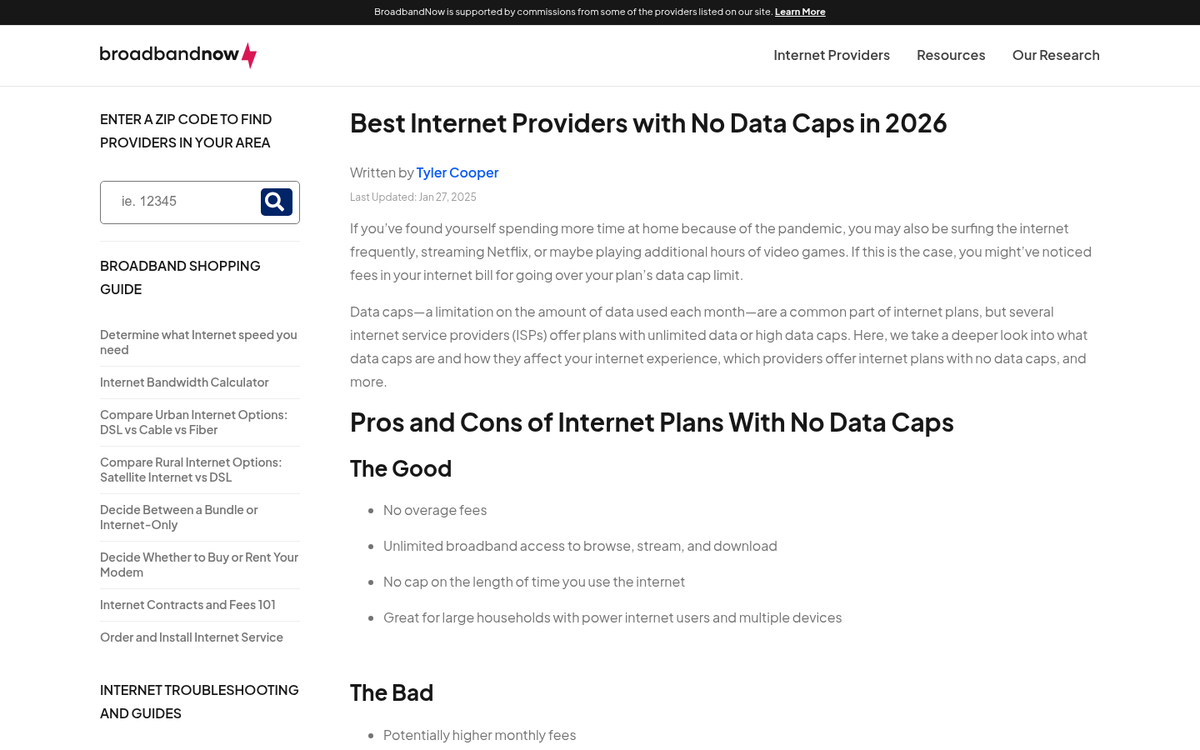
There are still users - particularly in rural or suburban areas - dealing with strict data caps or inconsistent broadband connections. These people hate autoplay videos, because it's consuming data they need to ration carefully. Maybe one video isn't a dealbreaker, but it contributes to a poor experience that pushes them away. And if they're paying overage charges on their connection, they're probably not in the headspace to buy your product either.
The Exception to the Rule
There's one exception, and that's when a user explicitly intends to view a video when they arrive on your page. YouTube is the classic example - if a user clicks a YouTube link, they expect a video, and autoplaying it simply removes friction. The same logic applies to dedicated media pages on your own site, where the entire purpose of the visit is video consumption.
It's also worth acknowledging that muted autoplay - where video plays silently with captions, in the style popularized by social media feeds - occupies a middle ground. Browsers generally permit this, and when executed well (think a cinematic background video or a silent product demo), it can enhance a page without triggering the disruptions described above. The key word is muted: the moment audio kicks in without user consent, you're back to all the problems listed above.
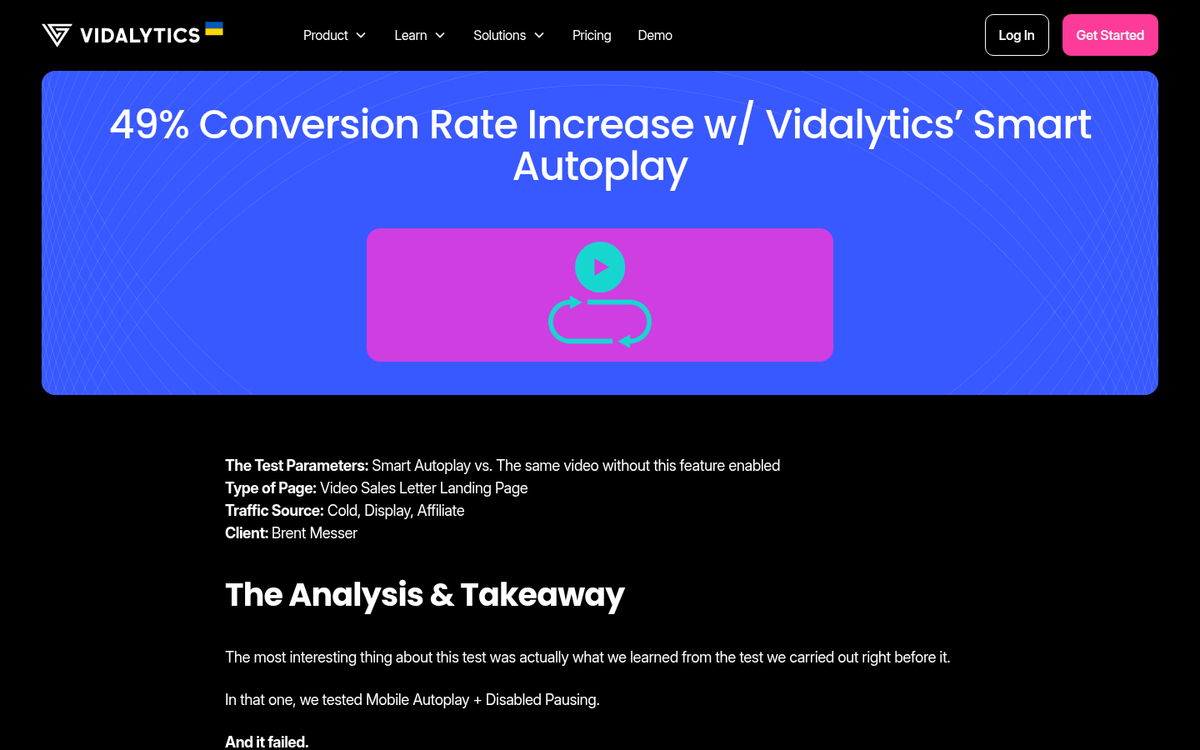
Some tools, like Vidalytics' Smart Autoplay, have reported strong results by using behavioral triggers to determine when to autoplay - one case study cited a 49% conversion rate increase over traditional click-to-play video. These context-aware approaches are worth testing with your landing pages, but they're the exception, not the justification for blanket autoplay across your site.
The bottom line: unless a user has clearly signaled they're there to watch a video, let them choose to press play. Video is powerful - Crazy Egg reported a 64% increase in conversion rates after adding an explainer video - but that power comes from engagement, not coercion. If you're looking to make the most of it, explore ways to maximize your conversion rate beyond autoplay tactics alone.


1 response
Thoughtful replies only - we moderate for spam, AI slop, and off-topic rants.
Hey Kenny,
Do you have any data to back this up? I like the article, but was curious if we have specific A/B testing to say, auto play hurt conversions by x percent. I'm asking just to know.
I have a few clients that go back and forth on autoplay. I'd love to know! Thanks