Key Takeaways
- Manual content curation is tedious; dedicated platforms automate discovery, scheduling, and sharing across multiple social networks efficiently.
- The content curation software market was valued at $671 million in 2024, expected to reach $1.74 billion by 2032.
- Tools range from free options like Feedly and Scoop.it to enterprise-level platforms like Curata, which starts around $500 monthly.
- BuzzSumo indexes over 8 billion content pieces but starts at $199/month, making it powerful but not budget-friendly.
- Curata advises keeping curated content around 25% of your content mix to avoid overshadowing original work.
One of the best ways to fill a social media feed is with curated content. Curating content is like filling a museum, except instead of old dusty vases and dead animals, it's fun content from other sites in your industry. If you think those don't sound similar at all, well, what you'll have to remember is that in both cases, you have a curator - the museum curator or you as a site owner. That curator is filling the location with content. In both cases, the curator needs to know what the focus of the location is and what the audience likes, to fill it with the best content.
Content curation is a great idea. But it's pretty tedious to do it manually. You have to go out and find content you'd be interested in curating. Then you have to copy the link and paste it into each of your social networks. You have to schedule the post for an appropriate time, and you have to add your own spin to it, and you have to make sure it generates the right preview or website card. Repeat for every link you want to share, ad nauseam, and you get the idea.
Thankfully, content curation is not a new idea, or a new industry. The Content Curation Software Market was valued at $671 million in 2024 and it's expected to reach nearly $1.74 billion by 2032, growing at a CAGR of 12.6%. That growth means more polished tools available than ever before. Here are the best ones I recommend.
Before We Begin

Before you dive headfirst into content curation, you'll have to make sure that you're doing it right - it's easy to find and share a link. But there are actually some ethical problems you might want to consider before you share a link. You need to make sure that you're curating content, not aggregating it, and you'll have to make sure that you're not violating any intellectual property laws. For more information, we have a guide here. It's also worth mentioning that according to Curata, a rule of thumb is to make curated content roughly 25% of your content mix - enough to add value without overshadowing your original work.
1: Feedly
Feedly is a curation engine that's very minimalist in design. I find it to be extremely helpful as a source of possible curated content; in other words, as an aggregator. Essentially, Feedly lets you link up feeds of content from all over the place - like RSS feeds, social media streams, and news websites. You use this as a sort of awareness dashboard. You browse this aggregated content stream, and when you find a piece of content you feel is worth sharing with your audience - worth curating - you can add it to a board. At scale, Feedly's AI engine Leo now processes over 200 million articles daily, which gives you a legitimately great breadth of content to pull from.
I'm personally not a giant fan of Feedly to share out to my social networks. The free version is basically too limited. Only having three boards for curated stories is a bit limiting.
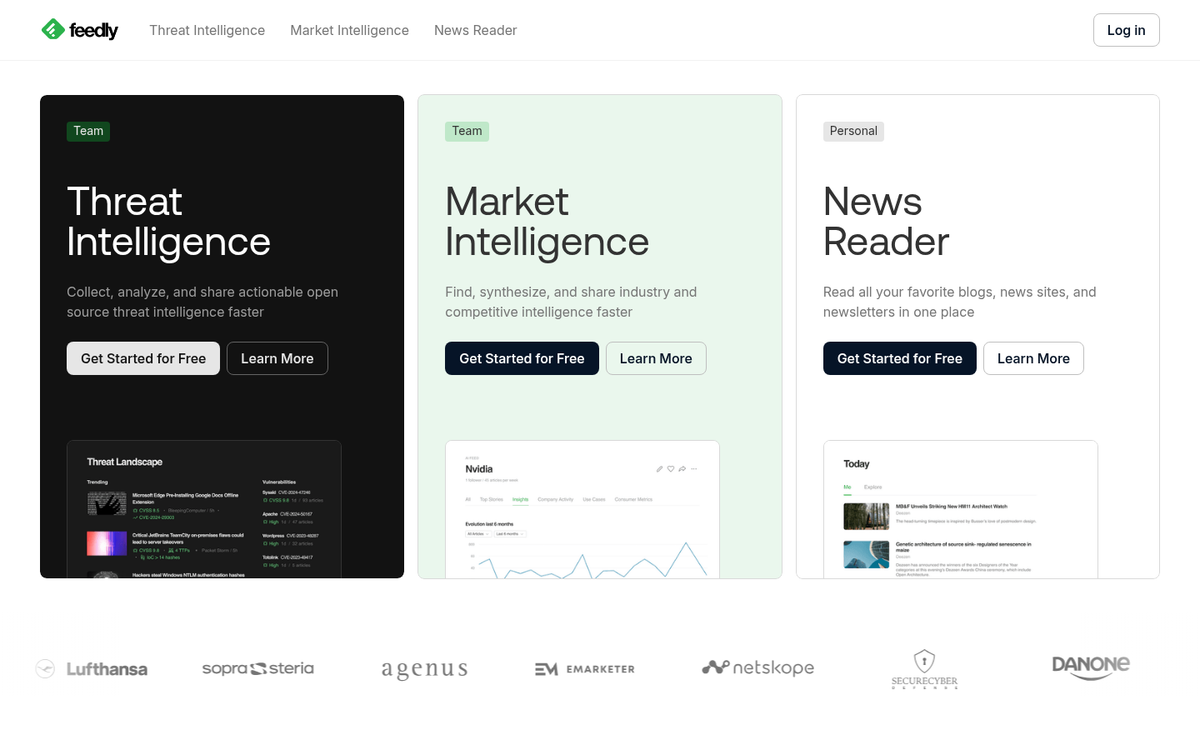
Feedly does have paid versions - like Pro, Pro+, and a business-level Market Intelligence tier.
The free version lets you have as many as 100 feeds, as many as 3 collections, and as many as 3 boards. The Pro version runs around $8 per month and makes feeds and collections unlimited, gives you mute filters, keyword alerts, highlights, searches, and integration with tools like Zapier - it also lets you save to Evernote, Pocket, and OneNote, and integrates with Buffer and Hootsuite for easier social scheduling.
The Pro+ version adds AI-powered features through the Leo engine - like better prioritization, deeper filtering, and more advanced research tools. For teams and enterprises, Feedly also has a Market Intelligence product which starts at $1,600 per month billed annually. That tier is focused on large organizations doing competitive intelligence and industry watching at a level well outside the needs of most content marketers.
2: Scoop It
The Scoop.it platform is made for content curation and uses a very easy methodology. You run searches through their content engine using keywords relevant to your interests, and it presents you with recent, relevant content you might want to curate to your feed. When you find a piece of content you want to curate, you can click to add your own comment to the post, your own spin, and publish it to your own topic page. From there, you can share it to your social media channels, and you can embed a Scoop.it widget in your website for a non-stop flow of curated content.
The pricing and product model for Scoop.it is a little confusing. They have different products tailored to marketers and business knowledge sharing.
For starters, you can use the free personal-use version of the service - it only gives you one content center and one keyword group for that center. You can only link to two social accounts and you can only "scoop" 10 items per day. Your filtering is also the most basic level.
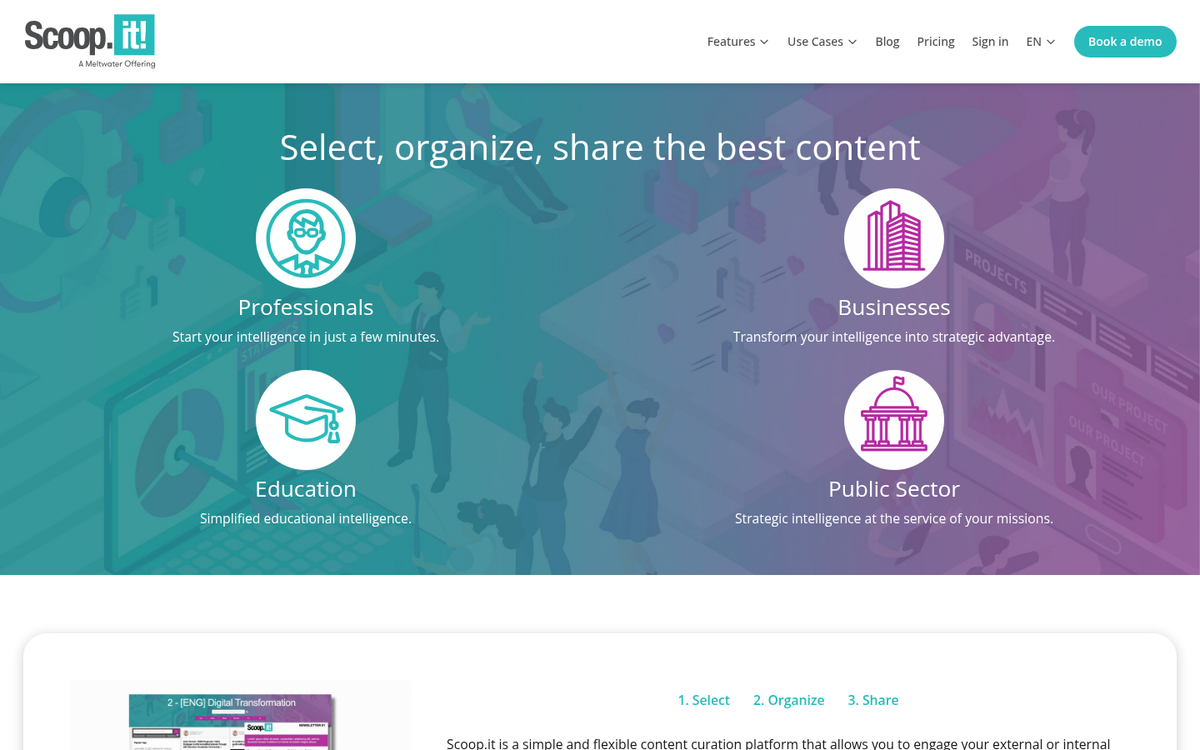
Paid plans start at around $11 per month for Pro, which gets you more topic pages, more keyword groups, more social accounts, unlimited scoops, analytics, post scheduling, and topic page customization options.
Business and higher-tier plans increase your topic hubs and keyword groups further, add advanced filtering and customization, newsletter publishing, and a widget that integrates with WordPress, Drupal, Joomla, and Squarespace, and the ability to upload documents manually.
There are also business-level products focused on team management with multiple curators. But those are squarely in the "you'll need to contact sales" category.
3: BuzzSumo
I've recommended BuzzSumo before, because it's a very powerful engine for content awareness - it's less of a "platform" and more of a discovery and analysis engine. You plug in a keyword and it gives you a report of the most shared, most visited, and most viral content currently available in that niche. You can filter results by date, content type, and more. BuzzSumo now has an index of over 8 billion content pieces and can add roughly 3 million new items every day, which makes it one of the most comprehensive content intelligence tools available.
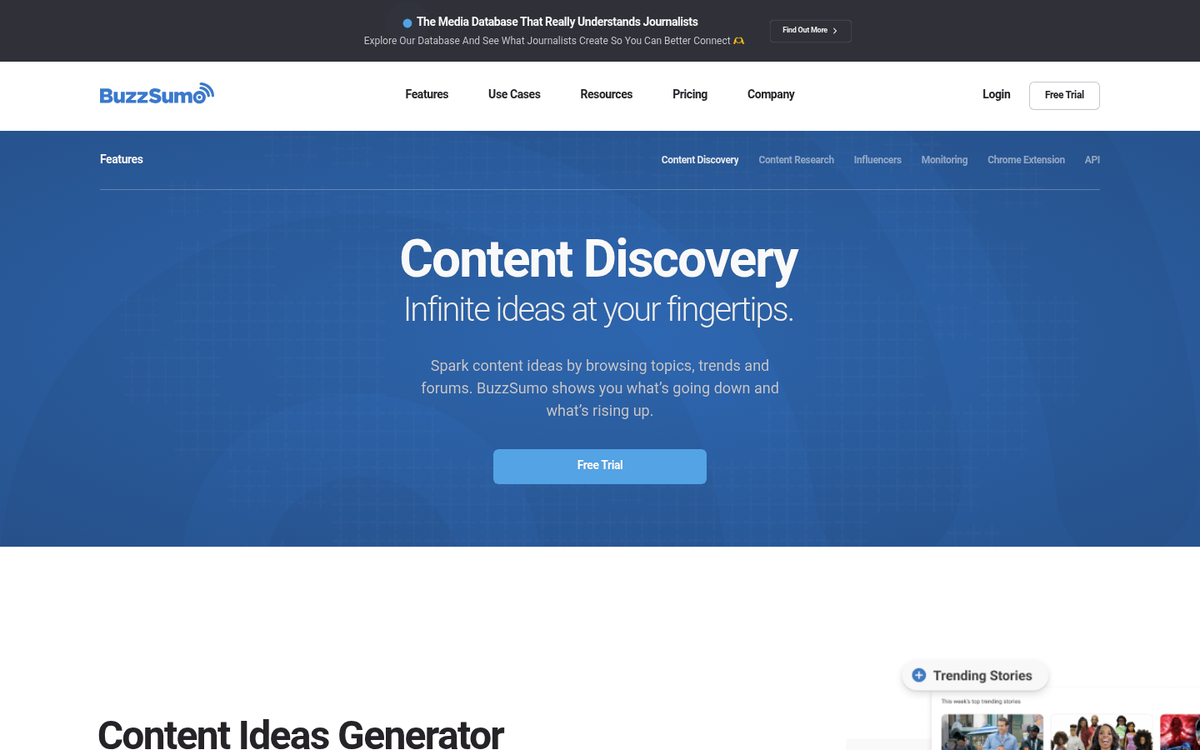
The only downside is the cost. Pricing currently starts at $199 per month for entry-level access and scales up from there depending on the features and user seats you need. Don't get me wrong - the depth of data, filtering, and competitor analysis you get is legitimately worth it for content marketers - it's just not a budget tool by any stretch.
It's also worth mentioning that BuzzSumo dropped Google+ sharing integrations as that platform shut down years ago. But it still connects with Facebook, Twitter/X, LinkedIn, Buffer, and Pocket.
4: Post Planner
Post Planner is one of the bigger names in content scheduling and curation - it's the most platform-like offering covered so far. If you want an all-in-one content management solution with a heavy emphasis on curation, this is where you'll find it.
Phase one of the Post Planner is the Find engine, which analyzes your interests based on keywords, hashtags, and even the existing feeds on a Facebook or Twitter/X account - it then recommends feeds and content that matches those interests. As it learns more, you can create personal libraries of content feeds organized however you want.
Phase two is analytics with their Predict engine - it analyzes the existing content you've published and figures out how it has performed, including replies, comments, shares, and click data. Each item is assigned a star rank, and future content you might want to share is then also analyzed. The Predict engine attempts to predict how content will perform on your feed, based on past performance of similar content, and will recommend the most potentially helpful content with higher star ratings.
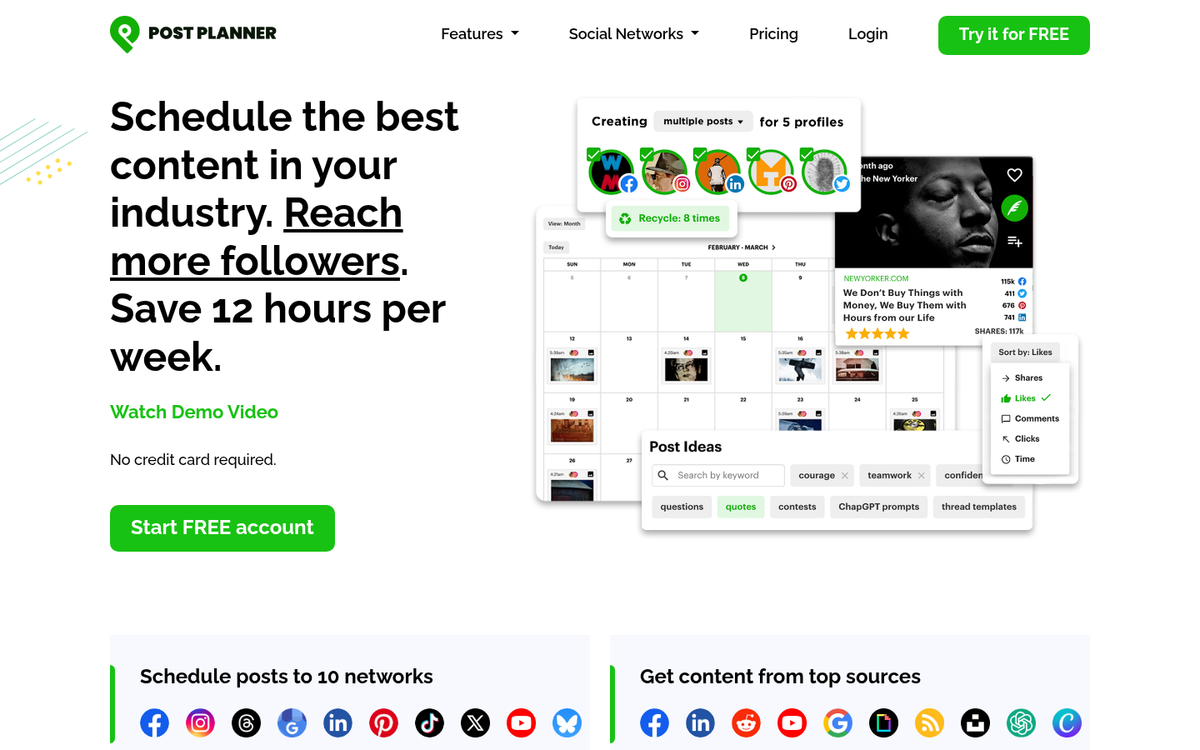
Phase three is the Planning engine which, as you might expect, is a robust post scheduling engine. There's not much to write home about with it, so moving on.
Phase four is posting the content. You can automate your posting strategy with their analysis of timing and past success, or you can dig in and do manual scheduling and organization, or a hybrid.
Post Planner supports content from Facebook, Twitter/X, Pinterest, and RSS feeds, and can post back out to those same places along with Instagram and LinkedIn, which makes it a bit more flexible than it used to be.
5: Curata
Curata is one of the big names in content curation, given that they're named after the process. They start off with a Find engine like Post Planner, with hundreds of thousands of data sources in their database - it learns your content interests as you use it and adjusts to show you more relevant content with preferential treatment - it can also be used to crowdsource content throughout your organization. One of the better elements is a browser plugin that lets you curate any content you find on the fly.
Curata has seen growth in business adoption, reporting a 40% increase in uptake with corporate marketing teams - which speaks to how larger organizations are taking content curation seriously as part of their strategy.
As you grow a list of content you want to curate, you can organize it, annotate it, and even create new content based on it. You can review your curated content plan faster and easily, and you can publish your own original content and shared content. They even have an image recommendation engine that surfaces royalty-free images you can use alongside your curated posts.

The big selling point is that Curata links with all kinds of places. They can publish through WordPress, Joomla, Drupal, HubSpot, MovableType, and more. They can link with Marketo, MailChimp, Act-On, and others. They can publish directly to a number of social networks, and can even create email newsletters. Plus, they give you a responsive website you can use or an exportable feed.
If you're looking for the catch, you've probably already guessed it: the cost. Curata is an enterprise-level tool without public pricing, and the entry point is significant - historically around $500 per month or more. If you have to ask, you might want to make sure your content marketing budget is ready before booking a demo.
6: Honorable Mentions
There are other services you can use for content curation that I figure are worth mentioning, but not dedicating an entire section to.
Pocket is a great aggregation engine. You can use it on mobile or on desktop. As you browse the web normally, you can add any content you find to your Pocket. From there, you can send it out to other apps, anything from social sharing tools to Evernote.
Evernote is another curation tool. But it's not specifically made for curation - it's an all-purpose cloud-based notebook. You can save links, text snippets, thoughts, annotations, voice clips, images, and just about anything else at any time - it's all very powerful, even if content curation is one of its use cases.
It's also worth mentioning that according to G2 research, 79% of marketers scout social media to find content to curate - more than the 63% who use newsletters. That means tools like native social bookmarking, platform saves, and social feedback tools are increasingly part of the curation workflow - even if they're not purpose-built curation platforms.
On the upper end, there's a growing crop of AI-assisted curation tools that have emerged to compete with Curata and BuzzSumo in the business intelligence space. The market is expanding quickly, and searching up alternatives to any of the tools mentioned here will surface plenty of options worth looking at.