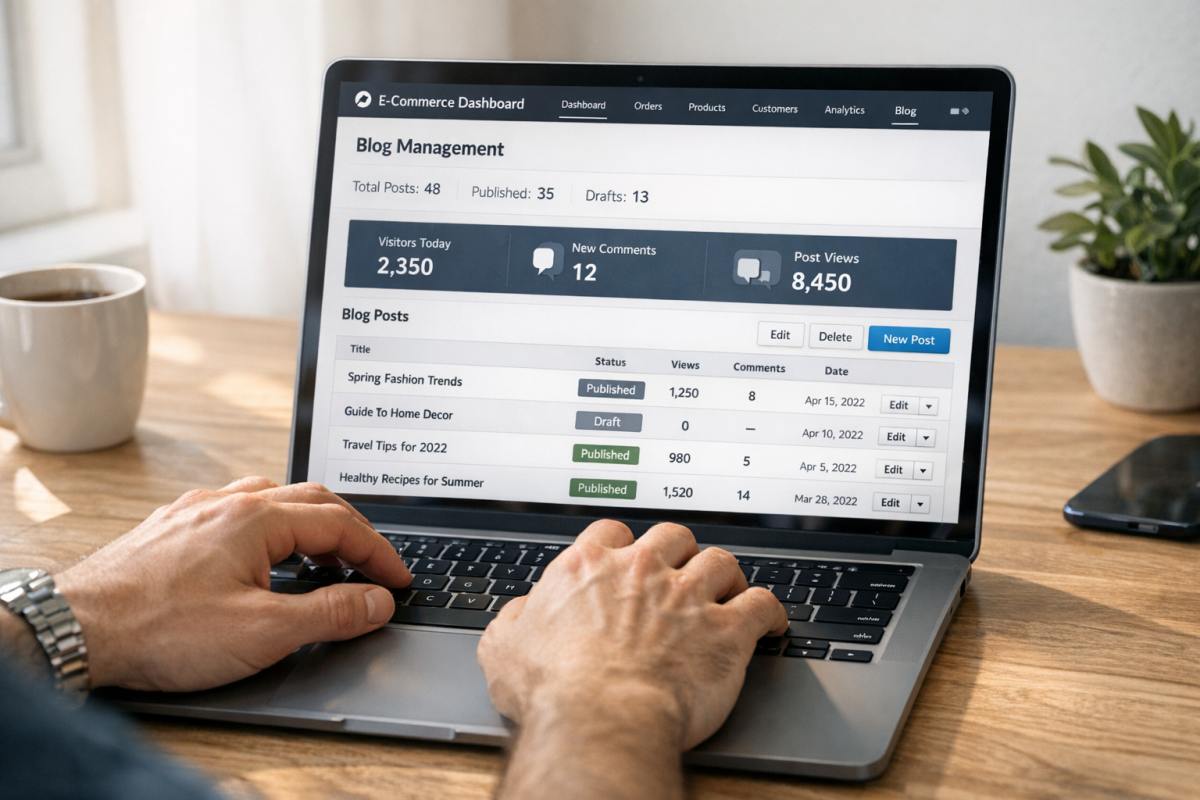





Most platform comparisons you'll find online are built around physical product stores. The benchmarks, the case studies, the conversion rate averages - almost all of it is weighted toward retailers shipping boxes; it's a fundamentally different buying experience. Digital product customers don't wait for shipping confirmations. They expect instant access, frictionless checkout and trust signals that speak to the nature of what they're buying. Lumping all ecommerce into one conversion rate conversation muddies the picture for online sellers specifically.
So this isn't a general-purpose platform showdown, but a focused look at what actually drives conversions when your inventory lives in the cloud - checkout flow, payment flexibility, post-buy delivery, upsell mechanics and the soft UX factors that make customers click Buy Now instead of closing the tab. Both platforms have genuine strengths here and have friction points that matter more for online products than most reviews let on.
If you're legitimately torn between the two and want a clear-eyed overview instead of another surface-level comparison, you're in the right place.
Key Takeaways
- Broad conversion rate benchmarks favor WooCommerce (3.83% vs 1.4%), but these figures include physical stores and lack digital-specific context.
- Shopify passes Core Web Vitals at 75-78% versus WooCommerce's 33-40%, giving Shopify a significant default speed advantage.
- Shopify offers frictionless guest checkout out of the box; WooCommerce requires intentional configuration to remove unnecessary fields for digital buyers.
- Both platforms rely on plugins or third-party apps for memberships, courses, and subscriptions - neither offers a complete native digital product solution.
- True costs vary significantly by setup; mapping your specific plugin, hosting, and transaction fee needs is essential before choosing either platform.
How Conversion Rate Benchmarks Actually Apply to Digital Product Stores
Two numbers get repeated constantly in this debate. LittleData's survey of over 2,800 Shopify stores puts the platform's average conversion rate at 1.4%. WooCommerce's desktop average sits around 3.83%. On the surface, that looks like a decisive win for WooCommerce - but those numbers need context before they mean anything.
Both figures pull from all types of ecommerce stores - like physical goods retailers where shoppers browse heavily and buy less. A store selling furniture or clothing converts at a lower rate than one selling a $15 PDF guide with a single checkout step. When you blend those categories together, the averages get pulled in directions that don't align well with what a focused digital product store actually sees.
It's also worth noting that roughly 22% of WooCommerce stores sell only digital products; it's a notable concentration and it hints at why WooCommerce's numbers skew higher - its user base means a higher share of stores that are structurally set up to convert well.

There's another layer here that the benchmarks don't address at all. What counts as a conversion for your store? For a digital seller, maybe a completed checkout. But it could also be a free download, a newsletter signup that leads to a sale later, or a membership enrollment - and each of these has a different rate and a different value to your business.
Before you use either benchmark to make a platform choice, see which number matches your store type. A creator selling a single course has a very different conversion profile than a SaaS tool with a freemium funnel or a bundle store running standard sales. The benchmark that applies to you is narrower than either headline figure.
That's the analytical lens worth keeping in mind as we look at the key factors - starting with something that can affect every store regardless of platform.
Page Speed, Core Web Vitals, and What They Cost You in Sales
A one-second delay in page load time cuts back on conversions by around 7%. That number sounds abstract until you run the math against your revenue.
WooCommerce passes Core Web Vitals assessments at a rate of roughly 33-40% across live stores. Shopify sits at 75-78%. That is a big gap and it can depend on infrastructure. Shopify hosts everything on its own optimised servers with a widespread CDN built in. You don't configure it; it just works.
WooCommerce runs on WordPress, which means your speed depends heavily on the choices you make - or don't make. Shared hosting plans are the biggest culprit. A theme loaded with unused features and a stack of plugins that each add their own scripts will push load times up fast. None of this is a flaw in WooCommerce itself; it's a consequence of how flexible it is.
The gap can be closed. A well-configured WooCommerce store on managed WordPress hosting, with a lightweight theme and a caching layer, can compete on speed. But that setup takes time and technical knowledge to get right - and it needs attention when you add new plugins or update things.
| Platform | Core Web Vitals Pass Rate | Speed Infrastructure |
|---|---|---|
| Shopify | 75-78% | Managed, built-in CDN |
| WooCommerce | 33-40% | Depends on host and setup |
The tradeoff is clear. Shopify gives you fast performance without the work. WooCommerce gives you control. But speed can become your responsibility too.
Checkout Experience and Where Digital Sales Are Won or Lost
Getting to your product page is one thing. What happens at checkout is where the sale lives or dies. Studies show that forced account creation drives around 26% of cart abandonments. And that tough checkout flows account for roughly 22% more. For online products, those numbers sting a little harder because the buy should be easy - no shipping, no weight, no logistics.
Shopify's one-page checkout is clean and fast by default. Guest checkout is on from the start, which removes friction without you having to touch anything. For an online seller, that matters because your buyer is usually making a quick choice and any extra step is a reason to leave.
WooCommerce gives you more control over the checkout flow. But that control comes with homework. Out of the box, WooCommerce shows a full address form even when someone is buying a PDF or a license. You can remove those fields with a plugin or some custom code. But it's not automatic. A buyer staring at a billing address form for an online download is a buyer who starts to ask themselves if something is off.
Digital sellers underestimate how different a frictionless checkout looks for an online product versus a physical one. No shipping fields. No delivery date picker. Just email, payment, and instant access. Shopify gets closer to that out of the box. WooCommerce can get there too. But you have to build it intentionally.

License delivery, download links, and membership access all need to fire automatically the second payment clears. Both platforms are able to manage this with the right extensions. You may also want to consider integrating additional payment methods to reduce drop-off at this stage. But Shopify's ecosystem tends to wire these things together with less configuration.
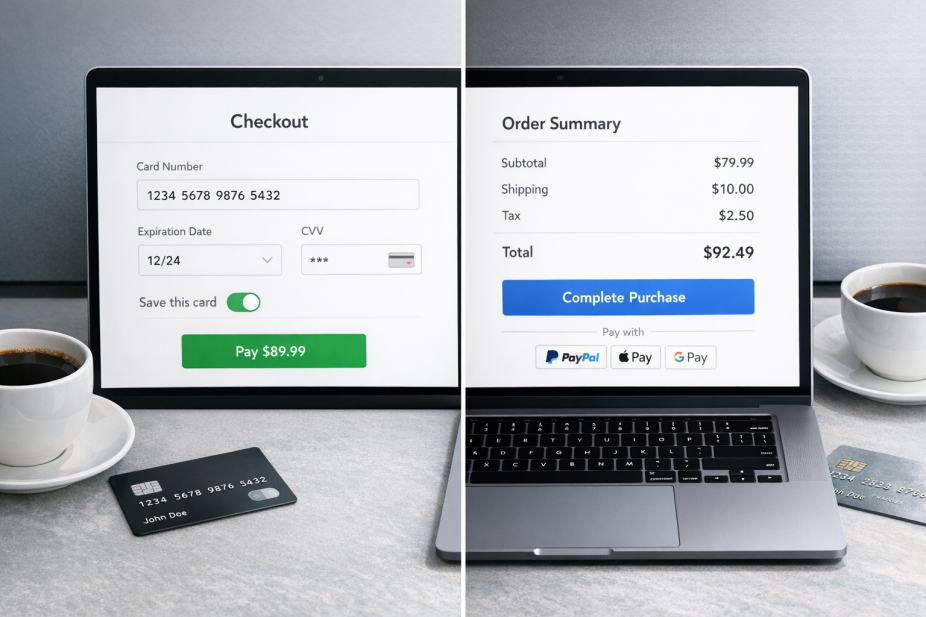
The checkout is the last thing standing between your product and your customer's money - it's worth treating it like the most important page on your site, because it is. The layout of that final page can make a measurable difference in whether the sale goes through.
Flexibility for Digital Product Types: Memberships, Courses, and Downloads
WooCommerce has a strong plugin ecosystem built specifically for online product categories. Tools like WooCommerce Memberships let you restrict content, create tiered access levels, and tie membership status to purchases. For software sellers, license delivery plugins manage activation and expiration without much custom development. That depth is helpful if your product line is complex.
The trade-off is that each plugin can add a layer of configuration. To run a membership site with gated course content and recurring billing, you might stack three or four separate plugins together. That works. But it also means more potential points of failure as your store scales.
Shopify works with the same use cases through third-party apps from its App Store. Membership functionality, course access, and subscription billing all live outside the core platform. Some subscription apps also tie into Shopify Payments specifically, which can limit your options depending on where you work.
For file delivery, both platforms get the job done. WooCommerce has native downloadable product support built in. If you want to sell an eBook through WordPress with free plugins, that native support makes it straightforward. But Shopify's native option covers basic use cases and has fewer controls around download limits and file access expiration.

| Digital Product Type | WooCommerce | Shopify |
|---|---|---|
| Downloadable files | Native support | Native (limited) |
| Memberships | Via plugin | Via third-party app |
| Online courses | Via plugin | Via third-party app |
| Subscriptions | Via plugin | Via app (Shopify Payments required for some) |
Neither platform has a clean native answer across every digital product type. The difference is where the difficulty lives. With WooCommerce, you configure it yourself and have full control. With Shopify, a third-party app handles it for you, which is easier to start but harder to customize at scale. If your store isn't growing as expected, it's worth reviewing why your Shopify store isn't getting traffic.
If your product catalog is likely to grow into multiple formats or access models, that long-term flexibility matters more than how fast you can get the first product live. Learning how to grow and promote your eCommerce store early on can make a real difference as your offering expands.
True Cost of Ownership When Selling Digital Products
Shopify has claimed its total cost of ownership is 36% better than WooCommerce on average. That figure is worth learning about. But it's built around a large number of store types. For digital product sellers specifically, the numbers can look quite different.
WooCommerce's free core is a genuine starting point. But it's only part of the picture. To run a digital product operation - think license key delivery, membership access controls, or course gating - you'll need paid plugins. Those can add $100 to $300 or more per year before you've even touched hosting.
Shopify's base plan starts at $39 per month and scales up from there. You also pay transaction fees of as high as 2% if you don't use Shopify Payments, and digital delivery apps on the Shopify App Store run anywhere from $10 to $50 per month each. The costs are more predictable. But they accumulate steadily as you add functionality.
| Cost Category | WooCommerce | Shopify |
|---|---|---|
| Platform base cost | Free (self-hosted) | $39-$399/month |
| Hosting | $10-$100+/month | Included |
| Digital delivery plugins/apps | $0-$200/year | $10-$50/month |
| Transaction fees | 0% (payment gateway fees apply) | 0-2% + payment gateway fees |
Neither platform is inherently cheaper for digital sellers. Your costs depend on which plugins or apps you need, how much traffic your hosting has to handle, and which payment gateway you use.
Rather than relying on platform marketing figures, it's worth mapping out your own setup. List the tools you'll need to run your store, price them out on each platform, and add hosting where it applies. Calculating your true costs across every component is the only way to make a reliable comparison between the two.
So, Which Platform Should Digital Sellers Actually Choose?
The worst move is picking a platform based on what someone else's store runs on. The best next step is an easy one: if you're leaning toward Shopify, activate a free trial and run a checkout test with a live or test product. If you're leaning toward WooCommerce, spin up a staging environment through your host and time the full buy flow yourself.