





There are a few reasons why the traffic on your website might suddenly spike. Your site might be geared towards horror, and receive a spike in traffic every Halloween. Your site might be a shop with a good promotion, with an incredible wave of traffic for Black Friday - which can drive traffic levels 30 times higher than a normal day. You might produce a piece of content that goes viral unexpectedly. Whatever the cause, the stakes are real: 60% of customers are unlikely to return after encountering an error, and 2 out of 3 will bounce if your site takes more than 6 seconds to load. How can you ensure that your site won't go down when that massive flow of traffic hits?
Key Takeaways
- 60% of customers won't return after errors, and 2 in 3 bounce if pages take over 6 seconds to load.
- Cloud hosting with auto-scaling is safer than shared hosting; servers should stay at 70-80% capacity during peaks.
- Images account for 78% of page weight; using WebP/AVIF formats and lazy loading significantly reduces server load.
- Aggressive caching can reduce server load by 60-80% during peak traffic by serving pre-generated static pages.
- CDNs offload static assets across distributed servers, dramatically cutting origin server strain during high-traffic events.
Investigate, Upgrade and Reinforce Your Web Host

Your web host is going to be one of the biggest factors in determining how well you can weather traffic spikes. In general, the cheaper the web host, the less resilient you will be to sudden surges. You need to make sure your host has enough bandwidth to support incoming traffic, that their servers can handle the volume of page requests, and that they won't throttle or shut you down when things get busy.
In 2026, shared hosting is increasingly a liability for anyone expecting growth. Cloud-based hosting solutions - such as AWS, Google Cloud, or Cloudflare Workers - offer auto-scaling that can spin up additional resources on demand, which is a much smarter safety net than simply hoping your plan holds up. Healthy systems should typically operate at around 70-80% of available resources during peak traffic, leaving headroom for unexpected surges. If you're regularly pushing past that ceiling, it's time to upgrade or migrate. You can also explore web hosts with the fastest hosting packages to find a more capable provider.
You will need to make the decision whether to stay with your current web host, upgrade to a new package, or migrate to a more scalable cloud-based solution before the next big traffic event hits.
Minimize Scripts and Plugins

Over time, running a site means accumulating code. You install tracking scripts, add plugins, cancel subscriptions but forget to remove the code, and stop using plugins without uninstalling them. Over time, your site grows bloated with code that loads but fails to execute - or worse, calls out to dead third-party endpoints and hangs while waiting for a response.
Audit your site regularly for stray code, broken scripts, outdated plugins and other digital baggage that has built up over time. In 2026, tools like Google PageSpeed Insights, GTmetrix, and WebPageTest make it easier than ever to identify what's slowing you down. Streamline and remove as much as possible so you're not slowing users down every time they try to load a page. Every unnecessary script removed is one less potential point of failure during a traffic spike.
Compress and Optimize Images

Images are consistently the largest contributors to page weight - accounting for roughly 78% of a webpage's total size, with the average page loading 21 images totalling around 1.9 MB. That's a massive drag on load times, especially under heavy traffic.
Compress and optimize every image you serve. Modern formats like WebP and AVIF offer significantly smaller file sizes than legacy JPEGs and PNGs without a visible quality trade-off. Tools like Squoosh, ShortPixel, or Cloudflare Images can automate much of this. Implement lazy loading so images below the fold don't load until they're needed, and use responsive images so mobile users aren't downloading desktop-sized assets. When you're running an online store and loading dozens of product thumbnails at once, these optimizations make a measurable difference to both your server load and your conversion rate.
Disable or Defer Non-Essential Features

Comments, live chat widgets, social media embeds, and similar interactive features all require additional database calls or third-party scripts to load. Under normal conditions, this is manageable. During a traffic spike, these extras compound your server strain significantly.
Disabling or deferring non-essential features - at least temporarily during high-traffic periods - is a legitimate and widely used strategy. The BBC, for example, has publicly acknowledged disabling certain site features during major news events to maintain performance. Users who are flooding your site during a viral moment care far more about being able to access your content than they do about seeing your comment section. Prioritize uptime and speed over feature completeness when the pressure is on.
Optimize Server Connection Handling

If you manage your own server and have access to the Apache configuration, you can make manual adjustments to better handle floods of incoming traffic.
Open your /etc/httpd/conf/httpd.conf file and locate the ServerLimit and MaxClients (or MaxRequestWorkers in newer Apache versions) lines. These cap the number of simultaneous connections your server will handle. Increasing both values in tandem allows more users to be served concurrently - but don't go too high, or you risk exhausting your server's physical memory and causing it to lock up entirely.
Next, find the KeepAliveTimeout line. This controls how long your server holds a connection open while waiting for input from a user. The default is often 15 seconds - which is a long time to tie up resources when you're under heavy load. Setting this as low as 1-2 seconds is safe and can free up connections significantly during a surge.
Save the file and restart your server to apply changes. Do this during off-peak hours to minimise any disruption.
Implement Caching Aggressively

Caching is one of the most powerful tools available for surviving a traffic spike, and modern caching strategies can reduce server load by 60-80% during peak periods. If your server is spending time regenerating the same pages over and over for each new visitor, you're wasting enormous resources that could be spent actually serving traffic.
For WordPress sites, plugins like WP Rocket or W3 Total Cache can serve static HTML versions of your pages to the majority of visitors without touching your database at all. At the server level, tools like Redis or Memcached can cache database query results in memory, reducing the frequency and cost of repeated lookups. If you're on a managed hosting platform, check whether full-page caching or object caching is available - in 2026, most reputable managed hosts offer this by default.
The principle is simple: generate the page once, cache it, serve the cache to everyone else.
Minimize Database Queries
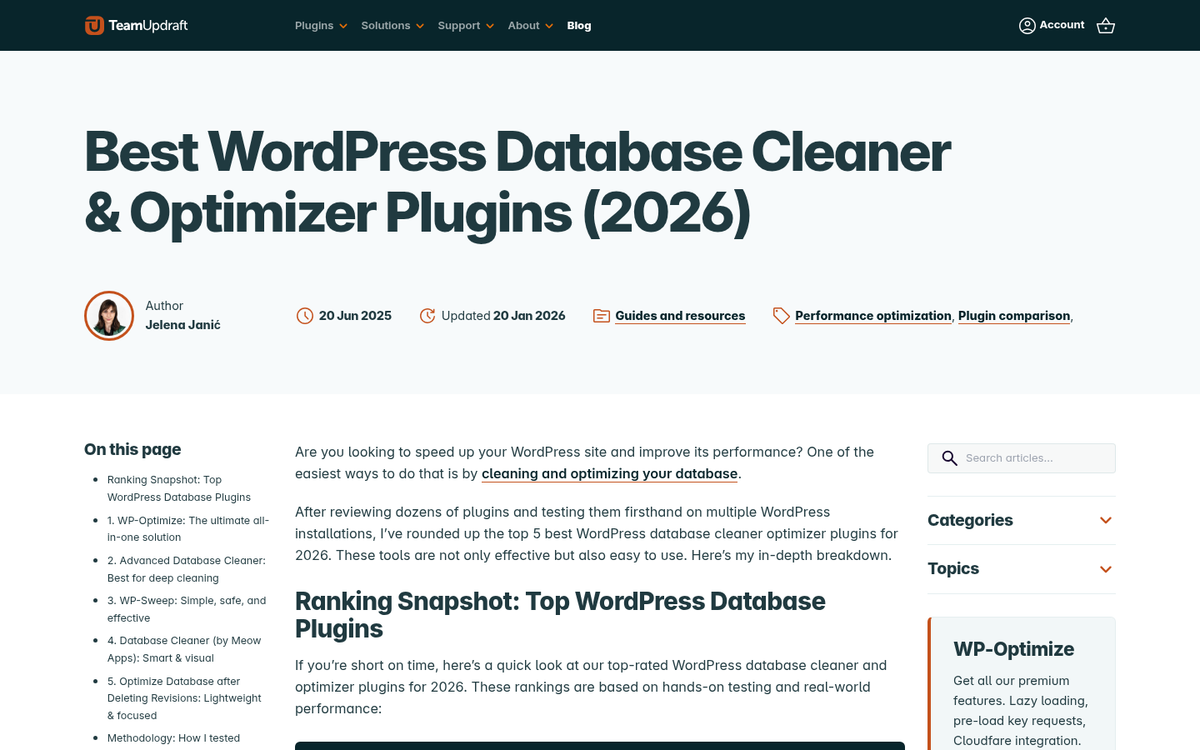
If you use WordPress or another CMS, you may be hitting your database far more often than necessary. Every dynamic page load that could instead be served from cache, and every database call that could be replaced with a static value, represents unnecessary load during a traffic surge.
Review your theme and plugins for excessive or redundant database queries. Use static HTML where dynamic PHP adds no real value for the end user. Amazon's internal research found that every 100ms of additional latency reduced sales by 1% - so the cumulative effect of dozens of small inefficiencies quickly adds up to real revenue loss. The goal is to make your database work as little as possible during the moments it matters most.
Create a Streamlined Fallback Version
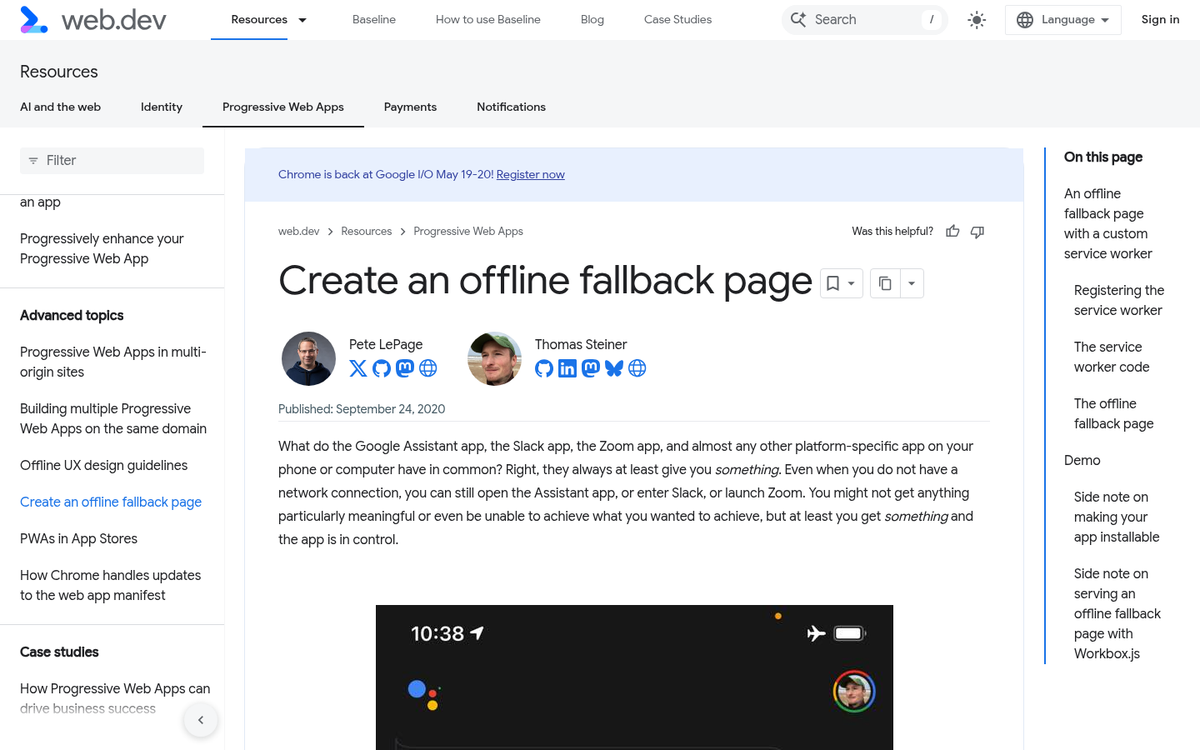
If you have time to plan ahead, consider building a stripped-down version of your site that can be toggled on during high-traffic events. Remove comments, heavy scripts, non-essential widgets, and decorative images. What remains should be a fast, functional, content-focused experience that can survive being hit by a large crowd.
You can configure your server to automatically serve this version when traffic exceeds a defined threshold, or simply switch it on manually when you see the influx coming. Think of it the way broadcast networks think about their live event infrastructure - prepare a leaner setup specifically for the moments when the audience is largest.
Use a Content Delivery Network
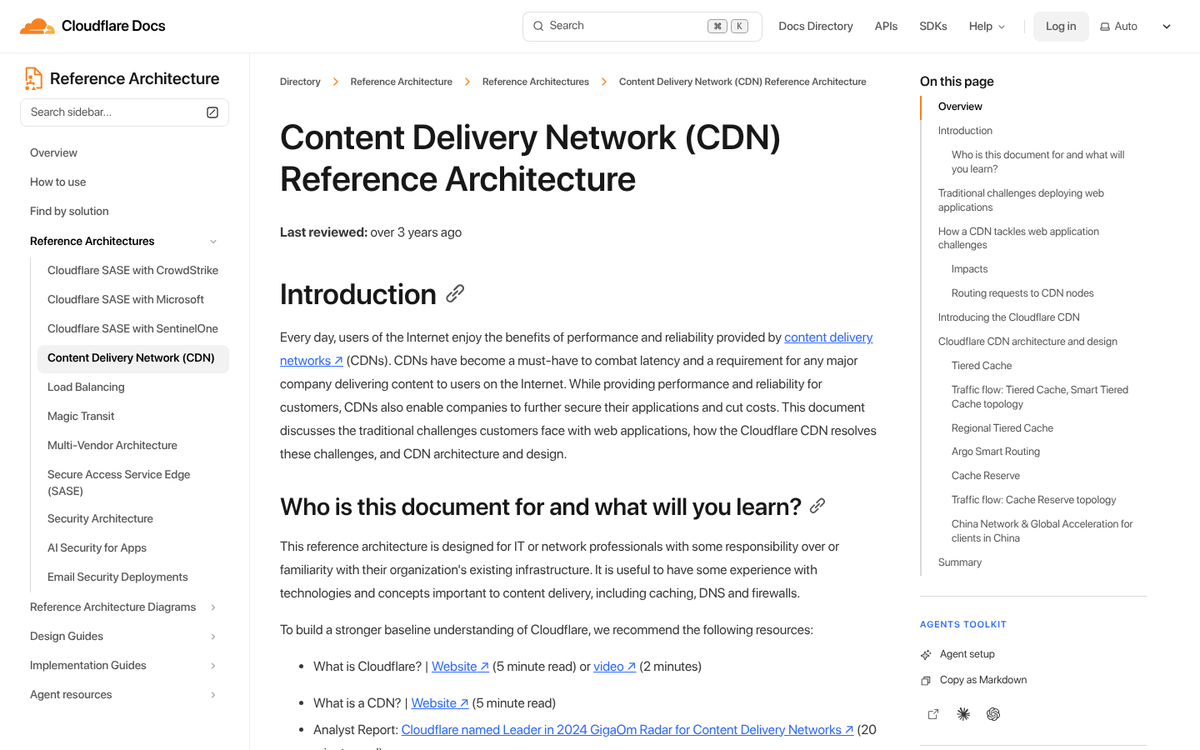
Using a CDN takes a significant portion of the burden of serving your site entirely out of your hands. A CDN caches your static assets - images, scripts, stylesheets, and even full pages - across a distributed network of servers around the world, serving each visitor from the node closest to them. This reduces latency, cuts your origin server load dramatically, and adds a layer of resilience that is very difficult to replicate on your own.
In 2026, CDN adoption is no longer optional for any site expecting serious traffic. Cloudflare remains the dominant option and offers a capable free tier. Fastly, AWS CloudFront, and Bunny.net are strong alternatives depending on your stack. If you're embedding videos, using YouTube or Vimeo rather than self-hosting is the same principle in action - offload the heavy lifting to infrastructure built to handle it.
Invest in DDoS Protection

Sometimes your incoming traffic isn't from a viral moment or a seasonal sale - it's from a distributed denial of service attack. DDoS attacks have grown significantly in scale and sophistication, and in 2026 they are a realistic threat even for small and mid-sized sites - not just enterprises.
Cloudflare's free and Pro tiers include solid baseline DDoS mitigation. For higher-risk sites or e-commerce operations, dedicated protection from providers like Cloudflare Advanced, Imperva, or AWS Shield is worth the investment. The cost of a few hours of downtime - with enterprise downtime averaging over $300,000 per hour - far outweighs the cost of protection. Don't wait until you're under attack to start thinking about this.


2 responses
Thoughtful replies only - we moderate for spam, AI slop, and off-topic rants.
James your post is spot on with this post.
Thanks Henrico, glad it helped! A content delivery network is one of the best ways to handle traffic spikes. We use CloudFront, I highly recommend it.