Google Ads (formerly AdWords) is a complex system, and it can be very difficult for new users to grasp in its entirety. Even seasoned marketers regularly misuse parts of the platform. According to WordStream, about 76% of Google Ads budgets are wasted due to poor targeting, irrelevant keywords, and a lack of strategy - contributing to over $50 billion lost globally on ineffective digital ads every year. The good news? Most of these losses are preventable. Avoid the common mistakes below and you'll be well on your way to running a more efficient, profitable campaign. But remember - avoiding mistakes is the floor, not the ceiling. Greatness takes more than just not failing.
Key Takeaways
- 76% of Google Ads budgets are wasted due to poor targeting, irrelevant keywords, and lack of strategy.
- Tightly themed ad groups improve relevance, boost Quality Score, and directly lower your cost-per-click.
- Neglecting negative keywords is a primary reason CMOs waste an estimated 30-50% of their ad budgets.
- Always make decisions based on data, not intuition - campaigns using data saw average conversion rates reach 7.52%.
- Without a realistic budget tied to clear strategy, even well-structured campaigns will generate limited, unprofitable results.
1. Failing to Properly Group Keywords

When you build out a keyword list, the goal is to show relevant ads for each of those keywords. When you dump them all into one ad group, however, every keyword triggers the same ad copy. That's a problem, because ideally your ad copy should closely mirror what the user searched. That's exactly what ad grouping solves. Keep your ad groups tightly themed - ideally no more than 10 to 20 closely related keywords per group. If your keywords are too varied to share a single, specific message, they belong in separate groups. This also directly impacts your Quality Score, which Google rates from 1 to 10. A poor Quality Score raises your cost-per-click (CPC), meaning sloppy grouping doesn't just hurt relevance - it costs you real money. Spear Growth found that fixing ad group-to-landing-page alignment alone helped one client save over 30% of their advertising budget over the following year.
2. Using Generic Copy
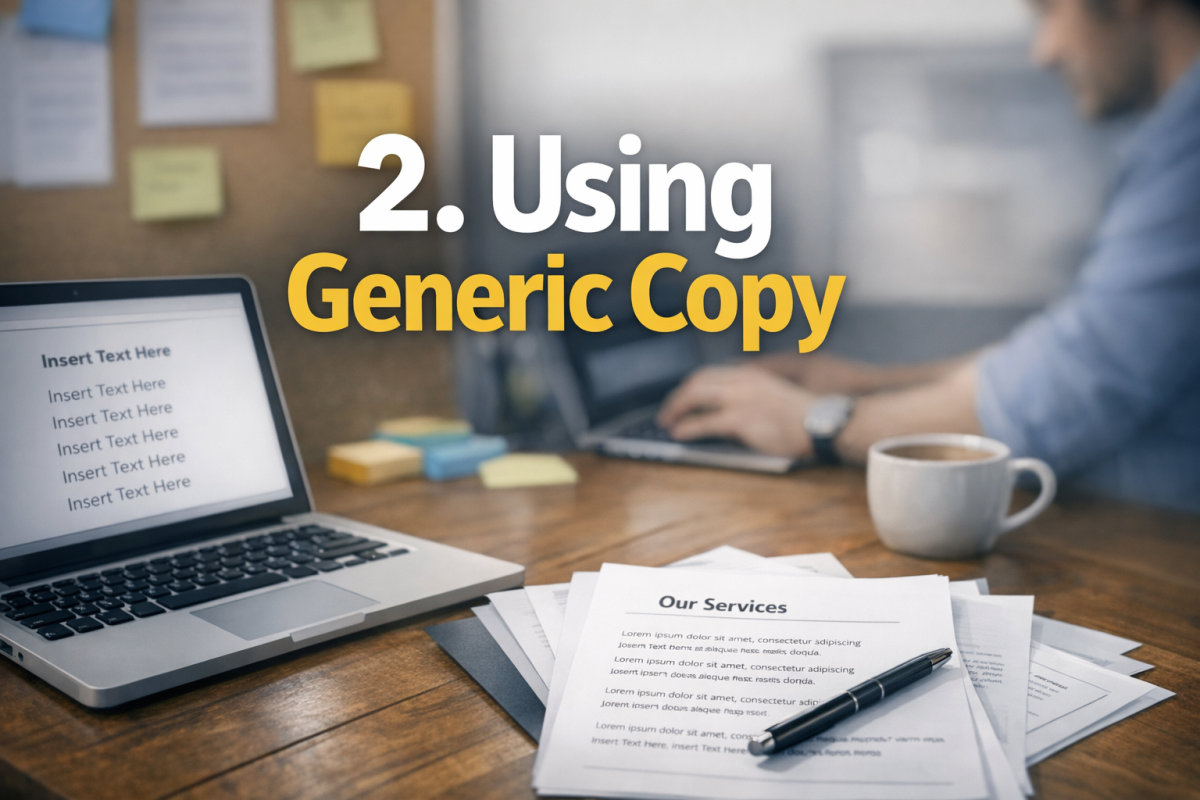
Google Ads gives you limited real estate to make your case. With responsive search ads now the standard format, you have up to 15 headlines (30 characters each) and 4 descriptions (90 characters each) - but Google will mix and match them, so every individual asset needs to stand on its own. Generic, vague copy wastes that space entirely. What makes your offer different from every other result on the page? What's your unique selling proposition? Lead with it. For a keyword like "running shoes," you don't need to tell people you sell running shoes - they know. Tell them why yours are worth clicking on over every other result they're looking at right now.
3. Ignoring Keyword Match Types

Google Ads offers several keyword match types, and using them correctly is critical to avoiding wasted spend. Match types have evolved significantly - broad match in particular now behaves very differently than it once did, powered by Google's machine learning to match based on intent rather than just words.
- Broad match displays your ad for searches that Google interprets as related to your keyword, even if the exact words aren't present. This gives Google significant latitude and can burn budget fast without proper negative keyword management.
- Phrase match triggers your ad when the search includes the meaning of your keyword. The query can include additional words before or after, but the core intent must match.
- Exact match shows your ad only when the search closely matches your keyword in meaning and intent. It's the most controlled option but limits reach.
Use a deliberate mix based on your goals and budget. Broad match can work well when paired with Smart Bidding and strong audience signals, but it demands careful oversight. When in doubt, start tighter and expand once you have data.
4. Forgetting Negative Keywords

Negative keywords are one of the most powerful - and most neglected - tools in Google Ads. They prevent your ads from showing on irrelevant searches that would otherwise drain your budget. If you sell premium software, you probably don't want clicks from people searching for "free" alternatives. If you're a B2B company, "jobs" and "careers" related queries are likely wasted impressions. Failing to maintain a strong negative keyword list is one of the primary reasons CMOs waste an estimated 30% to 50% of their ad budgets on low-quality leads. Review your Search Terms report regularly - not just when you set up the campaign - and continuously add negatives as new irrelevant queries emerge.
5. Not Setting an End Date

Promotional campaigns need boundaries. If you run a seasonal sale, a limited-time offer, or a holiday promotion, set a hard end date. Forgetting to do this is how ads with expired offers keep running for weeks or months after the promotion ends, sending users to a landing page that no longer matches what they were promised. This frustrates users, tanks your conversion rate, and can get your ads flagged for misleading content. Build the discipline of scheduling campaign end dates into your setup process from day one.
6. Going With Your Gut
Google Ads generates an enormous amount of data - impression share, click-through rate, conversion rate, Quality Score, search term reports, auction insights, and much more. In 2025, across all industries using Google Ads, 65% of industries improved their conversion rate, reaching an average of 7.52%. Those gains didn't come from hunches. They came from reading the data and acting on it.
If you find yourself making a decision because something "feels right" rather than because the numbers support it, stop. Pull the reports. If you're running two ads and you personally prefer one but the other is converting better, run the one that converts better. Data beats intuition every single time when real money is on the line.
7. Not Targeting Your Own Brand

When someone searches for your brand name, you should own that result. But there's nothing stopping a competitor from bidding on your brand name and appearing above your organic listing in the paid results. If you're not running branded campaigns, you're leaving the door open for competitors to intercept your own customers. Branded keywords are typically cheap to bid on since your Quality Score will be high, and they protect territory you've already earned. Run branded campaigns continuously - this isn't optional.
8. Not Testing
With responsive search ads, Google does much of the creative testing automatically by mixing and matching your headlines and descriptions. But that doesn't mean you stop testing. You still need to test at the campaign and landing page level. Run experiments using Google Ads' built-in Campaign Experiments tool. Test different landing pages, different bidding strategies, different audience segments, and different offer angles. Let the data run long enough to reach statistical significance before drawing conclusions. Your campaigns should be in a constant state of structured, intentional evolution - not set-and-forget.
9. Accidentally Running Misleading Ads
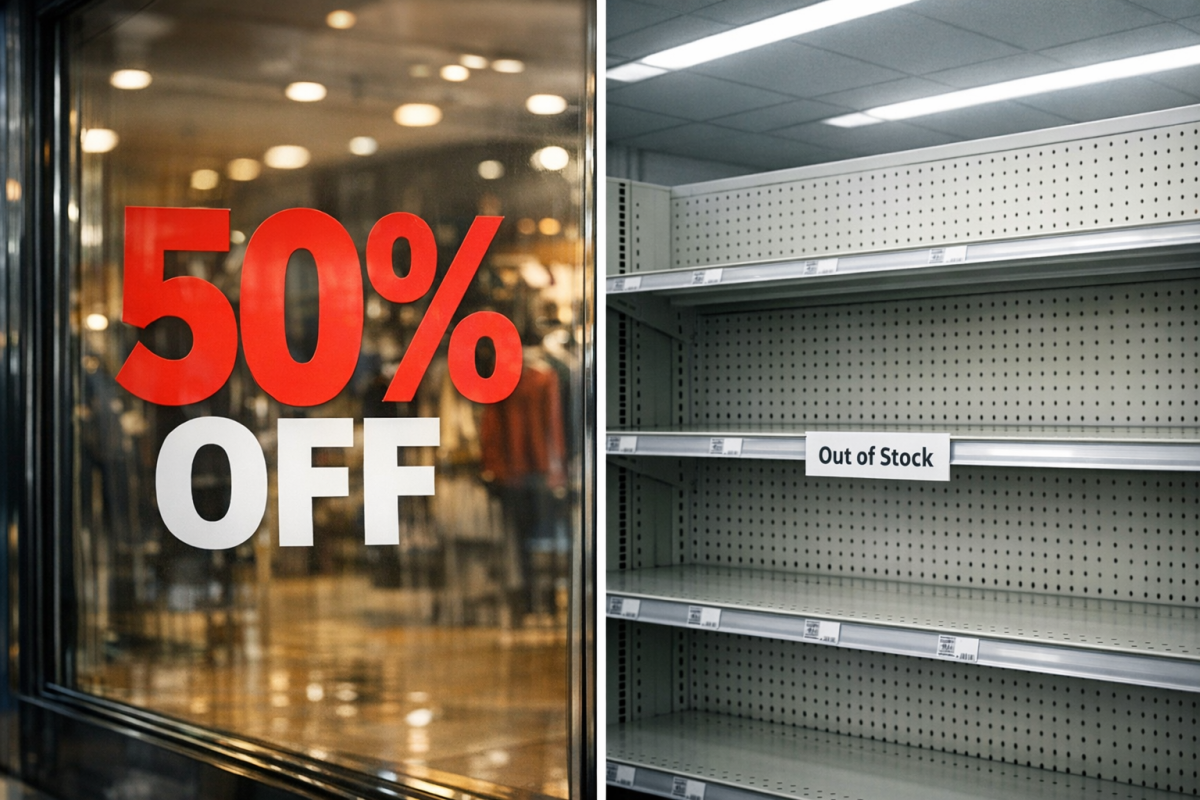
This mistake is surprisingly common and surprisingly easy to make. It happens when the promise in your ad doesn't match what users find on your landing page - a discount that expired, a product that's out of stock, a claim that was softened somewhere along the editing process. Google takes ad-to-landing-page consistency seriously, and it factors into your Quality Score. Beyond the platform penalties, misleading ads erode user trust and hurt conversion rates. Conduct regular audits - especially after promotions end or landing pages are updated - to make sure your ads and destination pages still tell the same story.
10. Not Having a Realistic Budget and Strategy
It's easy to read success stories about Google Ads and assume the same results are achievable on any budget. The reality is more nuanced. Costs per click vary enormously by industry - some niches see average CPCs well above $10 or even $50 - meaning a modest budget in a competitive space will generate very limited data and limited results. Going in without a realistic budget tied to a clear strategy is one of the fastest ways to lose money.
Before you launch, define what a conversion is worth to you, estimate what CPC you can afford to remain profitable, and set expectations accordingly. If your budget is limited, focus on tight, high-intent keyword targeting rather than broad reach. Underfunded, broadly targeted campaigns are among the most common causes of the $50+ billion wasted on digital advertising each year. Start lean, prove the model, then scale. If your ads are consistently hitting their limits, it's worth understanding what to do when your ad is limited by budget before increasing your spend.