Key Takeaways
- Social Warfare offers over 5,000 style combinations and adds as few as 3 HTTP requests, making it highly customizable and fast.
- One blogger reported a 300% increase in social shares after switching to Social Warfare without experiencing slower load times.
- Bundled features include Pinterest image settings, custom tweets, click-to-tweet, UTM tracking, and a popular posts widget.
- A minimum share count threshold prevents low numbers from displaying publicly, protecting social proof on newer posts.
- The Pro version costs $29 per year per site; a free version covering core button functionality is available in the WordPress repository.
As a blogger, one of the earliest requirements you have to fill for your blog is to have social sharing buttons. Even if you aren't trying to create a presence on a social network, others are - and they'll be more than happy to share your content with their friends if they're given the option. For example, you might not use Pinterest yourself. But you can benefit from creating pins of your posts - it's helpful enough that you should be formatting the pin metadata as rich pins, and it's helpful enough that you should seek a plugin to allow users to pin images and posts alongside your share buttons.
The question is, what share buttons should you use? We've covered a series of alternatives over the years, and one has stood out in testing. As you might have guessed from the title of this post, we're talking about Social Warfare. Even in 2026 - with the community dramatically influenced by AI tools, algorithm changes, and changing social platforms - Social Warfare remains a strong option for bloggers who want clean, fast, and helpful social sharing buttons.
We're using it on our blog, and you can see the buttons right above the top image on this post.
What Makes Social Warfare Unique in 2026?
There are dozens of social sharing button plugins, ranging from the ultra-easy code provided by the platforms themselves, all the way to premium options like Monarch that come bundled with extras. Why is Social Warfare still a strong option in 2026?
First and foremost, Social Warfare is flat out one of the most customizable plugins available for social media buttons - each button can be skinned individually to line up with the visual style of your site, while still maintaining the look and feel of a button for the network of your choice. It can display share counts, logos, a hover effect, or just a logo alone - and it all works extremely well. Social Warfare claims there are over 5,000 possible style combinations, computed from variations in button style, color, skin options, and design options.

Next, Social Warfare is extremely fast. Most social media plugins are a mishmash of API calls to multiple social networks and may even need to load external assets from those networks. Not so with Social Warfare. Independent testing has shown it can add as few as 3 HTTP requests to a page, compared to 7 or more for alternatives like AddThis. Professional blogger Eddie Gear reported that Social Warfare improved his social shares by 300% without slowing down his blog - a balance that's hard to achieve with heavier plugins.
On top of speed and style, the buttons can be customized. No matter how off the wall or interesting your site design is, something in Social Warfare's configuration options will fit and look like it was custom-made just for it. If you're unsure where to place them, it helps to think about the best location to install share buttons on a blog.
The Social Platform Landscape Has Changed - Here's How Social Warfare Keeps Up
It's worth tackling the elephant in the room: social media in 2026 looks very different from what it did even a few years ago. Twitter became X and has gone through upheaval. Pinterest has remained a reliable traffic driver for bloggers in many niches. Facebook's organic reach has continued to decline. Newer platforms and AI-driven content discovery have changed how content goes viral. Threads, Bluesky, and other emerging networks have grown their user bases considerably.
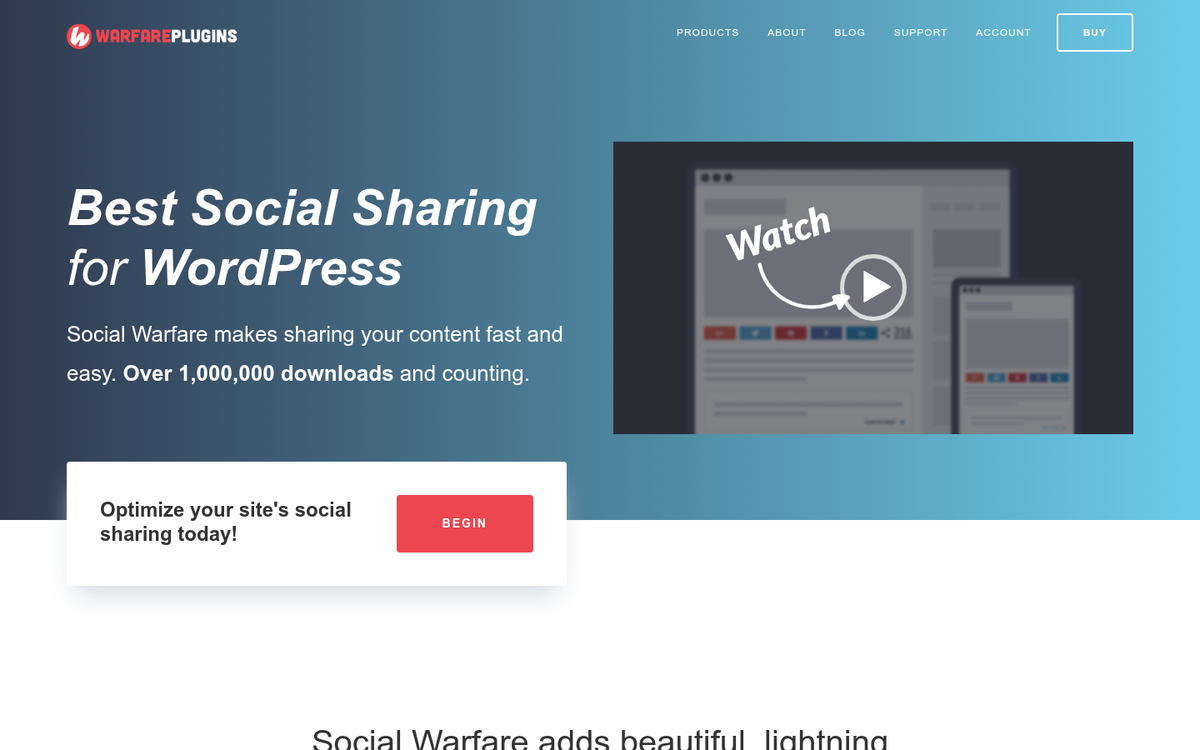
Social Warfare has adapted over time, updating its supported networks and share count handling to keep up with these changes. The core value proposition - lightweight, beautiful, functional buttons - remains regardless of which platforms dominate at any given moment. If you're looking at a sharing plugin in 2026, platform support should be a conversation you have with Social Warfare's latest documentation, as supported networks are updated with new releases.
Additional Features Worth Knowing About
Social Warfare includes a handful of extra features beyond the buttons. Normally, you would need separate plugins to get these options. But they're bundled together here without meaningfully impacting load time.
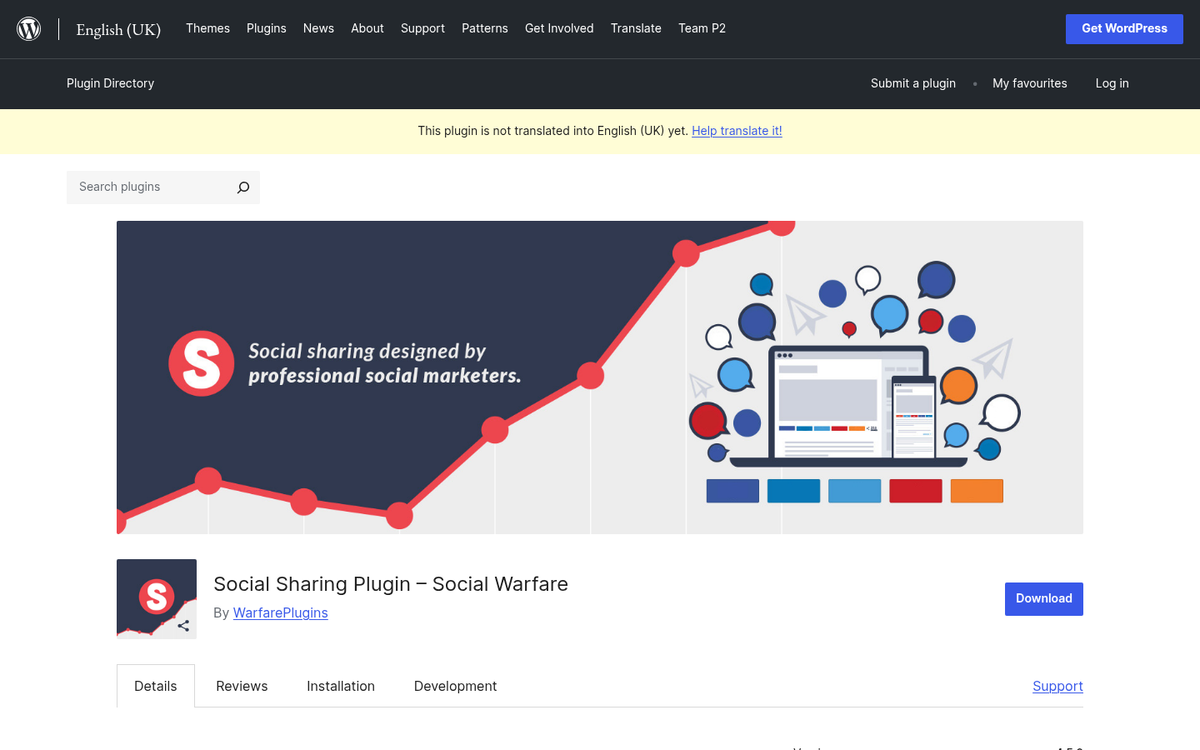
- Social Warfare includes Pinterest-specific image and description settings for each post. Whenever you publish, you can set a specific image and description to display whenever someone pins your post - no relying on Pinterest scraping whatever image happens to appear first.
- Social Warfare includes a custom tweet feature you can attach to each post. When a user clicks the Twitter/X share button, rather than generating a generic share, you can create an entirely custom tweet for them - including text of your choice, a shortened URL, and optionally an image.
- Social Warfare includes the standard click-to-tweet functionality you would otherwise need a dedicated plugin for. You can create specific pre-generated tweets, display them visually within your post, and let users post them with a single click.
- Social Warfare has a popular posts widget that sorts content by social shares rather than recency or manual selection - giving your most engaging content extra exposure to help it gain traction more easily.
- Social Warfare is coded to be fully responsive, adapting the display of buttons based on screen size and device type.
- Social Warfare is extensible with development hooks and documentation, so your developers can create customizations and add-ons that integrate with minimal friction.
- Social Warfare works with WordPress shortcodes and PHP snippets, so you can add buttons anywhere on your site - in templates, within content, or anywhere in between.
- Social Warfare includes a Frame Buster that prevents shady third-party sites from loading your content inside an iframe - a common technique used by thin affiliate sites to surround your content with their own ads and CTAs.
- Social Warfare automatically appends UTM tracking parameters to every shared link, allowing you to analyze your social traffic performance in detail through Google Analytics or any other analytics platform that supports UTM data.
One especially helpful feature for newer blogs is the ability to set a minimum share count threshold before numbers are displayed. When a post only has a handful of shares, showing that count can work against you - low numbers can signal to readers that something is wrong with the content. By hiding counts until they reach a set threshold, you ensure that when social proof appears, it's actually working in your favor.
Social Warfare also lets you sync old URLs with new ones to preserve share counts during a permalink restructure - like HTTP to HTTPS migrations - a fairly helpful feature that saves you from having to choose between a cleaner URL structure and maintaining your social proof history.
Social Warfare in the Age of AI
It's worth briefly noting how AI has changed the context around tools like Social Warfare. AI-generated content is now everywhere, and as a result, authentic social signals and human engagement have become more valuable than ever as trust indicators. A post that's been legitimately shared hundreds of times carries weight with readers who are increasingly skeptical of content quality.
Additionally, AI tools have made it easier than ever to produce content at scale, which means distribution and shareability matter more - not less. Getting your sharing infrastructure right - fast buttons, thoughtful design, platform metadata, UTM tracking - is foundational work that pays off regardless of how you're producing your content.
What It Costs
Social Warfare is in many ways a well-designed plugin. But it's not without a few caveats. Chief among those is cost. Many individual features are available for free from other plugins. What you're paying for is having them all together in one lightweight, well-maintained plugin, plus exclusive features like the frame buster and share count caching.
The Pro add-on is priced at $29 per year for a single-site license - working out to roughly $2.40 per month. It's an accessible price point for most bloggers, and given the performance gains and feature consolidation, it's hard to argue it isn't worth the value.
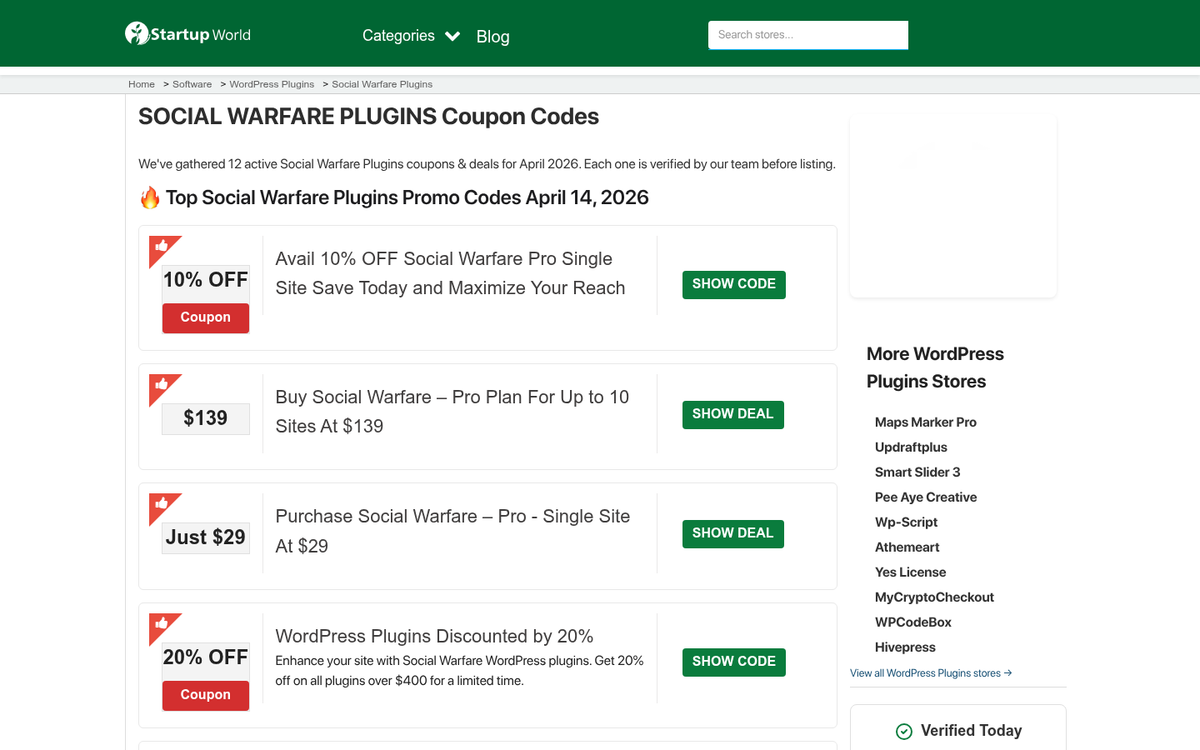
If you run multiple sites, you'll need a higher-tier license to cover them. Multi-site license pricing should be verified directly on the Social Warfare website, as pricing tiers have shifted over the years and are subject to change as features are added or updated.
One thing worth mentioning: the free version of Social Warfare available in the WordPress plugin repository still covers the core button functionality, and it's a legitimate starting point if you want to test it before committing to the Pro upgrade.
Overall, for bloggers in 2026 who want fast-loading, attractive, and feature-rich social sharing buttons without stitching together five different plugins, Social Warfare remains one of the strongest options available. It has aged well, and in a content ecosystem increasingly defined by AI noise, giving your human readers every opportunity to share content they legitimately like matters more than ever.