




Featured snippets are short pieces of content pulled directly from a webpage and displayed by Google at the top of a search results page. They're designed to answer a user's question immediately, without requiring them to visit any site. Because they appear above all other organic results, they occupy what's referred to as Position Zero - a place that tells searchers that Google has identified this content as the clearest, most relevant answer available.
As AI Optimization (AIO) and Answer Engine Optimization (AEO) change how people find information online, the content that earns featured snippets is increasingly the same content that gets surfaced by AI-powered tools and voice search platforms. The principles overlap more than most know.
This guide breaks down what featured snippets are, the different forms they take, and how you can structure your content to compete for them. Whether you're new to the concept or looking to sharpen your strategy, what follows is a helpful, easy walkthrough built for the way search actually works.
Quick Answer
I don't see any article content in your message. Please share the article text you'd like me to summarize, and I'll provide a concise featured snippet answer based on it.
What a Featured Snippet Actually Is
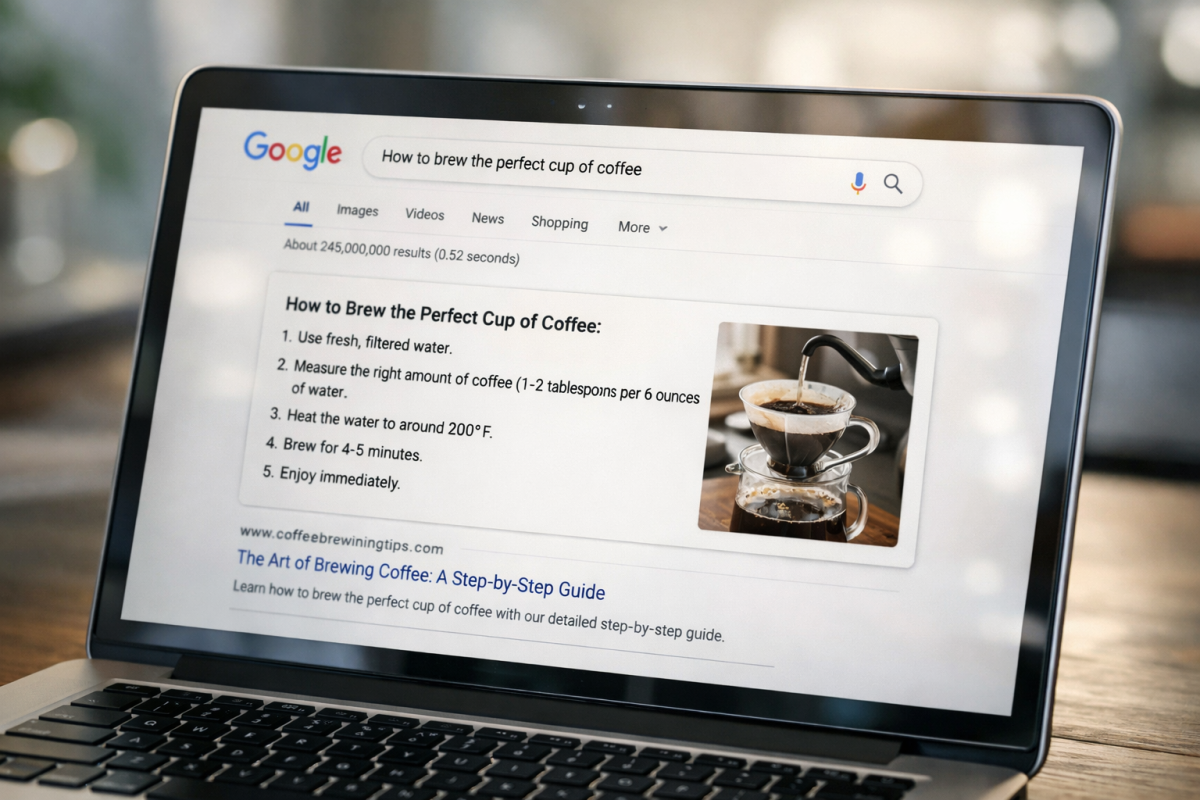
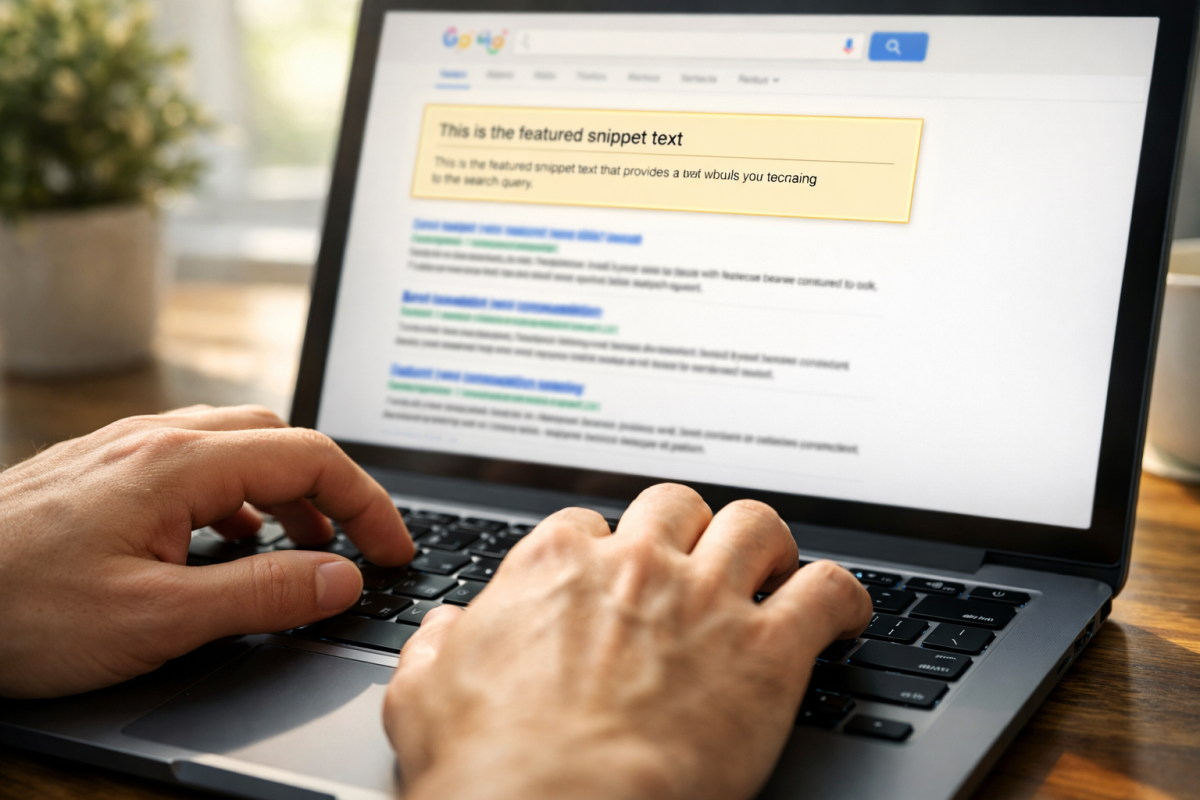
A featured snippet is a search result that Google pulls out of the normal list and places in a box at the very top of the page - it sits above the standard blue links, which is why people call it "Position Zero." It's technically not the first ranked result - it's above that.
The box pulls text, an image, or a table directly from a webpage and shows it right there on the search results page. Google does this because it wants to answer the user's question as fast as possible, without them needing to visit a website at all. The answer is there, ready to read.
Think about a time you searched something like "how long to boil an egg" and got the answer right on the page without clicking anything. That was a featured snippet doing its job. Google decides to serve one when it thinks a search query has a direct answer - usually a question, a definition, or a process.
The snippet shows the website's name and link underneath the pulled content, so users can still visit the page if they want more detail. But the core answer is already visible; it's the whole point - Google is prioritising the user's time over the website's traffic. This behaviour is closely related to zero-click search, where users get what they need without ever leaving the results page.
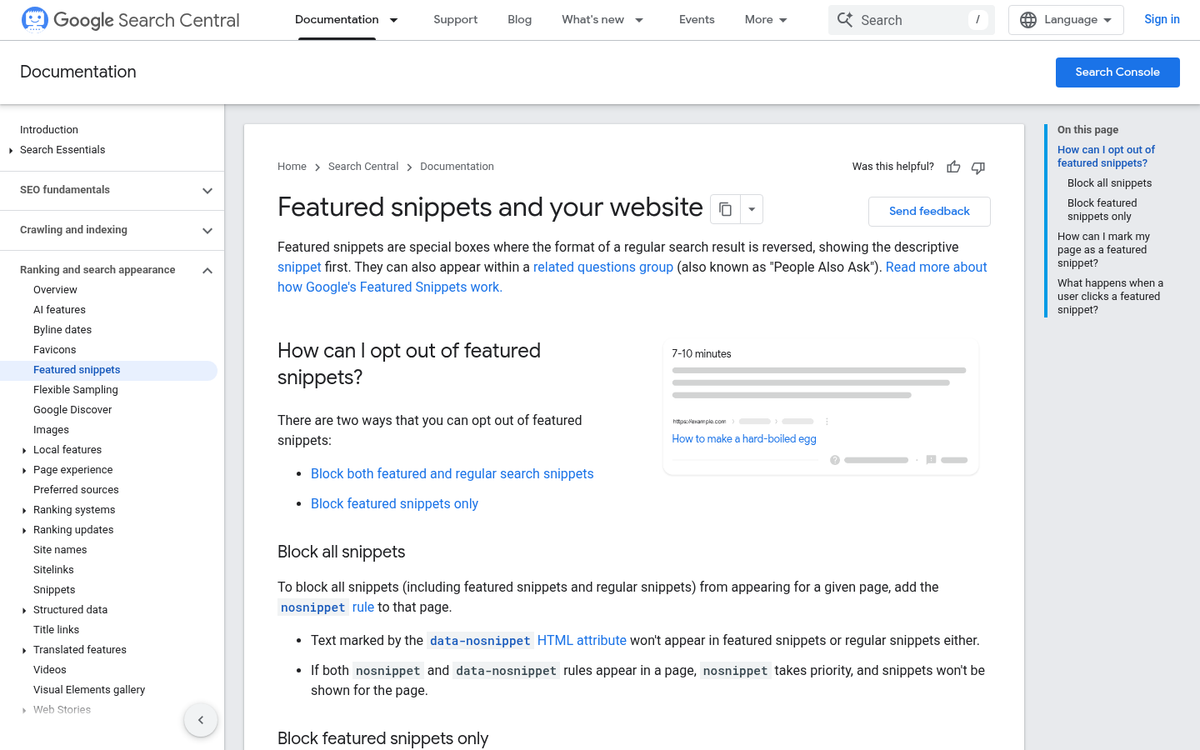
It's worth knowing that Google selects the snippet on its own. No website owner can pay for this placement or manually submit content for it. Google scans pages and picks the content it thinks best answers a given search query. That combination is the challenge and the opportunity - if your page answers a question well, Google might choose it.
Not every search triggers one of these boxes. Google serves featured snippets for questions, comparisons, and instructional searches. A search like "best running shoes" probably won't produce one. But "what is interval training" likely will. The format of the question matters quite a bit in terms of whether a snippet appears at all.
The Four Types of Featured Snippets
Google uses four featured snippet formats and each one fits a different search. Paragraph snippets are by far the most common, making up around 70% of all featured snippets according to Semrush data. These are short blocks of text pulled from a page to answer a question directly - think "what is photosynthesis" or "why does bread go stale".
List snippets come in second at around 19% and they appear as either numbered or bulleted lists. Google tends to use these for instructions or ranked content, like "how to change a tire" or "best plants for small gardens". They work well when the answer has a sequence or a set of items.
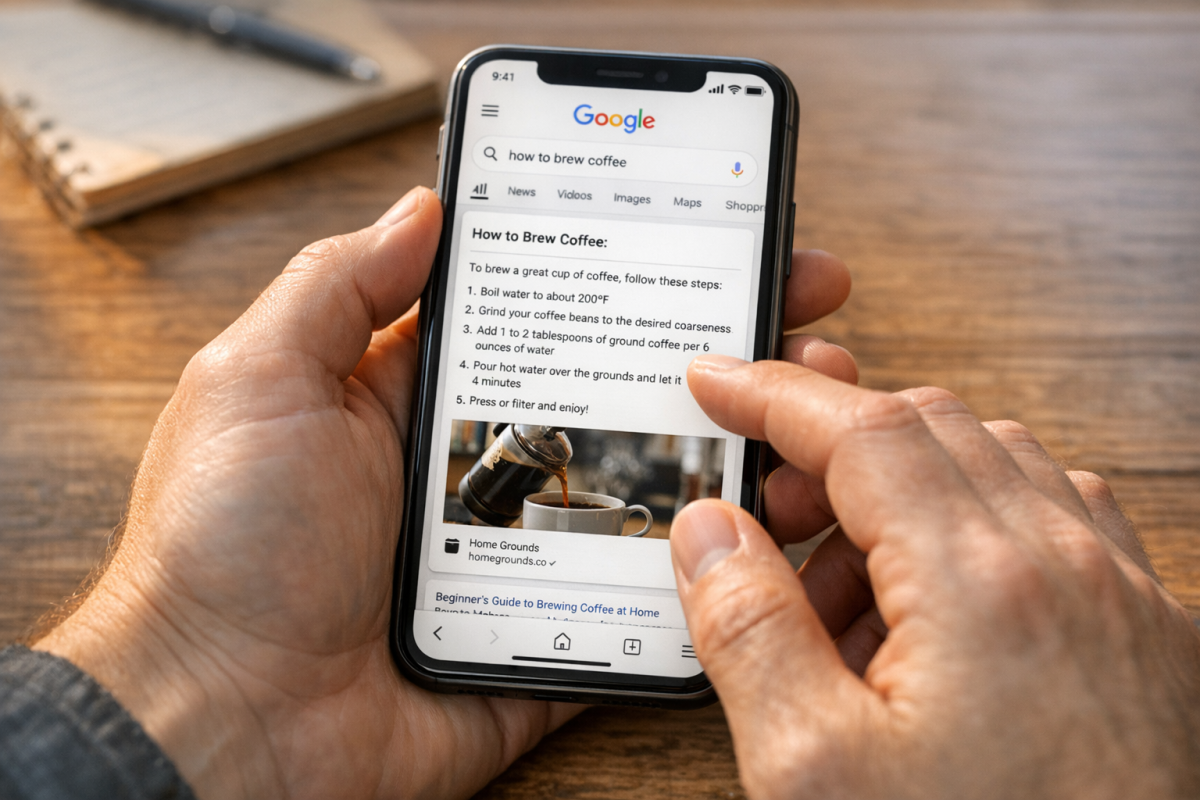
Table snippets sit at about 6% and show structured data pulled from a page in a helpful grid. These tend to appear for comparisons, pricing, schedules, or anything where the reader needs to scan across rows and columns. A search like "comparison of protein content in foods" is the kind of query that pulls this format.
Video snippets are the least common at around 4.6% and usually come from YouTube. Google pulls these for searches where a visual walkthrough makes more sense than text, like tutorials or how-to demonstrations. If you're considering embedding video content, it's worth knowing whether it's legal to embed YouTube videos in a blog post.
| Type | What It Looks Like | When Google Uses It |
|---|---|---|
| Paragraph | A short block of text below the search bar | Definitions, explanations, general questions |
| List | Numbered or bulleted items | Steps, rankings, grouped items |
| Table | A grid with rows and columns | Comparisons, data, schedules |
| Video | A YouTube clip with a timestamp | Tutorials, visual how-tos |
The format that applies to your content shapes how you structure your page. A paragraph snippet should have a clean answer written in prose. A list snippet needs list formatting on the page for Google to pull from.
Who Actually Clicks on a Featured Snippet
Winning a featured snippet is a win. But the click-through numbers tell a tougher story. According to EngineScout data, featured snippets capture around 35.1% of click share compared to 44% for standard organic results.
Part of what drives that gap is a behavior that can seem counterintuitive. A chunk of users - around 24% - skip featured snippets simply because they assume they're looking at an ad; it's nearly one in four scrolling straight past the most prominent result on the page.
There's also the "zero-click" reality to factor in. Some searches are answered so completely by the snippet that the user never needs to visit any website. This is especially true for quick factual questions like unit conversions, definitions, or basic how-to answers. You get the visibility without the traffic, which isn't always helpful depending on your goals.
The question is not if you can win a snippet, but whether winning one will bring traffic to your site. The answer depends quite a bit on what the person was looking for.
Search intent plays a big part here. Someone searching "how many ounces in a cup" probably doesn't need to click anything - the snippet does the full job. But someone searching "best project management software for small teams" is still in research mode and far more likely to click through to read more. Informational intent tends to produce fewer clicks. But commercial or navigational intent can make a snippet worth having.
It also helps to know that featured snippets don't appear everywhere. Semrush and Brado research puts the figure at roughly 19% of search results pages. That means they're not a universal feature of Google search - they show up in contexts where Google decides a direct answer is what the searcher needs most.
Why Google Picks Certain Pages Over Others
There's one stat that puts everything into perspective: according to Ahrefs, 99.58% of pages that hold a featured snippet already rank on page one. That means Google isn't pulling answers from obscure corners of the web - it starts with pages that already have authority and relevance, then picks the one that answers the query best.
If your page isn't ranking, winning a snippet isn't on the table. Getting to page one is the first step, and the snippet is something you can then compete for from there.
Query length plays a big part in this too. Data shows that 55.5% of 10-word queries trigger a featured snippet. But single-word searches only trigger one about 4.3% of the time. That gap tells you something helpful about what Google is actually trying to do with snippets.
Short searches tend to be vague. Someone typing "coffee" could want a recipe, a nearby cafe, or a history lesson. There's no single answer to serve up. But a longer query like "how much caffeine is in a cup of coffee" has a clear intent behind it, and Google can pull a direct answer to put at the top.
That's why question-based and conversational queries are the sweet spot for snippets. They signal that the user wants an easy answer, and Google responds to that by trying to give one without making the user click at all.
The connection between query length and intent is worth noting. Longer queries are more specific, and specific queries are easier for Google to match to a single authoritative answer. When your content is written to help with those precise questions, it can become a much stronger candidate. Grading your content for answer engine optimization can help you see how well it's positioned for this.
Google is also looking at how well a page's content matches the structure of the query itself. A page that directly addresses a question, in plain language, is more likely to be selected than one that buries the answer inside a wall of text. The right SEO tools and plugins can help you structure and optimize your content so it's easier for Google to read and feature.
How to Structure Your Content to Win a Snippet
You don't need to guess at this. Formatting your pages with intention - based on how Google reads and pulls content - gives you a shot at earning that top position.
Start with your headings. Frame them as questions your audience actually types, like "How do I..." or "What is..." or "Why does...". Google scans for pages that directly answer a question, and a question-based heading signals that - it also makes your content easier to scan for readers, so it's a win either way.
Under each question heading, write a tight paragraph that answers it. Around 40 to 60 words works here - enough to be legitimately helpful but short enough to fit a snippet format. Lead with the answer instead of building up to it. Google doesn't want a preamble; it wants the point.
For process-based content, numbered steps are your best structure. If someone searches "how to change a tyre" or "how to set up a business account," a clean numbered list is what Google wants to pull. Keep each step quick and action-focused.
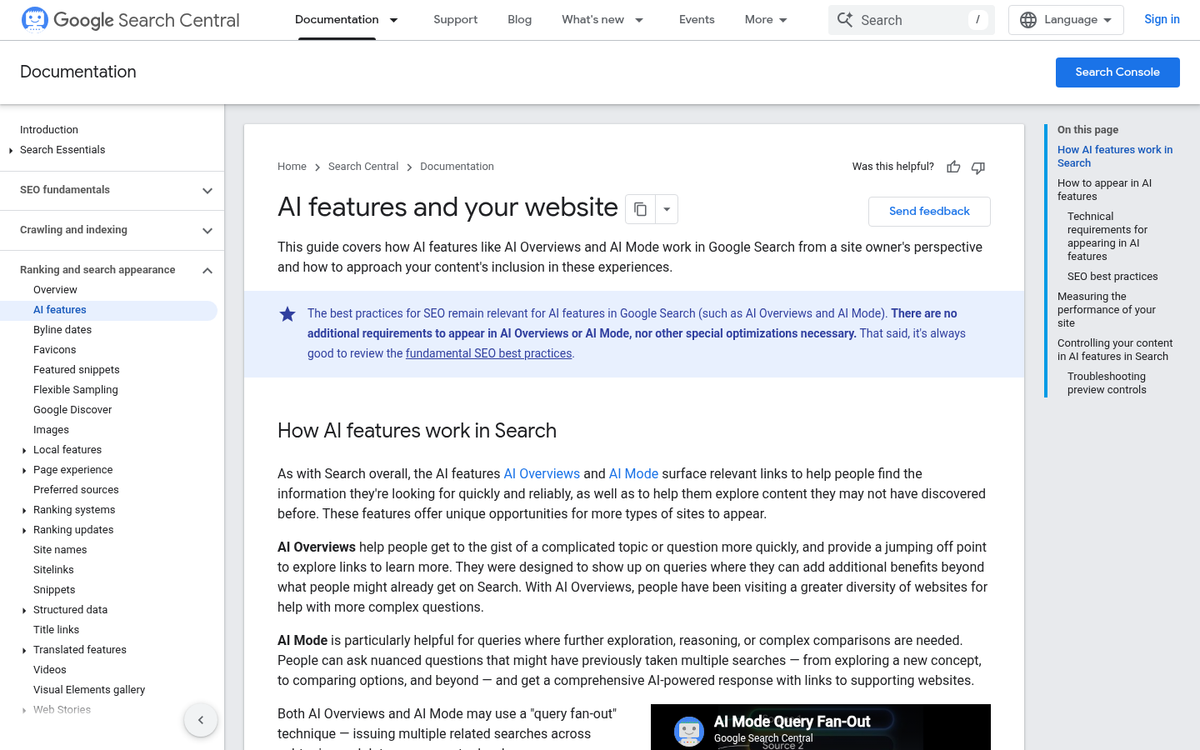
Tables are worth using for comparisons or data. If you're comparing two products, two plans, or two strategies, a well-structured comparison is easy for Google to lift directly into a snippet.
| Content Type | Best Format to Use |
|---|---|
| Definition or explanation | Short paragraph (40-60 words) |
| Step-by-step process | Numbered list |
| Comparison or data | Table |
| List of items or options | Bulleted list |
One thing worth learning about: according to Backlinko, 54% of snippets come from searches with less than 50 monthly searches.
Google Search Console is a tool to find where you already have traction. Look at queries where your pages get impressions but not clicks - those are prime candidates to reformat with this structure in mind.
The Role of Featured Snippets in AEO and AIO
Featured snippets have always been helpful for SEO. But their importance has grown in a new direction. As AI-powered search experiences become more common, the same content that earns a snippet is increasingly the content that feeds AI-generated answers too.
Answer Engine Optimization (AEO) is the practice of structuring content so answer-focused tools - like AI assistants and search engines - can pull from it. The content structures that work for featured snippets map almost perfectly onto what AEO calls for. Direct answers, clean formatting, and well-organized information are what get rewarded.
Google's AI Overviews are an example of this overlap in action. When AI Overviews generate a summary at the top of a search result, they frequently draw from pages that are already in the running for featured snippets. The content doesn't need to be rewritten for AI - it just needs to be written in a way that's easy to extract.
If your content isn't structured to answer questions directly, it's harder for traditional snippets and AI systems to use it.
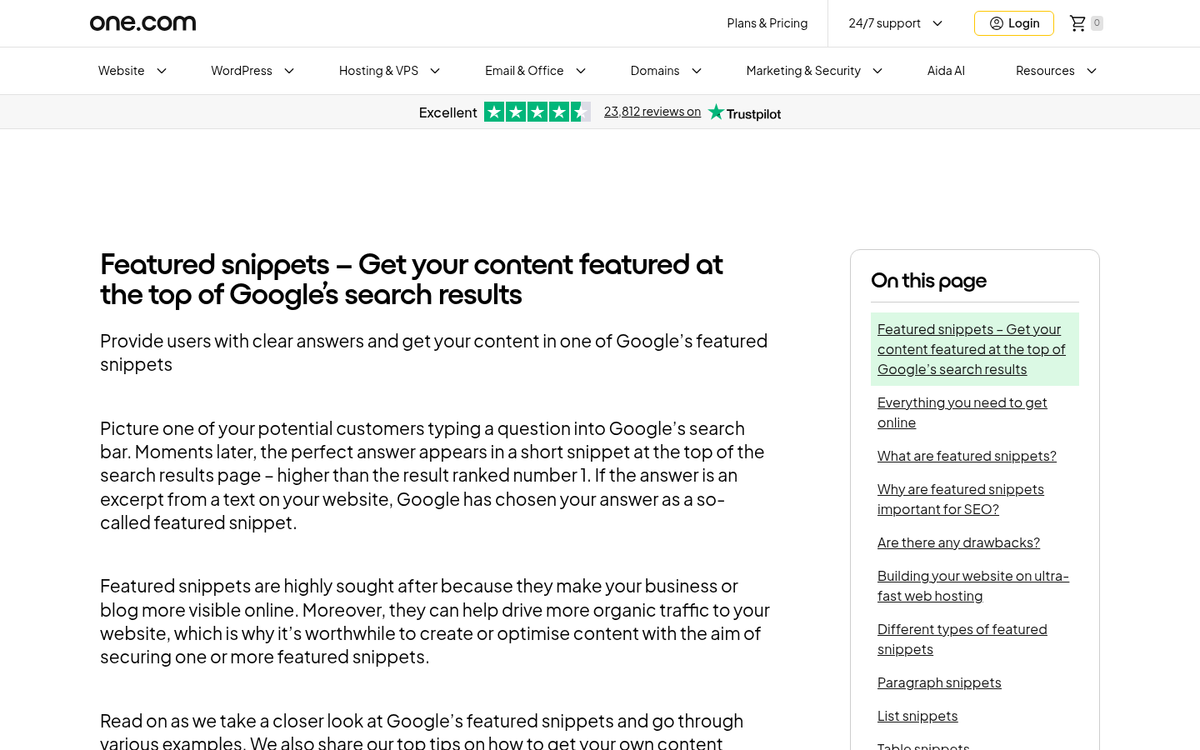
AI Overviews (AIO) take this even further by synthesizing answers from multiple sources at once. Getting into that combination can depend on trust signals, relevance, and how well your content is structured to answer the query at hand. The groundwork you lay for snippets is the same groundwork that positions you for AIO visibility.
For content creators, the work isn't siloed anymore. You're not optimizing for snippets in one corner and AI search in another. The same page, written with the same principles, can perform across both - it's a real change in how to think about content strategy - not as separate tracks for different search features, but as one strategy that serves multiple surfaces at once.
Common Mistakes That Cost You the Snippet
A lot of website owners put effort into their content and still never land a featured snippet. The problem isn't the writing itself- it tends to come down to small structural choices that make it hard for Google to pull a clean answer from the page.
One of the most common mistakes is burying the answer too deep. If a user asks a question and your response is three paragraphs down the page, Google might not connect it to the query. Put the direct answer right after the question, ideally in the first sentence or two under that heading.
Vague or keyword-stuffed headers are another issue. A heading like "What Makes Content Rank in Google?" is much easier for an algorithm to match to a search query.
Walls of text are also a problem. Google tends to pull from content that's easy to scan - short paragraphs, numbered steps, or simple lists. If your page reads like one long block, you make it harder to extract a clean snippet even when your information is accurate and well-written.
Many pages also ignore long-tail question queries entirely. Phrases like "how long does it take to rank on Google" or "what is a canonical tag" are the searches that trigger featured snippets. If your page never addresses those phrasings, it has no chance to appear for them.
The most common dangers worth checking on your own pages:
- The answer appears too far down the page
- Headers are too broad or stuffed with keywords
- Content lacks structure and is hard to scan
- Long-tail question phrases are missing from the copy
None of these are hard to fix. Small edits to page structure and header wording can change how Google reads a page that has been live for months with no snippet to show for it.
Small Tweaks, Big Visibility Gains
The best place to start is closer. Pick one or two pages on your site that already rank on the first page but haven't claimed the snippet. Look at the question those pages answer, then restructure the response - tighten the definition, add a clean numbered list, or use a summary paragraph near the top. Small changes to how an answer is presented can move the needle faster than a full content overhaul. You have the knowledge, and the work is in the formatting. If you're building out your site's content strategy, understanding how certain content choices affect your rankings can help you avoid common pitfalls along the way.
FAQs
What is a featured snippet in Google search?
A featured snippet is a box Google places above all organic results, pulling text, images, or tables from a webpage to answer a user's question immediately without requiring a click.
What are the four types of featured snippets?
The four types are paragraph (most common at ~70%), list, table, and video snippets. Each format suits different queries - paragraphs for definitions, lists for steps, tables for comparisons, and video for tutorials.
Can you pay Google for a featured snippet placement?
No. Google selects featured snippets automatically based on how well a page answers a query. No website owner can pay for or manually submit content for this placement.
Do featured snippets always increase website traffic?
Not always. Simple factual queries are often answered entirely within the snippet, resulting in zero clicks. Commercial or research-focused queries tend to drive more click-throughs.
How should content be structured to win a featured snippet?
Use question-based headings, answer directly in 40-60 words beneath them, and format steps as numbered lists. Place the answer immediately after the question - don't bury it deep in the page.