Key Takeaways
- Google has no explicit policy banning autoplay videos on landing pages, and won't penalize advertisers directly for using them.
- Autoplay videos can lower your Quality Score if users close tabs or report ads, increasing costs and reducing visibility.
- Chrome's Media Engagement Index may block autoplay entirely on sites where users historically mute or skip videos.
- Muted autoplay is now the dominant standard, preserving visual engagement benefits while eliminating disruptive audio problems.
- Landing pages must function without video, since Google indexes text more reliably and browsers often block autoplay by default.
Autoplay Videos and Your Marketing: What Still Matters in 2026
As much as I might wish otherwise, there isn't really a consensus amongst the marketing community about autoplay videos. I personally don't much like them; any time I'm browsing a website and there's an embedded video player, I have to wait for the damn video to load so I can pause it to actually read the article or landing page I'm on. In a few cases, I've even used an ad blocker to blacklist the video player on a specific site, just because it's so obnoxious.
Sound is the key component here. A sudden burst of noise when you're listening to some chill music or otherwise just focusing on text is hugely disruptive. It's why even platforms like Facebook, YouTube, and Instagram default to muted autoplay in feeds until the user actively chooses to engage with audio.
On the other hand, autoplay videos largely won the war of adoption. The attention they draw, the people who watch them, the conversions they create - it's all been enough incentive to keep growing. With major platforms normalizing muted autoplay across mobile and desktop, smaller websites have followed suit.
It's actually a pretty interesting discussion, even if I'm a little biased on the issue. Let's dig in.
General Problems with Autoplay

There are a lot of problems with using autoplay videos in your marketing or on your website. The one that comes up most often is just the noise issue. It's disruptive, annoying, and even potentially harmful to a user to have a video that plays without their control. Imagine if someone has their volume settings set low, but the video player you use is on high volume. If they're wearing earbuds, it can damage their hearing. If they have speakers, it can be disruptive to everyone around them, waking up babies or interrupting work.
There's also the embarrassment angle. If the topic of your video is something the user might be searching for regarding a personal problem, like a medical issue, having an autoplay video might be embarrassing to them. No one wants to be searching for a solution to a personal health issue only to have a video announce it to their whole office unexpectedly.
You also have the issue of consistency. Every website has their own site design, and even though there are some standards - like the location of a logo and navigation - the location of a video player is not very standard. Between that and the variety of different video players a site can choose to use, the user has to scramble not only to locate the video making noise at them, but to figure out which action pauses it. Some players will pause just by clicking on the video; others demand a click on the pause button, which might be in a different position depending on the player.
All of these issues lead to usability problems. Users who have their browsing disrupted are less likely to go back to what they were doing. Some will leave your site in disgust, but others might just forget why they came or what they were doing. In some cases, when the video isn't quite the same as the text, the user can get distracted and go off on a tangent elsewhere.
There are a few benefits to using autoplay videos in the right context and with the right limitations. I'll discuss those a little later, but first, let's look at what Google has to say. If you're also thinking about how to get more plays on your video, there are proven strategies worth exploring alongside these autoplay considerations.
Google's Word
As far as I can tell, Google does not have an official policy explicitly addressing autoplay videos on landing pages within their Google Ads or AdSense policies. I can't find anything that definitively says autoplay videos are good or bad from a policy enforcement standpoint.
To add to this, Google does not appear to be demoting pages with autoplay videos from their search results. A wide variety of sites, from entertainment to news to blogs, have autoplay videos on the pages you reach when you click search results. If Google wanted to declare autoplay to be an invalid strategy outright, they certainly could.
What Google has made clear is how they handle autoplay in their own ad products. Per Google Ads Help, advertisers are only charged when someone watches an autoplay ad for at least 10 seconds on Google Video Partners. Additionally, autoplay of in-feed video ads does not count towards video views, and Google does not charge until the viewer actively visits the YouTube watch page. That's actually a fairly advertiser-friendly policy, even if it doesn't directly address what you put on your own landing page.
For the moment, it looks like if you use Google Ads to send traffic to a landing page that has an autoplay video, you won't be directly penalized for it. Google isn't going to increase your costs or remove your account simply for having an autoplay video on your landing page.
But that doesn't mean there are no consequences.
Softer Dismissal
All of that said, there are two ways that autoplay videos might not be the best idea. The first is in purely Google Ads terms: your Quality Score.
Your Quality Score is made up of several factors, which come down to the relevance of the keyword to your landing page, the ad text relevance, the click rate of your ads, and - here's the important one - the historical performance of your account and landing page experience.
When people don't like autoplay videos, it hurts your page to have them. Those people will rebel against the autoplay video by closing the tab or reporting the ad as something they don't want to see. This means your page performs more poorly than it otherwise would, and your Quality Score drops. A lower Quality Score means less ad visibility and higher costs moving forward.
Video can be an incredibly powerful tool to increase conversions on a landing page, but you need to make sure watching the video is the user's choice. Even those who recommend using video don't recommend autoplay videos.
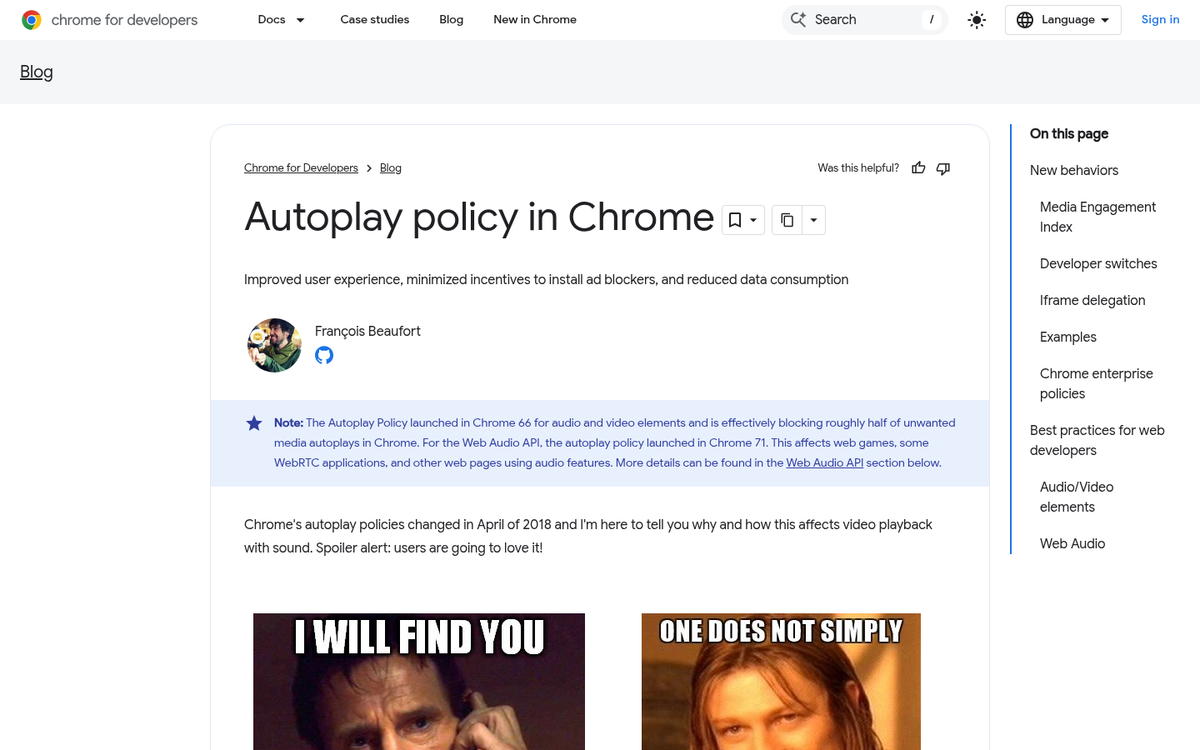
The second form of dismissal comes from browser-level autoplay blocking, which has now been standard for several years. Starting with Chrome 53 and iOS 10, Android and iPhone began supporting inline muted autoplay. Then Safari 11 for Desktop changed how it handles autoplay videos, and Google Chrome followed in April 2018 with its own autoplay policy changes. By now, in 2026, these restrictions are simply the default behavior users and developers both expect.
The core principle Chrome established - and that has stuck - is the Media Engagement Index. The more a user historically engages with video on a given site, the less likely Chrome is to block autoplay. A user who watches videos on Netflix every day will not have autoplay blocked there. A user who lands on a local news affiliate site and immediately mutes or pauses the video clip attached to every article? Chrome is likely to block autoplay on that site entirely over time.
Google's own developer guidance made one point that's worth copying wholesale because it remains just as true today:
- Don't ever assume a video will play, and don't show a pause button when the video is not actually playing.
Your page design should not center around the assumption that a video will be playing, because in many cases it simply will not be. A site like Netflix can get away with video-first design because the video is 100% of the reason the user is there. A local news site or a marketing landing page cannot make that same assumption.
For a landing page, here's my advice: Don't use a video as a centerpiece of your marketing. A video should be supplemental only. A good landing page needs to function even if the user is browsing on mobile, browsing without sound, browsing without a video player installed, or using a text-to-speech accessibility app.
If removing the video from your landing page reduces conversions, consider why that is. It could certainly be because the video does a good job of explaining your service. It could also be because your landing page copy does a poor job of it.
There's also the ongoing problem that Google does not index video content with the same reliability as text. Your landing page needs to stand on its own based on the words on the page. Video can supplement and convert, but it can't carry the SEO weight your copy needs to.
This all means that you can't rely on a video playing to educate your customers. They need to be able to learn enough from your landing page that it either makes them convert or makes them want to play the video.
The Silent Autoplay
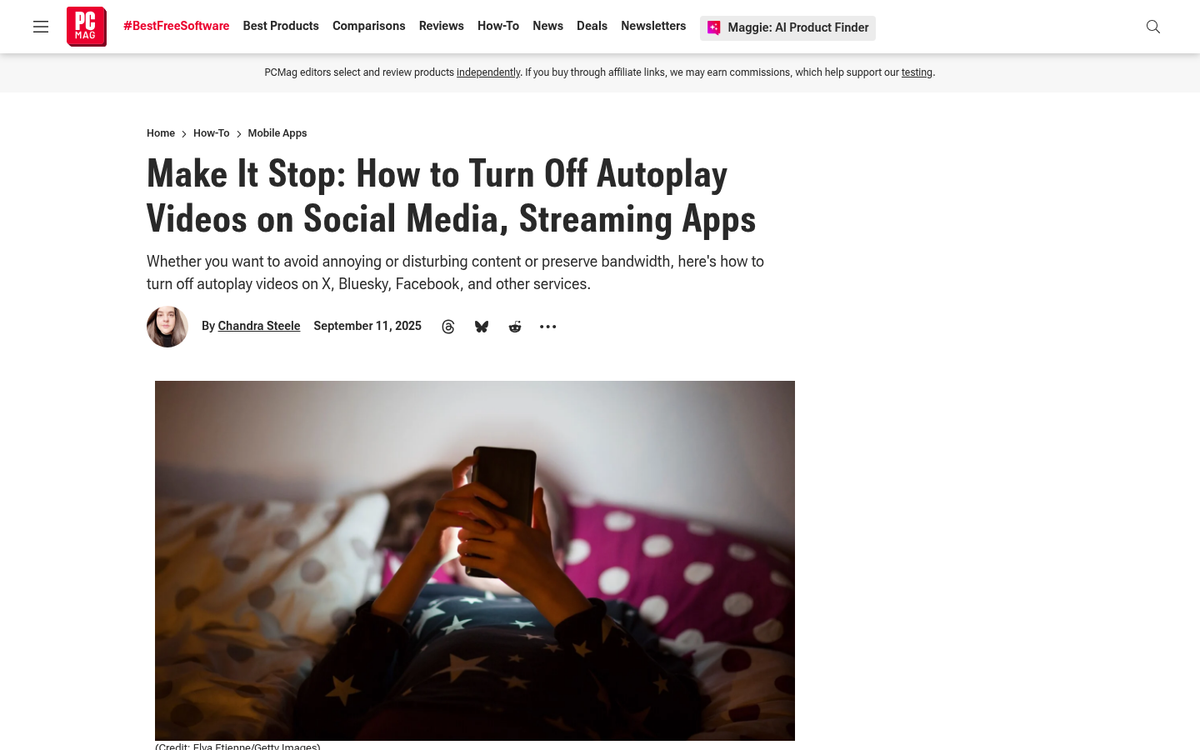
The approach that has become the dominant standard - already visible years ago on Facebook, Twitter, and Instagram, and now essentially universal - is the silent autoplay: a video that plays automatically when it's in view, but does so without sound. It's like an animated GIF that you can click to add audio if you choose.
This approach simultaneously solves the core problem most users have with autoplay while preserving many of its benefits. The disruptive issue - the sudden burst of audio that causes users to frantically search for a mute or pause button - is eliminated entirely. What remains is the visual engagement benefit, without the anger.
The benefits are primarily visual. We're a species drawn to motion, which is why social media feeds have become dominated by video content. When something moves on a page, users are more likely to pause and give it attention. If the content is relevant and interesting, they'll click to engage further, including turning on sound. This is, by far, the best practice for video if you actually want users to watch it.
That said, there are still real accessibility and indexation considerations that haven't gone away:
- The visiting user doesn't have sound available to them, so audio-dependent video content adds nothing.
- The visiting user is relying on a screen reader or accessibility tool that doesn't interact with video.
- The visiting user is on a mobile connection with a data cap, where autoplay video - even muted - consumes bandwidth they didn't choose to spend.
The first two reinforce the core principle of not making video essential to your marketing message. The third is worth noting even as unlimited data plans have become more common; not every user is on one, and not every context is a fast Wi-Fi connection. Respecting your users' bandwidth is still a mark of a well-built site - and something worth considering when you think about how much it costs to make a site mobile friendly.
The bottom line in 2026 hasn't changed much from when this debate started: muted autoplay, used sparingly and as a supplement to strong written content, is the safest and most effective approach. Autoplay with sound remains a conversion killer for most sites. And building a landing page that depends on a video playing at all is a strategy that browsers, users, and Google's own ad systems will continue to quietly push back against.