





Key Takeaways
- Low-hanging fruit in content marketing means minimal-effort actions that still deliver significant SEO and site performance improvements.
- Refreshing old content can generate 106% more organic traffic compared to focusing solely on creating new content.
- "Tipping point" content ranking in positions 4-15 offers the greatest opportunity, as small optimizations can dramatically increase traffic.
- Consistency in publishing is critical - missing just a few posts caused Neil Patel's traffic to drop 21%.
- Technical SEO basics like mobile optimization, site speed, and Core Web Vitals have a multiplying effect when combined.
The term "low-hanging fruit" comes literally from fruit. Fruit trees get pretty big and the easiest fruit to reach is the fruit that hangs low enough to be within your reach - it's easy things to get, you only have to put in the effort of reaching up and grabbing it. You don't have to climb a tree, whip out a ladder, or build a tough machine to fast vibrate the tree and jostle fruit loose.
The term is used to show something that takes very little effort to achieve. So in the context of content marketing, the low hanging fruit is something you can do with very little effort that will, nevertheless, have a big impact on your SEO and site performance.
Since blogging covers a number of different marketing techniques, there's plenty of possible low-hanging fruit to choose from. Here are as many as I could think of to get you started. You've likely already done some of them. But anything you haven't done is something worth doing. Think about it, it's a minimal investment of effort for some pretty solid rewards.
1. Cross-Promote Social Profiles
Every business has a few business social profiles, probably a Facebook, a LinkedIn, an Instagram and so on - it's common to cross-promote those. But why not take it one step further? Cross-promote with other profiles in your sphere of influence.

Promote your business profiles on your personal accounts. Link to your LinkedIn on your Facebook profile. Make everyone you can aware of every other profile you have, passively in your About sections and actively in posts, on occasion. If you have team members who are willing to share it, have them do so as well.
2. Use Appealing Keywords in Headlines

When you're creating blog post headlines, you can use some common keywords to entice more people to click. We're not going full clickbait here. But remember that some words are more desirable than others. Such words include Free, Tips, You, Why, Best, Tricks, Great, How To and numbers for list-related headlines. You could be surprised at just how well they work.
3. End on a Question
As you write your blog posts, try to end them on a question. All you need to do is end your blog post with a question posed to your audience. "Do you know of something for this list I might have missed? Let me know!" A quick, easy question spurs on more engagement, entices users to promote their favorite services and even attracts business owners to talk to you.
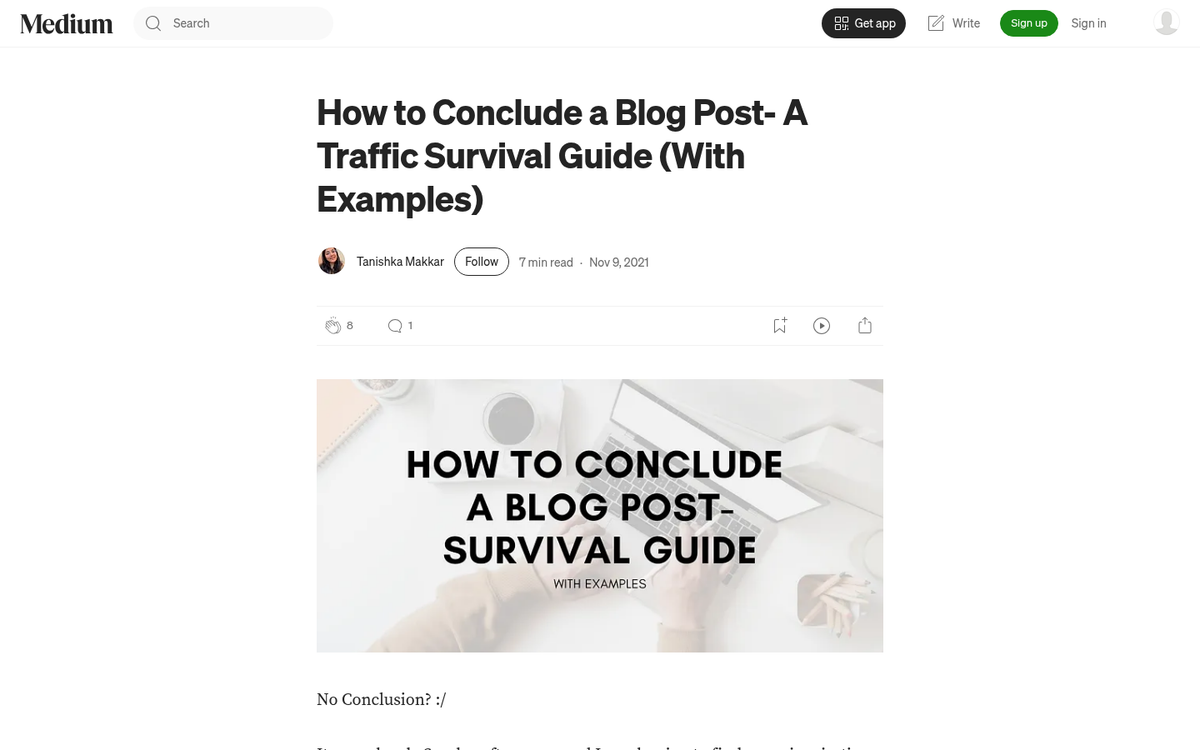
Encouraging comments is a great way to build extra content for your articles. Good, lively conversation in your comments is all indexed by Google and helps count towards the content on the page. If you use a comments plugin, be sure to check whether the Disqus comments plugin slows your site down.
4. Write Skimmable Content
People don't read blog posts word for word - they skim them looking for salient information. If your content isn't formatted for skimming, you're losing readers before they ever get to your best points.

That's why it pays to format blog posts for easy skimming. Subheadings, bulleted lists and use of italics and bold to stress important points are all great for this. Users can skim until they find something they want to read about, then read that section in greater detail. If you're still struggling to get readers, poor formatting could be one of the reasons why.
5. Repeatedly Share Your Content

There's no rule that says once you publish a blog post, you can only share it on social media once. Studies have shown that posting a blog post a few times will get you even more performance and each subsequent post tends to get around 75% of the engagement of the previous iteration, so there's diminishing returns. But it's still worth doing at least 2-3 times for each post you want to promote. As an added bonus, this helps you round out a social media posting schedule with extra content to keep your profile active.
6. Prioritize Consistency
Neil Patel said that when he missed a couple of blog posts in his schedule, his traffic dropped by 21%; it's a bit of a hit for something as easy as skipping a few posts.

Google and your audience prize consistency; they want something new to read. Use an editorial calendar, whether it's a Google Calendar, a project management tool like Trello or Notion, or a simple spreadsheet. Make sure you set a schedule and follow it. If you have to publish a few shorter posts, guest posts, or refreshed posts, that's fine; the consistency matters more than a slightly lower quality level.
7. Mimic What Works

Who says everything everyone does has to be original? The blogging world is full of copycats. One of my favorite techniques is to look at what my competitors are doing and then just... do that. Figure out what the top posts your competitors wrote are and write posts on the same topics. You can even use their post as a starting point. "Anything you can do, I can do better." Right? Dig deeper than they did, expand on their conclusions, add information and value with case studies they didn't have and outrank them on the power of your great content. Just make sure that you aren't blatantly copying something they did, so it's always wise to stay far enough away from penalties. If you're looking for fresh angles, content title idea generators can help you put a unique spin on topics your competitors have already covered.
8. Reuse Older Content
Old content that had value while it was relevant can be made relevant again. And the payoff is significant - HubSpot research shows that businesses with organized content refresh programs see 106% more organic traffic compared to those focusing exclusively on new content creation; it's a great return for what is usually a fraction of the effort of writing something new from scratch.

Say you wrote a post about the top 10 WordPress plugins to use back in 2021. You can edit and republish that same post, removing plugins you no longer recommend, add new ones and update the copy to reflect the latest year. Repeat this annually for an endlessly helpful post that accumulates more links and references over time. Mine your old content for posts you can refresh and revive. When you do, update internal links to point at newer, related content for even more benefit.
9. Write a Follow-Up Piece

Another way to make use of old content is to write a piece that follows up on it. You most often see this on posts that speculate about the future. A great example is annual SEO prediction posts - where a blogger makes predictions for the coming year, then follows up with a retrospective on how accurate those predictions were - it's a great format that gives you two posts for the effort of staying involved with your own content and readers love the accountability and transparency of it.
10. Keep Your Audience Around
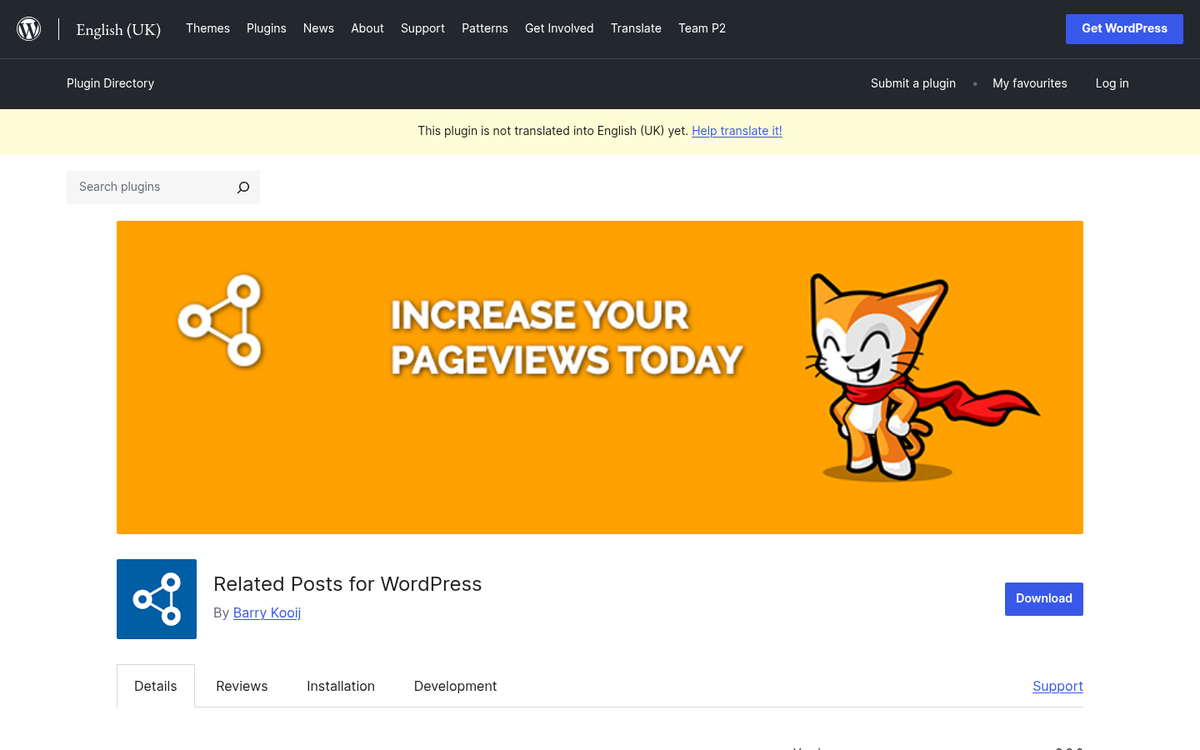
When visitors show up on your blog, you want them to stick around. Right? Many read what they came to read and leave. But if you can entice them with more posts on the same topic, you can keep them on your site reading for much longer. The more they read, the more attached to your brand they become. So how can you do this? The primary strategy is internal linking with a related posts plugin. WordPress has a number of these plugins available which automatically cross-link your posts with other posts most relevant to them - it's a great way to keep readers circulating through your site.
11. Understand User Intent
Know what your customers are looking for and how to reach them. Start with your main keyword research to choose a topic.
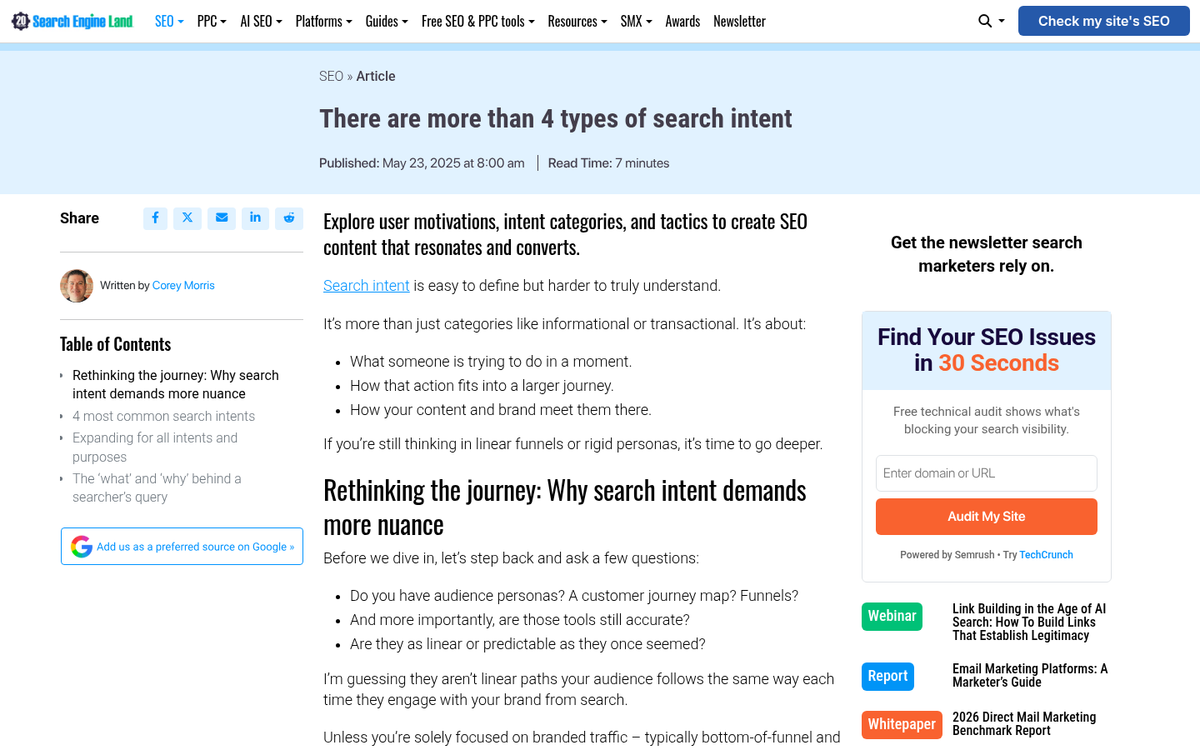
Then look for posts that already rank for that topic and dig into analytics to find what long-tail keywords the post also ranks for. Sprinkle those organic keywords throughout your new post - you need only mention them once or twice. But that's enough for Google to pick up on them. If your content is sufficiently long and high quality, it can rank well right out of the gate, for keywords users are actually looking for.
12. Bolster Tipping Point Content
Okay, this one will be a bit longer. First: what's tipping point content?
Tipping point content is content that's just on the verge of ranking where you want it. But it's not quite there. According to Ahrefs, moving a page from position 4 to position 1 delivers far more results than moving from position 100 to 15 - which means the keywords already ranking in positions 4-15 are your true low-hanging fruit. If your goal is the front page, it's on page 2. The point is, it's almost there. But it's not quite there. For reference, Ahrefs has found that sites like NerdWallet have nearly 900,000 keywords in this tipping point range - meaning there's far more opportunity sitting just below the surface than most site owners know.
What you need to do is figure out which pieces of content you have are on the tipping point for keywords. First, go to Google Search Console. Click on the Performance sidebar and change the Date range to something narrow, like the previous 30 days. Click on Average Position and click on the Queries tab. Filter by position and look for keywords ranking just outside your goal - anything in that positions 4-15 range is a prime candidate.
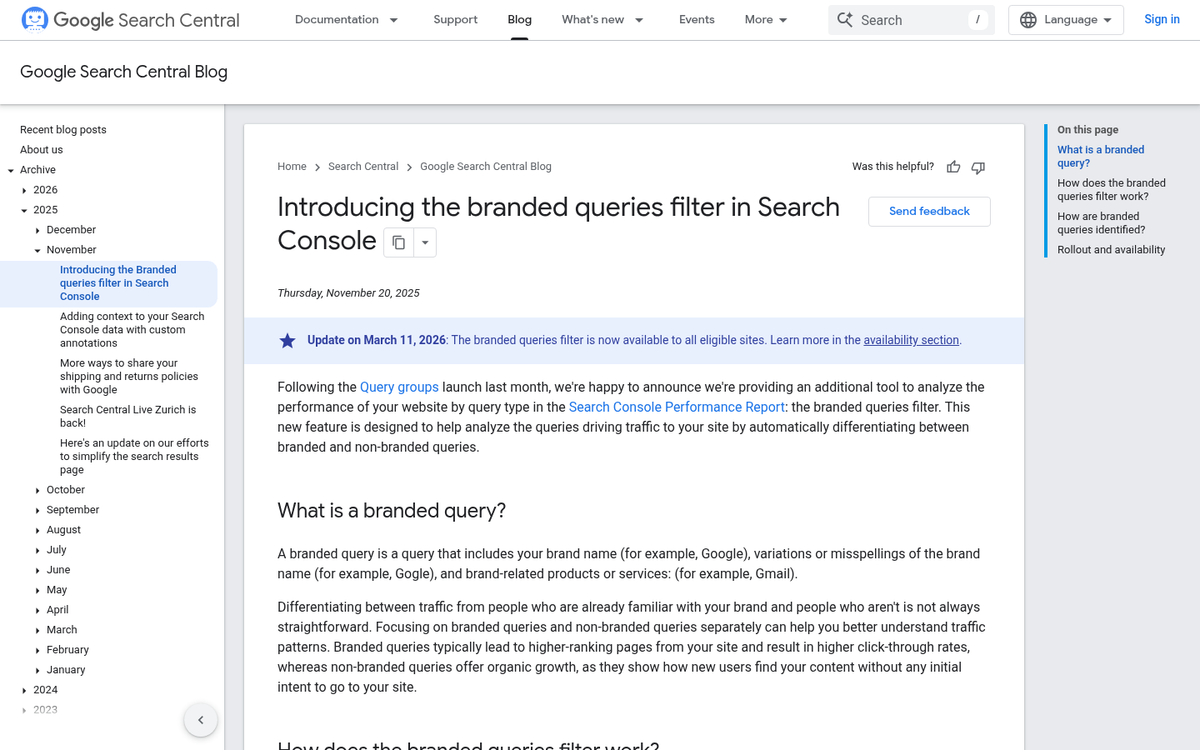
Once you've identified a few tipping point keywords for a given piece of content, go back and edit that content. Add the keyword once or twice to the body of the page. You can add it to your page title, though if your title is already ranking for more important keywords, don't change it. The same goes for your meta description. Additionally, consider expanding your content to more directly address the intent behind the keyword.
The final change to kick this into overdrive is internal linking. Identify five other articles on your site that are related to your tipping point content. Go into them and add a new internal link with the tipping point keyword in the anchor text, pointing it at your newly optimized post - it will add more weight to that keyword, even though the links are internal.
13. Send Email From a Person

Even if your mailing list subscribers like your email, they might not necessarily open it. Messages coming from a company name tend to get mentally filed away or ignored out of habit. You can make your emails more engaging and get them opened more just by sending mail from a person's name. Putting your CEO's or a team member's name on the messaging immediately feels more personal and helpful than a generic newsletter.
14. Moderate Your Comments
Comments can help a blog hugely, as it gives it more content and engagement which, as you might expect, gives you more engagement and comments. The trick is you'll have to moderate them effectively, which can be a tough job.
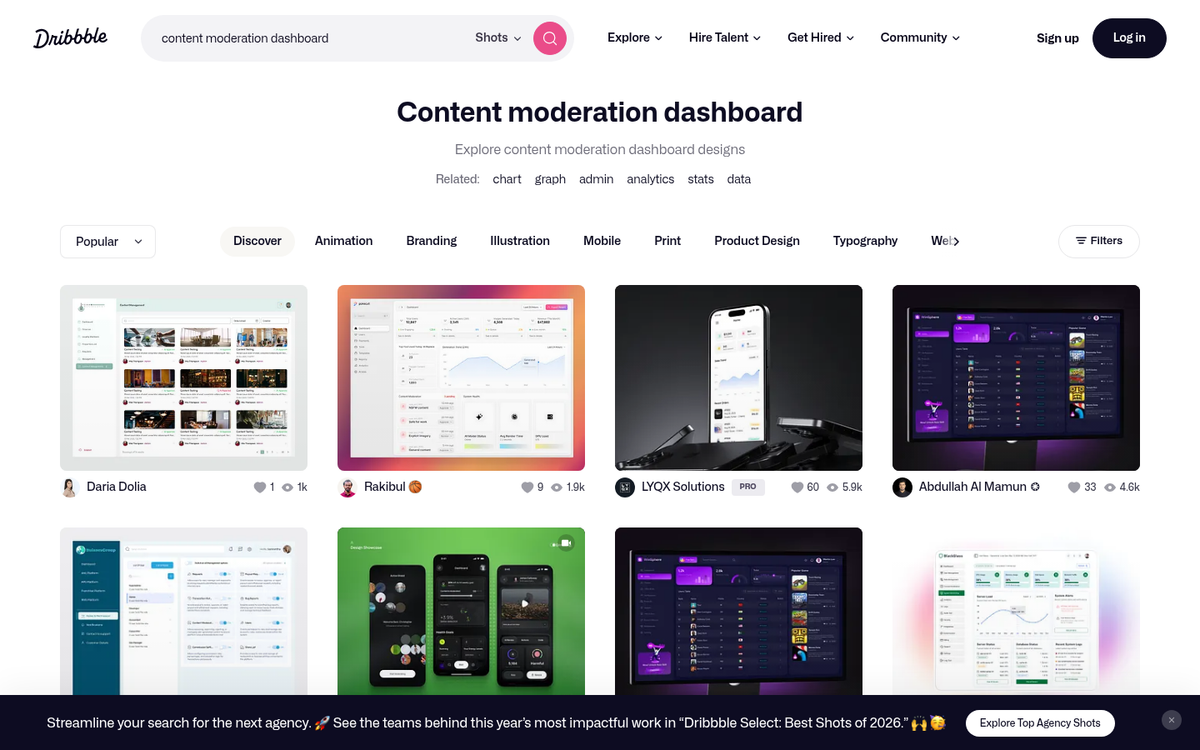
If you're automatically approving comments, then you'll have to go through and delete the spam on a regular basis. If you're requiring approval before comments post, then you'll have to keep that queue as empty as possible. You kill engagement and conversation when users don't know how many days or weeks it will be before their posts are published. If you're looking for ad-free alternatives to Disqus for WordPress comments, there are several worth considering.
15. Hit the Basic Optimization Metrics
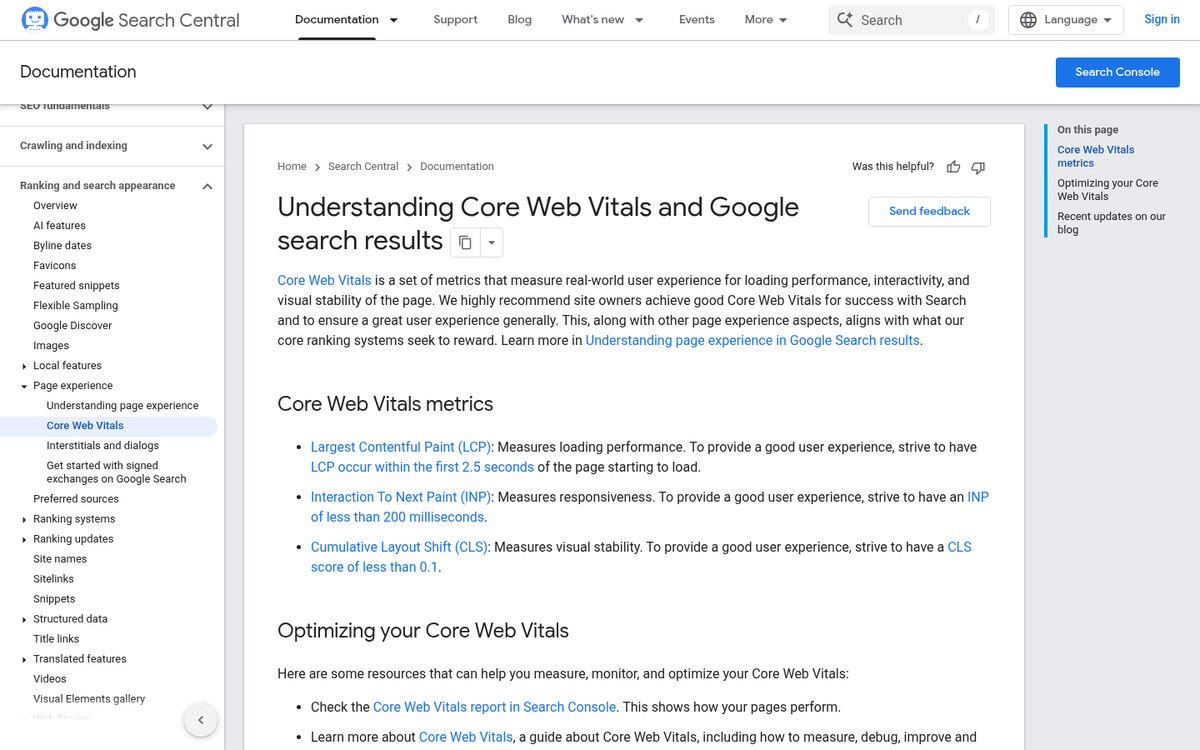
Google has technical SEO guidelines you can follow to get minor boosts in SEO power and each one individually is usually minimal. But when lumped together they can have a multiplying effect on your site relevance. What things should you look into?
- Optimizing your site for mobile compatibility.
- Optimizing URL structure for human readability.
- Optimizing navigation for ease of use.
- Optimizing site speed so your site loads faster.
- Maintaining a site map so it's easy to index new or changed content.
- Ensuring your Core Web Vitals pass Google's thresholds for a good page experience.
And so on. There are any number of other low-hanging fruit techniques, so please, if you have some you've put to use, let me know in the comments!

2 responses
Thoughtful replies only - we moderate for spam, AI slop, and off-topic rants.
Where did you get the stat "attention span of a web user today is a quarter of a second"?
Haha! I'm glad you liked that.