When most people talk about monetizing their websites, they generally mean enrolling with an ad network and installing their code. The ad network handles everything, from fill rate and rotation to tracking and payments. It's all very hands-off, but it has a few drawbacks. The two biggest drawbacks are the lack of control over your advertising, and the lower payments due to the network taking their cut.
If you manage your ads manually, you can have a lot more control over individual ads, though you will have to set aside a lot of time to work with advertisers directly. However, you make up for this with a higher profit level, because the people buying ads on your site aren't working through a middleman. You're free to pitch yourself as you see fit to the brands you want, and brands can come to you with their offers. You can set whatever level of cost you want, whatever payment model you want, and you can push it beyond the levels you can get through an ad network.
It's a lot of work to manage your own ads, though. You need to have special tools in place, special skill sets available, and your site needs to be set up to handle ads smoothly. This list, then, is a compilation of possible tools you can use, plugins you can add to your site, to help you manage your ads.
Most of the plugins on this list have at least some functionality for managing ads manually. You don't have to just paste in some code and then rely on a third party dashboard. They don't all allow direct buying and selling of ads on your site without a third party, but that's a relatively rare desire for most bloggers anyway. I'll make note of it when it's a key feature for the plugin in question.
Key Takeaways
- Managing ads manually gives more control and higher profit by eliminating the middleman, but requires significant time and special tools.
- Several plugins like AdRotate, Advanced Ads, and Ad Inserter offer free versions with robust features for managing and rotating ads.
- Premium plugins like Ads Pro, WP Pro Advertising System, and OIO Publisher enable direct ad buying and selling without relying on ad networks.
- Key advanced features to look for include geotargeting, ad scheduling, A/B testing, and detailed reporting across various paid plugin options.
- Some plugins serve niche purposes, like Quick AdSense for simple AdSense integration or Datafeedr for surfacing affiliate content contextually.
1. The WordPress Ad Widget
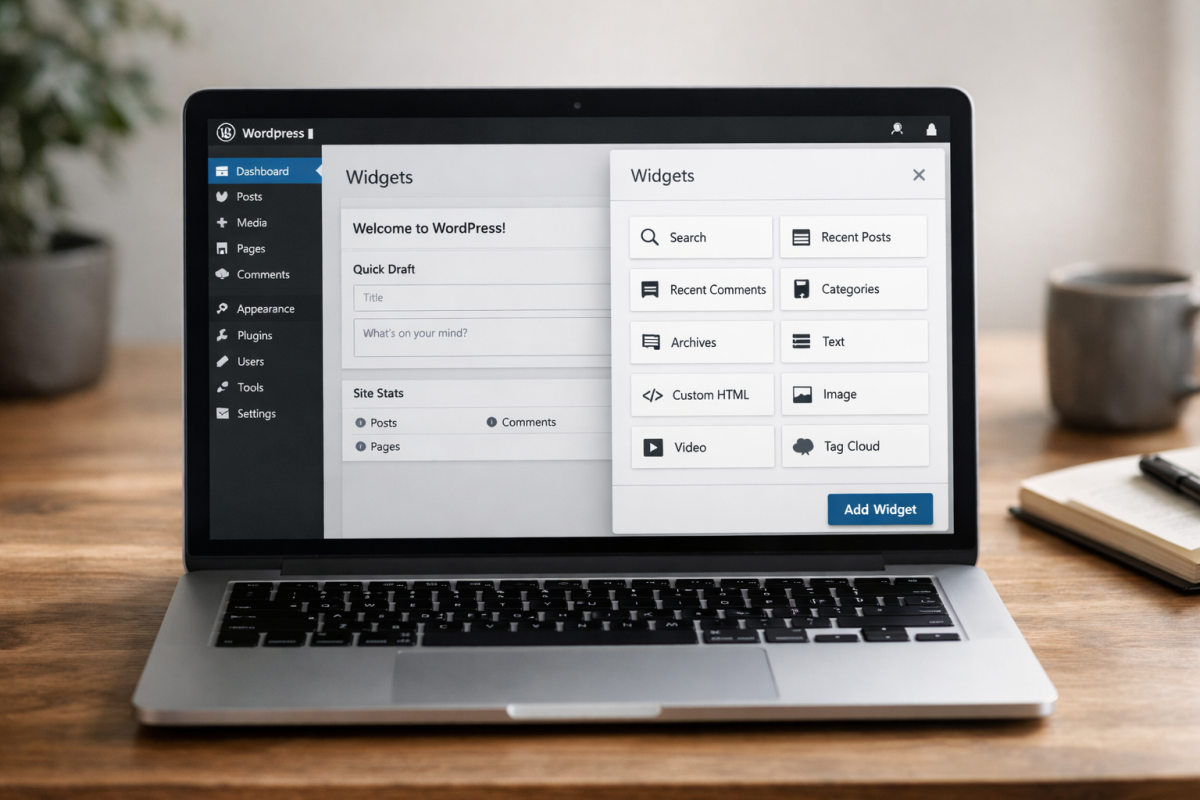
There's not a lot to this plugin. It's very simple and made for beginners running more or less default WordPress blogs, without a lot of fancy code or template editing that could skew where ads would appear.
It's intuitive to use and only has a few forms to fill out whenever you want to add a new ad to your site. It supports the basic ad formats and works seamlessly with Google's AdSense and other major ad platforms. However, it's not really designed for selling and managing multiple ads on your own. Rather, it's for people wanting to integrate an ad network's code into their site without the design expertise necessary to do so.
2. AdRotate
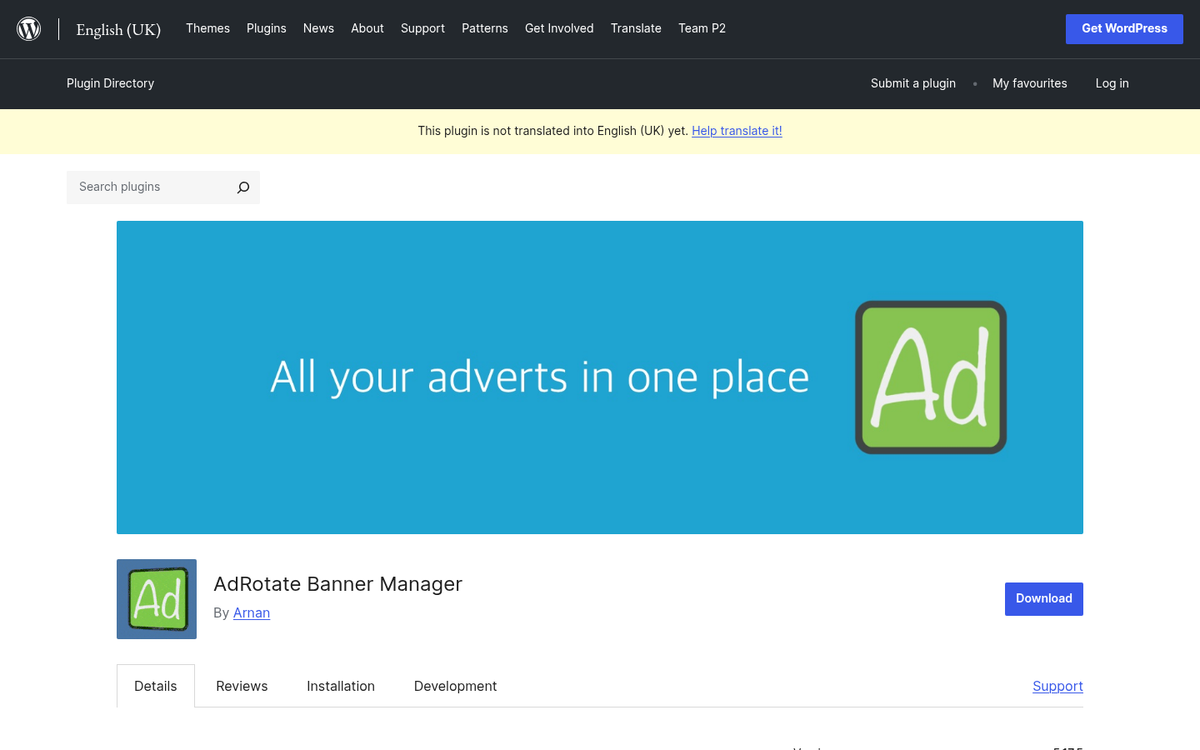
The free version of this plugin is a more self-serve ad manager than the above, and while it works with ads from AdSense and other providers, it also has the power to create and add your own ads. This is useful for adding your own content into rotation as a promotion, or for selling ad space directly.
There is a premium version of the plugin as well. Primarily, it adds geotargeting and scheduling to the mix. A license for a single website costs 29 Euros, which includes all of their expanded features for a single site. Bulk licenses are available at a discount if you need to manage multiple sites.
3. Ad Inserter
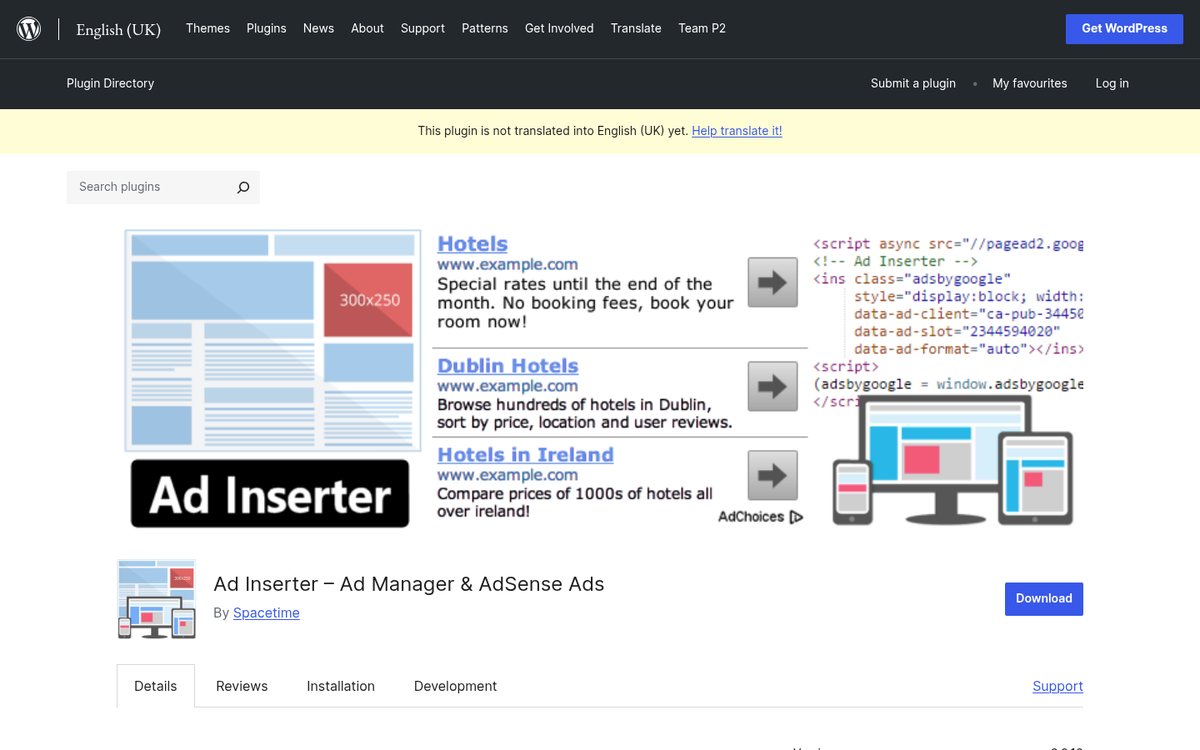
Ad Inserter has become one of the most popular ad management plugins available, boasting over 40,000 active installs and a consistently high rating. It's a significant step up from some of the simpler options on this list, injecting ads into your content dynamically based on context and position. You can configure ad density, spacing, split testing, rotation, and a wide range of other advertising staples.
What makes Ad Inserter stand out in 2026 is how actively maintained it is. It supports automatic insertion above or below posts, between paragraphs, in the sidebar, and more - all without touching your theme files. The free version covers most use cases, and the Pro version unlocks advanced features like geotargeting, additional ad blocks, and priority support.
4. WP Pro Advertising System
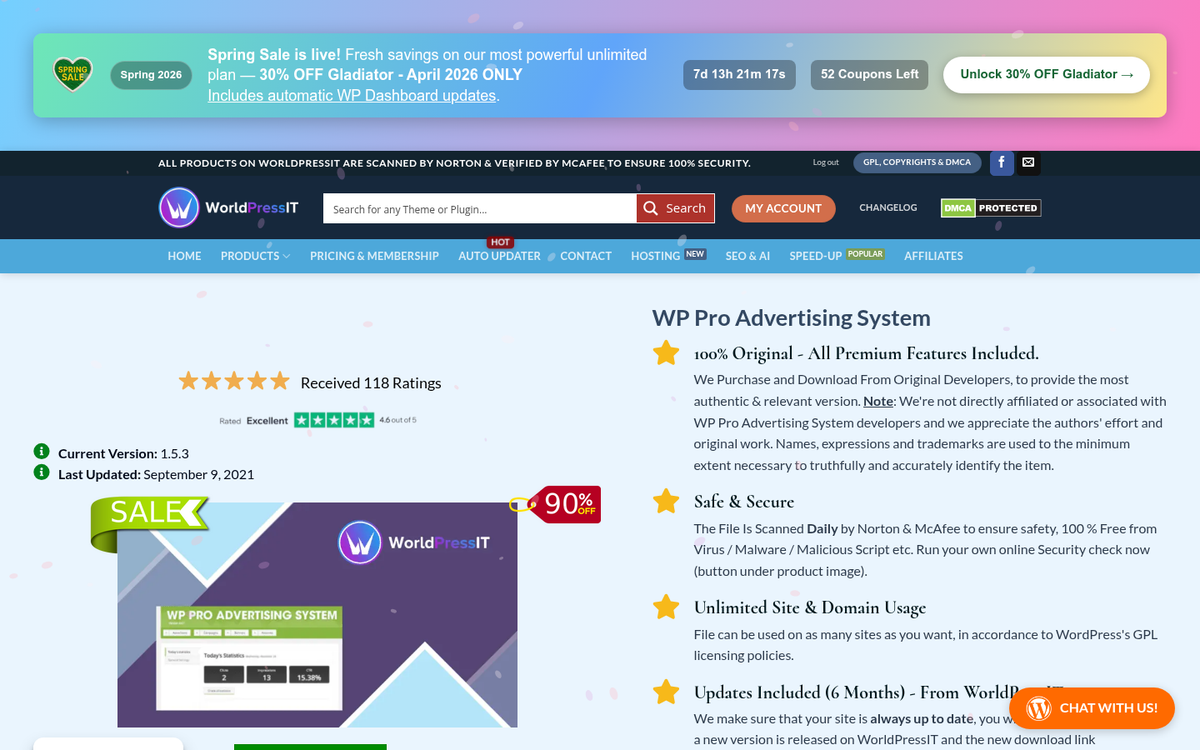
This plugin is not free, so if you're just looking for a free option, you can skip this entry. It's a system very much like others above, except with additional features tacked on. For example, it has easy Google Analytics integration.
It has automatic updates, predefined option sets, and the ability to configure everything exactly the way you like it. Perhaps most notably, it has ad scheduling that allows you to only display ads during peak hours, or display different sets of ads at different times of day. In addition, extensions are available to integrate it with other systems like WooCommerce, and one such extension allows full manual management so you can cut out ad networks entirely.
The regular license is $29, which includes six months of support and access to future updates. The manual buy and sell ads system extension is an additional $12.
5. Advanced Ads

Advanced Ads has grown into one of the most well-rounded ad management plugins in the WordPress ecosystem. The free version is surprisingly capable, letting you create, manage, and schedule unlimited ads without touching a line of code. It supports all major ad formats and networks, including Google AdSense, Google Ad Manager, and Amazon Ads.
Where it really shines is in its targeting options. You can serve different ads based on post type, category, user role, device, and more. The premium license for a single website starts at 29 Euros and unlocks features like geotargeting, ad groups, A/B testing, and sticky ads. If you want a single plugin that can handle nearly every ad management scenario, Advanced Ads deserves serious consideration.
6. Ads Pro

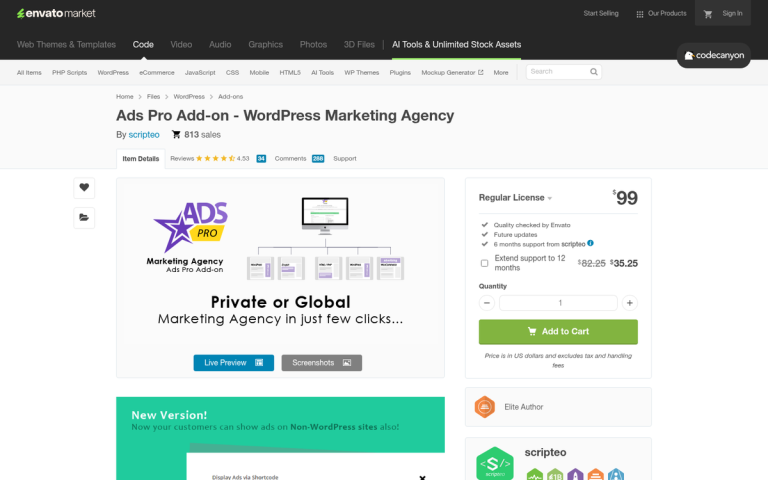
This one is another premium plugin on CodeCanyon, but it's worth it if you want a robust dashboard packed with features. It's a self-styled "insane ad manager" and it allows direct buying or selling of ads on your site without the need to go through a network. You can integrate it with a network of course, but that's not a limitation.
One of the biggest selling points of this plugin is that you can create templates on a grid system that makes it easier than you might expect to really customize your ad displays. Ad filters, ad capping options, and over 25 different ways of displaying ads makes it adaptable to pretty much any site.
The license costs $37 and gives you the standard CodeCanyon six months of support, with the option to extend support beyond that for an additional fee.
7. AdSanity

AdSanity is a clean, lightweight ad management plugin that strikes a nice balance between simplicity and power. It's built specifically for WordPress and handles both self-hosted ads and ad network code with equal ease. You can schedule ads, track impressions and clicks, and insert ads via widget, shortcode, or template tag.
The Blogger license runs $49 per year, which includes updates and support. It's a reasonable price for a well-maintained plugin that doesn't try to do too much, making it a solid choice for bloggers and small publishers who want a clean solution without a steep learning curve.
8. AdPlugg
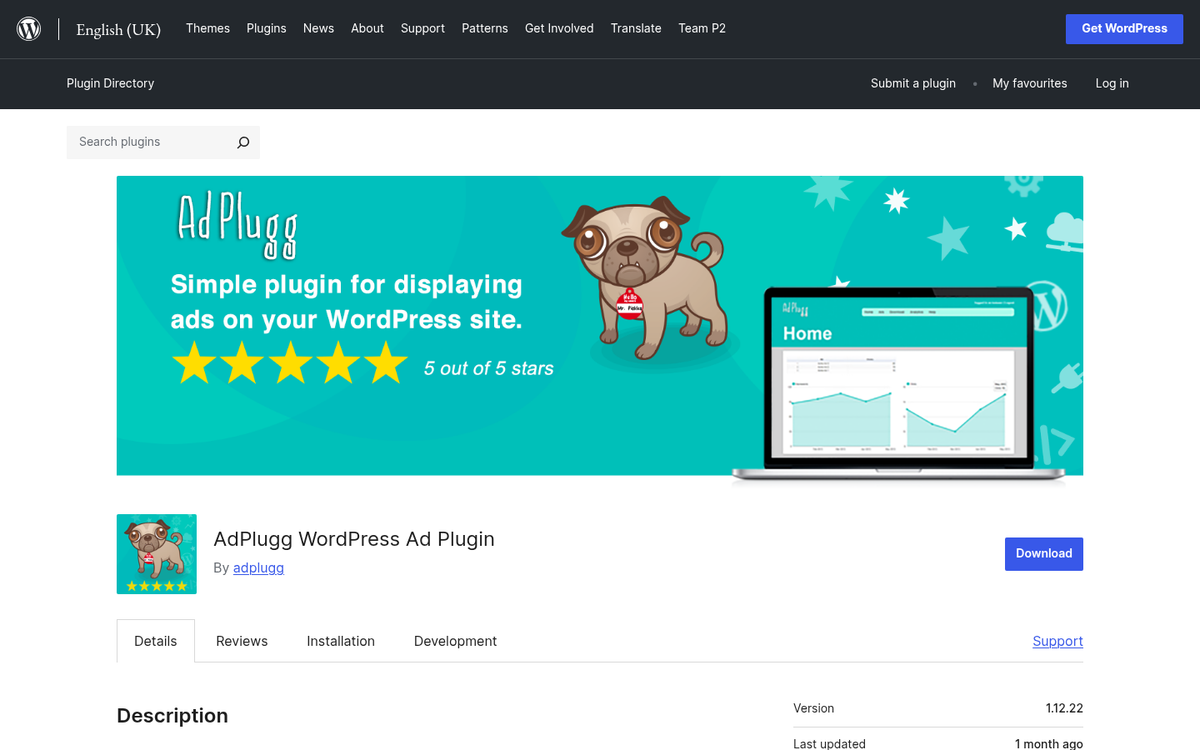
AdPlugg is a reliable and frequently updated plugin that connects your WordPress site to the AdPlugg ad serving platform. The free account includes up to 100,000 impressions per month, which is more than enough for small to mid-sized sites just getting started with ad management. It's a great little plugin if you want a managed ad serving solution without the complexity of a full enterprise-grade system.
The plugin itself is lightweight and easy to configure, and the AdPlugg dashboard gives you solid reporting and scheduling tools. It's best suited for publishers who don't mind working within the AdPlugg ecosystem in exchange for a simple, reliable setup. If you're also looking for completely free marketing tools to complement your ad strategy, there are plenty of options worth exploring.
9. WP AdCenter
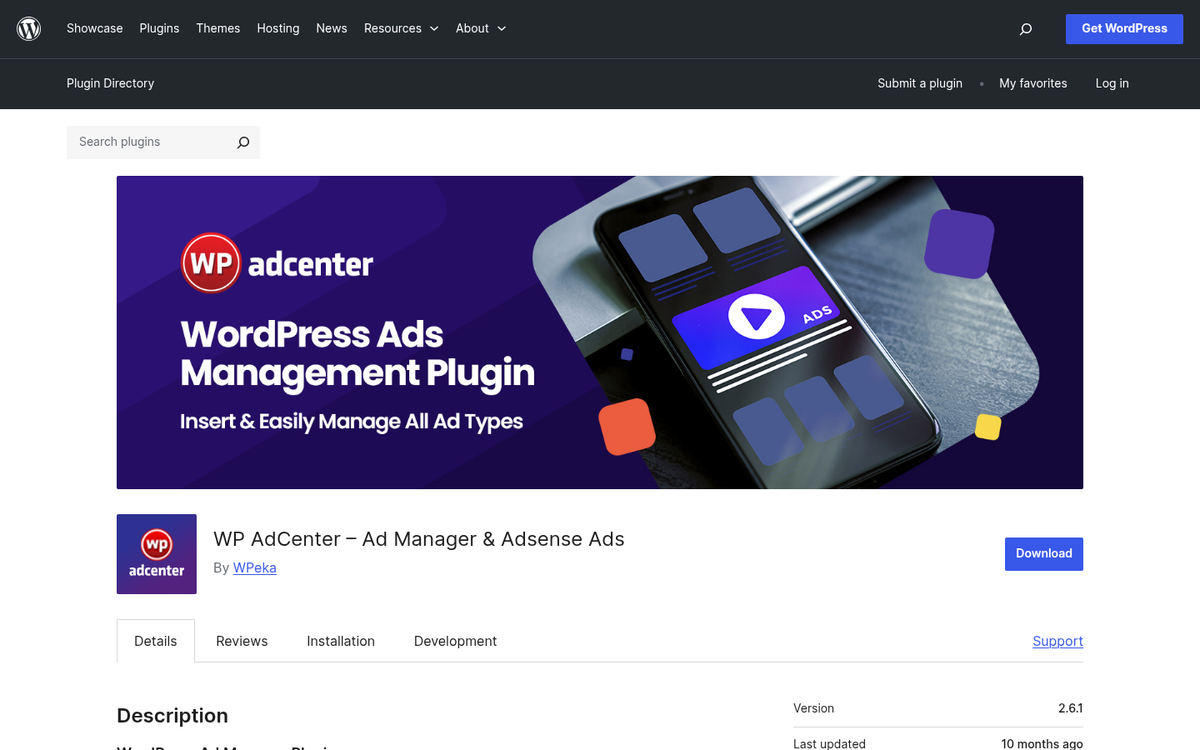
WP AdCenter by WPeka has quietly built an impressive reputation over the years, with over 10 years in the WordPress space and more than 20,000 customers. It's a solid all-in-one ad manager that lets you handle everything from banner ads and Google AdSense to direct ad sales - all from a clean dashboard.
It supports multiple ad types, ad scheduling, geo-targeting, and detailed reporting. If you want to sell ads directly on your site, WP AdCenter makes that process reasonably straightforward with built-in payment integration. For a plugin backed by a well-established team with a long track record, it's one of the more trustworthy options on this list.
10. OIO Publisher

This is one of the more complete ad managers you'll find, and notably it's not limited to just WordPress - you can use it on other platforms as well, with the WordPress plugin being a specific variation. The full version is $47, and what you get makes it a solid deal.
OIO Publisher has been in development since 2007, which speaks to its longevity in a space where plugins come and go. All of the features you might expect from an ad network can be found here. You can manage ads manually or automatically, integrate other networks, or sell ads directly. The direct selling engine is handled through a backend system, so you don't have to manually process anything beyond reviewing ads to make sure they're appropriate for your site. Payments and everything else are handled by the system.
11. Quick AdSense

If all you want to do is run AdSense on your site and you don't want to edit files directly, this plugin remains a straightforward option. It's free and dedicated to one single purpose, and it does that purpose well. It's been around for a long time, so as with any older plugin, keep an eye on compatibility with your current WordPress version and configuration. If it's working cleanly on your setup, it's hard to beat for sheer simplicity.
12. Ads by Datafeedr.com

This is an interesting plugin, though it occupies a fairly niche use case. It includes ads - in particular affiliate links - in your content via placeholders, displayed in a somewhat randomized fashion. It's a creative way to test ads for viability, though it does sacrifice some of the precision you'd get with more targeted advertising. Think of it less as a full ad management solution and more as a lightweight tool for surfacing affiliate content contextually throughout your posts.