Key Takeaways
- A subscription button and newsletter work together - subscribers expect content soon after signing up.
- Automatic blog post newsletters use RSS feeds to email subscribers whenever new content is published.
- Automation saves time and boosts results - trigger-based emails average 35.6% open rates versus 19.7% for standard blasts.
- Email frequency and design are fully customizable, letting you send weekly digests or individual post alerts.
- Avoid using "Newsletter" in subject lines - it decreases open rates by 18.7%, according to research cited.
There are a lot of laws in the space of blogging, if you have a business that means a blog, or you blog as a business.
Making sure you guest post is one of them.
Another is to create strong content within your niche, because, well, you should be doing that - and in 2026, with AI-generated content flooding every corner of the internet, "compelling" matters more than ever.
The third - always, always, always include a subscribe form on your website.
The last and final rule on this little list - create a newsletter.
I'll break down the different elements needed to actually send out that automatic email newsletter, and why you should always include your blog posts as a separate newsletter itself, below.
First, a couple pre-reqs.
You Must Subscribe
You have to have a subscription button on your website.
Believe in that idea, because it's at the core of any newsletter or email-based marketing campaign. But it's the easiest and most direct way for a customer to tell you they're on board.
It takes effort - sure, a small effort. But effort no less - for a reader to choose, when prompted, to enter their email address for your subscription. There's a conscious choice to receive content from your site, related topical content, or some prize you've promised.
However you swing it, a subscription button lets readers opt in to your website, which is what you're looking for.
A subscription button also happens to be pretty necessary when building a newsletter, unless you have a large list of emails from another source. Barring that circumstance (which usually only bigger organizations have), then you'll need the subscription button, and you'll need to follow that up with a newsletter.
Your Newsletter(s)
While I preached the subscribe button pretty hard up there, it's a bit of a moot point if you don't have a newsletter.
What are your subscribers receiving if you don't email them any content?
In this context anything can be a newsletter. A welcome email, a weekly update on patterns in your niche, a few links to other resources.
Yes, this post is about your blog posts, and we're getting to that. But it matters to remember that the subscription button and newsletter format go hand in hand.

You should have a basic sense of your newsletter format before (or soon after) you put a subscription button on your website, because when readers enter their email they do expect to see content pretty soon.
As I said above, you should and probably will have multiple newsletters.
It's an involved topic, the depths of which will be extrapolated another day. But know there are four basic newsletter types for you to consider. I am defining "newsletter" as anything you send to your subscribers via email:
- Welcome Email: Typical, easy, and the same for everyone. Always send a welcome email.
- Collection of Interesting Content: This can include your own content (including blogs), but many newsletters are actually curations of happenings within an industry. This builds reader trust and gives you an upper edge in retaining readers, even though it may support competitors.
- Sponsored products or hard sells: At some point you'll need to sell something to your subscribers. That's why you have them. You can build a separate newsletter for this purpose, but it's also good to sprinkle in specific selling points into all your newsletters. There are several business models worth considering when thinking about how to monetize your list.
- Automatic blog post newsletter: This is a relatively easy way to frequently update your readers with your original content. Once you publish, you can also reach out to other bloggers to extend the reach of that content.
While the four types of newsletters I list above are a short list, the last is what we'll cover below.
The why of it, and the how.
Creating an Automatic Email Newsletter from Blog Posts
This newsletter is perfect on so many levels it's hard to imagine why you wouldn't do it. The only reason is if you blog very, very infrequently.
But that's probably not your case - you're a blogger, or a business that understands the value of a frequently updated blog.
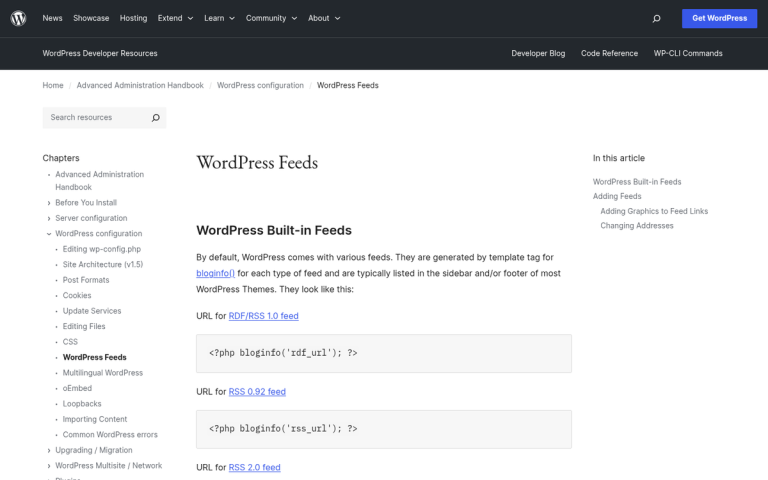
An automatic email newsletter based on your blog posts is usually conducted through an RSS feed, which most blogs already have (courtesy of WordPress). In essence, every time you publish a new blog post, your subscribers will get an email with that blog post, or portions of it.
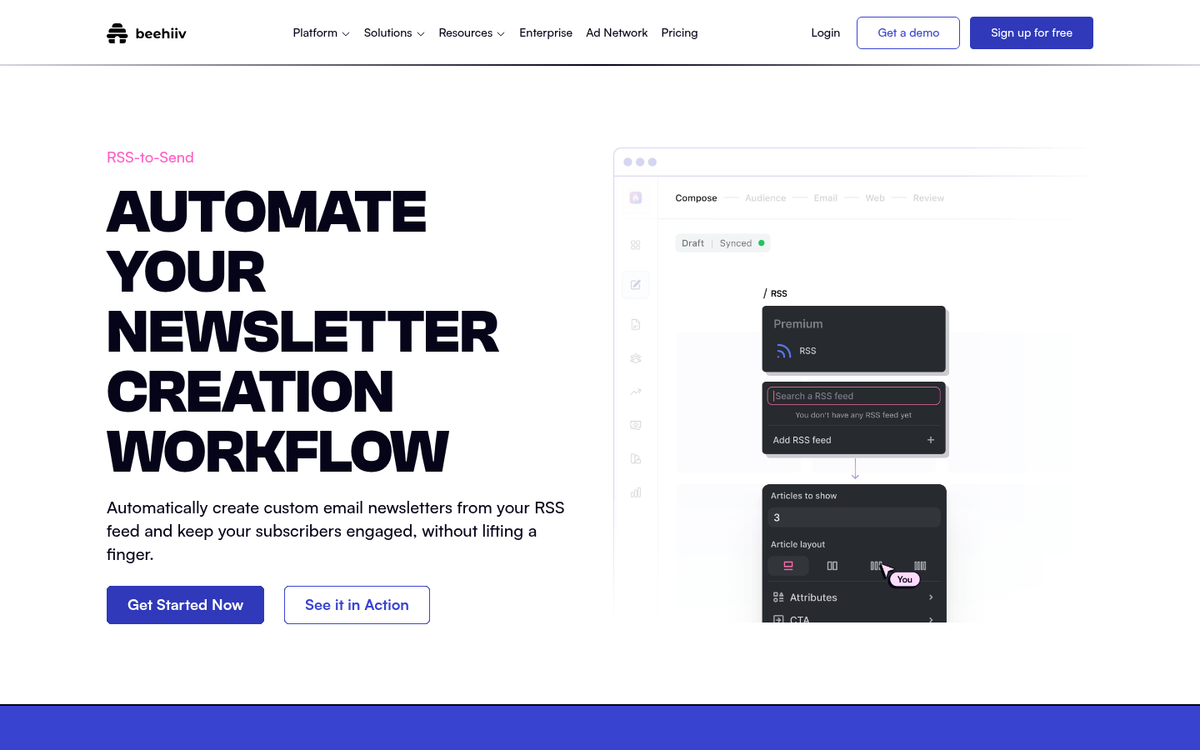
You can adjust the frequency of these emails, what the email looks like, and just about every other feature of the delivery process.
I'll get into the details below. But first some convincing on my end. Here are four reasons an automatic email newsletter based on your blog posts is worth the time:
1. Utilizes Content You're Already Creating
If you're like me you take the time to write a great blog post. You do topic research for your niche, you do keyword research to choose ranking topics, you find or create photos, and you write with passion and purpose.
All of that time manifests into a blog post that can be found in search engines and shared to social media, which are two of the biggest ways to draw readers to your site and services.

By creating an automatic email newsletter you'll be reusing that content you worked so hard to create, sending it automatically to your subscribers, and getting even more bang for that blog dollar.
This matters even more in 2026. With AI tools making it easier to produce content at scale, the blogs that win are those that distribute - and email remains one of the highest-converting channels available.
2. Saves You Time
The word automate is pretty.
Most of us live in a work and life environment where time is hard to come by. Between your morning schedule, your work meetings, your work, your side hustle, meals, a social life, and sleep, it's hard to reel in large batches.
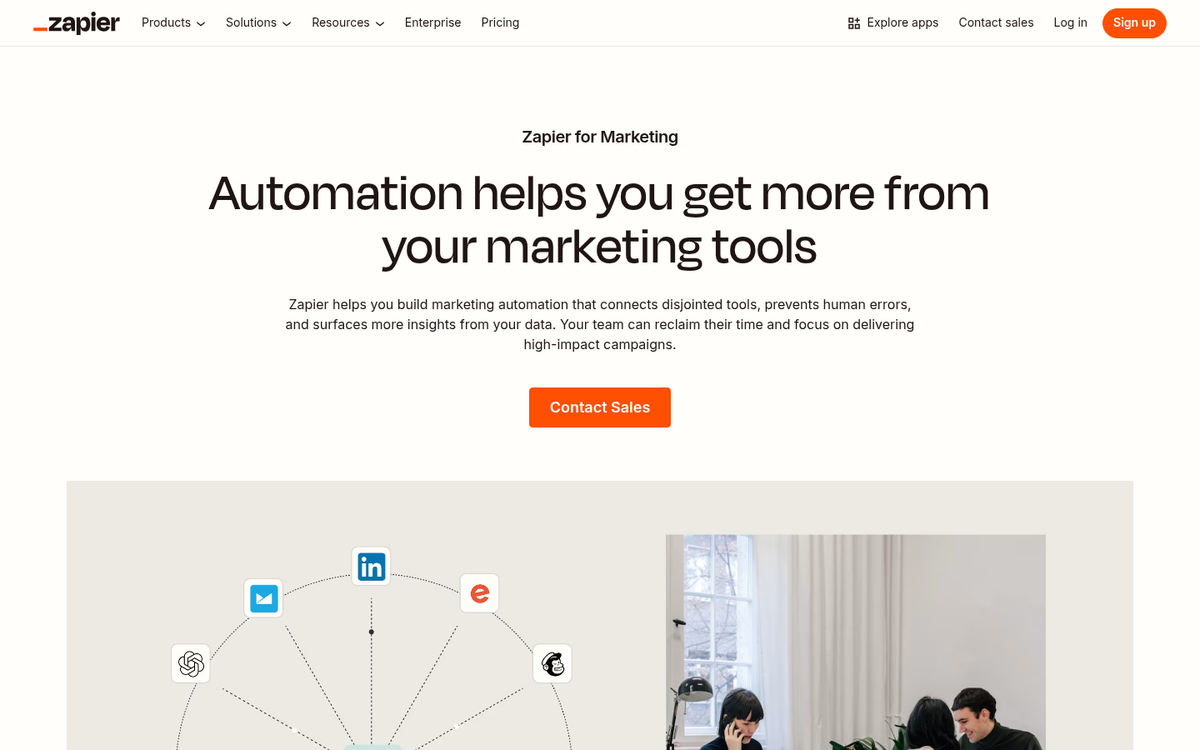
If you wanted to make a custom newsletter every week based on the blog posts you published you could. But automation makes this very easy, and it's just as helpful. You might also want to look into using Zapier to automate your blog post promotion.
You just have to take the time to set up the automated process, which I'll get into below. Then don't worry about it. Revel in your time. Take a nap, go to the gym, or get back to other work.
The data supports this too - marketing automation tools have been shown to cause a 14.5% increase in sales productivity, according to Oracle; it's not a small bump.
3. Keep in Touch with Your Loyal Readers
The whole point of a subscribe button and newsletter, as I said above, is to get and keep loyal readers and customers.
When someone subscribes to your website, they're either doing it because they wanted a free thing you offered, or because they want to get updates on your content or services.

Both of those reasons make them loyal readers, and email addresses are worth gold. By automating the process of sending out your blog posts via email, you let your readers know that you're making content. You let them know you're thinking about them. You give them a chance to learn something new, visit your website, and remember who you are.
And here's something worth knowing: trigger-based emails - like the kind sent automatically when a new post is published - have an average open rate of 35.6%, compared to just 19.7% for standard email blasts, according to GetResponse; it's a massive difference, and it's a strong argument for going the automated path. If your blog isn't growing fast enough, this kind of engagement strategy can make a real difference.
4. Get Metrics
Newsletter services are refined platforms that give you a giant amount of customization and data.
By sending out automatic newsletters of your blog posts you can get a batch of data from your most loyal readers to see who reads your content, who clicks on it after receiving the email, and who unsubscribes.
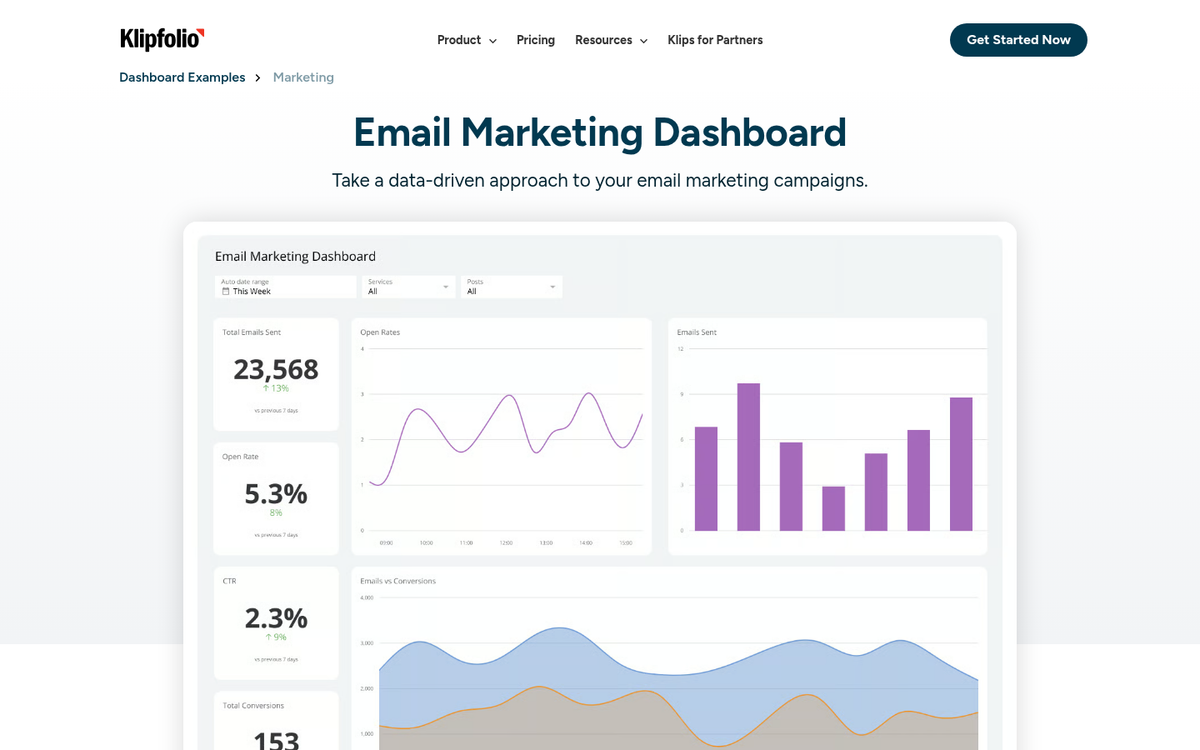
All of this helps you build a better newsletter and better content.
Some systems even allow for A/B testing, which can go a long way in refining your process. One quick win worth mentioning: research shows that open rates decrease by 18.7% when the word "Newsletter" appears in the subject line. Small adjustments like that, well-educated by data, can make a difference.
How to Create an Automatic Email Newsletter
The above should have thoroughly convinced you to go the automatic path.
If it didn't, scroll up and re-read the "Saves You Time" bit, because unless you have extra income and a giant staff you just won't be able to stay on top of this without automation.
The next part of this process is actually creating the automatic email newsletter from your blog posts.
The good news is that there's a number of services that do this extremely well, with free tiers available.
The main services to consider are Mailchimp, Brevo (formerly Sendinblue), and Kit (formerly ConvertKit), which support RSS-to-Email campaigns. For WordPress users specifically, MailPoet is a strong built-in option - it's free for up to 1,000 subscribers, with premium plans starting at $13/month. There's also the Newsletter Plugin, which has a free basic plan with premium extensions available from $65/year.
The right choice can depend on your list size, budget, and how much customization you want. But for most bloggers just starting out, any of these will serve you well.
Creating an Account
Mailchimp remains a widely used email marketing service (EMS), and within its suite of tools is the automatic RSS-to-Email newsletter feature. Most EMS platforms give you a free tier up to a certain number of subscribers - Mailchimp's free plan currently supports up to 500 contacts, so if your list is bigger than that, compare pricing across platforms before committing.
If you already have an EMS, check their settings to see if an automatic newsletter option is available - it's called an RSS-to-Email service or an automated campaign trigger.
RSS-to-Email Service
Mailchimp and most modern EMS platforms allow you to create a number of email marketing campaigns.
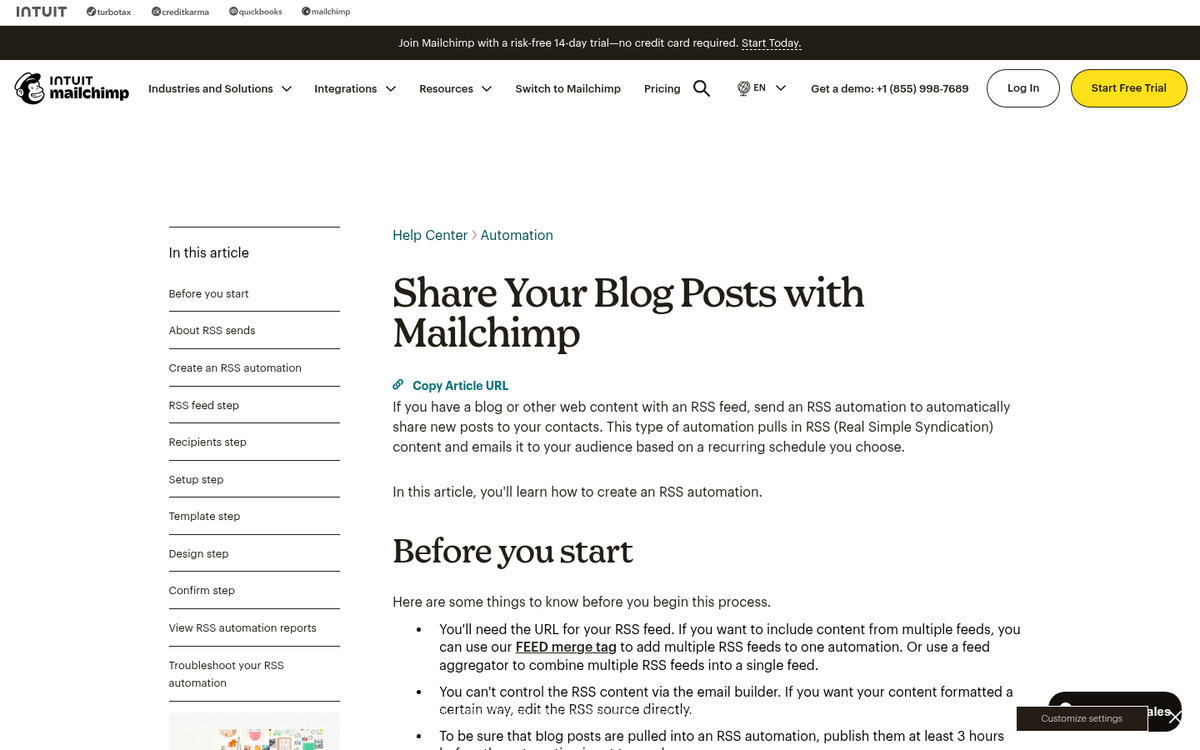
Newsletters are just one small corner of their expertise, and the RSS-to-Email service is a specific subsection within that field.
Once you've created your account, look for the option to create a new campaign and choose the RSS-Driven or automated campaign type. The exact wording changes slightly depending on the platform, but the concept is the same across them.
What is RSS?
A note here about RSS - it stands for "Rich Site Summary," but is better known as "Really Simple Syndication," which is an apt acronym because it describes what it does.
Before RSS, users had to visit websites they loved to see new content, or wait for emails to be sent out by the company.
RSS lets a user "subscribe" (differently than an email subscription button) to any website, and when that website publishes content, the user gets a notification or update.

Some websites have robust RSS feeds with different subtopics that allow readers to only get information about a niche. Other websites have general RSS feeds that ping you anytime anything new is published.
RSS readers like Feedly are still out there and are actively used. But the more common use case for bloggers is converting that RSS feed into automated emails through an EMS - hence RSS-to-Email. It does this well, which means your subscribers will get a custom email every time new content is published, without you lifting a finger.
Enter Your RSS Feed
When you start your RSS-to-Email campaign, you'll have to input your website's RSS Feed URL.
In most WordPress sites, your RSS feed is automatically generated and can be found by simply adding /feed to the end of your domain:
https://example.com/feed
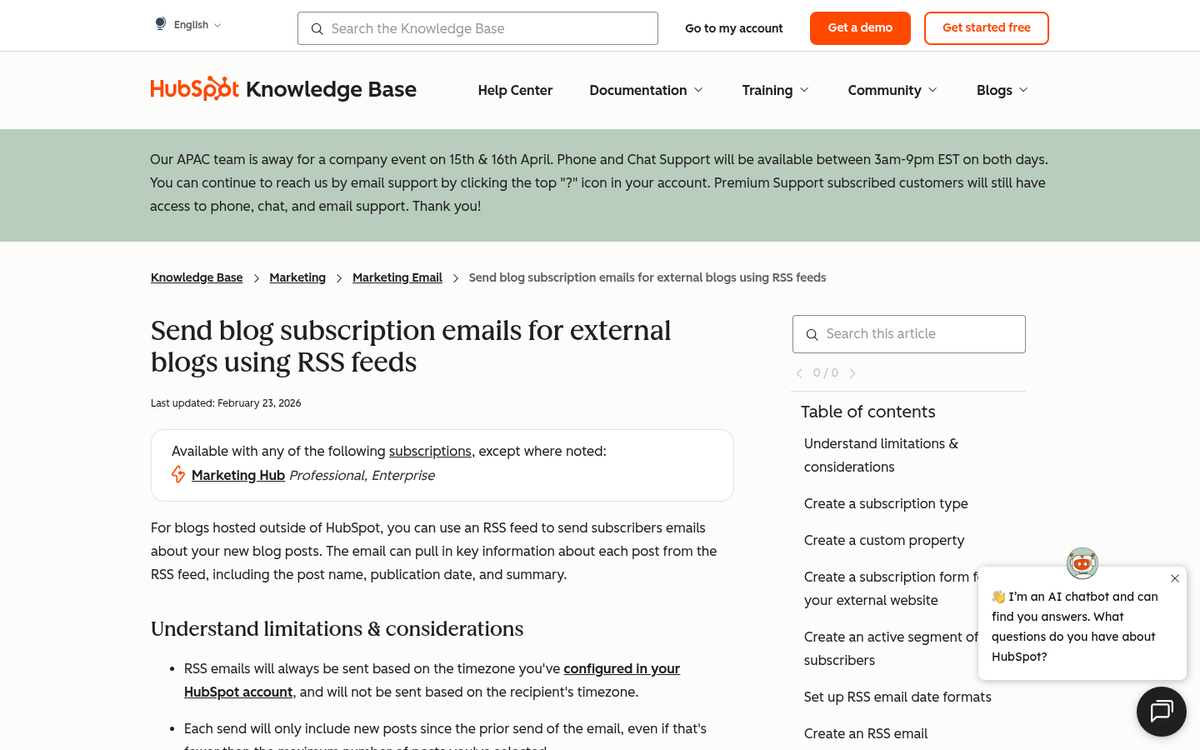
Paste that URL into your EMS when prompted, and it will automatically pull new content into your newsletter template each time you publish.
If your website doesn't have an RSS feed built in, you can use a tool like Feedity or RSS.app to generate one for any URL. You may also want to review what plugins you should install on a new WordPress site to make sure your feed is properly configured from the start.
Frequency Customization
I know what you're thinking - I don't want my subscribers to get a new email every time I publish a post.
That's why you've signed up with an EMS that has options.
After creating your RSS feed, you'll get to customize the frequency of your emails.
You can usually set the emails to go out weekly, every other week, or monthly.
This directly corresponds with how much you're publishing.
On the other end, if you publish multiple blog articles a week, a weekly digest format could be just right.
It's all about your content production cadence.
Format Customization
After picking frequency, you'll have the option to design the newsletter you're sending out.
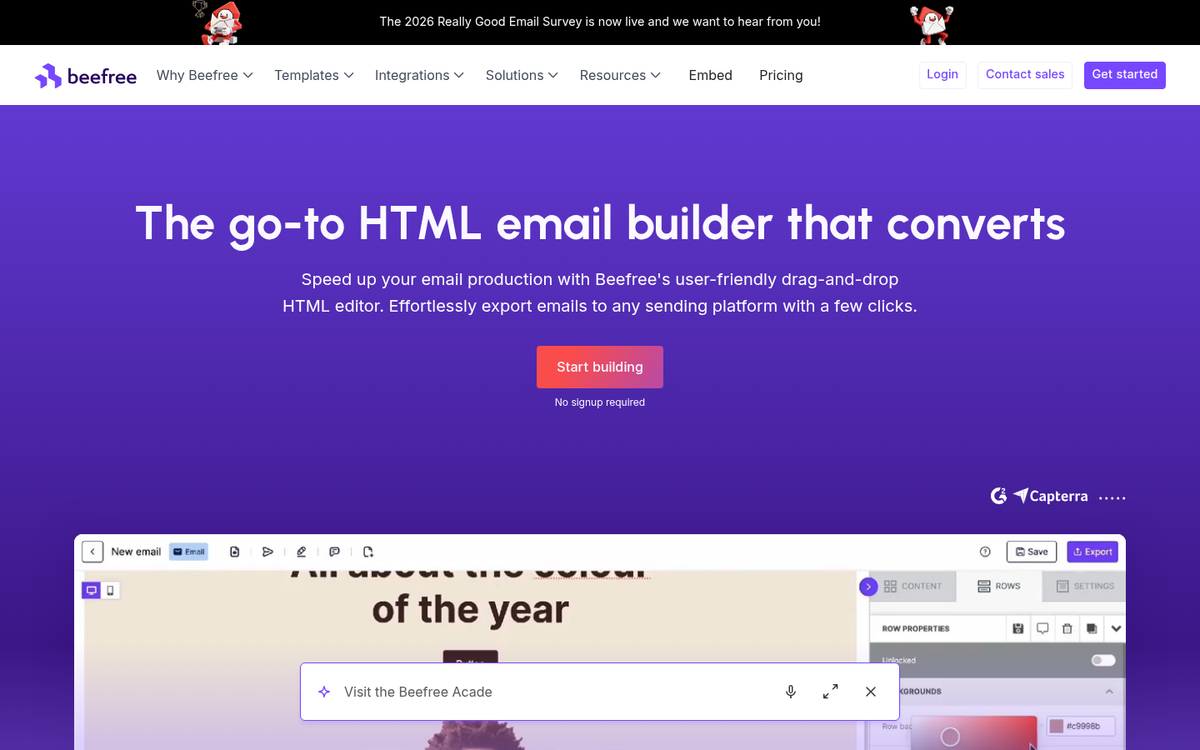
Most modern EMS platforms shine their brightest here with pre-built templates, drag-and-drop editors, and visual previews. The combination of these tools makes it easy to create a newsletter that looks consistent with your website branding.
You can spend time building a custom template, then save it so every future automated newsletter uses the same polished design. Or, you can use a pre-made template and get set up in minutes. Either way works - what matters is that you actually send it.
A Quick Note on Subject Lines
Before you launch your automated newsletter, take a close look at your subject line template. As mentioned earlier, data shows that including the word "Newsletter" in your subject line can decrease open rates by 18.7%. Instead, use subject lines that tease the value inside - the headline of your latest post, a question, or a strong hook tends to perform quite a bit better. If you're looking for inspiration, content title idea generators can help you craft compelling hooks worth testing.
Most EMS platforms let you set a subject line that automatically pulls in your latest post title, which is a great default for RSS-driven campaigns.
Wrapping Up Your Newsletter
As with any part of high-powered tech, modern EMS platforms will allow you to do more than I've described above. You can create a focused and automated newsletter, and pull in images, excerpts, and calls to action to drive readers back to your site.
The entire process is built on the RSS feed, and almost every WordPress site comes with one built in. If yours doesn't, tools like RSS.app or Feedity will get you set up faster.
In 2026, with organic reach shrinking across social platforms and AI content diluting search results, your email list is one of the most valuable assets you own. According to the DMA, 75% of email revenue comes from triggered and automated campaigns rather than one-off blasts - so the case for setting this up has never been stronger.
You should be all set to reach your loyal readers with impeccably timed updates, and that lets you grow your business with almost no ongoing effort.