Key Takeaways
- HubSpot's AI-assisted content tools, topic cluster model, and native SEO features make building a coherent content strategy significantly easier than WordPress plugins.
- Pricing ranges from $0 to $3,600/month; most powerful features require the Professional tier at roughly $800-$900/month.
- Deep CRM integration gives HubSpot an edge over standalone tools, with contact timelines tracking every brand touchpoint from first blog visit to conversion.
- HubSpot reports 82% of marketers saw increased lead generation and a 107% lead increase within the first six months of use.
- The platform suits committed, budget-ready teams best; budget-constrained or modest-needs businesses may do fine with WordPress, a dedicated email tool, and Google Analytics.
HubSpot has two things going for it: a high-quality marketing blog and an all-in-one marketing platform. I'm not here to review the blog, so you can guess that I'm here to review the software. The platform has evolved dramatically since its early days, and in 2026, it looks very different from what older reviews describe. Let's dig in.
HubSpot Features
If you're coming from WordPress, the blog editor will feel familiar - you get a great text editor, formatting options, publishing controls, and SEO recommendations baked right in. But the blogging tools are just one slice of a much bigger pie.
When creating a new blog post, HubSpot gives you AI-assisted content suggestions, topic cluster recommendations, and built-in SEO input as you write. The days of basic "blueprints" for list posts or how-to articles have been replaced by a more intelligent content assistant that understands your existing content strategy and suggests how new posts fit into it.
Speaking of images, HubSpot includes a built-in media editor for basic cropping, resizing, and formatting - it's not Photoshop. But it works for the essentials and it doesn't make you leave the platform. More importantly, HubSpot now integrates with tools like Canva directly, which fills the gap for users who need more design flexibility without juggling separate applications.
HubSpot's SEO functionality remains one of its strongest selling points. Rather than requiring plugins like a WordPress setup would, SEO tools are native to the platform. The topic cluster model - where a main pillar page links out to related cluster content - is integrated into how HubSpot organizes and surfaces content. You get keyword research, on-page recommendations, internal linking suggestions, and a content strategy map in one area.
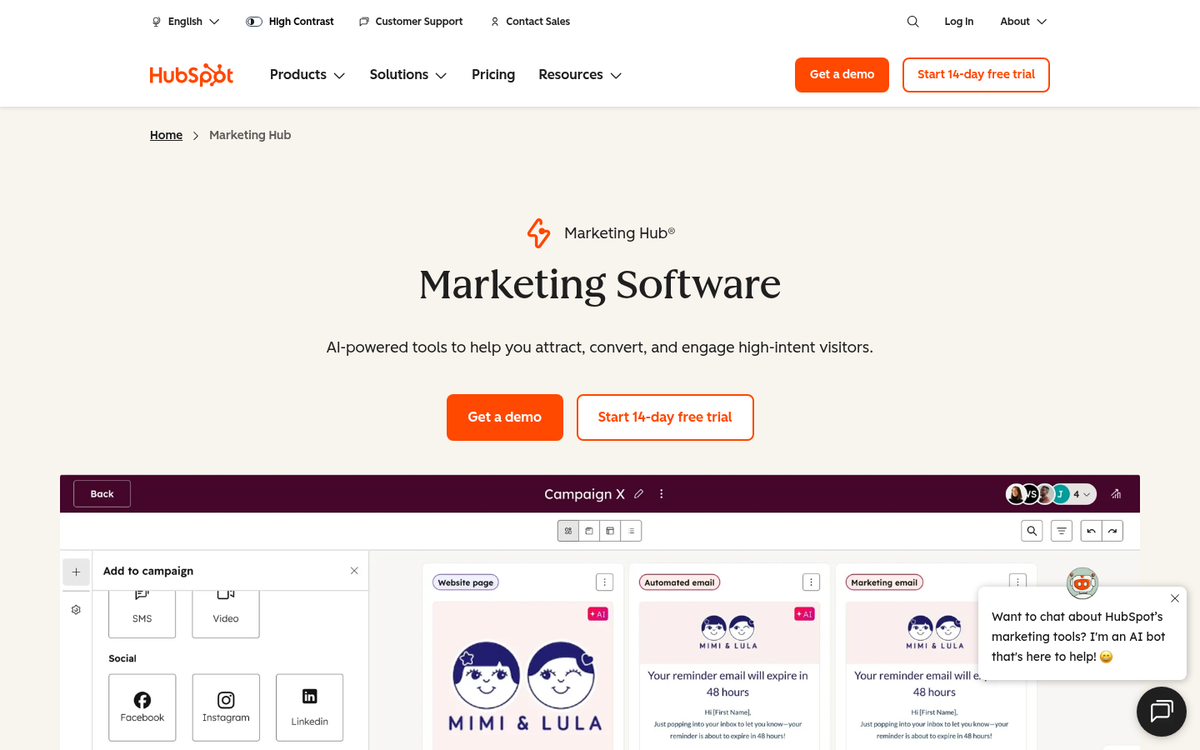
The AI capabilities added deserve mention. HubSpot has leaned heavily into AI across the platform under its "Breeze AI" umbrella - like AI content generation, predictive lead scoring, and send timing for emails. These aren't gimmicks - they're legitimately helpful for marketers who want to move faster without sacrificing quality. HubSpot reports that users see a 68% reduction in time to launch campaigns with automation and centralized tools, and that tracks with what the platform now has.
The CTA and conversion tools have also matured considerably. Smart CTAs that change based on who is viewing them - their lifecycle stage, location, device, or past behavior - are now available across more plan tiers than before. Combined with personalized content throughout landing pages and emails, the personalization capabilities are legitimately great.
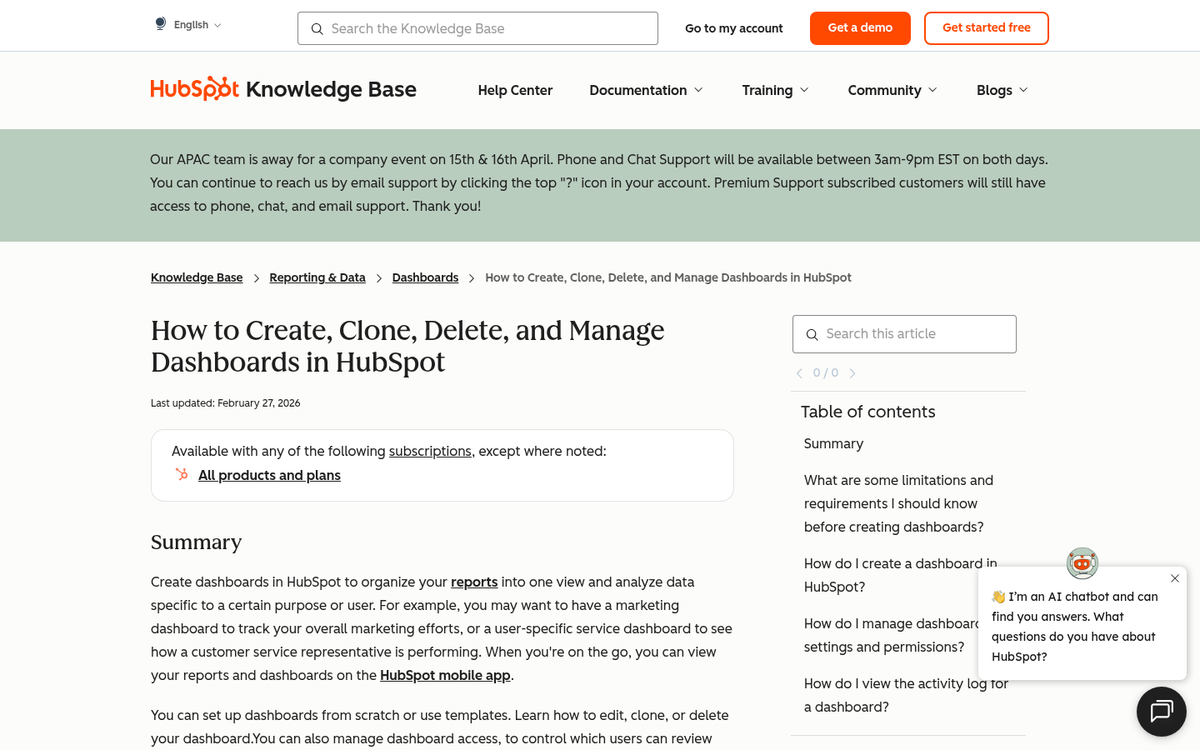
Lead tracking and contact management remain a core strength. HubSpot builds contact timelines showing every touchpoint a lead has had with your brand, from the first blog post they read to the email that converted them - this data is rich, well-organized, and helpful in ways that standalone analytics tools basically can't replicate without custom configuration.
Email marketing is integrated, functioning as a capable alternative to standalone tools like Mailchimp. You get list segmentation, A/B testing, send times, automation workflows, and reporting - all tied directly to your CRM data, which is where HubSpot has an edge over piecing together separate tools.
The content calendar and team collaboration tools are solid. Task assignment, content status tracking, and campaign organization are all present and work well for marketing teams of most sizes. The interface has been refined over the years and it's generally more intuitive than it used to be.
Analytics have expanded. You get traffic reports, contact attribution, campaign performance, and revenue reporting depending on your plan tier. The attribution modeling in particular has improved, and it gives marketers a clearer picture of which content and channels are actually driving results.
HubSpot Pricing
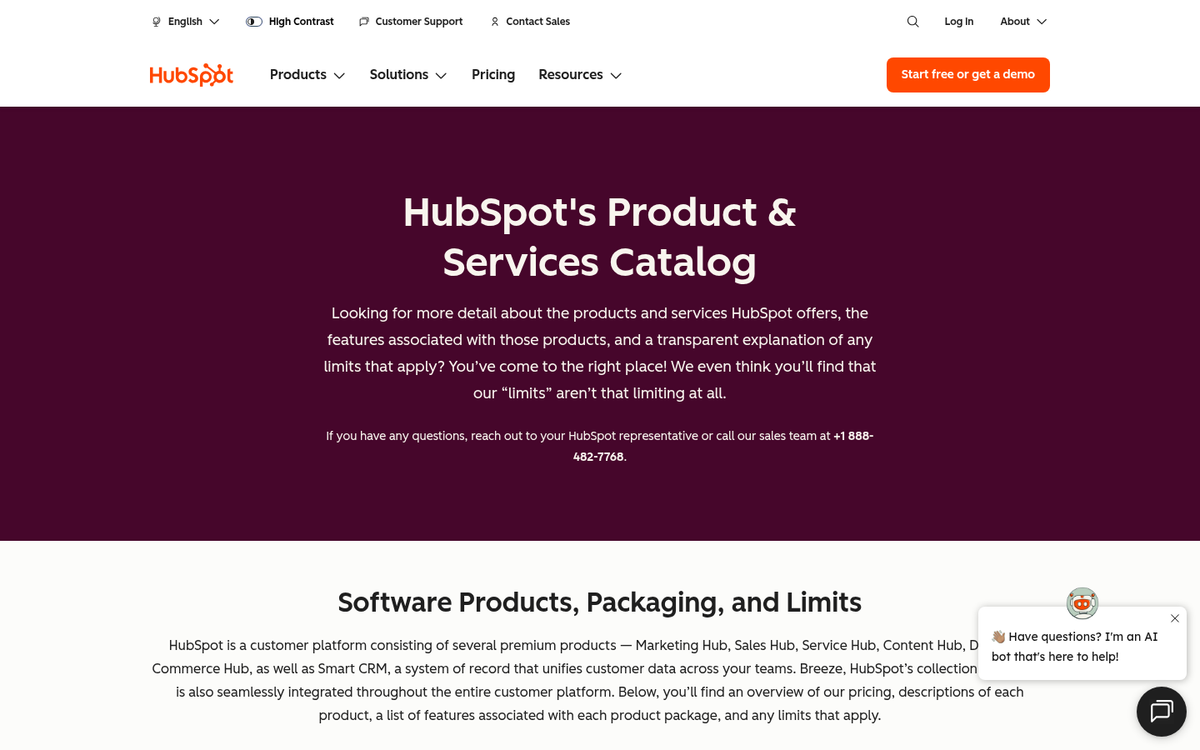
HubSpot's pricing structure has changed substantially from what older reviews describe. As of 2026, HubSpot uses a freemium model with plans ranging from $0 to approximately $3,600 per month. Gone are the days of a $200/month "Basic" tier and a $2,400/month Enterprise - the structure has been overhauled and it's now more accessible at the entry level. But the upper tiers have grown more expensive. If you're evaluating whether premium tools are worth their monthly or annual cost, it's always good to compare before committing.
Free
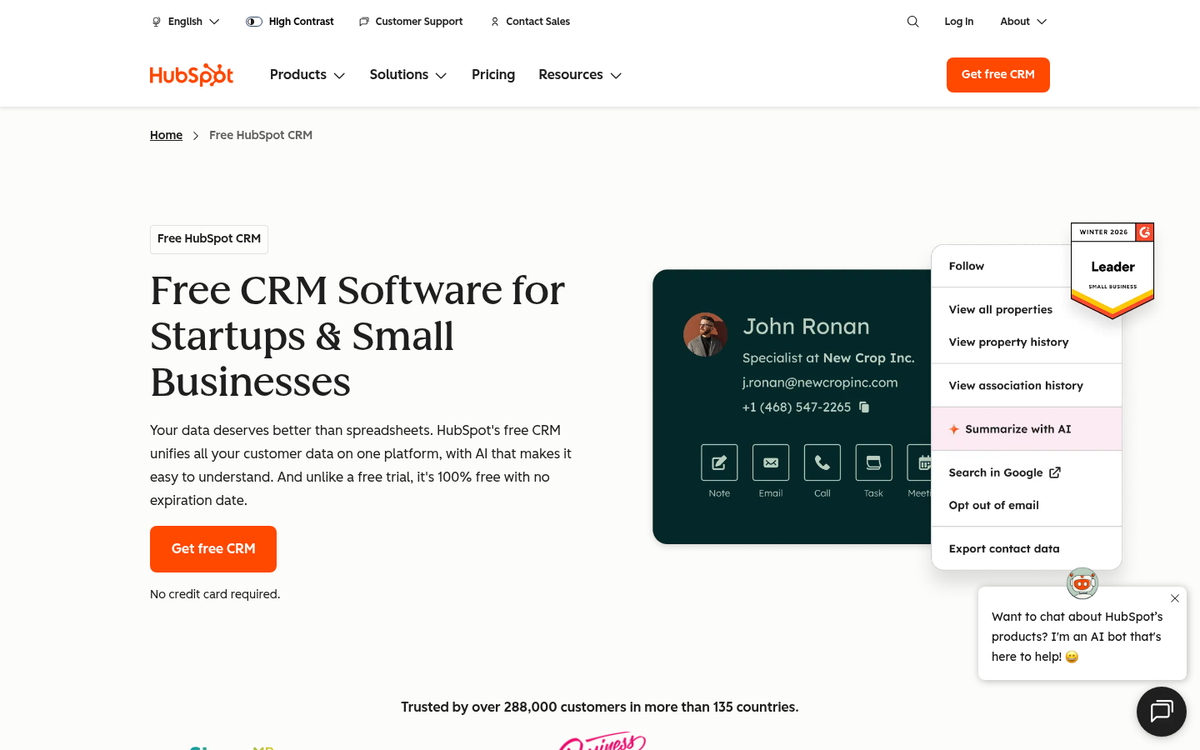
HubSpot has a legitimately helpful free tier that includes basic CRM, limited email marketing, a few landing pages, forms, and basic reporting. The catch is contact limits and HubSpot branding on outgoing communications. If you're looking for ways to cut costs elsewhere, there are free alternatives to popular marketing tools worth exploring.
Starter
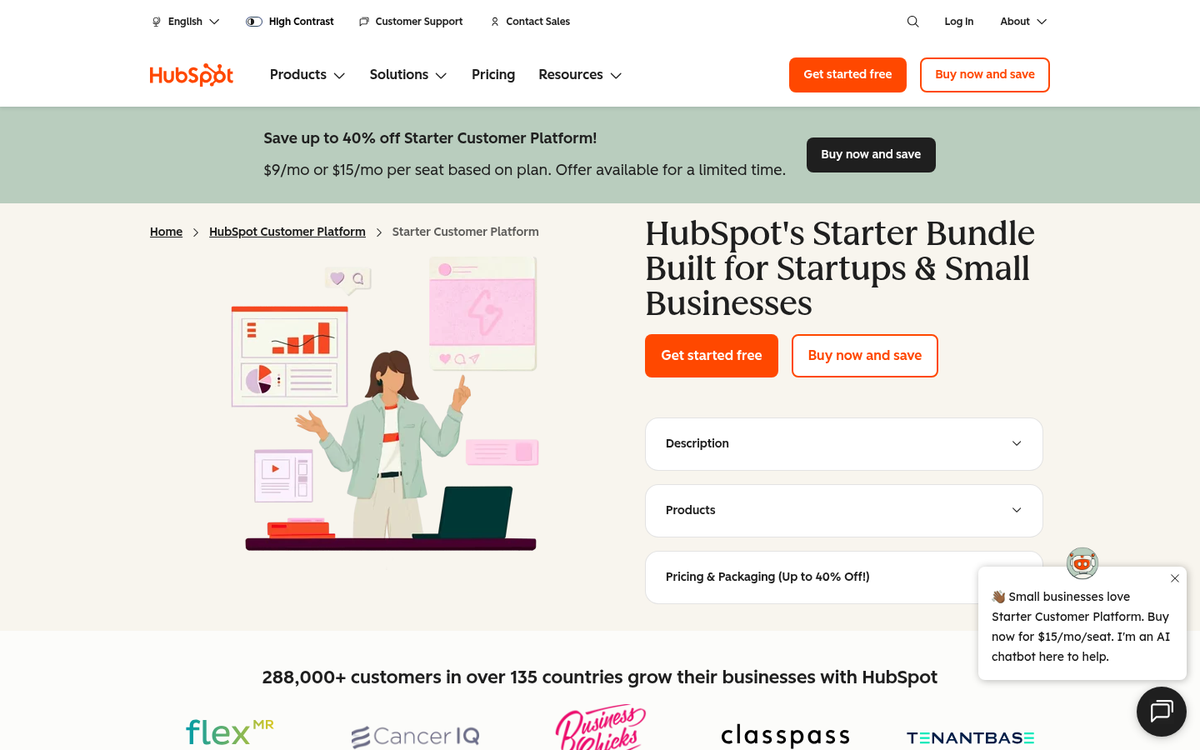
The Starter tier begins at around $15-$20 per month for the Marketing Hub on its own, though bundled Starter suites start higher - this removes HubSpot branding, increases contact limits, and can add more email sends, basic automation, and improved reporting - it's a basic entry point for small businesses that have outgrown the free plan.
Professional
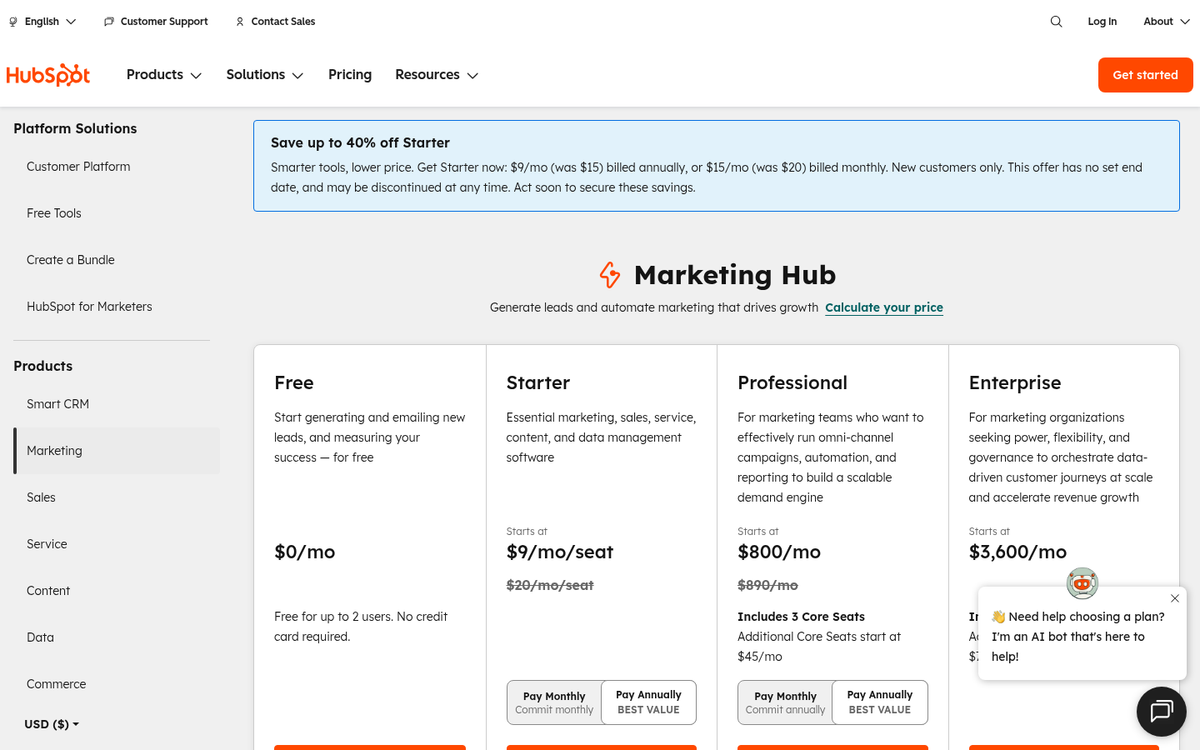
The Professional tier is where most growing businesses land, and it starts at approximately $800-$900 per month for Marketing Hub - this unlocks the full content strategy and SEO tools, marketing automation workflows, A/B testing, content, social media tools, and more robust analytics. Note that onboarding fees still apply at this tier and can add a significant upfront cost.
Enterprise
Enterprise starts at approximately $3,600 per month for Marketing Hub and it's designed for large organizations with complex needs - it adds advanced reporting, custom behavioral events, multi-touch revenue attribution, partitioning for large teams, and deeper customization throughout. Onboarding at this tier is a significant investment on top of the monthly fee.
HubSpot's pricing is modular and can get expensive faster than expected. Add-ons, contact tier overages, and bundled suite pricing all affect your final number. The best advice is to get a direct quote based on your contact volume and feature needs instead of relying on published base prices alone. If you're also evaluating how to generate revenue from your blog, see what the best way to start making money by blogging really looks like.
Impressions and Thoughts
A lot has changed since the early days of HubSpot reviews, and it would be unfair to judge the 2026 platform by the standards of five or ten years ago. That said, some of the basic tensions remain.
HubSpot is legitimately good and has grown into its price tag more convincingly than it once had. The AI-assisted content tools, deep CRM integration, and mature automation workflows make it a credible all-in-one answer for marketing teams. HubSpot reports that 82% of marketers say the platform increased their lead generation and that customers see a 107% increase in leads within the first six months. Those numbers reflect the platform's capabilities when fully used.
The blogging and content tools specifically have benefited from the wider industry trend toward content-led growth. HubSpot's own State of Marketing data shows that in 2024, the top ROI-driving channel for B2B businesses was website, blog, and SEO work - and HubSpot is well-positioned to help you capitalize on that. Their topic cluster model and integrated SEO tools make it legitimately easier to build a coherent content strategy than stitching together WordPress plugins.
That said, the platform still isn't for everyone. The free and Starter tiers have made HubSpot more accessible to small businesses than it once was, which is a real improvement. But the Professional tier - where most of the genuinely powerful features live - still requires a significant budget commitment. For a small business operating on thin margins, that's a barrier.

The "newbie-centric" criticism that older reviews leveled at HubSpot has become less accurate over time. The platform has added enough depth and configurability that experienced marketers can get genuine value out of it, and that's especially true through the automation, AI, and attribution features - it's no longer quite as patronizing to power users as it once felt.
The social media tools remain functional but unremarkable. You can schedule, monitor, and report on social posts from within HubSpot, which is convenient. But there's nothing here that Sprout Social or Buffer doesn't also do well. As always, you're paying for integration instead of best-in-class social tooling specifically.
One area worth calling out is HubSpot's reporting and attribution. The multi-touch revenue attribution available at the Enterprise level legitimately represents something that's difficult to replicate with free tools. If your team needs to show marketing's contribution to revenue, this alone can justify the cost for the right organization.
An Overall Recommendation
HubSpot in 2026 is a much stronger product than it was in its earlier years, and the pricing structure is more accessible than it once was - but the core trade-off remains the same. You're paying a premium to have your CRM, blogging, SEO, email, social, automation, and analytics under one roof, integrated and informed by shared data.
For businesses that are serious about content marketing and inbound lead generation, that integration pays dividends. The time savings from not context-switching between five different tools, the data quality improvements from having everything in one place, and the AI capabilities that get better the more you use the platform - these are real, measurable benefits.
For businesses that are budget-constrained or just starting out, the free and Starter tiers are worth looking at before committing to anything bigger. They're more helpful than the old Basic plan ever was, and they give you a genuine feel for whether the platform fits your workflow.
For advanced marketers who want maximum flexibility and customization, HubSpot may still feel limiting in areas. The platform makes opinionated choices about how marketing should be done, and if those opinions conflict with your own, you'll feel the friction.
The bottom line: if you can afford the Professional tier and your team is committed to it, HubSpot will very likely pay for itself. If you're not ready to commit, try the free plan and grow into it. And if your needs are modest, a WordPress site with quality plugins, a dedicated email tool, and Google Analytics can still get you fairly far for a fraction of the cost.