Key Takeaways
- Avoid keyword stuffing; Google semantically parses content and penalizes over-reliance on keywords, so write naturally.
- Frame posts around genuine questions; question-based titles generate 14.1% higher click-through rates than non-question titles.
- Top-ranking pages average 1,447 words, and long-form content earns 77.2% more backlinks than shorter articles.
- Human-written content appears in Google's #1 position 80% of the time, versus just 9% for purely AI-generated pages.
- Updating older posts annually gains an average of 4.6 SERP positions; refreshing content can increase traffic by 106%.
The goal of almost every piece of content on the Internet is to be seen by as many people as possible.
No piece of content has such popularity that it will be relevant to everyone, so there's a bit of posts that rank very well for specific subjects. But there's no master post with everything for everyone - it would be ridiculous to have this post. It would be as large as the rest of the Internet.
Anyways, if you're writing a post, you want it to rank on Google, because Google is the way people find new content. The other methods are through links from other pieces of content or social networks, and we'll cover those too. So, how do you write a kickass post that will rank on Google and perform flawlessly on your site?
Don't Focus on Keywords
That's my number one piece of advice.
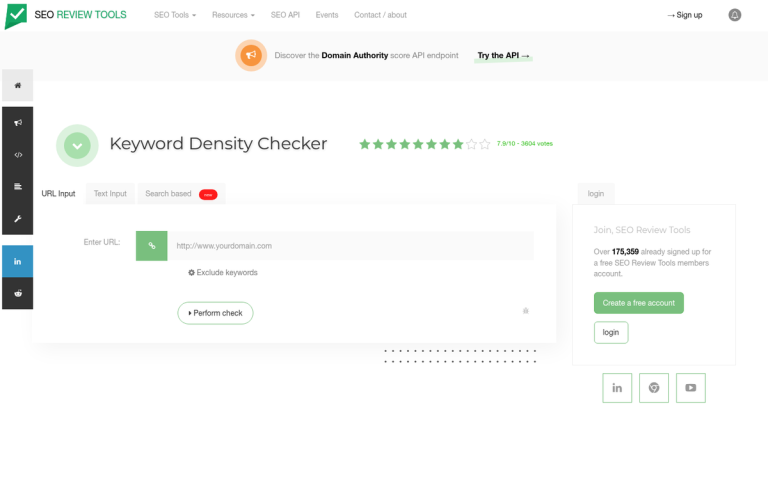
If you want to write a post about, say, more views on your YouTube videos, just do it. Don't try to figure out niche YouTube-related keywords you can cram into the post to rank for queries you're barely related to. Don't try to dig into keyword density. Google has long discouraged over-reliance on keyword stuffing, and their algorithms are refined enough that gaming them this way will hurt you more than help you.

See, Google works by semantically parsing your content. They understand synonyms and grammar. They know variations on keywords are out there, sometimes variations you never thought up. Your post can show up for a query where the exact words were never used in your content. The only thing a post full of keywords will get you is a search penalty for keyword spam.
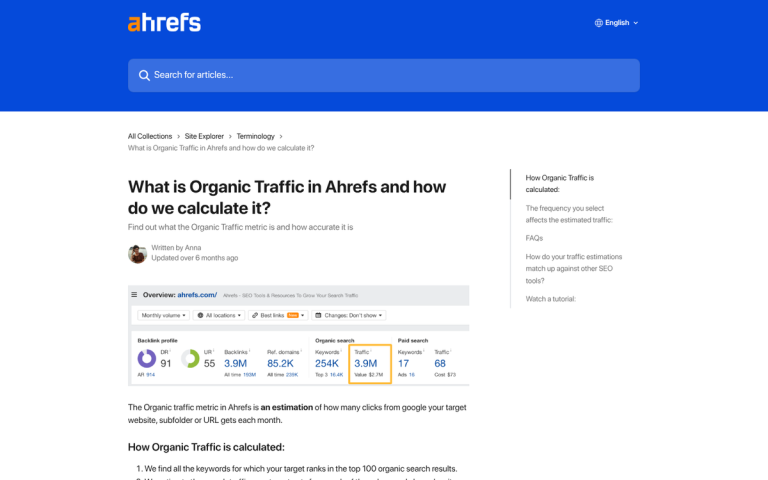
If you need to use keyword research, you can use it to steer your topic and the direction you want the post to go. Tools like Ahrefs, Semrush, and Google Search Console are great for this - just don't let them drive every word you write.
Begin With a Question
Every post begins with a question. In a figurative sense, that is. I don't mean every first paragraph's first sentence should end with a question mark. I just mean that there's a question driving every post.
See, when someone goes to Google to look for something, they have a question - maybe "where can I get pizza at 5am on a Tuesday in New Jersey?" It could be "What's the gross domestic product of Sierra Leone?" It could be "How can I write a blog post that's guaranteed to rank high in Google results?" It could be "How do I replace the processor in my old Dell laptop?"
Every one of these questions has a different answer. The pizza question will prompt Google to give you a list of pizza places and their hours, sorted by distance from the searcher. The Sierra Leone question will usually bring up the Wikipedia page for the country. The Google question should bring up this post and a few hundred thousand others. The laptop question brings up guides and tutorials.
The point is that every search begins with a question. To rank well in the search results, you'll have to anticipate that question and give the best, most helpful answer possible. In some cases, it will be easy, because you're an authority in that niche. In other cases, you have to compete against sites like Wikipedia, and you'll never take first place.
It's also worth mentioning that page titles starting with "how," "what," "why," or "who" generate a 14.1% higher click-through rate than non-question titles, according to Startup Bonsai. That alone is a reason to frame your content around a genuine question from the start.
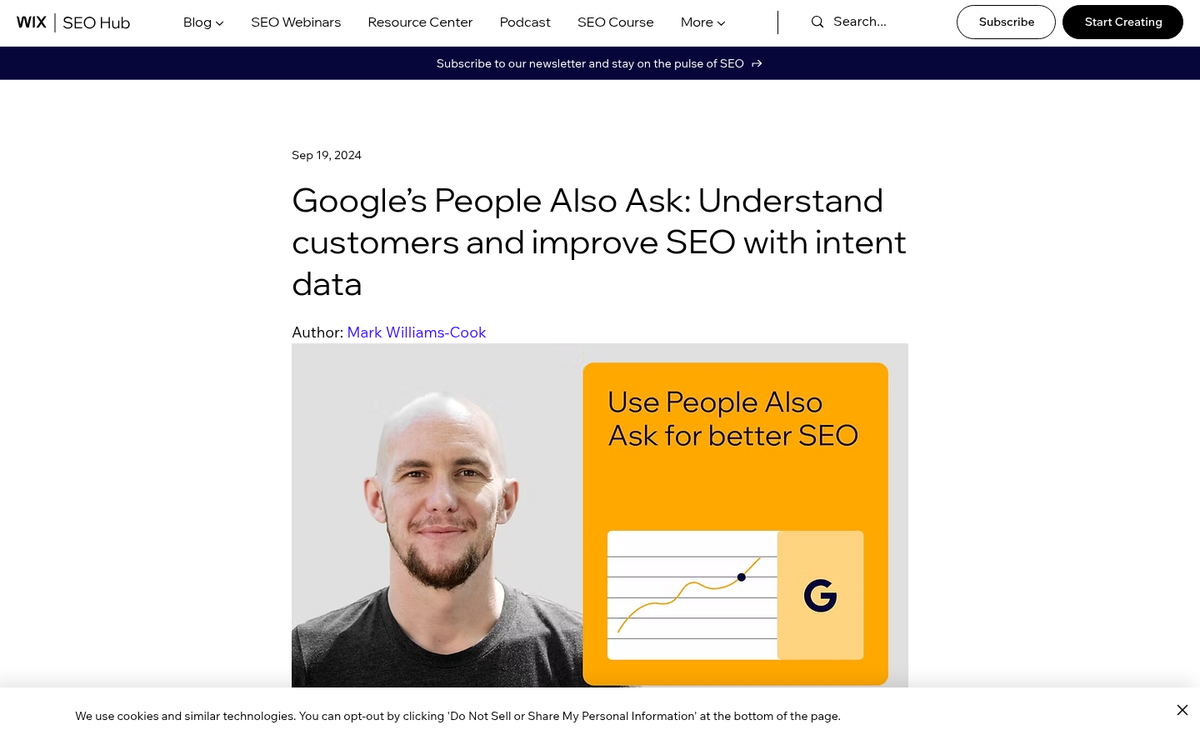
Google's "People Also Ask" boxes are another great source for this. Keyword research helps show you what people are typing into their search engines, and you can come up with questions from there.
Determine Your Format

It helps to know that the format of your post has a giant effect on how well it's received. Lists are great. Tutorials are great. Big blobs of text with no focus and no progression are somewhat less great. Let's go through some formats you can use to answer different types of questions.
- List posts are amazingly viral and can have fairly clickbait-style headlines without actually being clickbait, and thus earning the penalties that come from a clickbait title. 15 this, 23 that, top 100 of another thing; the list can be as long or as short as you like. I've seen successful Top 3 lists and I've seen successful top 200 lists.
- Guides and tutorials are another excellent type of post, primarily because they're very useful, very actionable, and they last potentially forever. How long they last really depends on the subject of the tutorial. A tutorial on the exact processes for doing something in a piece of software is good, right up until the software updates and changes how it works. A tutorial for gardening will last longer, because gardening doesn't change all that much.
- Roundup posts are potent for a short time, but they're not necessarily evergreen. They also tend to share elements with lists, like "The Top 10 Industry Posts This Week." They are, however, a good way to curate content and to generate quality incoming links.
- You can also create your own post template and run with it. Detailed blogger profiles, case studies, original research - anything that offers a unique perspective or data point that no one else has published is enormously valuable.
- Detailed resources are great as well. Think comprehensive, evergreen guides on a subject your audience cares deeply about. These require upkeep, but they continue bringing in value basically forever - and they attract the kind of backlinks that shorter posts simply don't.
Research and Outdo the Competition
Before you start writing, but after you've picked a topic and a format, do some research. Run some searches that a user might run to find your content and look at what content is already out there. There's going to be something. But if you're lucky, nothing will be quite as relevant as what you're planning to create. If you're unlucky, there's already a high quality post on the same subject ranking number one.
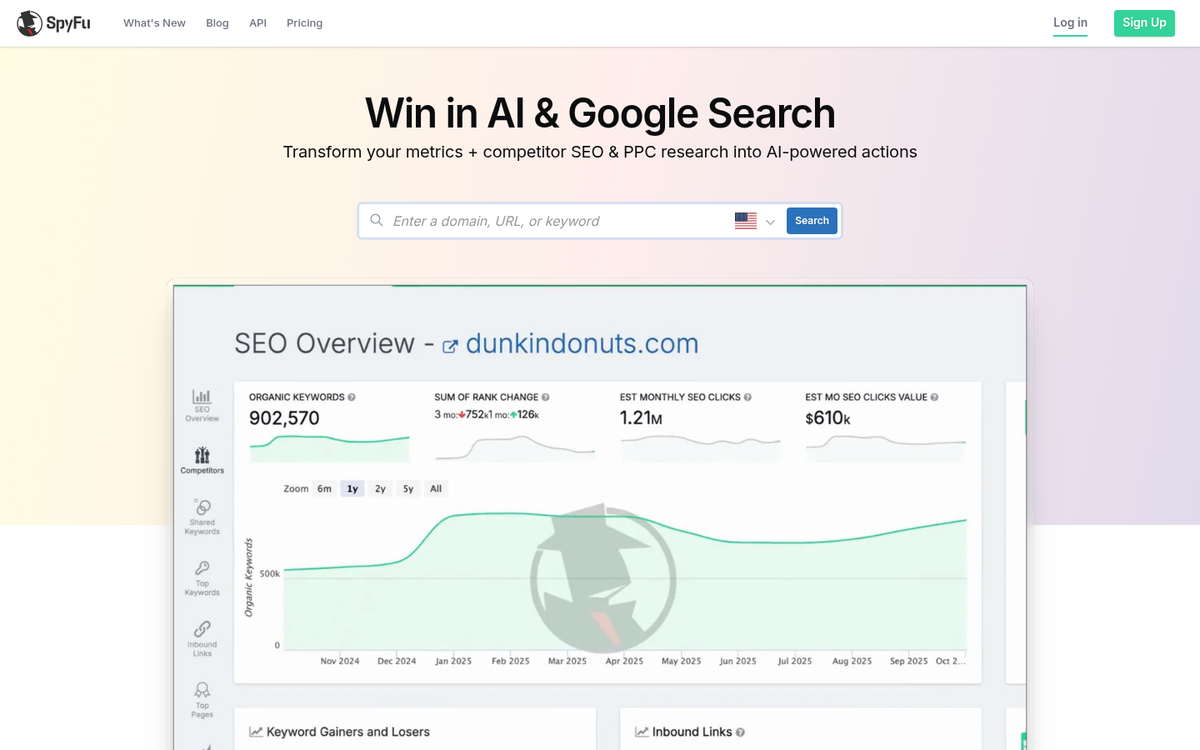
It's going to be hard to unseat the incumbent king, but it's possible. You just need to use the attitude that you can one-up anyone and everyone. Examine what the existing post does and resolve to do it better in yours. Do they include three authoritative sources? You should include five. Do they dig into data superficially? Dig deeper. Are they 1,000 words? Write 2,000. Do it better. Steal their throne.
Sometimes this isn't possible. In those cases, it's best to find more long-tail angles to cover that don't have the same level of dominance in their search results. Niche down, go deeper, and own a slice of the topic instead of fighting a losing battle for the whole pie. You can use a tool like Long Tail Pro to help identify those narrower angles worth targeting.
Aim for a Meaningful Word Count
You will note here that I did not actually specify a word count, and that's because it can vary quite a bit depending on your site, your audience, your topic, and your content.
That said, data does give us helpful benchmarks. Pages ranking in the top 10 results on Google have 1,447 words on average, according to a Backlinko content analysis. More striking still, long-form content generates 77.2% more backlinks than shorter articles. Links remain one of the most important ranking signals Google uses, so word count and link acquisition are more connected than many know.

For example, general wisdom suggests that Google dislikes short posts. They brand it "thin content" and penalize the sites that write them. At the same time, the goal isn't to pad your post with filler just to hit a number. A tight, well-organized 1,200-word post will outperform a bloated, repetitive 3,000-word post every time. Short articles can still rank, but only when they're genuinely focused and substantive.
Write as much as it takes to legitimately and thoroughly answer the question your post is built around. I recommend at least 1,000 words as a floor. But let the topic dictate the ceiling. A resource on a tough subject might need 3,000 words. A focused how-to could be done at 1,200.
Keep Your Content Fresh
This one is easy to forget. But it increasingly matters. Pages updated at least annually gain an average of 4.6 positions in SERPs compared to pages that haven't been touched, according to First Page Sage data from Q1 2025. HubSpot's own research found that refreshing old blog posts can increase traffic by as much as 106%.
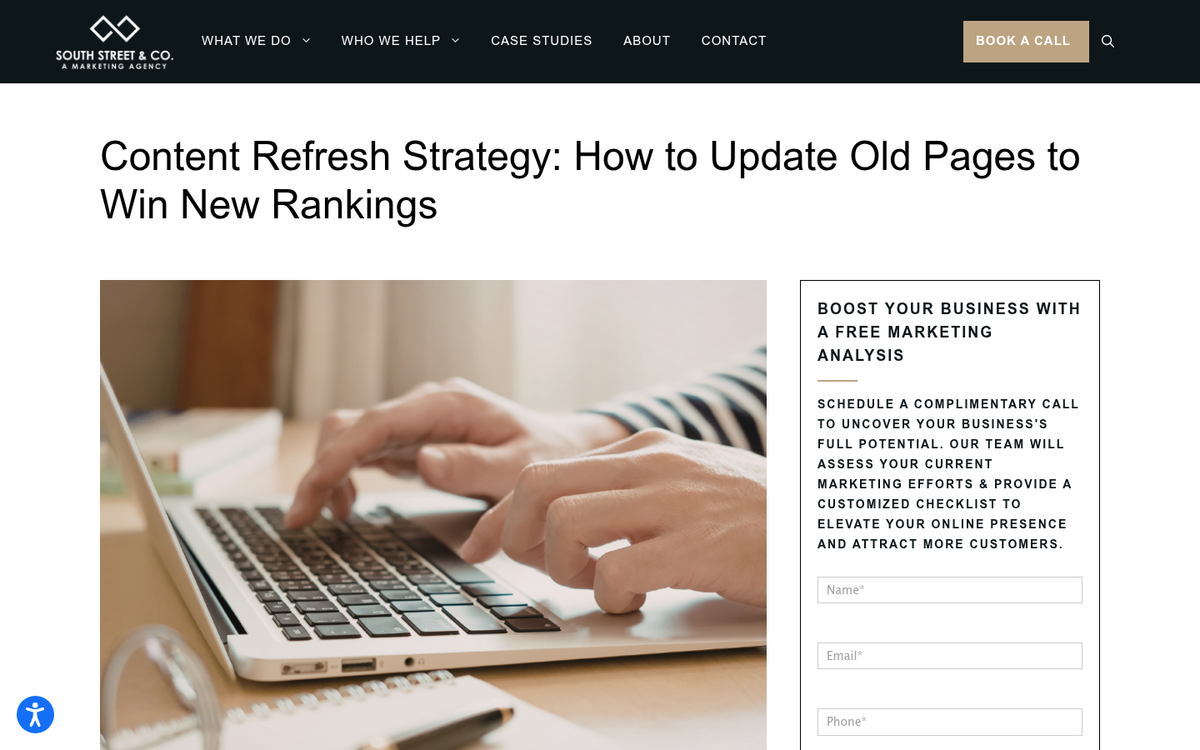
What does "updating" mean in practice? It means revisiting old posts and checking for outdated statistics, broken links, tools or software that no longer exist, and advice that no longer aligns with best practices - it also means expanding posts where new information is available. Google rewards freshness, and so do readers.
If you have a library of older posts, this is low-hanging fruit. A post that ranked well two years ago and has since slipped can sometimes be restored - or improved - with an update pass instead of a new post from scratch.
Write Like a Human (Because It Matters More Than Ever)
With AI content generation now widespread, this point has become more important than it's ever been. A Semrush analysis of 42,000 blog posts found that human-written content appears in the #1 position 80% of the time, compared to just 9% for purely AI-generated pages.

That doesn't mean AI tools are useless - they're not. But it does mean that leaning heavily on generated content, without genuine human perspective, expertise, and voice, is a losing strategy. Google's Helpful Content guidelines explicitly reward content written for people - not for search engines - and their ability to detect and demote low-quality AI content has only improved.
Use AI as a research assistant or a first-draft tool if you like, but make sure that the final product reflects expertise and a human point of view. Readers can tell the difference, and so can Google.
Cite Authoritative Resources
One of the keys to success with SEO is links. Most people talk almost exclusively about incoming links, or backlinks, when they think about the subject. There's value to be had in linking out, though.
The first thing to do when you're writing a post is pull up the most authoritative, best resources on the subject you can find. The second thing to do is pull up any sources of data you use. These should be linked in your post. Data sources allow users to check facts and perform independent research. If you're collecting your own data, you should publish it so other bloggers can use it in their own posts.

As for authoritative references, it's always a good idea to link to them, primarily because of their authority. Many high-profile blogs check the sites linking to them and can link back to you when they discover your post. You might also want to consider whether to nofollow your external links when citing outside sources.
Here's a sobering stat worth keeping in mind: 94% of all online content receives no external links at all, according to Backlinko. That means most posts basically never get found or shared. High quality, well-researched content with genuine information is your best path into the other 6%. Once published, make sure you're doing everything you can to promote your post so it has the best chance of earning those links.
Triple-Check Your Grammar and Spelling
Words can't express just how important grammar and spelling are in successful blog posts. You can't trust grammar checks entirely, either. They like to make suggestions that aren't accurate or that actually introduce grammatical errors. If you're ever concerned about the meaning of a word you want to use, look it up first. Read your post aloud if you have to, just stay away from making any of the mistakes that ruin a post and make you look like a poor authority.
Impressions are everything - it helps to make your posts look strong as well. In addition to images, which we'll get to in a minute, you'll also want to format your post. Subheadings every few hundred words are helpful. Bullet points and numbered lists work well. Don't go insane and put a list inside a list inside a list, though.
A lot can be said here about tone and voice as well. If you're running a daycare, you don't necessarily want to sound like a corporate board member. You want a little more spring in your step, a little more energy, a more casual tone to get people to trust you with their children. Conversely, if you're running a Fortune 500 company, you probably don't want to sound like you're outsourcing your blog posts to a content mill. You can find some examples of corporate blogs worth learning from if you need inspiration.

I like a more casual tone, with a bit of first person thrown in. There's no corporate doublespeak here, no hollow formality - just straight talk about what works.
Finally, think about readability at the design level. You don't want white text on a gray background. You don't want small font. You want readable, scannable text that respects your reader's time.
Add Compelling Images
You have the basics of a post if you've made it this far. But you need something to make it pop. That something is images.
The first thing to know when thinking about images for your blog is to be careful about copyright. Don't just grab whatever looks good from a Google image search. Most of what you'll find there is copyrighted, and using it without permission opens you up to takedown requests and, in some cases, legal action.
What you need to do is find images usable under Creative Commons licenses, stock photo sites like Unsplash, Pexels, or Adobe Stock, or create original images of your own. Custom graphics, screenshots, and original photography will always serve you better than generic stock photos anyway - they're more relevant and helpful to readers.
You can do two types of images in your posts. The first are direct representations of what you're writing about. For guides, tutorials, and the like, these are a great choice. Screenshots or visuals help reinforce the practicality of a post.
The other type is more symbolic or illustrative - the kind you see on most marketing and SEO blogs. The point is to support the content visually and give readers something to anchor to as they scroll.
Whatever style you choose, try to keep it consistent across your site. A visual identity makes your brand more memorable, and that matters more now than ever in a content landscape flooded with AI-generated filler.
Share Your Published Post
Once you've written your post, formatted it, and added images, it's time to publish it. Check it for grammar and spelling again, and check for any errors in formatting or coding. You never know if you have an errant strong tag somewhere throwing things off.
Once you publish the post, it's time to share it. Make sure your sitemap reflects the presence of the new post for quick indexing. Share it across whatever social channels make sense for your audience - LinkedIn, X (formerly Twitter), Facebook, and even short-form video platforms like TikTok or YouTube Shorts if you have the capacity to repurpose the content.
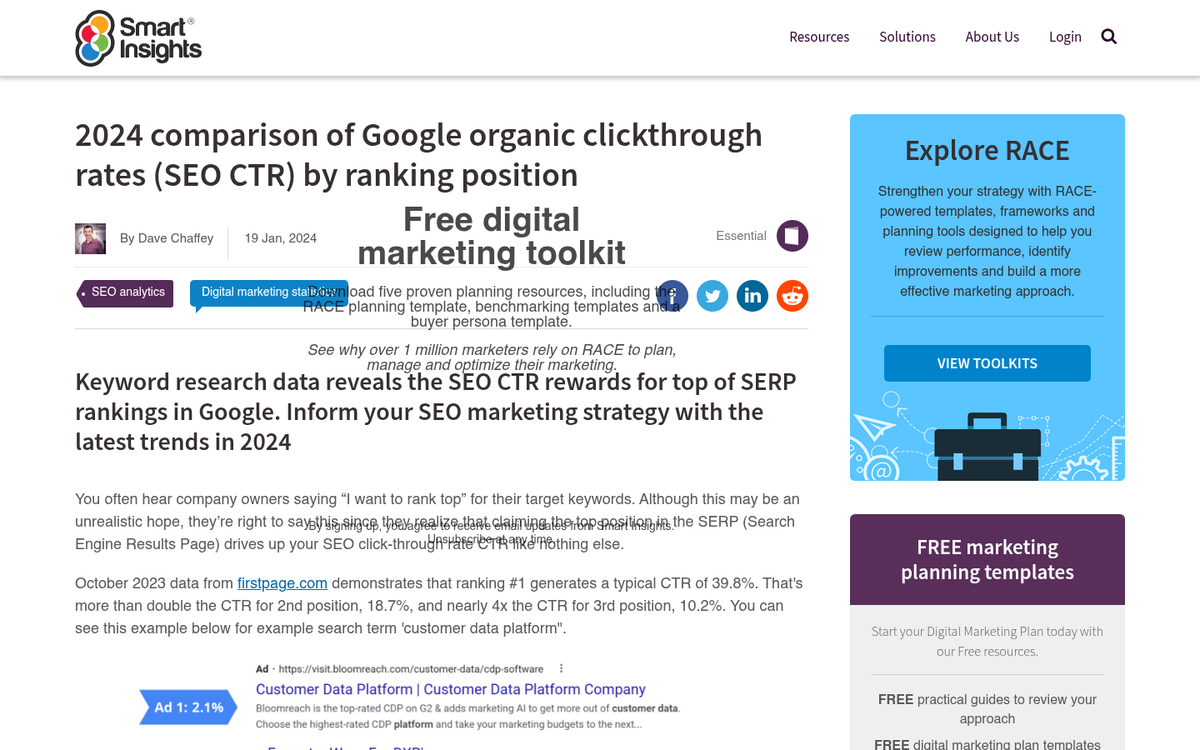
The CTR for position #1 on SERPs is 39.8%, dropping to 18.7% for position #2 and just 10.2% for position #3, according to FirstPageSage's 2025 data. That gap is significant - which means even if you're ranking, a weak headline can cost you a massive chunk of potential traffic. Write headlines that are honest, specific, and strong.
Not all of them will top the search results - it takes time to build up the momentum you'll need to reach that level. That doesn't give you an excuse to drop the quality of your posts, though. Rather, you'll have to maintain a high level of quality so if one of your posts does make it big, anyone looking at the rest of your site will see other helpful pieces of content waiting for them. Then other posts receive the benefit, and your site as a whole grows.