Key Takeaways
- Businesses earn an average of $2 for every $1 spent on Google Ads, but results depend heavily on optimization.
- Use phrase or exact keyword match types instead of broad match to avoid irrelevant clicks and wasted budget.
- Maintaining a strong negative keyword list can reduce wasted ad spend by as much as 25%.
- Ad extensions increase click-through rates by 10-15% and are free to add to any campaign.
- Keep ad groups tight with 5-15 closely related keywords to maintain Quality Score and ad relevance.
Google Ads (formerly AdWords) remains one of the most lucrative advertising platforms available. Where else can you spend a modest amount and potentially earn multiples in return? According to Google's own Economic Impact Report, businesses make an average of $2 in revenue for every $1 spent on Google Ads. Of course, results vary widely depending on your industry, offer, landing page quality, and how well your campaigns are optimized. If you're unsure where to start, it may be worth looking into hiring a Google Ads expert to help maximize your returns. Here are a bunch of things to consider.
Consider Page Two
One of the most common pieces of advice - and one that comes later in this piece - is to avoid the highest volume keywords because of the insane competition they bring. With some of the highest volume keywords, a reasonable bid might not even get your ad on the first page. The thing is, for suitably high volume keywords, a position on the second page can work out quite nicely. It works because the volume for the search is so high, and the average quality of the sites on the first page is so low, that plenty of people move on to page two looking for value. This strategy won't work for every niche, but it's worth testing before dismissing it entirely. Learn more about how to increase your position in Google AdWords listings to make the most of your campaigns.
Seek A Middle Ground with Volume and Cost
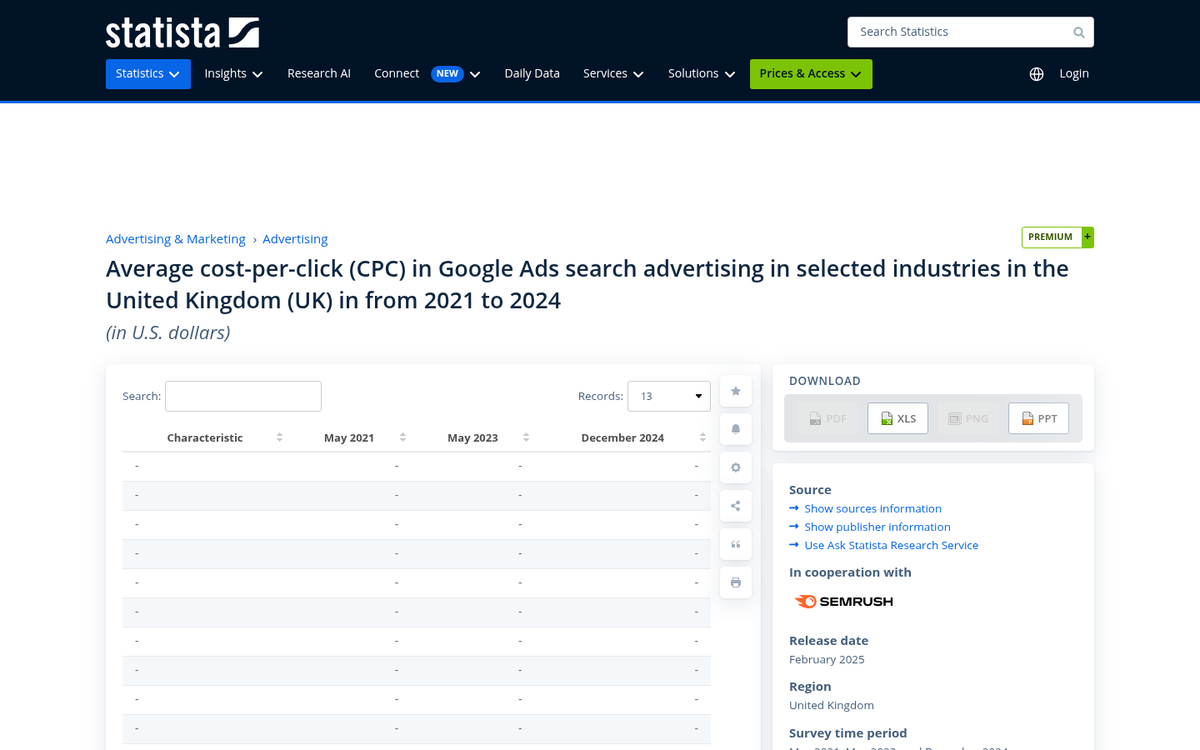
Here's the tip you were expecting: balancing out the volume of the search with the cost of running the ad. The 2024 benchmark average CPC sits around $4.66, up roughly 10% from the prior year, which means competition is intensifying across the board. For ads targeting high-volume keywords, you may need to pay significantly more than that to appear in a top position, which erodes efficiency and drives up your cost per lead.
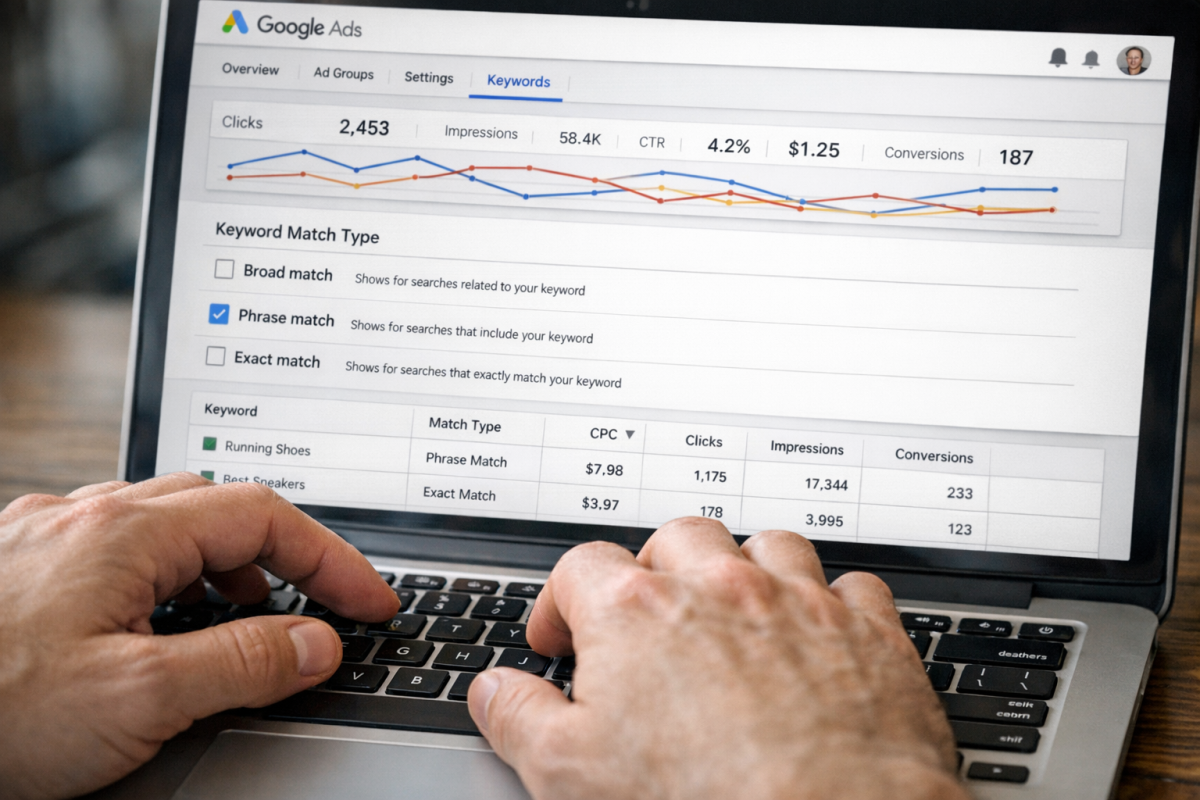
It's better to look for a keyword that has a more moderate volume but a cheap enough cost due to a lack of competition that you can dominate easily. You can also lower your bids to lower your ad position on the screen; a position two or three ad is sometimes just as effective as the top spot. You never know unless you test various positions. Keep in mind that the 2024 average cost per lead across industries is $66.69, though this varies dramatically - attorneys and legal services average $144.03, furniture sits at $119.10, and career and employment comes in at $117.92.
Change Keyword Match Type
When you run an ad for a given keyword, you have to specify the match type. There are three primary types of match, and chances are you're going to want to use phrase or exact matching.
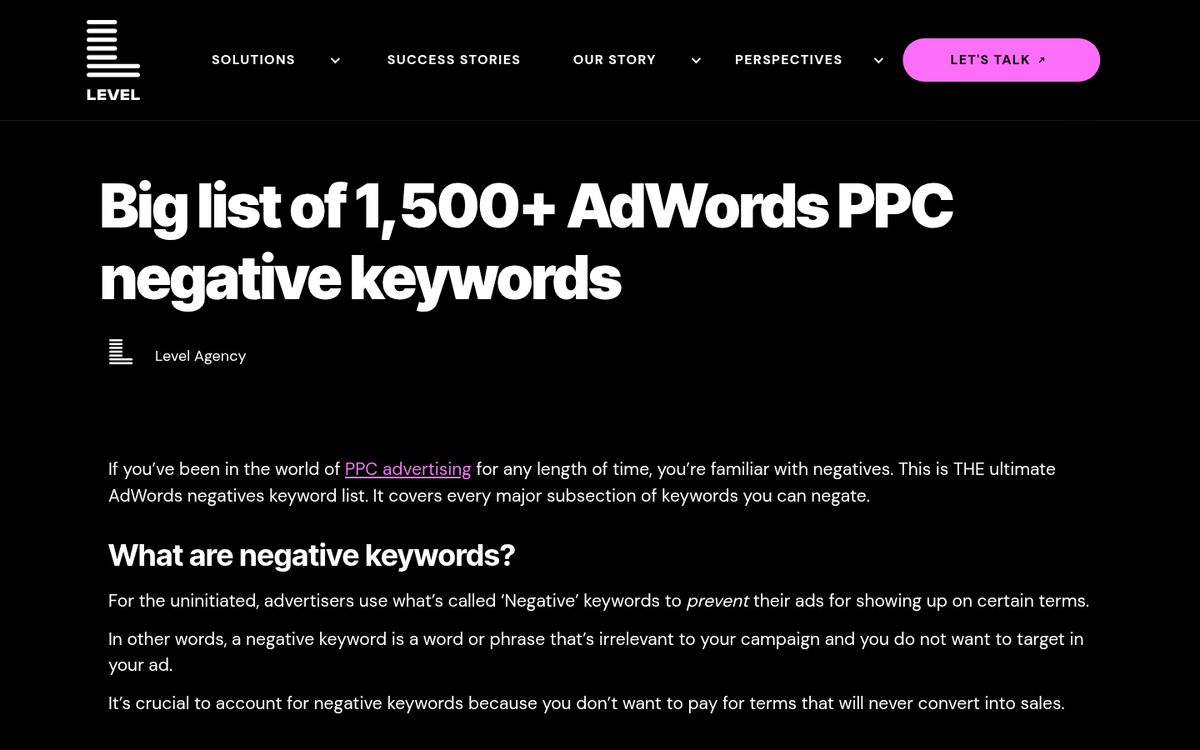
- Broad matching includes any search that Google deems relevant to your keywords. If your keyword is "red shoes", a search for "casual footwear in red" might trigger your ad. Google has significantly expanded how broad match works in recent years using AI, so results can be unpredictable.
- Phrase matching includes any search that contains the meaning of your keyword phrase in order. Your ad for "red shoes" would come up in a search for "buy red shoes" but not for something entirely unrelated.
- Exact matching only brings up your ad in searches that closely match your exact query or its close variants. "Red shoes" would bring up your red shoes ad, but an unrelated modifier would typically exclude it.
You can run the same ad with each match type to experiment and discover which works best. Google Ads will show you the quality score, click and impression volumes, CTR, and costs associated, among other statistics. Make the determination for yourself which match type works best for each keyword.
Don't Forget Negative Keywords
Negative keywords are keywords specifically excluded from your ad visibility. For example, if you had a broad match "red shoes" ad with no negative keywords, someone might see your ad when they searched for "how to dye red shoes." This isn't a query with much intent to buy, so you might list "dye" as a negative keyword. Research consistently shows that a well-maintained negative keyword list can reduce wasted spend by as much as 25%, which is meaningful at current CPC rates.

You can use pre-created lists of negative keywords, or you can run your ads for a while and add negative keywords as irrelevant queries appear in your search term reports. The second option wastes some budget upfront, but it gives you real data from your actual campaigns. If you find your budget disappearing faster than expected, it's also worth finding the time your AdWords budget is depleted each day to better understand your spend patterns.
Use Ad Extensions Generously
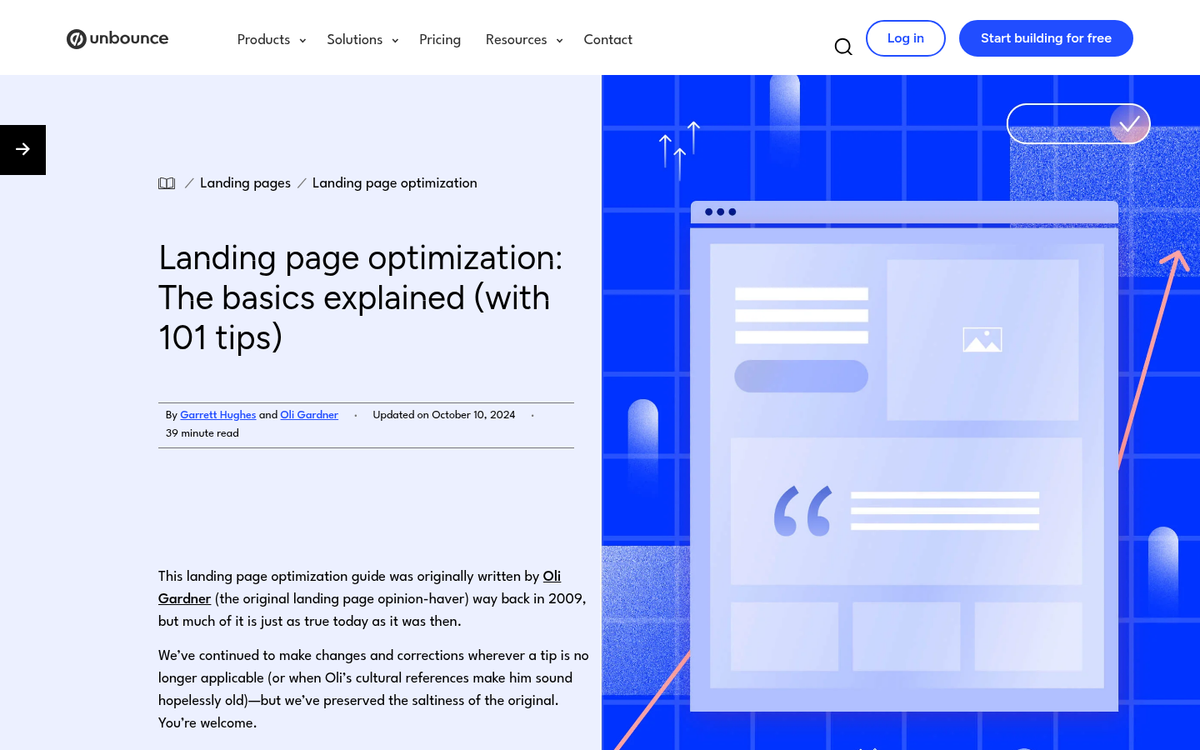
If you aren't using ad extensions (now called assets in Google Ads), you're leaving performance on the table. Sitelink, callout, structured snippet, call, and image assets all add real estate and context to your ads. On average, ad extensions increase CTR by 10-15%, which is significant given that the 2024 average CTR for Google Ads sits at 6.42%. Extensions are free to add and can dramatically improve your ad's visibility and relevance without increasing your base bid.
Optimize Your Landing Page
Your landing page is the key to a successful ad. You could have the best headline and description in the world, but if the user lands on a poor page, they aren't going to convert. The ad copy and headline are the equivalent of the salesman ringing your doorbell. The landing page is the sales pitch, and you only have moments to deliver it.

There are many ways to improve your landing page, from strengthening your call to action to improving page speed on mobile. One effective approach is to create targeted variations of your landing page for different keyword themes. Make sure these are noindexed if they contain near-duplicate content, to avoid any issues with search engine indexing.
Customize Landing Page URL

This one is a simple but useful tip. Your ad displays a display URL in addition to your description and headline. A custom URL path that's readable in plain English is a subtle reinforcement of your ad's relevance, and it can give your ad a little more credibility and click-worthiness. If you're running ads for a mobile app, a clean and relevant URL path becomes even more important for driving conversions.
Keep Ad Groups Focused

One often overlooked structural tip is keeping your ad groups tight. Best practice recommends containing 5 to 15 closely related keywords per ad group to maintain focus and properly match user intent. Bloated ad groups with dozens of loosely related keywords dilute your Quality Score, hurt ad relevance, and make it harder to write ad copy that speaks directly to what the user is searching for.
Track Success and Iterate Design

After a few days, a few weeks, and a few months of running any ad, you should review it. Does it bring in the volume of clicks you want? Do those users go on to convert, end up in your remarketing list, or disappear entirely? Identify the most successful parts of your ads and carry those elements forward into new iterations. Prune out what isn't working. Change ad copy, change landing pages, split test, and iterate again and again. The more generations you go through, the stronger your ads will become.
Consider Smart Bidding - But Stay Involved

As of 2024, 79% of advertisers use Google Smart Bidding, and over 50% say they choose it primarily because it saves time. Smart Bidding strategies like Target CPA, Target ROAS, and Maximize Conversions use machine learning to adjust bids in real time based on signals like device, location, time of day, and audience behavior. For campaigns with sufficient conversion data, Smart Bidding often outperforms manual bidding. That said, it still requires human oversight - you need to set realistic targets, monitor performance regularly, and feed the algorithm quality conversion data to work with.
Adjust Bids by Device
Sometimes, you'll discover that mobile users and desktop users have very different conversion behaviors for the same queries. Within your Google Ads campaign settings under the Devices tab, you can see the breakdown of performance by device type. The bid adjustment column allows you to increase or decrease bids for specific devices, helping you prioritize your budget toward the device types that actually convert for your business.
Stalk Competition and Undercut Their Efforts
You can use a wide variety of tools to analyze your competitors' paid search strategies using publicly available data. Google Ads itself includes the Auction Insights report, which shows how your ads compare against competitors in the same auctions. Third-party tools can give you even deeper visibility into competitor keywords, ad copy, and campaign longevity. This intelligence can help you identify gaps in their strategy, find keyword opportunities they're missing, and make smarter decisions about where to compete and where to pivot.