





Social content lockers are a type of plugin that aren't used often, and they seem rarely used to good effect. That alone tells me that they aren't very good for SEO, but I'm always open to new evidence. So, let's take a look at them and see where things stand in 2026.
Key Takeaways
- Social content lockers hide content until users take social actions, but historical performance data is sparse, outdated, and largely affiliate-biased.
- Forced social shares have minimal SEO value since Google hasn't confirmed shares as a direct ranking factor.
- If Google executes the locker script, your content won't be indexed; if it bypasses it, you risk cloaking penalties.
- Ad lockers should never be used; paywalls require genuinely premium content; social lockers need strict, selective implementation.
- The safest social locker use case is gating downloadable assets like ebooks or templates, which Google wouldn't index anyway.
What is a Social Content Locker?
A while back, you would often see contests and occasionally apps on Facebook locked behind a like. If you didn't like the page, you wouldn't be able to see the content, use the app, or enter the contest. This was a Like Gate, and it's a form of social content locker. Like Gates have been banned on Facebook for years now, and the functionality was removed from their API long ago.
A social content locker is a similar script for your blog. Essentially, you put the script on your page, and it hovers over blog posts, lurking and waiting. When a user clicks to visit your site from another location - like from a social media platform or search result - the script triggers. That user is shown the title of the post, and maybe the first line or two, before it fades out.
What replaces it is a box, similar to many of the exit intent scripts that riddle marketing websites today. Instead of asking you to sign up for a mailing list or consider buying a product, though, this asks for you to share the content on a social platform, follow the site's account, or something similar. It's always a form of social engagement.
The other difference between this sort of script and an exit intent script is that you can close an exit intent script. The social locker requires the user to perform one of those actions, or else they will not be able to view the content.
Some social content lockers offer a time-based incentive as well. If the user doesn't want to take social action but really wants to read the content, they have the option of just waiting, say, 60 seconds, and the lock will disappear.
What Do Social Content Lockers Do?
The data that exists on social content lockers is sparse, old, and largely produced by people with a financial incentive to make them look good. Most of the case studies floating around the web date back to the early-to-mid 2010s, and the results were underwhelming even then - small absolute numbers dressed up as large percentage increases.
Here's why the historical data deserves skepticism:
- They don't show long-term effects. A user might socially share one post, but if they're asked to share every time they visit, they'll eventually find another source for their information.
- The numbers are small scale. A "1000% increase in Twitter shares" often meant going from 2 shares to 20. Impressive in percentage terms, meaningless in practice.
- Much of this data was produced by affiliates. It's rule number one for affiliate sales - make the product look good. No one clicks through and buys after reading a negative review.
- The social platforms themselves have changed dramatically. Organic reach on Facebook and X (formerly Twitter) has declined sharply over the past decade. A forced share in 2026 reaches far fewer people than the same share would have in 2013. The value proposition has eroded substantially.
Onwards, then, to more data.
Looking at SEO Effects
When you boil things down, a social content locker has a few effects. It hides content from a user upon immediate visit. It promotes social shares and, occasionally, longer waits. That's really it.
Let's look at the bounce rate angle first. By encouraging users to wait before they leave, it will technically decrease measured bounce rate. The problem is, all it does is obscure your real bounce rate. How many of those users leave the moment the timer expires, having waited a full minute only to discover your content isn't what they wanted? The underlying behavior hasn't changed - you've just delayed it. If you want to understand what your bounce rate is actually telling you, there are a few things you can learn from it beyond the surface-level number.
What about promoting social shares? Yes, a social content locker will get you more social shares in the short term. But it's worth asking a few important questions:
- What is the actual reach of those shares? Normally, the value behind a social share is reaching a wider audience, which in turn can share, creating a cascade effect. But a forced share carries far less credibility and engagement than an organic one. The people who see it are less likely to interact with it, let alone share it further.
- How many people will continue to share your page after being asked repeatedly? If the cookie set by the site expires too quickly, those users will be asked to share far more often than they're comfortable with. They don't want to clutter their feeds, and they don't want to keep "paying" to view your content.
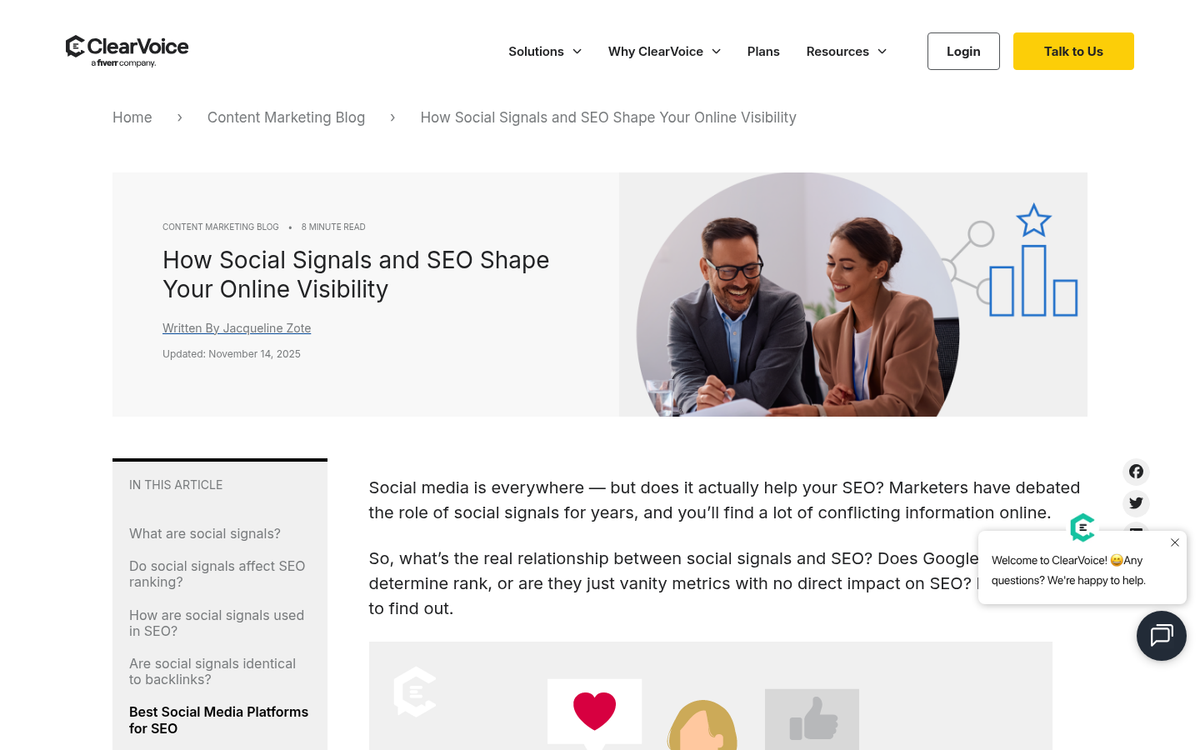
- Does social sharing actually improve SEO in 2026? Hootsuite's research has found a correlation between high social share counts and improved rankings - roughly a 22% SEO boost for highly shared content in one study. However, correlation isn't causation. High-quality content tends to get both shared and linked to. Forcing low-quality or mediocre content to be shared does not replicate this effect.
My suspicion is that forced shares are largely worthless as an SEO signal. Google has never confirmed that social shares are a direct ranking factor, and the consensus among SEO professionals in 2026 remains that links, content quality, and user experience signals carry far more weight.
Google and Content Lockers
There are essentially two ways a content locker can interact with Google's crawler.
- Google does not execute the content locker script, and is thus able to read your content without issues.
- Google executes the content locker script, and is thus locked out of the content the same way users would be.
Both scenarios carry risks. Let's start with option two.
In option two, Google executes the script that locks your content. Google is not going to wait 60 seconds - that would destroy crawl efficiency. Googlebot also doesn't have social media accounts to share or follow with. Therefore, your content remains locked to Google. It is not indexed, and cannot appear in search results.
In option one, Google bypasses or ignores the script and indexes your content normally. Users, however, are still locked out. This is where things get legally and technically complicated under Google's current guidelines.
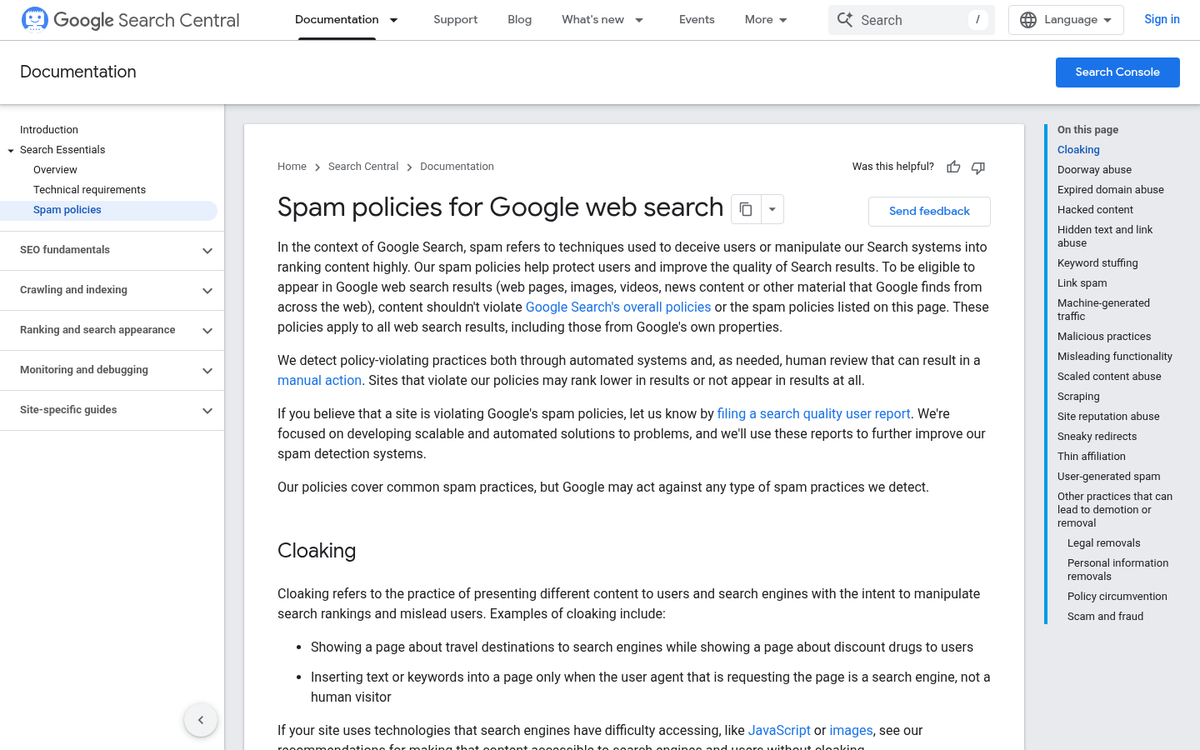
Google's spam policies make a clear distinction here: operating a paywall or content gate is not considered cloaking, provided Google can access the full content behind the gate. This is how subscription sites like the Wall Street Journal operate without penalty. However, if the mechanism is specifically designed to show Google one thing while deliberately blocking users, that crosses into cloaking territory.
It's also worth noting what Matt Cutts, former head of Google's webspam team, has stated plainly: there is no such thing as "white hat cloaking." Any attempt to manipulate what Google sees versus what users see is likely to result in penalties - including ranking loss, full deindexation, and long-term brand trust damage.
Social content lockers occupy a gray area here. They're not strictly showing Google different content - they're just delaying access for users. But the intent behind them, and the execution, can easily push them into cloaking territory depending on implementation.
There's one other practical note. Social content lockers execute using JavaScript, which can be blocked by browser extensions or disabled by users for security reasons. Anyone running a script blocker will never even see the locker - which means the whole mechanism is bypassed anyway.
In general, a social content locker may get you a short-term bump in social shares, because users will tolerate it once under the assumption that it's temporary. When it appears again, and again, and again, that tolerance evaporates quickly.
Advice on Using Content Lockers

There are three general categories of content locker, and they are not created equal:
- Social locker. These hide content until a social media action is taken, like a share or a follow.
- Paywalls. These hide content until a membership is purchased or a fee is paid.
- Ad lockers. These require completing an "offer" - filling out a form, signing up for something, or similar. Common in free-to-play games as a way to earn in-game currency.
Never use ad lockers. They have an incredibly low success rate, which frustrates users. Completing offers is tedious, often misleading, and frequently leads to spam. Users will associate that spam with your brand.
Paywalls are more legitimate but require genuinely premium content to support them. Subscription models have matured considerably - readers in 2026 are more accustomed to them than ever, thanks to outlets like The Atlantic, The New York Times, and countless niche publications. But this only works if your content is genuinely worth paying for. A paywall on mediocre content is just a wall.
If you're set on using a social locker, a few practical rules apply:
Only lock genuinely premium content. If someone shares your post before they've even read it and then discovers it's mediocre, you've damaged your credibility on two fronts - they resent being manipulated, and they've publicly shared something they'd rather not have.
Never lock essential pages like your homepage, category pages, or anything a first-time visitor might land on. Locking those pages signals that your priority is extraction, not value.
Only lock some content, not all of it. If your entire blog is locked, you're telling users that everything you publish requires a toll. That's exhausting, and most users will simply leave. Struggling to get readers is hard enough without putting unnecessary barriers in the way.
Put the script code at the bottom of the page so it doesn't slow down page load times. Page speed remains a meaningful ranking factor, and every unnecessary script at the top of the page adds latency before your actual content loads - much like how certain comment plugins can slow your site down if not loaded carefully.
The Best Way to Use a Social Locker
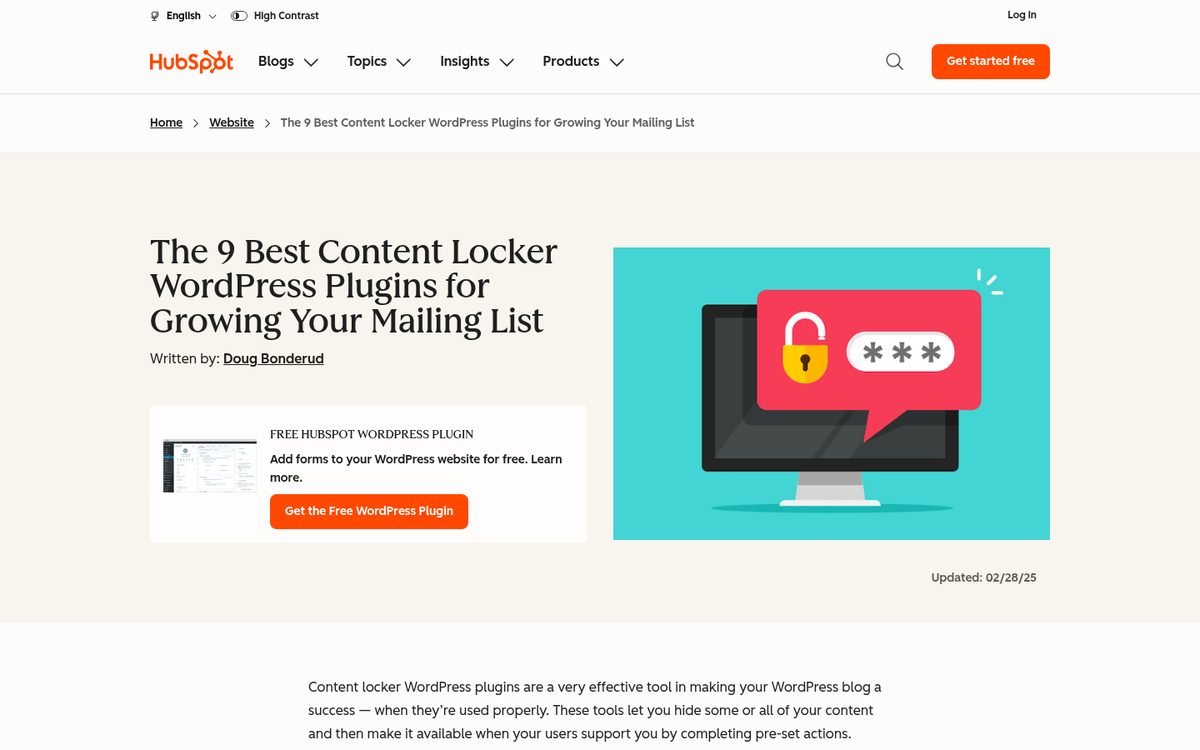
There's one approach to social lockers that is both more common than locking blog posts and far more defensible - and it largely sidesteps the SEO concerns entirely.
The primary SEO concern about using a social locker is that it can interfere with indexing. What if the content you're locking isn't something Google would index in the first place?
What I'm referring to is downloadable or gated premium content - things like ebooks, templates, audio files, exclusive video, or tools. This isn't content Google is crawling and indexing as a page; it's an asset you're offering as an incentive. Putting a social locker on this kind of content is functionally similar to putting it behind a lead capture form. It's a different currency, but the exchange is the same.
Users are also significantly more willing to share or follow an account in exchange for a tangible asset than they are for a blog post, which most people expect to be freely accessible.
This approach avoids the cloaking risk, avoids the indexing risk, and offers users something they perceive as genuinely worth the ask. It's the only implementation of a social locker I'd consider recommending in 2026 - and even then, only if the asset is something your audience genuinely wants.
For everything else - blog posts, articles, category pages - leave the content open. Focus on making it good enough that people share it because they want to.
5 responses
Thoughtful replies only - we moderate for spam, AI slop, and off-topic rants.
hi, Kenny. I was searching for social locker on google and came across your post. It is very detailed and clearly elaborate on the topic. It cleared many of my misconceptions regarding social locker, which I was planning to include on my blog.
Thanks for your useful post.
Thank you Kenny. I've just bought a social locker plugin and testing its result...
What about locking a link to download particular file... I mean for example, an app for android or iOS devices.
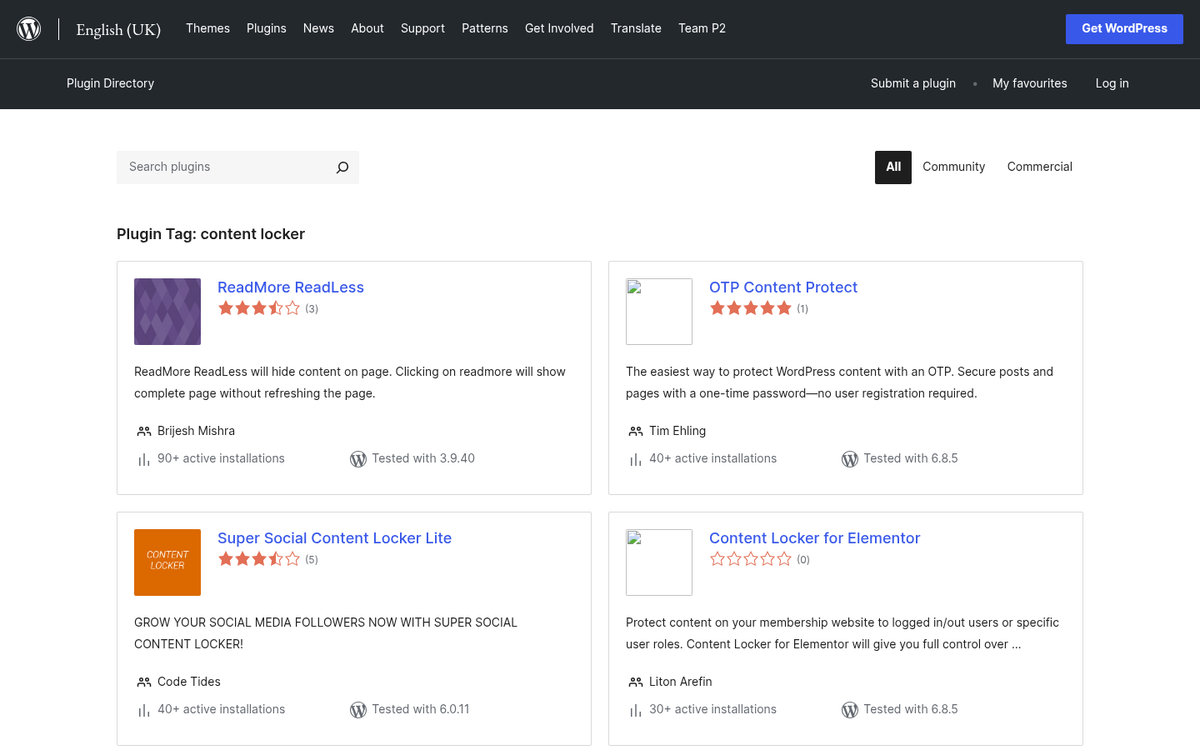
how i can set content locker in my blog thanks
Hey Shivam! Setting up a content locker on your blog is pretty straightforward. Most popular blogging platforms like WordPress have dedicated plugins for this - just search for "social locker" or "content locker" in the plugin directory. You can then wrap any content you want to hide behind a social share or follow action. Make sure to use it sparingly though, so it doesn't hurt your user experience or SEO!