Key Takeaways
- AddThis shut down in 2023 after Oracle acquired it, making AddToAny and ShareThis the two main remaining competitors.
- Both AddToAny and ShareThis are completely free with no paid plans, making pricing a non-factor in choosing between them.
- AddToAny supports a vastly larger network list and offers near-open-source customization, including direct Google Analytics integration.
- ShareThis offers bonus features like follow buttons and emoji reactions, making it more appealing for non-technical users wanting quick setup.
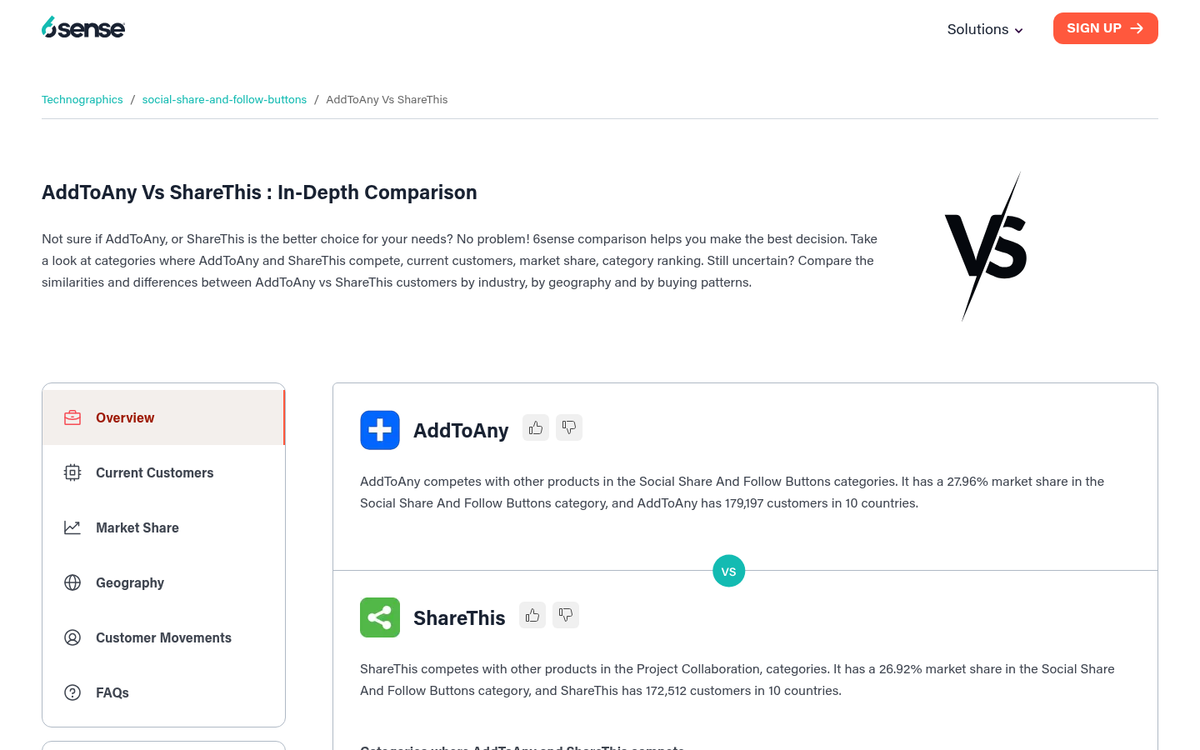
- AddToAny holds roughly 28% market share and leads adoption across 160+ countries, despite ShareThis having slightly more customers.
In the world of social sharing buttons, there are dozens of different plugins out there, if not hundreds of viable options. I personally like to try the big guns of Social Warfare. But I acknowledge that they aren't a choice for everyone. With that in mind, I've decided to review and compare some of the most popular social sharing suites- this post originally covered AddToAny, AddThis and ShareThis - but since then, AddThis has shut down, so this updated comparison focuses on AddToAny and ShareThis, the two remaining heavyweights.
What Happened to AddThis?
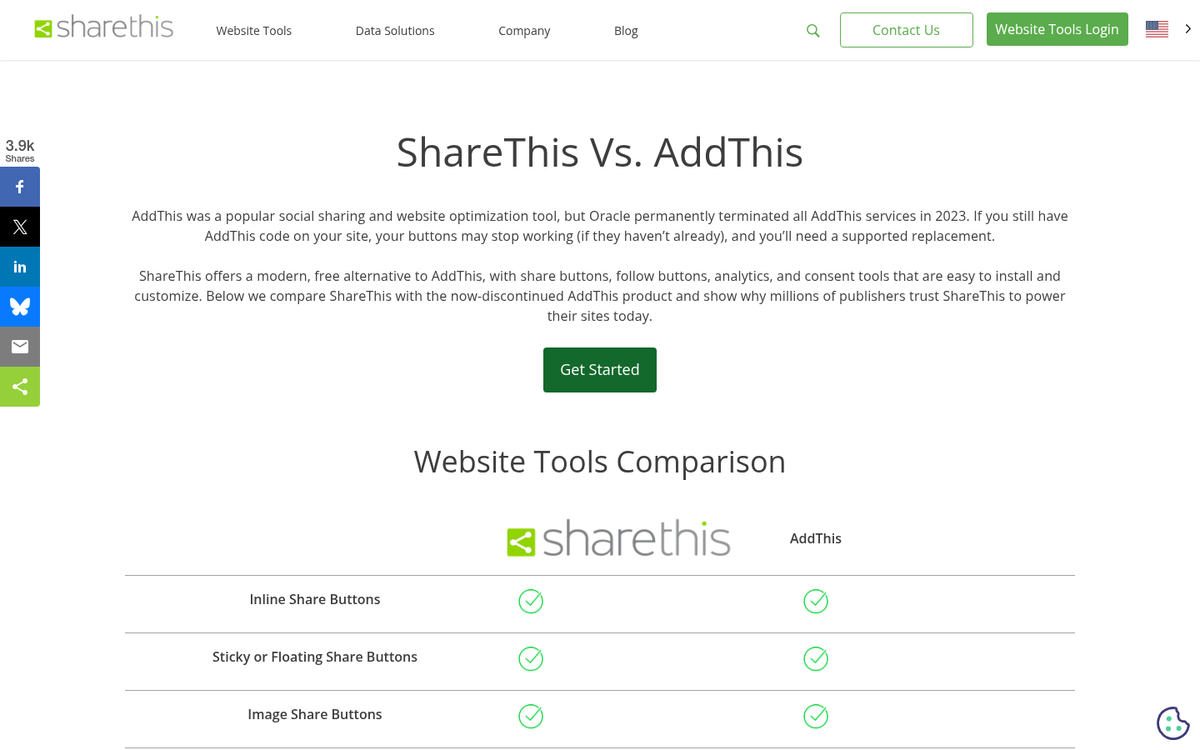
Oracle acquired AddThis back in 2016 and finally shut down all AddThis services in 2023. If you're still running it on your site, it isn't doing anything helpful anymore and you should replace it as soon as possible. The good news is that AddToAny and ShareThis are solid replacements.
Where to Find Them
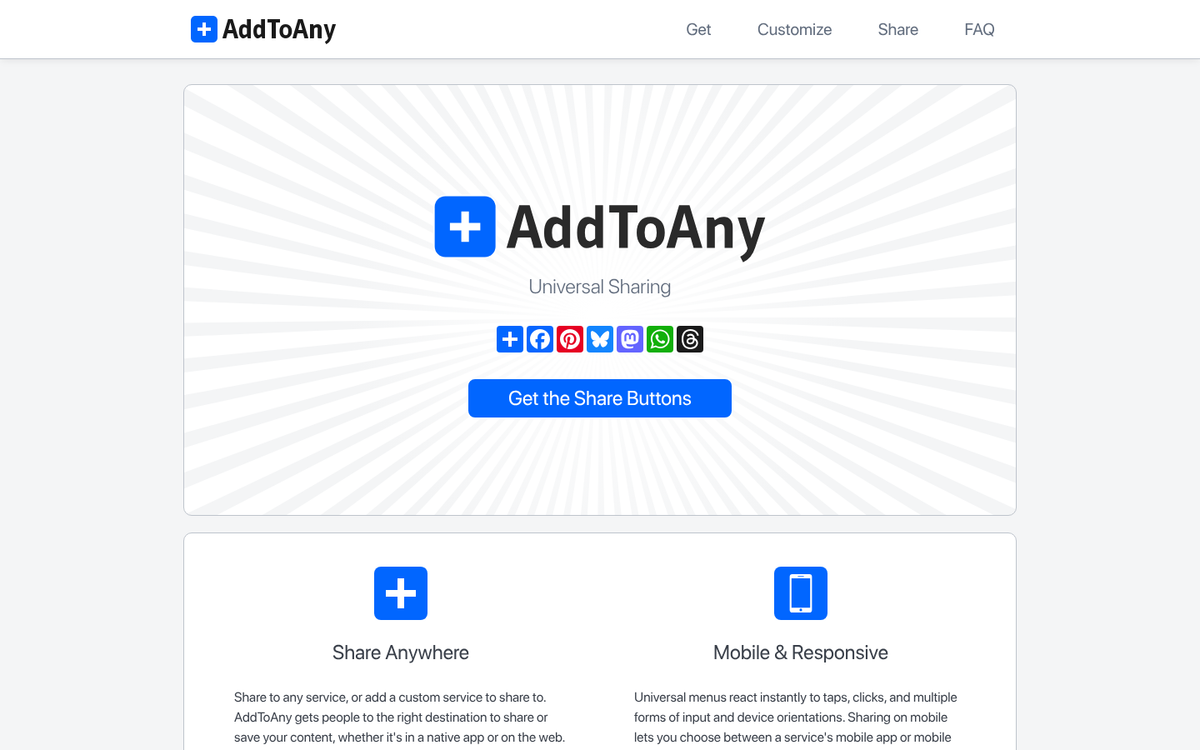
First, so you can follow along or grab the buttons yourself, here's where you can find each of the two products I'm comparing. If you're unsure where to place share buttons on your blog, that's worth considering before you install either one.
Compatibility
Next up, let's look at the compatibility for each.
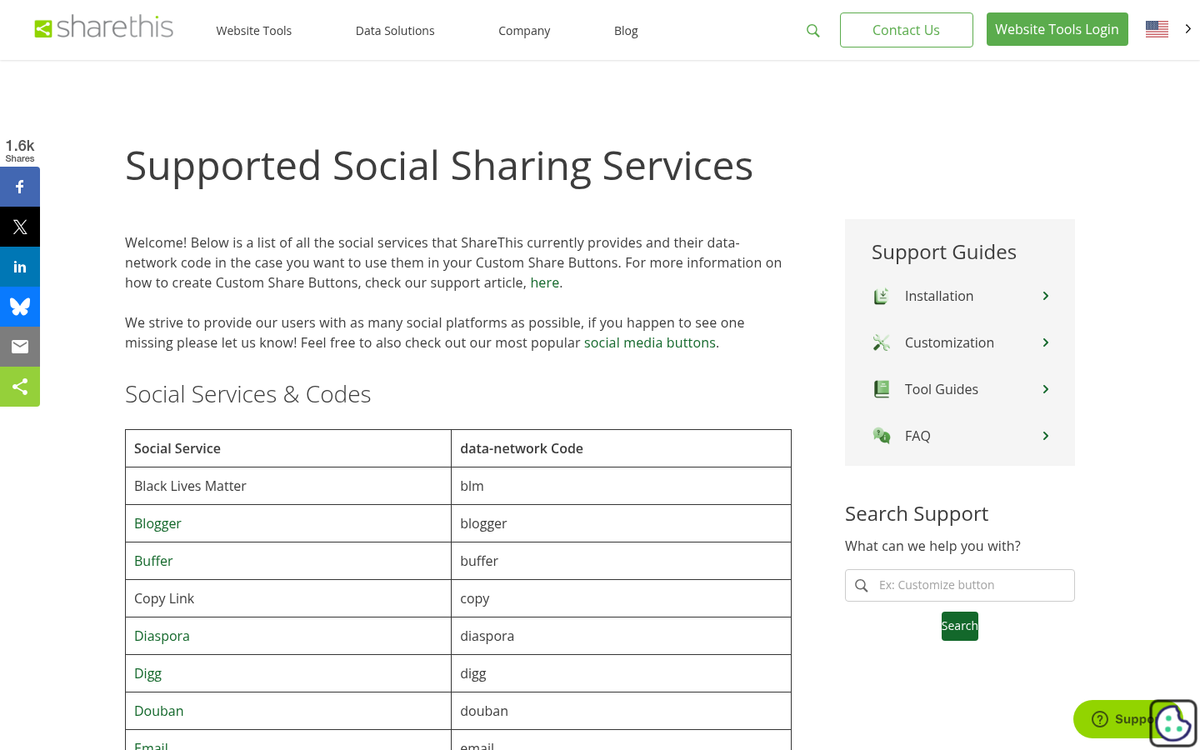
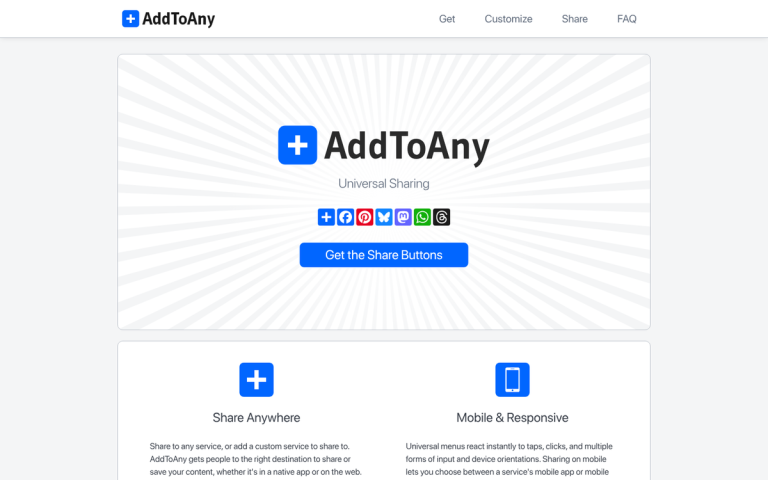
AddToAny - Sharing buttons from AddToAny are available for basically any platform. They have a page with each option. Clicking on an option will take you to instructions for installing the buttons on that platform. Supported places include WordPress via a plugin, Drupal, Joomla, WordPress.com sites, Cloudflare, Tumblr, Blogger, TypePad, FeedFlare and Elgg. They also have an option for embedding buttons in your email signature and a generic code package for use on a custom website. According to 6sense data, AddToAny leads in adoption across over 160 countries- like the United States, Japan, Italy and France.
ShareThis - Clicking to get the buttons brings you to a page to choose a style, whereupon you can then choose a platform. Supported places include Weebly, Jimdo, BigCommerce, Shopify, WordPress, Wix, SquareSpace and a generic HTML code package to install on another form of website.
Pricing
If you're looking at plugins like these, you're probably concerned about pricing. The good news is easy here.
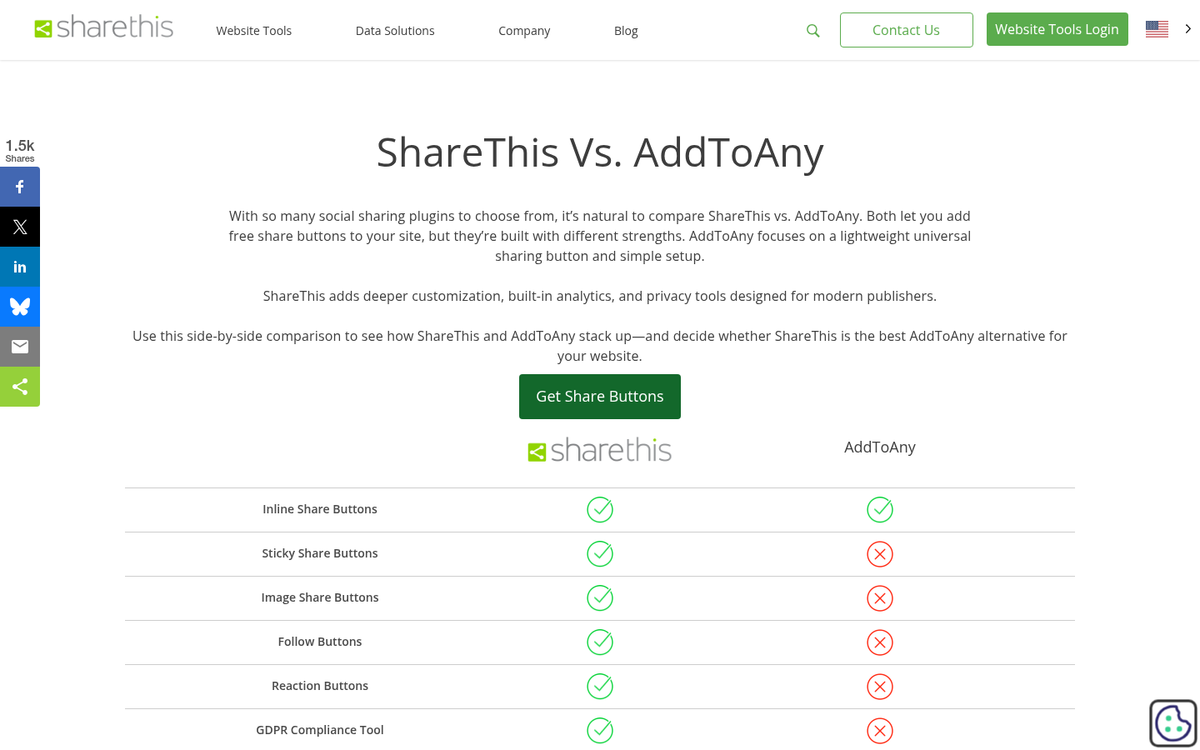
AddToAny - This set of sharing buttons is free to get and install, with no paid plans at all.
ShareThis - This set of sharing buttons is also free to get and install, with no paid plans at all. If you want to compare options, check out our review of Social Warfare for a premium alternative.
Supported Social Networks
One of the main features of a social sharing button suite is the set of social networks it covers. If you have a network you need covered and they don't cover it, you either have to edit the code to include it yourself, or find a different option. So which networks do these tools cover?
AddToAny - When you get the code for this plugin, you choose which networks to include and what order to include them.
They have a wide range of networks in their list. Here's the full list as of this writing:
Facebook, Twitter/X, Email, Pinterest, LinkedIn, Reddit, WhatsApp, Gmail, Telegram, Pocket, Mix, Tumblr, Amazon Wishlist, AOL Mail, Balatarin, Bibsonomy, Bitty Browser, Blinklist, Blogger, BlogMarks, Bookmarks.fr, Box.net, Buffer, Care2 News, CiteULike, Copy Link, Design Float, Diary.ru, Diaspora, Digg, Diigo, Douban, Draugiem, DZone, Evernote, Facebook Messenger, Fark, Flipboard, Folkd, Google Classroom, Hacker News, Hatena, Houzz, Instapaper, Kakao, Kik, Kindle It, Known, Line, LiveJournal, Mail.ru, Mastodon, Mendeley, Meneame, MeWe, Mixi, MySpace, Netvouz, Odnoklassniki, Outlook.com, Papaly, Pinboard, Plurk, Print, PrintFriendly, Protopage, Pusha, QZone, Refind, Renren, Sina Weibo, SiteJot, Skype, Slashdot, SMS, StockTwits, Svejo, Symbaloo, Threema, Trello, Tuenti, Twiddla, TypePad, Viadeo, Viber, VK, WeChat, WordPress, Wykop, Xing, Yahoo Mail and Yummly.

If you've never heard of most of these, don't worry; I haven't either. A lot of them are foreign language social networks based in eastern Europe or Asia.
ShareThis - This service has a more traditional number of social networks available to choose from. The full list includes: Facebook, Twitter/X, Pinterest, Email, SMS, Facebook Messenger, ShareThis itself, LinkedIn, Reddit, Tumblr, Digg, WhatsApp, VK, Weibo, Odnoklassniki, Xing, Print, Blogger, Flipboard, Meneame, Mail.ru, Buffer, Diaspora, Douban, Evernote, Gmail, Hacker News, Instapaper, Line, Pocket, QZone, Refind, RenRen, Skype, Telegram, Threema, Yahoo, WordPress and WeChat.
Features
The features comparison is probably the section that matters most. Let's dig in.
AddToAny - This service has your basic social sharing buttons, as you might expect- it also has floating share buttons and a couple of other configuration options. You can upload your own SVG icons to use in place of the default icons, if you wish. AddToAny is also mobile responsive out of the box- it does not have its own analytics. But it lets you tie into Google Analytics out of the box.
Perhaps the biggest benefit of AddToAny is that it's basically open source. Their FAQ and Customize menus give you tips on how to handle anything from changing the button alignment to modifying event handling and enabling asynchronous loading. If you're willing to make some modifications, you can customize this platform to fit your preferences.
AddToAny also has browser extensions that you can install to give yourself customized social sharing tools on any website you visit. These aren't helpful from a business perspective. But users may like them.
ShareThis - This social sharing plugin is a dedicated sharing plugin- it's lightly customizable and mobile optimized, with support for multiple languages like English, German, Spanish, French, Italian, Japanese, Korean, Portuguese, Russian and Chinese.

ShareThis also has follow buttons which do what they say on the tin - they allow your users to click them to follow your account on social media. You do, of course, need to have an account or page for them to follow, so this takes slightly more configuration than sharing buttons.
They also have a reactions button- basically a custom toolbar that works similarly to how Facebook's like and reactions work, featuring the love, laugh, shock, cry and anger emojis. Customization isn't very robust and it's more of a gimmick than a core marketing tool. But it's a great touch if your audience responds well to that engagement.
According to 6sense data, ShareThis currently ranks 2nd in the Social Share and Follow Buttons category with over 162,000 customers. AddToAny ranks 3rd with over 153,000 customers. However, AddToAny holds a bigger market share percentage at roughly 28% compared to ShareThis in terms of web presence breadth.
Final Verdict
With AddThis now gone, the choice has become easier. Both AddToAny and ShareThis are free, are actively maintained and cover the social networks that most website owners actually need.
If you want maximum flexibility and customization, AddToAny is the stronger choice. Its near-open-source nature means you can change almost everything, it integrates directly with Google Analytics and it supports a giant number of platforms and networks- it also doesn't need you to log into a third-party dashboard to manage your buttons, which keeps things cleaner and easier.
If you want a quick, clean setup with minimal fuss and some bonus features like follow buttons and reactions, ShareThis is a solid option- it's slightly more plug-and-play for non-technical users and covers the networks most sites need.
If you were previously using AddThis, migrate to one of these two as soon as possible if you haven't already. The service is dead and any remnant code on your site is dead weight at best and a possible liability at worst. Social buttons can slow down your website's load time, so keeping unused scripts around is worth cleaning up quickly.
If you would like to weigh in on this conversation, comment below. I'm curious what my readers have been using. What do you use on your website and how has it worked for you? Have you made the switch away from AddThis? Do you like something else entirely, like Social Warfare or another plugin? Tell us your story.