Explainer videos aren't a new trend, but they continue to grow in relevance because of how effective they are - and in 2026, they're more accessible than ever to produce thanks to AI-powered tools that have dramatically lowered the cost and time to create them.
You might notice us writing about them a lot this week, covering a number of aspects. This piece, for example, is all you need to know to buy, create, or implement an explainer. Let's begin!
Key Takeaways
- Explainer videos boost landing page conversion rates by 86%, and 85% of viewers have been convinced to purchase after watching one.
- The ideal explainer video length is 60-90 seconds; front-load your value proposition since viewer drop-off happens fastest early.
- Video styles include live-action, animation, whiteboard, AI-generated, and hybrid formats, each with different cost and production trade-offs.
- Traditional studio production averages $8,746 and takes 4-6 weeks; AI-assisted studios now offer comparable quality for $1,500-$2,500.
- Track success using YouTube Analytics for drop-off data and Google Analytics 4 for conversion events tied to video interactions.
1. What an Explainer Video Is
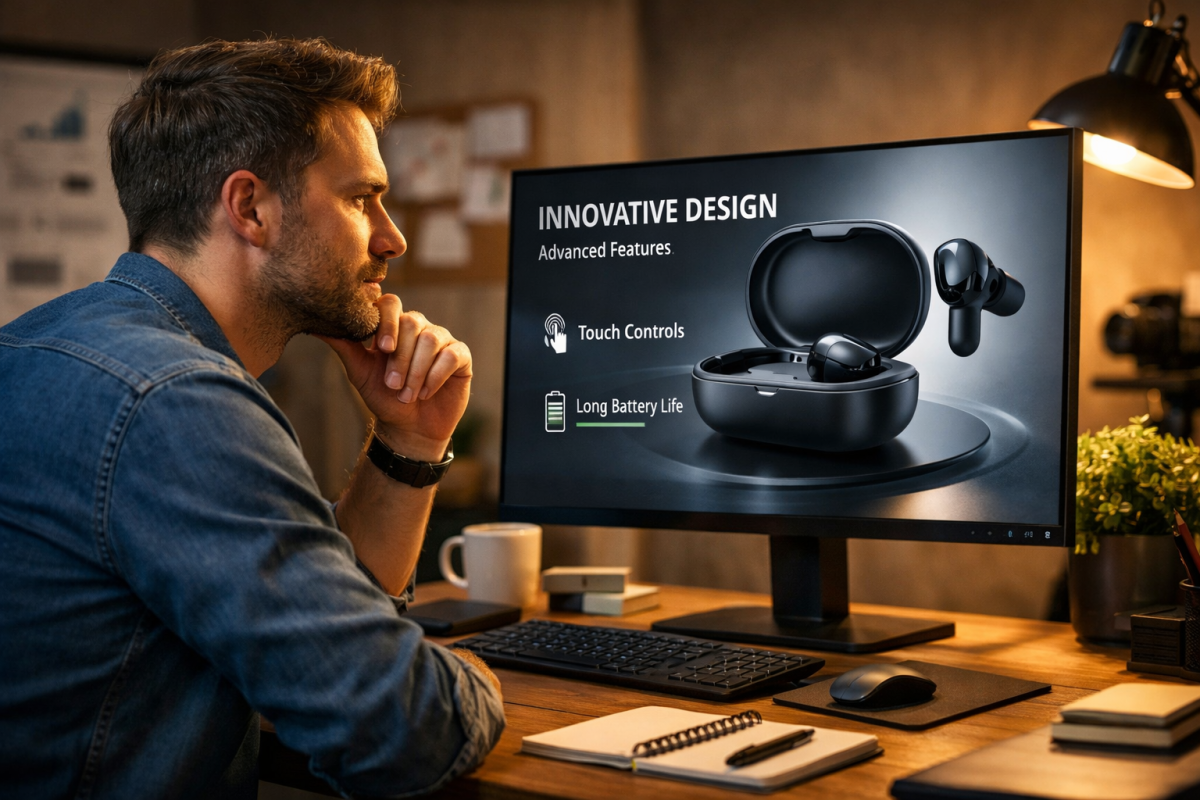
If you're here and you don't know what an explainer video is, you're in the right place.
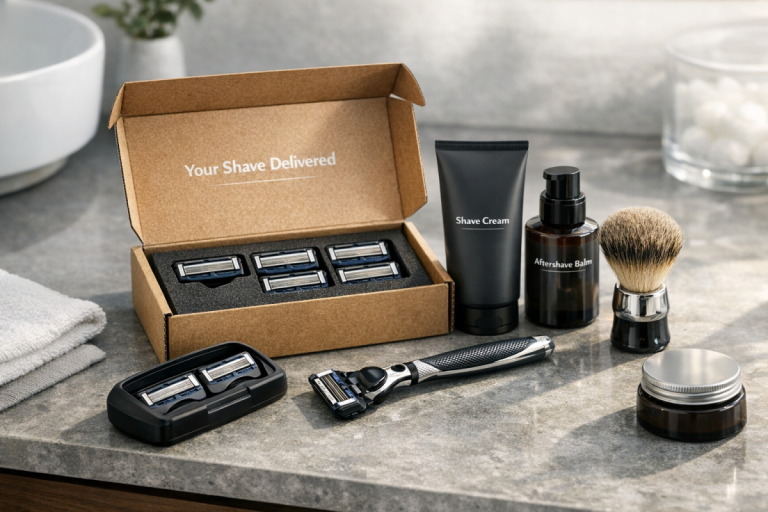
An explainer video is simply a marketing video you make to explain a given product or service. The format has been around for years - think of classic examples like the Dollar Shave Club launch video, or Amazon's product announcement videos - but the style, tooling, and production landscape have evolved significantly.
Today, explainer videos appear on landing pages, homepages, product pages, social media, and even in email campaigns. They're proven to work: landing pages with explainer videos convert at 86% higher rates, with an average conversion rate of 4.8% versus 2.9% for pages without video. According to Wyzowl's 2025 survey, 96% of people have watched an explainer video to learn about a product or service, and 85% say they've been convinced to make a purchase after watching one. That's not a trend you can afford to ignore.
2. How Long Should It Be?
The sweet spot for explainer video length hasn't changed much over the years: 60 to 90 seconds is the standard recommendation, and it holds up well. Most explainers run in the 1-2 minute range. A few tackle more complex B2B topics and push to 3-4 minutes, but these are the exception.
The logic is simple: viewers drop off fast, so front-load your value and keep things tight. A shorter video is also cheaper and faster to produce - a meaningful consideration given production costs. Supplement a concise video with supporting information lower on the landing page rather than trying to cram everything into the video itself.
3. What Types of Video Exist?
You have a number of options for style. Here are the main categories:
- Live-action videos. Shot with a real camera, featuring real people and real environments. Great for showing a physical product in action. The trade-off is that you need charismatic talent, locations, and more logistical coordination than other formats.
- Animation videos. These use motion graphics or character animation to tell your story. Tools like Vyond, Animaker, and others have matured considerably, and AI-assisted animation tools now make this style faster and cheaper than ever. They rely heavily on a strong voice over or on-screen text.
- Whiteboard videos. A classic format where an animated or real hand draws out your story on a whiteboard. Still used, though less dominant than they once were. They work well for educational or step-by-step content.
- AI-generated videos. A genuinely new category worth acknowledging in 2026. Tools now exist that can generate entire explainer videos - including animation, voice over, and music - from a script or even just a prompt. Quality varies, but at the higher end of these tools, results are increasingly production-ready. If you plan to use AI for your scripts or supporting content, it's worth understanding whether AI-generated content can pass E-E-A-T guidelines.
- Hybrid videos. A mix of any of the above - live action combined with motion graphics, whiteboard elements layered with animation effects, and so on. If you're looking for inspiration across these formats, check out some great ideas for a WordPress video blog.
4. How to Write a Script

Your script is the lifeblood of your explainer. It needs to introduce your product and what it does, establish a problem your audience recognizes, solve that problem using your product, include trust signals like testimonials or recognizable client logos, and close with a clear call to action.
Keep the script as lean as possible. Front-load your value proposition in the first 30 seconds - this is when drop-off is highest. Write in second person, use plain language (unless your audience is exclusively industry insiders), and don't be afraid to inject some personality or humor where it fits. A rough rule of thumb: approximately 130-150 words of script equals about 60 seconds of finished video.
5. Where to Find Voice Actors
A great script read by a flat or unconvincing voice will undermine the whole video. You need either a strong voice yourself or a professional narrator.
If you're hiring, platforms like Voices.com, Voice123, and Backstage connect you with professional voice talent across a range of budgets. Fiverr remains an option for budget productions, though quality varies significantly, so listen to samples carefully before committing. AI voice tools like ElevenLabs and similar services have also reached a quality level where they're a legitimate option for many productions - particularly if you're using an AI-assisted production workflow - though human voice actors still tend to win on warmth and nuance for premium projects.
6. Professional Production or DIY?
This is where 2026 looks meaningfully different from just a few years ago.
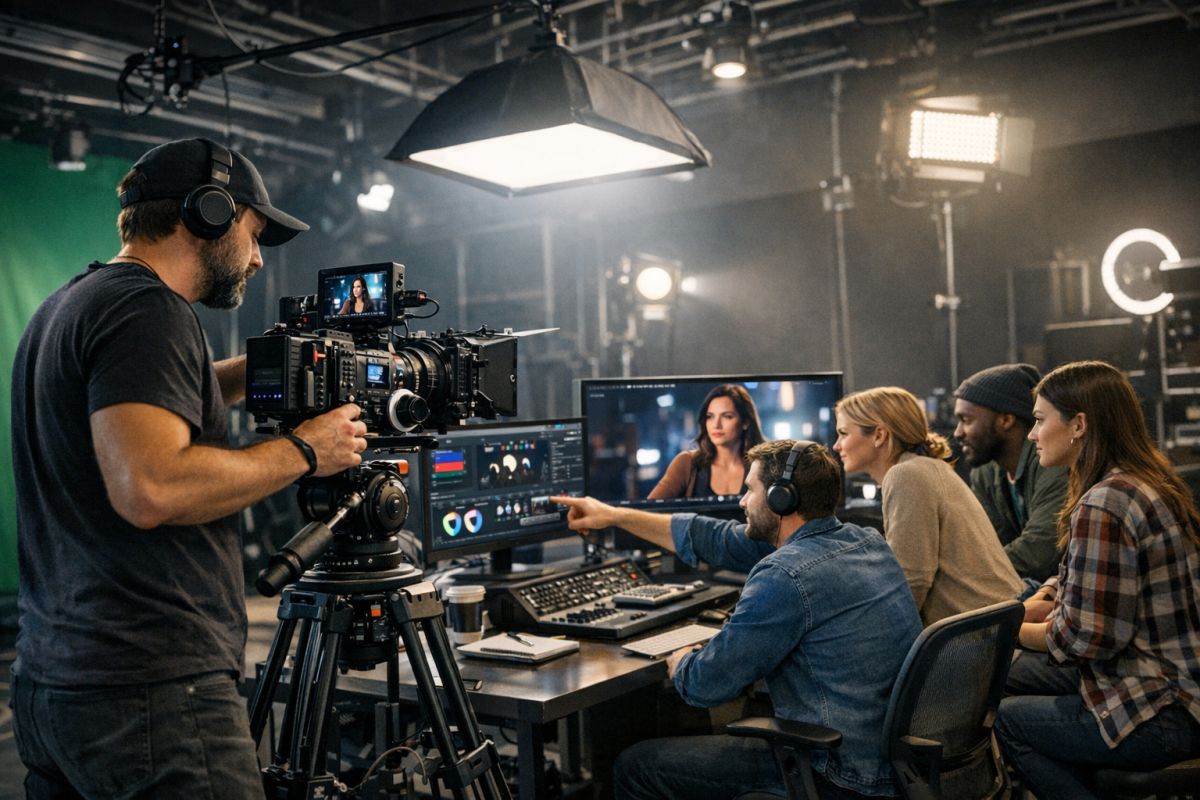
Traditional studio production for a 60-second explainer now averages around $8,746, based on real market quotes, with a typical range of $4,000-$10,000. Production timelines run 4-6 weeks for a 60-90 second video, covering scripting, storyboarding, animation, and voice over. You get high quality, no watermarks, and a professional end product built to last.
AI-powered studio workflows are a genuine alternative in 2026. Studios using AI-assisted pipelines can now deliver comparable quality for $1,500-$2,500 - a significant drop. If budget is a constraint, this is worth exploring.
DIY tools like Vyond, Animaker, or Canva's video features remain solid options for smaller budgets or internal projects. They require more of your time but give you full control and the ability to iterate quickly.
One important note: 89% of consumers say video quality impacts their trust in a brand. A low-quality video can do more harm than no video at all, so factor that into your budget decisions.
7. Where to Find Either
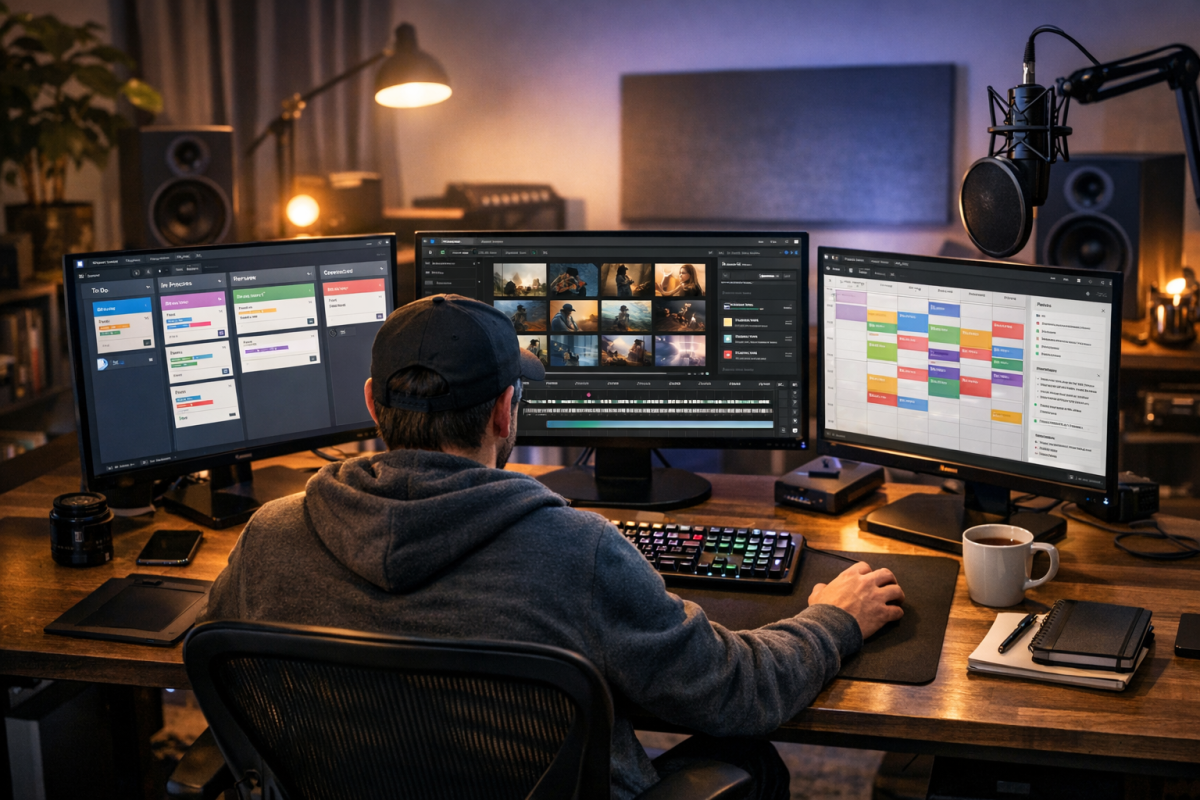
Beyond full-service studios, freelancers remain a strong option for every component of the production. You can hire a freelance scriptwriter, a motion graphics animator, a voice actor, and a musician or sound designer independently - often for less than a full studio package. Platforms like Upwork, Fiverr Pro, and Contra are good starting points. Just make sure you're coordinating timelines carefully if you're managing multiple contractors yourself.
8. What About Music and Sound?
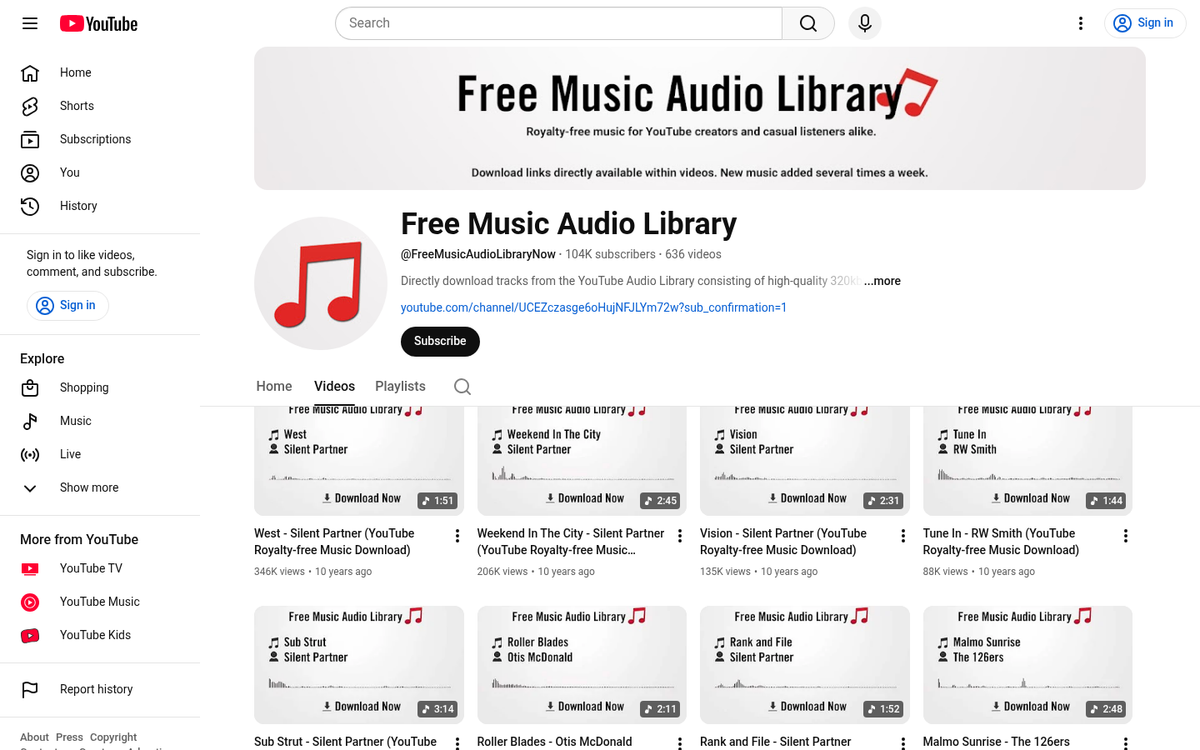
Music rights still matter. If you're hosting on YouTube - or anywhere that uses Content ID or similar systems - unlicensed music will get your video flagged or monetized away from you.
Use royalty-free or licensed music from sources like Artlist, Epidemic Sound, or Musicbed. YouTube's own Audio Library is a free option with a solid catalog. If you want something fully custom, a freelance composer is more affordable than most people expect, especially for a short piece.
9. How to Measure Explainer Success
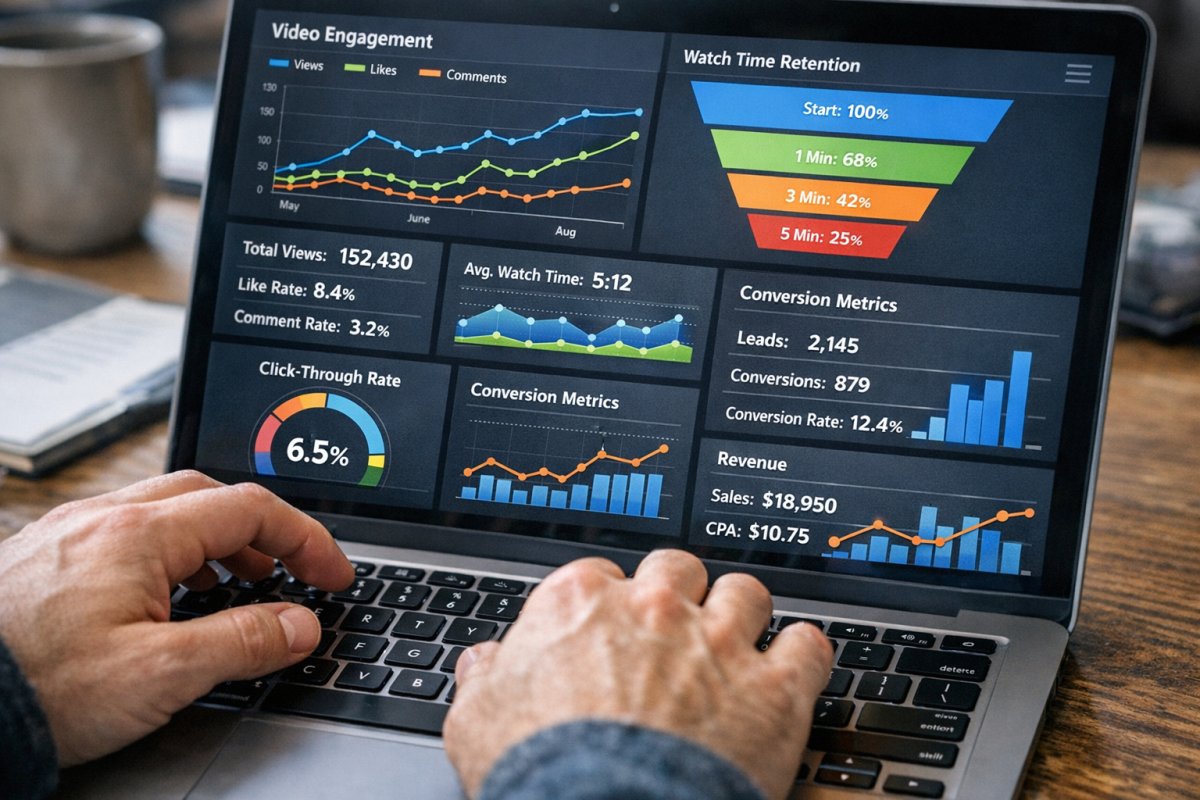
Hosting your video on YouTube and embedding it on your site gives you access to YouTube Analytics for view duration, drop-off points, and engagement data. Pair that with Google Analytics 4 for conversion event tracking - form completions, clicks, purchases - tied to video interactions. Watch time and conversion rate are your two most important metrics. If people are dropping off in the first 15 seconds, your opening hook needs work.
10. Don't Forget Video SEO
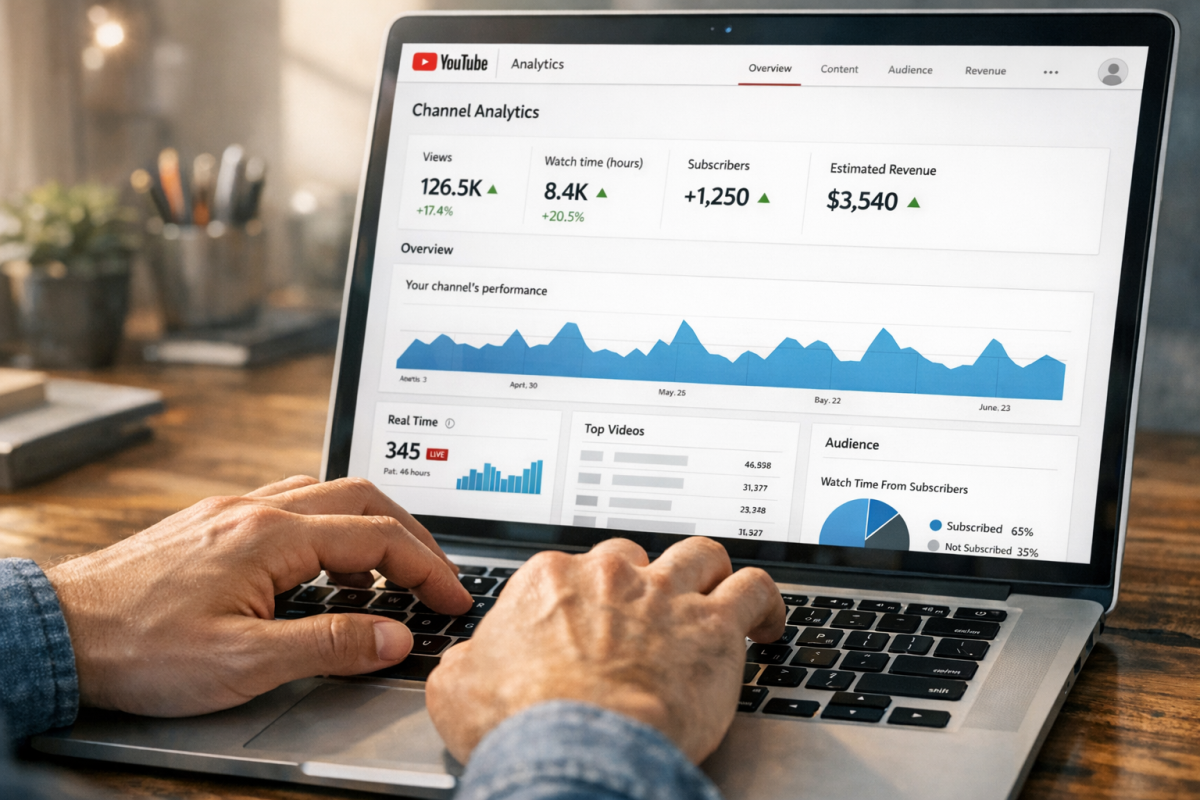
An unlisted video works fine if your only goal is embedding it on a landing page. But if you want the video to pull in organic traffic on its own, video SEO matters. Optimize your YouTube title, description, and tags around target keywords. Add a full transcript. Use chapters. Build links to the video itself. This is a topic worth its own deep dive, but even basic optimization can meaningfully extend the reach of a well-made explainer.