Unless you've done it yourself, it's hard to picture the amount of work that goes into launching a new website behind the scenes. It can take weeks or months of development and communication to get everything just right, often before the first file is ever uploaded. To many business owners, the feeling of the site finally going live is one of relief and relaxation. The hard part is over. Or is it?
As it turns out, launching a site is only the beginning. You are now a website owner, and there's a lot of work still to be done.
Key Takeaways
- Launching a website is just the beginning; ongoing work like content creation, analytics, and SEO is essential for success.
- Create a content calendar with consistent posting schedules and build evergreen content in advance to maintain momentum.
- Install Google Analytics 4 and Search Console immediately to establish traffic baselines and catch indexing issues early.
- Check Core Web Vitals after launch; Google uses them as ranking factors, and slow sites significantly hurt conversions.
- Claim your Google Business Profile, build targeted social media presence, and spread the word through press releases and emails.
Create a Content Calendar
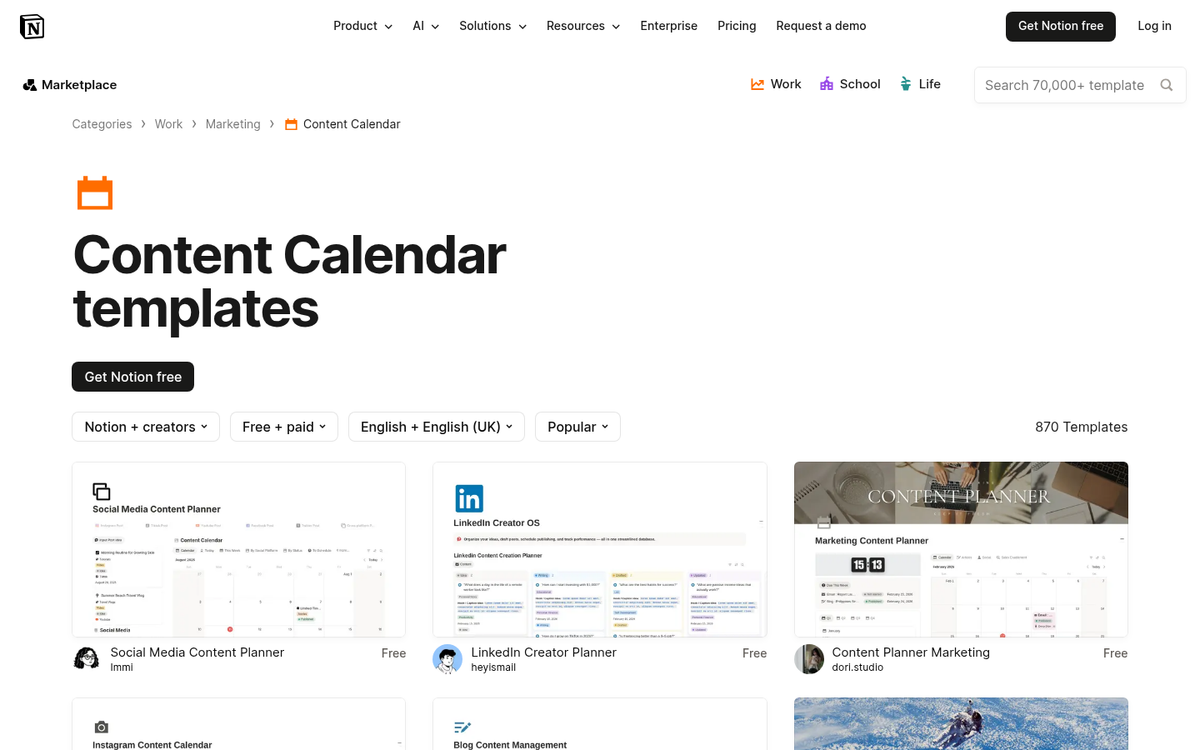
Your website needs content, and that means a blog. Part of running a successful blog is having a consistent update schedule. This comes down to a content calendar. This can be as simple or as detailed as you like. You could simply say "I want to publish a post every Monday, Wednesday and Friday." You could determine that you want three posts each week about your primary industry, two posts each week about tertiary industries, and two more posts each week about more "fun" subjects. If you're curating content, you can add roundup posts to your rotation.
Once you have a calendar, you need to make the content. It's a good idea to dive in headfirst and write up a bunch of evergreen content. Once you have a couple dozen posts that don't require time-sensitive information, schedule them to drop throughout the next several weeks or months. This frees you up to spend more time on time-sensitive content.
Make sure your content follows good SEO habits from the start. Some bloggers advocate ignoring SEO in the early days while you focus on more important short-term means of growth. The thing is, it's much easier to establish good SEO habits than it is to audit a year's worth of content and fix it all later. It doesn't require that much of an investment to pay attention as you write.
Install and Monitor Analytics

There are all manner of analytics suites available to use, but the go-to starting point for most sites is Google Analytics 4 (GA4). You can register for free and get it installed on your site quickly, either directly or through Google Tag Manager. Once you have the traffic to support deeper analysis, tools like Hotjar or Microsoft Clarity are excellent for heatmapping and user experience optimization.
Your immediate goal after launch is to establish baselines. How many people are visiting your new site? What content brings in the most traffic? How is your growth curve looking? Best practice is to conduct daily analytics reviews during the first week - check traffic volume, top pages, conversion rate, and bounce rate every morning. You are establishing a precedent for everything that follows.
You should also set up Google Search Console and Bing Webmaster Tools as soon as possible. These are free, separate from analytics, and give you critical data on how search engines are seeing and indexing your site. Google Search Console in particular will flag crawl errors, indexing issues, and manual actions - all things you want to catch early. Submitting your website to search engines is a simple step that can help speed up this process.
Check Your Core Web Vitals

This is a step that didn't exist a few years ago but is now non-negotiable. Google uses Core Web Vitals as a ranking factor, and as of the March 2026 core update, the thresholds you need to hit are: LCP (Largest Contentful Paint) at or under 2.5 seconds, INP (Interaction to Next Paint) at or under 200 milliseconds, and CLS (Cumulative Layout Shift) at or under 0.1.
Speed matters beyond just rankings, too. Research by Portent found that for eCommerce sites, a page loading in 1 second has a 2.5x higher conversion rate than one loading in 5 seconds. On mobile, if your site takes more than 3 seconds to load, 53% of users will abandon it entirely - and 88% of online consumers are less likely to return after a poor experience.
Use Google Search Console's Core Web Vitals report and Google PageSpeed Insights to identify any issues right after launch, while fixes are still relatively straightforward.
Claim Your Google Business Profile
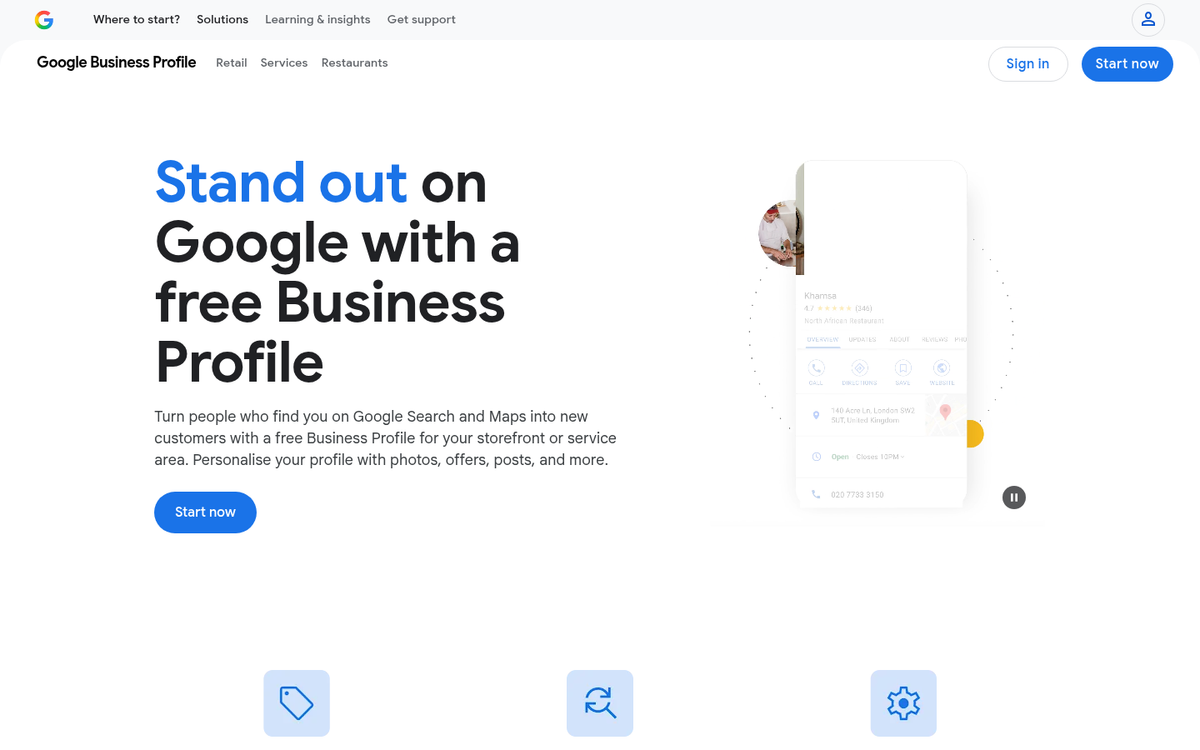
If your business has any local component at all, claiming and optimizing your Google Business Profile should be one of the very first things you do after launch. Around 46% of all searches have local intent, and at least 45% of those searchers visit a local business afterward. Showing up in local search results and on Google Maps is often more immediately impactful than organic rankings for new sites, and it's free.
Fill out every field, add photos, choose the right categories, and make sure your name, address, and phone number exactly match what's on your website. Consistency here matters for local SEO.
Create Profiles on Social Networks

Assuming you don't already have a social presence, the key to starting out successfully is to start slow and steady. Too many people try to dive in and make five or six different social networks their home and spread themselves too thin. Instead, focus on the platforms where your audience actually spends time. For most businesses, that means choosing two or three from Facebook, Instagram, LinkedIn, TikTok, and X (formerly Twitter), depending on your industry and target demographic.
The path to success is consistent posting that delivers real value. You should avoid mindlessly posting your own content - curate, engage, and keep direct self-promotion to a reasonable proportion of your overall output. Most platforms algorithmically penalize accounts that do nothing but push links, and users respond the same way. If you're trying to decide whether Facebook or Twitter is better for sending traffic, the answer often depends on your niche and content style.
Run a Grand Opening Sale or Contest
Whether you're a blogger selling digital products or a storefront launching online for the first time, a contest or sale is a great way to attract an initial wave of visitors - many of whom can be enticed to stick around as regular readers or customers.
When running a contest, keep a few guidelines in mind. The effort required to enter should match the prize. Don't give away something significant if entering only takes a single click, and don't require jumping through a dozen hoops for a chance at a minor discount. Your prize also needs to be relevant to your site and audience specifically - attracting people who want the prize but have no interest in what you do is not a win.
Spread the Word

Now that you're up and running, you need to spread the word. You can do this in a number of ways.
- Issue press releases to industry news sites and relevant directories.
- Send emails or letters to your existing customers or contacts announcing the launch.
- Post across all social media accounts you own, including personal ones.
- Ask partners or collaborators to share the news with their audiences.
- Promote individual posts and pages as they go live through email newsletters and social media.
You might also consider running paid campaigns in the early months to inject some momentum. Google Ads and Meta Ads are the most established options. Just make sure any paid traffic you purchase is legitimate and targeted - low-quality traffic inflates your numbers but destroys your conversion data and tells you nothing useful.
Submit Your Sitemap and Get Indexed
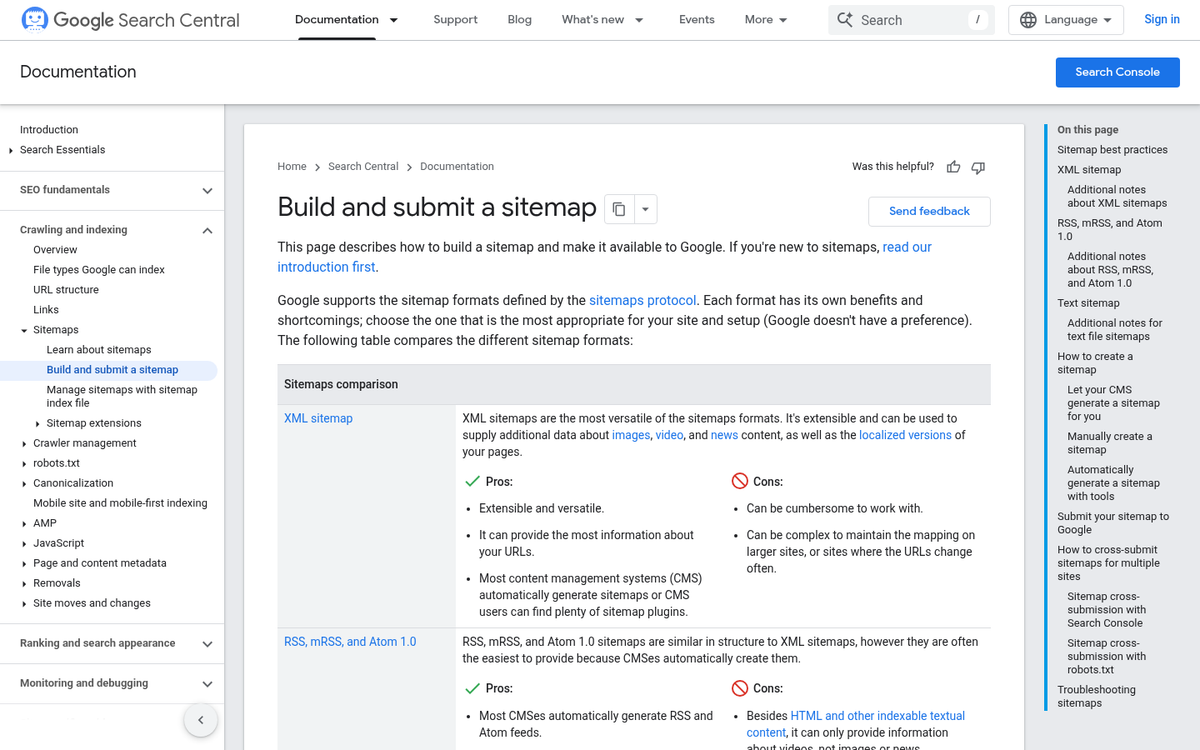
Once your site is live, you want search engines to find it. Keep in mind that Google typically takes anywhere from 4 days to 4 weeks to fully index a new website. If your site has more than 1,000 pages, that timeline can stretch to 2 to 4 months. You can speed things up by being proactive.
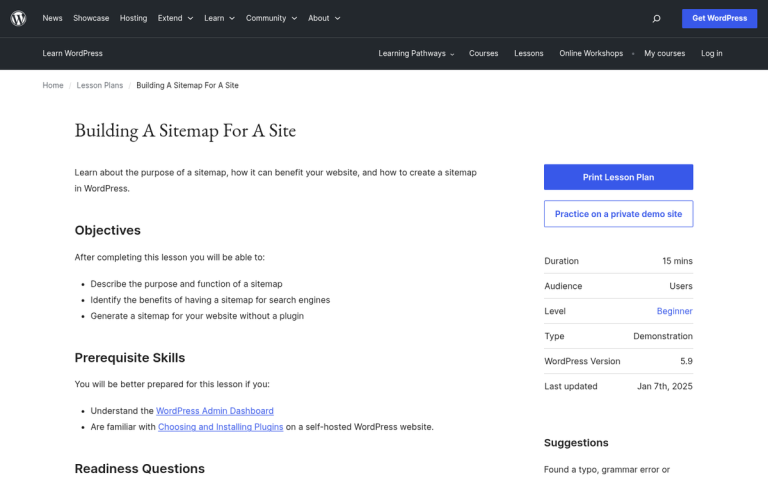
Start by generating an XML sitemap - most CMS platforms like WordPress do this automatically - and submitting it directly through Google Search Console and Bing Webmaster Tools. This gives search engines a clear map of your site architecture and makes crawling significantly more efficient. You can also look into the Yoast SEO Sitemap vs Google XML Sitemaps Plugin to decide which option works best for your setup.
You can also accelerate indexing by earning backlinks from sites that are already indexed. When an established site links to yours, search engine crawlers follow that link and discover your content faster. Even a handful of legitimate, relevant links in the early days can make a meaningful difference in how quickly your new site gets into the index and starts appearing in search results.