Your landing page is the gateway that transitions potential customers into converted users. It's possibly one of the most important pages on your entire website. It stands to reason, then, that you want it to be as optimized as possible.
Key Takeaways
- A/B testing can improve landing page sales by up to 70%, yet only around 60% of companies currently do it.
- Always test one element at a time; multiple simultaneous changes make it impossible to identify what drove results.
- Before testing, set up conversion tracking and establish clear metrics - otherwise results are meaningless regardless of process quality.
- Conduct market research to build customer personas first; effective testing requires hypotheses grounded in real audience data.
- Testable elements include copy, colors, images, page layouts, and social proof placement and framing.
How to Properly Split-Test
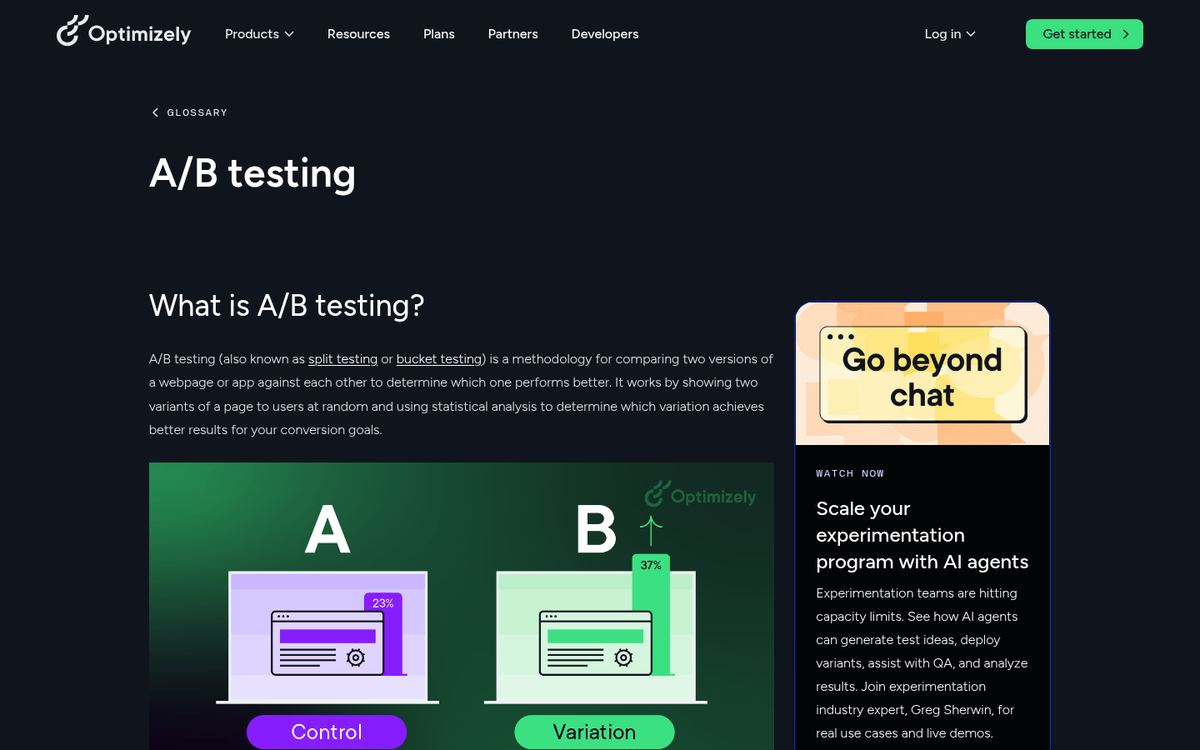
Split testing, or A/B testing, is a way of testing changes in your page to see which is more effective. According to Dragonfly AI, A/B testing can improve landing page sales by as much as 70% - yet only around 60% of companies are actually doing it. If you're not testing, you're leaving real money on the table.
Essentially, you start with an audience and a single landing page. You want to see if changing one element - say, the color of your headline font - has an effect. Here's what you do:
- Create a variation of the page with the single change you want to make. In this case, changing the headline color from one color to another.
- Subdivide your audience into two equal groups. As a benchmark, aim for at least 1,000 visitors per variant - so roughly 2,000 total visits per week for a standard two-version test.
- Send one audience to the original version of the page. This is your control. Measure how many people convert within a defined time window.
- Send the other audience to the new version of the page. Measure conversions over the same period.
- Compare results. If the new version wins, adopt it and drop the old one. If it underperforms, scrap it. If results are too close to call, either extend the test or move on to a more impactful change.
There are some guidelines you absolutely must follow to make sure your testing is valid. If you break any of these, your results mean nothing - and making changes based on bad data is worse than not testing at all.
- Both audiences must be even. Whatever method you use to segment them, both groups need to be as identical as possible - same demographics, same traffic source, same volume.
- Run the test long enough to reach statistical significance. The standard threshold is a p-value below 0.05, meaning you're at 95% confidence. Enterprise companies in regulated industries like finance or healthcare often push that to 99% confidence before making a call. Early-stage startups with limited traffic may accept 90% to move faster - just know the trade-off.
- Only test one element at a time. If you make multiple changes at once, you won't know which one drove the result. You could unknowingly kill a winning idea alongside a losing one.
So how do you go about testing your landing page to make it the well-oiled machine you need it to be?
Step 1: Market Research
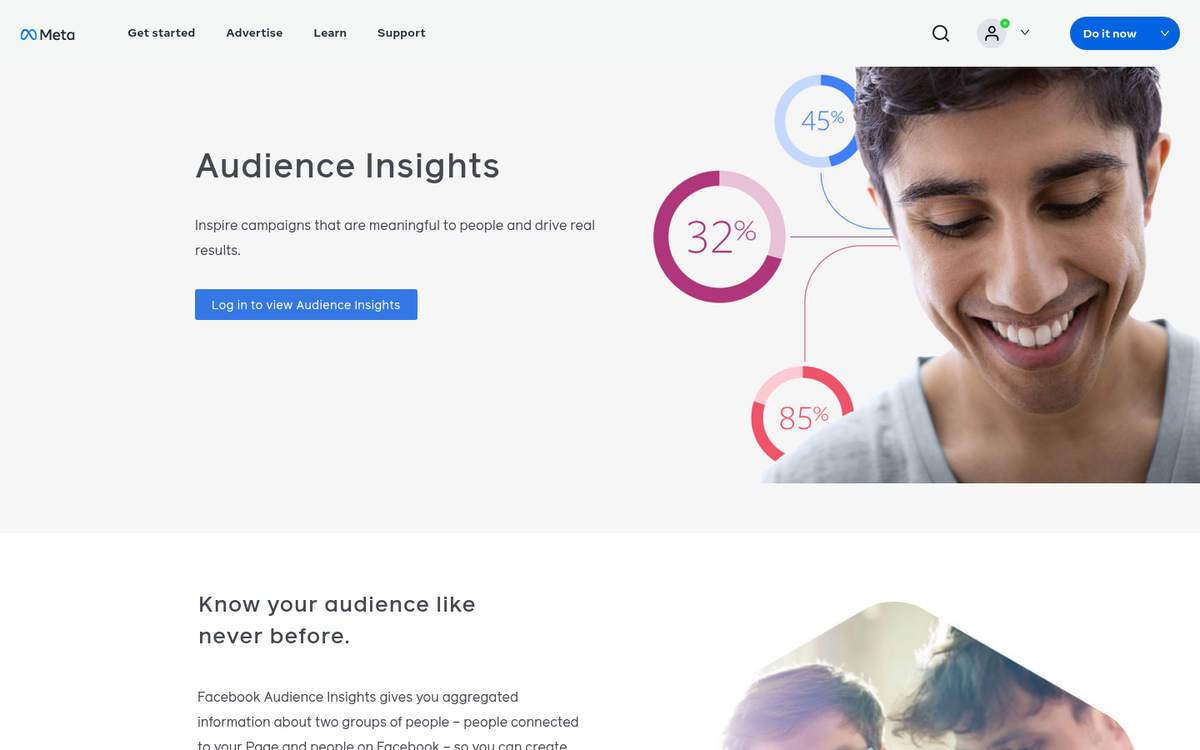
The first thing you need to do is learn everything you can about the people who buy your products. Dig into platform-level audience data - Meta's Audience Insights, Google Analytics 4 audience reports, or even first-party CRM data if you have it.
The reason for this is to develop personas - Platonic ideals of the customers visiting your site. You can then make changes that appeal to those specific types of people. If you don't know who is visiting your site, you're ignoring the science behind your testing.
Split testing is scientific experimentation, and the key to experimentation is having a hypothesis grounded in real data. Otherwise, you're just making changes at random and hoping they stick.
Step 2: Set Up Tracking
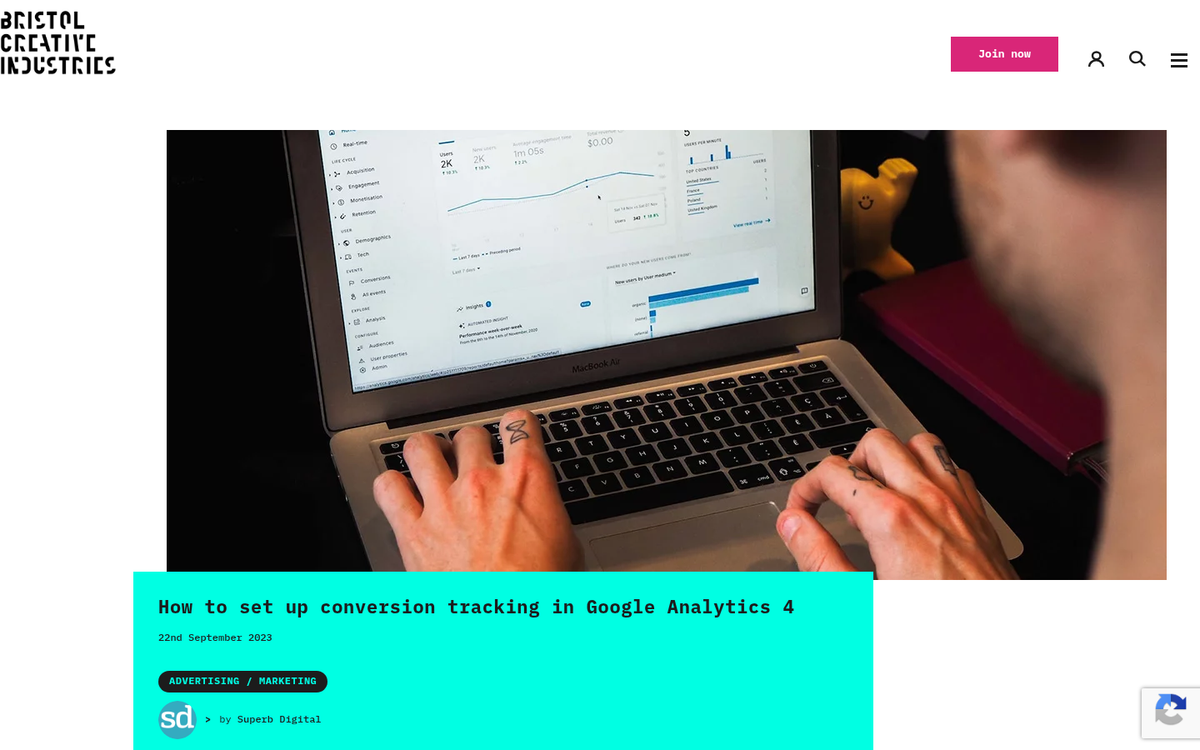
Before you make a single change, segment a single audience, or even begin to decide what you want to test, you need to establish your methodology.
What does this mean? It means you need to pick the metrics you're trying to improve. Are you aiming for more opt-ins? More purchases? More booked calls? It doesn't matter what, so long as you can measure it consistently.
Set up conversion tracking before anything else. Google Analytics 4 conversion events, Meta pixel events, or dedicated tools like VWO or Convert are all solid options depending on your stack. The average landing page conversion rate sits at 4.3% across all industries per Unbounce - that's your baseline to beat. If you don't have measurement in place, you're flying blind regardless of how good your testing process is.
Step 3: Set the Stage
There are some aspects of your landing page you can optimize before you even begin split testing. For example, how well does your ad match up with your landing page? Message match matters enormously. A user sees a compelling ad and clicks through, only to find a page that feels disconnected from what was promised. That disconnect drives a high bounce rate and tanks your conversions before testing even begins.
Check what your competitors are doing with their landing pages. How do you stack up? Are you more creative, less interesting, offering a worse deal, or running a page that looks dated by 2026 standards? First impressions happen in milliseconds - make yours count.
Also analyze your value proposition. Does your landing page explain, quickly and clearly, what the user gets when they convert? Is the call to action obvious? Is there any friction standing between the visitor and the action you want them to take? Clean all of this up before you start testing variables, or your baseline will be artificially weak. If you need inspiration, there are landing page templates you can download for free to help you build a stronger starting point.
Step 4: Test
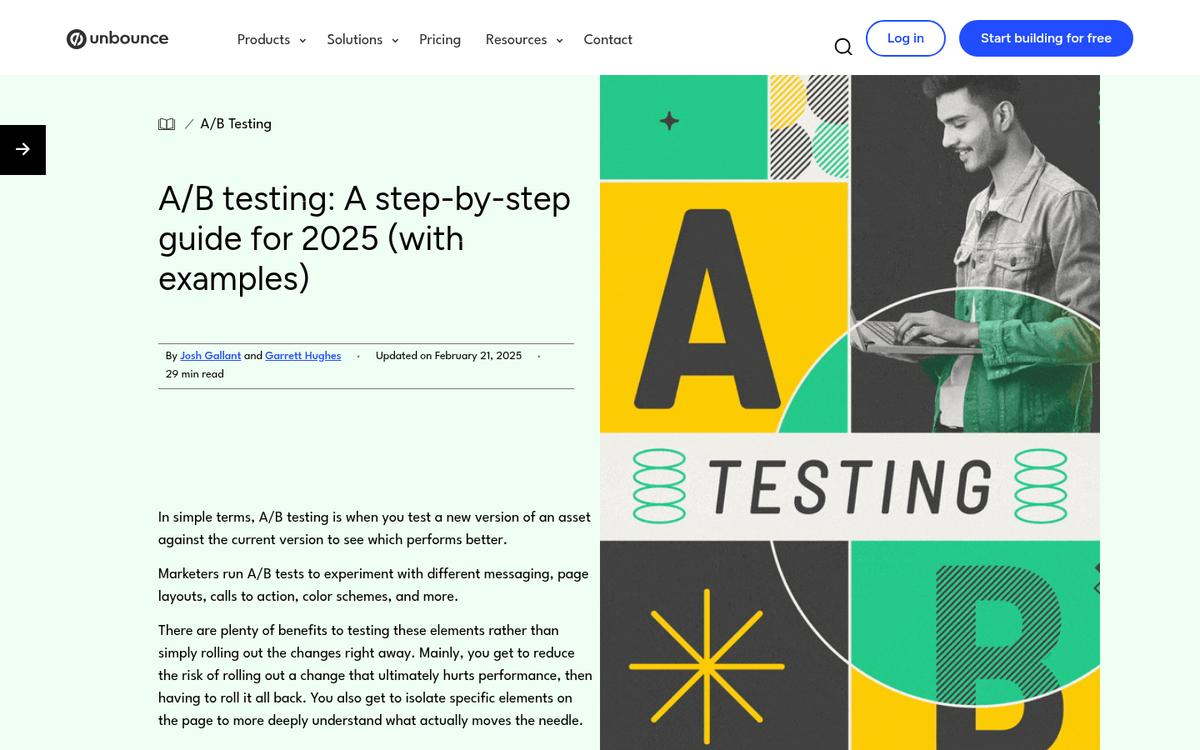
Remember, only test one change at a time, and run the test long enough to hit your confidence threshold. Segment your audience as evenly as possible, whether you're running two identical ads at the same budget, splitting an email list, or using a testing tool that handles traffic allocation automatically.
So what can you test?
- Change the copy. Try relatively focused changes - tighten the headline, adjust the subhead, add or remove social proof, tweak the CTA text. Small wording changes can have outsized effects.
- Change colors. CTA button color, background color, headline color - any of these can shift how users engage with the page.
- Change images. Product photos, lifestyle shots, screenshots, faces showing emotion, illustrations - the range of options is enormous and the impact can be significant.
- Change layouts. Move your CTA above the fold, try a single-column versus two-column layout, test long-form versus short-form pages. Your landing page doesn't need to match the rest of your site - it just needs to convert.
- Test social proof placement. In 2026, trust signals like reviews, logos, and testimonials are table stakes - but where you put them and how you frame them can meaningfully affect results.
Anything that changes how your page connects with visitors is fair game. The goal is to keep iterating systematically, let the data lead, and never stop improving.