Key Takeaways
- Use heatmap tools like Crazy Egg to identify high-traffic page areas and position ads strategically for better visibility.
- Larger graphical ads outperform small text links, as visitors naturally notice images first when scanning a page.
- Rotate ad positions periodically to combat ad fatigue, since regular visitors unconsciously ignore ads in familiar locations.
- Header bidding lets multiple ad exchanges compete simultaneously, potentially increasing revenue by 20-70% for high-traffic sites.
- Adjusting keyword targeting influences which ads Google serves, directly affecting cost-per-click and overall ad revenue.
How to Boost Your AdSense Revenue Without Getting Banned
Users of AdSense tend to develop a healthy paranoia when implementing changes to their site, particularly changes that might affect their eligibility for the program. This is because, if Google blocks or bans you, it can be a nightmare getting yourself back in their good graces. Sometimes it happens; most of the time you end up in limbo, unable to contact anyone of value and unable to get your account unfrozen. You can register another account, but you can be banned out of the blue for having more than one. It's better to avoid anything that might get you banned.
Yet you still want to increase your revenue. There are dozens of ways you can do it, but some of them are very firmly against the AdSense terms. You don't want to get caught using a click farm to boost your earnings, after all. How can you boost your revenue while staying safe with AdSense?
1. Adjust Ad Visibility
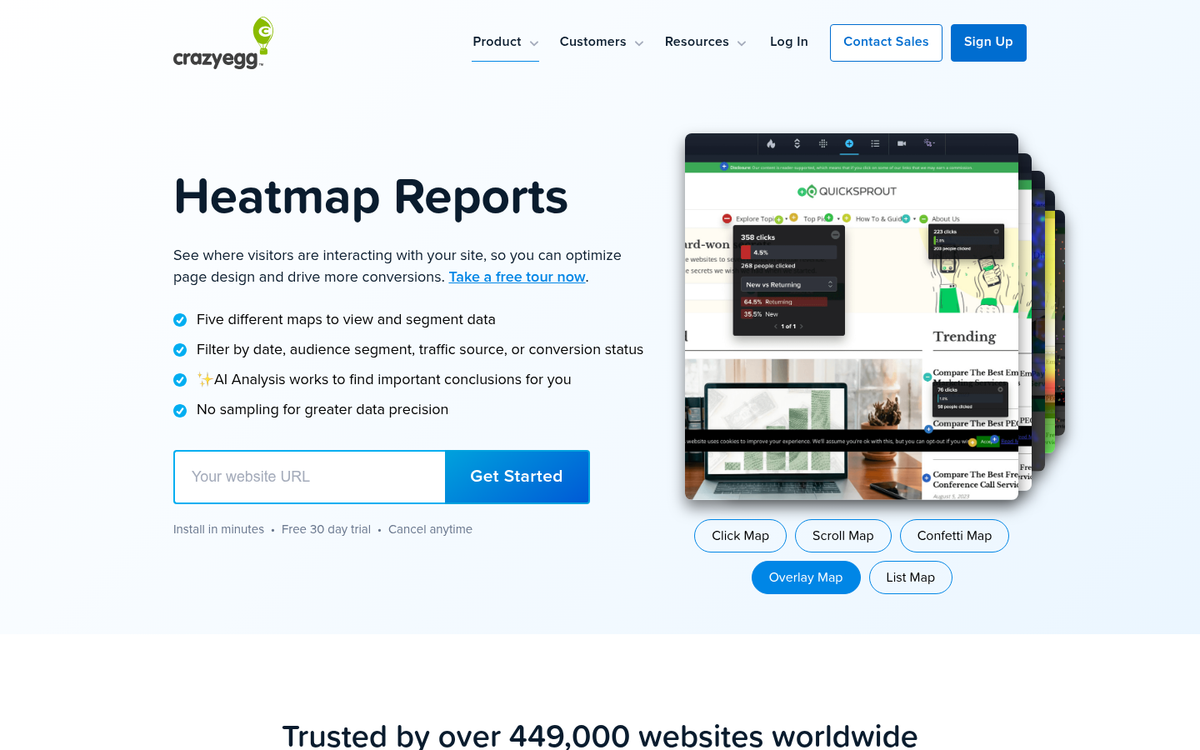
Your ads will perform better if they're more visible. The question you need to ask is, what constitutes more visible or less? The answer may surprise you, but you'll need to do a little legwork to discover it.
Simple tips are easy to find. Avoid putting your ads below the fold. Avoid hiding your ads, obviously. Post your ads in sidebars rather than breaking up content. All of this is a prelude to some detailed testing.
You're going to want to locate a heatmap service, like Crazy Egg, and install their plugin. Monitor your traffic and see what parts of your site see the most visibility and clicks. Place your ads near those locations. You might be able to increase the click rate on your ads simply by placing them closer to a frequently-clicked navigation button.
2. Use Larger, Graphical Ads
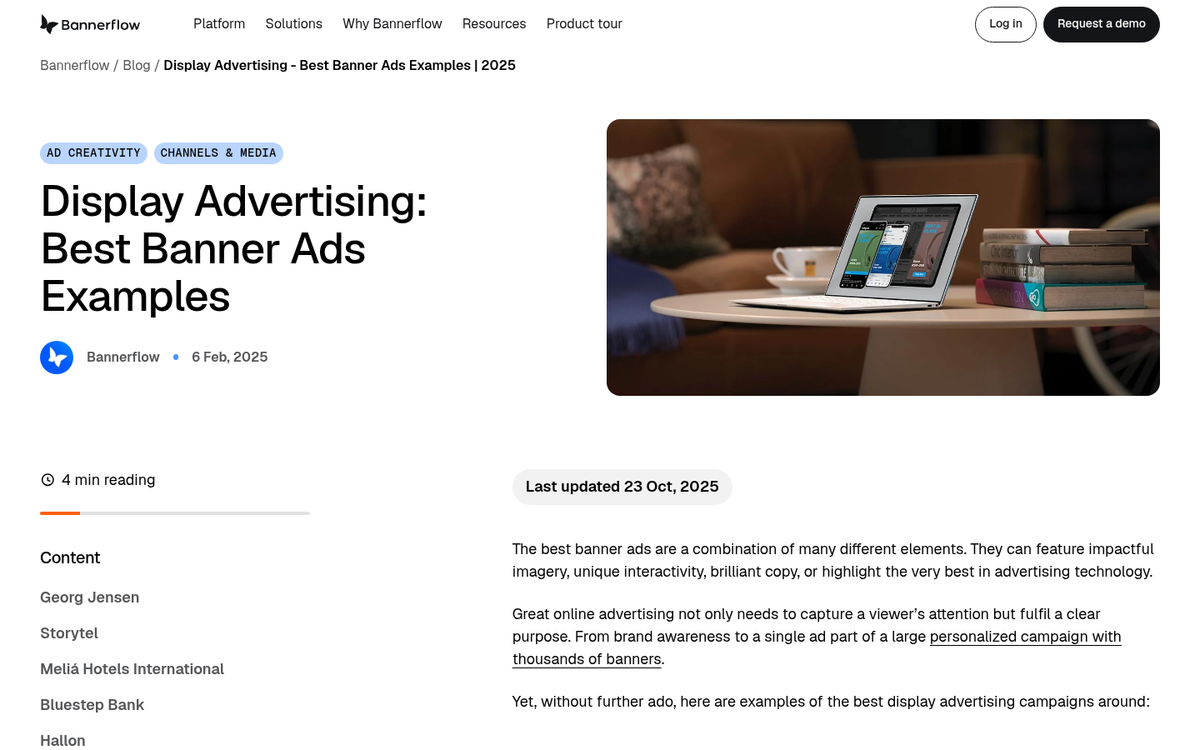
A picture is worth a thousand words. Depending on your niche, your ads and your traffic, a picture might also be worth a thousand bucks. Use large, graphical ads whenever possible, as long as they're unobtrusive. You don't want your page to look overrun with advertising, but neither do you want to try to monetize through small text links.
When a page loads and a person looks at it for the first time, they're going to be drawn immediately to pictures and headlines. Chances are they'll gloss over or ignore your navigation, logo and anything above it, unless their attention is specifically drawn there or they're looking for your navigation intentionally.
If the first thing they see is a reasonably large ad, they're going to have that impression in mind as they skim the rest of your page. Chances are pretty good they'll click that ad, simply because it's larger and more noticeable. larger and more noticeable. Keeping visitors engaged with compelling visuals can make all the difference.
3. Keep Ad Density Sensible
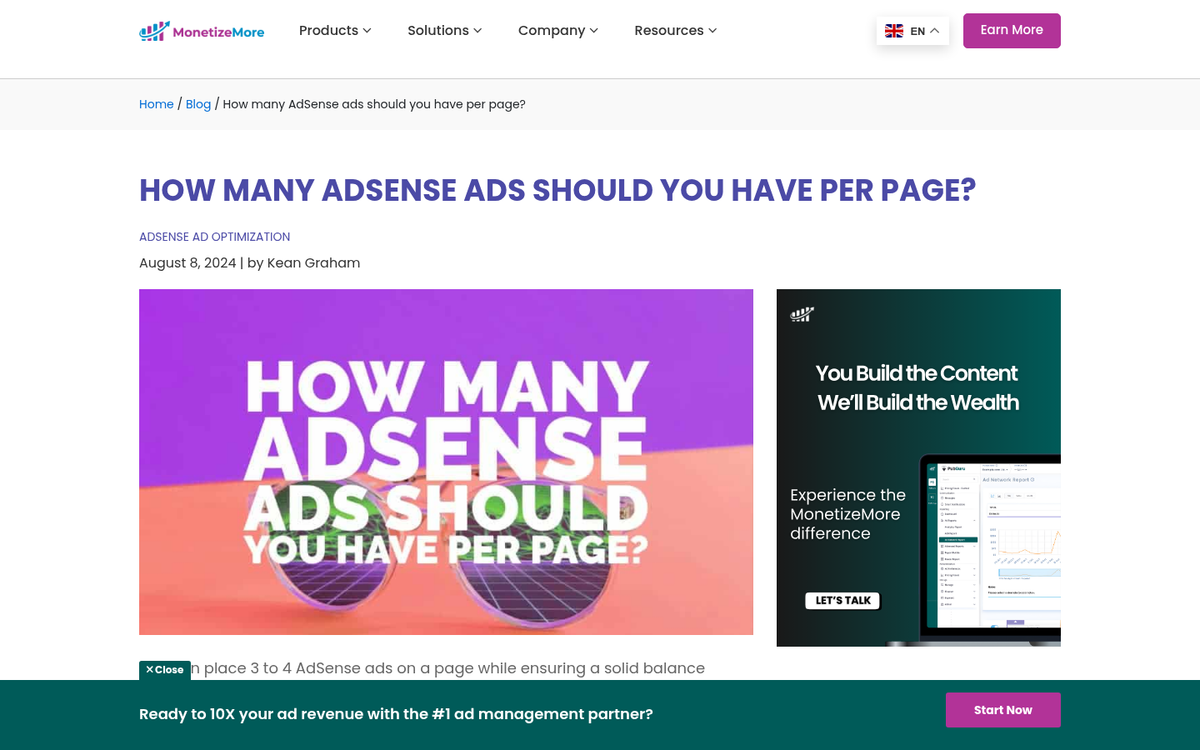
A common question among publishers is how many ads they can place on a single page. Google no longer enforces a strict numerical cap on ad units the way it once did, but that doesn't mean more is always better. In practice, a recommended ceiling of around six ads per page tends to produce the best balance of revenue, page speed, and user experience. Overloading your pages with ads can hurt your SEO rankings and drive visitors away, which ultimately costs you more than it earns.
AdSense pays roughly $0.20 to $2.50 per 1,000 views depending on your niche, audience location, device breakdown, and time on site. Getting more from each visitor by optimizing ad placement matters far more than simply stacking more units on a page.
4. Consider Header Bidding for Higher Traffic Sites

If your site has grown to a meaningful level of traffic, AdSense alone may not be maximizing your revenue. Header bidding allows multiple ad exchanges to compete for your inventory simultaneously, rather than being offered to networks one at a time. For larger publishers, header bidding combined with native video advertising has been shown to increase ad revenue by anywhere from 20% to 70%.
Google Ad Manager (formerly DoubleClick for Publishers) remains the industry-standard tool for managing this kind of setup, and it integrates directly with your AdSense account. Ad spaces will continue to show AdSense ads until a higher-paying advertiser wins the auction. Networks like Publisher Collective, a Google MCM and AdX Partner, report average revenue increases of around 57% for publishers who adopt header bidding technology properly.
This approach requires more setup and is best suited to sites with substantial monthly traffic, but if you're serious about revenue growth, it's worth exploring.
5. Use Responsive Ad Code
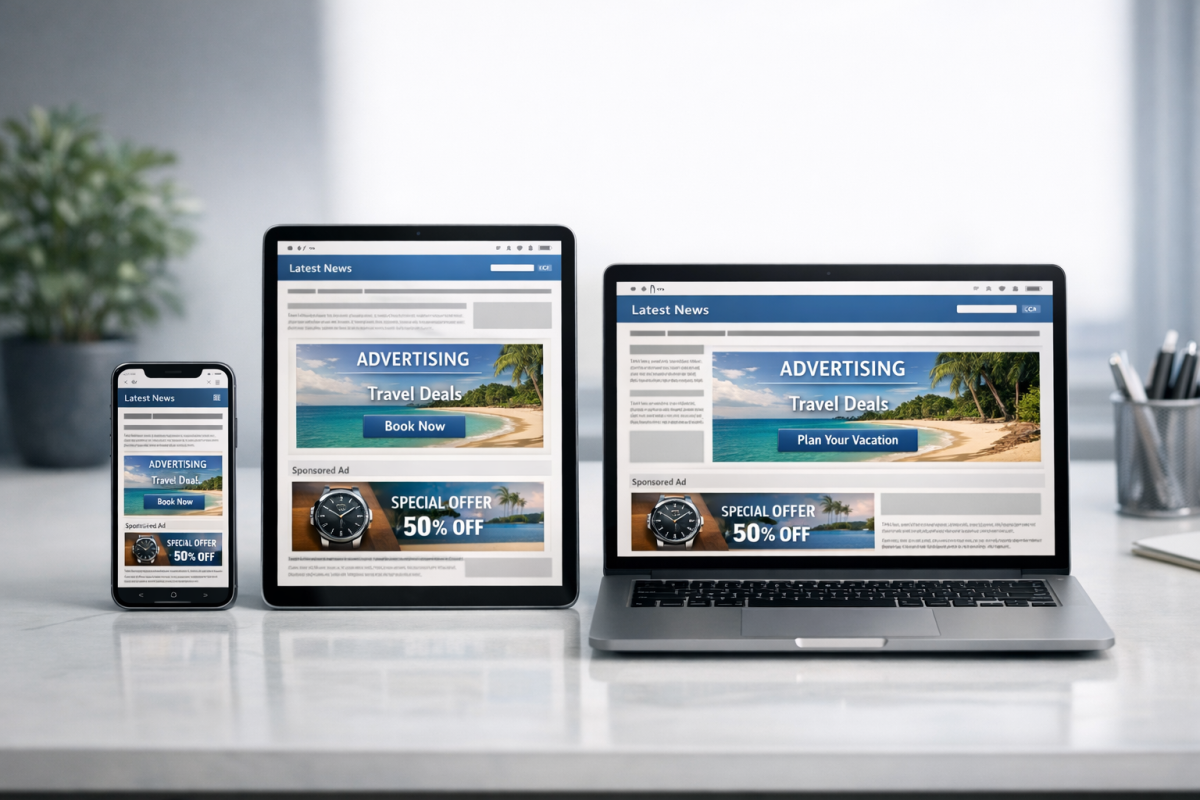
AdSense auto ads and responsive ad units automatically adjust to fit the screen size of the device being used. This is especially important given how much traffic comes from mobile devices. Make sure you're using responsive ad code rather than fixed-size units, so that visitors on phones and tablets are still being served appropriate ads rather than seeing blank spaces or broken layouts. A responsive setup ensures you're capturing revenue from every visitor, regardless of what device they're on. A mobile-friendly site can also reduce your ad cost per click, making it even more worthwhile to get this right.
6. Rotate and Reposition Ads Periodically
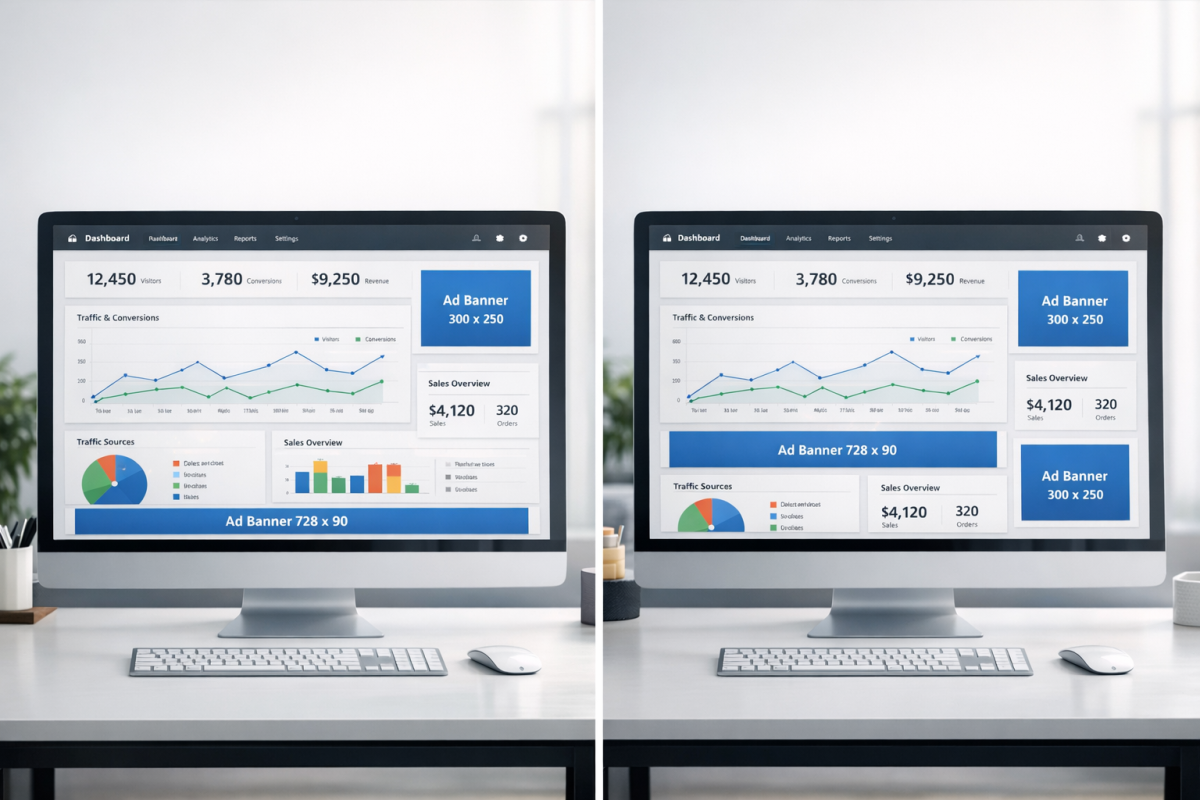
Every few months, consider adjusting the positioning of your ads and refreshing their placement on the page. The reason for this is ad fatigue. In the same way that you begin to tune out a scent you've been around for a while, regular visitors start to unconsciously ignore ads they've seen in the same place repeatedly. The first time they see something, they register it. Over time, their eyes skip right past it.
Moving an ad to a new location, or adjusting the format, creates novelty. Something new catches attention again, and attention translates to clicks. If you want to maximize those clicks, it also helps to think about the right size, color, and placement of your calls to action, and to explore strategies for getting more safe clicks on your ads.
7. Integrate Ads Better
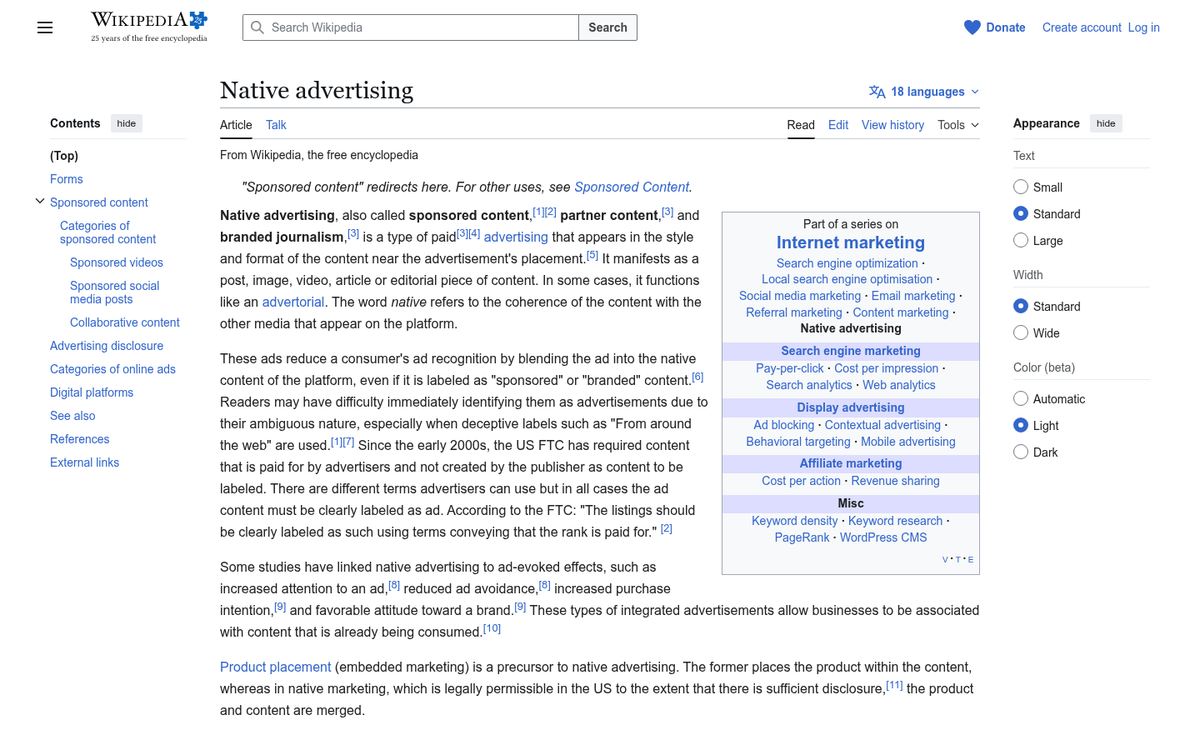
There are a number of ways you can integrate a block of ads with your content so they feel less intrusive. The goal is to make ads feel like a natural part of the page rather than something bolted on. This is particularly relevant for display ads placed within article content.
Keep in mind that AdSense requires that your ads remain clearly identifiable as ads. You can't make them visually identical to your organic content or navigation links. A subtle border, a slightly different background color, or a label is usually enough to stay compliant while still keeping the experience clean and integrated.
8. Adjust Keyword Targeting
You're probably fairly entrenched in your niche, which means it can be difficult to bring yourself to experiment with keywords outside your comfort zone. The idea is to encourage some experimentation to see if you can attract ads with a higher cost per click or better overall return per impression. Google serves ads based on your content, so the language and topics you cover directly influence the quality and value of the ads your pages attract. Even subtle shifts in how you frame your content can influence ad relevance and revenue.
9. Balance Your Template

Some portion of every page on your site will be taken up with the same repeating elements: your logo, navigation, sidebar, social sharing buttons, and footer. These are identical from page to page.
Unless your site is already minimalist, there's a good chance you can trim your template down somewhat to increase the ratio of original content per page. More original content gives users more reason to engage with your site, keeps them on-page longer, and gives them more opportunities to see and interact with your ads. If you have unnecessary footer clutter, for instance, you might want to remove your WordPress theme footer links to keep things clean.
10. Add Ads to RSS
You can add your AdSense ads to your RSS feed, giving subscribers a chance to see and click through to advertised content without ever visiting your site directly. This only adds value if you have an active RSS subscriber base, but if you do, it's a simple way to extend your monetization beyond your website pages and make use of an audience you've already built.