





AdSense puts ads on your site, and you earn money when people click them. Therefore, you want as many people to click them as possible. Of course, the simplest solution would be to pay people to click them, at a lower rate than what you make from those clicks, so you still make money. Google doesn't like this, and they monitor accounts for invalid click activity. If they find such activity on your account, they can close it, including keeping any money you "earned" in such a way.
In order to avoid account closure, you need to get more legitimate clicks. Safe clicks are good; transparently paid clicks are bad. So how can you get more safe clicks to your ads? For context, a healthy AdSense CTR typically falls between 1-3%, with most publishers landing somewhere in the 0.50-3% range. That's your benchmark to beat.
Key Takeaways
- Avoid invalid clicks; Google monitors accounts and can close them, keeping any fraudulently earned money.
- Fewer, well-placed ads outperform cluttered pages; one or two strategic units typically drive better CTR results.
- Use heatmapping tools to identify high-activity page zones, then place ads there to boost visibility and clicks.
- Audit HTML ad order so your best-placed unit loads first and receives the highest-value available inventory.
- Better content drives more organic traffic, generating more impressions and legitimate clicks without buying traffic.
More != Better

For those programmers out there, you'll recognize that != means "is not equal to." More ads does not mean better. One of the worst things you can do with AdSense is litter every page on your site with as many ad units as possible. It's often better to have one or two well-placed ad units on each page rather than flooding it. Do some testing to see which configuration works best for your site and your audience.
Choose Your Ad Sizes Wisely

Not all ad formats perform equally. According to Google AdSense data, the Medium Rectangle (300x250) consistently ranks among the best-performing ad sizes for CTR, particularly in sidebar and in-content positions. If you haven't tested this format yet, it's worth prioritizing. Image-based banner ads still suffer from banner blindness, so contextual text ads or native-style formats tend to blend more naturally with your content and earn more genuine clicks.
Pay Attention to Fill Rate
Your fill rate is the rate at which your ad slots are filled with actual ads. Just because you place ad code on your page doesn't mean someone is going to bid to fill that space. If your fill rate is low, you're wasting valuable real estate. Review your AdSense dashboard regularly and consider adjusting your floor prices or ad types to improve fill rates without sacrificing earnings per click.
Place Ads in Hotspots

Use a heatmapping tool to discover where users are actually engaging on your pages, then work your ads into those high-activity zones. You don't want to replace your CTA button with an ad, of course, but placing an ad near a commonly-clicked navigation element or just below your post headline can significantly improve visibility and CTR. Position matters enormously - think of it the same way you'd think about ad position on a search results page, where the top spot commands a 2.1% CTR versus just 1.1% in position four.
Run AdSense Experiments

AdSense has a built-in experiments feature that lets you split-test ad variations without needing to create separate page versions or manually split your traffic. You set up the experiment and the code dynamically serves different ad layouts, sizes, or styles to your audience in a roughly 50/50 split. This is some of the easiest A/B testing you'll find anywhere, so take full advantage of it before making any permanent changes to your ad setup.
Try Dramatic Tests

There's something I like to call "testing tunnel vision" that comes up frequently in split tests. All too often, you'll find one slightly-better version of an ad and keep refining it in tiny increments, following that path while missing a completely different approach that could perform dramatically better. I recommend occasionally trying something bold - dramatically changing positioning, format, color scheme, or the number of ads - just to see what happens. Most of the time it won't pan out, but the times it does can be genuinely eye-opening.
Try a Left Sidebar (With a Sticky Plugin)
The vast majority of sidebar ads live in the right margin of a page, which is precisely why they're so easy to ignore. Try moving ads to the left sidebar to give them more natural exposure as users begin reading. Better yet, combine this with a sticky or scrolling sidebar plugin - one publisher reported improving their sidebar ad CTR by over 150% simply by making their sidebar ad unit scroll with the user rather than staying static. Just make sure you're not pushing your main content out of frame in the process.
Make Sure You're Fully Mobile Optimized
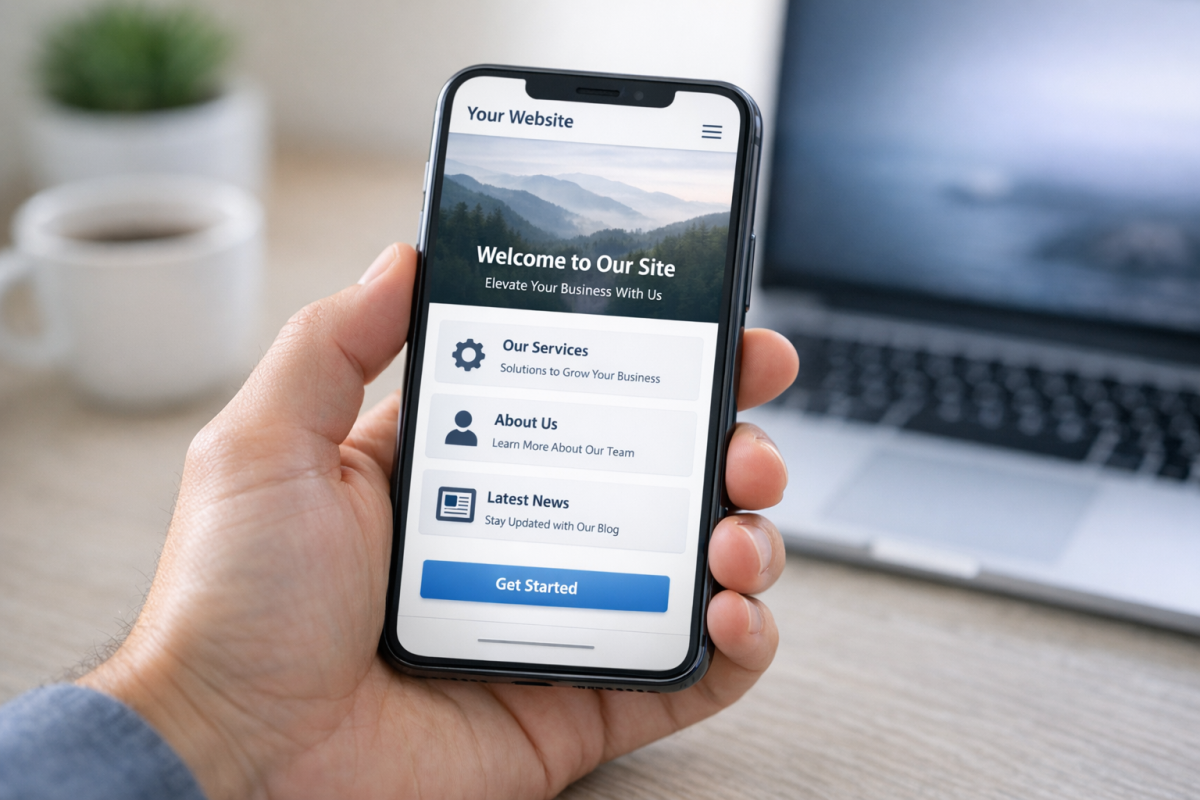
This is no longer optional. More than 90% of web traffic now comes from smartphones, which means non-responsive ads don't just look bad - they actively kill your CTR and can create layout problems that drive users away entirely. Google's auto ads handle much of the heavy lifting for responsive placement, but you should still audit your mobile experience regularly. Load your site on multiple devices, check that ads aren't overlapping content, and make sure your page speed isn't being dragged down by ad scripts. A slow mobile experience hurts both your rankings and your earnings.
Order Your Ads in HTML

When your site loads, ad units are loaded sequentially. The first unit to load gets the highest-value ad selected for that page, and so on down the line. If your footer ad happens to load first due to your template structure, it's getting the best inventory while your above-the-fold placement gets the leftovers. Audit the order in which your ad units appear in your HTML and make sure the unit with the best placement and highest historical CTR is loading first. You can also review some of the highest earning AdSense layouts to better understand which placements tend to perform best.
Write Better Content
You know what reliably boosts your click volume? Having more people visiting your site. Even if your CTR stays flat, more traffic means more ad impressions, which means more total clicks and more revenue. Keep in mind that AdSense clicks can earn anywhere from $0.01 to over $100 depending on your niche - so a high-traffic site in a competitive vertical is a powerful combination.
Rather than buying traffic, which eats into your margins fast, focus on creating content people actually want to read and share. Write about topics with genuine search demand. Build evergreen guides and tutorials that stay relevant for years. Follow trends in your niche and cover them early. Dig into data or angles that competitors haven't explored. Create resources that people bookmark and reference repeatedly.
The better your content, the more organic traffic you earn, the more ad impressions you generate, and the more legitimate clicks follow naturally. That's the compounding flywheel that separates publishers who grow from those who stagnate.


2 responses
Thoughtful replies only - we moderate for spam, AI slop, and off-topic rants.
Excellent explanation I am going to implement the same on my website, and hope to get best results thanks a lot and keep writing such tips I am observing you did not write anything after 2015 please keep writing.
One of the most legit article on AdSense safe traffic. Kudos!