





Key Takeaways
- Single opt-in lists grow faster but have higher attrition, lower conversion rates, and greater vulnerability to abuse.
- Double opt-in produces smaller but cleaner lists with higher-quality leads and better protection against spam complaints.
- Converting a single opt-in list to double opt-in requires sending verification emails, causing significant subscriber loss.
- Ten platforms support single opt-in imports, including AWeber, Mailchimp, MailerLite, Drip, and Sendy.
- Sendy offers the lowest cost option at $59 one-time plus roughly $1 per 10,000 emails via Amazon SES.
Single Vs. Double Opt-In
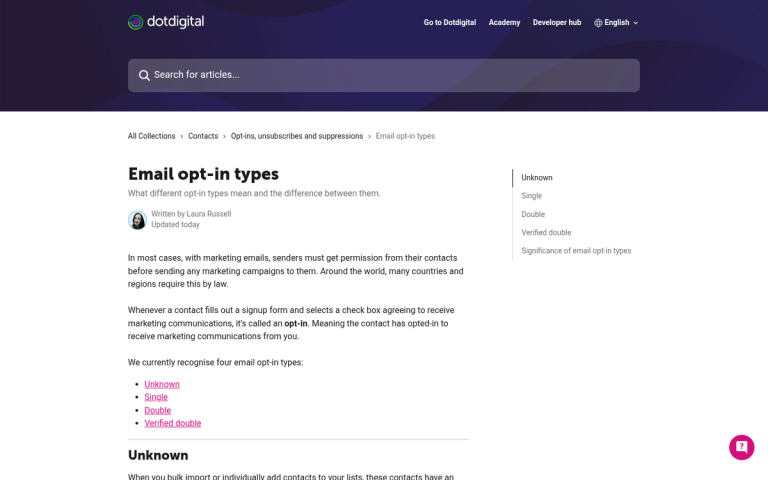
An opt-in is the action of pressing a button to say "yes, I'm willing to receive emails from your company." The opt-in is what differentiates a mailing list from a spam email. After all, the primary definition of a spam email is an email you didn't want to receive. Sure, there's a wide variety of those these days. 99% of the spam email you typically receive comes from botnets and hijacked accounts, shilling online pharmacy codes, sketchy hookup sites, or other garbage you never asked for. Still, though, if I were to buy a mailing list and start sending out messages about getting more blog readers, it'd be just as much spam to the people on that list.
So what's the difference between a single opt-in and a double opt-in?
A single opt-in is just one opt-in action before the user starts receiving emails from your company. For example, if a box pops up on a website when you try to leave, and it asks you to sign up for the mailing list to get updates in the future, that's an opt-in prompt. You fill it out, hit submit, and that's it. You immediately get a welcome email and you start receiving the daily, weekly, or monthly emails that the company sends out. That's a single opt-in, because it only took one action to start receiving those emails.
A double opt-in is a little different. Essentially, it just adds a confirmation step to the process. Imagine the same scenario; you get hit with the exit intent pop-up, you fill in your email address, and move on with your life. Later, when you check your email, you don't have a welcome email. Instead, you have a "confirm your opt-in" email. If you ignore or delete that email, that's it; no more messages from the brand. If you open the email and click the verification link, however, then you'll get the welcome email and start receiving the mailing list updates.
The difference is the second action. You need to confirm your enrollment in the mailing list and your willingness to receive emails from the company before those emails will start to arrive.
There's also a third type of opt-in, a sort of "soft" double opt-in. This is used primarily when you get an email address from some source other than an opt-in form. For example, if someone sends you an email with a customer service request, you can't just call that an opt-in and start sending them your newsletter. The same goes for getting an email address from a business card at a conference. That user consented to you contacting them on a personal basis, but not to a mailing list.
A soft double opt-in, then, is taking that email address and sending an email to it asking for an opt-in. It's like a verification email, except not quite; it's a single opt-in in email form, but since you have prior contact, it's not technically unsolicited. The user can still ignore or opt out of the mailing list, and you're covered in terms of not spamming the user.
Pros and Cons of Opt-In Types

One question you have to ask, then, is which type of opt-in do you want to use? The direction of this article indicates that you want to use single opt-in, but there are drawbacks to it, so it might be worth reconsidering whether or not you want to use it.
Single opt-in lists have the benefit of growing very quickly. It's easy to get people to add themselves to your mailing list and forget, so they start receiving emails and may be too lazy to unsubscribe. You don't have the added attrition of the failed confirmation to contend with. It's a way to gain and quickly follow up on leads without having to wait for a confirmation. This allows you to capture leads quickly and pursue them expediently.
On the other hand, single opt-in lists have a high attrition rate and a low conversion rate in comparison to doubles. People might sign up for your mailing list with no intention to ever purchase your product.
Worse yet, a single opt-in list can be abused as part of an email bomb. Malicious actors can sign up other people to a single opt-in list and that user is forced to deal with a tidal wave of unwanted messages, making their inbox virtually unusable. Those users don't necessarily know they've been bombed - from their perspective, your brand started sending them unsolicited emails. They are perfectly within their rights to report you as a spammer, and your domain can be blacklisted from email systems, making it much harder to reach your legitimate customers.
From the reverse perspective, a malicious actor can sign up hundreds or thousands of bad, fake, or defunct email addresses to your list, to "poison the well" so to speak. Your conversion rates and engagement rates tank, you start getting tons of bounced emails, and your list becomes almost useless until you prune out the bad addresses.
As for double opt-ins, well, you get fewer leads but those leads tend to be much higher quality. The only people who actively confirm their opt-in are people who are definitely interested in seeing what you have to say. Obviously it's then up to you to keep them around, but you can rest easy knowing they're more valuable leads.
Your list will be smaller, but cleaner. Bounces and unconfirmed emails are never added to the list, so you aren't spamming inboxes that don't want it. You're protected against most poison-the-well attacks and you're less likely to be an unwitting participant in an email bomb.
On the other hand, since you require a second action, list growth will be slower. Plenty of people will change their mind in between filling out the form and checking their email later. On top of that, sometimes your confirmation email will be lost or end up in a spam folder; without that action, even a qualified lead drops off the map. If you want to improve the effectiveness of your emails overall, these tips for crafting better autoresponder marketing emails are worth reviewing.
Converting Opt-In Types

You can convert a list of one type into a list of the other type. For converting double to single, it's easy; you just remove the verification requirement, set up list maintenance, and move forward.
The hard part is converting a single opt-in list into a double opt-in. You essentially have to send out a confirmation email to everyone on the list, asking them to verify their continued enrollment. You will lose a lot of people when you do this - people who don't check their email, people who lose the verification message, people who have stopped opening your messages entirely. They all drop away.
This isn't necessarily a bad thing, of course. Those people weren't engaged in the first place and were pretty unlikely to become customers. However, they were still potential leads, and you never know how many of them might have converted eventually.
The reason most of you are looking for a mail management program that allows importing single opt-in lists is that you don't want to lose that many subscribers. If you want to improve your list rather than scrub it entirely, you want to avoid sending out that re-opt-in verification blast.
I think it's generally better to use a double opt-in, but hey - you do whatever is best for you. If you want single opt-in newsletters and you want a platform to manage them, here are some solid options for 2026.
The Options
The email marketing landscape has shifted a fair bit over the years, so this list reflects what's actually worth your time today. Here are the platforms worth considering if single opt-in import is a priority. If you're also working to increase opt-in rates on your squeeze pages, pairing the right platform with a solid strategy can make a real difference.
1. AWeber
AWeber remains one of the most reliable email marketing platforms around, and they continue to support single opt-in importing. It's actually quite straightforward - when importing a list, you simply toggle off the confirmed opt-in setting and you're good to go. A solid, dependable choice that's been around long enough to have worked out most of its kinks. If you're looking to grow that list, learn more about what guaranteed signups are and how they work.
2. Mailchimp
Mailchimp is still one of the biggest names in email marketing, and it does support single opt-in lists. One important note: they keep a close eye on list quality. If your bounce rate climbs too high or too many subscribers mark you as spam, they can restrict or suspend your single opt-in access. Keep your list clean and you shouldn't run into trouble. Their free plan allows up to 500 contacts with limited monthly sends, so factor that into your decision if you're starting small.
3. MailerLite

MailerLite has grown into a genuinely impressive platform without becoming bloated or overly complicated. It supports single opt-in imports and has a clean interface that doesn't require you to dig through endless menus. Their free plan covers up to 1,000 subscribers and 12,000 emails per month, which is generous for smaller lists. Paid plans scale up from there at reasonable price points, making it a great fit for small to mid-sized operations.
4. Sendy
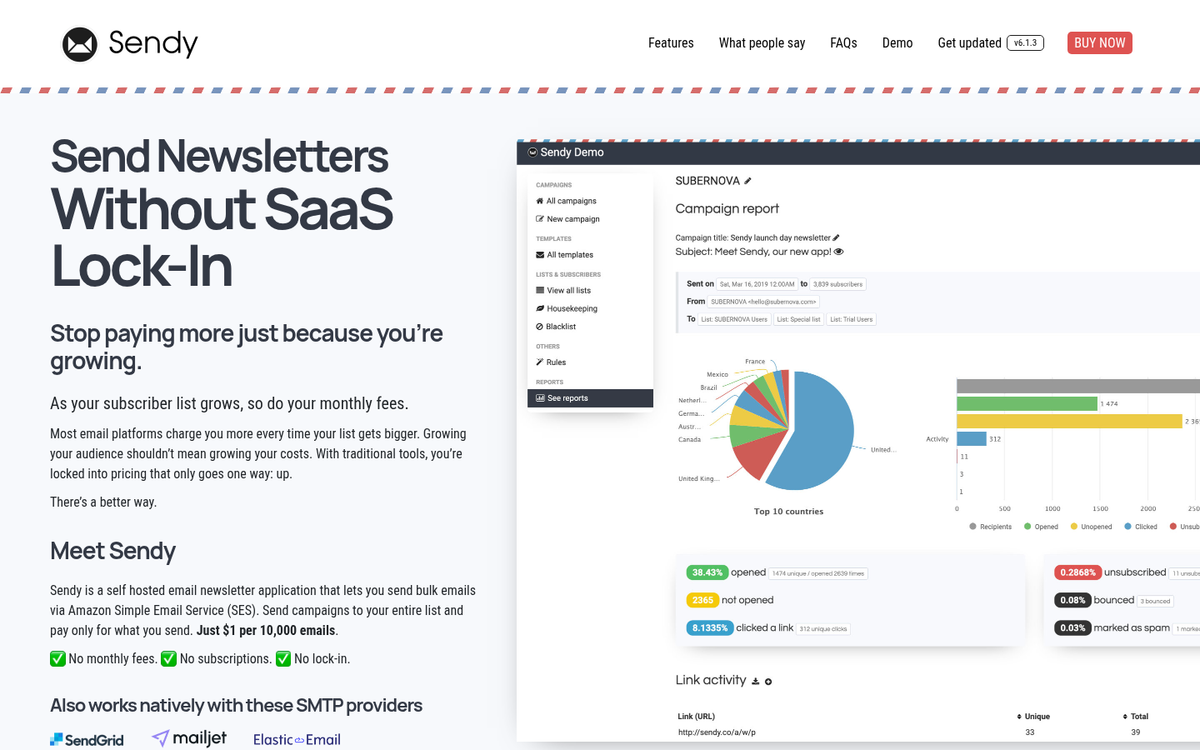
Sendy is a self-hosted email application built on top of Amazon Simple Email Service (SES). You pay a one-time fee of $59 to own the software, then send emails through Amazon SES at roughly $1 per 10,000 emails. If you're sending high volumes, the cost savings compared to subscription-based platforms can be dramatic. It supports single opt-in imports via CSV and is a solid choice if you don't mind a bit of setup on the technical side.
5. Drip
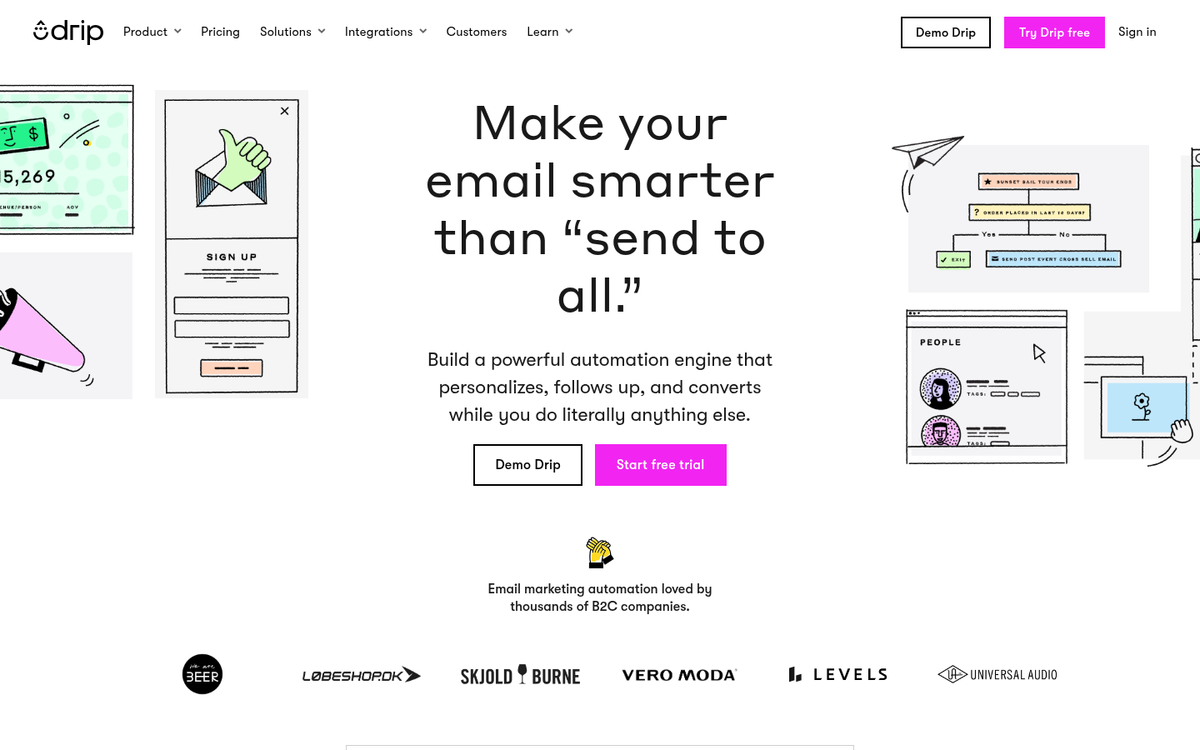
Drip has evolved into a well-rounded email marketing and automation platform, with a strong focus on e-commerce. It supports single opt-in lists and gives you solid segmentation and automation tools to work with once your list is imported. It's priced at a mid-to-upper tier, but the feature set justifies it if you're running a product-based business and want to get more strategic with your email marketing.
6. HubSpot Email Marketing
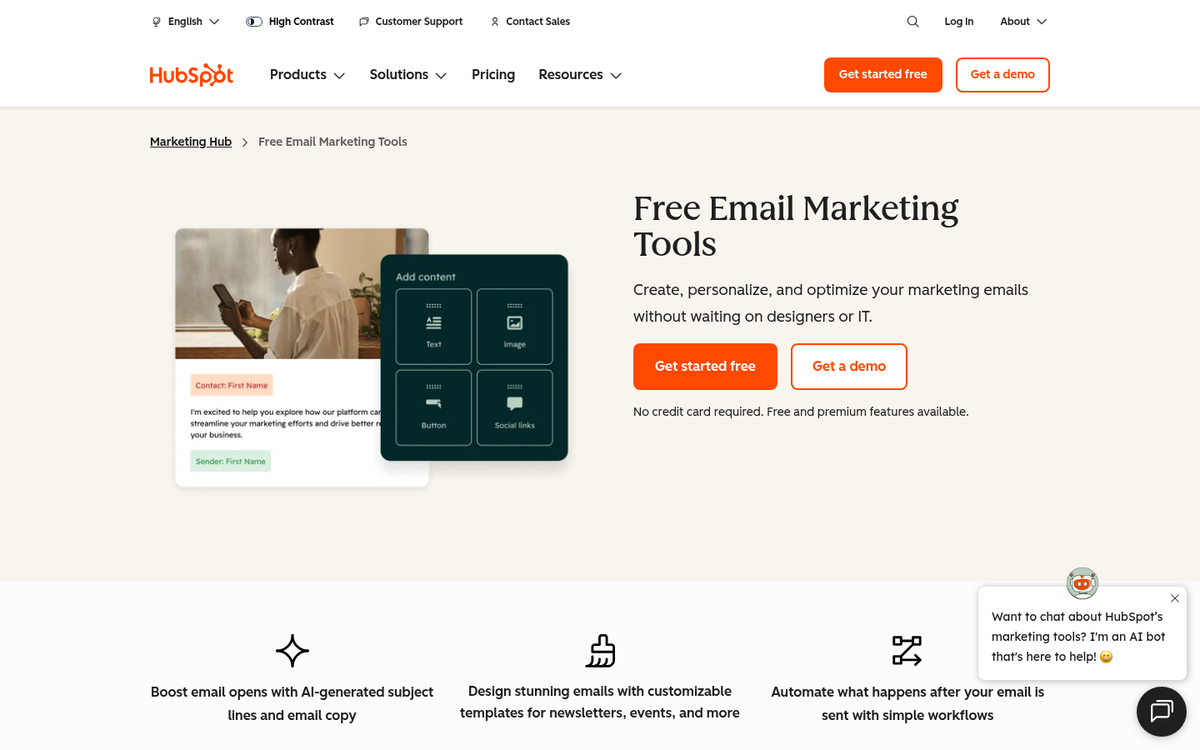
HubSpot's email marketing tool is part of their broader CRM ecosystem, which is either a selling point or a complication depending on what you need. If you're already using HubSpot for CRM or sales, plugging your email list into their platform makes a lot of sense. Single opt-in imports are supported, and the integration with contact management and lead tracking is hard to beat. The free tier is functional, though serious use will push you toward a paid plan quickly.
7. Pabbly Email Marketing
Pabbly is one of the more affordable options on this list, especially if you're dealing with larger lists. They support single opt-in imports via CSV and manual entry, and their pricing is based on subscribers rather than emails sent, which can work in your favor if you send frequently. It's not the flashiest platform, but it gets the job done without breaking the bank.
8. Campaign Monitor
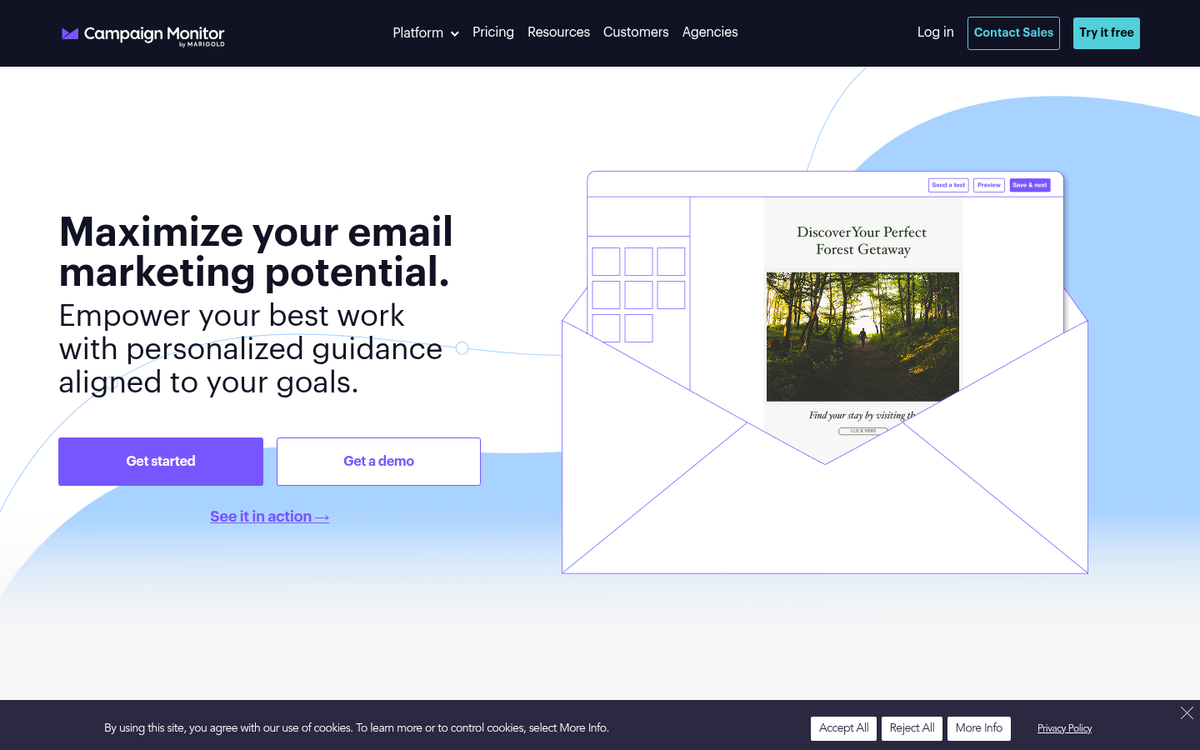
Campaign Monitor is a polished, well-regarded platform with a strong emphasis on design and customer experience. Single opt-in list imports are supported via CSV, spreadsheet, and a few other file formats. It sits at a higher price point than some of the other options here, but if visual email design and a refined user experience matter to you, it's worth a look.
9. Elastic Email
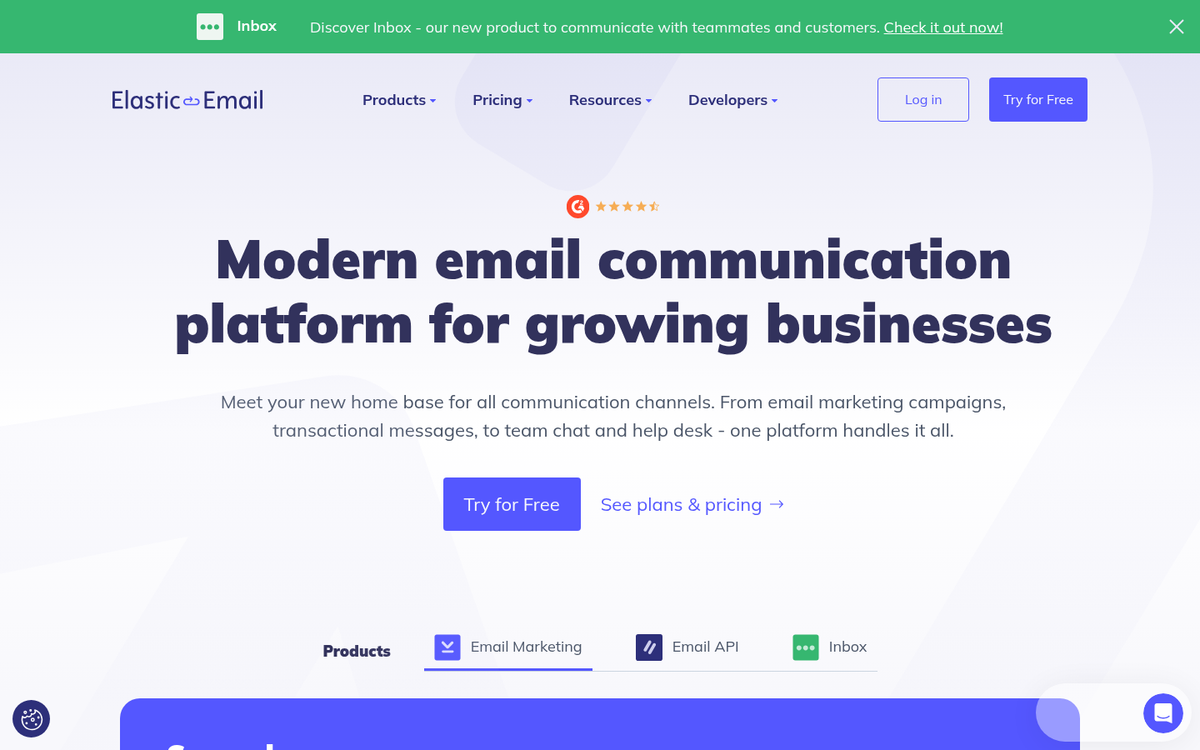
Elastic Email has repositioned itself over the years and now offers more competitive pricing than it used to. It supports single opt-in imports and has decent list management tools. It's a middle-of-the-road option - not the cheapest, not the most feature-rich - but reliable enough for straightforward email marketing needs.
10. Constant Contact
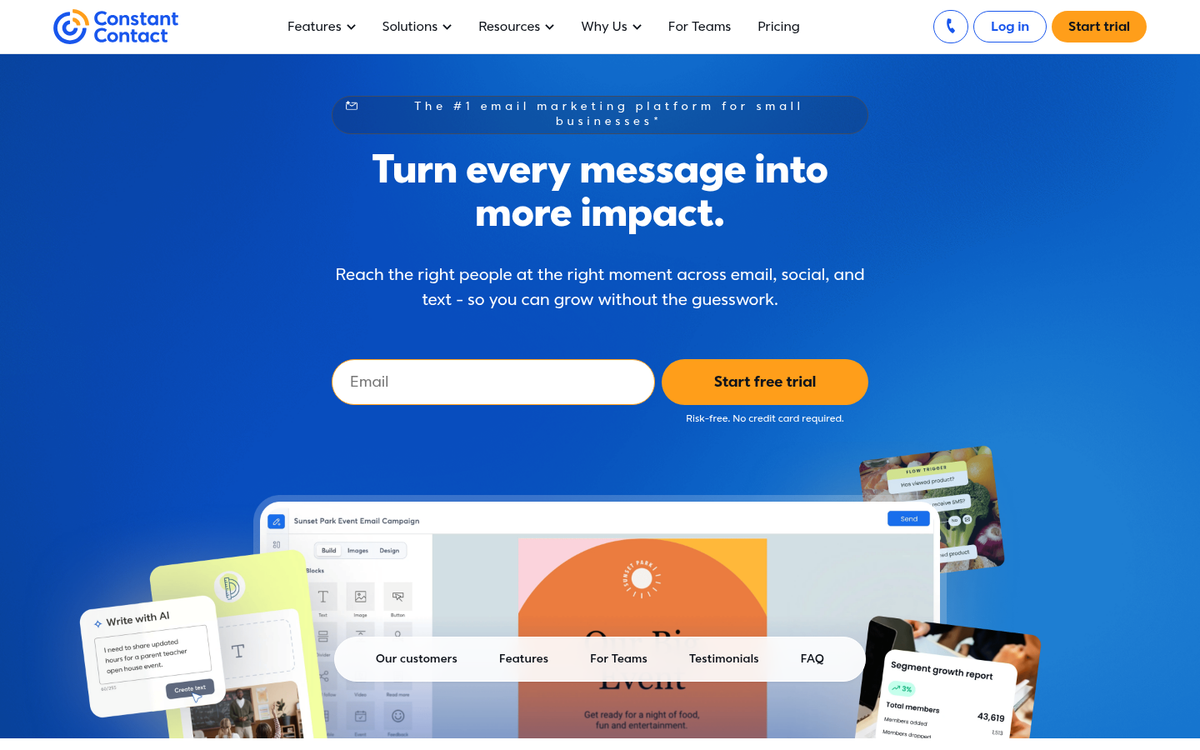
Constant Contact is a long-standing name in the email marketing world. Whether or not you need a confirmation to import a list can depend on your account and list history, so it's worth checking with their support before committing. They're not the cheapest option, but they offer a solid set of features and good deliverability. If you're already familiar with their platform, it may be worth working through their import process rather than switching entirely. You can also read our review of Constant Content for more insight into content-related services that can complement your email marketing efforts.

4 responses
Thoughtful replies only - we moderate for spam, AI slop, and off-topic rants.
Hi Kenny, I'm probably being dim here, but I still don't understand whether I can import a list into the email marketing services you list *without* them then requiring that my list re-subscribe to me? (e.g. confirm?)
Reading what you wrote about Aweber made me think they did require a new confirmation; but then the Constant Contact write up made me think I'd maybe misunderstood.
Thanks,
Sarita
Hi Sarita! It's really recommended that you have them re-subscribe (double opt-in), but not required. If you're uploading a single opt-in list, it's highly recommended to clean the list with an email list verify service first to remove all the spam traps and fake emails, as high bounces and a high number of fake/incorrect emails will get your account flagged.
That's a great list of the best Email Marketing tools but, I would like to see MailEngine in this list too. I have been using this tool for some years, and it remains very helpful because the emails I am sending are 100% unique with its in-built spinner so that it cannot be considered as mass mail.
Thanks for the suggestion, Alma! MailEngine does sound like an interesting option, especially with that built-in spinner feature for creating unique emails. We'll definitely consider adding it to a future update of the list. It's always great to hear from readers who have real hands-on experience with these tools - your feedback helps us keep our content as useful as possible!